
Skip to content
Photo to anime · or from text

AI Anime Generator

Turn your photo into an anime character — or describe one and generate it from scratch. Clean line art, cel shading, anime backgrounds.

  • Photo to anime
  • Anime from text
  • 25 free credits
  • No watermark

Quick answer

Updated

Kenerate's AI anime generator turns a photo into anime — portraits, street scenes, landscapes — with clean line art and cel shading, keeping hair, outfit and pose. Or generate anime from text with anime specialists like Neta Lumina and Pony XL. Seedream 5.0 Pro (at 2K) gave the most faithful photo-to-anime conversions in our tests. A free account gets 25 credits.

Photo to anime
Seedream 5.0 Pro
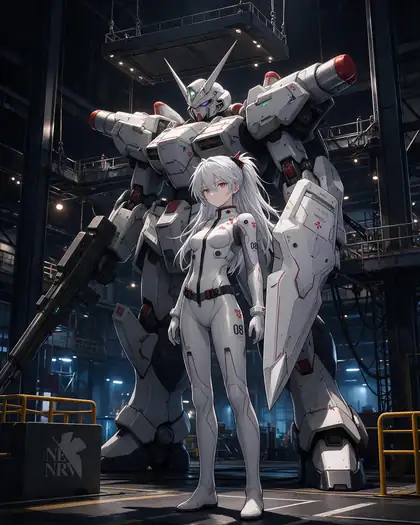
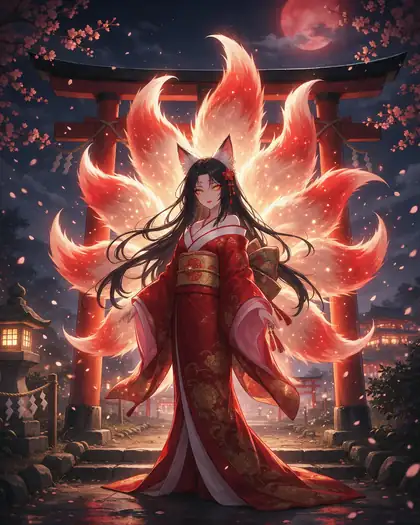
Anime from text
Neta Lumina
Also
Pony XL
Free start
25 credits

Same prompt

Photo to anime

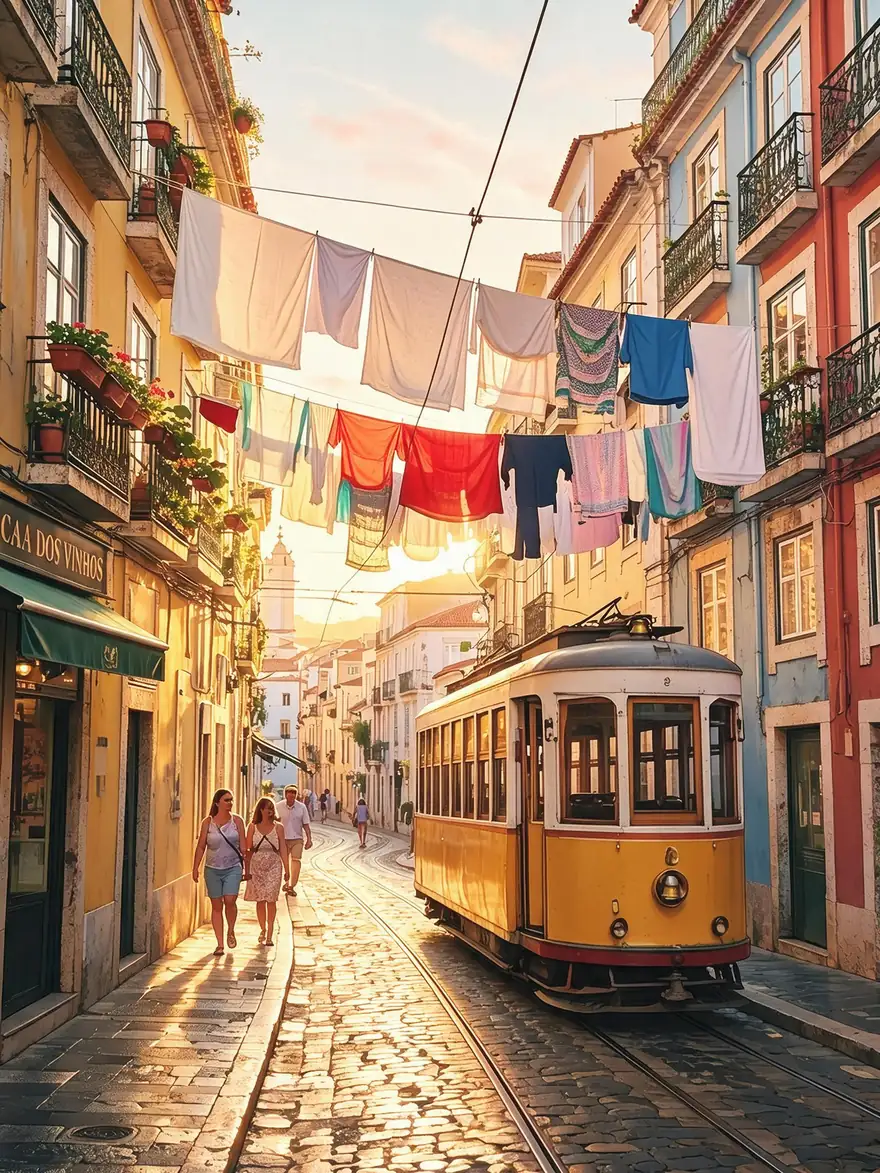
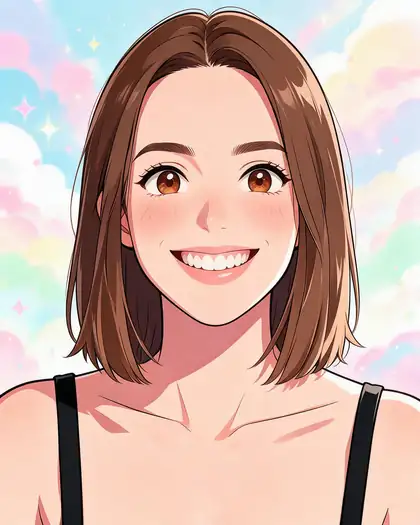
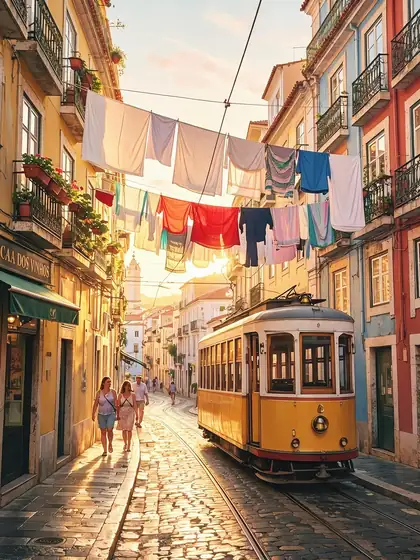
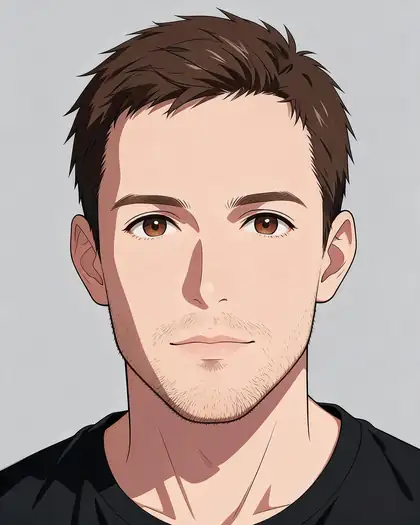
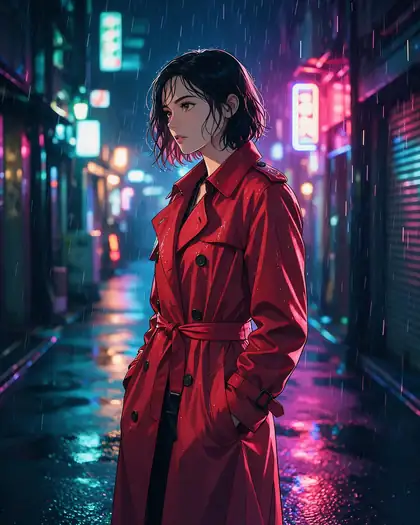
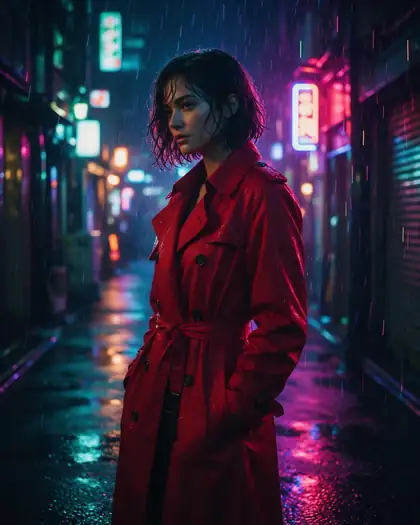
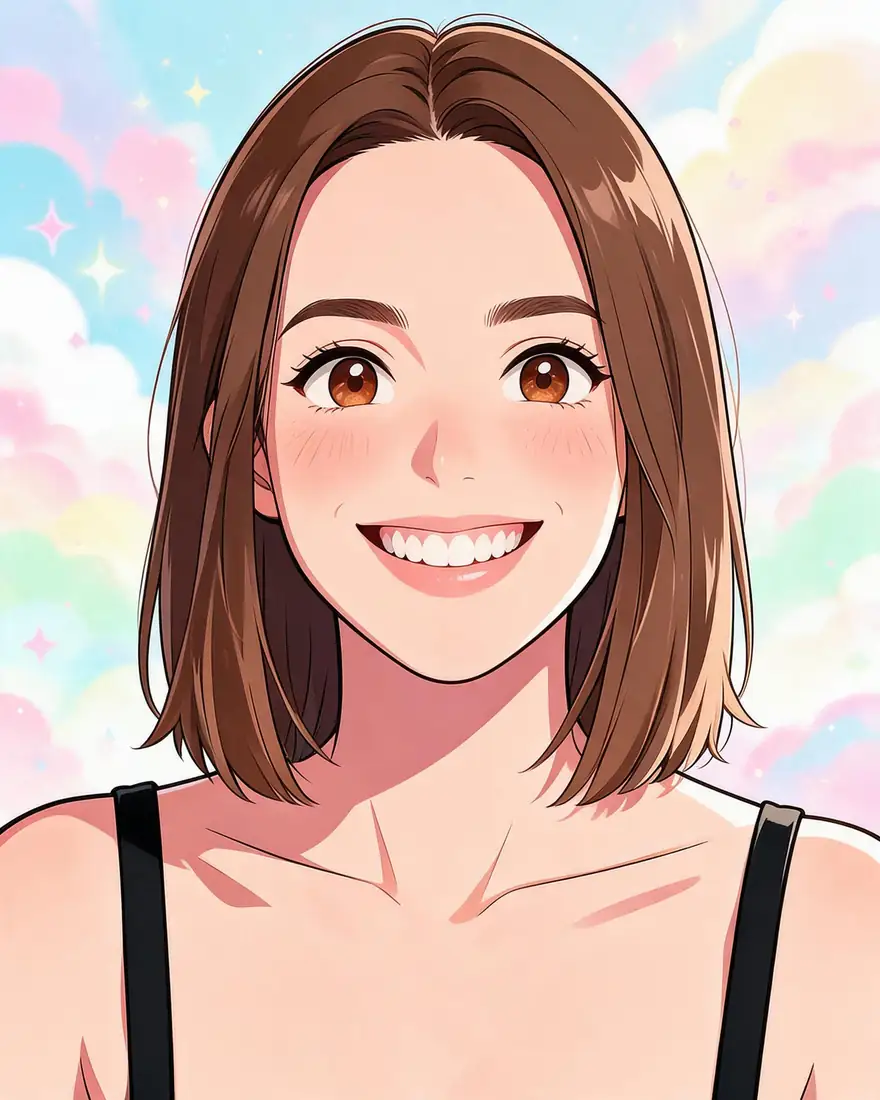
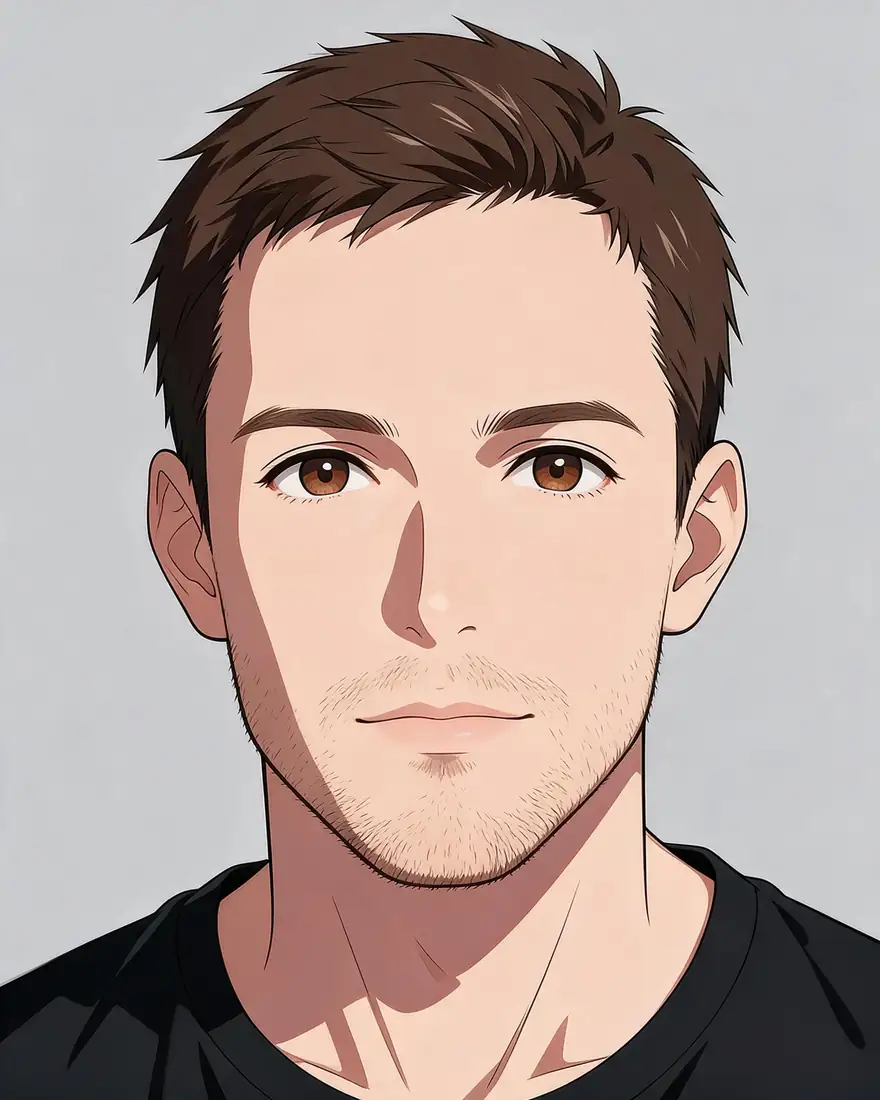
Originals and their anime versions — same person, same scene.

  • Same prompt on Original
    OriginalPhoto
  • Same prompt on Anime
    AnimeSeedream 5.0 Pro · 2K
  • Same prompt on Original
    OriginalPhoto
  • Same prompt on Anime
    AnimeSeedream 5.0 Pro · 2K
Prompt
Turn this photo into an anime illustration, clean line art and cel shading, same hair, outfit and pose.

Tips

Anime that still looks like you

What worked in our tests.

  • Say “anime illustration, clean line art, cel shading”.
  • Keep features: “same hair colour and cut, same smile”.
  • For places, ask for an “anime background painting”.
  • From text, try Neta Lumina or Pony XL with score tags.
  • Soft pastel or neon backgrounds set the mood.
  • Use your own photo, or one you have permission to use.

How to

How to use the ai anime generator

  1. Step 1: Upload a photo — or write a prompt

    Photo for a conversion; text for an original character.
  2. Step 2: Pick a model

    Seedream 5.0 Pro for photos; Neta Lumina or Pony XL for text.
  3. Step 3: Describe the anime look

    Line art, shading, background.
  4. Step 4: Download

    No watermark.

Models

Models for anime

What each model is good at. Open any one straight in the generator.

Models for anime
ModelReference imagesMax sizeGood forOpen
Seedream 5.0 ProByteDanceUp to 102KPhoto-to-anime conversionsOpen
Neta LuminaNeta.art—SDXL sizesAnime from textOpen
Prefect Pony XLPony family—SDXL sizesAnime with tag promptsOpen
Flux 2 DevBlack Forest LabsFree planUp to 32048 pxFree planOpen

Make your first one — 25 free credits on sign-up.

Start free

Start free, top up only when you need to

The same credits work in every Kenerate tool.

  • 25 free credits on sign-up

    Test on your own images before you buy anything.

  • Credits never expire

    One-time packs — use them this week or next year.

  • No subscription, no watermark

    Nothing to cancel. Free results download clean.

  • One balance, every tool

    The same credits work across images, video, voice and 3D.

In depth

AI Anime Generator, explained

What works, what to avoid, and how to pick a model.

Two ways to make anime

Converting a photo keeps a real composition and likeness; generating from text gives you full creative control over an original character. Many people do both: design a character from text, then place it into anime versions of real places.
Sources

    Tried it? Tell us how it went

    We only publish real, verified reviews — never invented quotes. Send a line about your result (and whether we may quote you), and it will appear here.

    Send a review

    FAQ

    AI Anime Generator questions

    4 questions

    Still stuck?

    A real person answers — usually within a day.

    01

    How do I turn a photo into anime?

    Upload it and ask for “anime illustration, clean cel shading, same hair and smile”. Seedream 5.0 Pro gave the most faithful results in our tests.

    02

    Is the AI anime generator free?

    A new account gets 25 free credits, which work on free-plan models such as Flux 2 Dev. Neta Lumina and Pony XL need a one-time credit pack; credits never expire.

    03

    Can I make anime characters from text?

    Yes — Neta Lumina is an anime specialist; Pony XL reads Pony score tags.

    04

    Can it turn places into anime backgrounds?

    Yes — the Lisbon street example became an anime background painting.

    See more of Kenerate AI in your Google resultsAdd kenerateai.com as a preferred source — Google shows more from your preferred sources in Top Stories and AI answers.

    Explore

    Every Kenerate image tool

    Generators, design tools, photo edits, models and comparisons — all in one studio, on one credit balance.

    Written by the Kenerate AI team

    We build and run the Kenerate generator. Every example is a real output of the model named under it; models and presets were checked against the app's code. Last updated 27 September 2026. Corrections: hello@kenerateai.com.

    Sources

      Ready when you are

      Try the ai anime generator

      25 free credits on sign-up. No watermark.

      • 25 free credits
      • No watermark
      • Credits never expire