

Skip to content
Any style · consistent with LoRA

AI Character Generator

Design characters for games, stories, D&D and VTubers from a description — in any art style — and keep them consistent with a seed, a reference or your own trained LoRA.

  • Any art style
  • Train your own LoRA
  • 25 free credits
  • No watermark

Quick answer

Updated

Kenerate's AI character generator designs characters from a description in any art style — anime, painting, comic, 3D — with 80+ models. Keep a character consistent with a seed, a reference image, or a trained LoRA (500–10,000 steps). Neta Lumina and Pony XL suit anime; Seedream 5.0 Pro gives the most polish. A free account gets 25 credits.

Styles
Any you can name
Consistency
Seed · reference · LoRA
LoRA training
500–10,000 steps
Free start
25 credits

Character prompts

Characters and the prompts behind them

Real Seedream 5.0 Pro outputs. Each prompt names an archetype, signature features, an outfit and a setting.

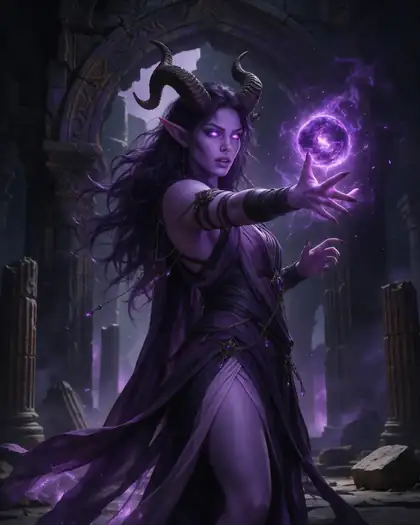
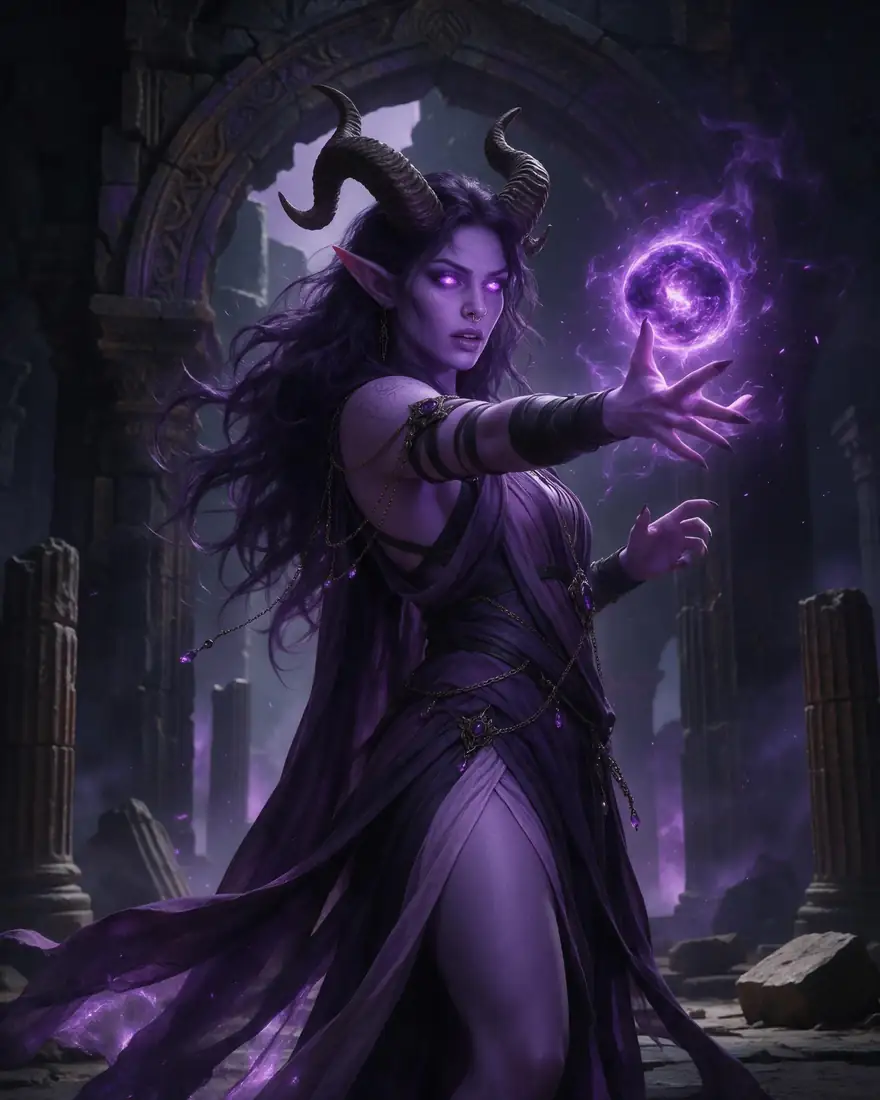
  1. Tiefling sorceress

    01Fantasy RPG

    Archetype plus one signature feature

    “Tiefling sorceress” sets the role; curled horns and lavender skin make her recognisable.

    Prompt
    Tiefling sorceress with curled horns and lavender skin casting violet magic in a ruined temple, fantasy RPG character art

    Seedream 5.0 Pro · 2K

    Use this prompt
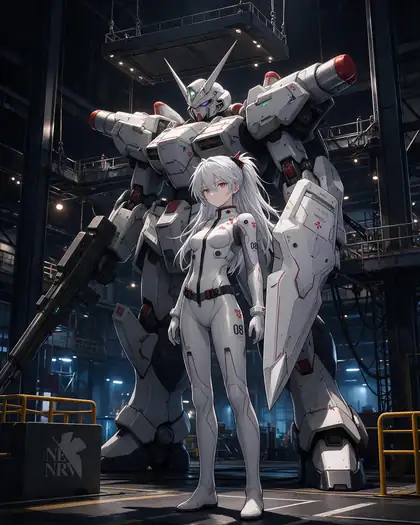
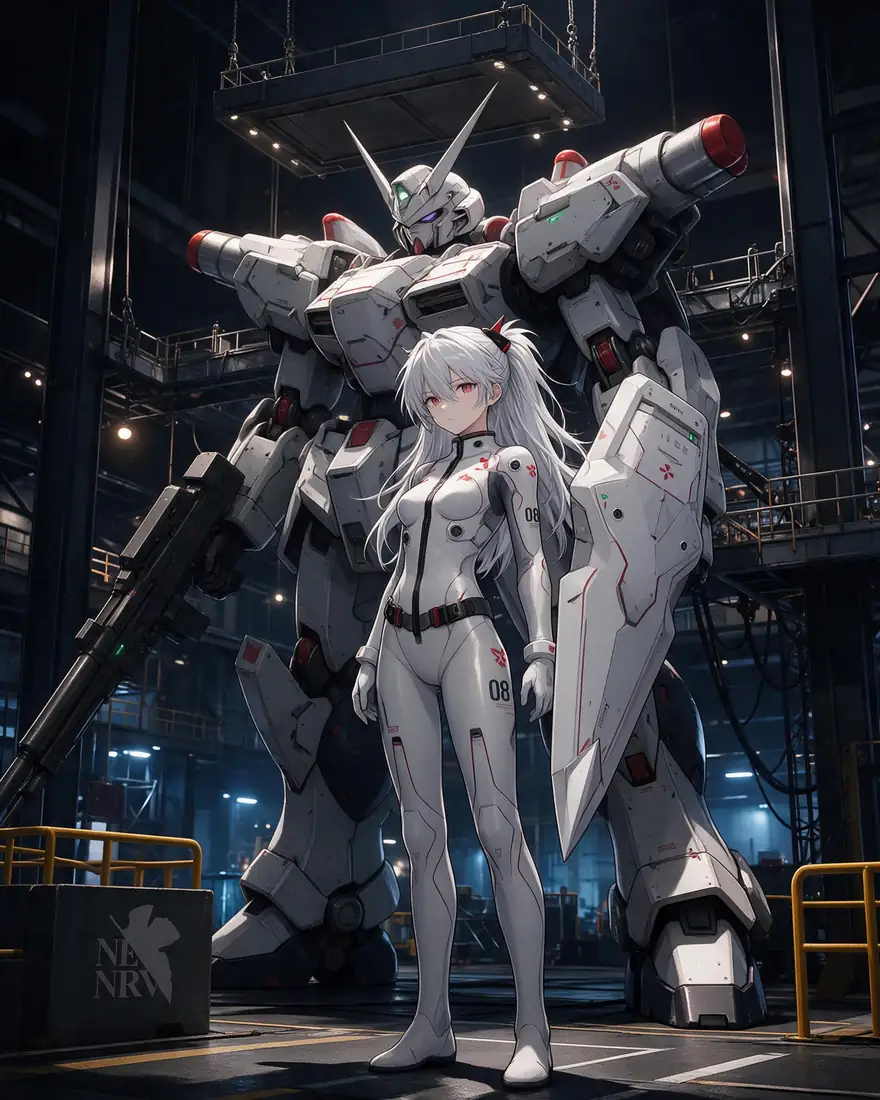
  2. Mecha pilot

    02Anime

    A setting that tells the story

    The giant mecha behind her says more about the pilot than any adjective.

    Prompt
    Anime girl pilot in a sleek white plugsuit standing in front of a giant mecha in a hangar, detailed cel shading, dramatic lighting

    Seedream 5.0 Pro · 2K

    Use this prompt
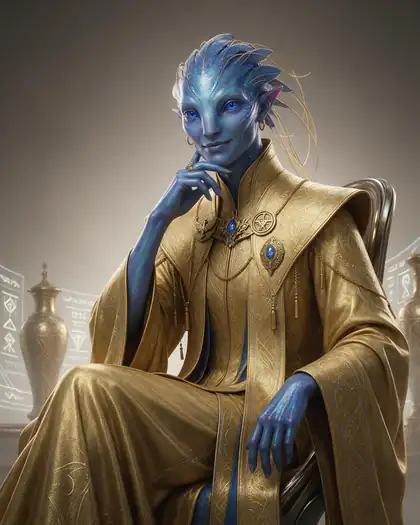
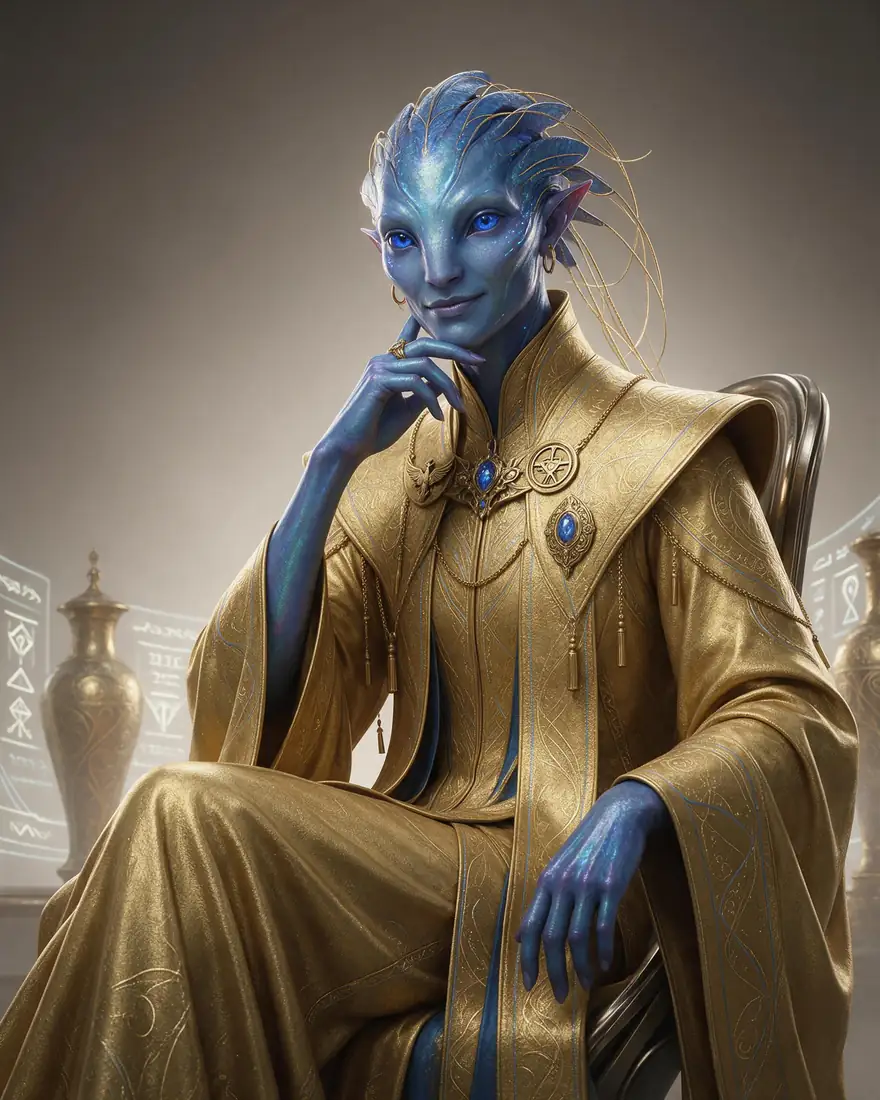
  3. Alien diplomat

    03Sci-fi

    Concept art for world-building

    “Sci-fi concept art, soft studio light” gives a clean design sheet feel.

    Prompt
    Portrait of an elegant alien diplomat with iridescent blue skin and ornate golden robes, sci-fi concept art, soft studio light

    Seedream 5.0 Pro · 2K

    Use this prompt

One character, eight styles

Find your character's style

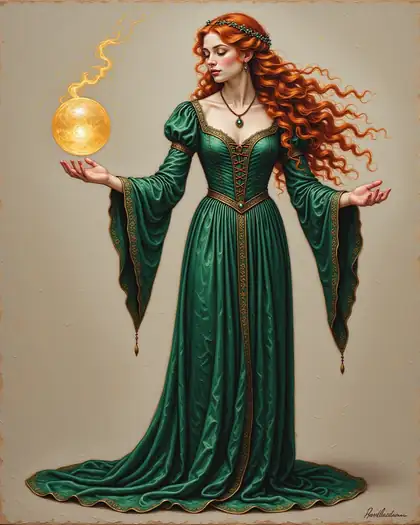
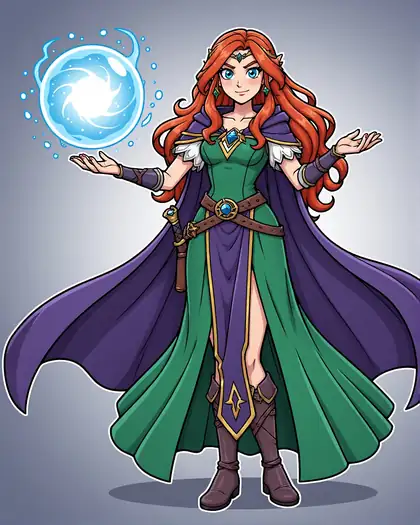
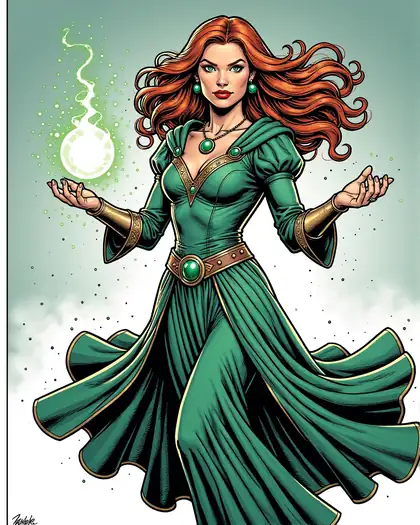
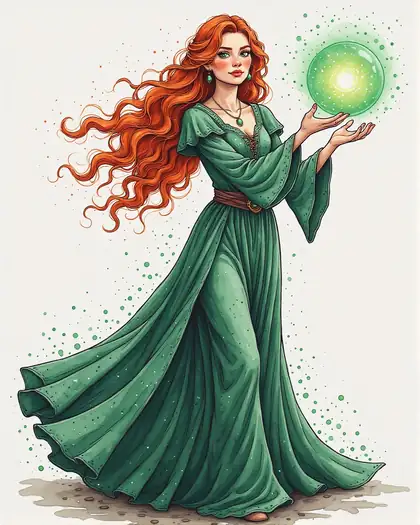
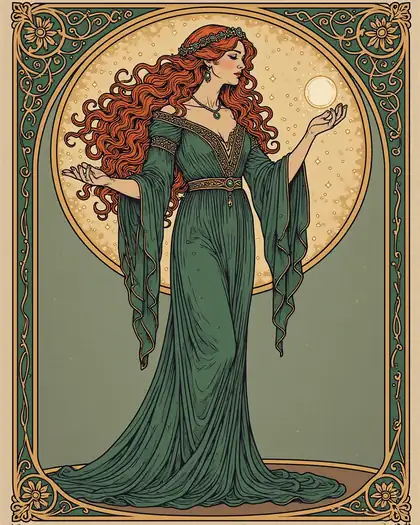
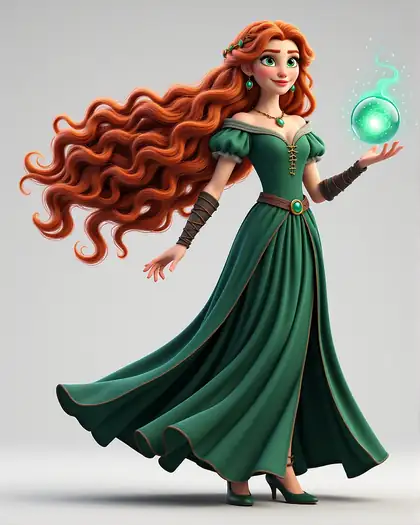
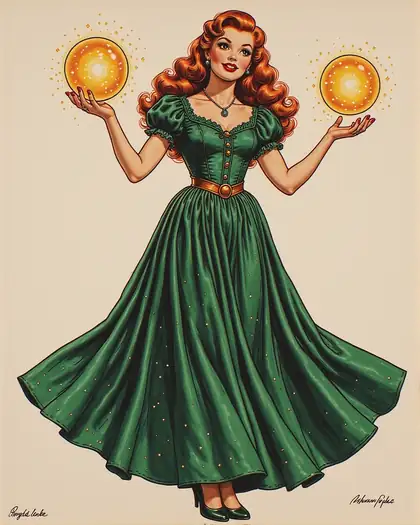
The same sorceress with only the style line changed, on Chroma. Decide the style first — it changes everything else.

  • Character in oil painting style

    Oil painting

  • Character in anime style

    Anime

  • Character in comic book style

    Comic book

  • Character in watercolor style

    Watercolor

  • Character in art nouveau style

    Art nouveau

  • Character in 3d render style

    3D render

  • Character in pin-up poster style

    Pin-up poster

  • Character in charcoal style

    Charcoal

From model to character

Start from your own 3D model or sketch

Upload a blockout and describe the finished character — proportions and pose come from your file.

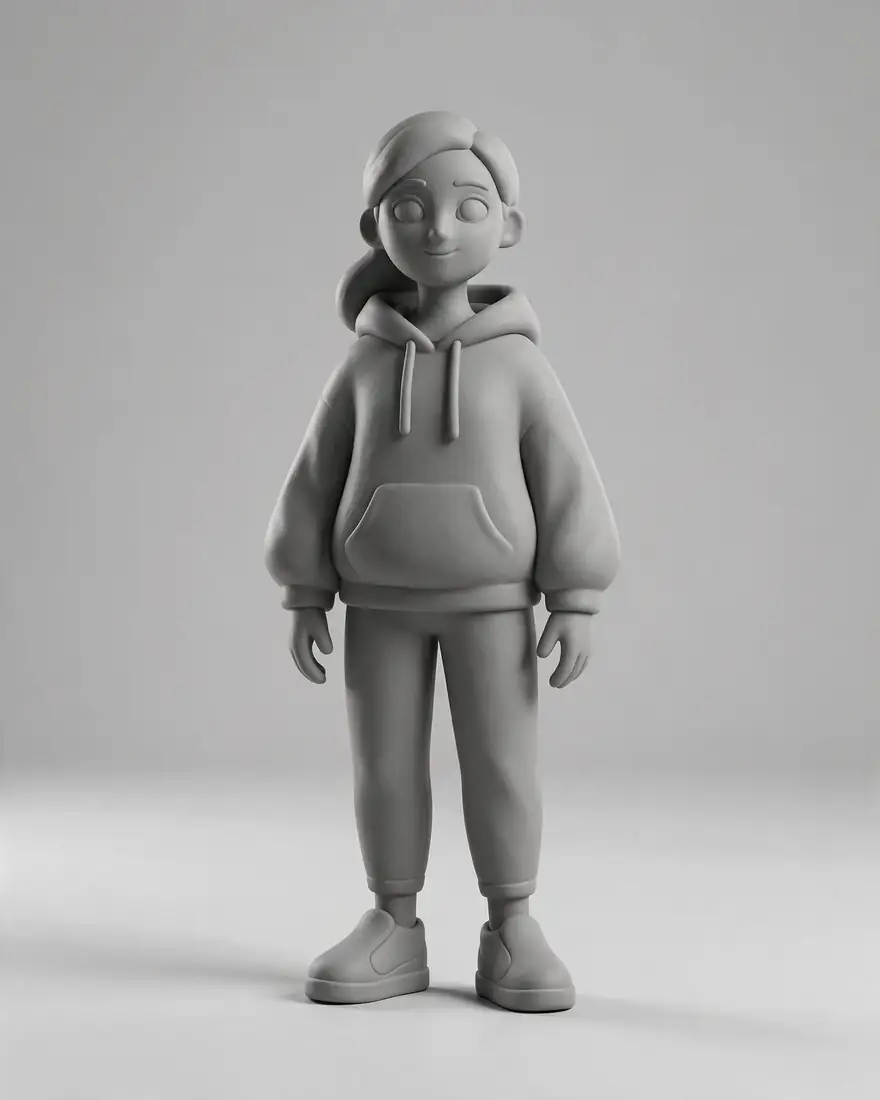
  1. Grey 3D render and the anime character made from it — before
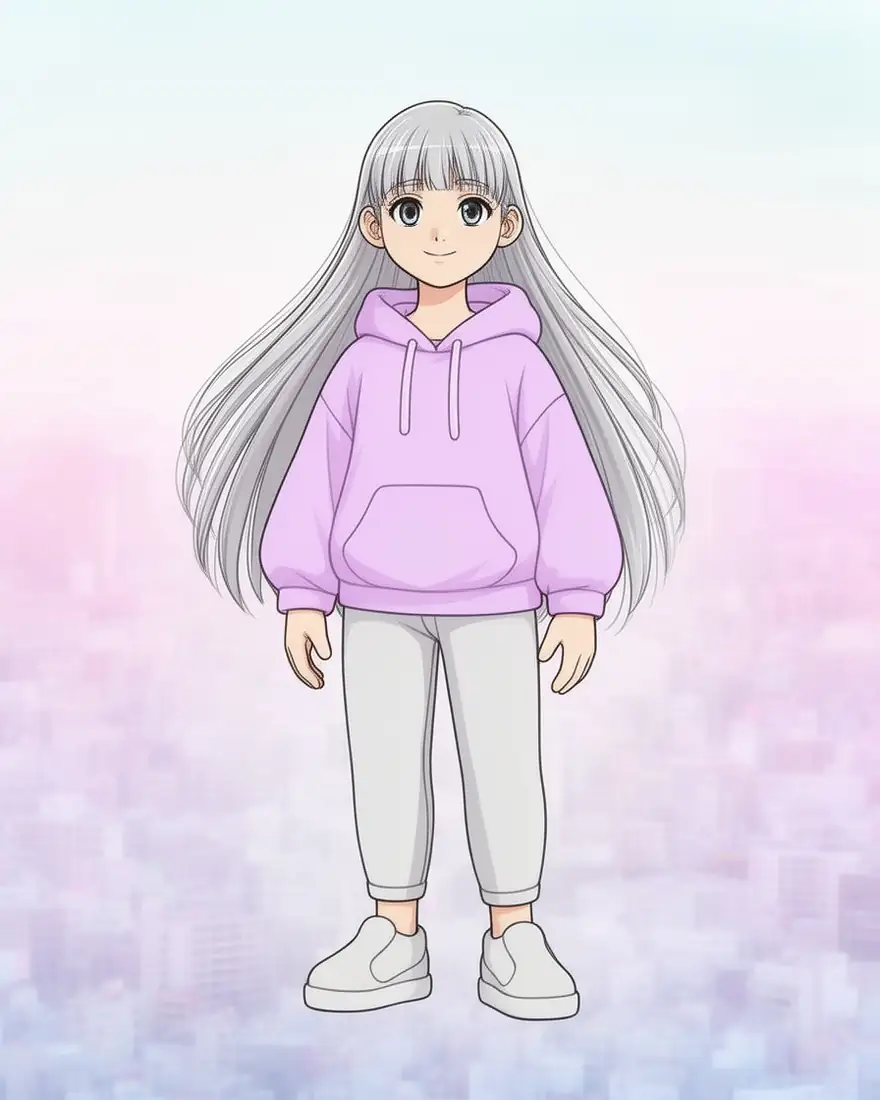
    Grey 3D render and the anime character made from it — after
    BeforeAfter

    013D to 2D

    A grey blockout becomes a character

    Rough renders from Blender or VRoid become finished art: hair, outfit and colours from your prompt.

    Prompt
    Anime character illustration of the same girl in a lilac hoodie with long silver hair, clean cel shading, pastel city background

    Flux 2 Dev · 1 image

    Edit a photo like this

Consistency

Keep the same character in every image

Three tools, from quickest to strongest.

  1. 1 · Seed

    Keep the seed and change one detail at a time for variations of the same look.

  2. 2 · Reference image

    Upload your best image into the next generation — Seedream 5.0 Pro takes up to 10, Nano Banana 2 up to 14.

  3. 3 · Your own LoRA

    Upload a zip of your character and pick a trigger word. Choose 500–10,000 training steps (1,000 by default).

Making video? See consistent characters in AI video.

How to

How to create a character with AI

From idea to a consistent character.

  1. Step 1: Describe your character

    Who they are, one or two defining features, outfit, and the art style — “anime”, “oil painting”, “3D render”.
  2. Step 2: Pick a model for the style

    Seedream 5.0 Pro for polished art, Neta Lumina or Pony XL for anime, Chroma to switch styles, Flux 2 Dev on the free plan.
  3. Step 3: Keep the look

    Reuse the seed, or upload your best image as a reference for the next scene.
  4. Step 4: Train a LoRA for full consistency

    Upload a set of images of your character, pick a trigger word, and generate with it.

Models

Models for character design

Open any model in the generator.

Models for character design
ModelReference imagesMax sizeGood forOpen
Seedream 5.0 ProByteDanceUp to 102KMost polished charactersOpen
Neta LuminaNeta.art—SDXL sizesClean anime charactersOpen
Prefect Pony XLPony family (SDXL)—SDXL sizesAnime and cartoon; tag promptsOpen
ChromaOpen model—1536 pxSwitches styles from the promptOpen
Flux 2 DevBlack Forest LabsFree planUp to 32048 pxFree plan; sketch or 3D to characterOpen
Nano Banana 2GoogleUp to 141K (square today)Many references for one characterOpen

Describe your character and see them — 25 free credits on sign-up.

Start free

Start creating characters free

25 free credits on sign-up, then one-time credit packs shared across every Kenerate tool. Credits never expire.

  • 25 free credits on sign-up

    Test on your own images before you buy anything.

  • Credits never expire

    One-time packs — use them this week or next year.

  • No subscription, no watermark

    Nothing to cancel. Free results download clean.

  • One balance, every tool

    The same credits work across images, video, voice and 3D.

In depth

AI character design, explained

Prompts that read, three levels of consistency, and choosing a style.

Designing a character that reads

Strong character prompts give the model a silhouette and a story:

  • A role or archetype — sorceress, mercenary, mecha pilot.
  • One or two signature features — curled horns, a chrome arm, silver braids.
  • An outfit with materials and colours.
  • A setting that says who they are — a ruined temple, a neon market.
  • The art style, first in the prompt.

Three levels of consistency

A seed repeats the same starting noise, so small prompt changes keep the look — good for variations. A reference image carries the face and outfit into a new scene on models that take references. A LoRA goes furthest: it is a small add-on trained on your images, a technique first described for language models and now standard for image models [1]. After training, the trigger word brings your character into any prompt.

Choosing a style

Decide the style before the details, because it changes everything else — proportions, line, colour. The style matrix on this page is one character on Chroma with only the first line changed; use it to pick a look, then refine on the model that suits that style.

Tried it? Tell us how it went

We only publish real, verified reviews — never invented quotes. Send a line about your result (and whether we may quote you), and it will appear here.

Send a review

FAQ

AI character generator questions

7 questions

Still stuck?

A real person answers — usually within a day.

01

What is an AI character generator?

A tool that designs a character from a description — look, outfit, personality and art style — for games, stories, D&D, VTubers or concept art.

02

Is the AI character generator free?

You can start free: a new account gets 25 credits, which work on free-plan models such as Flux 2 Dev. Bigger jobs use one-time credit packs that never expire.

03

How do I keep the same character across images?

Three ways, from quick to strongest: keep the seed and change one detail; upload a previous image as a reference; or train a LoRA on a set of images so the character appears whenever you use its trigger word.

04

How does LoRA training work?

Upload a zip of images of your character and pick a trigger word. You can choose 500 to 10,000 training steps (1,000 is the default), then generate with the trained LoRA whenever you use its trigger word.

05

Which art styles can it make?

Any you can name — anime, oil painting, comic, watercolor, art nouveau, 3D render, pin-up, pixel art. The style matrix on this page shows one character in eight.

06

Can I turn a 3D model or sketch into a character?

Yes. Upload it in image to image and describe the finished character — the pose and proportions come from your image.

07

Does it add a watermark?

No. Images download without a watermark.

See more of Kenerate AI in your Google resultsAdd kenerateai.com as a preferred source — Google shows more from your preferred sources in Top Stories and AI answers.

Explore

Every Kenerate image tool

Generators, design tools, photo edits, models and comparisons — all in one studio, on one credit balance.

Written by the Kenerate AI team

We build and run the Kenerate image generator. Every character is a real output of the model named under it; LoRA and model facts were checked against the app's code. Last updated 27 September 2026. Corrections: hello@kenerateai.com.

Sources

Ready when you are

Bring your character to life

25 free credits on sign-up. Any style. No watermark.

  • 25 free credits
  • No watermark
  • Credits never expire