

Alibaba (Wan)
Wan AI Image — Alibaba's Wan 2.7, 2.6 & 2.5 models
Wan is Alibaba's AI generation family, known for video, with image models alongside. On Kenerate: Wan 2.7 Pro and 2.7 with up to 9 references, plus Wan 2.6 and 2.5.
- Wan 2.5
- 11 November 2025 — text in several languages, multi-image reference
- Wan 2.6
- 16 December 2025 — style control, realistic portraits
- On Kenerate
- Wan 2.7 Pro and 2.7 (up to 9 refs, thinking mode), Wan 2.6 (up to 3 refs) and Wan 2.5 (up to 2 refs, negative prompts)
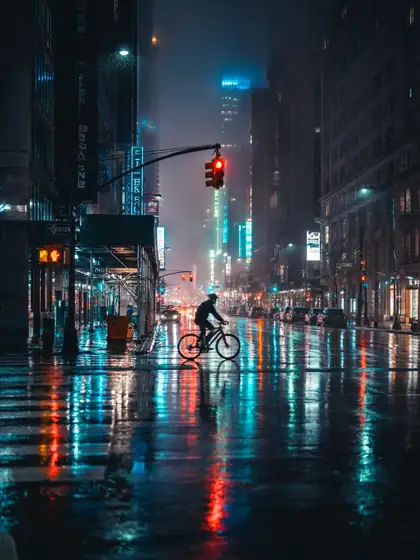
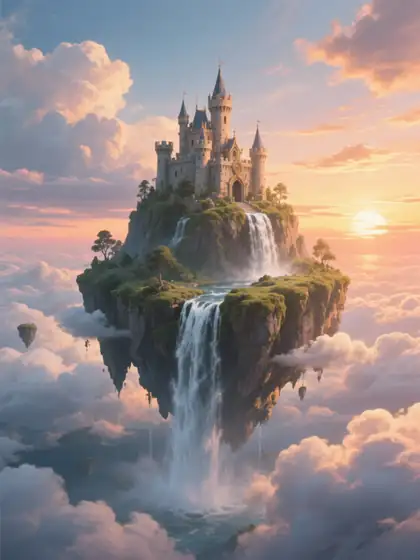

- Real outputs
- Official sources
- Free to start
- No watermark
Updated by the Kenerate AI team




Made with Kenerate

On this page
What is Wan Image?

What is Wan Image?
Wan Image is Alibaba's family of Wan AI image models for generating and editing pictures, alongside its better-known Wan video models; Wan 2.6 arrived on 16 December 2025. It added style control and more realistic portraits to Wan 2.5, which brought multilingual text and multi-image reference. Kenerate AI runs both, plus the newer Wan 2.7 and 2.7 Pro.
Key facts
- Maker
- Alibaba
- Wan 2.5
- 11 Nov 2025
- Wan 2.6
- 16 Dec 2025
- References
- Up to 9 (2.7) · 3 (2.6) · 2 (2.5)
- Max size
- 4K on 2.7 Pro · 1440 px on 2.6 and 2.5
- Wan 2.5 extra
- Negative prompts
- Workflow
- Still → first frame for Wan video
Gallery
Wan Image examples
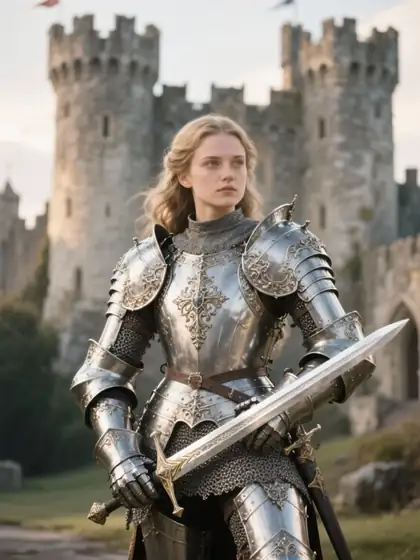
Real outputs made on Kenerate. Open any image to copy its prompt and run it yourself.
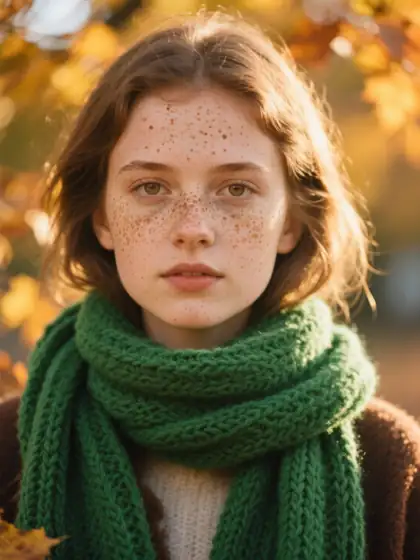
Same prompt
Wan 2.6 vs Wan 2.5
The same portrait prompt on both Wan image models.
PromptPortrait of a young woman with freckles and a green knitted scarf in autumn light, 85mm
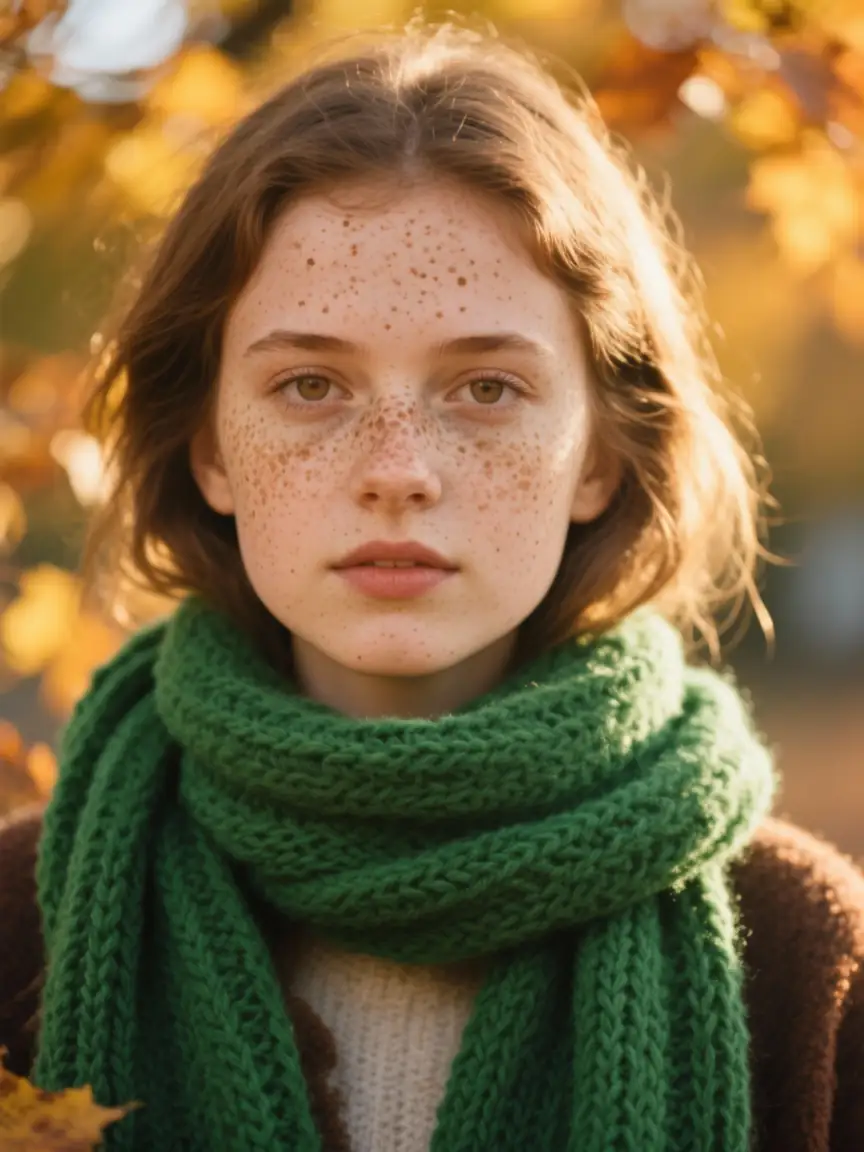 Wan 2.6Balanced realism
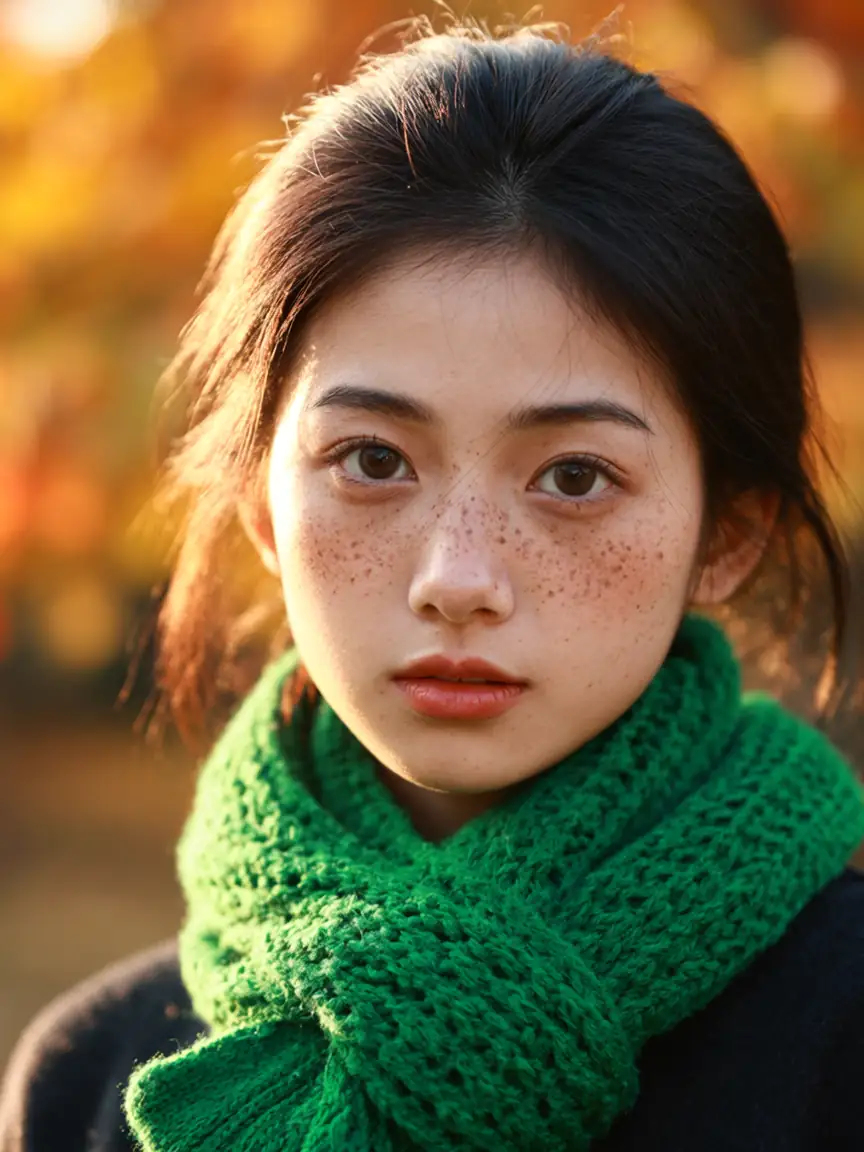 Wan 2.5Negative prompts
Models
Wan Image on Kenerate
Every version in the generator, and what each is good at.
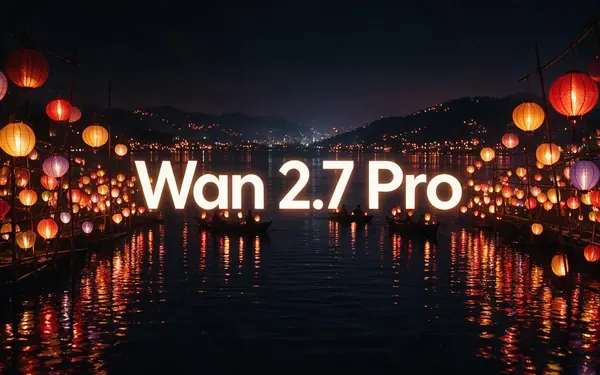
Alibaba
Wan 2.7 Pro
- Reference images
- Up to 9
- Output
- Up to 4K (edits up to 2K)
Open Wan 2.7 ProBest for
Thinking mode, highest detail
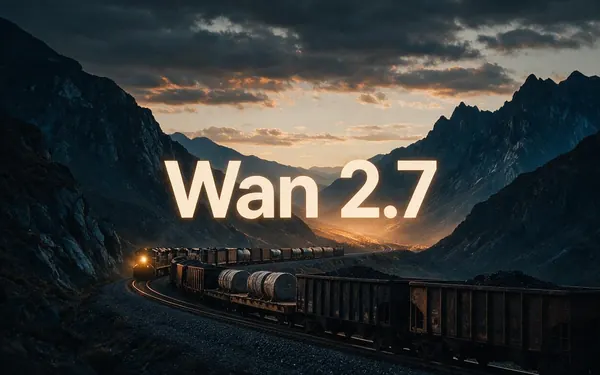
Alibaba
Wan 2.7
- Reference images
- Up to 9
- Output
- Up to 2048 px
Open Wan 2.7Best for
Thinking mode for smarter compositions
From our tests
Strengths and limits
Good at

- Natural portraits and warm food shots.
- Multi-image edits (up to 9 on Wan 2.7, 3 on Wan 2.6).
- A matching still for Wan video models.
Limits
- Wan 2.6 and 2.5 top out at 1440 px — use Wan 2.7 Pro or Seedream 5.0 Lite for 4K.
- Qwen Image 3.0 is stronger for text.
How to
How to use Wan Image on Kenerate
Step 1
Open Wan
Pick Wan 2.7, 2.6 or another version in /app/image. Any credit pack unlocks it.
Step 2
Write the prompt
Subject, place, light.
Step 3
Edit with references
Upload up to 9 images to Wan 2.7, or 3 to Wan 2.6.
Step 4
Animate
Use the still as a first frame for Wan video.
See it in the app

Open Image Studio and type what you want to see — subject, style, lighting and mood.


Watch the tour · 1:23
Prompts, styles, references, edit, Arena & chat
Chapters
Example uses
How creators use Wan Image
Illustrative examples of typical workflows, not customer reviews.
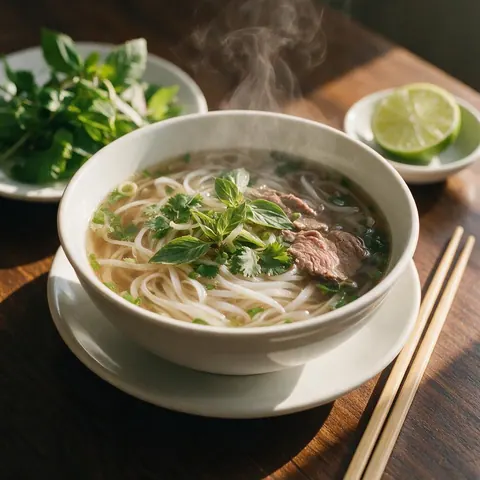
Food blogger
A food blogger makes warm, natural dish shots for recipe posts.

Home decor brand
A small decor brand generates minimal product scenes and edits them with reference images.
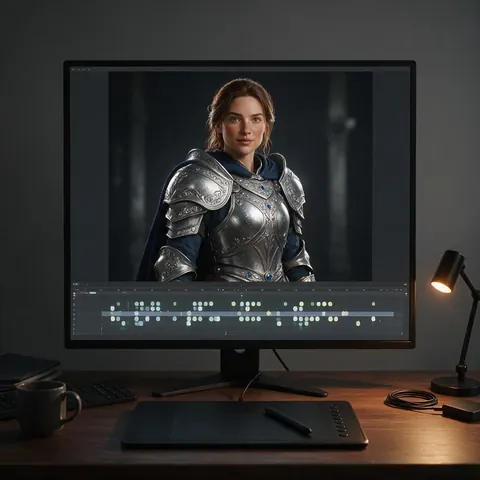
Indie animator
An animator designs a still first and then uses it as the first frame for a video model, keeping the same look.
FAQ
Wan Image questions
7 questions

What is Wan 2.6 image?
Wan 2.6 image is Alibaba's Wan image model, announced on 16 December 2025 alongside Wan 2.6 video. It added style control and more realistic portraits over Wan 2.5, which launched commercially on 11 November 2025. On Kenerate, Wan 2.6 renders up to 1440 px and edits with up to 3 reference images, and its stills work as first frames for Wan video.
Link to this answerHow much does Wan cost on Kenerate?
It is credit-based, and the cost of each image is shown before you generate; edits use a little more than plain generations. Credits come in one-time packs that never expire, with no subscription required, and current packs are on /pricing. Wan is not on the free plan, but any credit pack unlocks every Wan version, from 2.5 to 2.7 Pro.
Link to this answerCan Wan edit images?
Yes. Wan 2.7 and 2.7 Pro take up to 9 reference images, Wan 2.6 up to 3 and Wan 2.5 up to 2, so you can combine several images in one edit. Upload the images and describe the change in plain words, including what should stay the same. Wan 2.5 also accepts negative prompts when you want to rule something out. Edits use slightly more credits than plain generations.
Link to this answerWhat size does Wan output?
It depends on the version. On Kenerate, Wan 2.6 and Wan 2.5 render up to 1440 px, Wan 2.7 up to 2048 px and Wan 2.7 Pro up to 4K, with edits up to 2K. 1440 px is enough for most screen use and for first frames you animate with a Wan video model. For wallpapers and prints, pick Wan 2.7 Pro or Seedream 5.0 Lite; for text-heavy images, Qwen Image 3.0.
Link to this answerIs Wan AI free?
Not on Kenerate's free plan. Any one-time credit pack unlocks Wan 2.7 Pro, 2.7, 2.6 and 2.5, paid per image with no subscription required, and credits never expire; edits use slightly more than plain generations. New accounts get starter credits to try the free-plan models, such as Qwen Image 3.0, before buying a pack.
Link to this answerIs Wan AI safe to use?
On Kenerate, Wan runs through its provider with the provider's own content rules, and Kenerate's filter blocks any prompt involving minors on every model. Sexual images of real people aren't allowed. Your images stay for 7 days unless you save them, the Private switch keeps them out of the public feed, and downloads carry no watermark.
Link to this answerDoes Wan AI have restrictions?
Yes. The Wan image models keep their provider's content rules, so some prompts can be refused, and Kenerate also blocks anything involving minors and images of real people without their consent. Sizes and references differ by version: Wan 2.6 and 2.5 stop at 1440 px, while 2.7 Pro reaches 4K.
Link to this answerIn depth
Wan Image, in depth
Background, how to prompt it, and when to pick something else.
Images for a video workflow
Because Wan is best known for video, many people design a still on Wan image first and then animate it with a Wan video model, keeping the same look.
By the Kenerate AI teamLast updated and reviewed
We run these models in the Kenerate generator. Model facts come from the makers' own pages; specs and limits were checked against our code; the examples are our own outputs.
Sources: Alibaba Cloud — Wan 2.6 series
