



Skip to content
xAI · Imagine Image 2.0

Grok Imagine Image 2.0 — xAI's image model

Grok Imagine is xAI's image generation and editing model. On Kenerate: Grok Imagine Image 2.0 for 15 credits, the Quality tier for 18, and the original for 6.6 — with no Grok subscription.

  • Real outputs
  • Official sources
  • 25 free credits
  • No watermark

Quick answer

Updated

Grok Imagine is xAI's image generation and editing model. Imagine Image 2.0, released on 7 August 2026, adds precise region editing, background removal, sharper small text and multi-image references. On Kenerate, Grok Imagine Image 2.0 costs 15 credits at 1K or 2K (edits 18, one reference image), Grok Imagine Quality 18 (up to 3 references), and the original Grok Imagine Image 6.6 — no Grok subscription needed.

Maker
xAI
Image 2.0 released
7 Aug 2026
On Kenerate
From 6.6 credits
No subscription
Pay per image

About the model

What is Grok Imagine?

Facts from the maker's own announcement and repository, linked below.

Grok Imagine facts
MakerxAI
LatestImagine Image 2.0 — 7 August 2026
xAI's highlightsClose instruction following, sharp small text, magic-wand region edits, background removal, up to 5 input images, smart resize
Where xAI offers itgrok.com/imagine, the Grok apps and the API
On KenerateImage 2.0 (15 credits, 1 reference), Quality (18 / 24 at 2K, up to 3 references), Image (6.6)

Same prompt

Grok Imagine Image vs 2.0 vs Quality

The same prompt on xAI's three models on Kenerate, at 1K.

  • Same prompt on Grok Imagine Image
    Grok Imagine Image6.6 credits
  • Same prompt on Grok Imagine Image 2.0
    Grok Imagine Image 2.015 credits
  • Same prompt on Grok Imagine Quality
    Grok Imagine Quality18 credits
Prompt
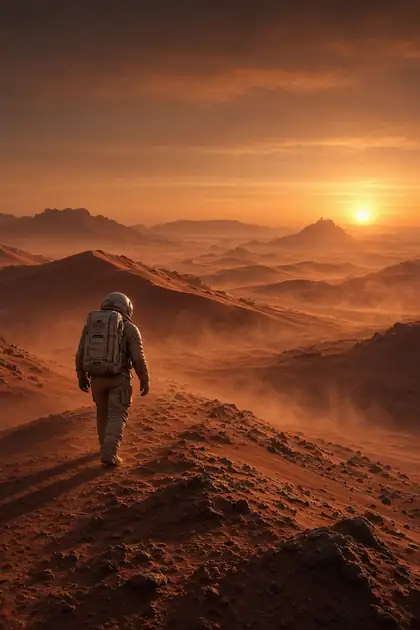
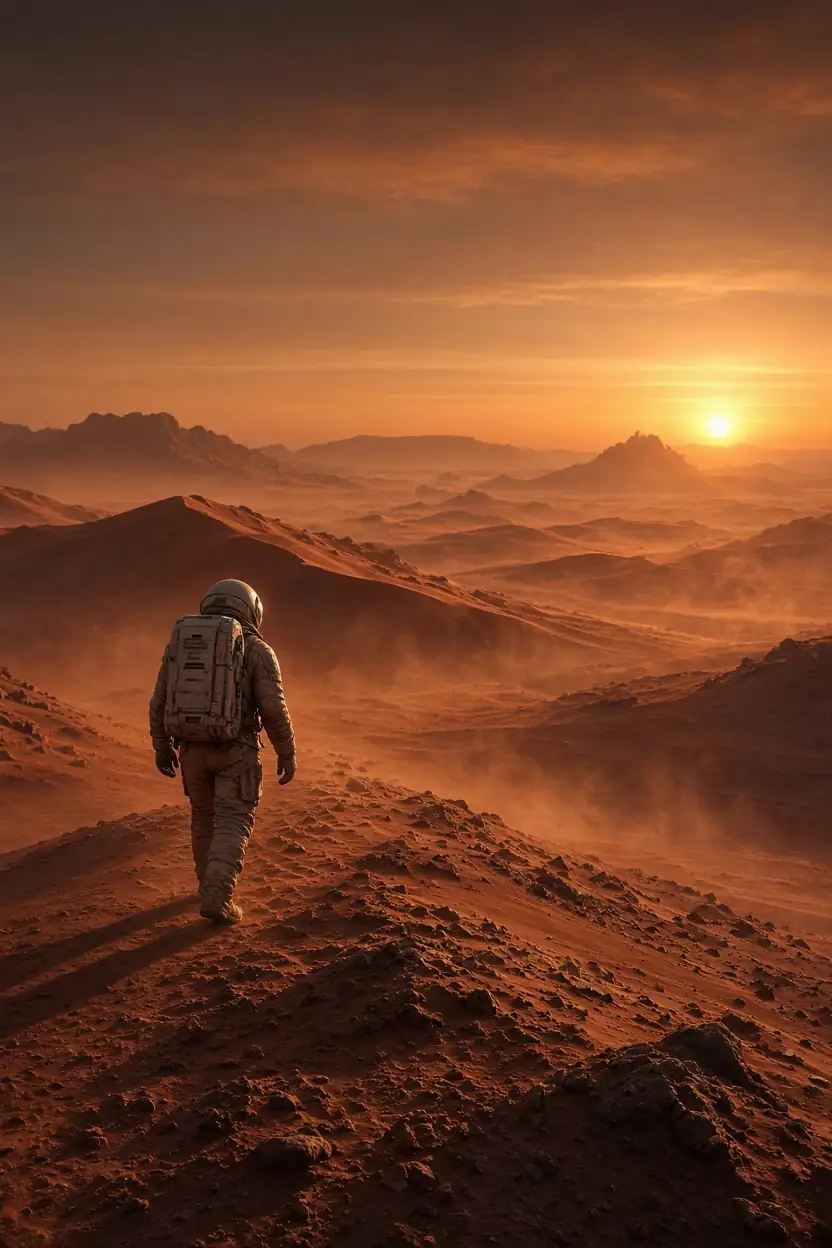
Cinematic wide shot of a lone astronaut walking across red Martian dunes at sunset, dust haze

Models

Grok Imagine on Kenerate

Every version in the generator, and what each is good at.

Grok Imagine on Kenerate
ModelReference imagesMax sizeGood forOpen
Grok Imagine Image 2.0xAI11K or 2KSame price at any sizeOpen
Grok Imagine QualityxAIUp to 31K or 2KRicher detailOpen
Grok Imagine ImagexAI111 ratiosQuick and cheapOpen

From our tests

Strengths and limits

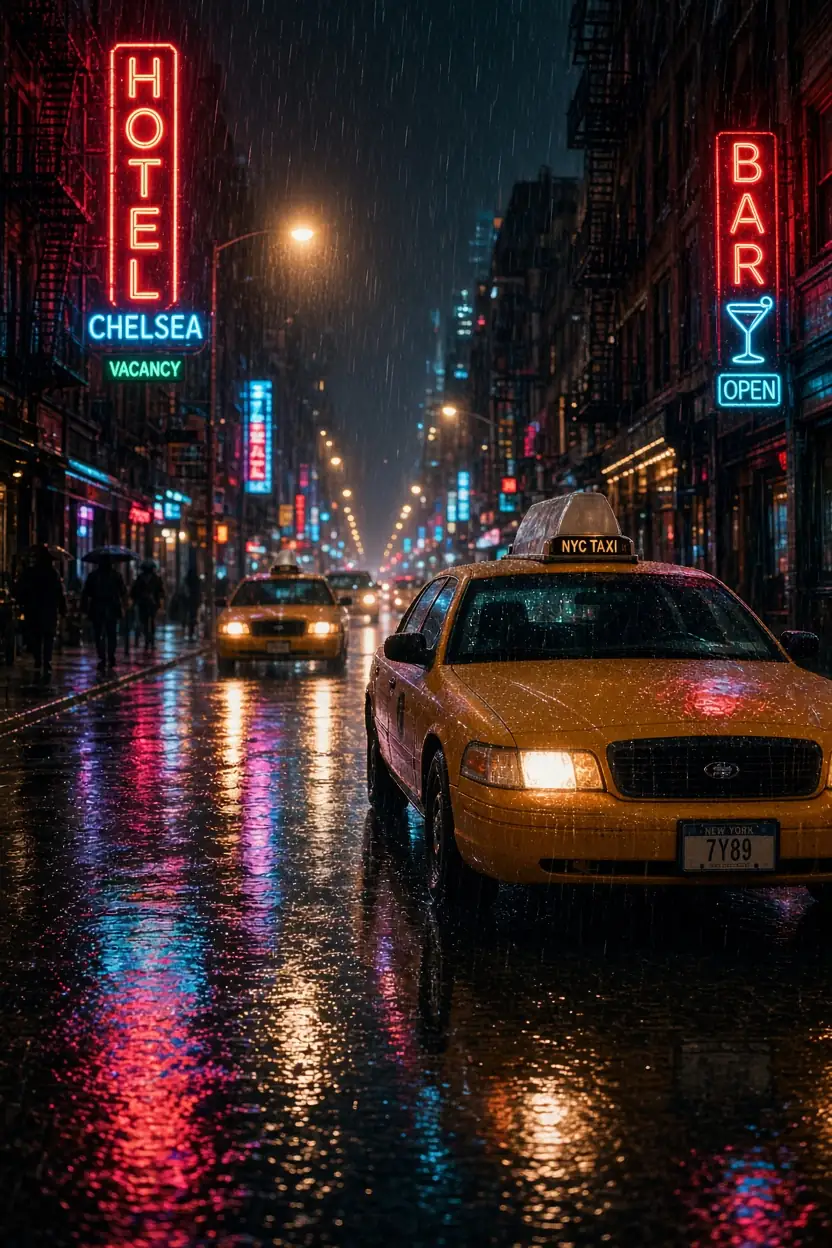
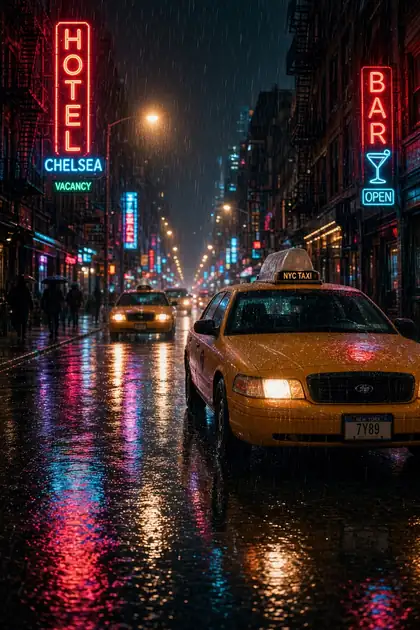
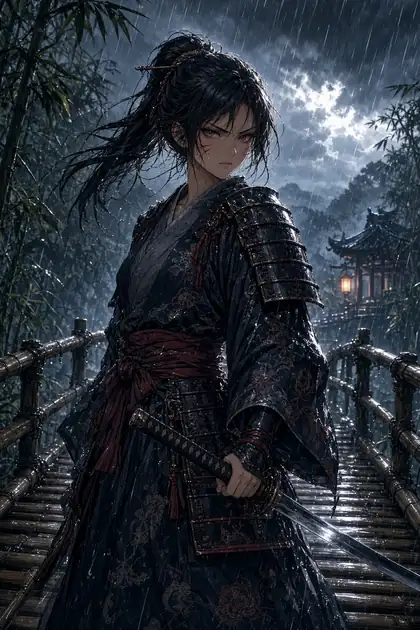
  • Cinematic, high-contrast images with strong colour — the Mars and neon-street shots are typical.
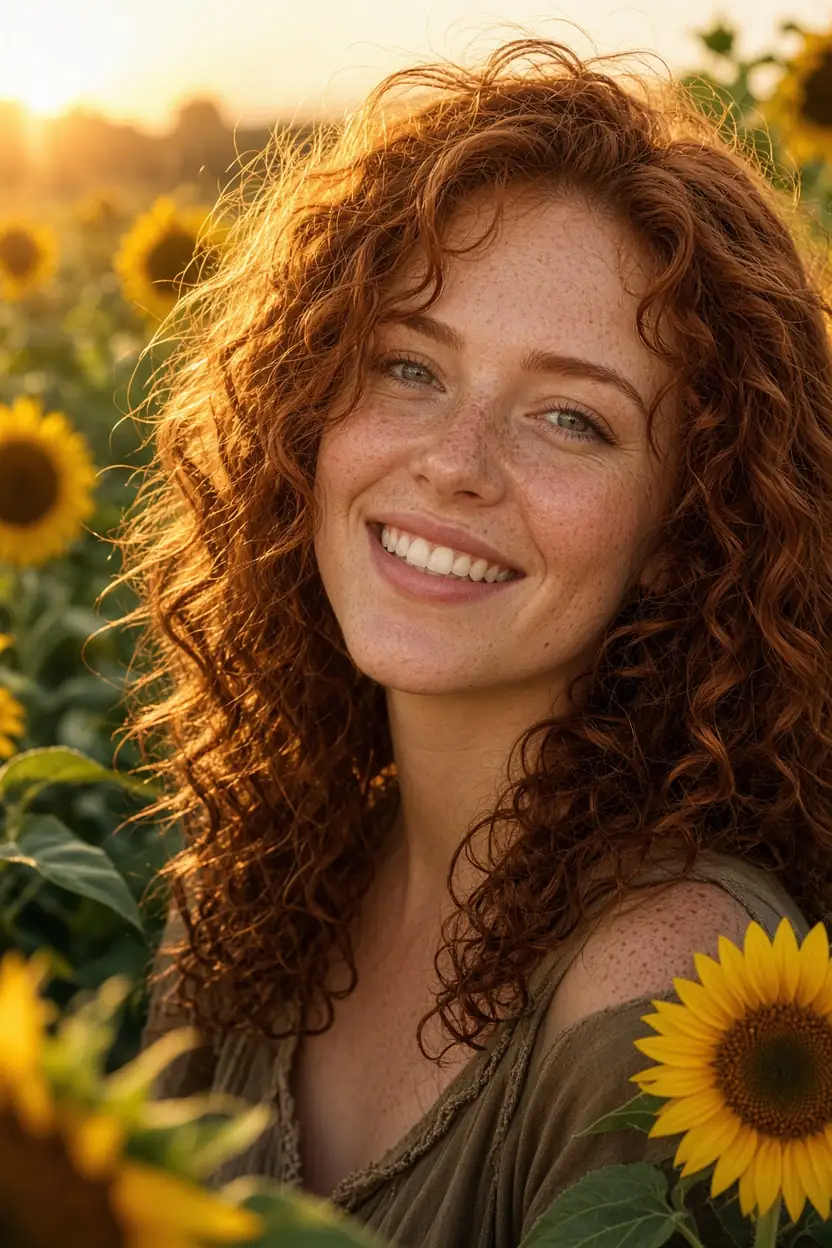
  • Natural, warm photo portraits.
  • Wide ratio choice, down to phone-tall 9:20 on Image 2.0.
  • The original Grok Imagine Image is one of the cheapest closed models at 6.6 credits.
  • One reference image on Image 2.0 on Kenerate (Quality takes 3) — xAI's own app takes up to 5.
  • Less precise with dense text than GPT Image 2.
  • Closed model: xAI's filter applies to prompts.

On Kenerate, Grok Imagine runs through xAI's API with xAI's own content rules. For adult art with open models, see the uncensored AI image generator (18+).

How to

How to use Grok Imagine on Kenerate

  1. Step 1: Open Grok Imagine

    Pick Grok Imagine Image 2.0 in /app/image. Any credit pack unlocks it.
  2. Step 2: Pick a ratio

    Choose from 13 ratios, including 9:16 and 9:20 for phones; 1K or 2K cost the same.
  3. Step 3: Write a cinematic prompt

    Shot type, subject, place, time of day and mood.
  4. Step 4: Edit if needed

    Upload one image to Image 2.0 (or up to 3 to Quality) and describe the change.

Try Grok Imagine on your own prompt — 25 free credits on sign-up.

In depth

Grok Imagine, in depth

Background, how to prompt it, and when to pick something else.

What's new in Imagine Image 2.0

From xAI's announcement [1]:

  • Precise generation and editing, with sharp small text.
  • Magic-wand edits that change only the region you point at.
  • Background removal with transparent export.
  • Multi-reference editing with up to 5 images in xAI's app.

When to pick Grok Imagine

Pick Grok Imagine for cinematic scenes and warm photo portraits, especially in tall phone ratios. For text-heavy images use GPT Image 2; for combining many references use Nano Banana 2 or GPT Image 2.
Tried it? Tell us how it went

We only publish real, verified reviews — never invented quotes. Send a line about your result (and whether we may quote you), and it will appear here.

Send a review

FAQ

Grok Imagine questions

5 questions

Still stuck?

A real person answers — usually within a day.

01

What is Grok Imagine?

xAI's image and video generation feature in Grok. Imagine Image 2.0, released on 7 August 2026, is its latest image model.

02

Can I use Grok Imagine without a Grok subscription?

Yes. On Kenerate you pay per image: 15 credits for Image 2.0, 18 for Quality, 6.6 for the original. Any credit pack unlocks them.

03

What's the difference between Grok Imagine Image, 2.0 and Quality?

On Kenerate: the original is quick and cheap (6.6 credits), Image 2.0 is xAI's newest model (15 at 1K or 2K), and Quality adds richer detail and up to 3 references (18, or 24 at 2K).

04

Can Grok Imagine edit images?

Yes. Image 2.0 edits with one reference image on Kenerate (18 credits); the Quality tier takes up to 3.

05

Does Kenerate have Grok Imagine video?

Yes — see the Grok Imagine video generator page.

See more of Kenerate AI in your Google resultsAdd kenerateai.com as a preferred source — Google shows more from your preferred sources in Top Stories and AI answers.

Explore

Every Kenerate image tool

Generators, design tools, photo edits, models and comparisons — all in one studio, on one credit balance.

Written by the Kenerate AI team

We run these models in the Kenerate generator. Model facts come from the makers' own pages; specs and limits were checked against our code; the examples are our own outputs. Last updated 27 September 2026. Corrections: hello@kenerateai.com.

Sources

Ready when you are

Try Grok Imagine

25 free credits on sign-up. No watermark.

  • 25 free credits
  • No watermark
  • Credits never expire