

HiDream.ai
HiDream I1 — the 17B open image model
HiDream-I1 is a 17-billion-parameter open image model from HiDream.ai. On Kenerate: HiDream I1 Full for detail (single-image edits) and I1 Dev for fast drafts.
- HiDream-I1
- 7 April 2025 — 17B parameters, open weights (MIT); Full 50 steps, Dev 28, Fast 16
- Editing
- HiDream-E1 editing models (2025)
- HiDream-O1-Image
- 8 May 2026 — 8B, pixel-space model with editing and personalisation
- On Kenerate
- HiDream I1 Full (1 reference) and I1 Dev



- Real outputs
- Official sources
- Free to start
- No watermark
Updated by the Kenerate AI team




Made with Kenerate


On this page
What is HiDream?

What is HiDream?
HiDream is the open image model family from HiDream.ai, best known for HiDream-I1, released on 7 April 2025 with open weights in Full, Dev and Fast versions. It turns text prompts into detailed images. Kenerate AI runs I1 Full for detail and single-image edits, and I1 Dev for fast drafts, in the browser.
Key facts
- Maker
- HiDream.ai
- Released
- 7 Apr 2025
- Size
- 17B, open weights
- Licence
- MIT
- Versions
- Full · Dev · Fast
- HiDream-O1-Image
- 8 May 2026 · 8B
- On Kenerate
- I1 Full and I1 Dev
- Max size
- 1536 px
Gallery
HiDream examples
Real outputs made on Kenerate. Open any image to copy its prompt and run it yourself.
Same prompt
HiDream I1 Full vs I1 Dev
The same portrait prompt on both HiDream models.
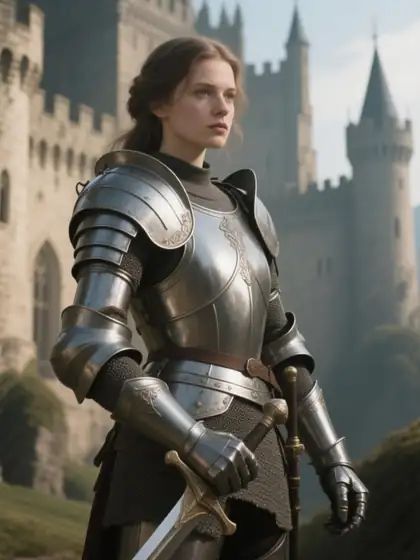
PromptPortrait of a young woman with freckles and a green knitted scarf in autumn light, 85mm
 HiDream I1 FullDetail
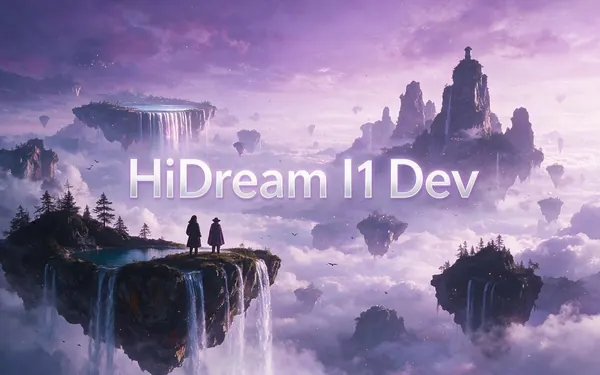
 HiDream I1 DevFast drafts
Models
HiDream on Kenerate
Every version in the generator, and what each is good at.
HiDream.ai
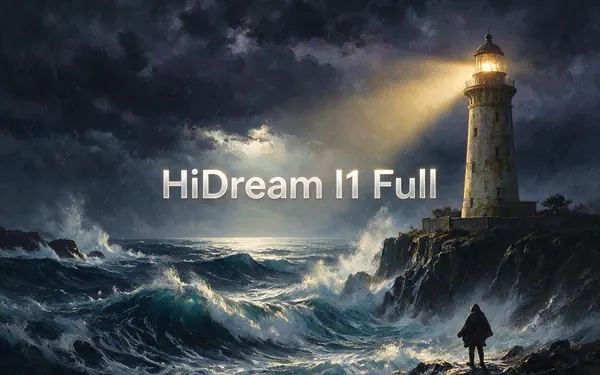
HiDream I1 Full
- Reference images
- 1
- Output
- Up to 1536 px
Open HiDream I1 FullBest for
Detailed, faithful images
From our tests
Strengths and limits
Good at

- Rich, detailed images for an open model — the floating island and neon street hold up well.
- I1 Dev makes fast, cheap drafts.
- Open weights, so the look is consistent and well documented.
Limits
- Portraits are less refined than Seedream 5.0 Pro.
- One reference image on Full.
How to
How to use HiDream on Kenerate
Step 1
Open HiDream
Pick HiDream I1 Full or Dev in /app/image. Any credit pack unlocks it.
Step 2
Write the prompt
Subject, style, light and camera.
Step 3
Edit (Full only)
Upload one image to remix it.
Step 4
Download
No watermark.
See it in the app

Open Image Studio and type what you want to see — subject, style, lighting and mood.


Watch the tour · 1:23
Prompts, styles, references, edit, Arena & chat
Chapters
Example uses
How creators use HiDream
Illustrative examples of typical workflows, not customer reviews.
Environment concept artist
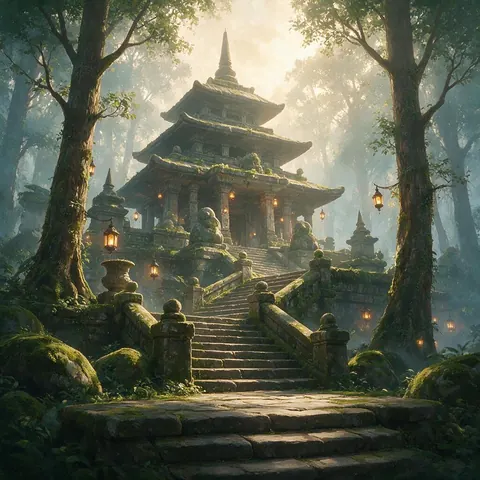
An environment artist could draft layouts on I1 Dev for speed, then re-run the keeper on I1 Full for detail.
Tabletop game master
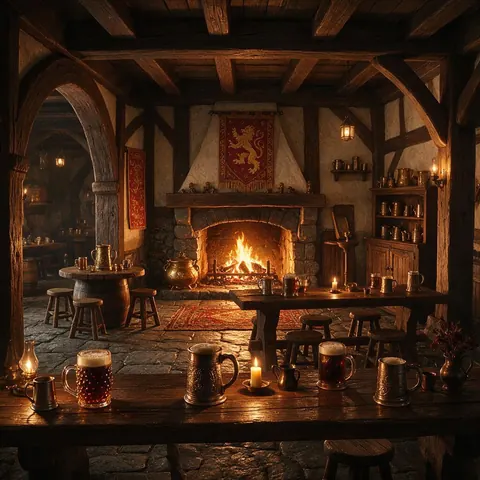
A game master could make scene art for a session, like a warm tavern interior, with an open model.
Food blogger
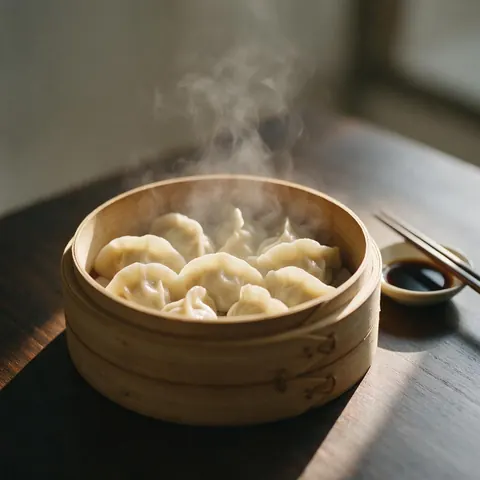
A food blogger could test detailed food shots on I1 Dev before making the final on I1 Full.
FAQ
HiDream questions

What is HiDream-I1?
HiDream-I1 is an open 17-billion-parameter image model from HiDream.ai, released on 7 April 2025 under the MIT licence. It comes in Full, Dev and Fast versions that run 50, 28 and 16 sampling steps, trading detail for speed. On Kenerate you can use I1 Full for detailed images and single-image edits, and I1 Dev for fast drafts.
Link to this answerHow much does HiDream cost on Kenerate?
It costs credits per image, shown before you generate, and I1 Dev uses fewer than I1 Full. Credits come in one-time packs that never expire, with no subscription required; see /pricing. HiDream is not on the free plan. A thrifty workflow is to draft on Dev, then re-run the prompt you keep on Full.
Link to this answerIs HiDream open source?
Yes. HiDream.ai released the HiDream-I1 weights under the MIT licence, in Full, Dev and Fast versions, which keeps the model's look consistent and well documented. HiDream.ai later released HiDream-O1-Image on 8 May 2026, an 8-billion-parameter pixel-space model with editing and personalisation.
Link to this answerCan HiDream edit images?
Yes, with one image. HiDream I1 Full on Kenerate takes one reference image, so you can upload a picture and describe how to remix it; I1 Dev is text-to-image only. HiDream.ai also publishes separate HiDream-E1 editing models from 2025, but on Kenerate edits run on I1 Full.
Link to this answerCan I run HiDream locally?
Yes. HiDream.ai published the HiDream-I1 weights under the MIT licence in Full, Dev and Fast versions, so you can download them and run the model on your own setup. If you'd rather skip the download and hardware, Kenerate runs I1 Full and I1 Dev in the browser, paid per image with one-time credits that never expire and no watermark.
Link to this answerIn depth
HiDream, in depth
Background, how to prompt it, and when to pick something else.
Full vs Dev
Full runs more sampling steps for detail; Dev is distilled for speed. Draft on Dev, then re-run the keeper on Full.
By the Kenerate AI teamLast updated and reviewed
We run these models in the Kenerate generator. Model facts come from the makers' own pages; specs and limits were checked against our code; the examples are our own outputs.
Sources: HiDream.ai — HiDream-I1 (GitHub)
