









Skip to content
Phone · desktop · 4K

AI Wallpaper Generator

Describe a scene and get a wallpaper at the right shape for your screen — 9:16 for phones, 16:9 for desktops, up to 4K. Or download one of ours for free.

  • Wallpaper preset
  • Up to 4K
  • 25 free credits
  • No watermark

Quick answer

Updated

Kenerate's AI wallpaper generator makes phone and desktop wallpapers from a text prompt. Pick the Wallpaper preset (16:9, 2K) or Story (9:16), or go 4K with Seedream 5.0 Lite — 2304×4096 for phones and 4096×2304 for desktops. A free account gets 25 credits, downloads have no watermark, and the wallpapers on this page are free to download.

Wallpaper preset
16:9 · 2K
4K phone / desktop
2304×4096 / 4096×2304
Free downloads
13 wallpapers
Free start
25 credits

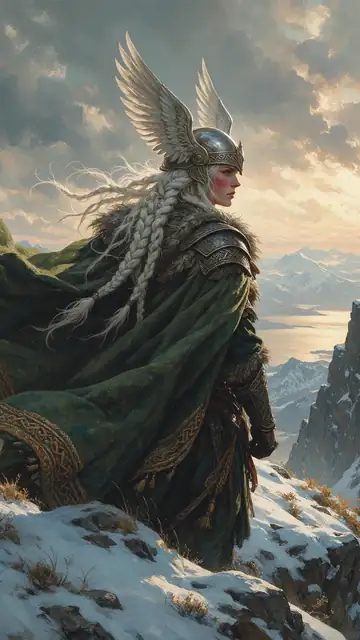
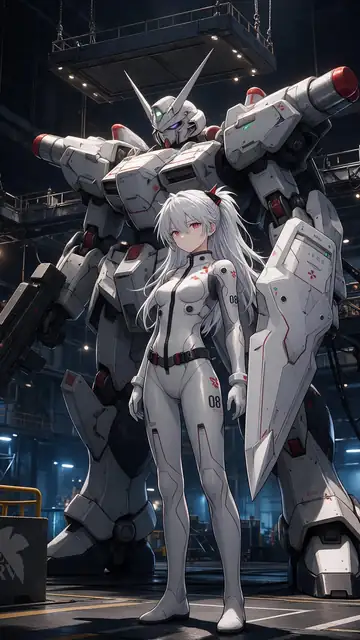
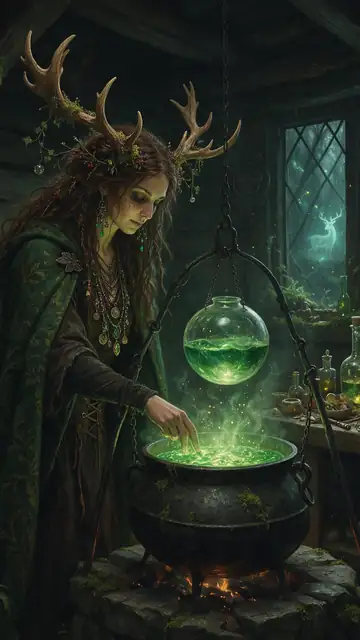
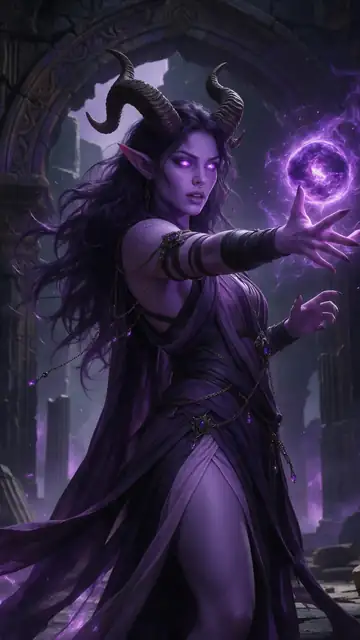
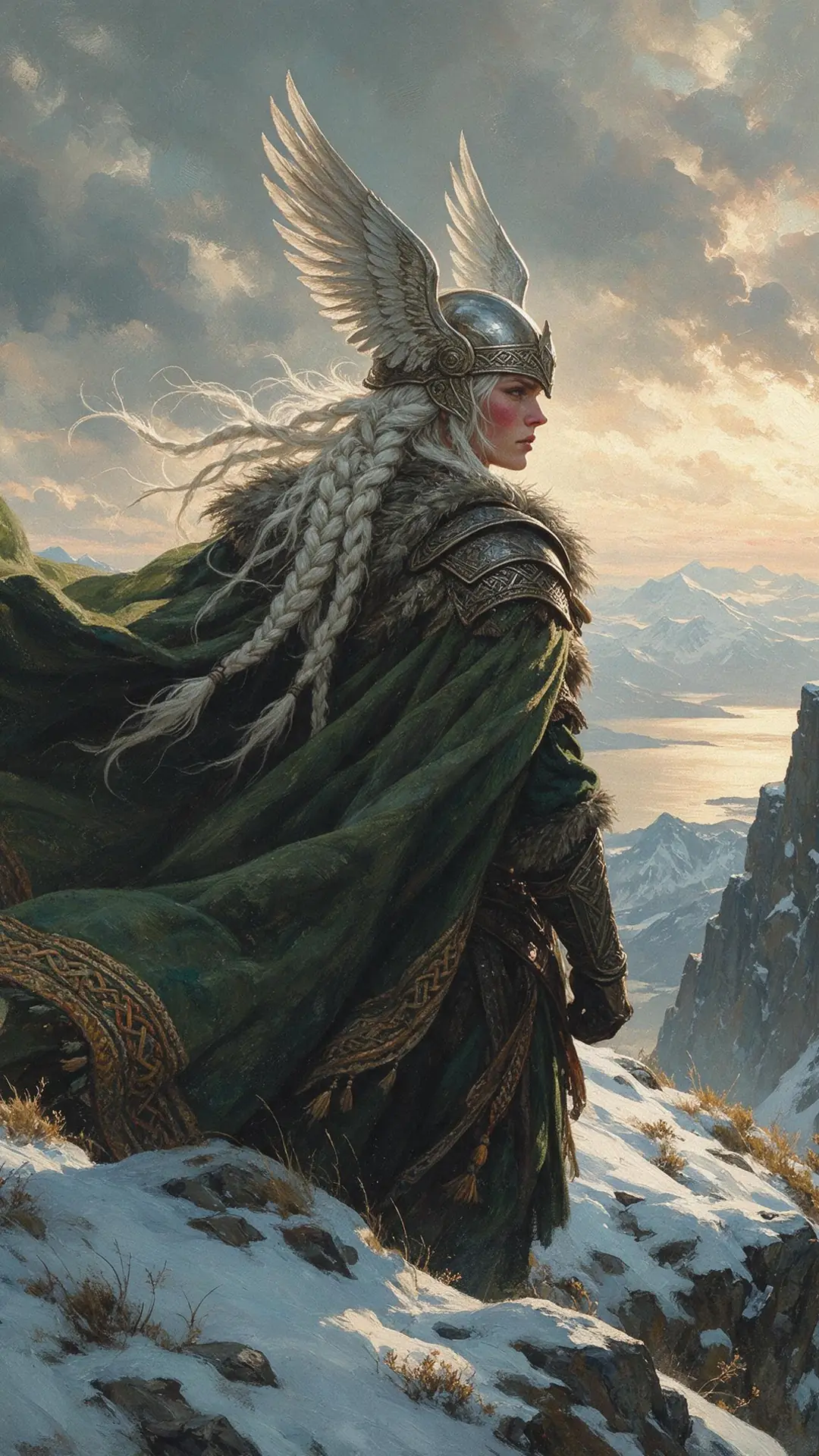
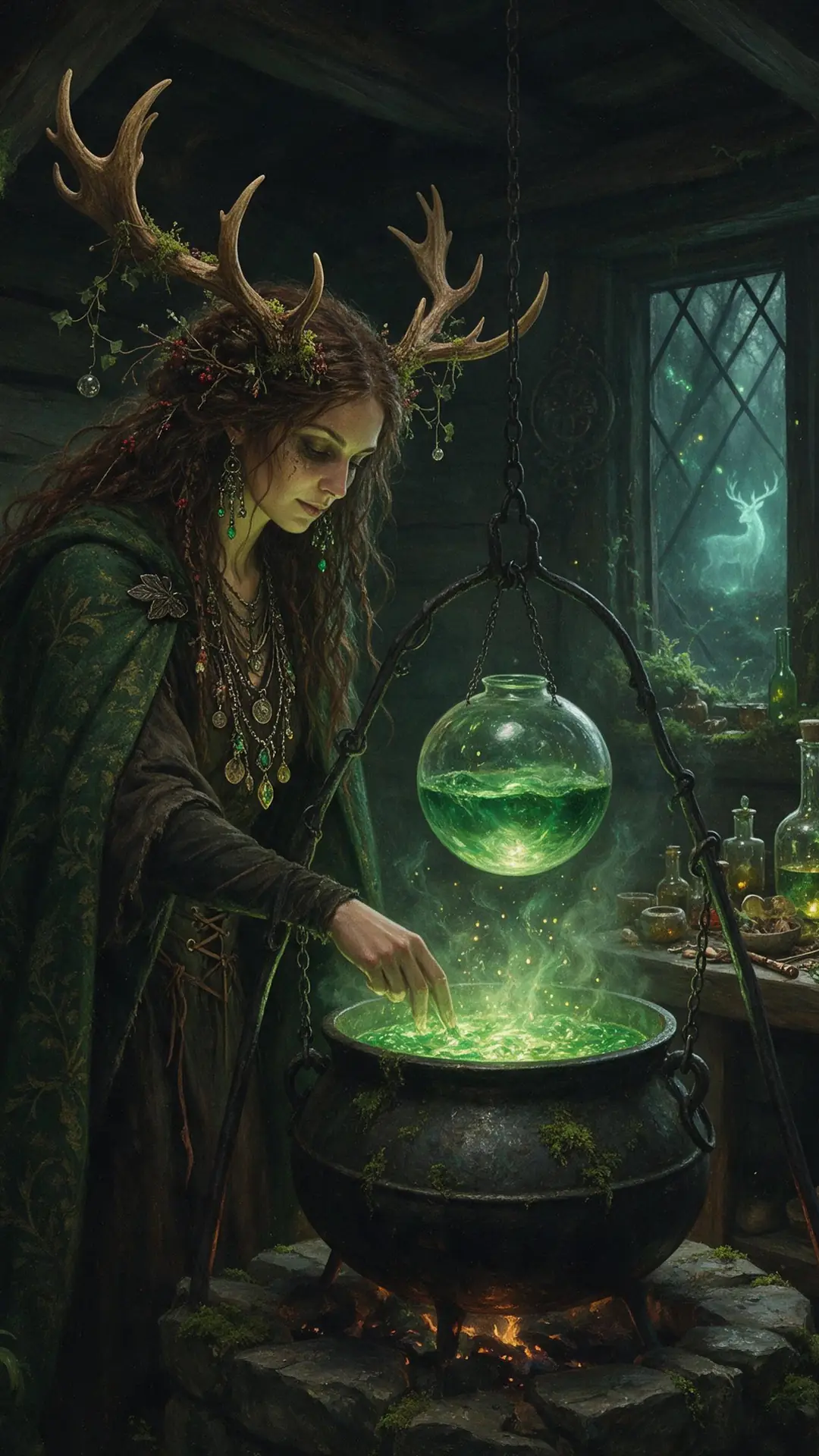
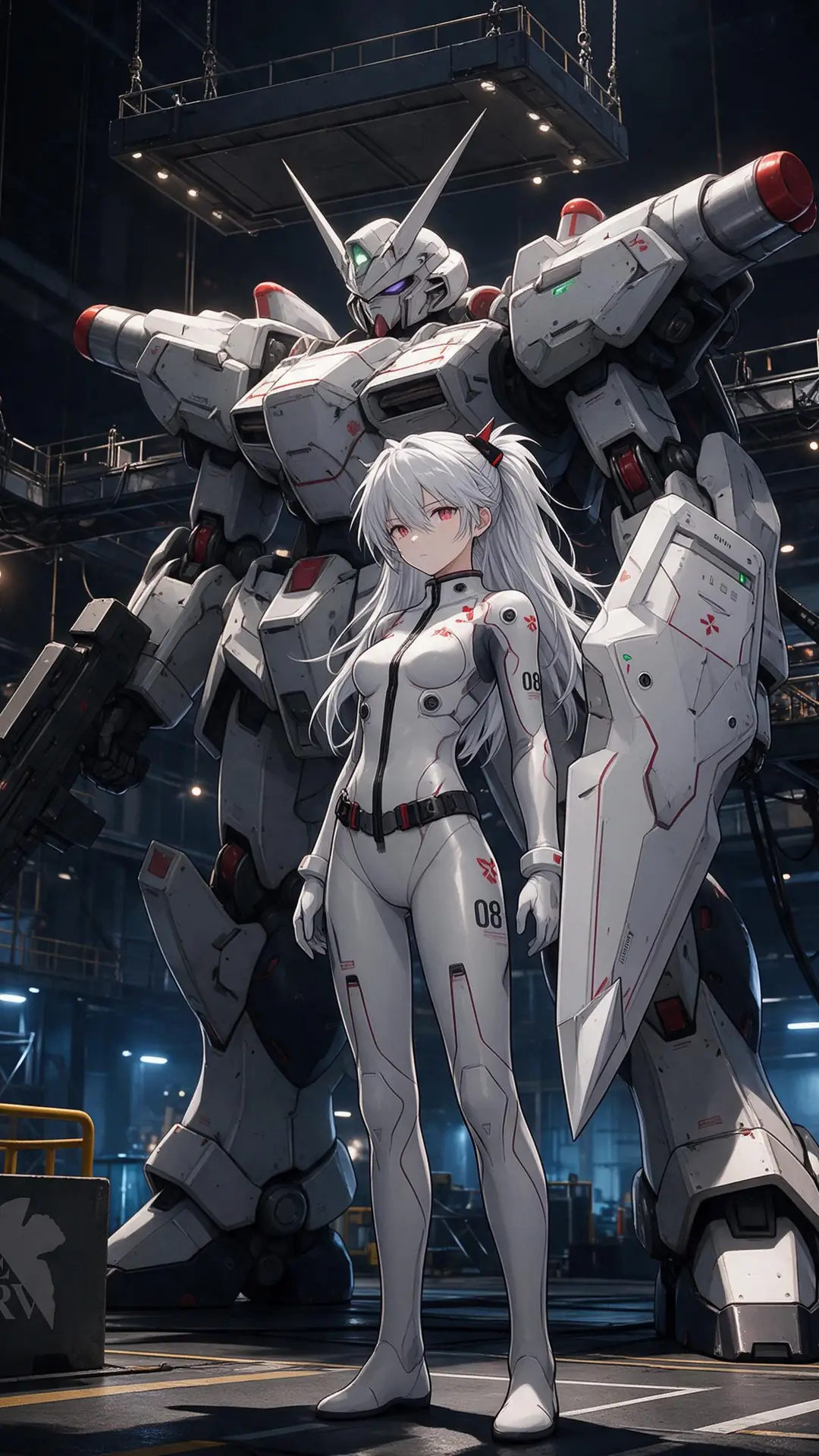
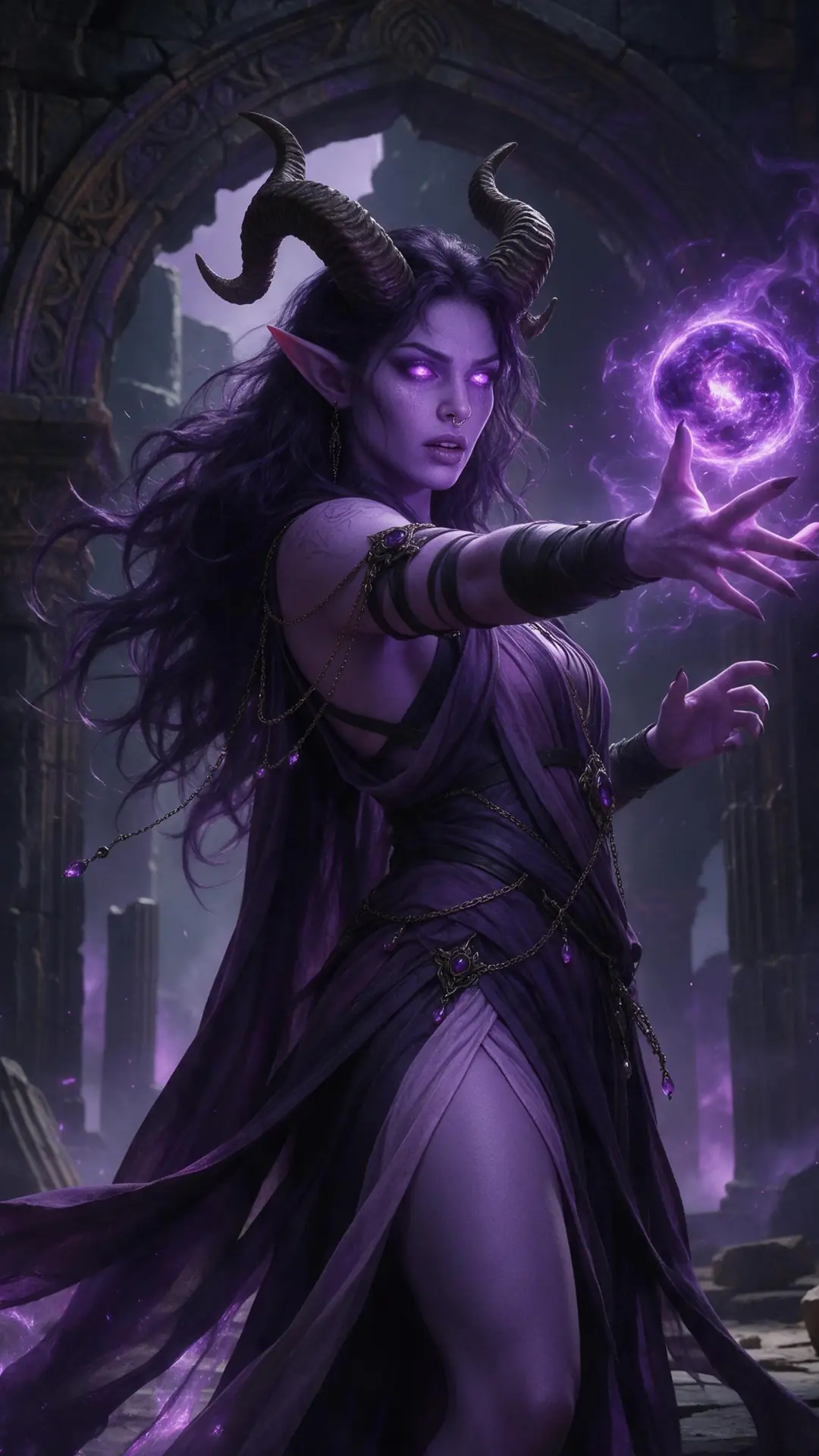
Free phone wallpapers

AI phone wallpapers, 1080×1920

Crops of real Seedream 5.0 Pro outputs. Tap one to open it full size and save it.

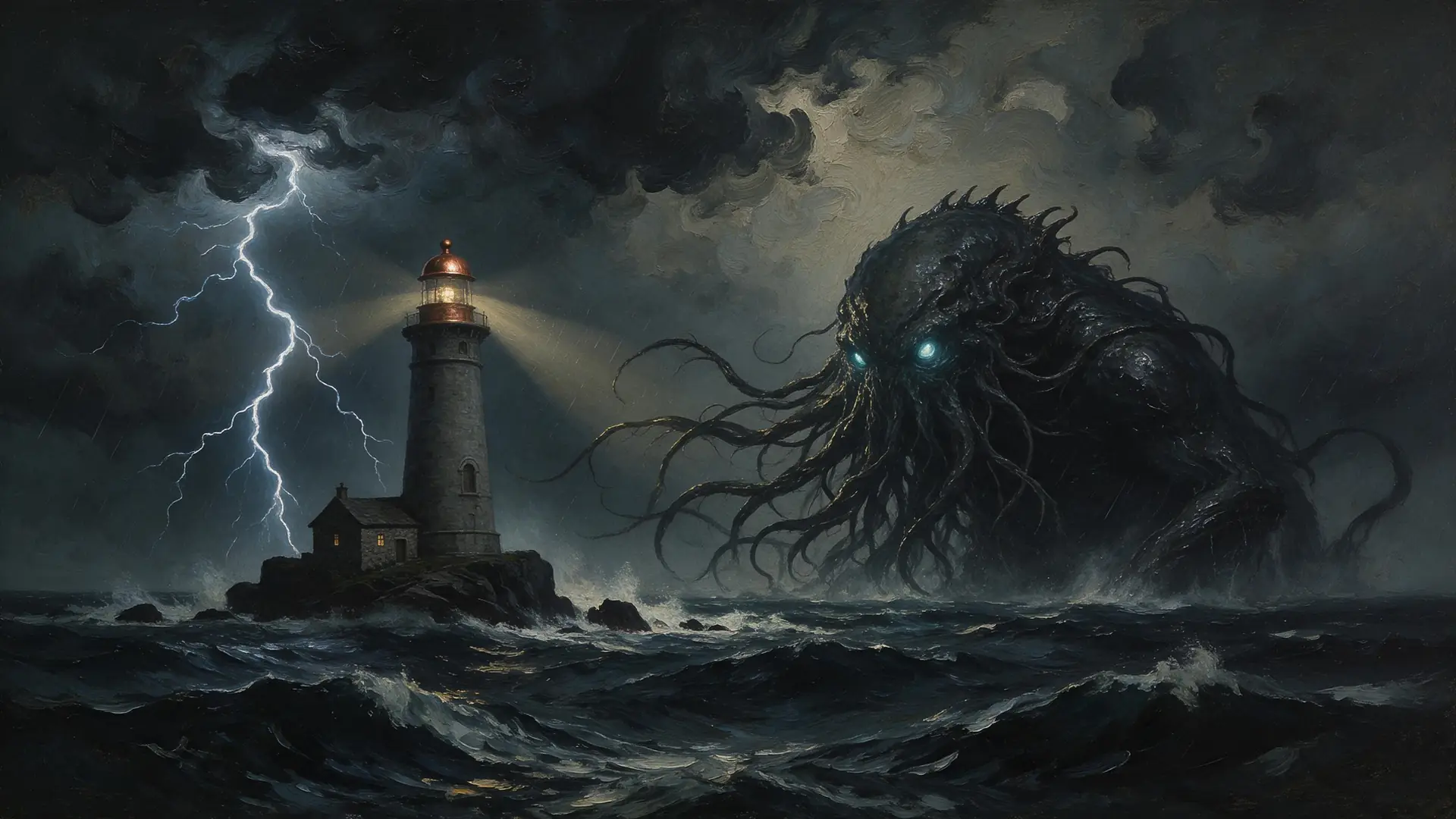
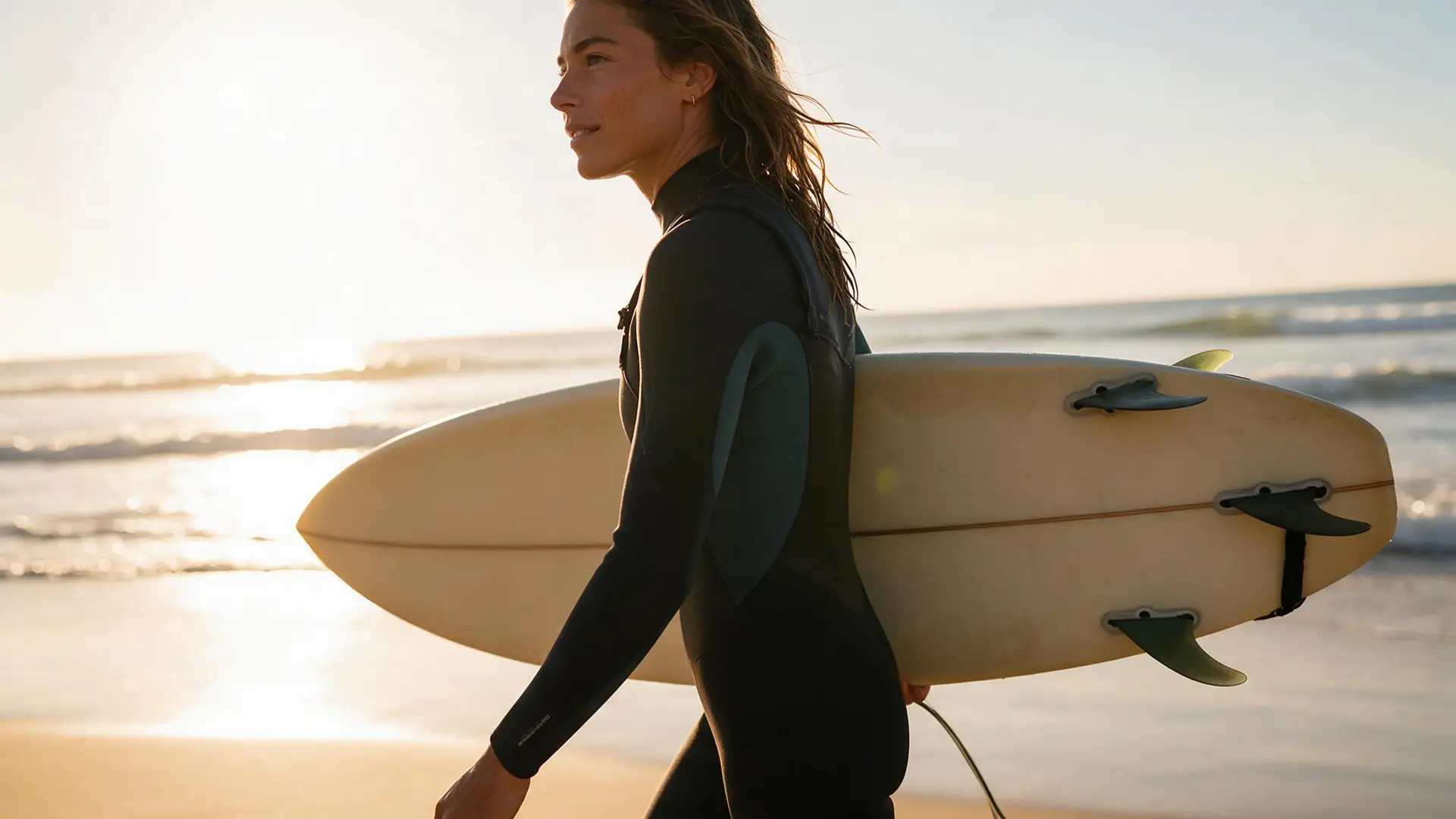
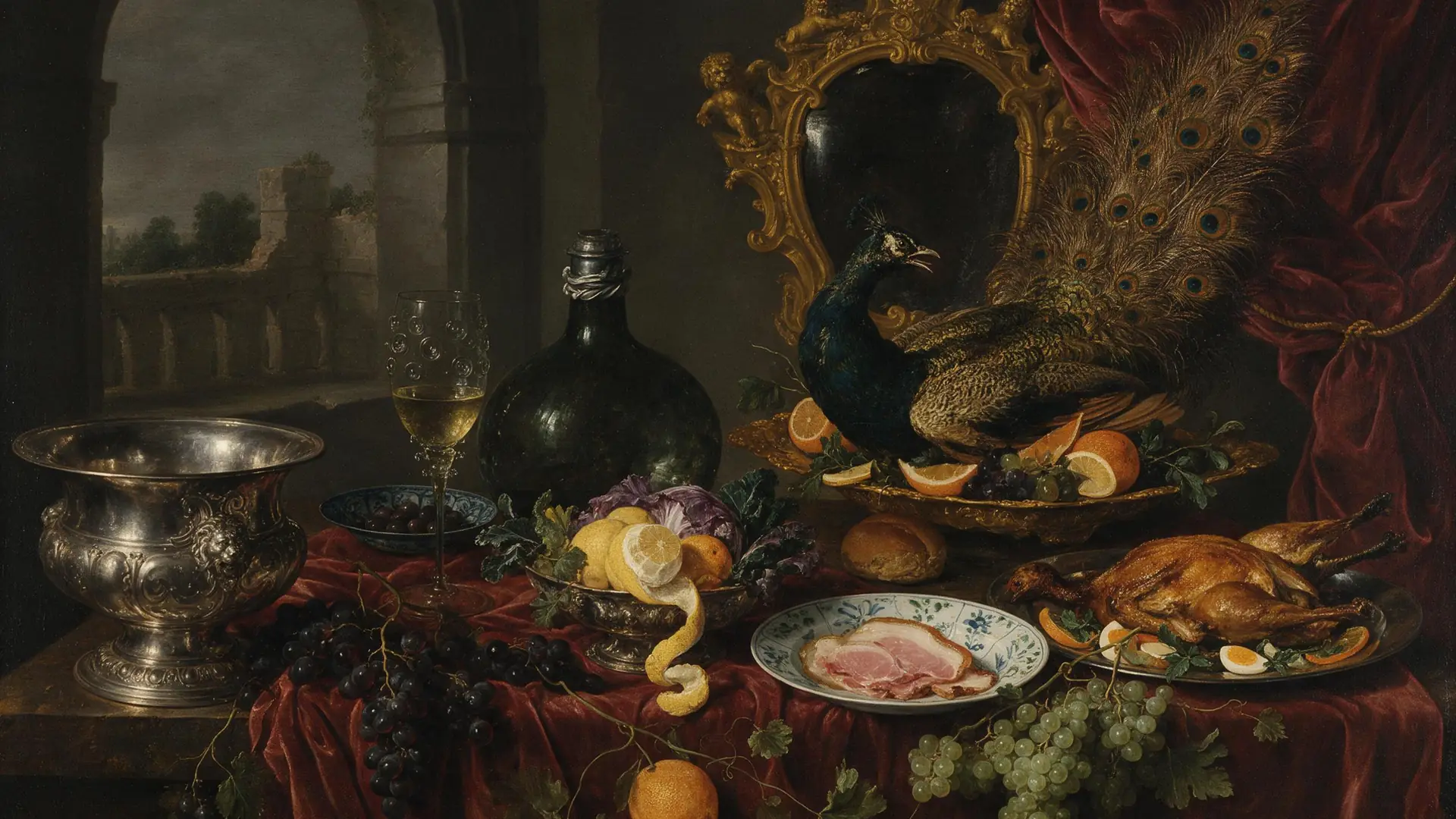
Free desktop wallpapers

AI desktop wallpapers, 1920×1080

16:9 crops of real Seedream 5.0 Pro outputs. Click to open full size.

Sizes

Wallpaper sizes for every screen

Generate at the shape you'll use. These are the sizes available in the generator.

Story / Reel preset · 9:16Wallpaper preset · 16:9 · 2K
Wallpaper sizes by screen
ScreenRatioSizes
Phone9:161080×1920 · 1440×2560 (2K) · 2304×4096 (4K)
Desktop / TV16:91920×1080 · 2560×1440 (2K) · 4096×2304 (4K)
Tablet4:3 / 3:42304×1728 (2K) · 4096×3072 (4K)
Square / watch1:11024×1024 · 2048×2048 · 4096×4096

4K sizes on Seedream 5.0 Lite.

How to

How to make an AI wallpaper

Four steps, about a minute.

  1. Step 1: Pick a preset

    In /app/image, choose Wallpaper (16:9 · 2K) for desktop or Story / Reel (9:16) for phone.
  2. Step 2: Describe the scene

    Wallpapers work best with a clear subject off-centre and calm space around it — landscapes, skies, cities, fantasy scenes.
  3. Step 3: Go 4K if you need it

    Pick Seedream 5.0 Lite and a 4K size (2304×4096 phone or 4096×2304 desktop) — or upscale any image up to 4K.
  4. Step 4: Download and set

    Downloads have no watermark. Set it as your lock screen or desktop.

Models

Wallpaper models

Seedream 5.0 Lite goes up to 4K for phone and desktop. Open any model in the generator.

Wallpaper models
ModelReference imagesMax sizeGood forOpen
Seedream 5.0 LiteByteDanceUp to 10Up to 4K (9:16, 16:9)4K phone and desktop sizesOpen
Seedream 5.0 ProByteDanceUp to 102KMost polished detailOpen
GPT Image 2OpenAIUp to 16Up to 4KGreat with text and designOpen
Flux 2 DevBlack Forest LabsFree planUp to 32048 pxDrafts; free planOpen
Image UpscalerKenerate1 imageUp to 4KEnlarge a wallpaper you already haveOpen

Make a 4K wallpaper for your phone or desktop — 25 free credits on sign-up.

Start free

Start free, no subscription

One-time credit packs, shared across every Kenerate tool.

  • 25 free credits on sign-up

    Test on your own images before you buy anything.

  • Credits never expire

    One-time packs — use them this week or next year.

  • No subscription, no watermark

    Nothing to cancel. Free results download clean.

  • One balance, every tool

    The same credits work across images, video, voice and 3D.

In depth

AI wallpapers, explained

What makes a good wallpaper, getting the shape right, and when to upscale.

What makes a good wallpaper

A wallpaper sits behind icons, widgets and a clock, so it needs different things from a poster:

  • One clear subject, placed off-centre or low in the frame.
  • Calm areas where icons and the clock go — sky, water, soft shadow.
  • No text in the image; your phone adds its own.
  • Mood through light: dawn, golden hour, neon, moonlight.

Getting the shape right

Generate at the shape you'll use. A 9:16 image cropped from a square loses most of the scene; a 16:9 wallpaper made at 16:9 keeps it. The presets set the shape for you, and the 4K sizes on Seedream 5.0 Lite match phones and monitors directly.

Resolution and upscaling

Most phones look sharp at 1080×1920; high-end phones and 4K monitors benefit from 4K. If you already have an image you love, the Image Upscaler enlarges it up to 4K instead of generating again.

Sources

    Tried it? Tell us how it went

    We only publish real, verified reviews — never invented quotes. Send a line about your result (and whether we may quote you), and it will appear here.

    Send a review

    FAQ

    AI wallpaper generator questions

    6 questions

    Still stuck?

    A real person answers — usually within a day.

    01

    What is an AI wallpaper generator?

    A tool that makes a phone or desktop wallpaper from a text description, at the right shape and resolution for your screen.

    02

    Can I make 4K wallpapers?

    Yes. Seedream 5.0 Lite has 4K sizes for phone (2304×4096) and desktop (4096×2304). GPT Image 2 also renders 4K, or you can upscale any image up to 4K with the Image Upscaler.

    03

    Is it free?

    A free account gets 25 free credits on sign-up to test, and Flux 2 Dev is on the free plan. 4K models such as Seedream 5.0 Lite unlock with a one-time credit pack; credits never expire. The wallpapers on this page are free to download.

    04

    What size should a phone wallpaper be?

    Most phones use a tall 9:16 or taller screen. A 9:16 image at 1080×1920 or higher works well; 2304×4096 covers high-resolution screens.

    05

    What size is a desktop wallpaper?

    16:9 fits most monitors: 1920×1080 for Full HD, 2560×1440 for QHD and 3840×2160 or 4096×2304 for 4K.

    06

    Does it add a watermark?

    No. Images download without a watermark.

    See more of Kenerate AI in your Google resultsAdd kenerateai.com as a preferred source — Google shows more from your preferred sources in Top Stories and AI answers.

    Explore

    Every Kenerate image tool

    Generators, design tools, photo edits, models and comparisons — all in one studio, on one credit balance.

    Written by the Kenerate AI team

    We build and run the Kenerate image generator. The free wallpapers are crops of real Seedream 5.0 Pro outputs; sizes and presets were checked against the app's code. Last updated 27 September 2026. Corrections: hello@kenerateai.com.

    Sources

      Ready when you are

      Your screen, your scene

      25 free credits on sign-up. Up to 4K. No watermark.

      • 25 free credits
      • No watermark
      • Credits never expire