Free AI background remover · free sign-up
Free AI background remover — any photo, in seconds
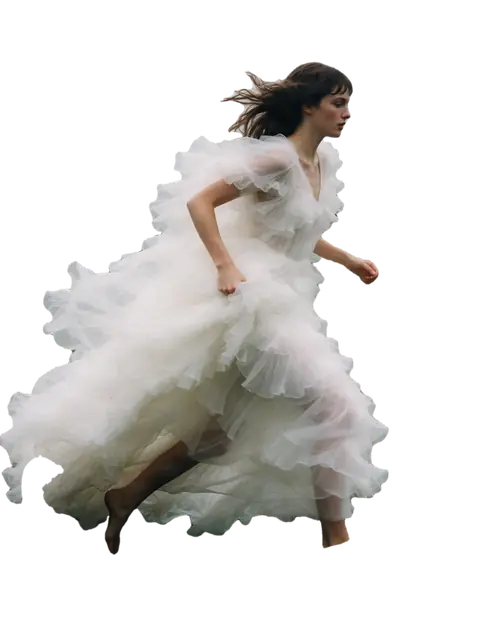
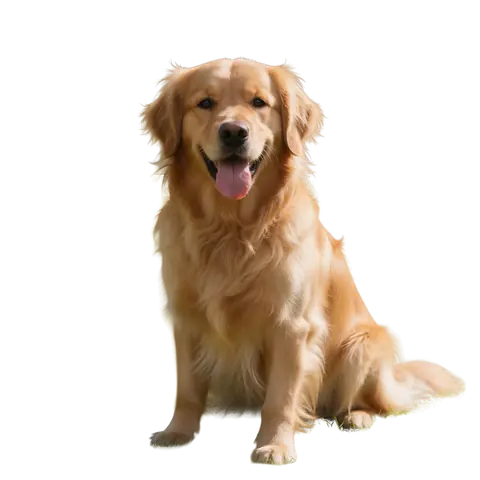
Upload a photo and Kenerate cuts out the subject — hair, fur, glass and all — and gives you a transparent PNG, or puts it on white, black or any colour. No watermark, no subscription required.


- No watermark
- Hair, fur & glass edges
- Transparent PNG or any backdrop
- No subscription required
Updated by the Kenerate AI team
On this page
Quick answer
What is an AI background remover?
An AI background remover is an online tool that detects the subject of a photo, deletes the background in a few seconds and returns a transparent PNG. Kenerate AI's remover is free to start: new accounts get free credits, downloads have no watermark, and Cutout HD handles hair, fur and glass.
Key facts
- Fine edges
- Cutout HD for hair, fur and glass
- Free to start
- Free credits on sign-up, no watermark
- Formats
- JPG, PNG, WEBP in → transparent PNG out
- Modes
- Cutout · Cutout HD · Object Pick · Magic Eraser
How it works
How to remove the background from a picture
Three steps, about ten seconds. No lasso, no brushes, no layer masks.
- Time needed
- Steps
- 3 steps
Step 1
Add a photo
Upload a JPG, PNG or WEBP, or pick one of the sample photos. People, products, pets, logos and signatures all work.
Step 2
Pick how to cut
Cutout is fast, Cutout HD takes extra care with hair, fur and glass, Object Pick keeps only what you describe, and Magic Eraser removes something you paint over.
Step 3
Download or restyle
Download a transparent PNG, or put the cut-out on white, black, any colour, a gradient, a blur of the original or another photo.
See it in the app

Open Remove & Erase and drop in a photo — products, people and pets all work.


Watch the tour · 1:34
Cutout, HD for hair & fur, Object Pick, Magic Eraser, new backgrounds, hand-offs & chat
Chapters
Real results
Does it work on hair, fur and glass?
Every card is a real Kenerate cut-out. Tap one to try the same photo in the tool.
 OriginalCut out
 OriginalCut out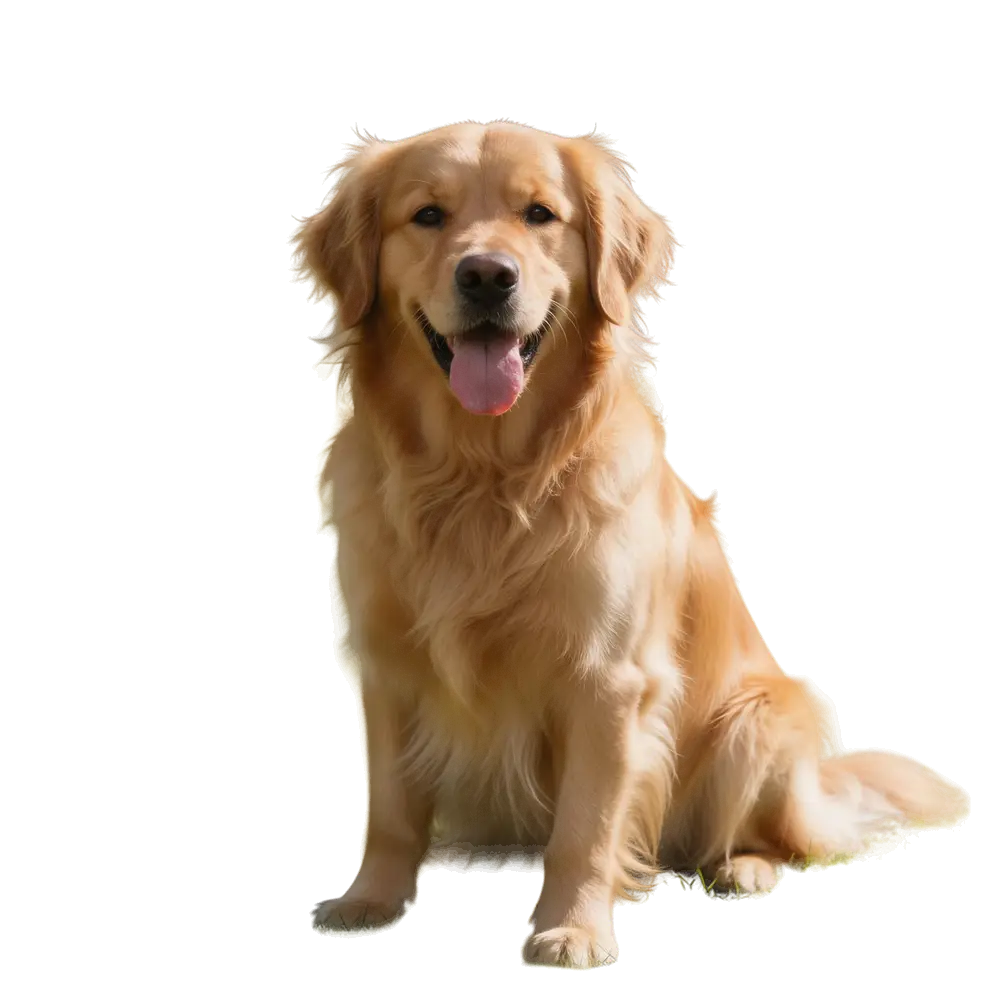
 OriginalCut out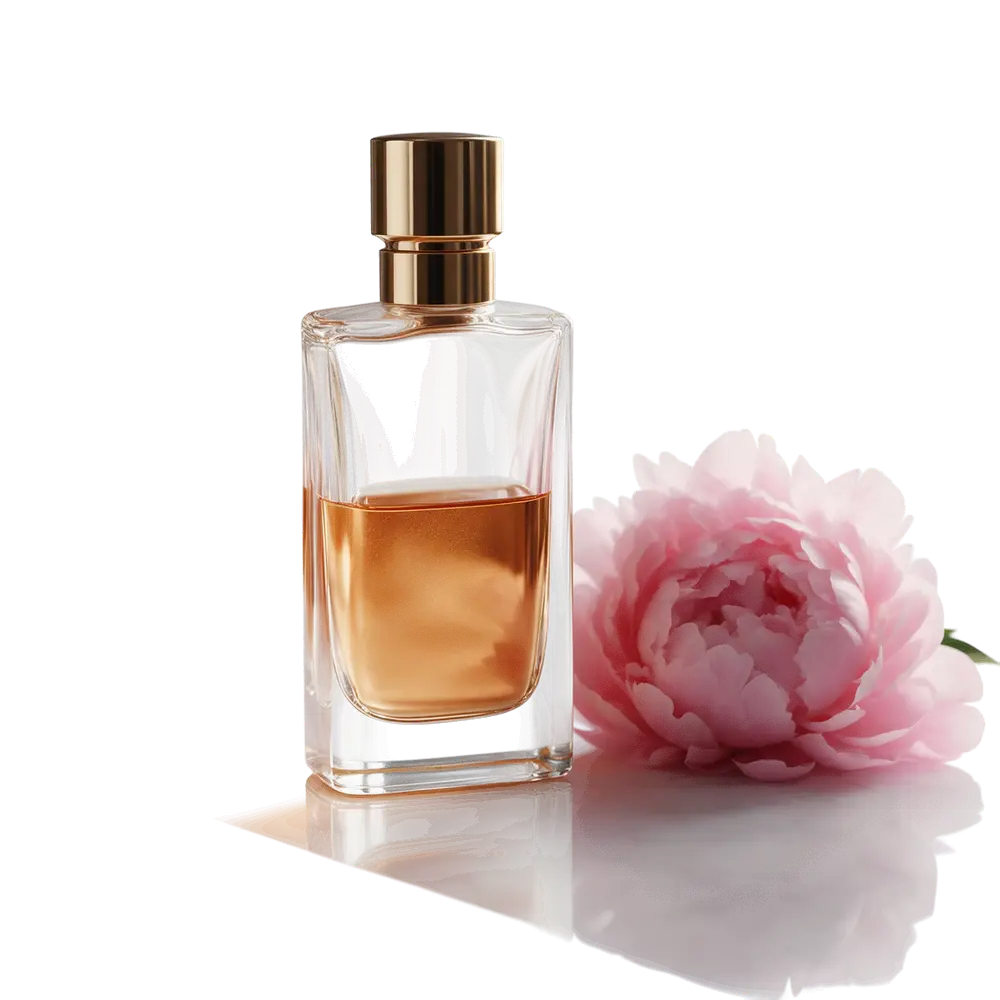
 OriginalCut out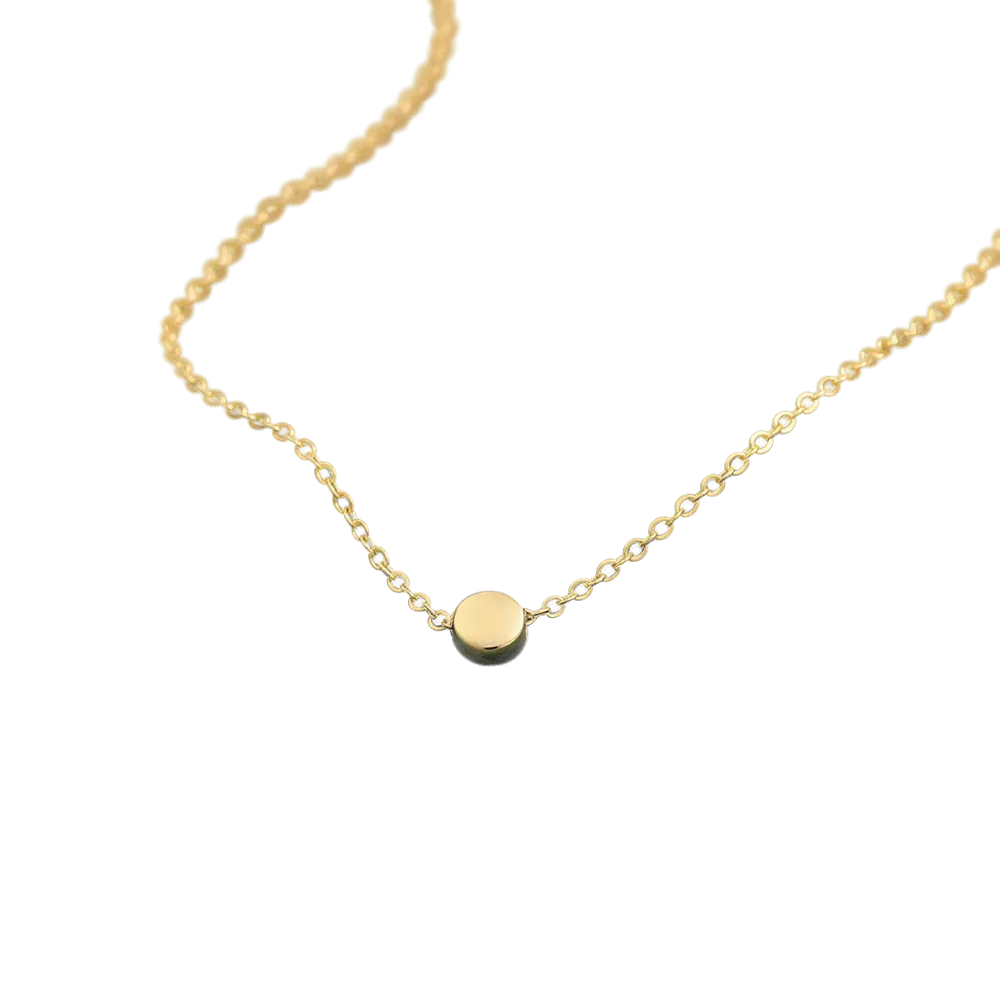
- OriginalCut out
Keep one subject
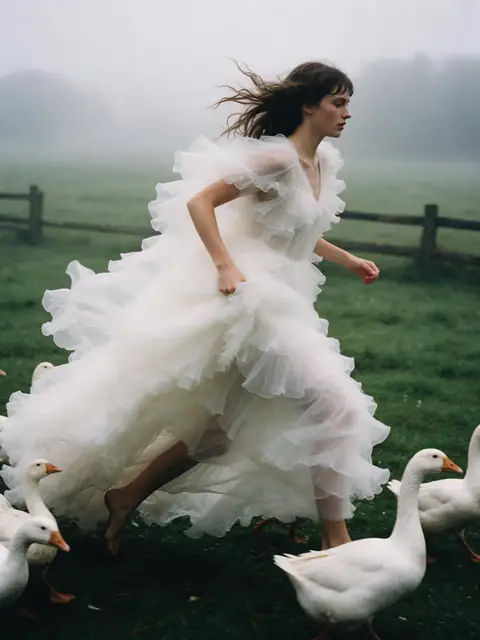
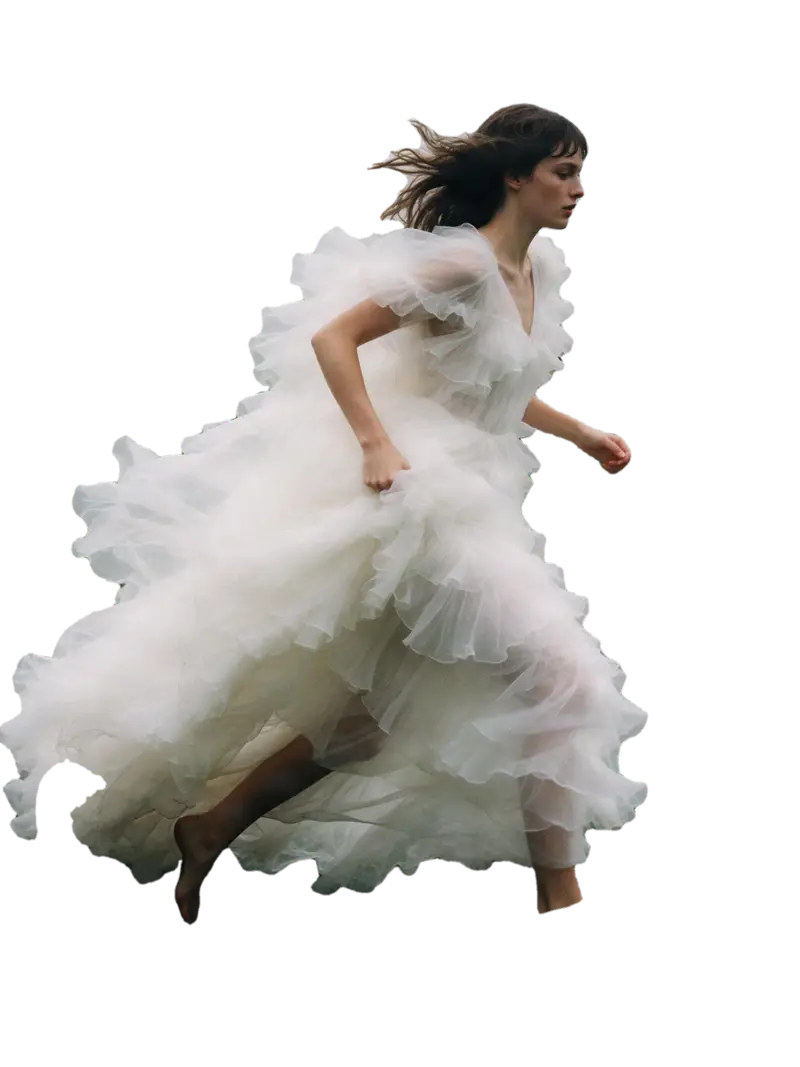
Object Pick: “the woman in the white dress” — the geese go too.
Kenerate Object Pick
Try this photo 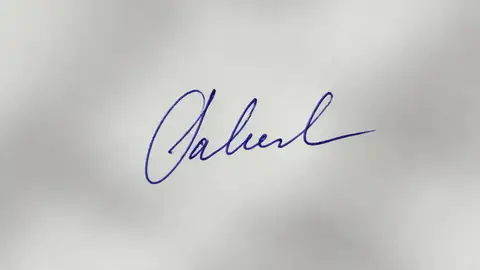 OriginalCut out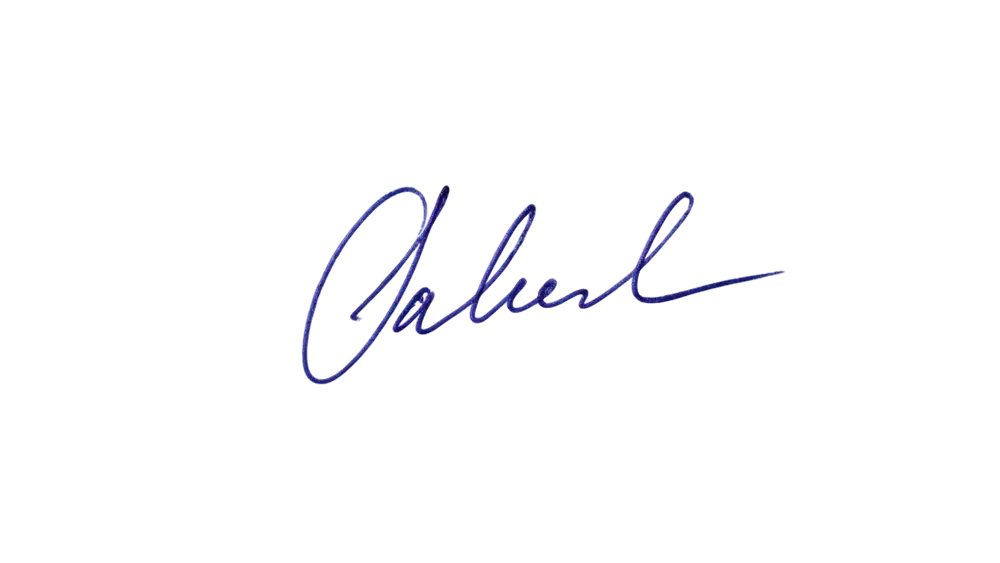
Look closer
Zoom into the edges
Cut-outs usually fail at the edges. Here is a Cutout HD result at 2.4× — the strands are separated from the background instead of blurred into a halo.
- Individual curls and flyaways kept
- No coloured fringe from the street behind
- Soft, semi-transparent edge pixels — not a jagged outline
More examples
Everyday photos, cut out
Hover — or tap “Original” — to see what went in.
 OriginalCut out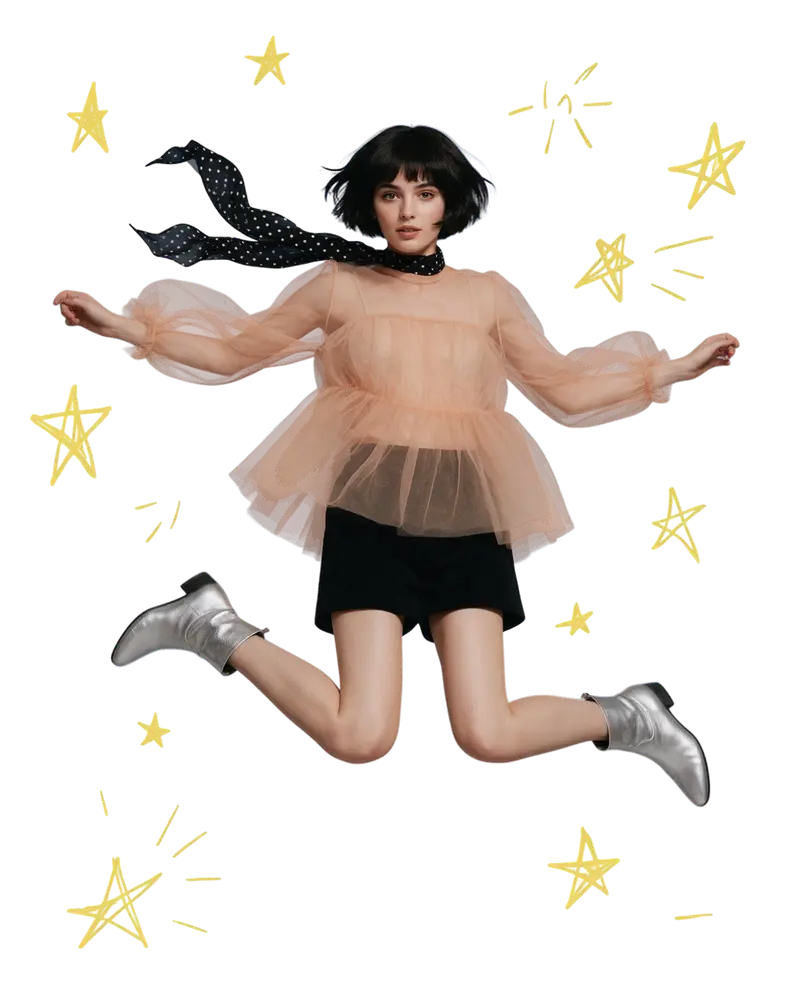
 OriginalCut out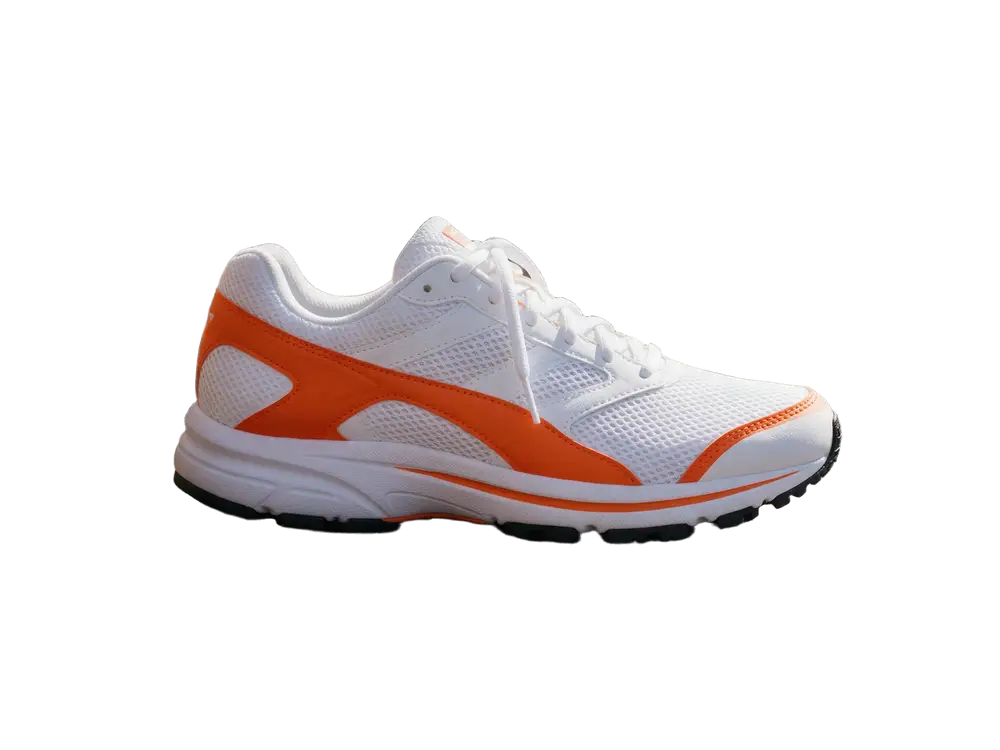
 OriginalCut out
 OriginalCut out
Modes
Which background removal mode should you use?
Pick the mode that fits the photo — fast Cutout, Cutout HD for fine edges, Object Pick or Magic Eraser.
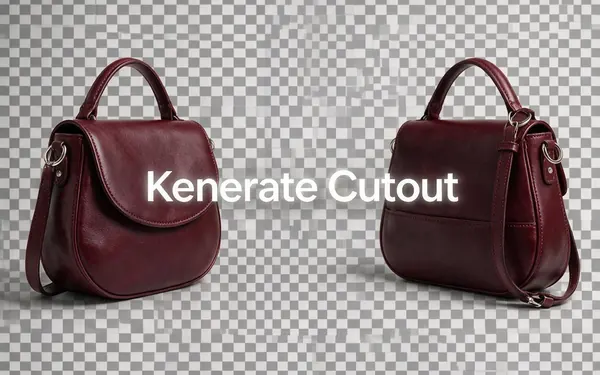
Kenerate
Kenerate Cutout
- Result
- Transparent cut-out
Open Kenerate CutoutBest for
Fast, clean transparent PNG for products, people and pets.
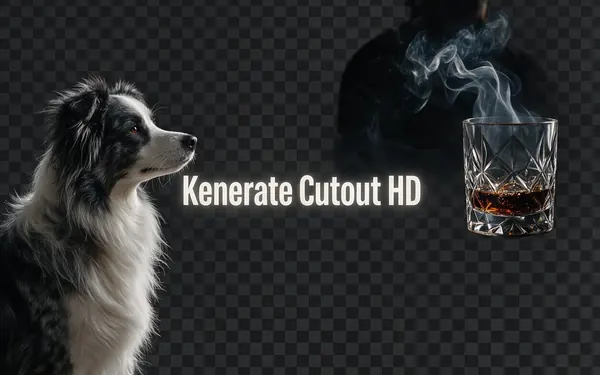
Kenerate
Kenerate Cutout HD
- Result
- Transparent cut-out
Open Kenerate Cutout HDBest for
Extra-careful edges for hair, fur, glass and smoke. JPG / PNG / WEBP up to 10 MB.
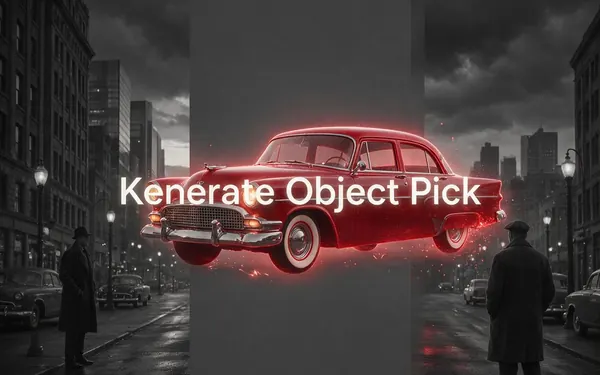
Kenerate
Kenerate Object Pick
- Result
- Transparent cut-out
Open Kenerate Object PickBest for
Say what to keep — “the red car”, “the dog on the left” — and only that is cut out.
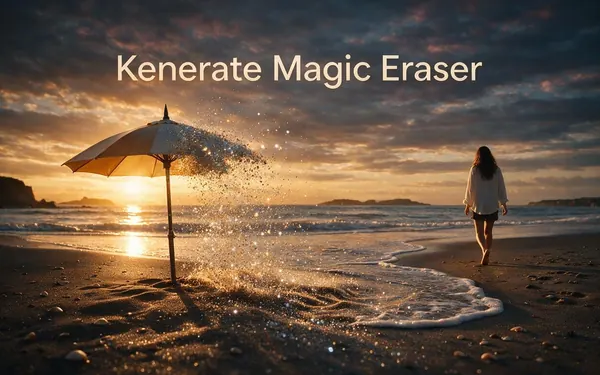
Kenerate
Kenerate Magic Eraser
- Result
- Same photo, object removed
Open Kenerate Magic EraserBest for
Paint over a person, logo, wire or blemish — it's removed and the background is rebuilt.
After the cut-out
Can I put the cut-out on white, black or a colour?
A transparent PNG is the most flexible result: drop it into Canva, Photoshop, PowerPoint or a website and the background shows through. But most people want the subject on something specific, so the tool lets you choose before you download.
- White — marketplace product photos (Amazon asks for a pure white background on main images), headshots, catalogues.
- Black — moody portraits, album covers and the classic “black background portrait” look. See the black background guide.
- Any colour — brand colours for thumbnails, profile pictures and ads.
- Gradient, blur or photo — a gradient, a soft blur of the original, or another photo behind the subject. For a brand-new AI scene, open the result in Edit Studio.
Need a bigger file afterwards? Send the result to the AI Image Upscaler.



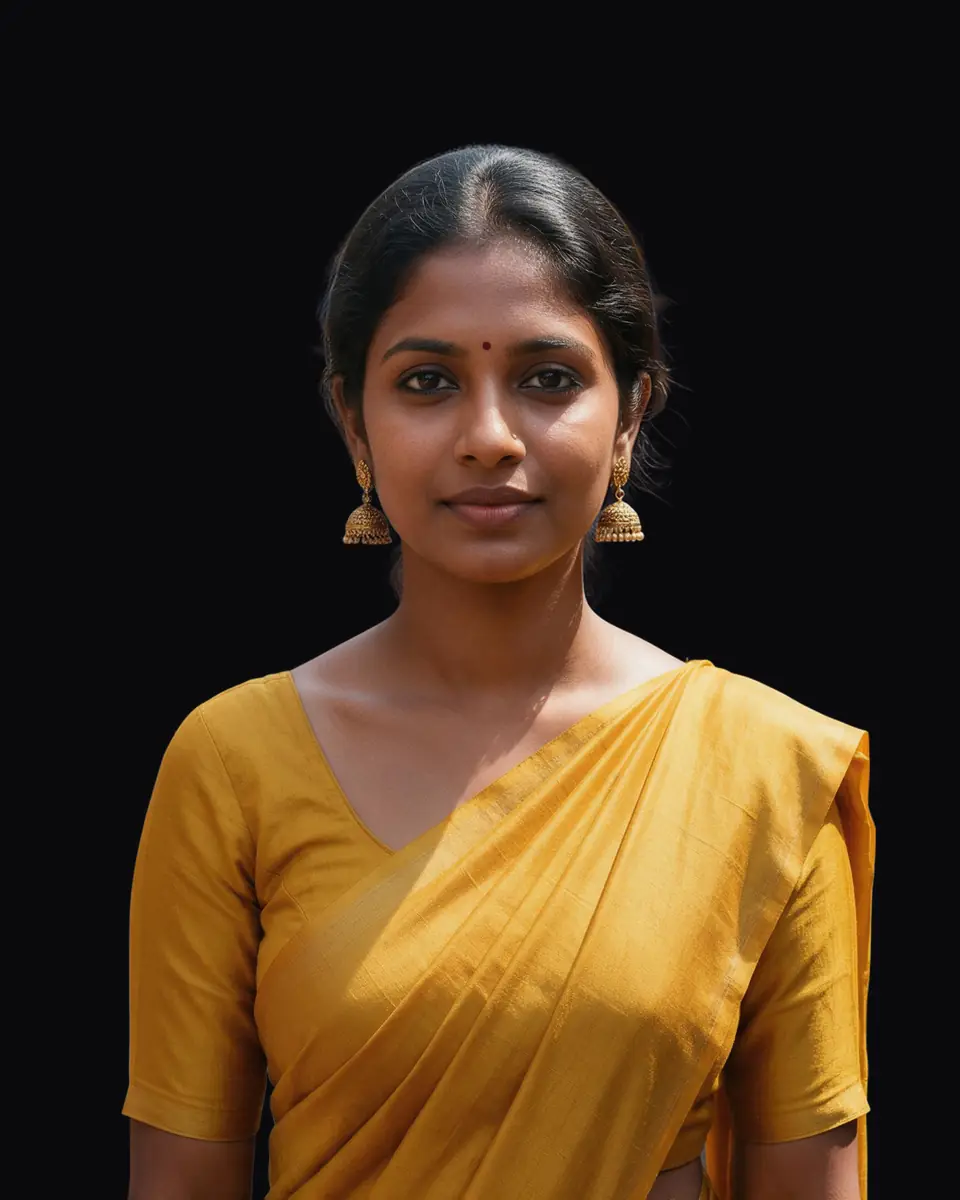
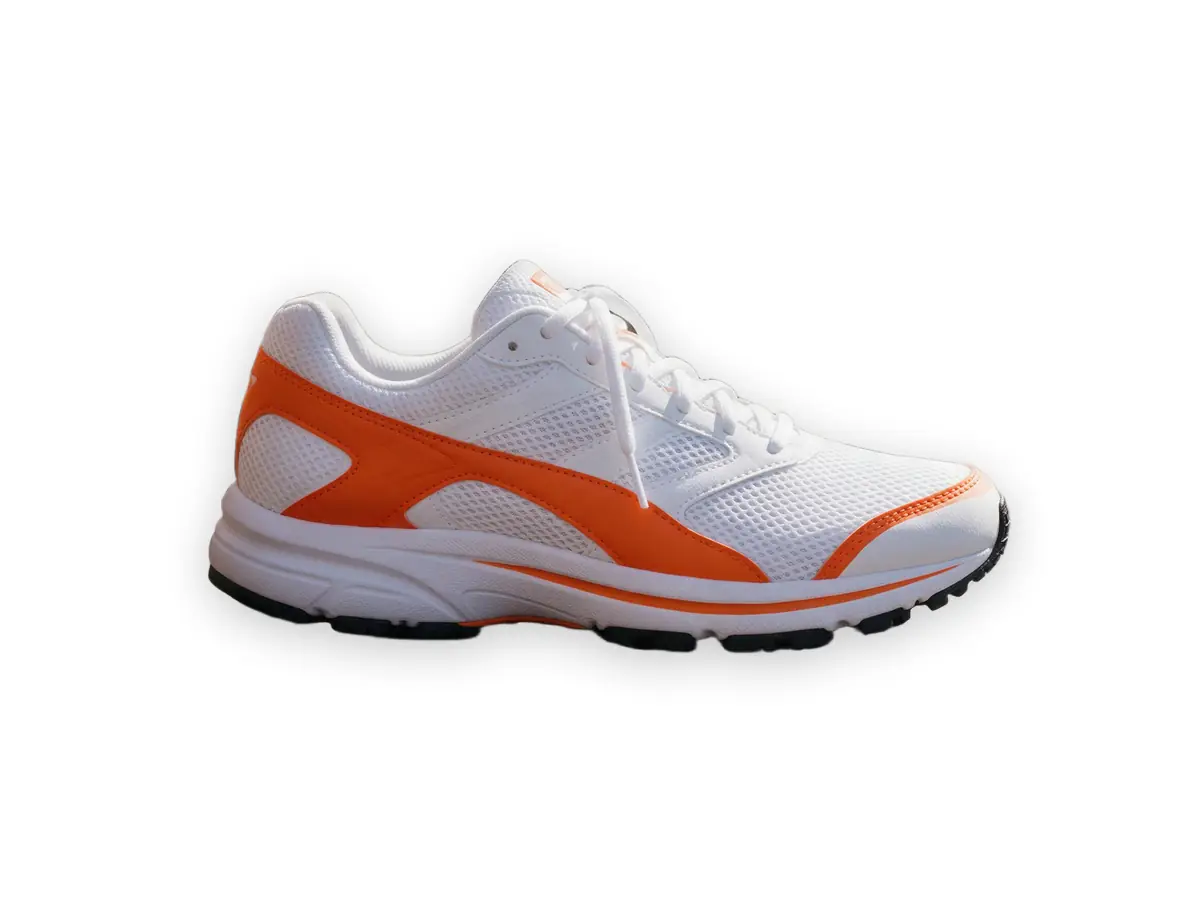
Popular jobs
What people use it for
PNG maker
Turn any photo into a transparent PNG
Black background
Portraits on pure black
Signature PNG
Clean ink for PDFs & documents
remove.bg alternative
What to use after 1 Dec 2026
GIMP tutorial
Do it by hand, step by step
Upscale the result
Sharper, bigger cut-outs
Edit Studio
Layers, text, AI background
AI filters
Restyle the cut-out
Checked 26 September 2026
Kenerate vs remove.bg vs doing it by hand
remove.bg is the best-known background remover and it changes on 1 December 2026. Here is how the options compare today.
| Kenerate AI · this tool | remove.bg · until 1 Dec 2026 | By hand · GIMP / Photoshop | |
|---|---|---|---|
| Free to start | Free credits | A free trial | Yes |
| Time per photo | About 5 seconds | Seconds | 5–15 minutes |
| Skill needed | None | None | Selections and masks |
| Edit the result | Magic Eraser, backdrops, upscaler | Erase & restore, AI backgrounds | Anything, by hand |
| Works after 1 Dec 2026 | Yes | Moves to Leonardo.Ai | Yes |
remove.bg details from remove.bg/pricing (viewed from India). More options in remove.bg alternatives.
Sources: remove.bg — API page (move to Leonardo.Ai) · remove.bg — Pricing (credits expire 1 Dec 2026)
Example uses
How people use it
Three common jobs, with the real before and after.
Illustrative examples of typical workflows, not customer reviews.
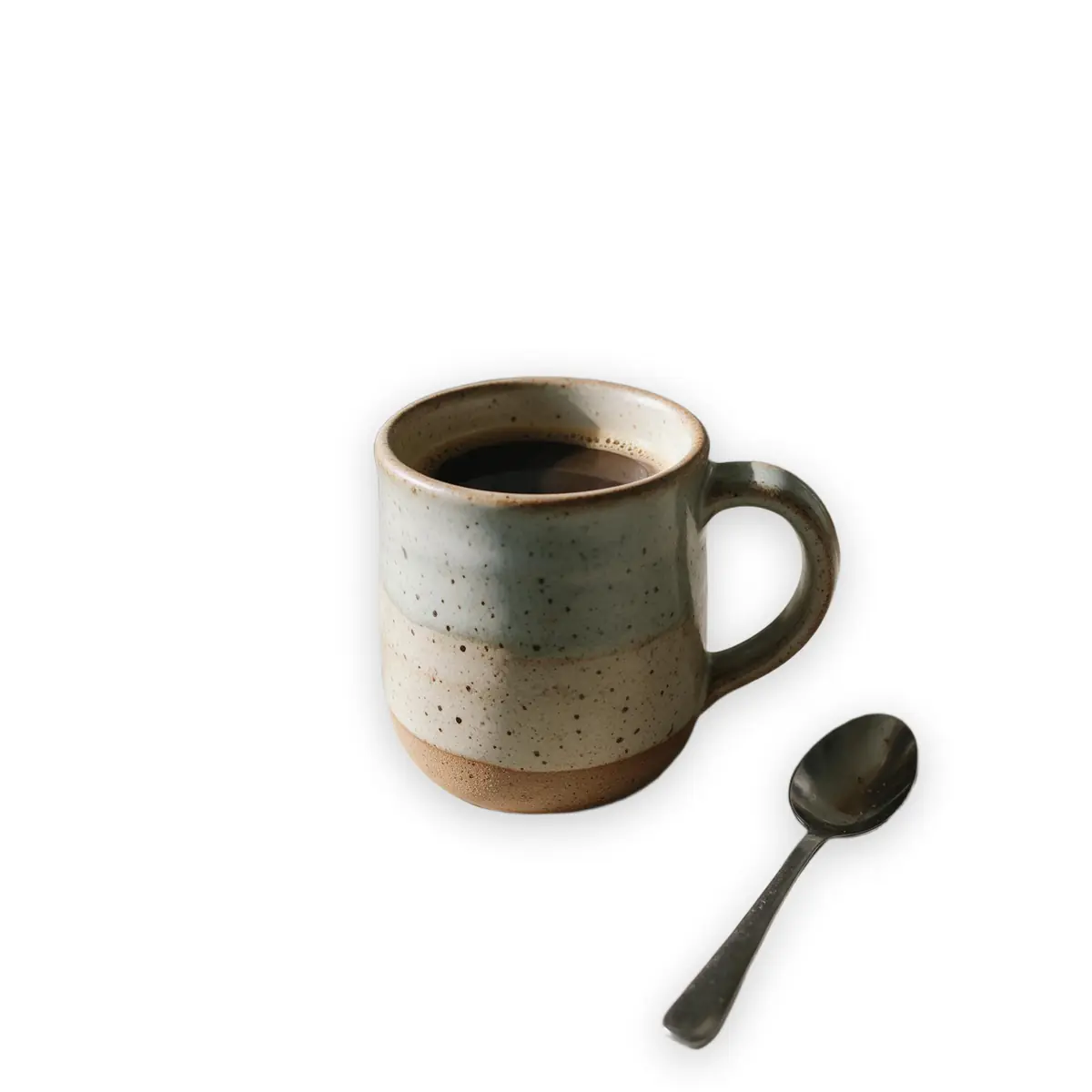
Etsy seller
Shoots new mugs on the kitchen counter in the morning light, then cuts them out for a clean listing photo and a lifestyle shot — no lightbox, no retoucher.
Try this workflowPortrait photographer
Clients are photographed wherever they are. Busy cafes and offices become a dark, editorial look for press kits and social profiles.
Try this workflowOffice manager
Photographs a signature once on white paper and keeps a transparent PNG ready for PDFs, invoices and letters.
Try this workflow
Better results
How do I get a cleaner cut-out?
- Contrast helps. A subject that stands out from its background cuts out cleaner than a white shirt on a white wall.
- Use Cutout HD for hair, fur, lace, smoke and glass. It takes extra care and is worth it on fine edges.
- Several subjects? Use Object Pick and name the one you want, or keep them all with a normal Cutout.
- Leftover shadow or a stray object? Run Magic Eraser over it, then cut out again.
- White halo on a dark backdrop? Re-run with Cutout HD, or use Object Pick with “Extra-clean edges” switched on.
FAQ
Background remover questions
10 questions
Is the Kenerate background remover free?
Yes to start: every new account gets free credits to test it, with no watermark. After that you use one-time credit packs — no subscription required, and credits don't expire.
Link to this answerWhat is the difference between the four modes?
Cutout is fast and suits products and simple outlines, Cutout HD takes extra care with hair, fur and glass, Object Pick keeps only what you describe, and Magic Eraser removes something you paint over.
Link to this answerIs there a watermark on the result?
No. Downloads from free and paid credits are the same clean PNG, with no watermark.
Link to this answerWhich mode should I use for hair and fur?
Use Cutout HD. It spends more effort on fine edges like flyaway hair, pet fur, lace, smoke and glass. The standard Cutout is best for products and simple outlines.
Link to this answerCan I keep just one object and remove everything else?
Yes. Object Pick lets you type what should stay — “the woman in the white dress”, “the red car”, “the dog on the left” — and removes everything else, including other people or animals.
Link to this answerHow do I get a white background instead of a transparent one?
After the cut-out, choose a white backdrop before you download. You can also pick black, any colour, a gradient, a blurred version of the original or another photo — or open it in Edit Studio to generate a new AI scene.
Link to this answerWhat file types can I upload?
JPG, PNG and WEBP. Cutout HD accepts files up to 10 MB. The result downloads as a PNG with a transparent background.
Link to this answerCan I use the cut-outs commercially?
Yes. You own your results and can use them in product listings, ads, thumbnails and client work.
Link to this answerIs my photo private?
Your uploads and results are saved to your own private history so you can download them again.
Link to this answerWhat happens to remove.bg on 1 December 2026?
remove.bg says its website closes at 9:00 AM CET that day and its background removal moves to Canva; the self-service API moves to Leonardo.Ai and pay-as-you-go credits expire. Kenerate works the same before and after that date.
Link to this answerIn depth
How AI background removal works
From the alpha channel to today's segmentation models — what happens to your photo, with sources.
On this page
The alpha channel
A transparent PNG works because of an idea from 1984: Thomas Porter and Tom Duff at Lucasfilm proposed storing a fourth “matte” value — alpha — with every pixel, and defined how to lay one image “over” another [1]. A background remover's job is to compute that alpha for every pixel: 1 for the subject, 0 for the background, and something in between at soft edges.
Why edges are the hard part
Every pixel is a mix: colour = α × foreground + (1 − α) × background. For a colour photo that is three equations with seven unknowns per pixel, so there is no unique answer without extra assumptions — the “matting problem” [2]. Early tools asked you to draw a trimap (definitely subject, definitely background, unknown); Adobe's Deep Image Matting (2017) fed that trimap to a neural network [3].
The models behind one-click removal
Modern removers need no trimap. U²-Net (2020) finds the salient object at many scales at once [4]; MODNet does real-time portrait matting from a single photo [5]; IS-Net and its high-resolution DIS5K dataset (2022) pushed fine-detail segmentation [6], and BiRefNet (2024) adds a second pass that recovers detail from image patches [7]. Meta's Segment Anything (2023) returns a mask from a click or a box — but as hard masks, not soft alpha [8].
Hair, fur and glass
Fine strands cover only part of a pixel, so their alpha sits between 0 and 1 and their colour is mixed with the background — exactly the hard case of the matting equation [2]. Glass is harder still: researchers showed back in 1999 that one alpha value can't describe glass that bends or reflects light [9]. That's why Kenerate's Cutout HD spends extra effort on these edges — and why a see-through bottle is kept as a slightly transparent cut-out rather than a solid shape.
Remove your first background free
Free credits on sign-up. No watermark, no subscription required.
Tried it? Tell us how it went