Fictional personas · consistent faces
AI Influencer Generator
Create a fictional AI person and keep them consistent across every post — with reference images, at feed and story sizes.
- Up to 16 references
- 1:1 and 9:16 presets
- Free credits
- No watermark
Updated by the Kenerate AI team




Made with Kenerate

On this page
Quick answer

What is an AI influencer generator?
An AI influencer generator creates a fictional AI person and produces consistent photos of them for social media — fashion, fitness, travel or lifestyle. Kenerate AI designs the persona with Seedream 5.0 Pro, locks the face with reference images — up to 16 on GPT Image 2 — and sizes posts for feed and stories. It's free to start, with no watermark.
Key facts
- Persona
- Fictional people only
- Consistency
- Reference images · seed
- References
- Up to 16 (GPT Image 2)
- Presets
- 1:1 feed · 9:16 story
- Free start
- Starter credits
- Watermark
- None
Persona ideas
Start from a niche
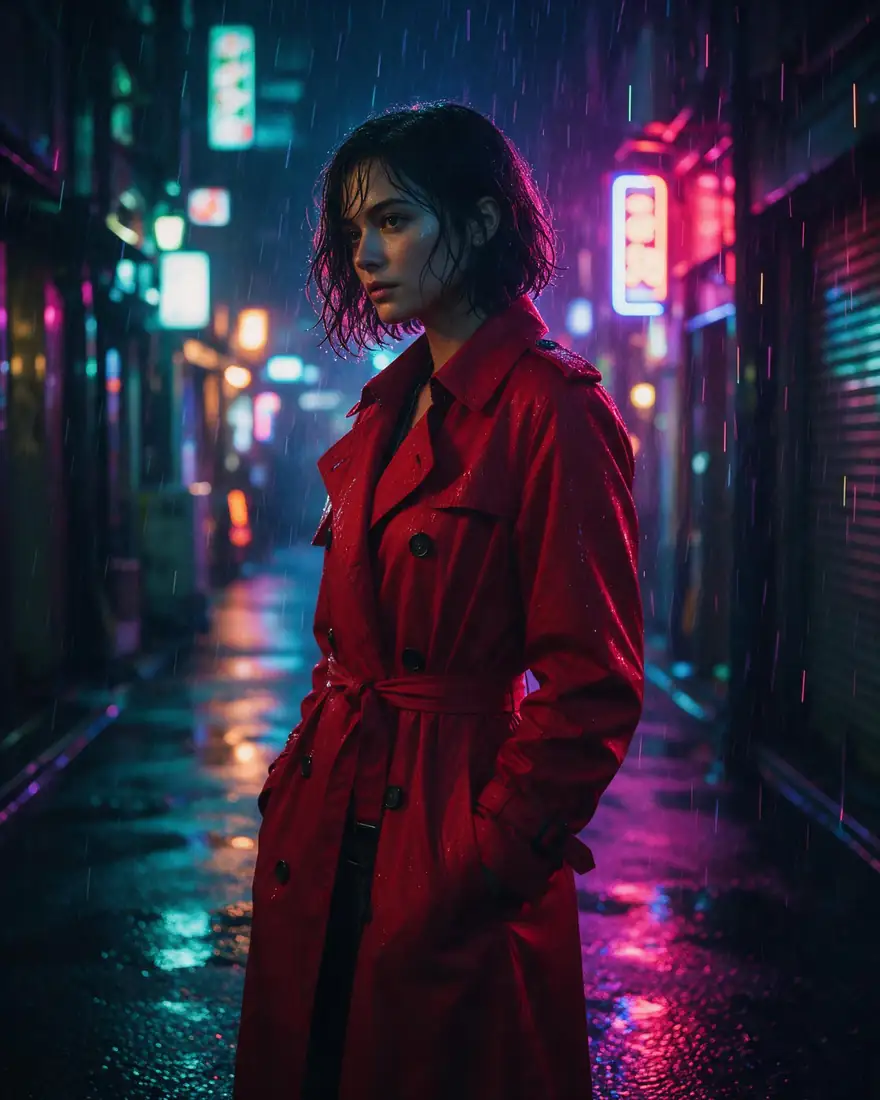
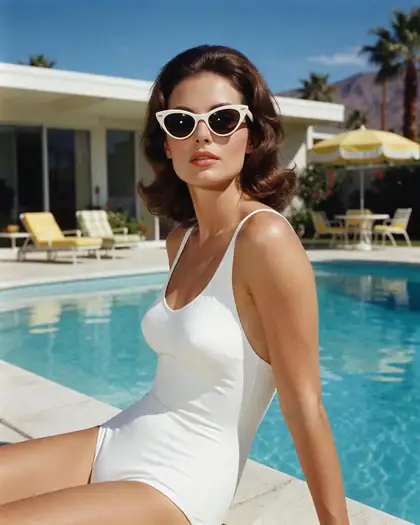
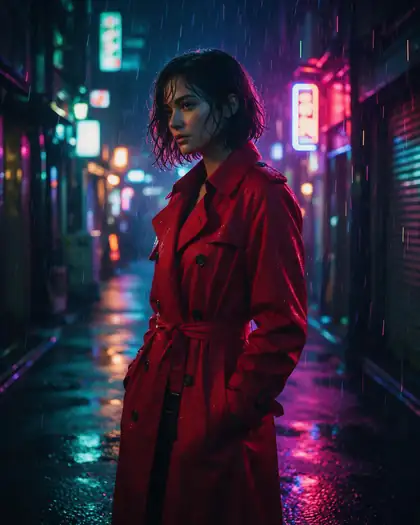
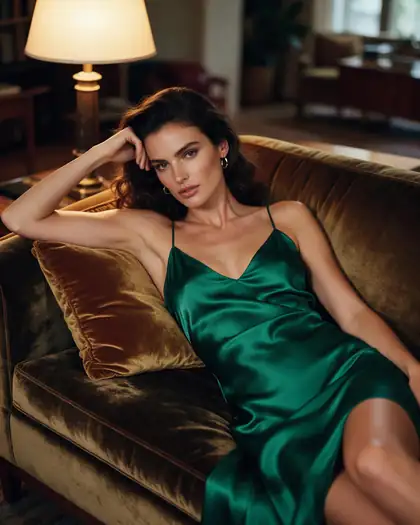
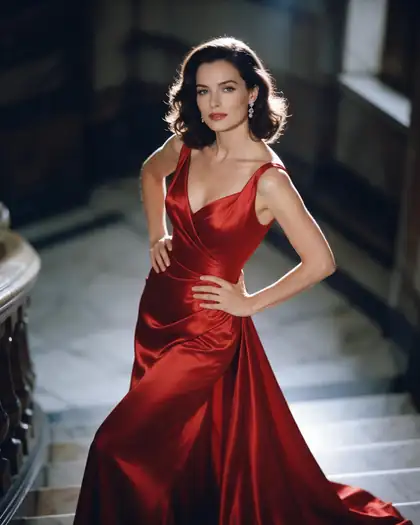
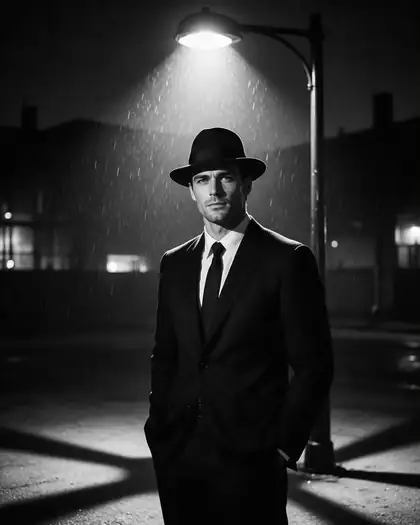
Real Seedream 5.0 Pro images of fictional people. Each prompt reads like a photo from a real account.
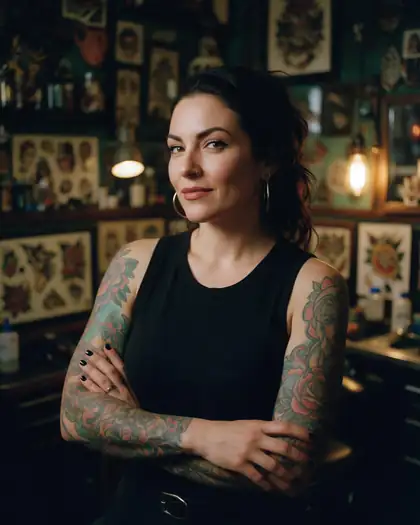
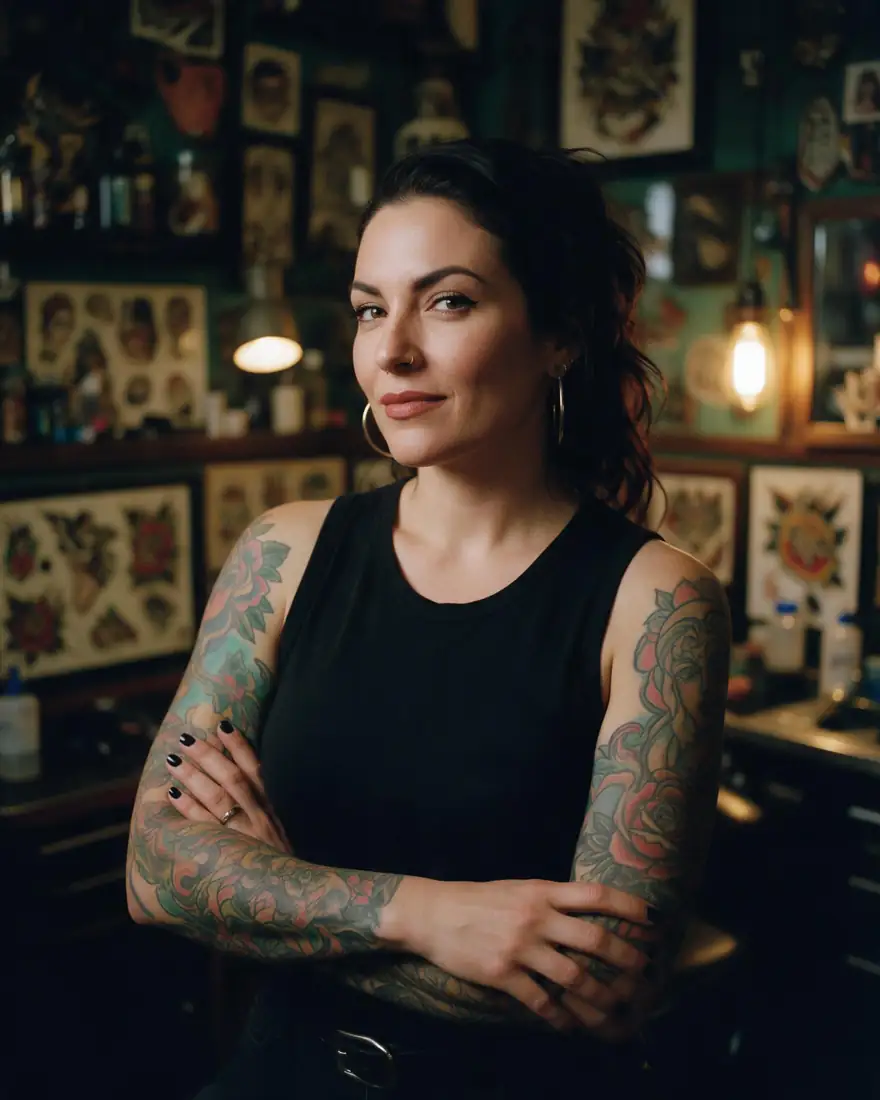
Give the persona a world
A tattoo artist in their parlour tells followers who they are in one frame.
Use this prompt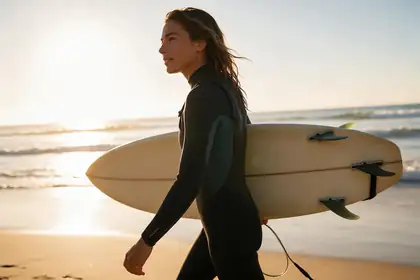
Travel and lifestyle
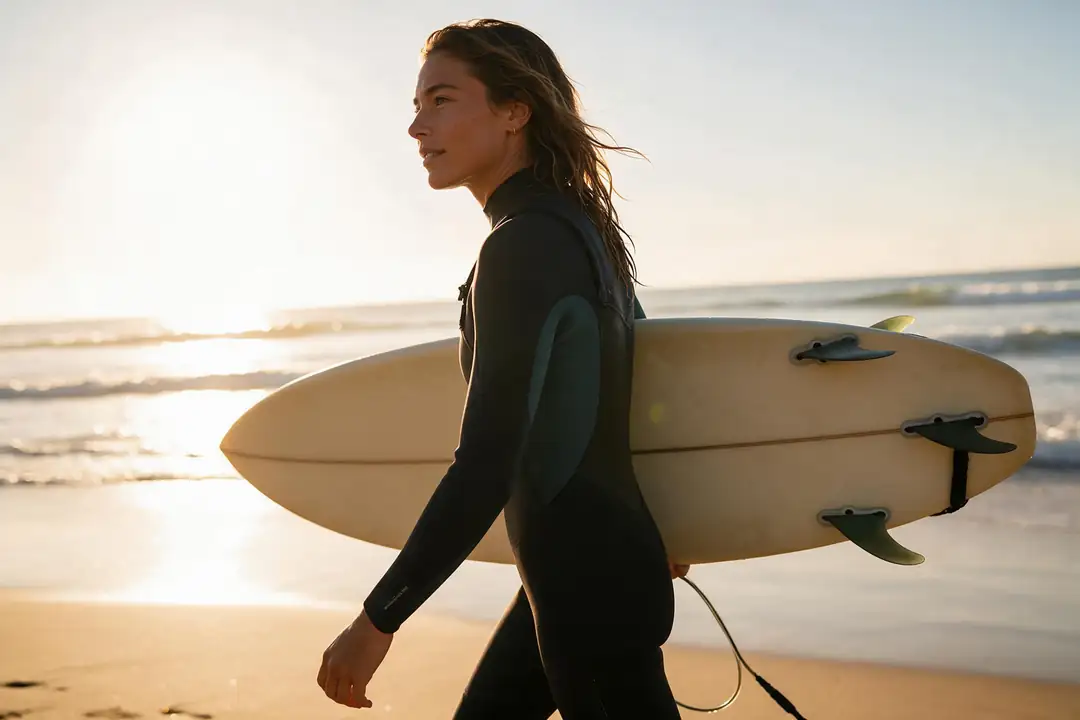
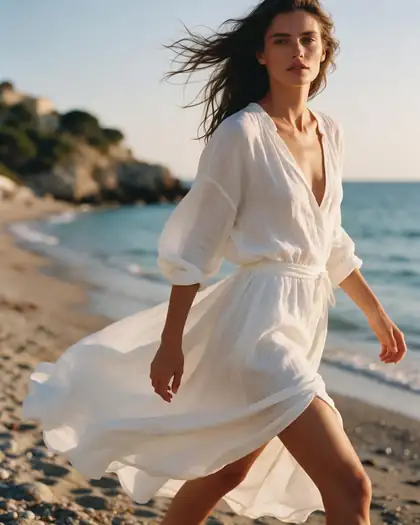
Golden hour, a 50mm lens and a candid moment — the grammar of a real travel feed.
Use this prompt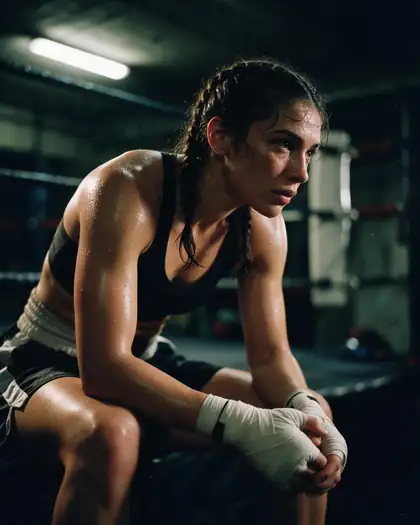
Workflow
From idea to a posting persona
The four steps most AI influencer accounts follow.
1 · Design
Generate candidates with Seedream 5.0 Pro and pick the face you'll keep.
2 · Lock
Upload your best shots of that persona as references — up to 16 on GPT Image 2.
3 · Post
Prompt with the references attached, using the 1:1 or 9:16 preset.
4 · Animate
Turn the best shots into short clips for Reels and TikTok.
Need video? Use the AI influencer video generator. Planning income? Try the earnings calculator.
Gallery
AI influencer photo ideas
Real Seedream 5.0 Pro photos of fictional people. Open any image to copy its prompt.
How to
How to create an AI influencer
Four steps from persona to posts.
- Time needed
- Steps
- 4 steps
Step 1
Design the persona
Look, age range (adult), style, niche and the kind of places they post from. Generate a few candidates and pick one.
Step 2
Lock the face
Reuse your best images of the persona as references every time — GPT Image 2 takes up to 16, Nano Banana 2 up to 14, MiniMax H3 up to 9.
Step 3
Make posts at the right size
Use the Social post preset (1:1) for feed images and Story / Reel (9:16) for stories. Each makes two images to choose from.
Step 4
Animate and post
Turn your favourite shots into short videos, download without a watermark, and label the account as AI-generated.
See it in the app

Open Image Studio and type what you want to see — subject, style, lighting and mood.


Watch the tour · 1:23
Prompts, styles, references, edit, Arena & chat
Chapters
Models
Best models for a realistic AI influencer
Open any model in the generator.

ByteDance
Seedream 5.0 Pro
- Reference images
- Up to 10
- Output
- 2K
Open Seedream 5.0 ProBest for
Most realistic people
OpenAI
GPT Image 2
- Reference images
- Up to 16
- Output
- Up to 4K
Open GPT Image 2Best for
Most references per post

OpenAI
GPT Image 2.5 Sunburst
- Reference images
- Up to 16
- Output
- 1K–4K
Open GPT Image 2.5 SunburstBest for
Up to 16 references at a lower price
Google
Nano Banana 2
- Reference images
- Up to 14
- Output
- 1K (square today)
Open Nano Banana 2Best for
Many references
- Free plan
Black Forest Labs
Flux 2 Dev
- Reference images
- Up to 3
- Output
- 2048 px
Open Flux 2 DevBest for
Drafts; free plan
Example uses
How creators use AI influencer generator
Illustrative examples of typical workflows, not customer reviews.
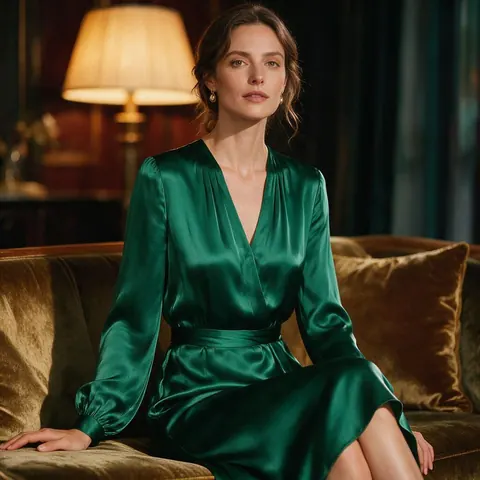
Fashion account
A creator designs a fictional fashion editor persona and keeps the same face in every post with a trained LoRA.
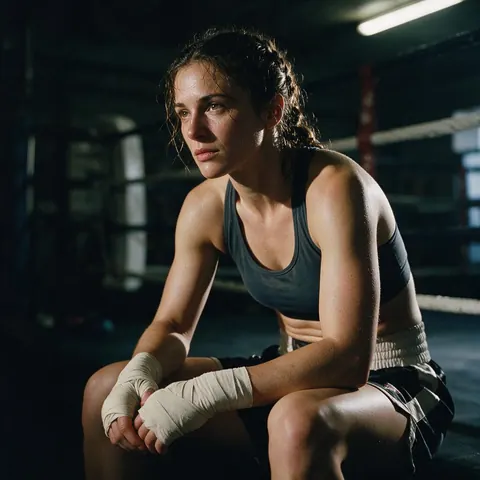
Fitness account
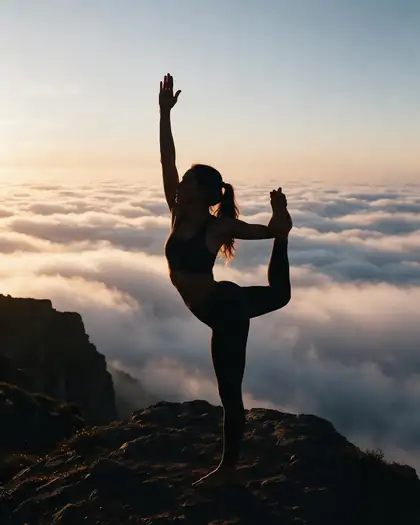
A fitness account uses hard light and film grain so the fictional athlete's posts feel like real photos.
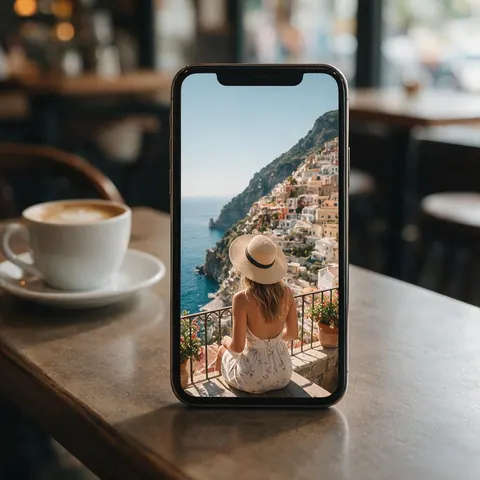
Travel account
A travel account sizes shots for stories with the 9:16 preset and labels the account as AI-generated.
FAQ
AI influencer generator questions
8 questions

What is an AI influencer generator?
A tool for creating a fictional, AI-generated person and producing consistent photos of them for social media — fashion, fitness, travel or lifestyle content. The persona needs the same face, hair and build in every post, a clear niche and real photo language. On Kenerate you lock the face with reference images — up to 16 on GPT Image 2 — and label the account as AI.
Link to this answerHow do I keep my AI influencer's face the same?
Upload your best images of the persona as references with every prompt and say “keep the same face”. Seedream 5.0 Pro takes up to 10, Nano Banana 2 up to 14, MiniMax H3 up to 9 and GPT Image 2 up to 16. Use varied views — different angles, outfits and light — and keep the seed when you like a result, changing one detail at a time.
Link to this answerIs the AI influencer generator free?
Yes, to start. A new account gets starter credits on sign-up to test models and prompts, and Flux 2 Dev is on the free plan for drafts. Bigger jobs such as Seedream 5.0 Pro posts use one-time credit packs that never expire, with no subscription required. Downloads have no watermark.
Link to this answerCan I base my AI influencer on a real person?
No. Create a fictional person, and don't use real people's photos or names to make an AI influencer. Design the persona from a description instead — look, adult age range, style, niche and the places they post from — then generate a few candidates with Seedream 5.0 Pro and pick the face you'll keep.
Link to this answerShould I say the account is AI?
Yes. Label AI-generated accounts and posts clearly, and follow each platform's rules on AI content and sponsored posts; most platforms have their own labels for AI content. Keep the persona fictional, too — never base it on a real person's photos or name.
Link to this answerCan my AI influencer post videos?
Yes. Send a finished image to the AI influencer video generator to animate it into a short clip for Reels or TikTok. Pick your favourite shots first, made with the Story / Reel (9:16) preset so they already fit vertical feeds, then download the clip without a watermark and label it as AI-generated.
Link to this answerDo I have to disclose an AI influencer's sponsored posts?
If a brand pays you or gives you a free product, disclose it. The FTC's influencer guidance asks for a clear disclosure such as “ad”, “advertisement”, “sponsored” or “thanks to [brand] for the free product”, placed with the endorsement itself. The guidance does not say how it applies to AI-generated personas, so label the account as AI-generated and disclose every sponsored post on top of that.
Link to this answerDoes it add a watermark?
No. Images download without a watermark, whether you made them with starter credits, a credit pack or Flux 2 Dev on the free plan. Each Social post (1:1) or Story / Reel (9:16) preset run gives you two images to choose from, ready to post. Do label the account and posts as AI-generated.
Link to this answerIn depth
AI influencers, explained
What makes a persona believable, locking the face with reference images, and posting responsibly.
On this page
What makes an AI influencer believable
Audiences follow a person, not a picture. The details that sell it:
- The same face, hair and build in every post.
- A clear niche — fitness, fashion, travel, gaming — and places that fit it.
- Real photo language: phone-camera framing, natural light, candid moments.
- Variety in outfits and settings, consistency in the person.
Locking the face with reference images
Pick a handful of your best, varied images of the persona — different angles, outfits and light — and upload them as references with every new prompt: up to 16 on GPT Image 2, 14 on Nano Banana 2 or 10 on Seedream 5.0 Pro. Then “the same woman at a café in Lisbon, morning light, keep her face” puts the same person anywhere.
From still photo to Reel
Most of the content is stills, and a few clips do the most work on Reels and TikTok. Make the frame first, then animate it: image to video keeps the face and outfit of the still, and the talking avatar gives the persona a spoken line for a script.
- Still: a 9:16 image from the Story / Reel preset, so the frame already fits vertical feeds.
- Clip: send the still to the AI influencer video generator to animate it. Check the first second before you post.
- Speaking: use the AI talking avatar for a persona who talks to camera. Write the script first and keep it short.
Disclosure: what to label
The FTC's influencer guidance says to disclose any material connection to a brand, in plain words such as “ad” or “sponsored”, placed where people see it. It does not say how it applies to AI-generated personas. Until a rule says otherwise, do both: label the account and each AI post as AI-generated, and disclose every sponsored post in the caption where people see it, not behind a “more” link.
Platforms also have their own AI labels and sponsored-content tools. Use them on every post that has them.
Posting responsibly
Keep the persona fictional, label the account and posts as AI-generated, and follow each platform's rules on AI content and sponsored posts. Earnings from a virtual persona vary widely; the AI influencer earnings calculator shows the sums you would need to check before you plan a budget.
By the Kenerate AI teamLast updated and reviewed
We build and run the Kenerate image generator. Every image is a real Seedream 5.0 Pro output of a fictional person; reference and preset facts were checked against the app's code.

Create your AI influencer
Free to start. Fictional personas only. No watermark.
Tried it? Tell us how it went