

Designing for 24 pixels
Emoji are seen tiny. A single subject, a strong outline or glossy volume, and one exaggerated expression keep them readable in a chat.
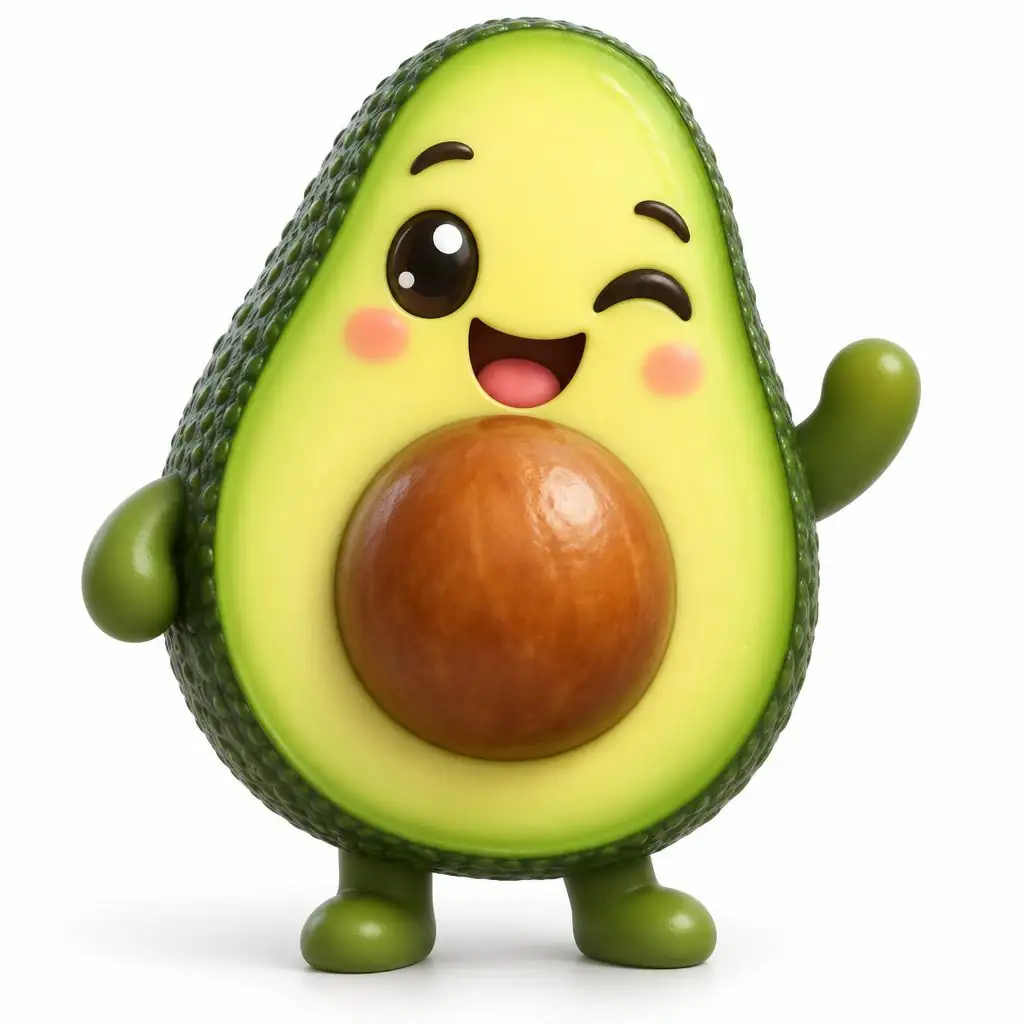
Describe an emoji — a winking avocado, a sleepy cloud, a pizza with heart eyes — and get a custom 3D or flat emoji. Or turn your selfie into your own emoji.
Quick answer
Updated
Kenerate's AI emoji generator makes custom emoji from a description — 3D glossy or flat, any object, animal or mood — and can turn your own selfie into an emoji-style avatar. In our tests GPT Image 2.5 Sunburst made clean 3D glossy emoji, Recraft V4.1 bold flat ones, and Seedream 5.0 Pro turned a photo into an emoji avatar that kept the hair and face. Remove the background in Edit Studio for a transparent PNG. A free account gets 25 credits.
Gallery
Real outputs: 3D emoji on GPT Image 2.5 Sunburst, flat ones on Recraft V4.1, a selfie emoji on Seedream 5.0 Pro.
Same prompt
The photo and the emoji avatar made from it.

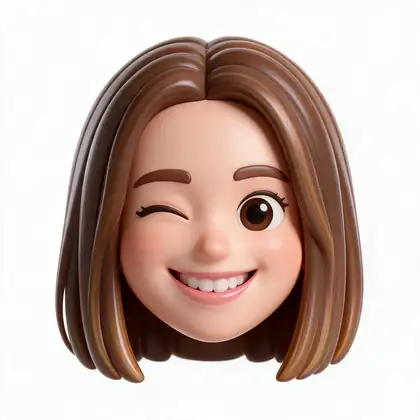

Turn her into a single 3D glossy emoji-style avatar head with a big smile and a wink, cute rounded proportions, plain white background. Keep her hair and face recognisable.
Tips
What worked in our tests.
How to
Models
What each model is good at. Open any one straight in the generator.
Make your first one — 25 free credits on sign-up.
Start free
The same credits work in every Kenerate tool.
Test on your own images before you buy anything.
One-time packs — use them this week or next year.
Nothing to cancel. Free results download clean.
The same credits work across images, video, voice and 3D.
In depth
What works, what to avoid, and how to pick a model.
Emoji are seen tiny. A single subject, a strong outline or glossy volume, and one exaggerated expression keep them readable in a chat.
We only publish real, verified reviews — never invented quotes. Send a line about your result (and whether we may quote you), and it will appear here.
FAQ
5 questions
Yes. Describe one emoji with a style and expression; GPT Image 2.5 Sunburst made clean 3D emoji in our tests.
Yes — upload a selfie to Seedream 5.0 Pro and ask for a 3D emoji-style avatar that keeps your face.
Generate on white, then use Remove BG in Edit Studio.
Yes — both let you upload custom emoji as small square images.
A new account gets 25 free credits to test with. GPT Image 2.5 and Recraft need a one-time credit pack; credits never expire.
Explore
Generators, design tools, photo edits, models and comparisons — all in one studio, on one credit balance.
Written by the Kenerate AI team
We build and run the Kenerate generator. Every example is a real output of the model named under it; models and presets were checked against the app's code. Last updated 27 September 2026. Corrections: hello@kenerateai.com.
Sources
Ready when you are
25 free credits on sign-up. No watermark.