

Printable line art · kids and adults
AI Coloring Page Generator
Type any idea — a dinosaur, a mandala, your child's name — and get a printable coloring page with clean black outlines on white.
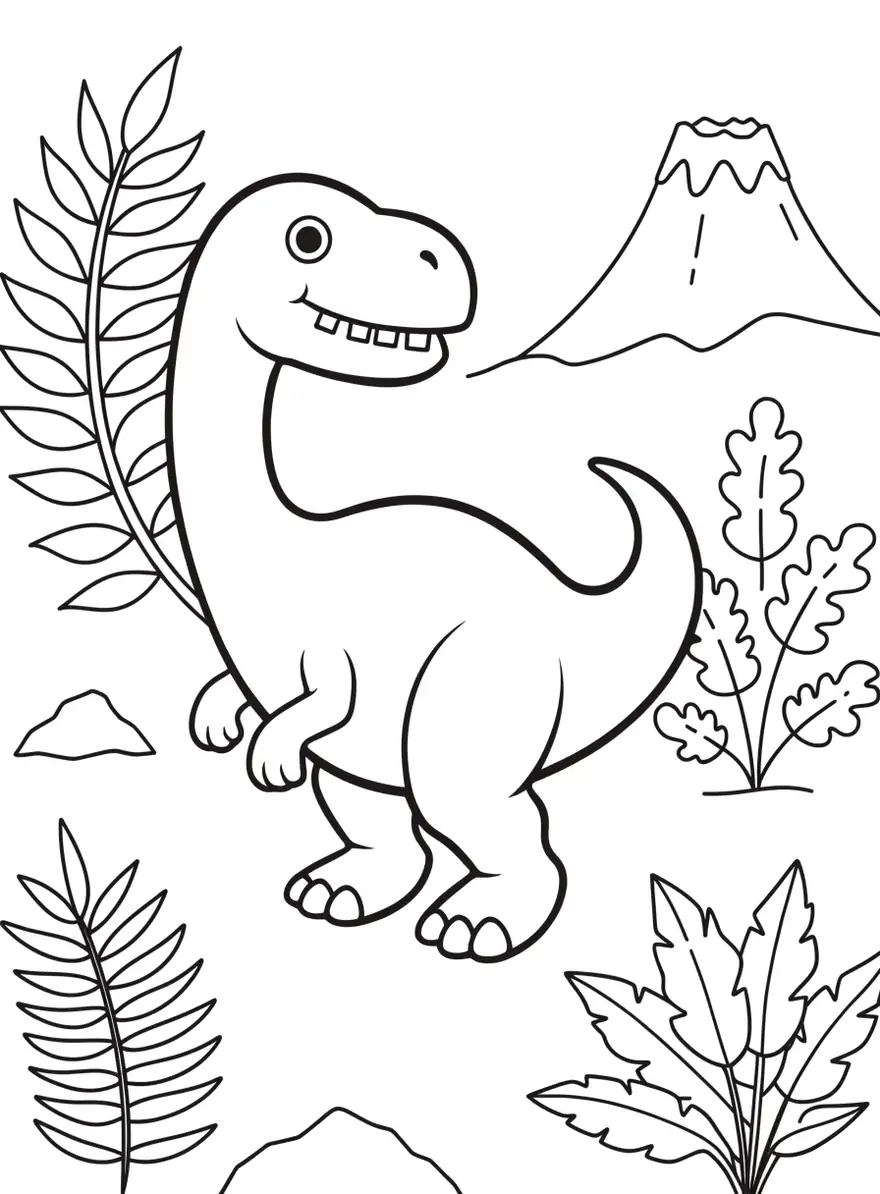
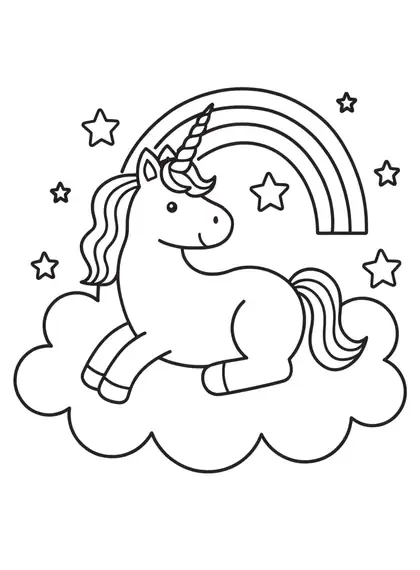
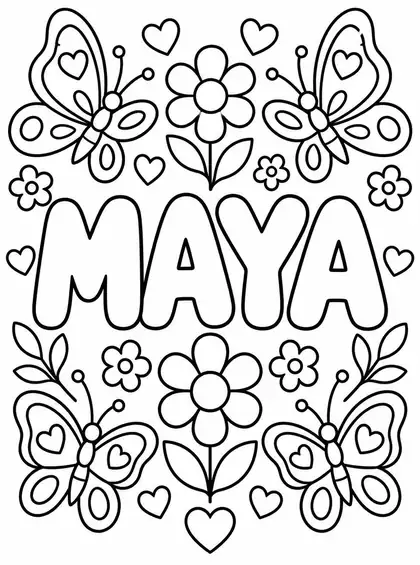
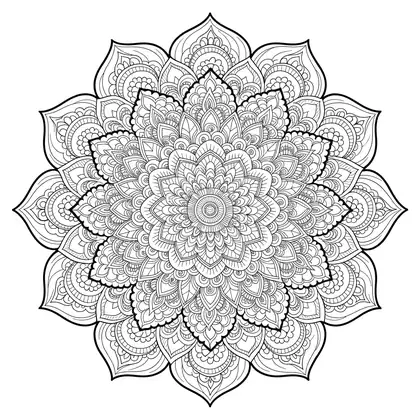
- Clean black outlines
- Kids to adult detail
- Names in bubble letters
- No watermark
Updated by the Kenerate AI team




Made with Kenerate
On this page
Quick answer

What is an AI coloring page generator?
An AI coloring page generator turns a description into a printable black-and-white coloring page — simple shapes for kids, intricate mandalas for adults, even a name in bubble letters. Kenerate AI runs Recraft V4.1, which drew the cleanest outlines in our tests. It suits parents, teachers and adult colorists who want custom pages to print at home or in class.
Key facts
- Best outlines
- Recraft V4.1
- Names and scenes
- GPT Image 2.5 Sunburst
- Free plan
- Flux 2 Dev
- Output
- Black and white, printable
- Ratio
- Portrait 3:4
- Paper
- A4 · US Letter
- Free start
- Starter credits
- Watermark
- None
Gallery
AI coloring pages, ready to print
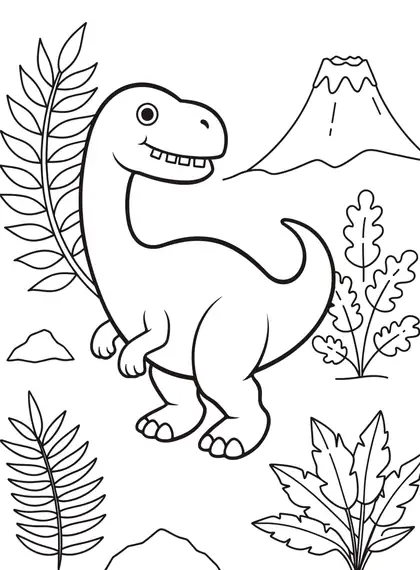
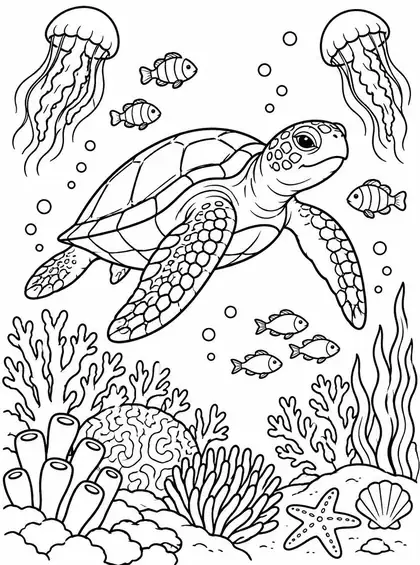
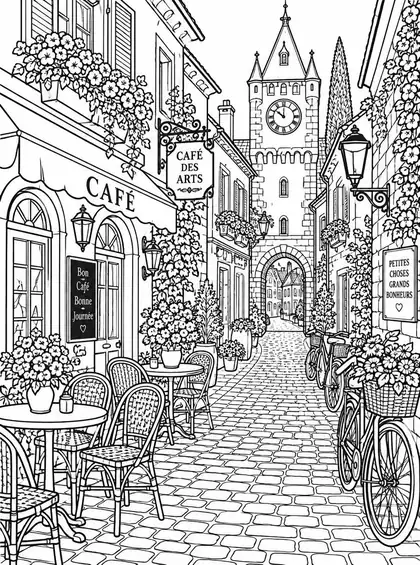
Real outputs from Recraft V4.1 and GPT Image 2.5 Sunburst. Open one to copy its prompt.
How to
How to use the AI coloring page generator
- Time needed
- Steps
- 4 steps
Step 1
Pick Recraft V4.1
In /app/image. GPT Image 2.5 Sunburst for names and busy scenes.
Step 2
Describe the page
Subject, who it's for, and the line-art words.
Step 3
Choose portrait 3:4
It fits A4 and US Letter.
Step 4
Download and print
PNG, no watermark.
See it in the app

Open Image Studio and type what you want to see — subject, style, lighting and mood.


Watch the tour · 1:23
Prompts, styles, references, edit, Arena & chat
Chapters
Tips
Coloring pages for kids and adults that print well
What worked in our tests.
End every prompt with “black and white coloring page, thick clean black outlines, no shading, white background”.
Say who it's for: “simple shapes for kids” or “detailed for adults”.
Put names in quotes and ask for bubble letters.
Use portrait 3:4 so it fills a printed page.
One main subject for young kids; whole scenes for older kids and adults.
Print at “fit to page” for the cleanest lines.
Models
Models for coloring pages
What each model is good at. Open any one straight in the generator.

OpenAI
GPT Image 2.5 Sunburst
- Reference images
- Up to 16
- Output
- 1K–4K
Open GPT Image 2.5 SunburstBest for
Accurate text in images
- Free plan
Example uses
How creators use AI coloring page generator
Illustrative examples of typical workflows, not customer reviews.
Parent
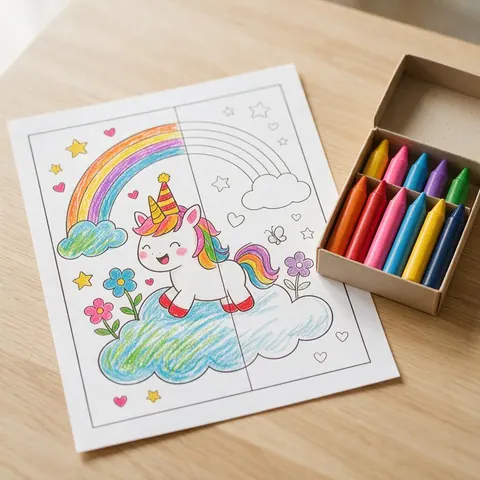
A parent types a child's favourite animal and prints a simple coloring page for a rainy afternoon.
Teacher
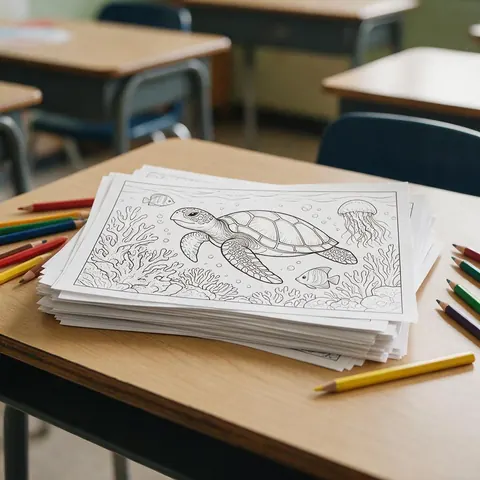
A teacher prints an under-the-sea page with medium detail for a class activity.
Adult colorist
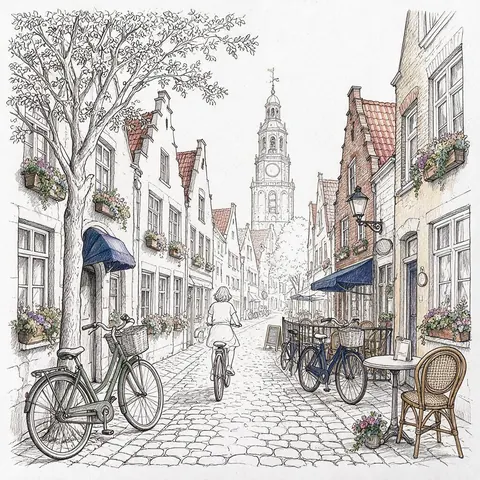
An adult colorist asks for an intricate street scene and colours it with fine pencils.
FAQ
AI Coloring Page Generator questions

Can AI make coloring pages?
Yes. Describe a subject and add “black and white coloring page, thick clean black outlines, no shading, white background”. Those words matter because image models default to shaded, coloured pictures. Recraft V4.1 drew the cleanest outlines in our tests, and GPT Image 2.5 Sunburst handled busier scenes such as an under-the-sea scene or a European street.
Link to this answerIs the AI coloring page generator free?
Yes, to start. A new Kenerate account gets free starter credits on sign-up, which work on free-plan models such as Flux 2 Dev. Recraft V4.1 and GPT Image 2.5 Sunburst need a one-time credit pack rather than a subscription, and credits you buy never expire. Pages download as PNGs with no watermark.
Link to this answerCan I put my child's name on a page?
Yes. Put the name in quotes and ask for bubble letters; GPT Image 2.5 Sunburst spelled it correctly in our tests. Add the usual line-art words — thick clean black outlines, no shading, white background — so the letters are easy to colour in. Pair the name with a simple subject your child loves, like a dinosaur or a unicorn.
Link to this answerWhat size should I print?
Generate in portrait 3:4 and print “fit to page” on A4 or US Letter. The 3:4 shape fills a printed page, and “fit to page” gives the cleanest lines. Downloads are PNGs with no watermark. Keep one main subject for young kids and whole scenes for older kids and adults.
Link to this answerAre these good for adults too?
Yes. Ask for “intricate, detailed for adults”, like the floral mandala and European street scene on this page. Recraft V4.1 drew the mandala with clean outlines, and GPT Image 2.5 Sunburst handled the busy street. Keep “no shading, white background” in the prompt so the extra detail still prints as pure outlines with space to colour.
Link to this answerHow do I make my own coloring pages for free?
Sign up for free starter credits, open /app/image and pick Flux 2 Dev, the free-plan model. Describe the subject and add “black and white coloring page, thick clean black outlines, no shading, white background”, choose portrait 3:4, then download the PNG and print it “fit to page”. Recraft V4.1 drew cleaner outlines in our tests but needs a one-time credit pack.
Link to this answerIn depth
AI Coloring Page Generator, explained
What works, what to avoid, and how to pick a model.
Why line-art words matter
Image models default to shaded, coloured pictures. Saying “no shading, no grey, pure white background” pushes them to pure outlines that print cleanly and leave space to colour.
Free AI coloring page generator or the best outlines?
Starter credits cover Flux 2 Dev on the free plan. For the cleanest outlines, Recraft V4.1 was best in our tests, and GPT Image 2.5 Sunburst handled names and busy scenes; both need a one-time credit pack.
By the Kenerate AI teamLast updated and reviewed
We build and run the Kenerate generator. Every example is a real output of the model named under it; models and presets were checked against the app's code.
