








What damages photographs
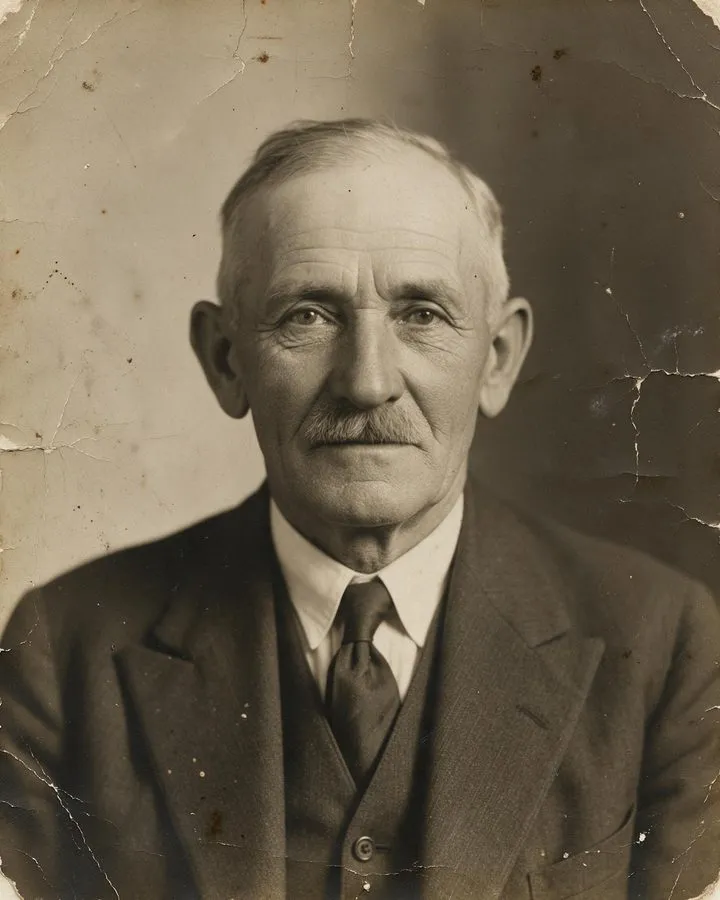
Humidity, heat and light do most of the harm. The Northeast Document Conservation Center notes that high humidity drives fading, discoloration and silver mirroring, that chemical decay roughly doubles with every 10°F rise, and that most colour photos fade fairly quickly in light; very dry air makes prints curl and emulsion flake, and fingerprints can cause bleaching or mirroring [1]. The US National Archives recommends clean nitrile or cotton gloves, handling prints by the edges and labelling only the back edge with a soft pencil [2].
How to scan like an archive
The Library of Congress's personal-archiving guide suggests 300 ppi for 4×6 and 5×7 prints, 400–600 dpi if you plan to enlarge them to 8×10 or larger, and keeping at least two copies in different places [3]. Federal FADGI guidelines for cultural-heritage prints go further: 400–600 ppi, 16-bit masters, and no dust removal or colour restoration on the master file — corrections belong on a separate copy [4].
Where AI restoration fits
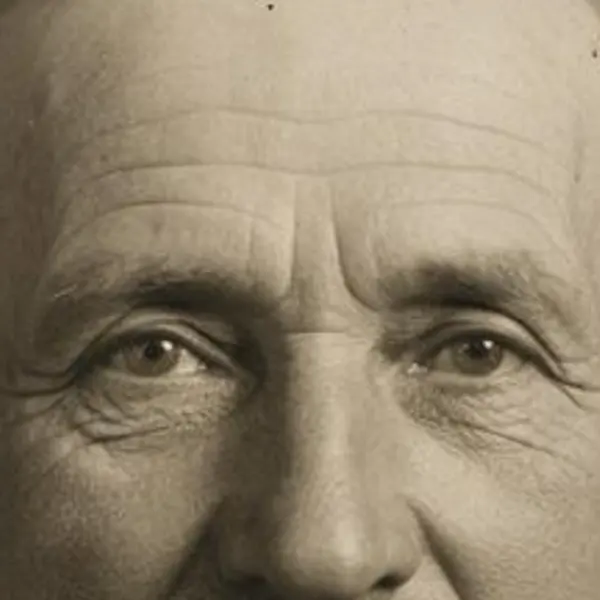
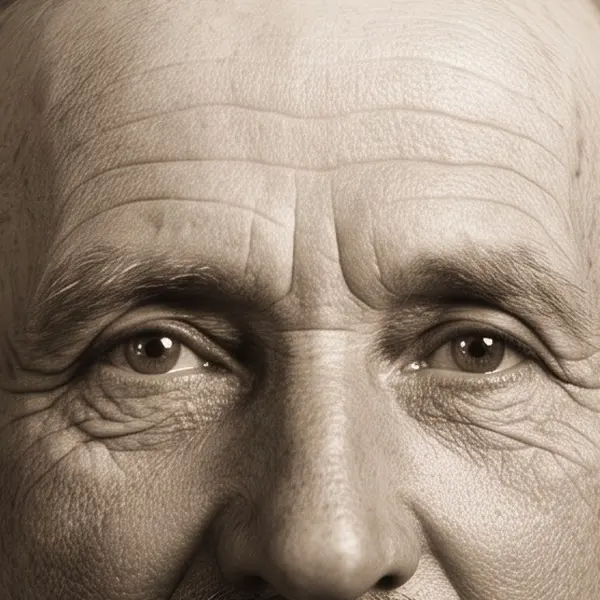
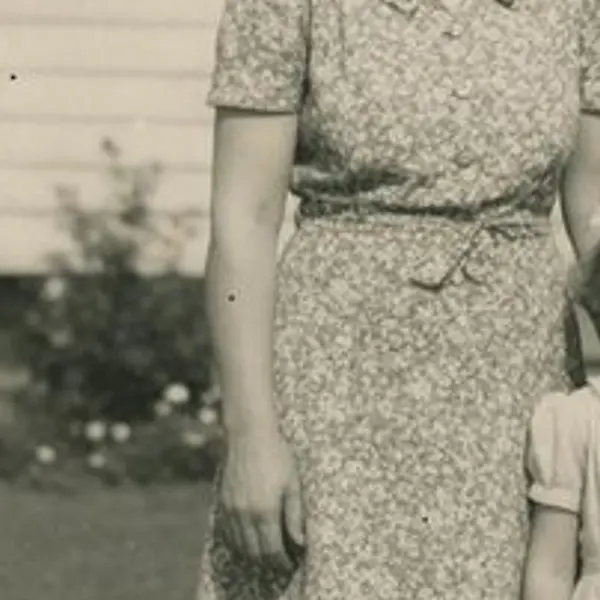
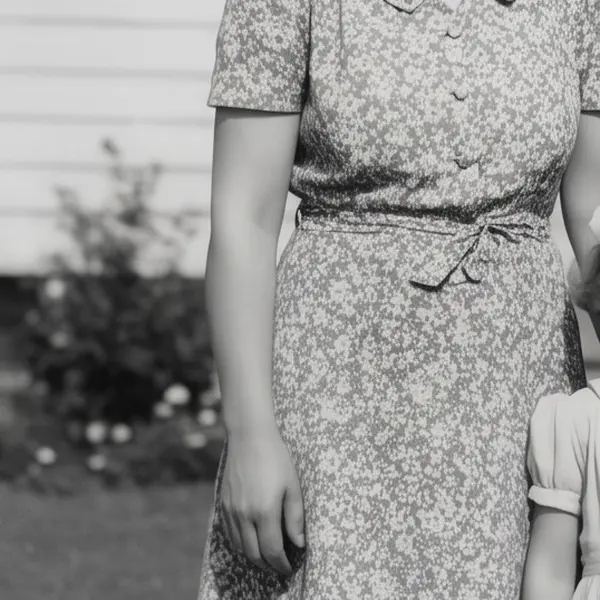
That last rule is the right way to use AI too: keep the untouched scan as your master and restore a copy. Demand for this is huge — MyHeritage's Photo Enhancer processed a million photos in about ten days after it launched in June 2020 [5]. Modern restorers rebuild faces from a learned “face prior”, as research models like GFPGAN do [6], which is why a restored face should always be compared with the original.