

MiniMax
MiniMax AI H3 & Image-01 — character-consistent images
MiniMax makes H3, a multimodal model that generates and edits images, and Image-01, its first text-to-image model. On Kenerate, MiniMax H3 Image takes up to 9 references; Image-01 is one of the cheapest models here.
- Image-01
- 28 February 2025 — MiniMax's first text-to-image model; photoreal people and objects
- MiniMax H3
- 31 July 2026 — a general-purpose multimodal model for images and video
- On Kenerate
- MiniMax H3 Image (1K or 2K, up to 9 references) and Image-01 (1 reference)

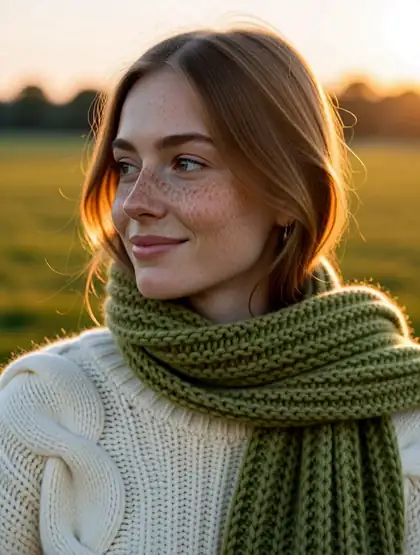
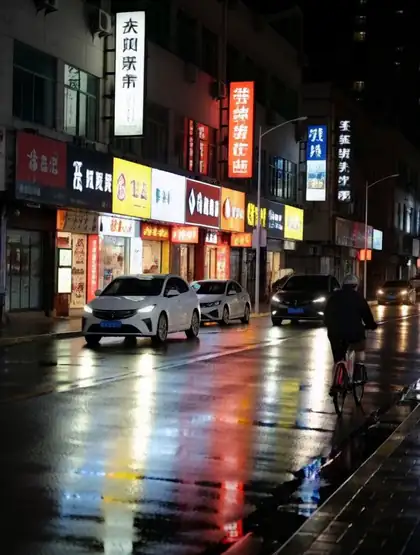
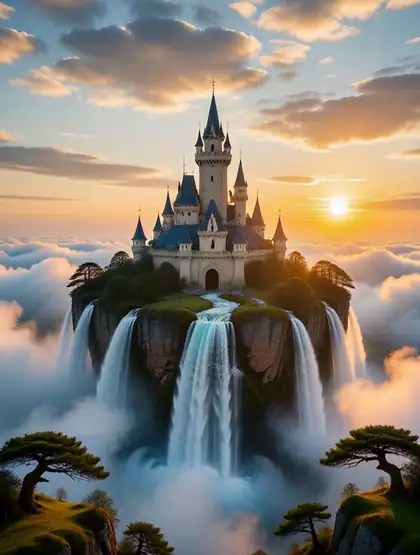
- Real outputs
- Official sources
- Free to start
- No watermark
Updated by the Kenerate AI team




Made with Kenerate

On this page
What is MiniMax Image?

What is MiniMax Image?
MiniMax Image is MiniMax AI's family of image models: H3, a multimodal model from 31 July 2026 that generates and edits images, and Image-01, its first text-to-image model from 28 February 2025. H3 keeps a character consistent across scenes using several reference images, while Image-01 is a low-cost choice for everyday photoreal images. Kenerate AI runs both in the browser.
Key facts
- Maker
- MiniMax
- H3
- 31 Jul 2026
- Image-01
- 28 Feb 2025
- References
- Up to 9 (H3) · 1 (Image-01)
- H3 output
- 1K or 2K
- Image-01 size
- Up to 2048 px
- Watermark
- None
Gallery
MiniMax Image examples
Real outputs made on Kenerate. Open any image to copy its prompt and run it yourself.
Same prompt
MiniMax H3 vs Image-01
The same portrait prompt on both MiniMax models.
PromptPortrait of a young woman with freckles and a green knitted scarf in autumn light, 85mm
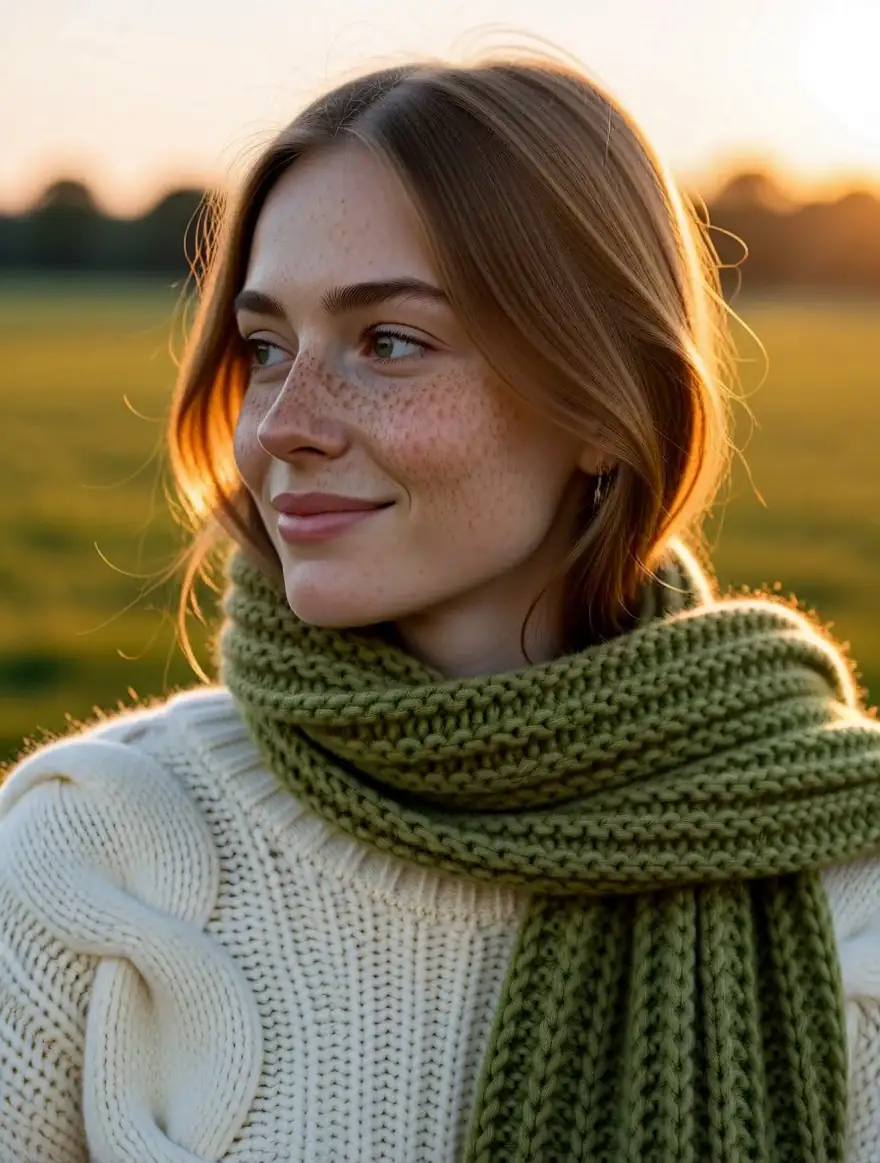 MiniMax H3 ImageUp to 9 references
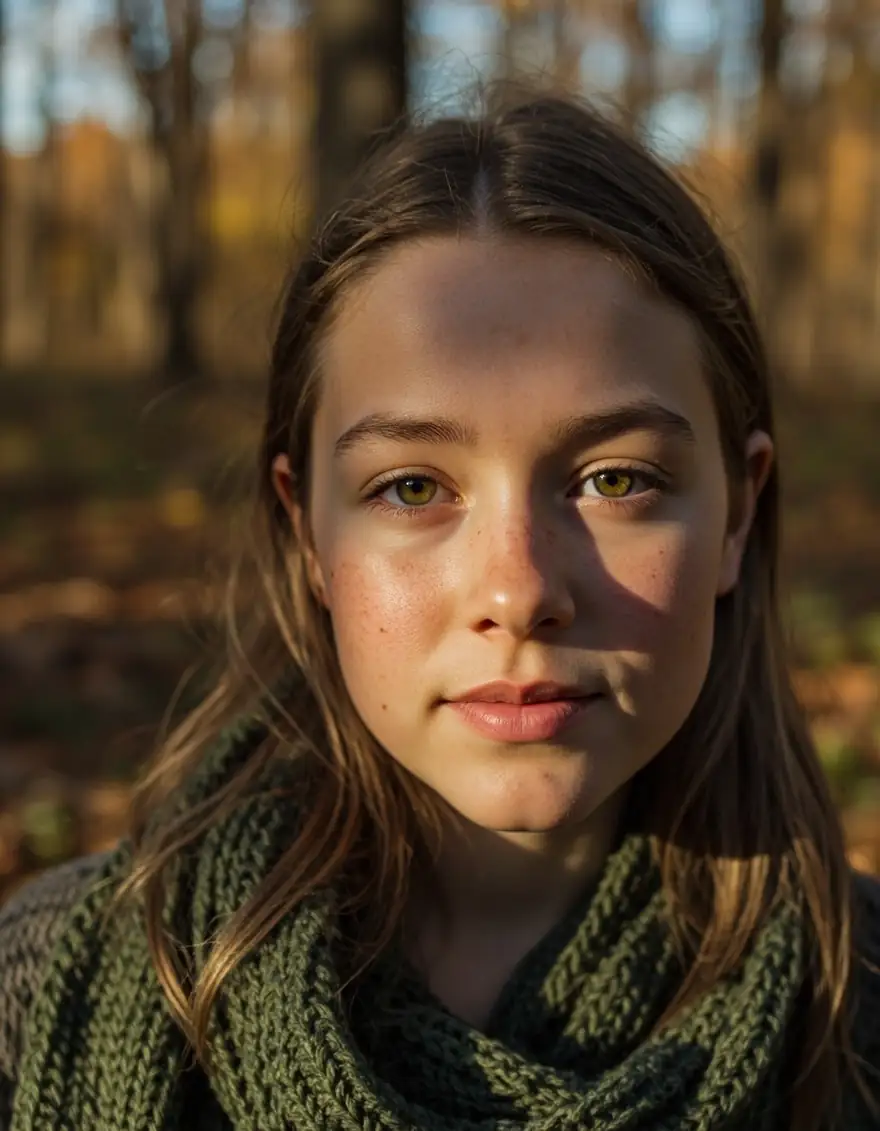 MiniMax Image-01Cheapest
Models
MiniMax Image on Kenerate
Every version in the generator, and what each is good at.
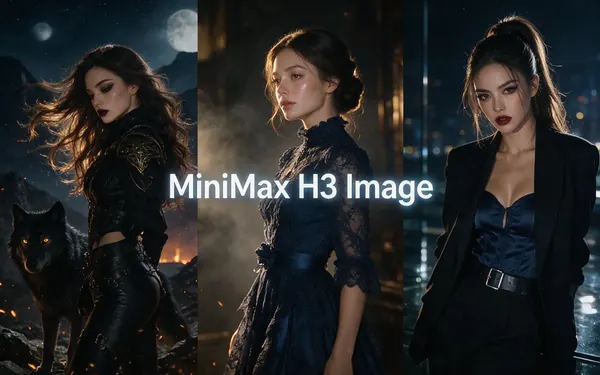
MiniMax
MiniMax H3 Image
- Reference images
- Up to 9
- Output
- 1K or 2K
Open MiniMax H3 ImageBest for
Character-consistent edits
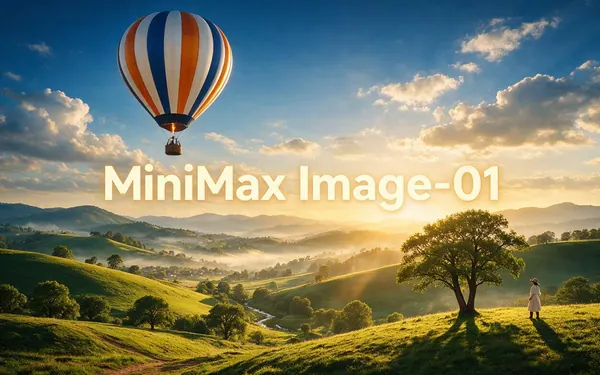
MiniMax
MiniMax Image-01
- Reference images
- 1
- Output
- Up to 2048 px
Open MiniMax Image-01Best for
Cheapest model on Kenerate
From our tests
Strengths and limits
Good at

- Kept the same face when we placed a portrait into a new café scene.
- Image-01 is one of the cheapest ways to make everyday images.
- Up to 9 references on H3 for consistent characters.
Limits
- Pick Seedream 5.0 Pro or GPT Image 2 for the most polished finals.
- 2K on H3 costs more.
How to
How to use MiniMax Image on Kenerate
Step 1
Open MiniMax
Pick MiniMax H3 Image or Image-01 in /app/image. Any credit pack unlocks them.
Step 2
Add your character
Upload up to 9 images of the same person or character to H3.
Step 3
Refer to pictures by number
“The woman from Picture 1 as a barista…”
Step 4
Download
No watermark.
See it in the app

Open Image Studio and type what you want to see — subject, style, lighting and mood.


Watch the tour · 1:23
Prompts, styles, references, edit, Arena & chat
Chapters
Example uses
How creators use MiniMax Image
Illustrative examples of typical workflows, not customer reviews.
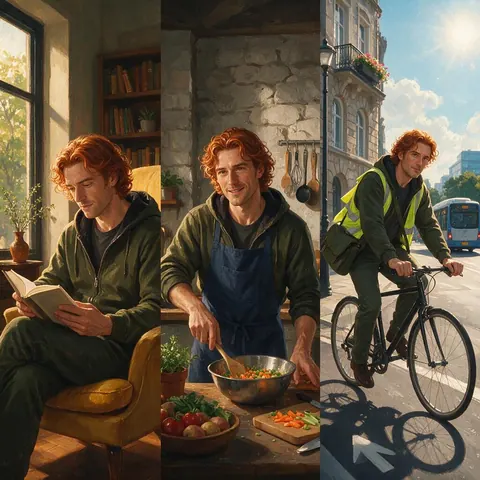
Webcomic artist
A webcomic artist could upload up to 9 images of an original character to H3 and keep the same face across new scenes.
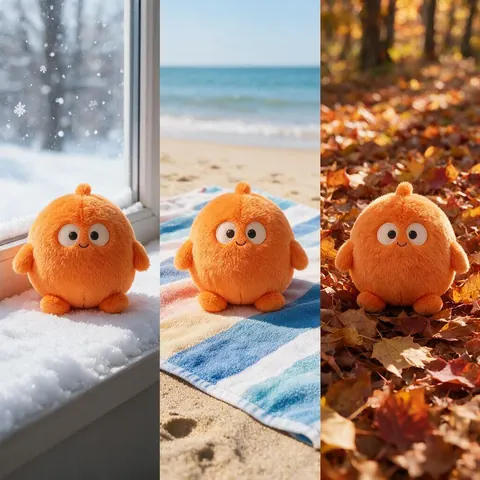
Brand with a mascot
A brand could keep its mascot on-model across seasonal posts by giving H3 several reference images.
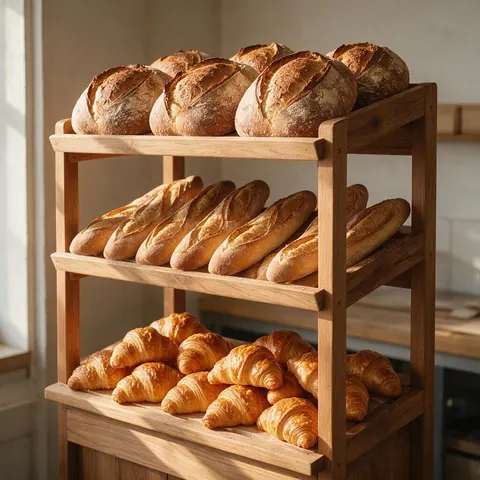
Small bakery owner
A bakery owner could make everyday images for posts on Image-01, one of the cheapest models on Kenerate.
FAQ
MiniMax Image questions

What is MiniMax Image-01?
MiniMax Image-01 is MiniMax's first text-to-image model, announced on 28 February 2025 and aimed at photoreal people and objects. On Kenerate it is one of the cheapest models, renders up to 2048 px and takes one reference image. It suits everyday images and quick drafts; switch to MiniMax H3 Image when you need several references or the same character across scenes.
Link to this answerWhat is MiniMax H3?
MiniMax H3 is a general-purpose multimodal model from MiniMax, released on 31 July 2026, that handles images and video. On Kenerate you use it as MiniMax H3 Image, which renders at 1K or 2K and edits with up to 9 reference images. That makes it the MiniMax pick for consistent characters; 2K output costs more than 1K, so draft at 1K first.
Link to this answerCan MiniMax keep a character consistent?
Yes, with MiniMax H3 Image. Upload up to 9 images of the same person or character, then refer to them by number in the prompt, such as “The woman from Picture 1 working as a barista”. In our tests it kept the same face when we placed a portrait into a new café scene. Image-01 takes only one reference, so it is weaker for this job.
Link to this answerWhich MiniMax model should I pick?
Pick Image-01 for low-cost photoreal images and drafts, and H3 Image when you need reference images or 2K output. A practical workflow is to draft on Image-01, then switch to H3 Image once you need the same character across several scenes. For the most polished final images, Seedream 5.0 Pro or GPT Image 2 are stronger picks than either MiniMax model.
Link to this answerIn depth
MiniMax Image, in depth
Background, how to prompt it, and when to pick something else.
Two very different models
Image-01 is built for cheap, everyday images; H3 is MiniMax's newer multimodal model with multi-reference editing. Draft on Image-01 and switch to H3 when you need the same character across scenes.
By the Kenerate AI teamLast updated and reviewed
We run these models in the Kenerate generator. Model facts come from the makers' own pages; specs and limits were checked against our code; the examples are our own outputs.
Sources: MiniMax — Image-01 · MiniMax — H3
