
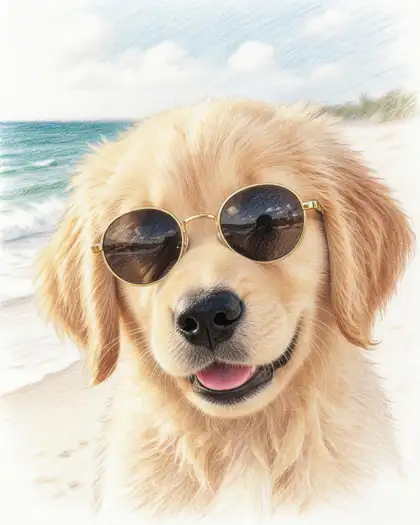
Pencil, charcoal or ink
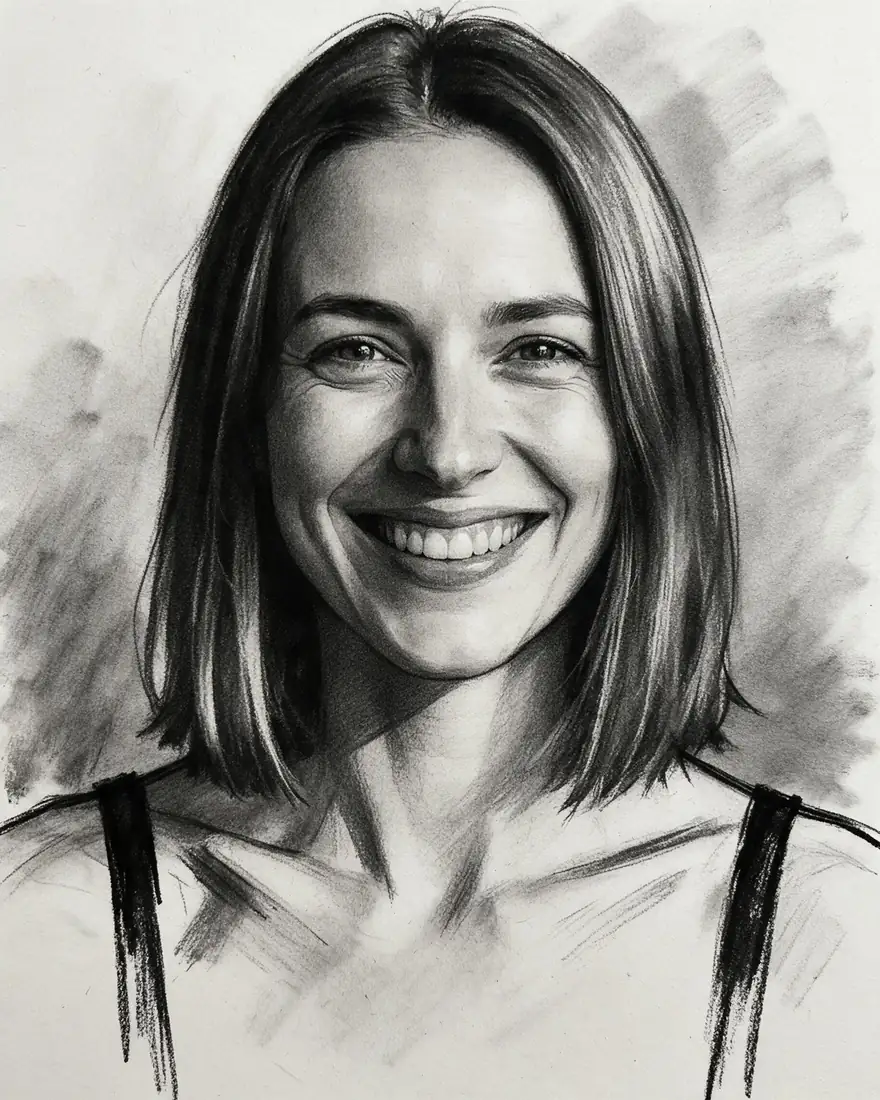
Pencil gives fine detail and hatching, charcoal gives bold contrast and soft smudges, ink gives clean lines. Pick by the mood you want and how the drawing will be used.
Upload a photo and turn it into a pencil sketch, a charcoal drawing, an ink line drawing, a colored pencil drawing or an architect's sketch — same face, same scene.
Quick answer
Updated
Kenerate turns photos into sketches: upload a photo and ask for a graphite pencil sketch, charcoal drawing, black ink line drawing, colored pencil drawing or architectural sketch — the model redraws the same face or scene by hand-drawn rules. Seedream 5.0 Pro (2K, up to 10 reference images) kept faces recognisable in pencil and charcoal in our tests. Flux 2 Dev (free plan, 2048 px) is another option. A free account gets 25 credits.
Gallery
Real Seedream 5.0 Pro edits of our own photos.
Same prompt
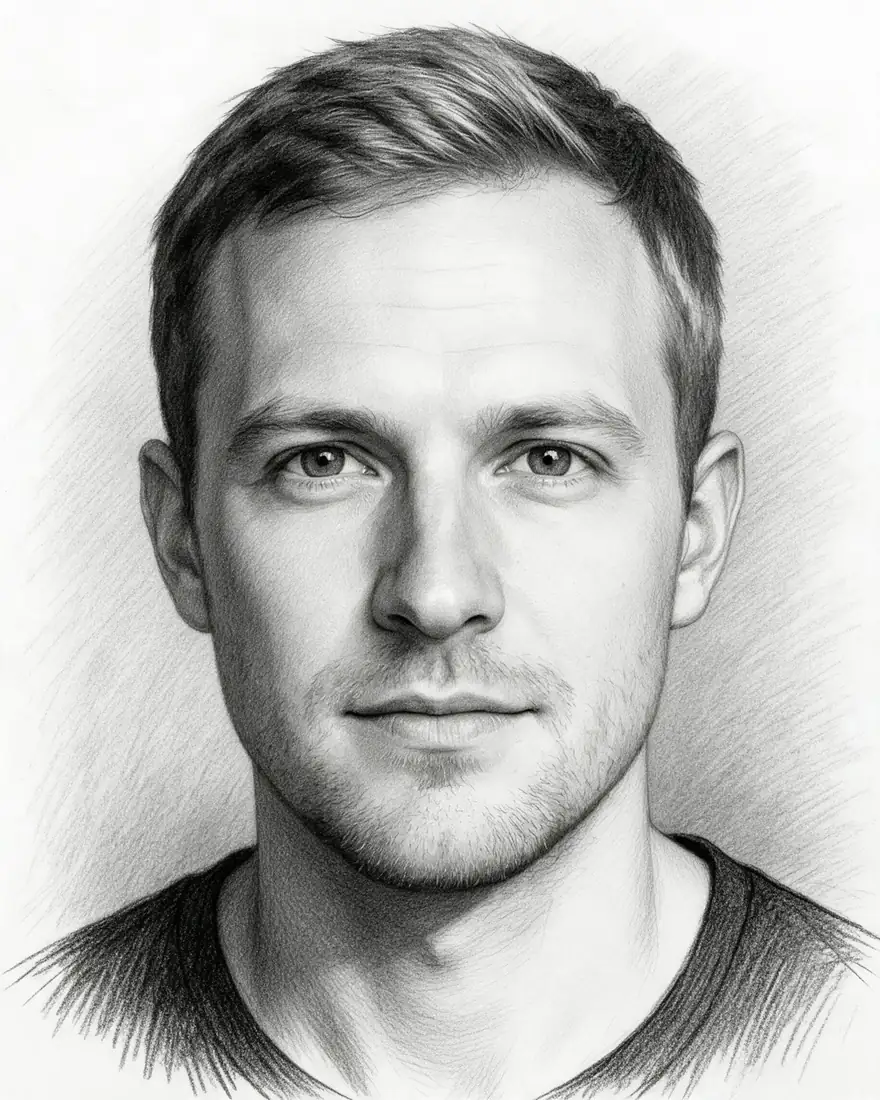
Two originals and their drawings.

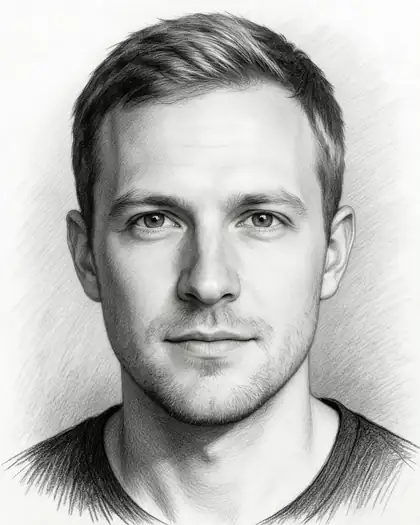

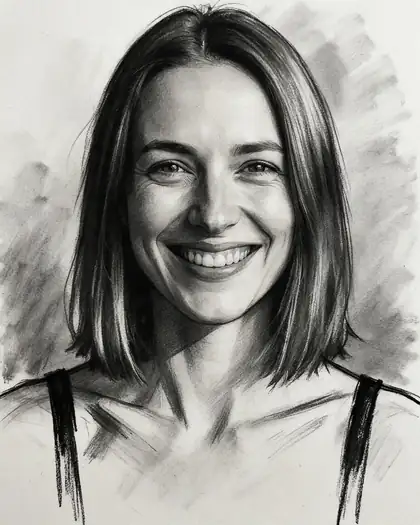
Turn this photo into a realistic graphite pencil sketch on white paper, fine hatching and shading. Keep his face and identity the same.
Tips
What worked in our tests.
How to
Models
What each model is good at. Open any one straight in the generator.
Make your first one — 25 free credits on sign-up.
Start free
The same credits work in every Kenerate tool.
Test on your own images before you buy anything.
One-time packs — use them this week or next year.
Nothing to cancel. Free results download clean.
The same credits work across images, video, voice and 3D.
In depth
What works, what to avoid, and how to pick a model.
Pencil gives fine detail and hatching, charcoal gives bold contrast and soft smudges, ink gives clean lines. Pick by the mood you want and how the drawing will be used.
We only publish real, verified reviews — never invented quotes. Send a line about your result (and whether we may quote you), and it will appear here.
FAQ
5 questions
Upload it, name the drawing style — pencil, charcoal, ink — and ask to keep the face or scene the same.
A new account gets 25 free credits to test with, and Flux 2 Dev is on the free plan. Bigger jobs use one-time credit packs that never expire.
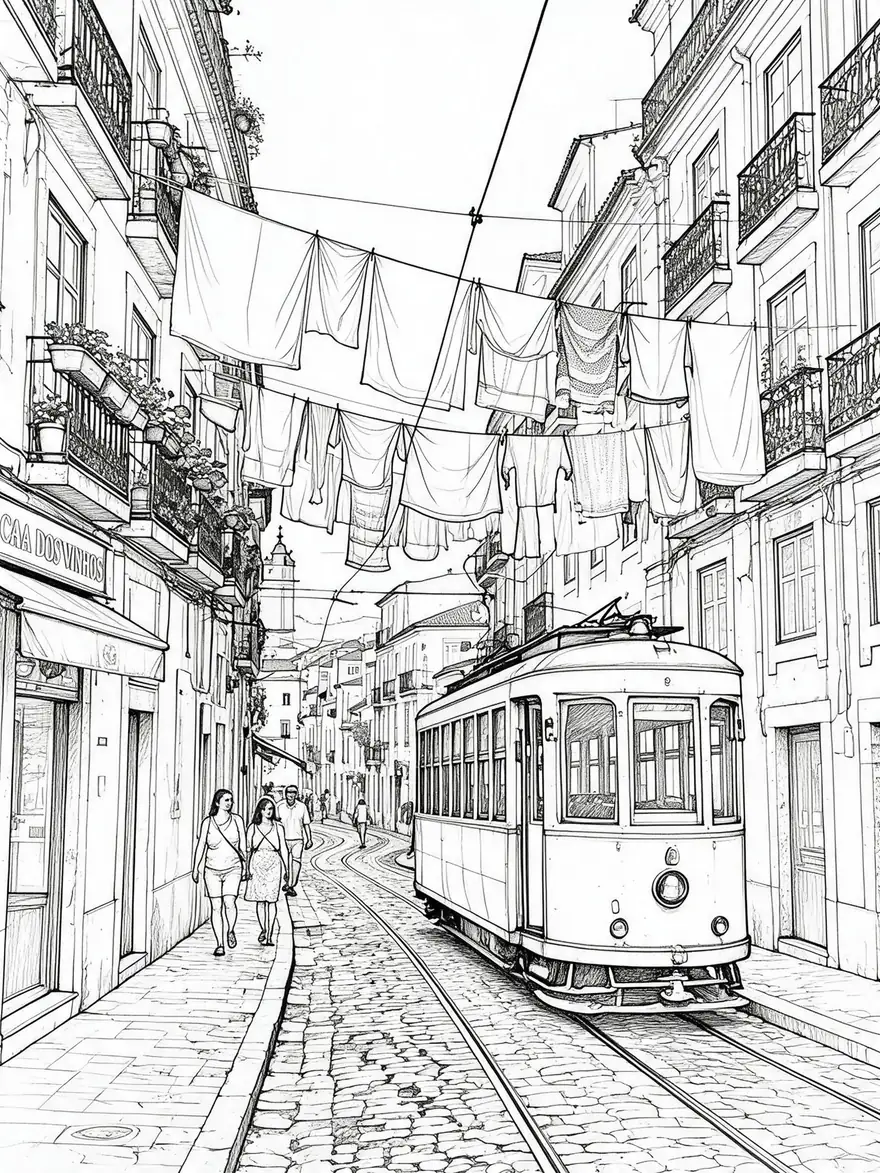
Yes — ask for a black ink line drawing with no shading, like the street sketch above.
In our tests Seedream 5.0 Pro kept faces recognisable in pencil and charcoal when asked to.
Yes — use our sketch to image tool.
Explore
Generators, design tools, photo edits, models and comparisons — all in one studio, on one credit balance.
Written by the Kenerate AI team
We build and run the Kenerate generator. Every example is a real output of the model named under it; models and presets were checked against the app's code. Last updated 27 September 2026. Corrections: hello@kenerateai.com.
Sources
Ready when you are
25 free credits on sign-up. No watermark.