

Krea
Krea 2 — Krea AI's own image model, for aesthetics
Krea 2 is Krea's first image model built from scratch, tuned for mood, light and style. On Kenerate: Krea 2 Large for the richest images, Medium and Medium Turbo, and Turbo.
- Announced
- 12 May 2026 — Krea's first foundation model built from scratch
- Versions
- Medium (general, illustration, anime), Large (photorealism), Turbo (fastest)
- Krea's features
- Style references with strength, moodboards and generative sliders on krea.ai
- Open weights
- Krea 2 RAW and Krea 2 Turbo checkpoints released
- On Kenerate
- Large, Medium, Medium Turbo and Turbo
- Real outputs
- Official sources
- Free to start
- No watermark
Updated by the Kenerate AI team




Made with Kenerate
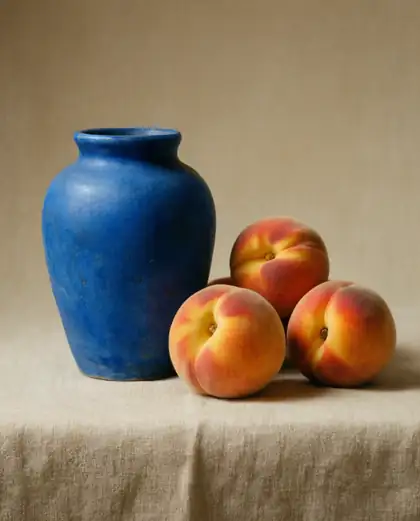
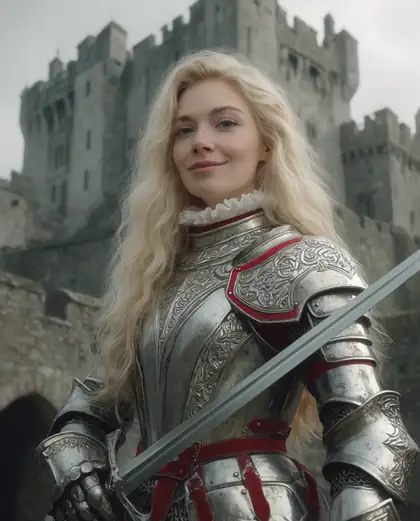
On this page
What is Krea 2?

What is Krea 2?
Krea 2 is Krea AI's first foundation image model built from scratch, announced on 12 May 2026 and tuned for mood, light and style. It comes in Medium, Large and Turbo versions, with style references to lock a look across images. Kenerate AI runs four Krea 2 versions, from Large for the richest images to Turbo for speed.
Key facts
- Maker
- Krea
- Announced
- 12 May 2026
- Versions
- Medium · Large · Turbo
- Large
- Photorealism, richest output
- Open weights
- Krea 2 RAW · Krea 2 Turbo
- On Kenerate
- Large · Medium · Medium Turbo · Turbo
- Style refs
- Up to 10 (Large, Medium Turbo)
- Turbo output
- 1K or 2K
Gallery
Krea 2 examples
Real outputs made on Kenerate. Open any image to copy its prompt and run it yourself.
Same prompt
Krea 2 Large vs Medium Turbo vs Turbo
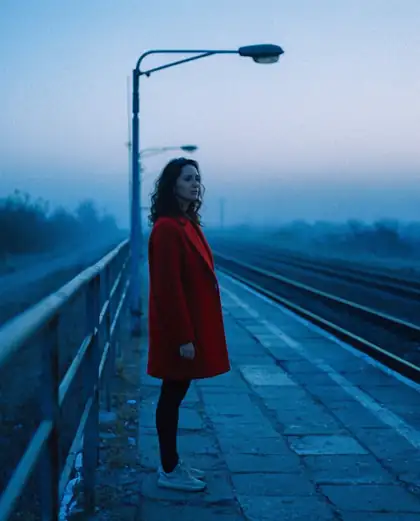
The same film-still prompt on three Krea 2 versions.
PromptMoody film still of a woman in a red coat waiting at an empty train platform at dusk, 35mm, grain
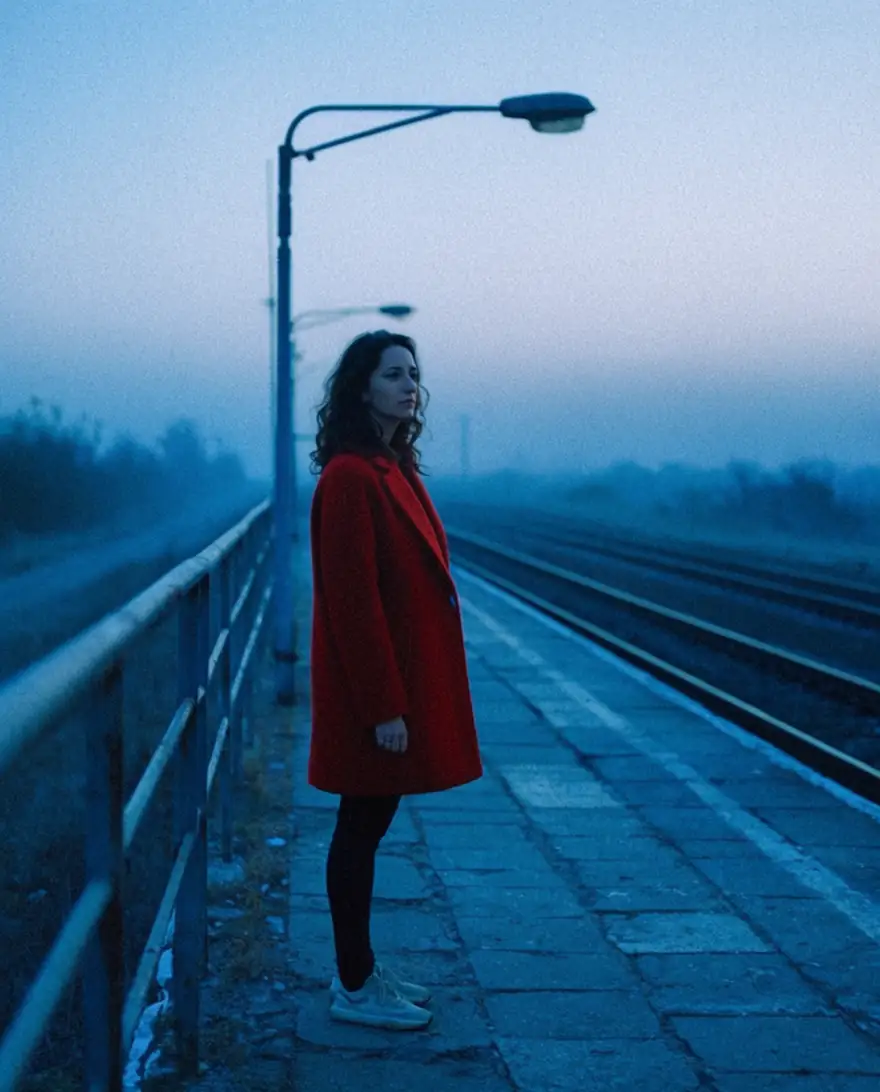 Krea 2 LargeRichest
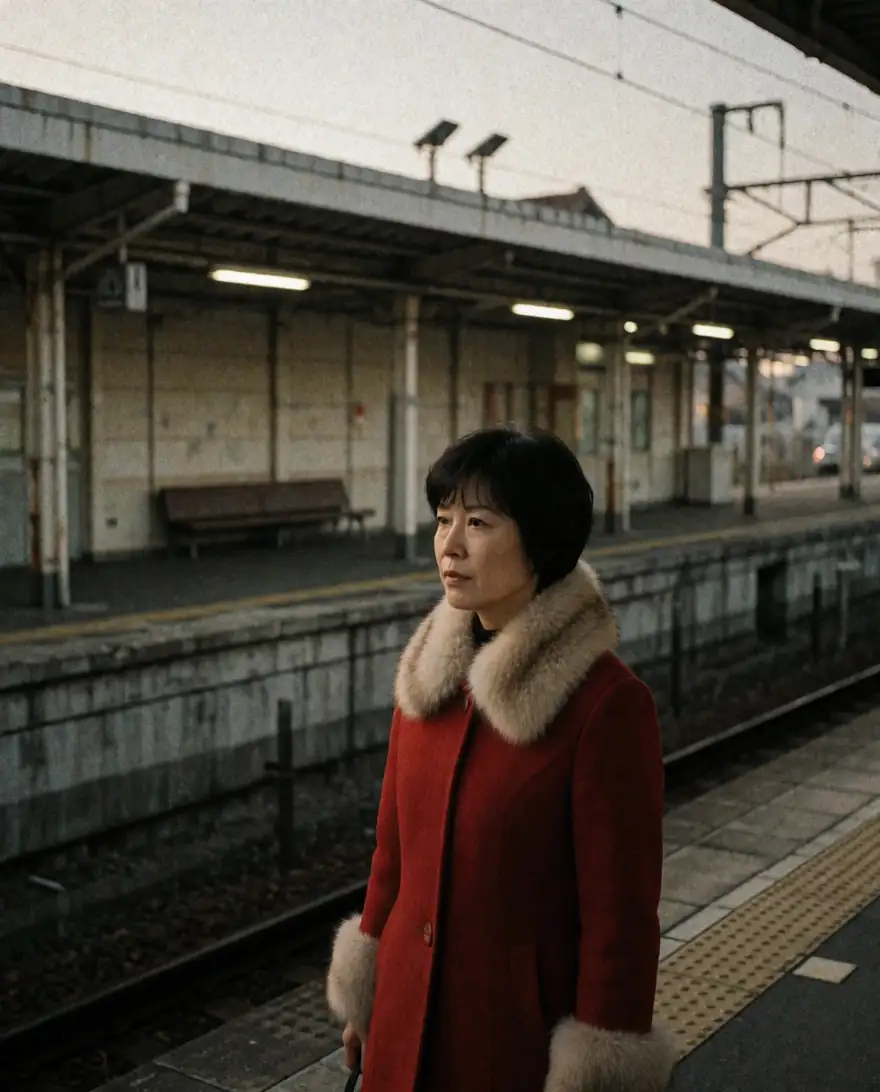 Krea 2 Medium TurboFast Krea look
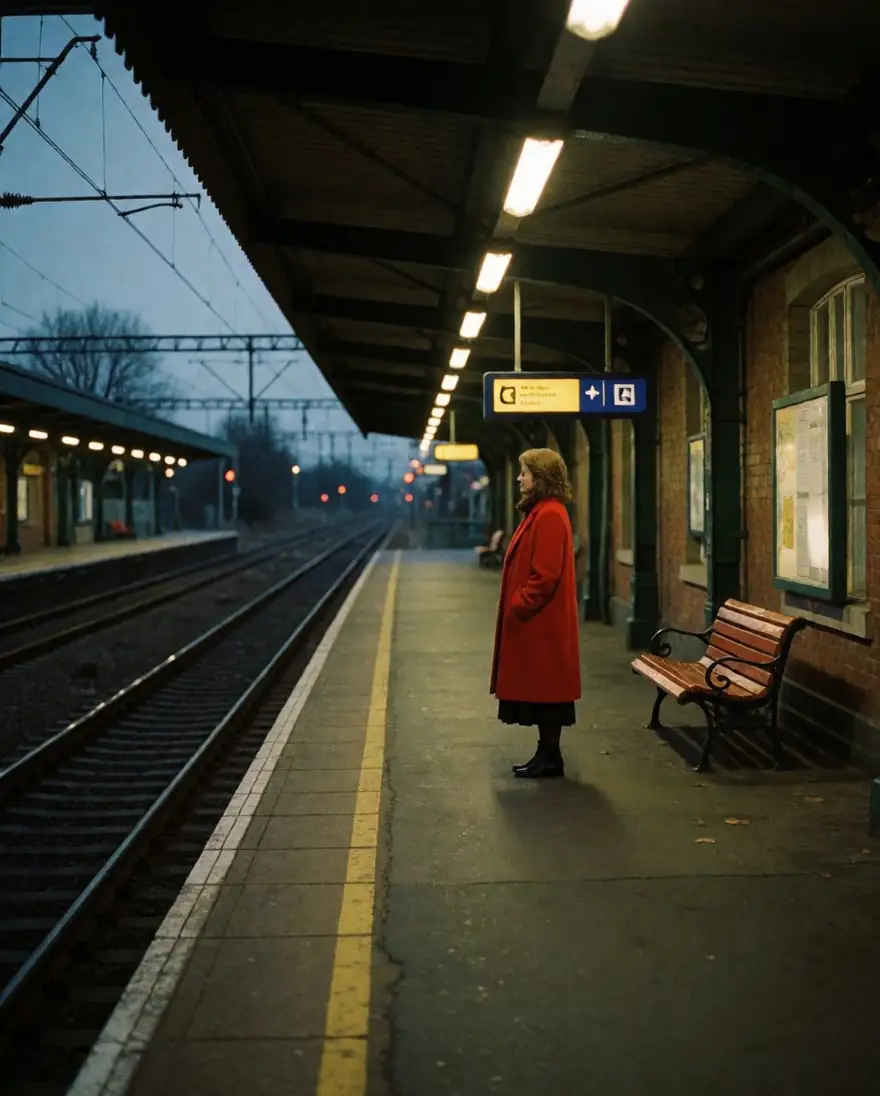 Krea 2 TurboFastest
Models
Krea 2 on Kenerate
Every version in the generator, and what each is good at.
Krea
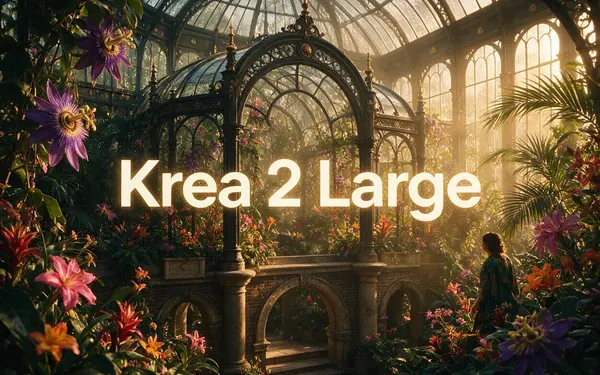
Krea 2 Large
- Reference images
- Up to 10 style refs
- Output
- 8 ratios
Open Krea 2 LargeBest for
Richest, most aesthetic
Krea
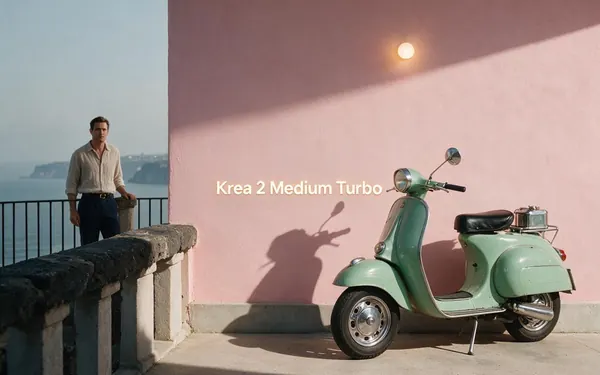
Krea 2 Medium Turbo
- Reference images
- Up to 10 style refs
- Output
- 8 ratios
Open Krea 2 Medium TurboBest for
Fast Krea look
Krea
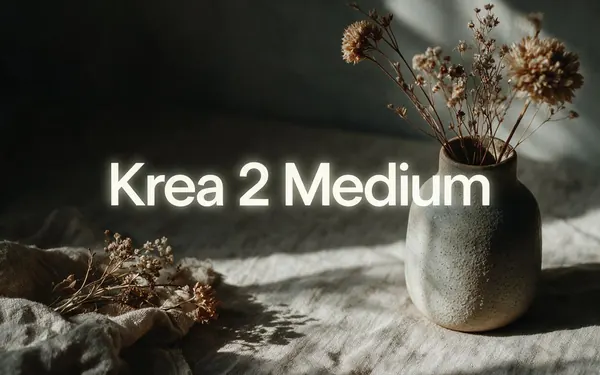
Krea 2 Turbo
- Reference images
- 1 (strength)
- Output
- 15 ratios, 1K or 2K
Open Krea 2 TurboBest for
Cheapest; remix an image
From our tests
Strengths and limits
Good at

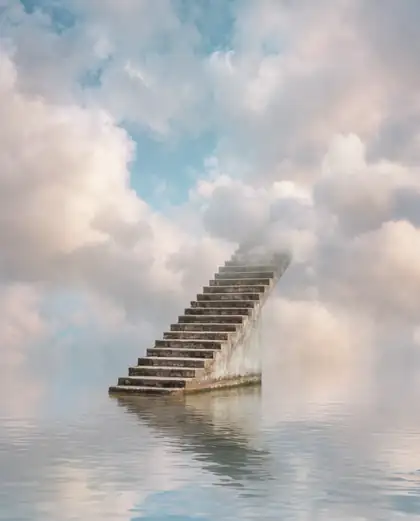
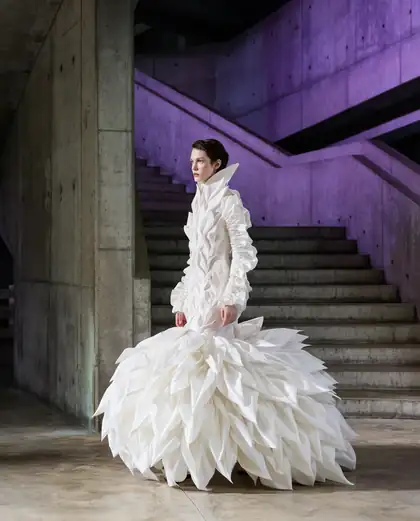
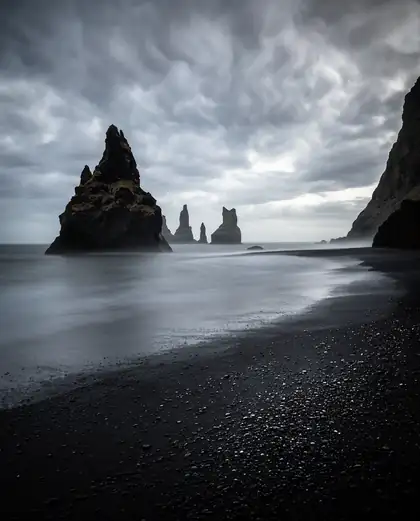
- Strong mood and light — the film still, surreal stairs and fashion editorial look art-directed.
- Style references (up to 10 on Large) to lock a look across images.
- Turbo gives a similar mood for less.
Limits
- Large costs the most — use Medium Turbo or Turbo to explore first.
- Less suited to text-heavy designs than GPT Image 2 or Recraft.
How to
How to use Krea 2 on Kenerate
Step 1
Open Krea 2
Pick Krea 2 Large, Medium Turbo or Turbo in /app/image. Any credit pack unlocks it.
Step 2
Describe the mood
Light, lens, film stock, colour — Krea responds to aesthetic words.
Step 3
Add style references
Upload up to 10 images whose look you want (Large and Medium Turbo).
Step 4
Finish
Download without a watermark.
See it in the app

Open Image Studio and type what you want to see — subject, style, lighting and mood.


Watch the tour · 1:23
Prompts, styles, references, edit, Arena & chat
Chapters
Example uses
How creators use Krea 2
Illustrative examples of typical workflows, not customer reviews.
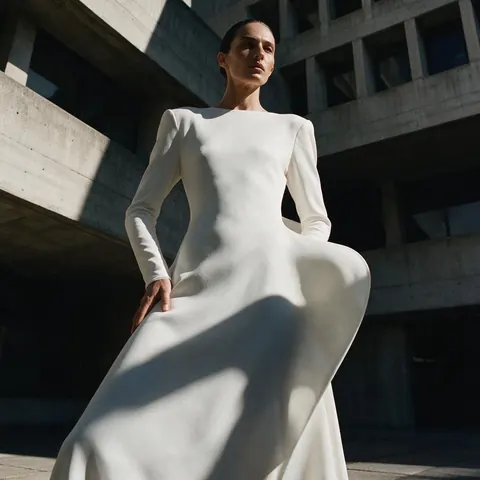
Fashion brand
A fashion brand could art-direct an editorial look with strong light and shadow on Krea 2 Large.
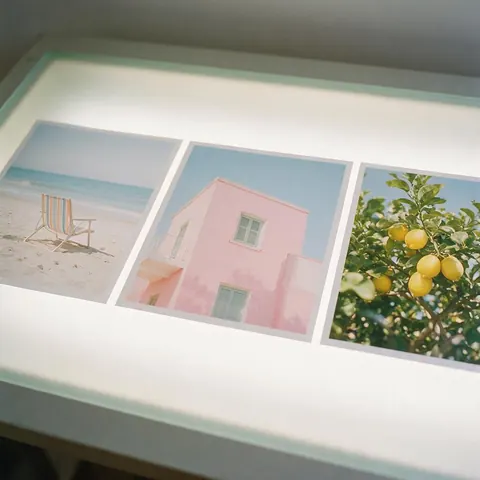
Art director
An art director could add up to 10 style references on Krea 2 Large to keep the same mood across a series.
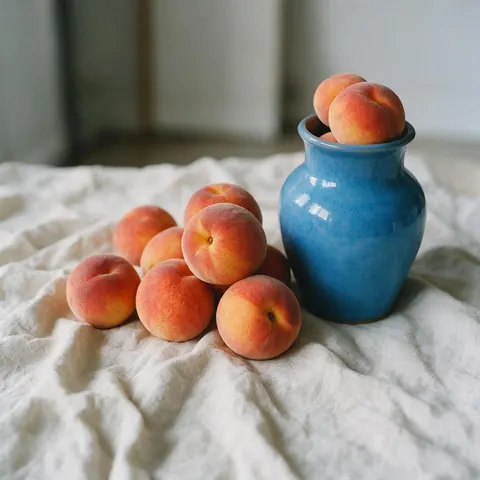
Ceramics shop
A ceramics shop could make painterly still lifes for its site, drafting cheaply on Turbo first.
FAQ
Krea 2 questions

What is Krea 2?
Krea 2 is Krea's own image model, announced on 12 May 2026 and its first foundation model built from scratch. Large aims at photorealism and the richest output, Medium at general use, illustration and anime, and Turbo at speed. On krea.ai it adds style references, moodboards and generative sliders; on Kenerate you can run Large, Medium, Medium Turbo and Turbo.
Link to this answerHow much does Krea 2 cost on Kenerate?
It costs credits per image, shown before you generate. Krea 2 Turbo uses the fewest and Large the most, with a little extra when you add style references. There is no subscription required: credits come in one-time packs that never expire; see /pricing. Krea 2 is not on the free plan, so explore on Turbo or Medium Turbo before finishing on Large.
Link to this answerCan I use style references?
Yes. Krea 2 Large and Medium Turbo on Kenerate take up to 10 style reference images, and Turbo takes one image with a strength setting to remix it. Upload images whose look you want, then reuse the same set across a series to keep the style consistent. Describe light, lens, film stock and colour in the prompt too.
Link to this answerIs Krea 2 open source?
Partly. Krea released open checkpoints for Krea 2 RAW and Krea 2 Turbo, so those two can be run yourself. Large, Medium and Medium Turbo are available on Kenerate as hosted models in the browser, with no download or setup. Check Krea's licence terms before using the open checkpoints in your own product.
Link to this answerIs Krea AI free?
Partly. Krea released open checkpoints for Krea 2 RAW and Krea 2 Turbo that you can run on your own hardware, subject to Krea's licence. On Kenerate, Krea 2 isn't on the free plan: any one-time credit pack unlocks Large, Medium, Medium Turbo and Turbo, and new accounts get starter credits to try the free-plan models first.
Link to this answerIn depth
Krea 2, in depth
Background, how to prompt it, and when to pick something else.
What Krea 2 is for
Krea built Krea 2 from scratch as its first foundation model [1], with Large aimed at photorealism and the richest output, Medium at general use, illustration and anime, and Turbo at speed.
Getting the Krea look
Write like a cinematographer: film stock, time of day, palette, lens. Then lock the look with a few style references and reuse them across a series.
By the Kenerate AI teamLast updated and reviewed
We run these models in the Kenerate generator. Model facts come from the makers' own pages; specs and limits were checked against our code; the examples are our own outputs.
Sources: Krea — Krea 2 image model
