

OpenAI
GPT Image 2 — OpenAI's ChatGPT image model
GPT Image 2 is OpenAI's image model behind ChatGPT Images 2.0 — strongest at text, layouts and following detailed instructions. On Kenerate: up to 16 reference images.
- Released
- 21 April 2026 — API, Codex and ChatGPT Images 2.0
- OpenAI's highlights
- Detailed instruction following, placing objects accurately, dense and multilingual text, diagrams and infographics
- Quality tiers on Kenerate
- Low, medium, high — at 1K, 2K or 4K
- On Kenerate
- GPT Image 2 plus GPT Image 2.5 Sunburst and Flare, up to 16 references each
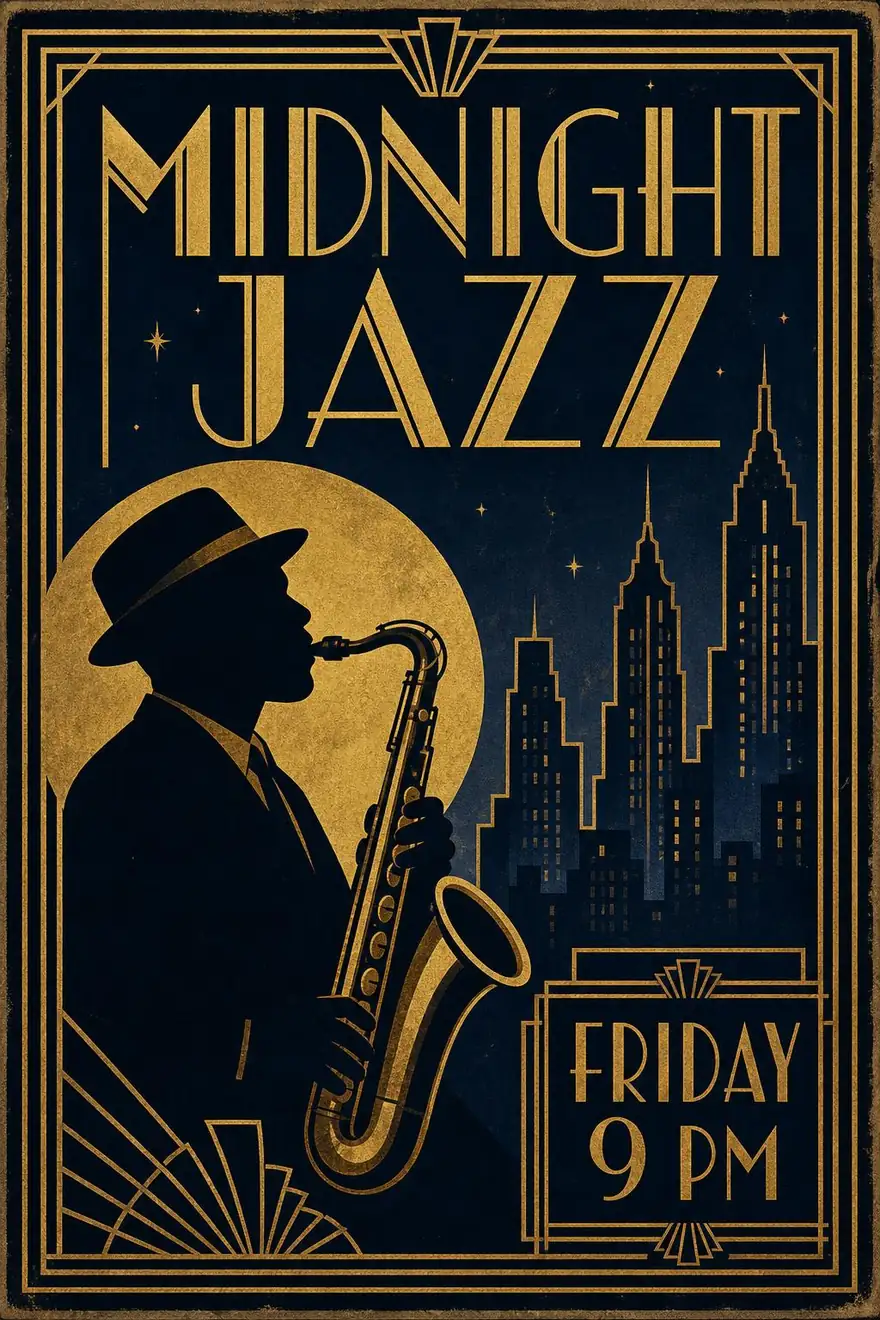
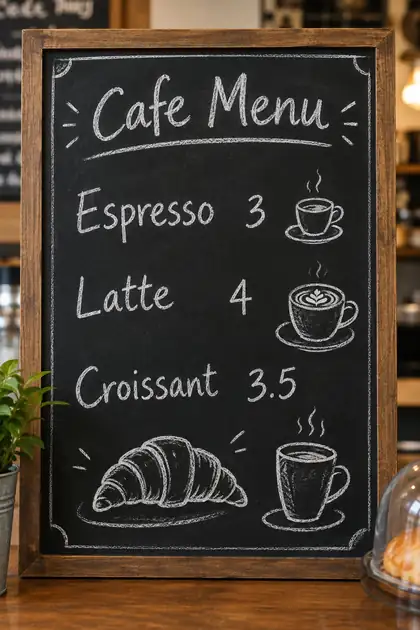
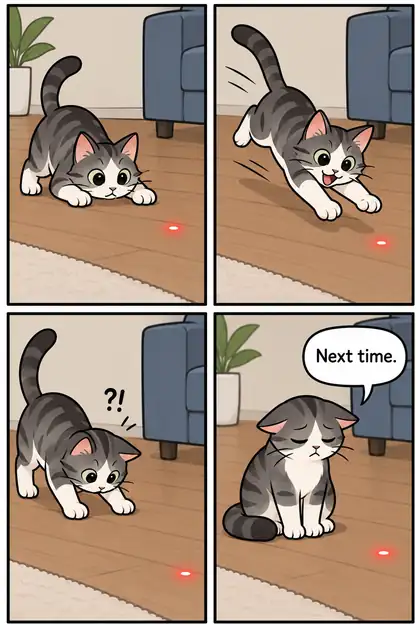
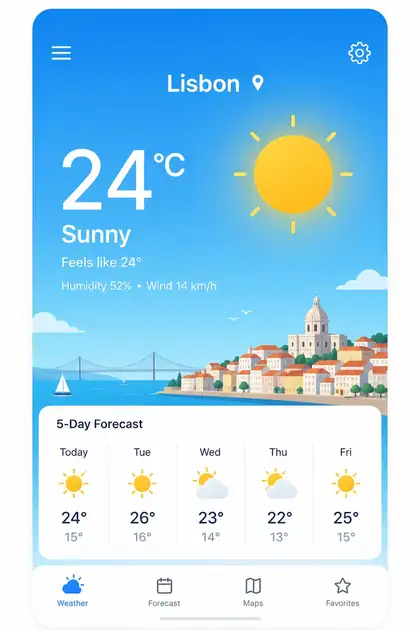
- Real outputs
- Official sources
- Free to start
- No watermark
Updated by the Kenerate AI team




Made with Kenerate
On this page
What is GPT Image 2?

What is GPT Image 2?
GPT Image 2 (gpt-image-2, often called GPT Image 2.0) is OpenAI's image model behind ChatGPT Images 2.0, released on 21 April 2026 for posters, menus, diagrams and other text-heavy visuals. OpenAI highlights detailed instruction following and accurate object placement. Kenerate AI runs it in the browser for generation and edits, with no ChatGPT subscription.
Key facts
- Maker
- OpenAI
- Also called
- GPT Image 2.0 · gpt-image-2
- Released
- 21 Apr 2026
- Available in
- API · Codex · ChatGPT Images 2.0
- Strengths
- Dense text · layouts · instructions
- On Kenerate
- 1K–4K, 3 quality tiers
- Aspect ratios
- 15
- References
- Up to 16
- Newer siblings
- GPT Image 2.5 Sunburst · Flare
Gallery
GPT Image 2 examples
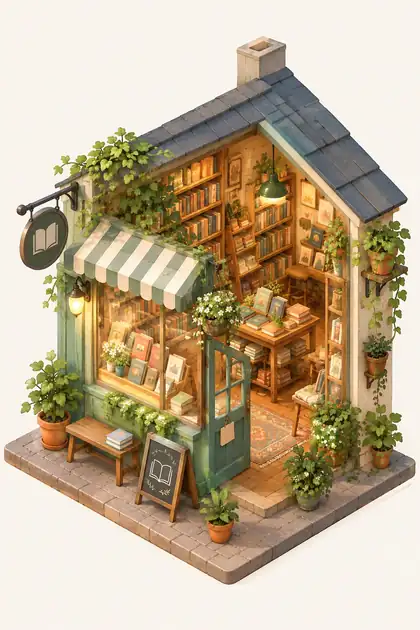
Real outputs made on Kenerate. Open any image to copy its prompt and run it yourself.
Same prompt
GPT Image 2 vs GPT Image 2.5 Sunburst vs 2.5 Flare
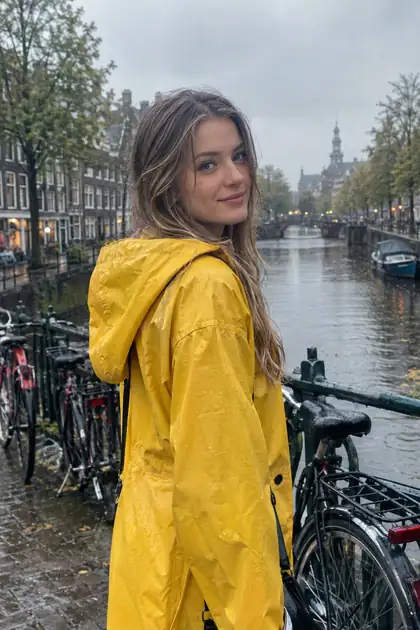
The same prompt on OpenAI's three models on Kenerate, all at medium quality and 1K.
PromptPhotorealistic portrait of a woman in a yellow raincoat on a rainy canal bridge with bicycles, soft overcast light, 35mm
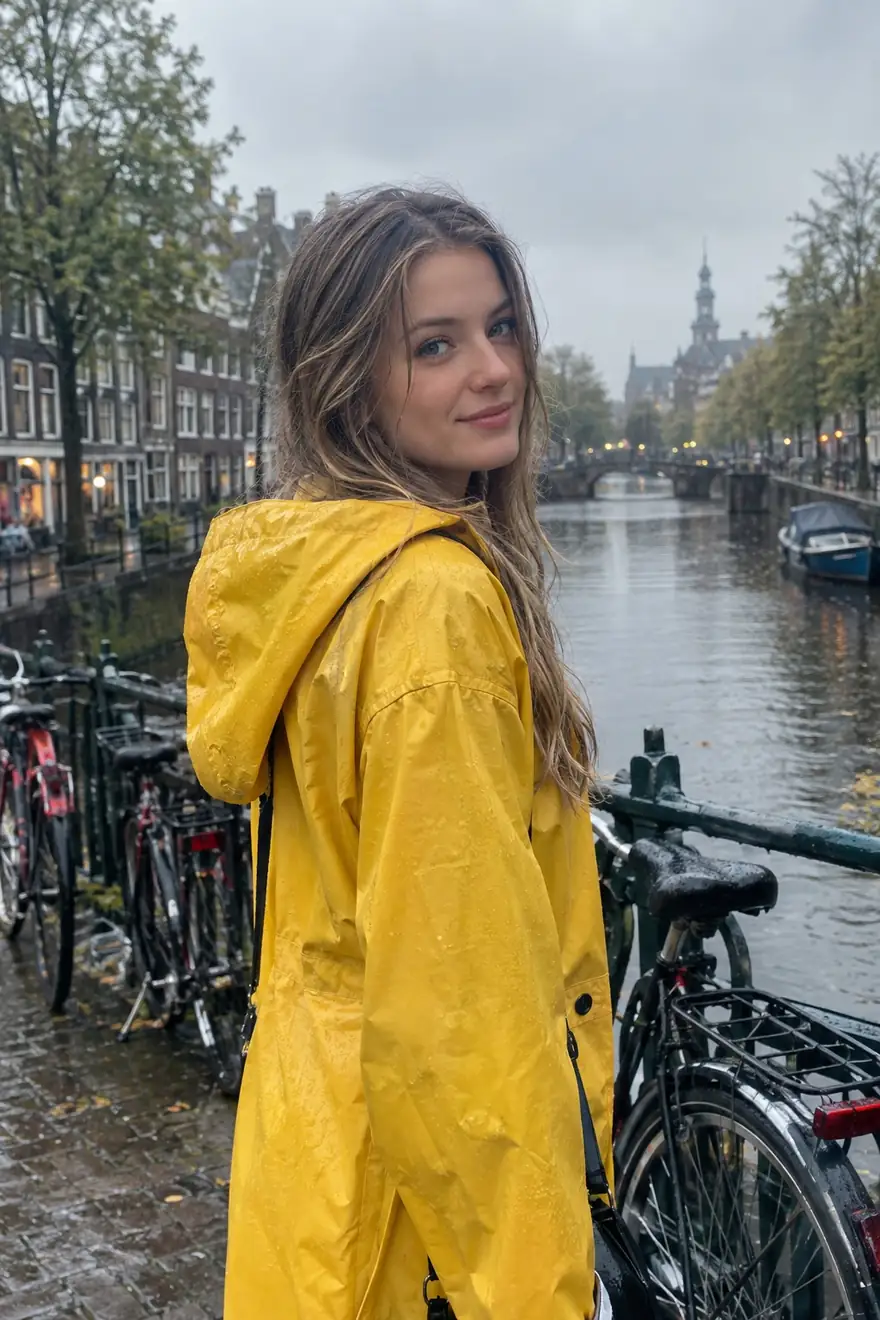 GPT Image 2Up to 4K
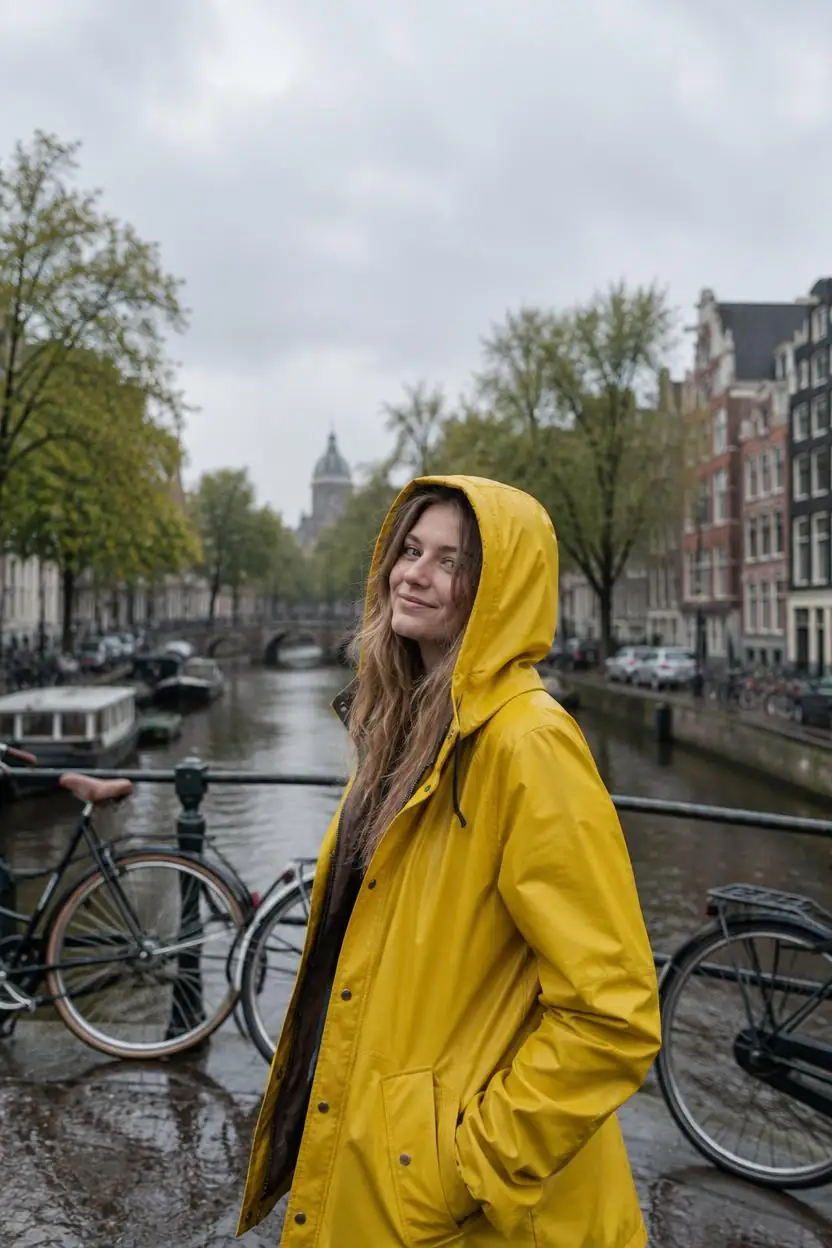 GPT Image 2.5 SunburstPrecision
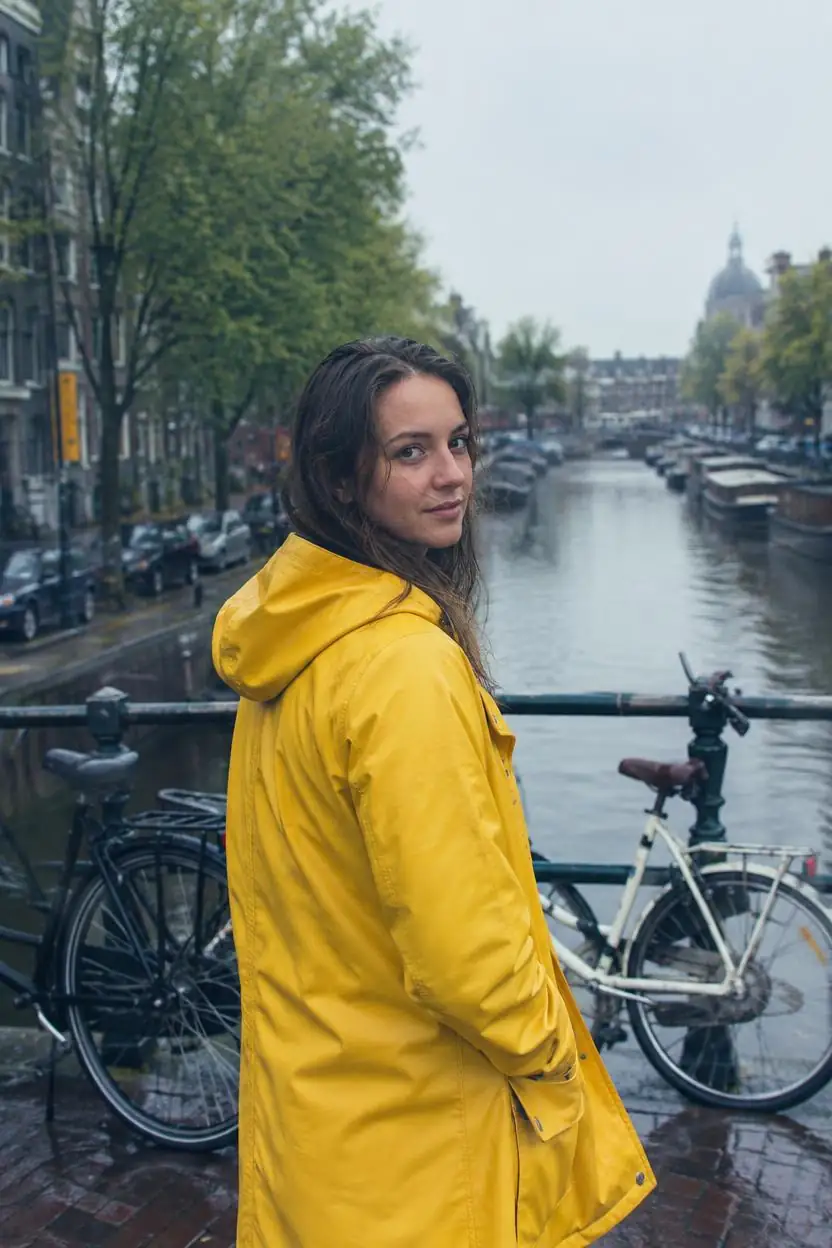 GPT Image 2.5 FlareFast
Models
GPT Image 2 on Kenerate
Every version in the generator, and what each is good at.
OpenAI
GPT Image 2
- Reference images
- Up to 16
- Output
- 1K–4K
Open GPT Image 2Best for
Low, medium and high quality

OpenAI
GPT Image 2.5 Sunburst
- Reference images
- Up to 16
- Output
- 1K–4K
Open GPT Image 2.5 SunburstBest for
Precision: longer per image
OpenAI
GPT Image 2.5 Flare
- Reference images
- Up to 16
- Output
- 1K–4K
Open GPT Image 2.5 FlareBest for
Fast everyday generation
OpenAI
GPT Image 1.5
- Reference images
- Up to 10
- Output
- 1024–1536 px
Open GPT Image 1.5Best for
Previous generation
From our tests
Strengths and limits
Good at

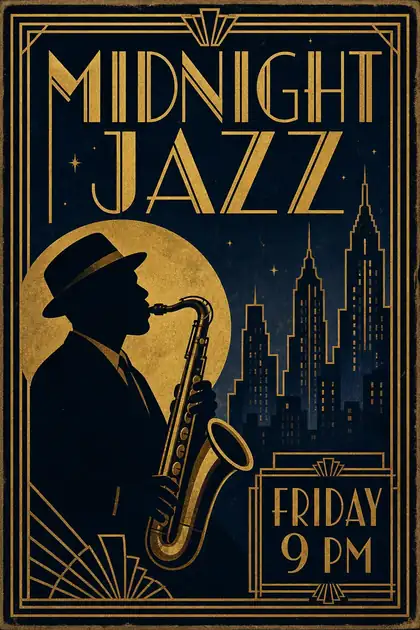
- The most reliable text in our tests: poster titles, a chalkboard menu, a comic speech bubble and an app screen came out readable.
- Follows long, specific instructions — layout, object placement, labels.
- Up to 16 reference images, the most of any model on Kenerate.
- Precise edits: adding a sign with exact wording kept the rest of the photo.
Limits
- One of the pricier models — try GPT Image 2.5 Flare for drafts.
- Photos can look a touch clean and staged next to Seedream 5.0 Pro.
- Closed model: OpenAI's content policy applies, so some prompts are refused.
How to
How to use GPT Image 2 on Kenerate
Step 1
Open GPT Image 2
Pick it in /app/image. Any credit pack unlocks it.
Step 2
Choose quality and size
Low for quick tests, medium for most images, high for the most detail.
Step 3
Write the text exactly
Put words in quotes and say where they go on the image.
Step 4
Edit with references
Upload up to 16 images and describe the change.
See it in the app

Open Image Studio and type what you want to see — subject, style, lighting and mood.


Watch the tour · 1:23
Prompts, styles, references, edit, Arena & chat
Chapters
Example uses
How creators use GPT Image 2
Illustrative examples of typical workflows, not customer reviews.
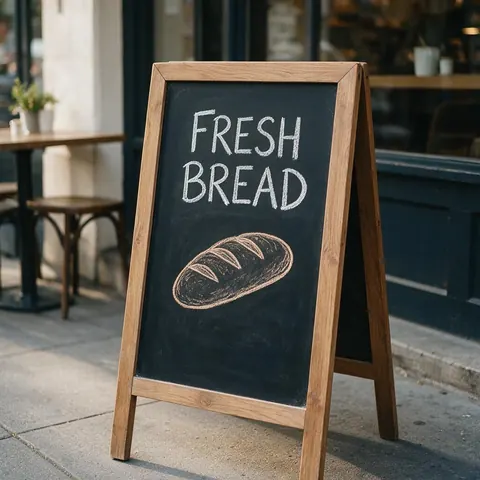
Cafe owner
A cafe owner could put every menu item and price in quotes and get a readable chalkboard-style menu for the counter and social posts.
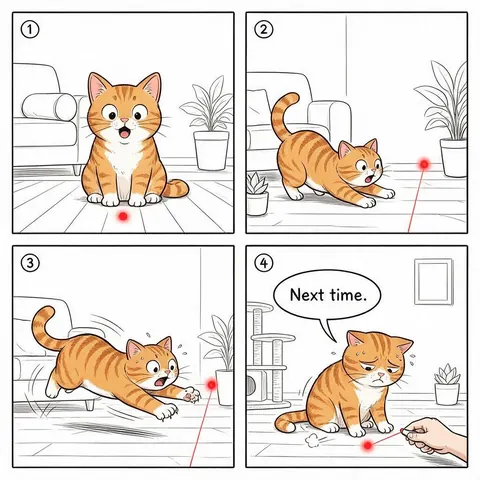
Comic creator
A comic creator could describe four panels and a short speech bubble line and get a clean strip with legible lettering.
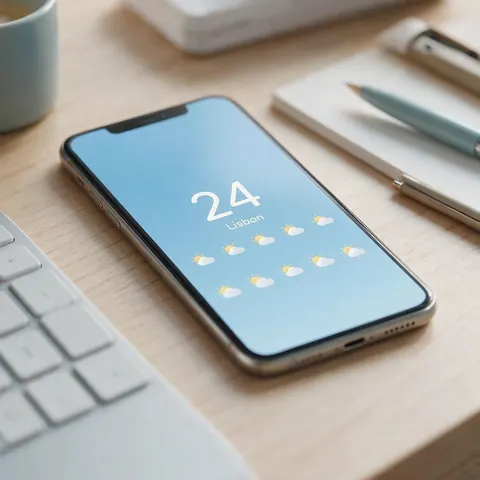
App designer
An app designer could mock up a screen with exact labels, like a weather app's city and forecast, to pitch an idea before building it.
FAQ
GPT Image 2 questions
9 questions

What is GPT Image 2?
GPT Image 2 is OpenAI's image model, gpt-image-2, released on 21 April 2026 in the API and Codex. It powered ChatGPT Images 2.0, and OpenAI highlights detailed instruction following, accurate object placement and dense, multilingual text such as diagrams and infographics. On Kenerate it renders at 1K, 2K or 4K in low, medium or high quality.
Link to this answerWhat is GPT Image 2.0?
GPT Image 2.0 is the same model as GPT Image 2: OpenAI's API name is gpt-image-2, and the ".0" comes from ChatGPT Images 2.0, the ChatGPT feature it powered from 21 April 2026. There is no separate 2.0 release. On Kenerate it is listed as GPT Image 2, with 15 aspect ratios, 1K / 2K / 4K output, three quality tiers and up to 16 reference images.
Link to this answerGPT Image 2.0 vs GPT Image 2.5 — which should I use?
For most images, GPT Image 2.5: Sunburst (precision) and Flare (speed) cost 7.2 credits at 1K medium against 18 for GPT Image 2.0, both also render 1K to 4K, and they add two quality tiers above high. Use GPT Image 2.0 when you prefer its look or need to match earlier work made with it. All three take up to 16 references; the same canal-portrait prompt on each is shown above.
Link to this answerIs GPT Image 2 the ChatGPT image generator?
Not any more. ChatGPT Images 2.0 ran on gpt-image-2, but ChatGPT has since moved to Images 2.5, whose API models are GPT-Image-2.5 Flare and Sunburst. All three are on Kenerate with no ChatGPT subscription, so you can compare them on the same prompt. Sunburst focuses on precision and Flare on fast everyday generation.
Link to this answerHow much does GPT Image 2 cost on Kenerate?
It costs credits per image, shown before you generate. The amount rises with quality (low, medium or high), with 2K or 4K output, and a little with each reference image. Credits come in one-time packs that never expire, with no subscription required; see /pricing. GPT Image 2 is not on the free plan, and GPT Image 2.5 Flare is the cheaper choice for drafts.
Link to this answerWhat's the difference between GPT Image 2 and 2.5?
GPT Image 2.5 comes in two versions on Kenerate: Sunburst for precision, which takes longer per image, and Flare for fast everyday generation. Both cost less than GPT Image 2 at the same quality, take up to 16 references and render 1K to 4K; they offer five quality tiers to GPT Image 2's three. Compare all three on the same canal-portrait prompt above.
Link to this answerHow many reference images can I use?
Up to 16 on Kenerate, the most of any model on the site. GPT Image 2.5 Sunburst and Flare also take 16, and the older GPT Image 1.5 takes up to 10. Upload your images and describe the change; each extra reference adds a little to the cost of the image.
Link to this answerIs GPT Image 2 good at text?
Yes. It is the strongest model we have tested for text in images: poster titles, a chalkboard menu, a comic speech bubble and an app screen all came out readable. Put every word in quotes, say where it goes, and keep each block short. Medium quality is enough for most text; use high for small print.
Link to this answerHow can I access GPT Image 2?
OpenAI released GPT Image 2 on 21 April 2026 in its API and Codex, and it powered ChatGPT Images 2.0. On Kenerate you pick it in /app/image with no ChatGPT subscription: any one-time credit pack unlocks it, at 1K, 2K or 4K and with up to 16 reference images. GPT Image 2.5 Sunburst and Flare sit in the same menu for comparison.
Link to this answerIn depth
GPT Image 2, in depth
Background, how to prompt it, and when to pick something else.
What OpenAI says gpt-image-2 improves
From OpenAI's announcement [1]:
- Assets for any surface, with more aspect ratios.
- Practical text-heavy visuals: diagrams, infographics, multilingual text.
- Better control from prompt to final asset through instruction following.
Getting clean text
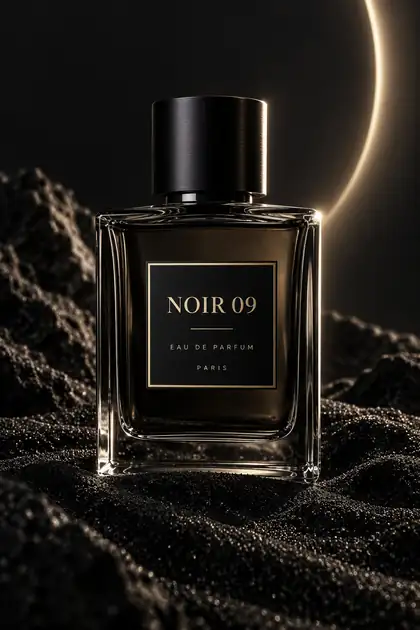
Put every word you want in quotes, say where it goes (“title at the top”, “label on the bottle”), and keep each block short. For menus or UIs, list items in order. Medium quality is enough for most text; use high for small print.
By the Kenerate AI teamLast updated and reviewed
We run these models in the Kenerate generator. Model facts come from the makers' own pages; specs and limits were checked against our code; the examples are our own outputs.
Sources: OpenAI Developer Community — Introducing gpt-image-2
