


Design her look · keep her face
AI Girlfriend Generator
Design a fictional adult companion's look with Kenerate's 80+ image models, keep her face in new scenes with reference images, and turn a portrait into a talking photo with Avatar Talk.
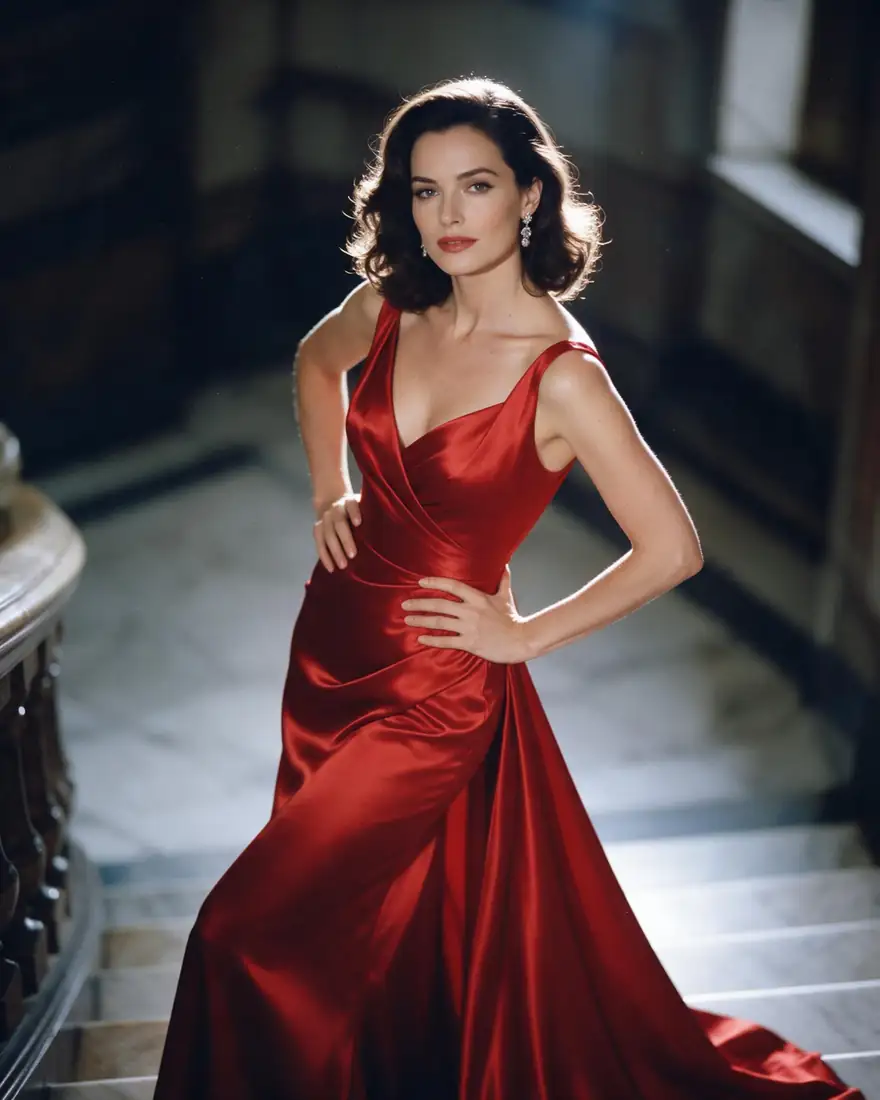

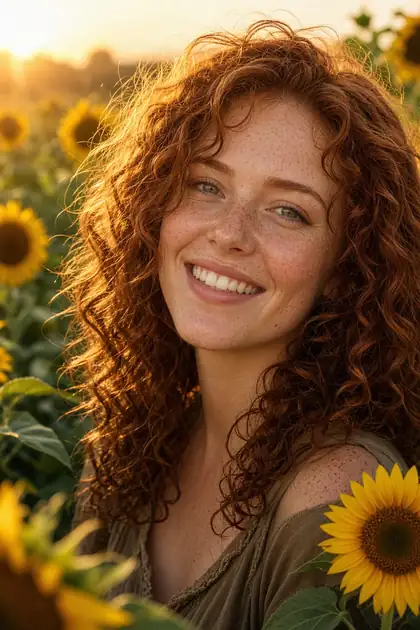
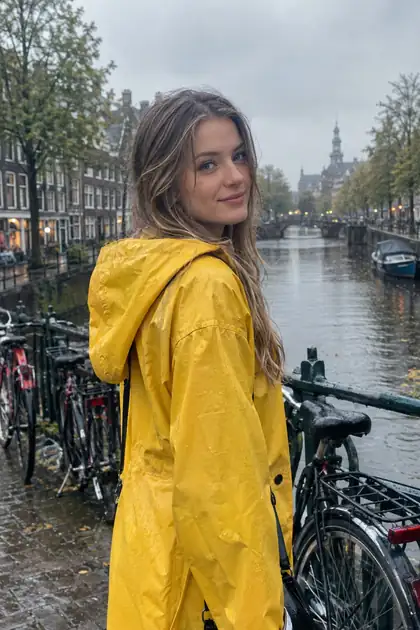
- Fictional adults only
- 80+ image models
- Free credits
- No watermark
Updated by the Kenerate AI team
Made with Kenerate

On this page
Quick answer
Updated
What is an AI girlfriend generator?
An AI girlfriend generator creates the look of a fictional adult companion from a text prompt. On Kenerate AI you design her portrait with models such as Seedream 5.0 Pro, reuse it as a reference image to keep her face in new scenes, and can make it speak with Avatar Talk. Real people and minors are never allowed.
Key facts
- Her look
- Image studio, 80+ models
- Best for portraits
- Seedream 5.0 Pro
- Same face, new scene
- Reference images
- Talking photo
- Avatar Talk
- Video
- Image to video, paid plan or credit pack
- Free start
- Starter credits
- Who
- Fictional adults only
Gallery
Looks for your AI girlfriend
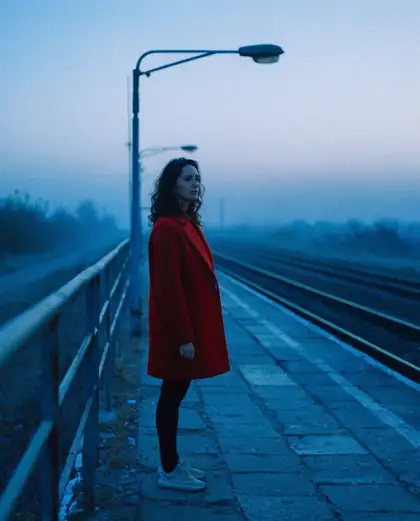
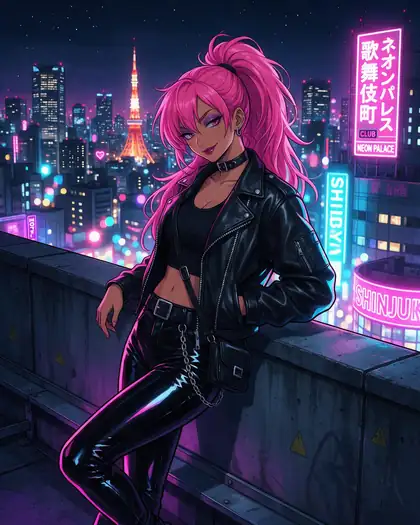
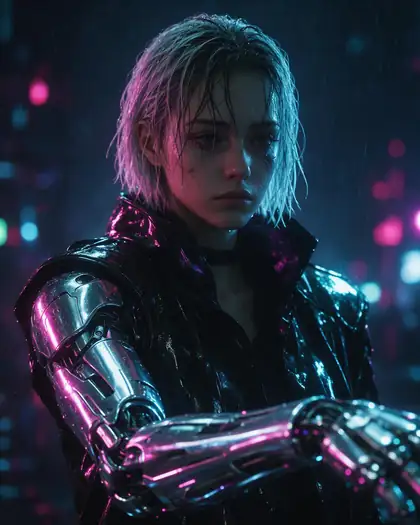
Real outputs of fictional adults from Kenerate's image models. Open one to copy its prompt and make it yours.
How to
How to use the AI girlfriend generator
- Time needed
- Steps
- 4 steps
Step 1
Design her look
In /app/image, describe a fictional adult woman and pick Seedream 5.0 Pro. Sign in free for starter credits.
Step 2
Save the portrait
Download the one you like; image downloads carry no watermark.
Step 3
Put her in new scenes
Add the portrait as a reference image in GPT Image 2, Nano Banana 2 or Seedream 5.0 Pro and describe the new outfit, place or pose.
Step 4
Make her talk or move
Upload the portrait and a voice track in Avatar Talk for a talking photo, or animate it in /app/video with a paid plan or credit pack.
See it in the app

Open Image Studio and type what you want to see — subject, style, lighting and mood.


Watch the tour · 1:23
Prompts, styles, references, edit, Arena & chat
Chapters
Tips
A look you can reuse
What makes a portrait easy to keep consistent.
Describe an adult and give an age, such as “in her late twenties”.
Pick one style per prompt: photo, anime or painted.
Keep her face clear, front-facing and well lit.
Write one short line for her face and hair, and repeat it in every prompt.
Reuse the portrait as a reference image to keep her look in new scenes.
Never use a real person's photo or name.
Models
Models for her portrait
What each model is good at. Open any one straight in the generator.

ByteDance
Seedream 5.0 Pro
- Reference images
- Up to 10
- Output
- 2K
Photoreal portraits at 2K
Open Seedream 5.0 Pro
Google
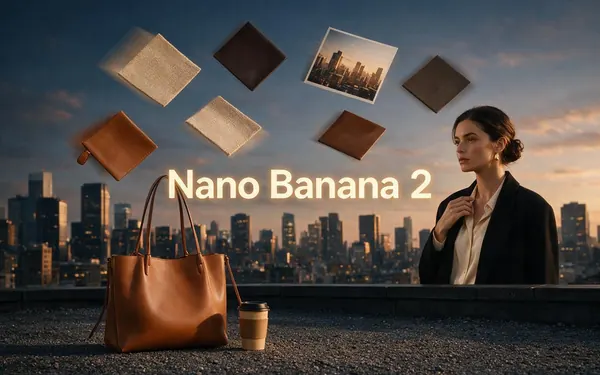
Nano Banana 2
- Reference images
- Up to 14
- Output
- 1K (square)
Square output suits avatars
Open Nano Banana 2- Free plan
Example uses
How creators use AI girlfriend generator
Illustrative examples of typical workflows, not customer reviews.
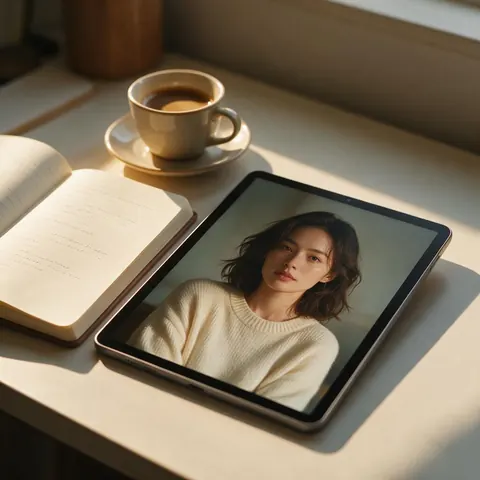
Story writer
A story writer could design the lead character's face once, then reuse it as a reference image for every scene in the book.
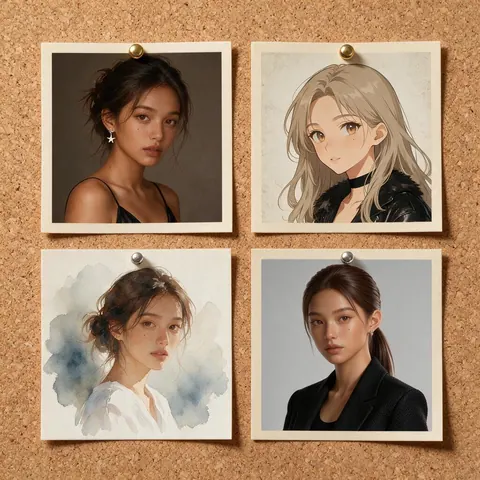
Game designer
A game designer could try several looks for a companion character before writing her personality.
FAQ
AI Girlfriend Generator questions
What is an AI girlfriend generator?
A tool that creates the look of a fictional adult companion from a text prompt. On Kenerate AI you design her portrait in the image studio, with models such as Seedream 5.0 Pro, then reuse that portrait as a reference image to put the same face in new scenes. Real people and anyone under 18 are never allowed.
Link to this answerCan I keep her face the same in new photos?
Yes. Add her portrait as a reference image in a model that edits from references, such as GPT Image 2 (up to 16 references), Nano Banana 2 (up to 14) or Seedream 5.0 Pro (up to 10), then describe the new outfit, place or pose. Repeat the same short description of her face and hair in every prompt to keep her recognisable.
Link to this answerCan my AI girlfriend talk?
Yes, as a talking photo. In Avatar Talk, upload her portrait and a voice track, and the AI moves her lips, face and head in sync with the audio. You can make the voice track in Kenerate's voice studio or upload your own. Avatar Talk works on the free plan.
Link to this answerIs the AI girlfriend generator free?
Free to start. A new account gets starter credits on sign-up, and Flux 2 Dev is on the free plan for drafts. Models like Seedream 5.0 Pro use credits from one-time credit packs that never expire, and image to video needs a paid plan or a credit pack. Image downloads carry no watermark.
Link to this answerCan I make her look like a real person?
No. Your AI girlfriend must be a fictional adult: don't upload a real person's photo or use their name, and nothing may suggest anyone under 18. Prompts involving minors are blocked on every model.
Link to this answerIs there an 18+ AI girlfriend generator?
Yes, for adults 18+: the AI girlfriend generator NSFW page covers adult images of fictional adults and Spicy image-to-video. This page stays SFW. Both use the same account and the same image studio, under the same rules: fictional adults only, never real people.
Link to this answerIn depth
AI Girlfriend Generator, explained
What works, what to avoid, and how to pick a model.
On this page
One face, many scenes
Design her face once in the image studio, where you can compare models and keep the portrait you like. Then use that portrait as a reference image for every new outfit, place and pose, so she stays the same character across a whole set.
Girlfriend or boyfriend
The steps are the same for any companion; only the look changes. The AI boyfriend generator page walks through a male companion with its own examples.
Privacy
Switch on Private in Advanced settings before you generate, and the result stays out of the public feed. Downloads carry no watermark.