

90s anime · manga · chibi · webtoon
Anime Filter — your photo as a 90s anime cel, manga panel or chibi
Pick one of six anime looks and AI Filter redraws your photo with ink lines, cel shading and big glossy eyes — while it keeps your face, expression and pose.
- Six anime looks
- Keeps your expression
- Black-and-white manga too
- No watermark
Updated by the Kenerate AI team
On this page
Quick answer
Updated
What does an anime filter do?
An anime filter redraws a photo as an anime frame while keeping you recognisable. Kenerate AI Filter has six anime looks — 90s Anime, Ghibli-inspired, Shonen Manga, Shoujo Sparkle, Chibi and Webtoon. Upload one photo, pick a look and get a restyled image in about 10–20 seconds on the default engine.
Key facts
- Anime looks
- 90s Anime, Ghibli, Shonen Manga, Shoujo Sparkle, Chibi, Webtoon
- Input
- One photo · JPG, PNG or WebP · up to 20 MB
- Speed
- About 10–20 s on Qwen Image 3
- Black and white
- Shonen Manga, with screentone and speed lines
- Mix
- Any anime look with any other look
- Plan
- No subscription required
Looks
Six anime looks, six different eras
From VHS-era TV anime to a modern scrolling comic. Each card opens AI Filter with that look picked.
90s Anime
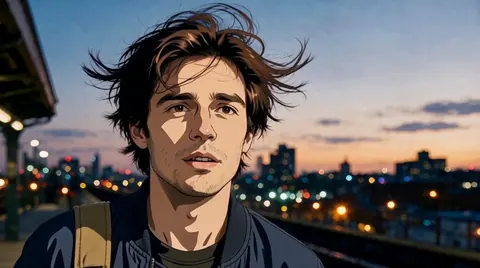
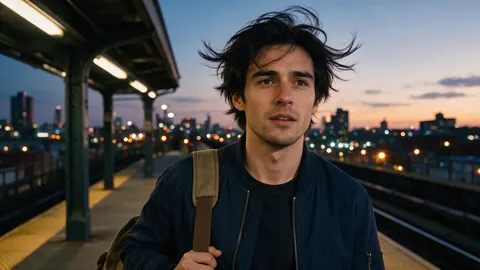
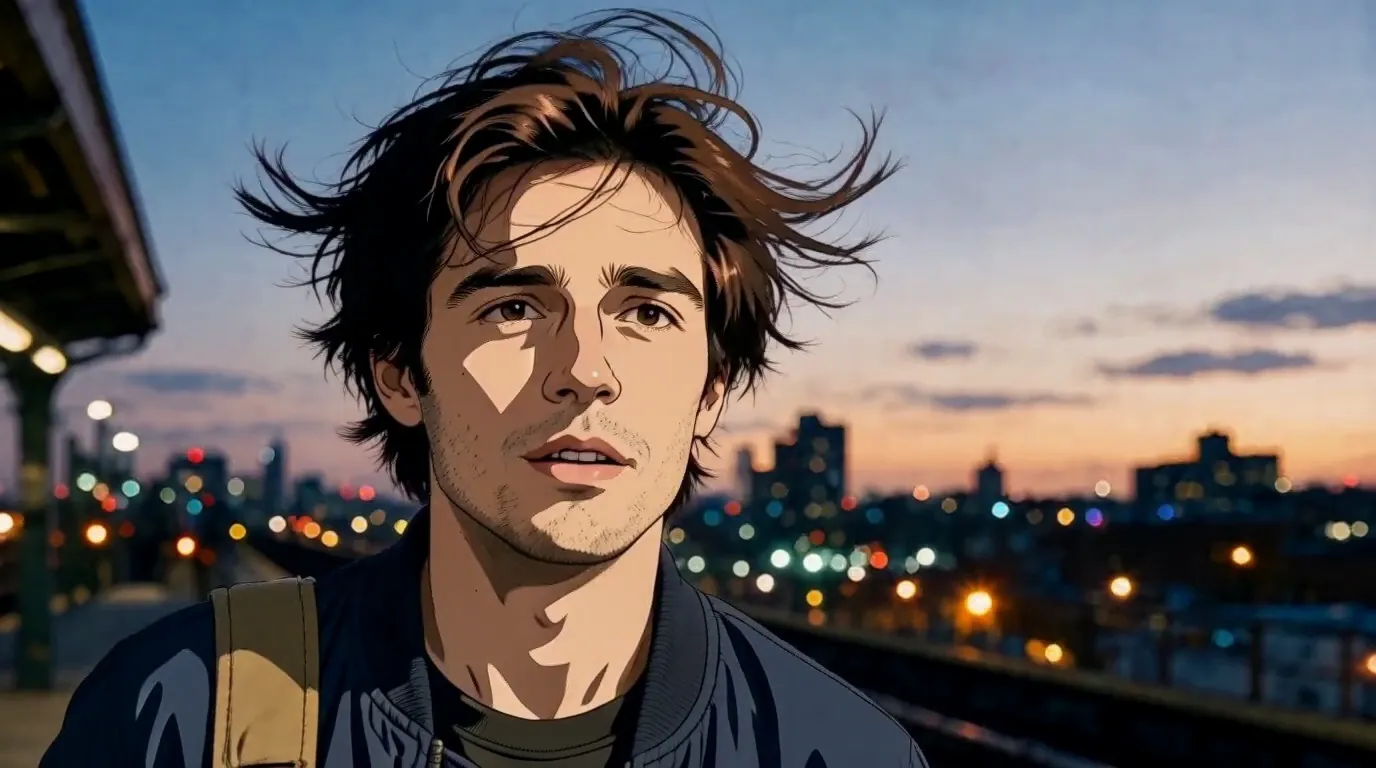
Sharp cel shading, muted VHS-era colour, dramatic hair highlights and a soft film-scan feel. The look in the before/after above.
Ghibli
Hand-painted warmth and soft rounded features — best outdoors, with sky and greenery behind you.
Shonen Manga
A black-and-white manga panel: heavy ink, screentone shading and speed lines behind a determined face.
Shoujo Sparkle
Huge glossy eyes, pastel colour, floating petals and sparkles, delicate line art.
Chibi
An oversized head on a tiny body with big shiny eyes — sticker-cute, less literal.
Webtoon
Clean digital lines and soft-gradient shading, like a modern Korean scrolling comic.
How to
How to turn a photo into anime
Four steps. The 90s Anime card above opens the tool with that look already chosen.
- Time needed
- Steps
- 4 steps
- You need
- A web browser · One photo (JPG, PNG or WebP)
Step 1
Add one photo
Upload, snap with the camera, paste, or pick from History or your Library — JPG, PNG or WebP up to 20 MB. Links from other sites are refused.
Step 2
Pick an anime look
Open the Anime & Cartoon group or the Trending row: 90s Anime, Ghibli, Shonen Manga, Shoujo Sparkle, Chibi or Webtoon.
Step 3
Add a Twist if you want
One extra instruction of up to 300 characters, such as “add sunglasses” or “night city behind me”. It's optional.
Step 4
Apply and compare
Drag the Compare slider, then Download, save to Cloud, Edit, Upscale, Tweak, or use the result as the next photo to stack another look.
See it in the app

Open AI Filter and upload the photo you want to restyle.


Watch the tour · 1:46
56 looks in 7 groups, four engines, before / after, mix two looks, add a twist, hand-offs & chat
Chapters
Engines
Which engine for an anime filter?
Anime looks are big style jumps, so the engine changes how much of your face survives the redraw.
- Default
Alibaba
Qwen Image 3
- Strength
- Fast, faithful to the face · best value (default)
- Typical time
- About 10–20 s
The default and the one in the demo: quick, and it holds your features through cel shading.
Open Qwen Image 3 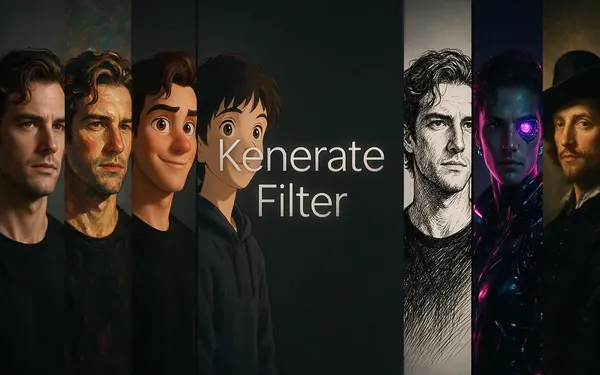
Kenerate
Kenerate Filter
- Strength
- Identity-locked re-render · bold style changes
- Typical time
- About 15–30 s
For Chibi and Shoujo Sparkle, where proportions change a lot but you still want to be recognisable.
Open Kenerate Filter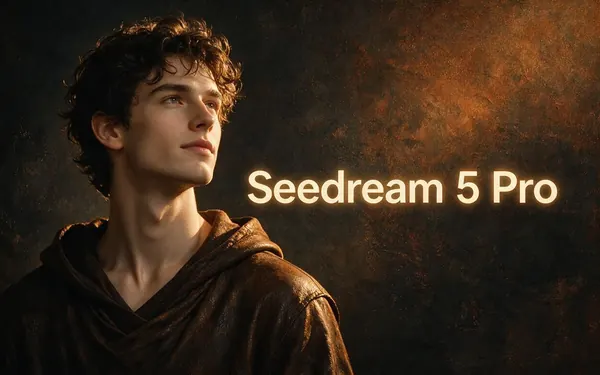
ByteDance
Seedream 5 Pro
- Strength
- Painterly & cinematic looks · rich texture
- Typical time
- About 20–40 s
For painterly anime — Ghibli-inspired backgrounds and soft shoujo pastels with rich texture.
Open Seedream 5 Pro
OpenAI
GPT Image 2
- Strength
- Smartest with complex mixes · toys & posters
- Typical time
- About 30–60 s
For anime mixes, such as 90s Anime with Cyberpunk, or manga panels with careful composition.
Open GPT Image 2
Times are typical, not promised. Every engine returns one image per run, and a failed run is refunded automatically.
Example uses
How creators use anime filter
Illustrative examples of typical workflows, not customer reviews.
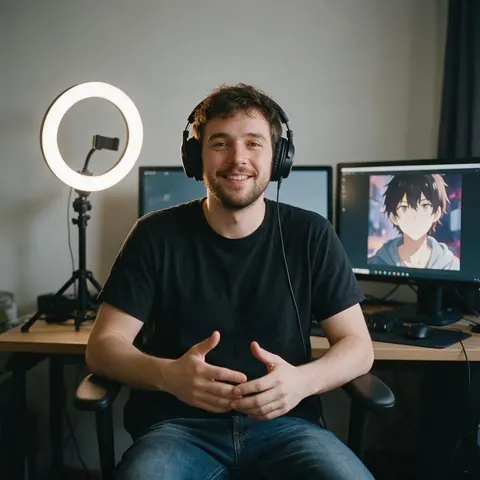
Streamer
A streamer turns a webcam selfie into a 90s Anime avatar for the channel banner and keeps the original for sponsors.
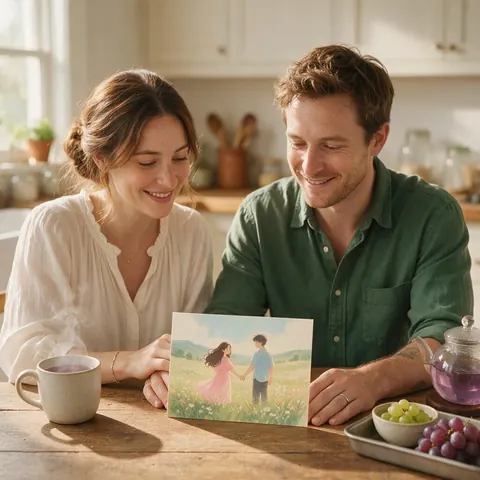
Couple
A couple redraws their engagement photo in the Ghibli-inspired look for the save-the-date card.
Cosplay photographer
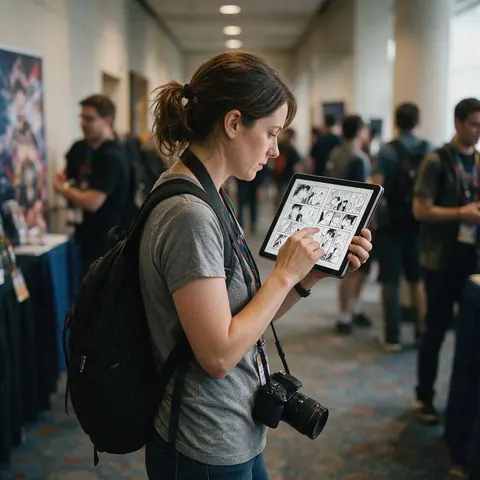
A cosplay photographer shows models a Shonen Manga version of their shots as a bonus panel in the gallery.
FAQ
Anime filter questions
7 questions
What is the best anime filter for photos?
The best one is the look that matches your photo. For a classic TV-anime feel, 90s Anime gives sharp cel shading and VHS-era colour; for outdoor shots, the Ghibli-inspired look paints the background; for profile pictures, Chibi is the cutest. Kenerate AI Filter has all six anime looks in one tool, so you can try several on the same photo and compare them with the slider.
Link to this answerHow do I turn a photo into anime?
Upload the photo to Kenerate AI Filter, pick an anime look such as 90s Anime, and press Apply. The default engine, Qwen Image 3, takes about 10–20 seconds and returns one restyled image with your pose and expression kept. Drag the Compare slider to check it against the original, then download it, Tweak the look, or upscale it for a bigger file.
Link to this answerIs there a 90s anime filter?
Yes. 90s Anime is in the Trending group of Kenerate AI Filter. It redraws your photo as a 1990s TV anime cel: sharp cel shading, muted VHS-era colours, dramatic hair highlights, thin ink outlines and a slight film-scan softness. It suits night scenes and city backgrounds, and it mixes well with Cyberpunk if you want neon rim light on top.
Link to this answerCan the anime filter make a black-and-white manga panel?
Yes, with the Shonen Manga look. It removes colour and draws your photo as a manga page panel with heavy ink lines, screentone shading and speed lines behind you, with an intense, determined expression. Photos with strong side light work best, because the shadows become solid ink. Keep the background simple so the screentone stays clean.
Link to this answerDoes the anime filter work on pets?
Yes. Each look is written for the person or subject in the photo, so a dog or cat is redrawn in the same anime style, with its pose kept. Chibi and Ghibli-inspired tend to suit pets especially well. Use a sharp photo where the animal fills a good part of the frame, since small subjects carry less detail into the drawing.
Link to this answerWhat's the difference between an anime filter and an anime generator?
An anime filter restyles a photo you already have and keeps its composition; an anime generator draws a new picture from a text prompt. Use AI Filter when you want yourself, your friends or your pet in anime style. Use the AI anime generator when you want an original character or scene that doesn't exist in any photo.
Link to this answerCan I put a friend's photo through the anime filter?
Yes, if your friend agrees. Only restyle photos of yourself, of people who have given permission, or pictures you own the rights to. Don't use an anime version to mock or impersonate someone, and ask before you post it. The optional Twist text is moderation-checked, like every optional text field in the app.
Link to this answerIn depth
Anime filters, explained
What makes a photo read as anime, which look suits which picture, and how to steer the result.
On this page
What makes a photo read as anime?
Three things do most of the work: ink outlines around every shape, flat cel shading with one hard shadow edge instead of smooth gradients, and eyes drawn larger with a bright highlight. Hair turns into clumps with sharp highlights, and backgrounds simplify into painted shapes. An anime filter keeps your pose and expression and rebuilds the surface in those rules.
Which anime look suits which photo?
Match the look to the light and setting you already have:
- Night city, train platforms, neon: 90s Anime, or a 90s Anime × Cyberpunk mix
- Fields, forests, big skies: the Ghibli-inspired look
- Action poses and intense faces: Shonen Manga in black and white
- Soft portraits and flowers: Shoujo Sparkle
- Profile pictures and stickers: Chibi
- Clean studio selfies: Webtoon
Getting a clean black-and-white manga panel
Shonen Manga drops colour entirely and adds screentone dots and speed lines. Strong side light helps, because the shadows become the ink. A busy background turns into busy screentone, so a plain wall or sky behind you reads better. If you want the panel to tell a story, a Twist such as “rain falling, wet hair” adds one detail without fighting the look.
Anime filter or anime generator?
An anime filter starts from your photo and keeps its composition, so the result is you, drawn. An anime generator starts from a text prompt and invents the whole picture, which suits original characters and scenes. Kenerate has both: AI Filter for your photo, and the AI anime generator page for anime from text or a reference.
Mixing anime with another look
Mix with a second look blends two styles into one. 90s Anime with Cyberpunk at 70/30 gives a retro cel with neon rim light; Webtoon with Pop Art at Even gives flat colour blocks with clean lines. If the second look takes over, move Balance back toward 70/30 or press swap.
See yourself as an anime cel
New accounts get starter credits. No subscription required. No watermark.
Tried it? Tell us how it went