

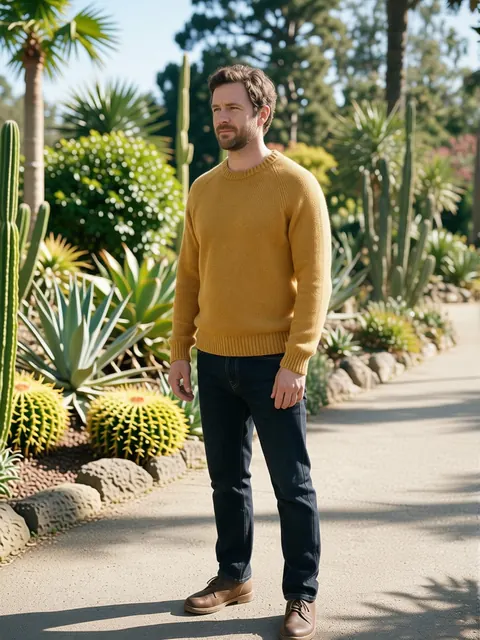
8 sides · 4 heights · 3 distances
Change Camera Angle with AI — re-shoot one photo from anywhere
Took the shot from the front and needed it from the side, from above or a step closer? Move a virtual camera around the subject and get the new view as a fresh picture — same scene, outfit, colours and light.

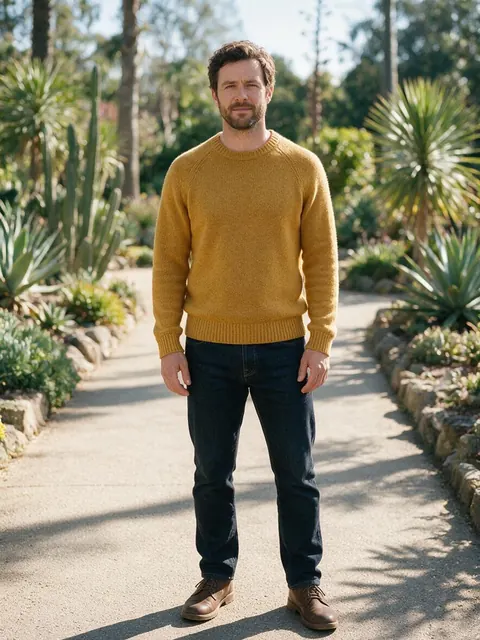
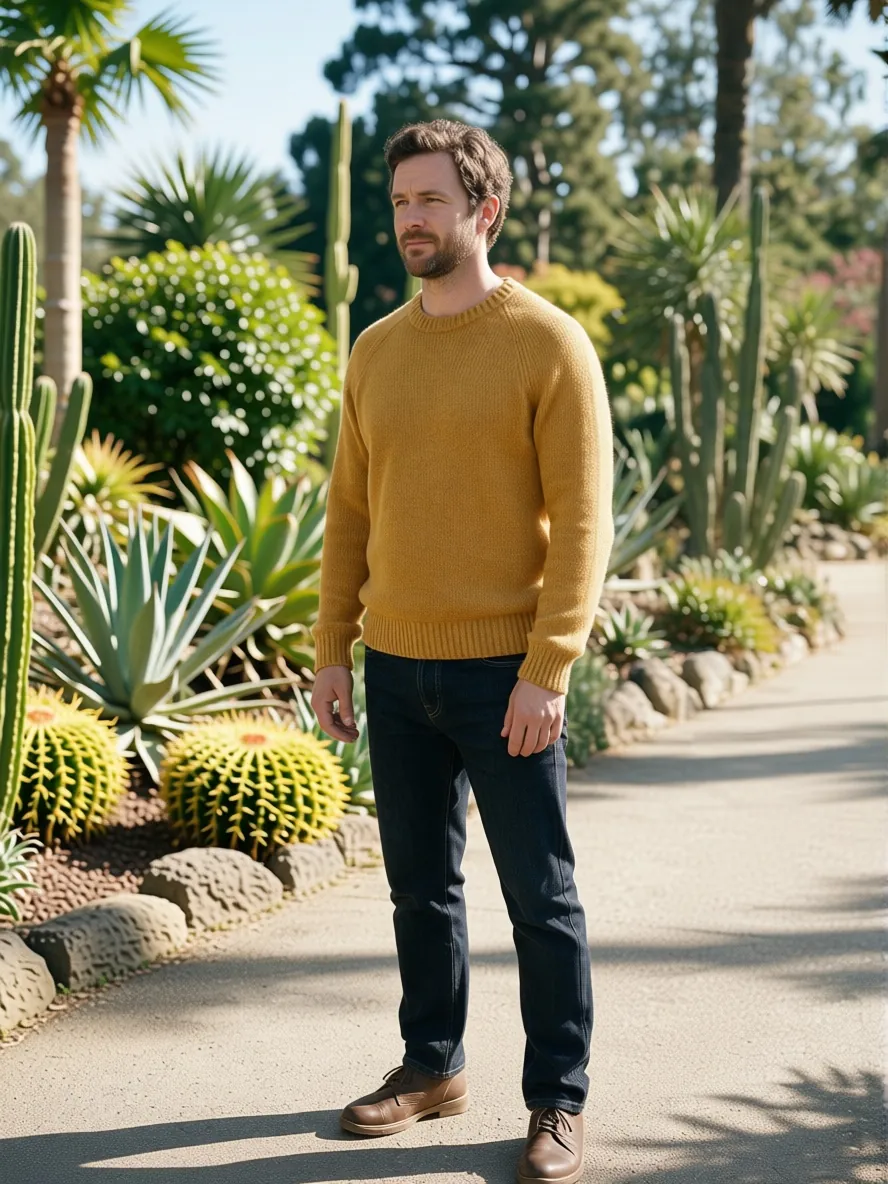
- 8 sides of the subject
- Low to overhead
- Up to 4 views per run
- No watermark
Updated by the Kenerate AI team
On this page
Quick answer
Updated
Can AI change the camera angle of a photo?
Yes. To change the camera angle of a photo, Kenerate's Camera Angle tool moves a virtual camera around the subject and renders the new view while keeping the scene, outfit, colours and light. Choose one of 8 positions in 45° steps, 4 heights and 3 distances, or tap one of 11 quick angles; each view takes about 20 seconds.
Key facts
- Positions
- 8 around the subject (45° steps, 180° is the back)
- Heights
- Low · Eye level · Raised · Overhead
- Distances
- Close-up · Medium · Wide
- Views per run
- 1–4, or a one-tap turnaround
- Speed
- About 20 seconds a view
- Output
- One PNG per view, no watermark
Quick angles
The 11 quick angles
One tap sets the camera. Every other combination of side, height and distance is on the orbit cube, the top-down dial and the sliders.
Front
Straight on, eye level, medium distance.
45° left
A three-quarter view from the left.
45° right
A three-quarter view from the right.
Left profile
Side on, 90° to the left.
Right profile
Side on, 90° to the right.
Back
The camera goes behind the subject (180°).
Bird's-eye
From overhead and wide.
High angle
Raised camera looking down.
Low angle
From below, looking up.
Close-up
Same side, the camera moves in.
Wide
Same side, the camera steps back.
How to
How to change the camera angle of a photo with AI
Four steps; each view takes about 20 seconds.
- Time needed
- Steps
- 4 steps
- You need
- A web browser · A photo with a clear subject
Step 1
Add a photo
Upload a JPG, PNG or WebP up to 25 MB, or paste a public image link. A clear subject — a person, character or product — works best. Sign in with a verified email to run it.
Step 2
Move the camera
Drag the orbit cube, tap a spot on the top-down dial, use the 'Rotate right-left' and 'Rotate up-down' sliders, or tap a quick angle. Pick Close-up, Medium or Wide.
Step 3
Add more views (optional)
Tap 'Add angle' for up to 4 views in one run, or 'Turnaround — front, right, back, left'. Add an extra direction of up to 300 characters if you need one.
Step 4
Run and download
Each view comes back as its own PNG with a before/after view. Download, or send it to Edit, Upscale, Expand or Image to video.

Open Camera Angle and upload the product or scene you want to re-shoot.


Watch the tour · 1:13
Add a photo, move the camera, height & distance, quick angles & turnaround, your new angle & chat
Chapters
Compared
AI camera angle, reshoot or 3D?
Three ways to get a view you didn't shoot, and what each is good for.
| AI camera angle | Reshoot | 3D model and render | |
|---|---|---|---|
| Needs the subject again | No | Yes | No, but needs a 3D model |
| Time per view | About 20 seconds | A new shoot | Modelling first, then a render |
| Angles available | 8 sides × 4 heights × 3 distances | Any | Any |
| Hidden sides | Inferred by the AI | Real | As modelled |
| Best for | Fast alternate views, concepts, social posts | Final product and portrait photos | Exact technical views |
General comparison; Camera Angle details from the tool, 3 October 2026.
Sources: Kenerate Camera Angle
Example uses
How creators use change camera angle with AI
Illustrative examples of typical workflows, not customer reviews.
Storyboard artist
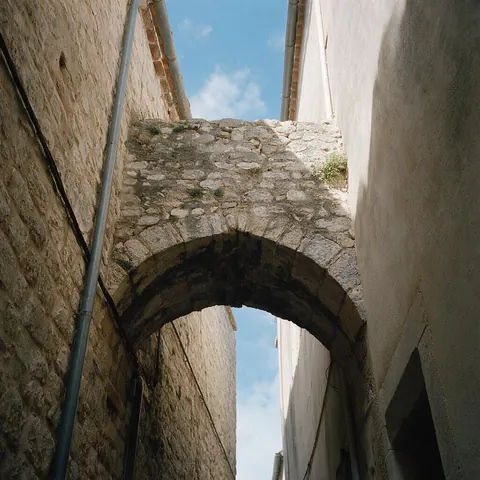
A storyboard artist could turn one location photo into low-angle and high-angle frames to plan a scene.
Interior designer
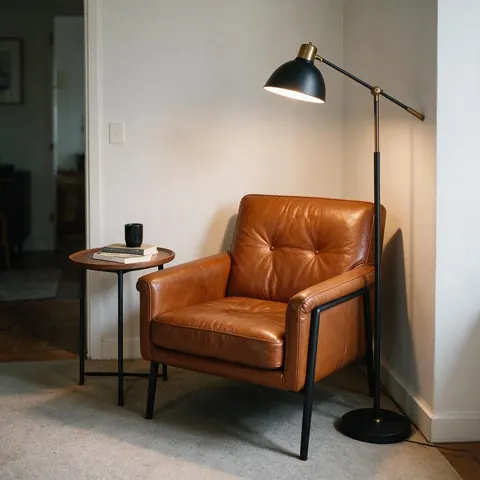
An interior designer could show a client a styled armchair corner from the front and from 45° without a second shoot.
Social media manager
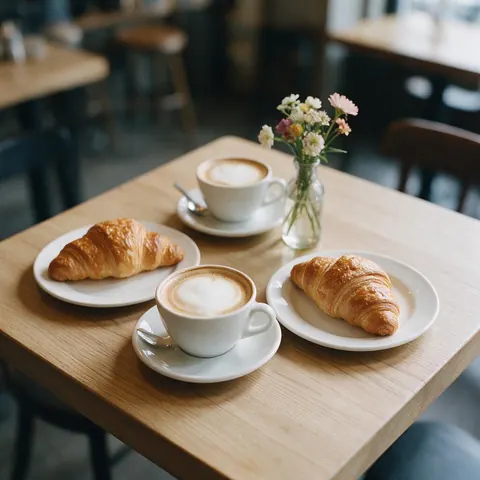
A social media manager could get a bird's-eye version of a cafe table photo for a flat-lay post.
FAQ
Change camera angle questions
7 questions
Can AI really change the angle of a photo?
Yes, within limits. Camera Angle re-renders your photo from one of 8 positions around the subject, 4 heights and 3 distances, keeping the scene, outfit, colours and light. What the original camera couldn't see is inferred by the AI, so a back view looks plausible but isn't a record of the real back. Each view takes about 20 seconds.
Link to this answerCan I choose any angle, like 30 degrees?
No; the tool offers the angles its engine keeps: 8 positions in 45° steps around the subject, Low, Eye level, Raised or Overhead height, and Close-up, Medium or Wide distance. That still gives 96 combinations, plus 11 one-tap quick angles such as Bird's-eye, Low angle and Left profile. Arbitrary degrees aren't available.
Link to this answerHow many new angles can I get at once?
Up to four views per run. Tap 'Add angle' to set each one, or use 'Turnaround — front, right, back, left' to fill all four with one tap. Each view comes back as its own PNG with a before/after view, so you can download them separately or send any one of them on to another tool.
Link to this answerCan I change the angle of a photo of someone else?
Only with their permission. Use photos of yourself, people who have agreed, fictional characters, or products you have the right to show. Don't use the tool to create misleading pictures of real people or to place someone in a scene they weren't in. Optional text directions are checked by moderation.
Link to this answerDoes it make a 3D model?
No. Camera Angle outputs pictures, one PNG per view, not a 3D file. The engine re-renders your photo from a new camera position rather than building a model you can spin. For a set of views you can use in design or animation work, run a turnaround or up to four chosen angles.
Link to this answerWill the outfit, colours and lighting stay the same?
That is what the engine is told to do: every view is sent with an instruction to keep every subject, outfit, colour and the lighting identical, so only the camera moves. It's an instruction rather than a guarantee, so check details such as patterns, text and accessories, and try a neighbouring angle if one drifts.
Link to this answerIs there a watermark?
No. Every view downloads as a PNG without a watermark. New accounts get starter credits to try the tool, there's no subscription required, and runs that fail are refunded automatically. Running the tool needs an account with a verified email; there is no plan gate, only your credit balance.
Link to this answerIn depth
Changing camera angles with AI, explained
How a new viewpoint is made from one photo, what stays, what can't, and which angle to pick.
On this page
How does AI change the angle of a photo?
The engine takes your photo and a camera position — which side, how high, how far — and re-renders the scene as if it had been shot from there. Kenerate sends each view with an instruction to keep every subject, outfit, colour and the lighting identical, so what changes is the viewpoint, not the content.
Because only one photo goes in, anything the original camera couldn't see — the back of a jacket, the far side of a product — is inferred. It will look plausible; it isn't a record of what's really there.
The camera controls in plain words
Rotation moves the camera around the subject in 45° steps: 0° is the front, 90° a profile, 180° the back. Height tilts it from low (looking up) through eye level and raised to overhead. Distance is close-up, medium or wide. The tool only offers combinations the engine keeps, so no arbitrary degrees, and the result is a picture, not a 3D model.
- Rotate right-left: 8 positions
- Rotate up-down: Low, Eye level, Raised, Overhead
- Camera distance: Close-up, Medium, Wide
Which angle to pick: a cheat sheet
Angles carry meaning. A low angle makes a subject look taller and stronger; a high angle makes it look smaller or gives an overview; a three-quarter (45°) view is the most flattering for faces and shows a product's depth; a profile shows silhouette; a bird's-eye view reads as a map or flat lay; a close-up shows texture.
Photos that re-shoot well
One clear subject, lit evenly, with some space around it, gives the engine the most to work with. Group shots, cluttered rooms and extreme wide-angle lens distortion are harder, and fine text on a subject's hidden side will be guessed. If an angle looks off, try a neighbouring position or add an extra direction such as 'keep the logo readable, soft studio light'.
Using the new angle
Every view comes with hand-offs: Edit to fix a detail, Upscale for more pixels, Expand to widen the frame around the new view, and Image to video to animate it. Up to four views per run makes it quick to build a small set from one original.
See your photo from another side
Starter credits for new accounts. No subscription required. No watermark.
Tried it? Tell us how it went