

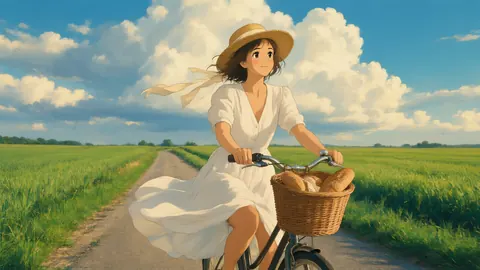
Hand-painted · Ghibli-inspired · not affiliated with Studio Ghibli
Ghibli Filter — your photo as a hand-painted, Ghibli-inspired frame
AI Filter's default look redraws your photo with soft cel shading, warm painted backgrounds and a storybook mood — inspired by Studio Ghibli films — while it keeps your pose and expression.
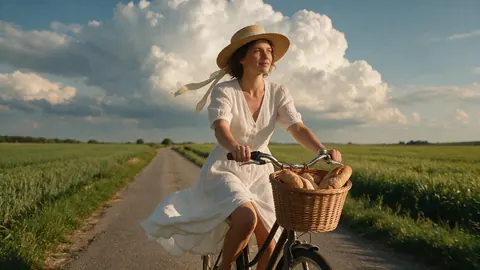
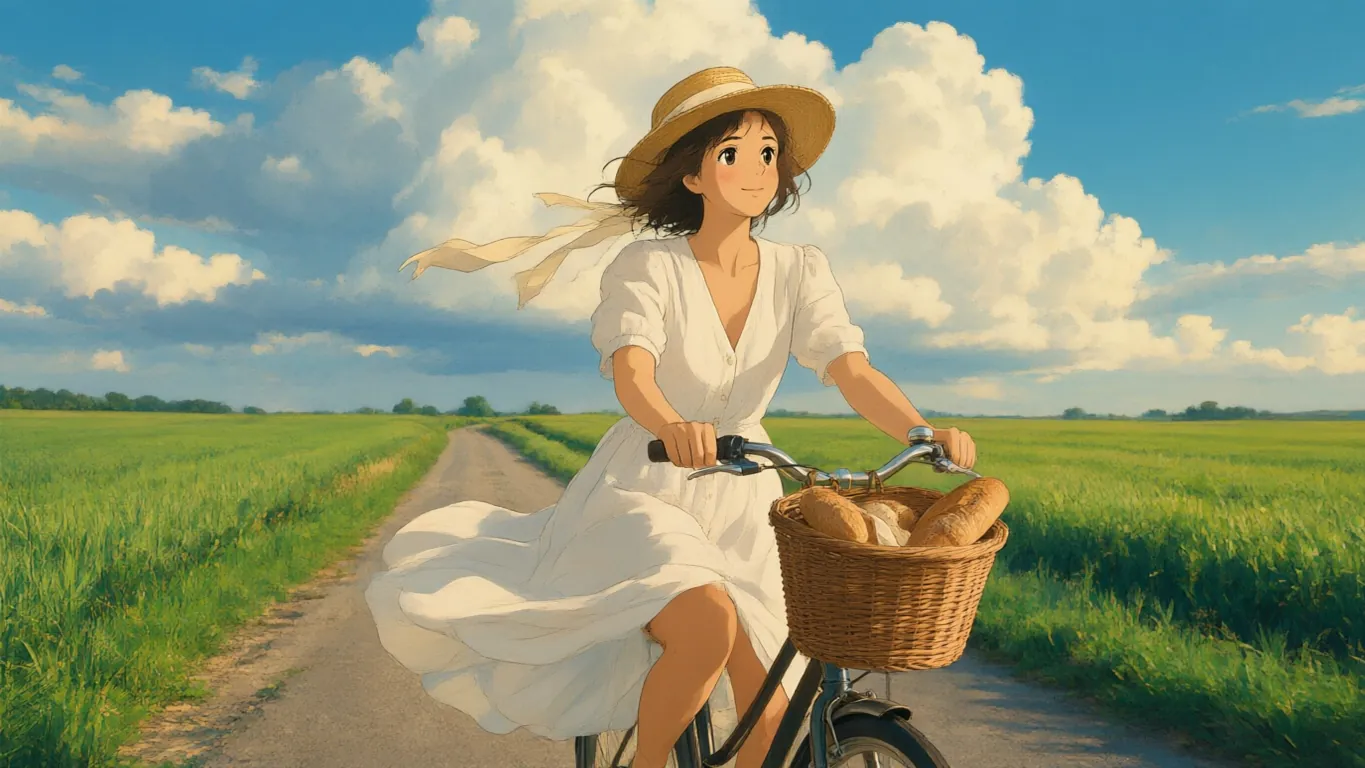
- The tool's default look
- Painted skies and greenery
- Mix with Watercolor
- No watermark
Updated by the Kenerate AI team
On this page
Quick answer
Updated
What is a Ghibli filter?
A Ghibli filter redraws a photo in the hand-painted anime style that Studio Ghibli films made famous. In Kenerate AI Filter, the Ghibli look is the default: soft cel shading, warm painterly backgrounds, gentle rounded features and wind in the hair. It's an inspired-by style, and Kenerate is not affiliated with Studio Ghibli.
Key facts
- Look
- Ghibli — the tool's default look
- Style
- Soft cel shading, painted backgrounds, storybook mood
- Best photos
- Outdoors, greenery, big skies, soft daylight
- Best engine for painted skies
- Seedream 5 Pro
- Input
- One photo · JPG, PNG or WebP · up to 20 MB
- Affiliation
- None — an inspired-by look
Looks
The Ghibli look and five that pair with it
Use these on their own, or mix one with Ghibli for a softer or warmer frame. Each card opens AI Filter with that look picked.
Ghibli
Hand-painted anime warmth: soft cel shading, warm painterly background, wind-in-the-hair mood. The demo above.
Watercolor
Loose translucent washes and white paper showing through — mix 70/30 with Ghibli for a picture-book page.
90s Anime
Sharper cel shading and VHS-era colour for a TV-anime feel instead of a film one.
Golden Hour
Keeps it a photo, but adds warm low sun, lens flare and glowing hair edges.
Classic 2D Disney
A classic hand-drawn animation frame with gouache backgrounds and fairytale light.
Ukiyo-e
Japanese woodblock: flat colour planes, bold keylines and wave and cloud motifs.
How to
How to make a Ghibli-style photo
Four steps. Ghibli is already selected when the tool opens.
- Time needed
- Steps
- 4 steps
- You need
- A web browser · One photo (JPG, PNG or WebP)
Step 1
Add one photo
Upload, snap with the camera, paste, or pick from History or your Library — JPG, PNG or WebP up to 20 MB. Links from other sites are refused.
Step 2
Pick Ghibli
It's the default look, first in the Trending row. Mix with Watercolor or Golden Hour if you want it softer or warmer.
Step 3
Add a Twist if you want
One extra instruction of up to 300 characters, such as “add sunglasses” or “night city behind me”. It's optional.
Step 4
Apply and compare
Drag the Compare slider, then Download, save to Cloud, Edit, Upscale, Tweak, or use the result as the next photo to stack another look.
See it in the app

Open AI Filter and upload the photo you want to restyle.


Watch the tour · 1:46
56 looks in 7 groups, four engines, before / after, mix two looks, add a twist, hand-offs & chat
Chapters
Engines
Which engine for the Ghibli look?
The Ghibli look lives or dies by its painted background, so the engine matters more than usual.
- Default
Alibaba
Qwen Image 3
- Strength
- Fast, faithful to the face · best value (default)
- Typical time
- About 10–20 s
The default and the demo engine: quick, faithful to your face, a clean painted frame.
Open Qwen Image 3 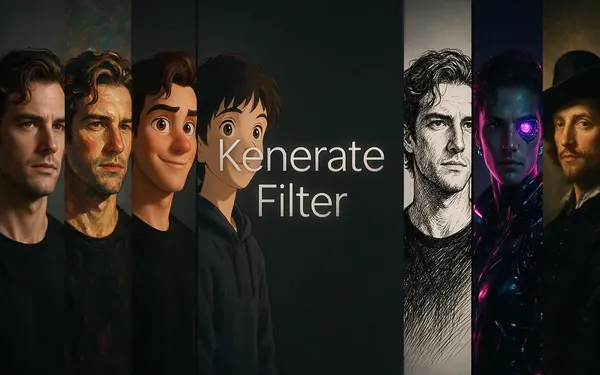
Kenerate
Kenerate Filter
- Strength
- Identity-locked re-render · bold style changes
- Typical time
- About 15–30 s
For close-up portraits where you want bolder anime features but the same identity.
Open Kenerate Filter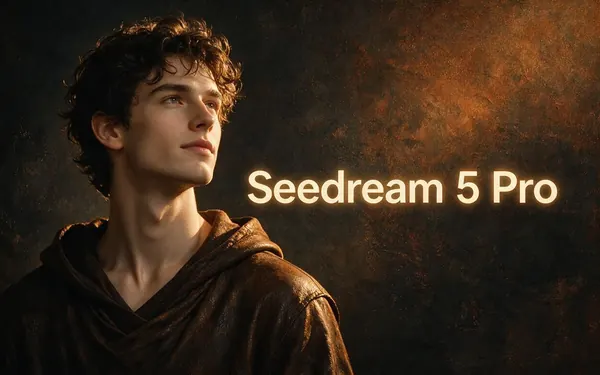
ByteDance
Seedream 5 Pro
- Strength
- Painterly & cinematic looks · rich texture
- Typical time
- About 20–40 s
The app's painterly engine: richest skies, foliage and texture behind you.
Open Seedream 5 Pro
OpenAI
GPT Image 2
- Strength
- Smartest with complex mixes · toys & posters
- Typical time
- About 30–60 s
For mixes such as Ghibli × Watercolor, or a scene with several people and props.
Open GPT Image 2
Times are typical, not promised. Every engine returns one image per run, and a failed run is refunded automatically.
Example uses
How creators use ghibli filter
Illustrative examples of typical workflows, not customer reviews.
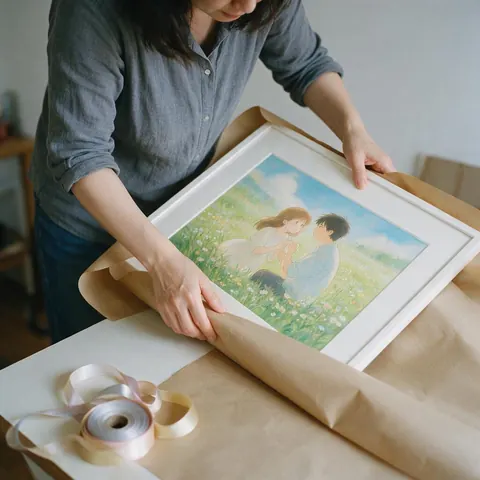
Wedding guest
A guest redraws the couple's countryside photo, with their blessing, in the Ghibli-inspired look as a framed gift.
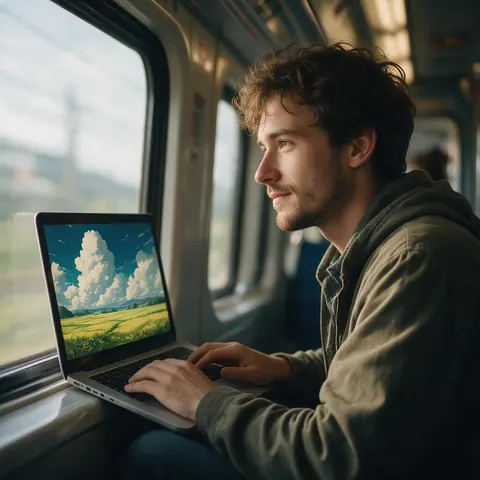
Travel blogger
A travel blogger restyles a train-window photo into a painted frame for the cover of a route guide.
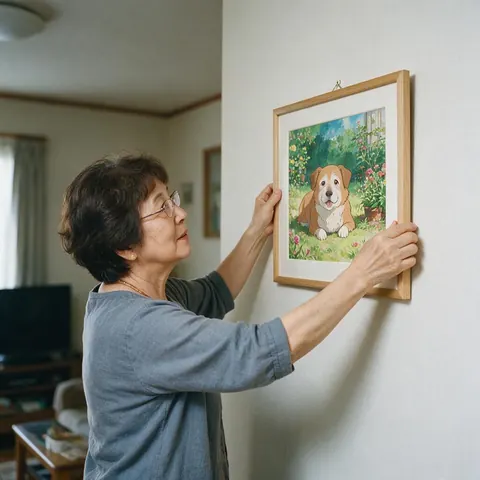
Pet owner
A pet owner turns a photo of an elderly dog in the garden into a painted keepsake print.
FAQ
Ghibli filter questions
7 questions
Is there a Ghibli filter for photos?
Yes. In Kenerate AI Filter, Ghibli is the default look: it redraws your photo as a hand-painted anime frame with soft cel shading, warm painted backgrounds and gentle rounded features, inspired by Studio Ghibli films. Upload one photo, press Apply and get one image back in about 10–20 seconds on the default engine. Kenerate is not affiliated with Studio Ghibli.
Link to this answerHow do I turn a photo into Ghibli style?
Open Kenerate AI Filter, upload a photo, keep the Ghibli look that's already selected and press Apply. Outdoor photos with soft daylight, greenery or a big sky give the best painted backgrounds. Compare the result with the slider, then download it, Tweak the look, or use a Twist such as “rolling green hills behind me” to change the setting.
Link to this answerCan I make Ghibli-style images without ChatGPT?
Yes. The Ghibli trend took off after ChatGPT's image generator launched on 25 March 2025, but you don't need a prompt for it here. Kenerate AI Filter has the look built in, with four engines to choose from, including Seedream 5 Pro for painterly skies. New accounts get starter credits to try it, and no subscription is required.
Link to this answerIs using a Ghibli filter legal?
Generally, yes, for your own photos. Style on its own isn't explicitly protected by copyright, according to an IP lawyer quoted by TechCrunch, but specific films, frames and characters are. Restyle your own pictures, don't recreate the studio's characters, don't present the result as official Ghibli art, and ask before restyling anyone else's photo. This isn't legal advice.
Link to this answerIs the Ghibli filter official?
No. “Ghibli” names the style the look is inspired by. Kenerate is not affiliated with, endorsed by or connected to Studio Ghibli, and the look doesn't recreate the studio's characters, scenes or logos. It's one of 56 looks in Kenerate AI Filter, which restyles the photo you upload while keeping your pose and expression.
Link to this answerDoes the Ghibli filter work on pets and landscapes?
Yes. The look is written for the person or subject in the photo, so a cat on a windowsill or a dog in a field is redrawn in the same painted style. Landscapes with no one in them work too, and they're where the painted skies and foliage show best. Seedream 5 Pro, the app's painterly engine, gives the richest backgrounds.
Link to this answerCan I change the background to a Ghibli-like scene?
Yes, with a Twist. Add one line such as “rolling green hills and tall summer clouds behind me” or “a seaside town with red roofs” and the look paints that setting while keeping you, your pose and your expression. Keep the Twist to one change, up to 300 characters; the Ghibli look already handles the painting style.
Link to this answerIn depth
Ghibli-style photos, explained
What the look does, which photos suit it, and what you can and can't do with a Ghibli-inspired picture.
On this page
What does the Ghibli look actually change?
The instruction behind the look asks for a hand-painted anime frame: soft cel shading on faces and clothes, a warm painterly background, gentle rounded features and a storybook mood with wind in the hair. Your pose, expression and framing are kept. Backgrounds change the most — grass, trees, clouds and rooftops turn into painted texture — so the setting of your photo shapes the result as much as your face does.
Photos that suit a Ghibli-style frame
The look rewards the kind of scenes the films are known for:
- Outdoors in soft daylight, with greenery or a big sky
- Bicycles, trains, kitchens, gardens, seaside towns
- Wind: hair, a scarf or a dress in motion
- Pets and quiet everyday moments
- Less suited: harsh flash, neon nightlife, cluttered offices
Is it legal to make Ghibli-style images?
Making a picture in a style is generally lawful; copying protected work is not. An intellectual property lawyer quoted by TechCrunch in March 2025 put it simply: style is not explicitly protected by copyright, while specific films, frames and characters are. So restyle your own photos, don't recreate the studio's characters or scenes, and don't present the result as official art. This is general information, not legal advice.
Not affiliated with Studio Ghibli
“Ghibli” here names the style the look is inspired by. Kenerate is not affiliated with, endorsed by or connected to Studio Ghibli, and the look doesn't use or recreate any of the studio's characters, film frames or logos. The name appears on this page only to describe the style, so people can find it.
Softer, warmer, older: three mixes to try
Mix with a second look keeps one picture and blends the styles. Ghibli × Watercolor at 70/30 gives a loose picture-book page. Ghibli × Golden Hour at 70/30 pushes warm, low evening light. Ghibli × 90s Anime at Even gives sharper TV-anime lines over the painted background. If the blend drifts, move Balance back toward the first look.
Paint your photo in the Ghibli-inspired look
New accounts get starter credits. No subscription required. Not affiliated with Studio Ghibli.
Tried it? Tell us how it went