

Marketing Studio · image and video product advertisements
Product Ads
Add a product photo or a product link, pick an ad style, and get a finished product advertisement: a studio shot, a social-proof or comparison ad, a poster or a short video ad.
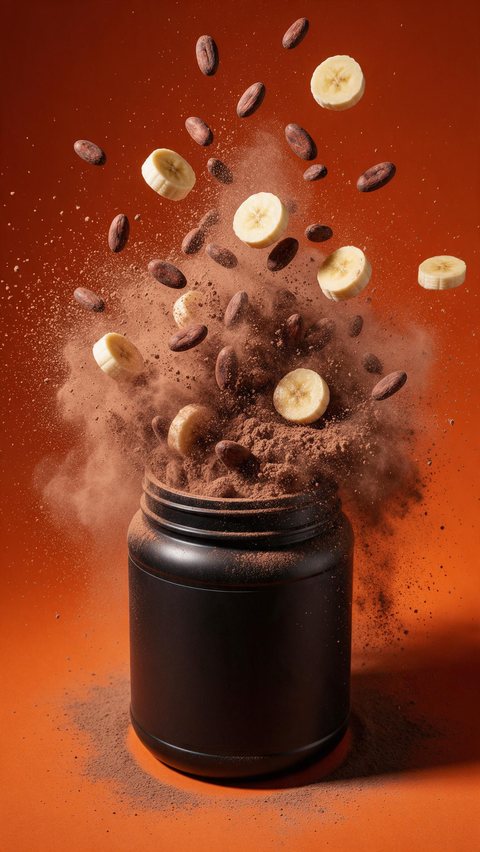
- Protein powder hypermotion ad
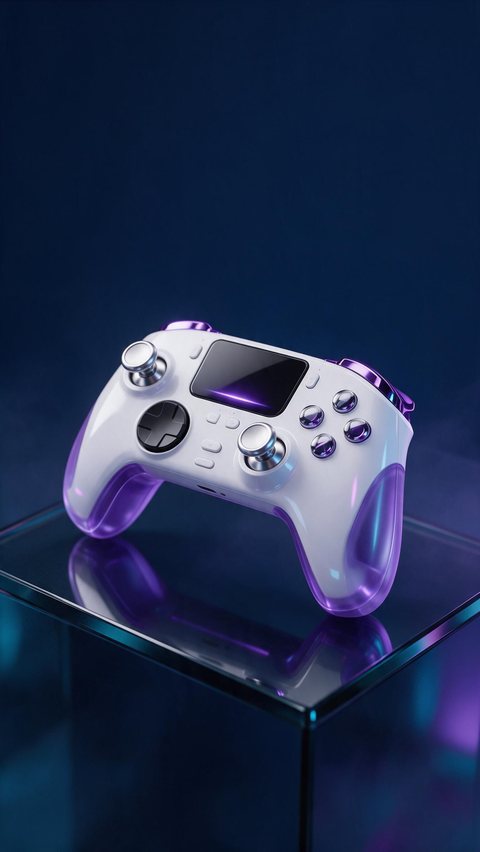
- Game controller product showcase
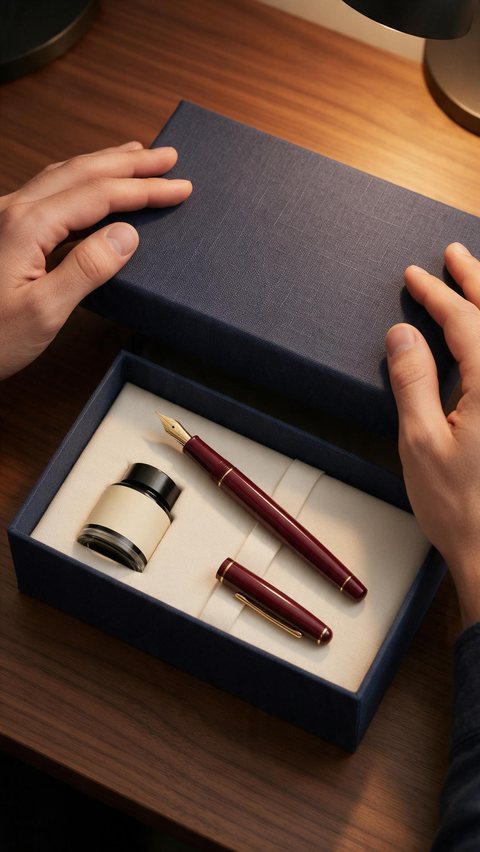
- Fountain pen gift unboxing
Made in Marketing Studio · Seedream 5.0 Pro + Wan 3.0
- Image and video ads
- Your product kept as it is
- Feed, Stories and Reels sizes
- No invented reviews or stats
Updated by the Kenerate AI team
On this page
Quick answer
Updated
What are product ads?
Product ads are advertisements built around one item: the product shown clearly, one reason to want it, and a call to action. In Kenerate AI's Marketing Studio you add a product photo or a product link, pick a style such as Product showcase, Social proof or Comparison, and get a finished image or video ad.
Key facts
- Where
- Marketing Studio
- Image ad styles
- Social proof · Comparison · Problem → Solution
- Product shot styles
- Closeup · Studio white · Editorial · Color pop · Usage
- Video ad styles
- Product showcase · Lifestyle b-roll · Hands-only unboxing · ASMR
- Your product
- From the library, a product link, or 1–9 photos
- Ad sizes
- 9:16 · 4:5 · 1:1 · 16:9
- Default models
- Seedream 5.0 Pro (image) · Seedance 2.0 (video)
- Access
- Paid plan or a one-time credit pack, no subscription required
Ad showcase
5 ad videos made with Kenerate AI
Short ads of fictional, unbranded products: each starts as a Seedream 5.0 Pro frame and is animated with Wan 3.0. Open one to see the prompt and the Marketing Studio style it matches.
Gallery
Product advertisement examples
AI-generated product advertisements of fictional, unbranded products, made with the models Marketing Studio uses.
How to
How to use the product ads maker
- Time needed
- Steps
- 4 steps
Step 1
Open Marketing Studio
Sign in. Marketing Studio runs on a paid plan or a one-time credit pack.
Step 2
Add your product
Pick it from the library, paste a product link, or upload 1–9 photos.
Step 3
Pick a style or a template
Image: Product shot, Ads, Marketplace or Posters. Video: UGC, Motion or Ads.
Step 4
Write the brief and create
Hook, body, call to action and the ad size, then make variations to test.
See it in the app

Open Marketing Studio and pick Image for product shots and posters, or Video for UGC and motion ads.


Watch the tour · 1:23
Prompts, styles, references, edit, Arena & chat
Chapters
Tips
How to make a product ad that sells
What the Marketing Studio styles are built around.
Lead with one clear message, not five.
Keep the product the sharp hero of the frame.
Show proof with real-life scenes, never with invented star ratings.
Compare against a plain generic item, never a named competitor.
Write the hook, body and call to action yourself so the words are yours.
Make the same ad in 4:5 for feeds and 9:16 for Stories and Reels.
Models
Models behind these product advertisements
What each model is good at. Open any one straight in the generator.

ByteDance
Seedream 5.0 Pro
- Reference images
- Up to 10
- Output
- 1K · 1.5K · 2K
Marketing Studio's default image model
Open Seedream 5.0 Pro
OpenAI
GPT Image 2
- Reference images
- Up to 16
- Output
- 1K–4K
Ads with a headline or button in the picture
Open GPT Image 2- Free plan

Alibaba
Qwen Image 3.0
- Reference images
- Up to 3
- Output
- 1K · 2K
Free to start in the image studio for ad ideas
Open Qwen Image 3.0
Example uses
How creators use product ads maker
Illustrative examples of typical workflows, not customer reviews.

Solopreneur
A one-person shop can turn a single phone photo of a product into a feed ad and a Stories ad in the same afternoon.
Performance marketer
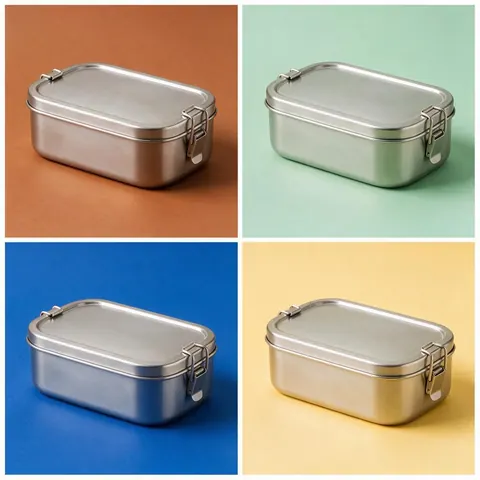
A marketer can make the same product ad in four backdrops to see which colour stops the scroll.
Small food brand
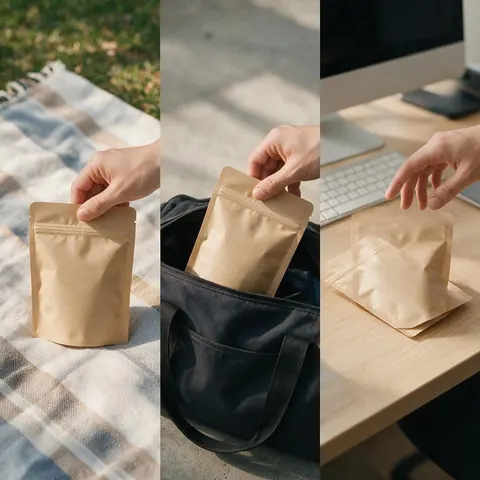
A snack maker can show a new flavour in real-life scenes instead of quoting reviews.
FAQ
Product Ads Maker questions
8 questions
What is a product advertisement?
A product advertisement is an ad that sells one specific item rather than a whole brand. It shows the product clearly, gives one reason to want it, and ends with a call to action. In Marketing Studio that can be a still image for a feed, a poster with a headline, or a short video for Stories, Reels or TikTok.
Link to this answerHow do I make product ads with AI?
Open Marketing Studio, add your product from the library, a product link or one to nine photos, then pick a style. Product shot styles make clean stills, the Ads styles make social-proof, comparison and problem-to-solution ads, and the video Ads styles make showcase, unboxing and ASMR clips. Write your own hook and call to action, then create.
Link to this answerCan I turn a product photo into an ad?
Yes. A product photo to ad generator is exactly what Marketing Studio does: it uses your photo as the reference and is told to keep the shape, colours, label and logo unchanged. Solopreneurs can start from one phone photo on a plain background. Check labels and small text in the result before you publish it.
Link to this answerCan AI turn a product photo into a video ad?
Yes. Switch Marketing Studio to Video, add the product photo and pick a video style: Product showcase for cinematic b-roll, Hands-only unboxing, ASMR, Lifestyle b-roll, or a Motion style such as Hypermotion or Color pop. Seedance 2.0 is the default video model; Wan 3, Wan 3 Prime, Ken 1 and MiniMax H3 are also in the picker.
Link to this answerWhat aspect ratios and lengths are supported?
Ad sizes come as presets: Reels, TikTok and Shorts at 9:16, Stories at 9:16, Feed at 4:5, 1:1 or 3:4, and YouTube or TV at 16:9. Image ads also take 3:2, 2:3, 4:3, 5:4 and 21:9. Video length depends on the model: 4 to 15 seconds on Seedance 2.0, and up to 30 seconds on Wan 3.
Link to this answerDoes it add fake reviews or ratings?
No. Every Marketing Studio style follows the same honesty rule: no invented star ratings, review counts, testimonials, statistics, prices or guaranteed claims, only what you write in the brief. Social proof is shown visually instead, with the product in several real-life scenes, and comparison ads set your product against a plain, unbranded generic item.
Link to this answerCan I make a product poster advertisement?
Yes. The Posters category has a Static banner style with one headline and a call-to-action button in the picture, a Scene poster style that places your product in one of 90+ ready-made scenes, and a Carousel set. Templates such as Minimal Headline and Bold Banner give you a finished layout to recreate with your own product.
Link to this answerIs it free?
Marketing Studio itself is not free: it needs a paid plan or a one-time credit pack, with no subscription required. A free account can still sketch ad ideas in the image studio with Qwen Image 3.0, which is free to start, and then move the winning idea into Marketing Studio to build the finished product ad.
Link to this answerIn depth
Product Ads Maker, explained
What works, what to avoid, and how to pick a model.
On this page
Which Marketing Studio style to use for product ads
Match the style to the job the ad has to do. Every one of these is a real style or template in Marketing Studio.
- A clean hero image for a shop or feed: Product shot > Studio white, Closeup or Editorial.
- Proof that people use it: Ads > Social proof (templates Everyday Grid, Real-Life Grid).
- Why yours beats the usual option: Ads > Comparison (Bright vs Plain, Ours vs Generic).
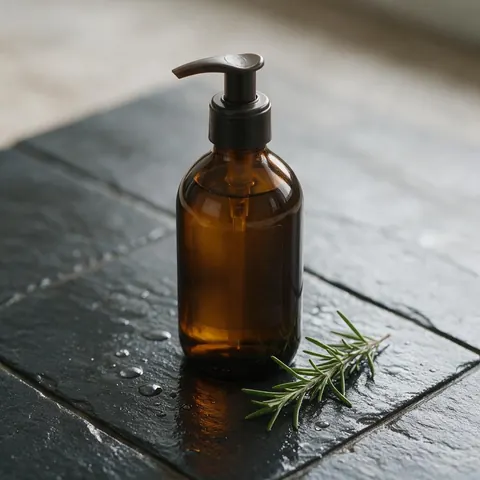
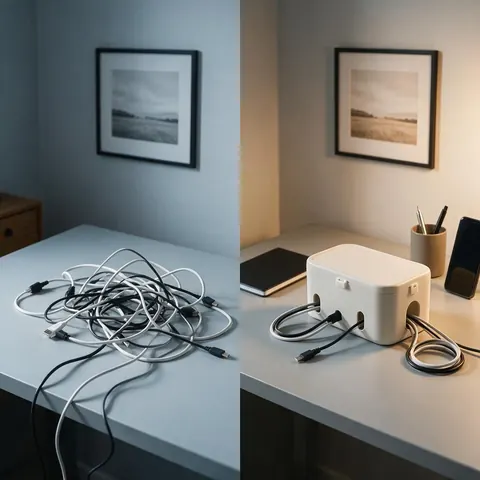
- The pain point it fixes: Ads > Problem → Solution (Tangle to Tidy, Dry to Dewy).
- A product poster advertisement with a headline: Posters > Static banner or Scene poster.
- A short video ad: video Ads > Product showcase, Hands-only unboxing or ASMR; Motion > Hypermotion.
Product shot ads
Finished product photos with no copy unless you add a headline: Closeup (macro detail), Studio white (seamless white e-commerce hero), Editorial (magazine still life), Color pop (bold colour blocks), Natural (daylight and natural materials), Usage (the product mid-use), Faceless, Full body and UGC-style phone photos. Seedream 5.0 Pro is the default model.
Video product ads
Product showcase is cinematic b-roll with a light sweep, a macro pass and a clean end frame. Lifestyle b-roll shows hands using it at home, Hands-only unboxing reveals it from the box, and ASMR uses only the real sounds of the product. Motion styles such as Hypermotion, Color pop and Dark Minimalism are designed rather than filmed.
Products and advertising: what the AI keeps and what you write
The model builds the set, light and camera around your product and is told never to redesign, recolour or replace it. The words are yours: the hook, body, call to action, brand colours and offer come from your brief, and video styles only put words on screen that you gave them.
Advertisement of a product in every placement
Each style has a starting ratio, and the ad size can be changed before you create: Reels, TikTok and Shorts at 9:16, Stories at 9:16, Feed at 4:5, 1:1 or 3:4, and YouTube or TV at 16:9. Make one concept in two sizes rather than cropping later.
Try the product ads maker
Runs on a paid plan or a one-time credit pack. No subscription required.
Tried it? Tell us how it went