

OpenAI vs Google
GPT Image 2 vs Nano Banana — which to pick for what
Two closed image models that are both good with text and edits. GPT Image 2 is OpenAI's model behind ChatGPT Images 2.0; Nano Banana 2 is Google's, built on Gemini 3.1 Flash Image. Here is how they differ on Kenerate.
- GPT Image 2 is best at
- Dense text, layouts, instructions
- Nano Banana 2 is best at
- Many-reference edits, web-grounded subjects
- References
- 16 vs 14
- Sizes on Kenerate
- 1K–4K vs square 1K (fix in progress)
- Real outputs
- Official sources
- Free to start
- No watermark
Updated by the Kenerate AI team
Made with Kenerate

On this page
Quick answer
Updated
GPT Image 2 or Nano Banana: which should you use?
Pick GPT Image 2 (OpenAI, April 2026) for dense text, layouts and long, specific instructions; on Kenerate it outputs 1K to 4K and takes up to 16 references. Pick Nano Banana 2 (Google, February 2026) for edits that combine many references and web-grounded subjects, with a Fast version for drafts; on Kenerate it currently returns square 1K images.
Key facts
- GPT Image 2
- OpenAI · 21 Apr 2026
- Nano Banana 2
- Google · 26 Feb 2026
- Reference images
- 16 vs 14
- Output on Kenerate
- 1K–4K vs square 1K
- Quality setting
- Low · medium · high vs not adjustable
- Faster sibling
- GPT Image 2.5 Flare vs Nano Banana 2 Fast
Gallery
GPT Image 2 vs Nano Banana examples
Real outputs made on Kenerate. Open any image to copy its prompt and run it yourself.
Same prompt
Same prompt: Nano Banana 2 vs GPT Image 2
One portrait prompt on both models in Kenerate's image generator, unedited.
PromptPortrait of a female knight in ornate silver armor holding a sword, castle background, detailed, soft light
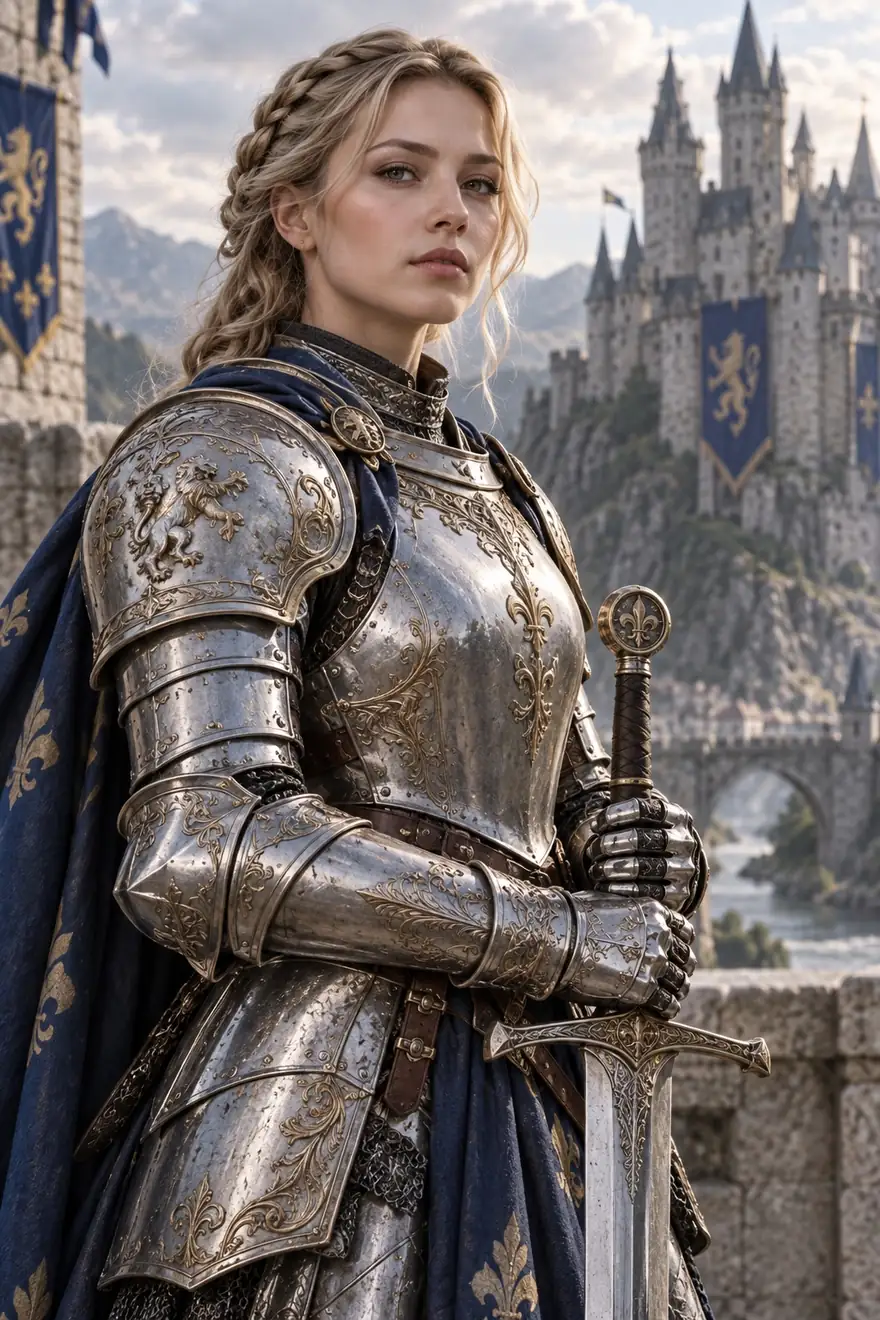 GPT Image 2OpenAI · medium · 1K
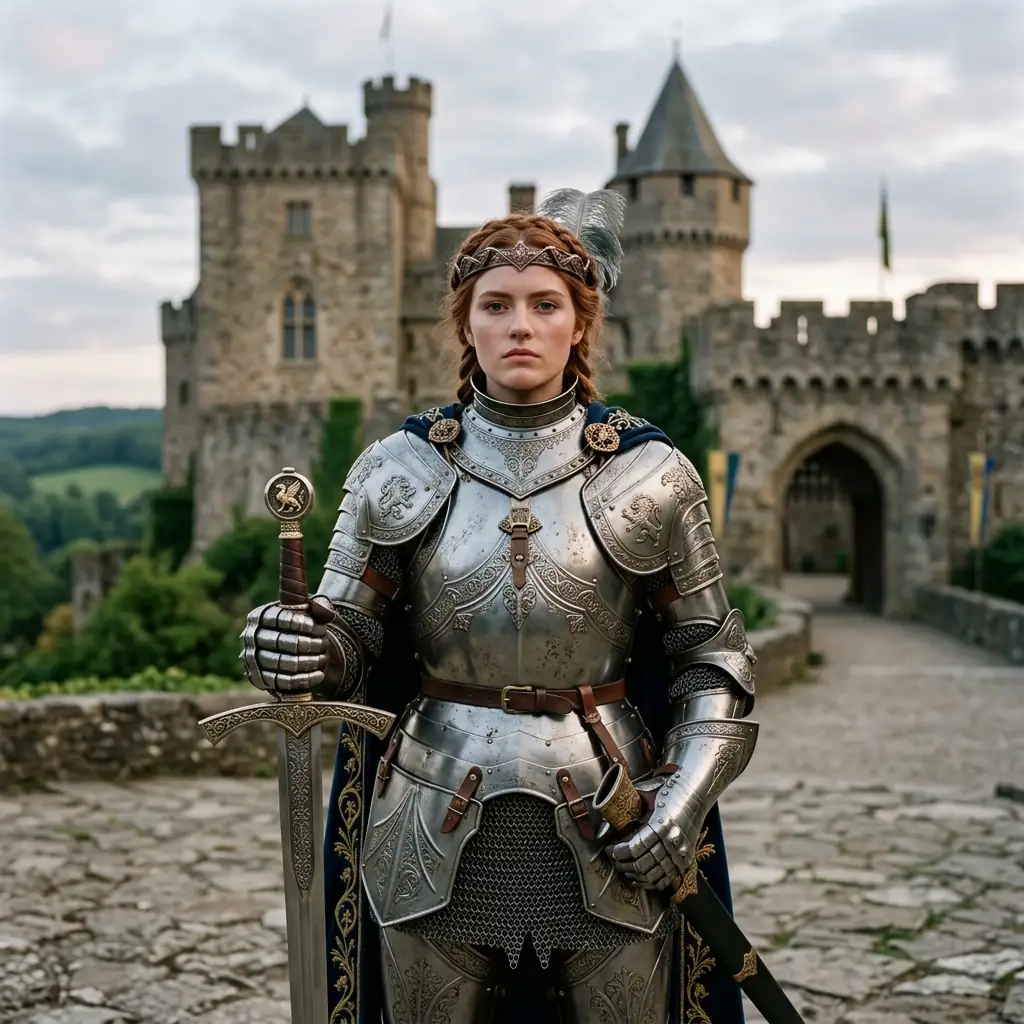 Nano Banana 2Google · 1K
Models
Every version on Kenerate
Both families in the image generator, and what each version is good at.

OpenAI
GPT Image 2
- Reference images
- Up to 16
- Output
- 1K–4K
Text, layouts, instructions; low, medium and high quality
Open GPT Image 2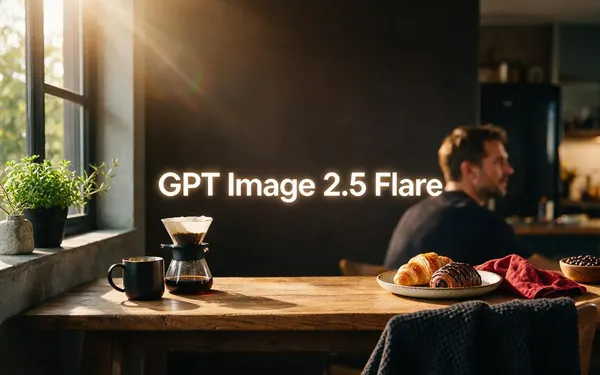
OpenAI
GPT Image 2.5 Flare
- Reference images
- Up to 16
- Output
- 1K–4K
Fast everyday generation
Open GPT Image 2.5 Flare
OpenAI
GPT Image 2.5 Sunburst
- Reference images
- Up to 16
- Output
- 1K–4K
Precision: longer per image
Open GPT Image 2.5 Sunburst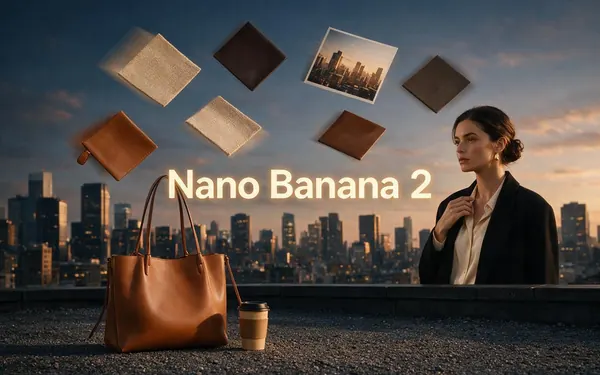
Google
Nano Banana 2
- Reference images
- Up to 14
- Output
- 1K (square today)
Many-reference edits, web and image search
Open Nano Banana 2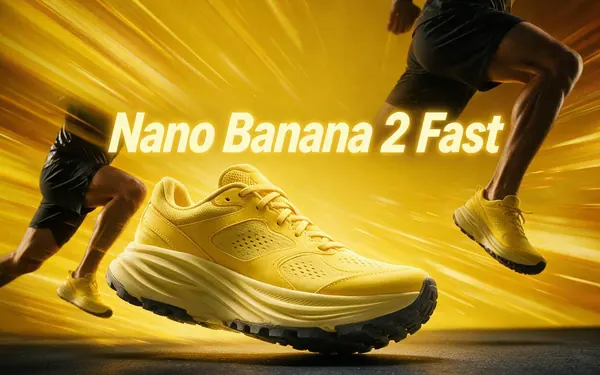
Google
Nano Banana 2 Fast
- Reference images
- Up to 14
- Output
- Up to 1536 px
Faster drafts
Open Nano Banana 2 Fast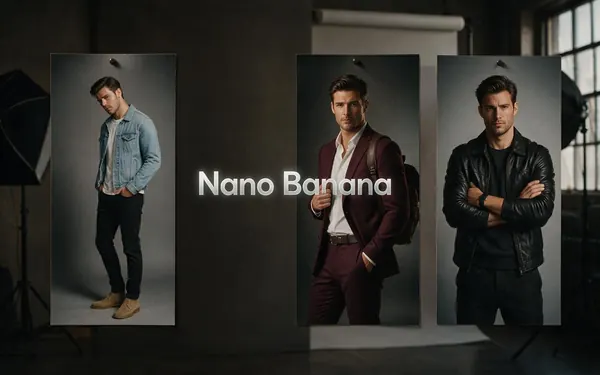
Google
Nano Banana
- Reference images
- Up to 10
- Output
- Aspect-ratio presets
The original, lightweight model
Open Nano Banana
Our take
Which to pick for what
Both are closed models that keep their makers' content filters. Neither wins everywhere, so pick by the job.
Pick GPT Image 2 for
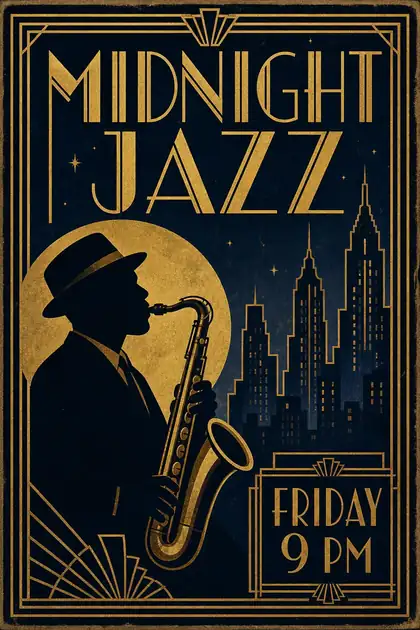
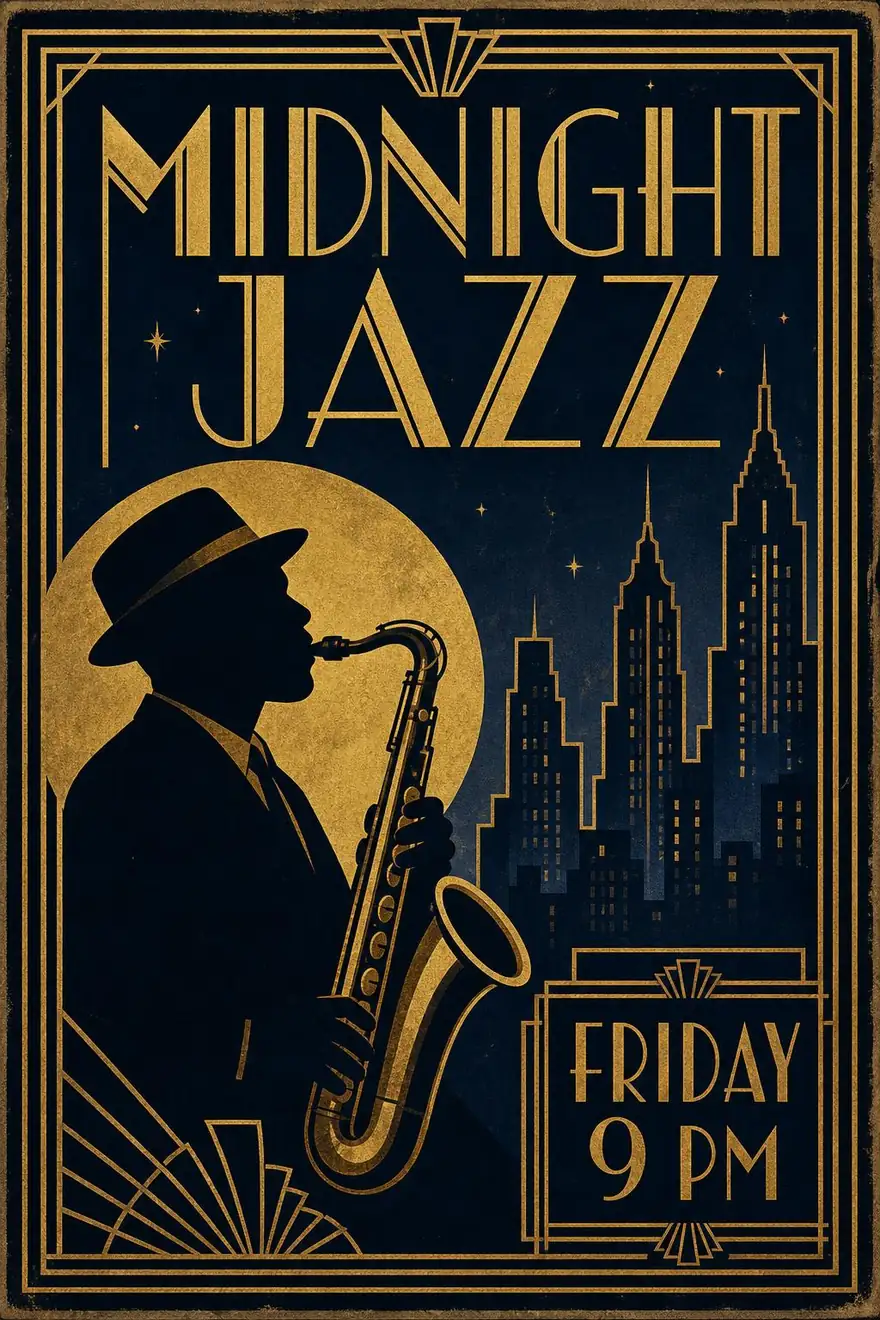
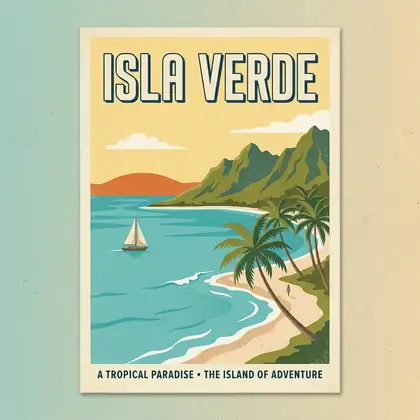
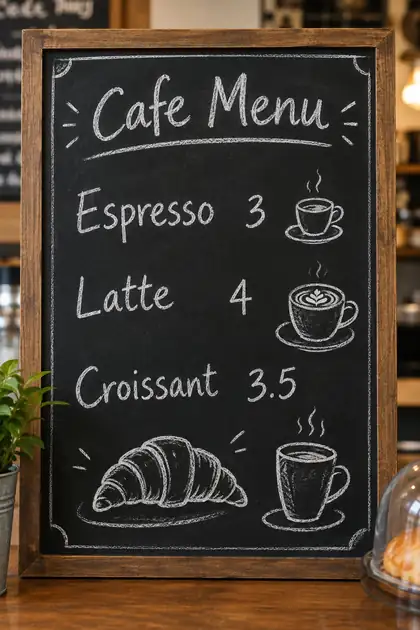
- Dense text: poster titles, a chalkboard menu, a comic speech bubble and an app screen all came out readable in our tests.
- Long, specific instructions about layout, object placement and labels.
- Larger output: 1K, 2K or 4K, in low, medium or high quality.
- Edits with up to 16 reference images, and precise text edits such as adding a sign with exact wording.
Pick Nano Banana 2 for
- Edits that combine people, products and places from up to 14 references.
- Subjects that benefit from Google's web-grounded world knowledge.
- Keeping characters and objects consistent: Google cites up to 5 characters and 14 objects.
- Quick drafts with Nano Banana 2 Fast.
How to
How to compare GPT Image 2 and Nano Banana on Kenerate
Step 1
Open the image generator
Pick GPT Image 2 or Nano Banana 2 in /app/image.
Step 2
Write the prompt once
Put any exact text in quotes and say where it goes.
Step 3
Run it on the other model
Switch the model and generate again with the same prompt.
Step 4
Keep the better image
Download it, or edit it with reference images on either model.
See it in the app

Open Image Studio and type what you want to see — subject, style, lighting and mood.


Watch the tour · 1:23
Prompts, styles, references, edit, Arena & chat
Chapters
Example uses
How creators use GPT Image 2 vs Nano Banana
Illustrative examples of typical workflows, not customer reviews.
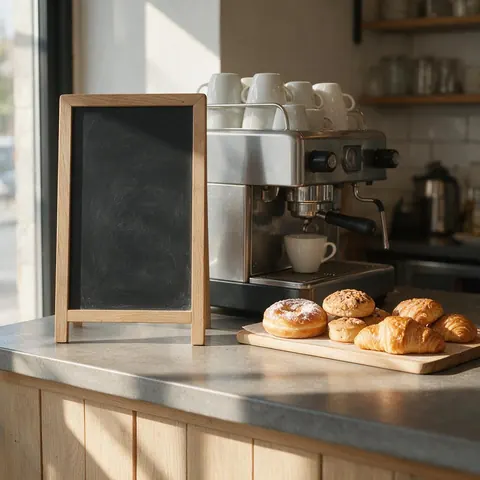
Cafe owner
A cafe owner could run the same menu-board prompt on both models and keep the one with cleaner lettering.
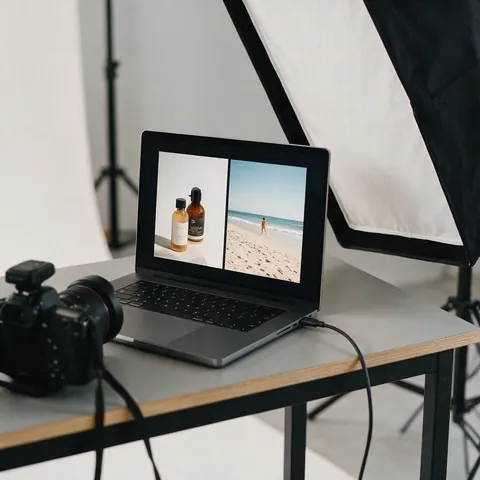
Product photographer
A photographer could combine a product shot and a location photo into one scene with several references.
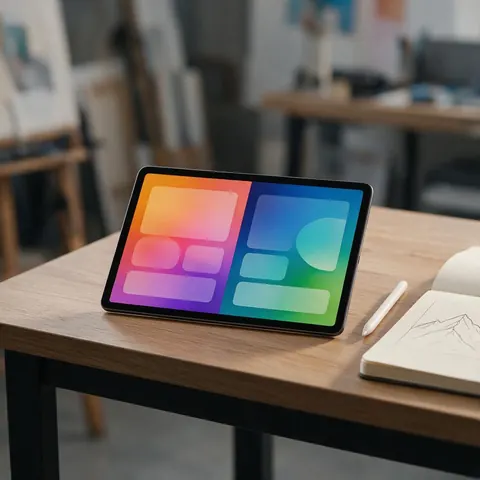
App designer
A designer could compare UI mock-ups from both models before picking one for a pitch deck.
FAQ
GPT Image 2 vs Nano Banana questions
7 questions
Is GPT Image 2 better than Nano Banana?
Neither wins everywhere. GPT Image 2 is stronger for dense text, layouts and long instructions, and outputs 1K to 4K on Kenerate. Nano Banana 2 fits edits that combine many references and subjects that benefit from Google's web-grounded knowledge. Run the same prompt on both and keep the better image.
Link to this answerWhich is better for text in images?
GPT Image 2, in our tests: poster titles, a chalkboard menu, a comic speech bubble and an app screen all came out readable. Nano Banana 2 also produced clean text in posters and infographics, but a long infographic repeated one step title, so check every word before you publish.
Link to this answerWhich one takes more reference images?
GPT Image 2 takes up to 16 reference images on Kenerate, as do GPT Image 2.5 Flare and Sunburst. Nano Banana 2 and Nano Banana 2 Fast take up to 14, and the original Nano Banana up to 10. Say in the prompt which image gives what.
Link to this answerCan either make 4K images?
GPT Image 2 renders at 1K, 2K or 4K on Kenerate. Google says Nano Banana 2 supports 512 px up to 4K, but on Kenerate it currently returns square 1K images while size support is being fixed, so upscale the result or use GPT Image 2 for large sizes.
Link to this answerWhat is the difference between Nano Banana and Nano Banana 2?
Nano Banana is Google's earlier lightweight image model, with up to 10 references on Kenerate. Nano Banana 2, announced on 26 February 2026, is built on Gemini 3.1 Flash Image and adds web-grounded knowledge, better text rendering and translation, and up to 14 references.
Link to this answerDo I need ChatGPT or Gemini to use them?
No. Both run in Kenerate's image generator without a ChatGPT or Gemini subscription. Neither is on the free plan; any one-time credit pack unlocks both, and packs never expire.
Link to this answerAre there newer versions?
On the OpenAI side, GPT Image 2.5 comes in Sunburst, for precision, and Flare, for fast everyday images. On the Google side, Nano Banana 2 Fast is the quicker version for drafts. All are in Kenerate's image generator.
Link to this answerIn depth
GPT Image 2 vs Nano Banana, in depth
Background, how to prompt it, and when to pick something else.
On this page
What each maker says
OpenAI released gpt-image-2 on 21 April 2026 in the API and Codex; it powered ChatGPT Images 2.0, and OpenAI highlights instruction following, accurate object placement and dense, multilingual text [1]. Google announced Nano Banana 2 on 26 February 2026, built on Gemini 3.1 Flash Image, highlighting web-grounded knowledge, text rendering and translation, and consistency for up to 5 characters and 14 objects [2].
Which to pick for what
The models overlap more than they differ. Run the prompt on both, check text word by word, and keep the image that fits.
- Posters, menus, UI mock-ups, infographics with lots of words: GPT Image 2.
- Combining a person, a product and a place from separate photos: Nano Banana 2.
- Large prints or 4K: GPT Image 2 (or upscale a Nano Banana 2 image).
- Cheap, fast drafts: Nano Banana 2 Fast or GPT Image 2.5 Flare.
How we compared
We ran the same prompts in Kenerate's image generator on both models at their default settings (GPT Image 2 at medium quality, 1K). Specs come from Kenerate's own model settings and from each maker's own announcement.