

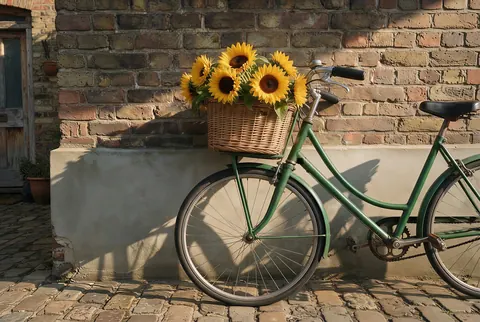
Outpainting · grow any edge · 0–100%
Uncrop Image — grow the edges back with outpainting
Cropped too tight, cut off the top of the tower, lost the edge of the table? Grow any side of the picture and AI outpainting paints a plausible continuation of the scene.

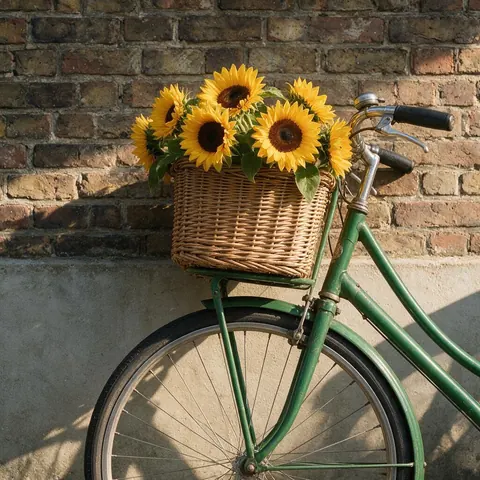
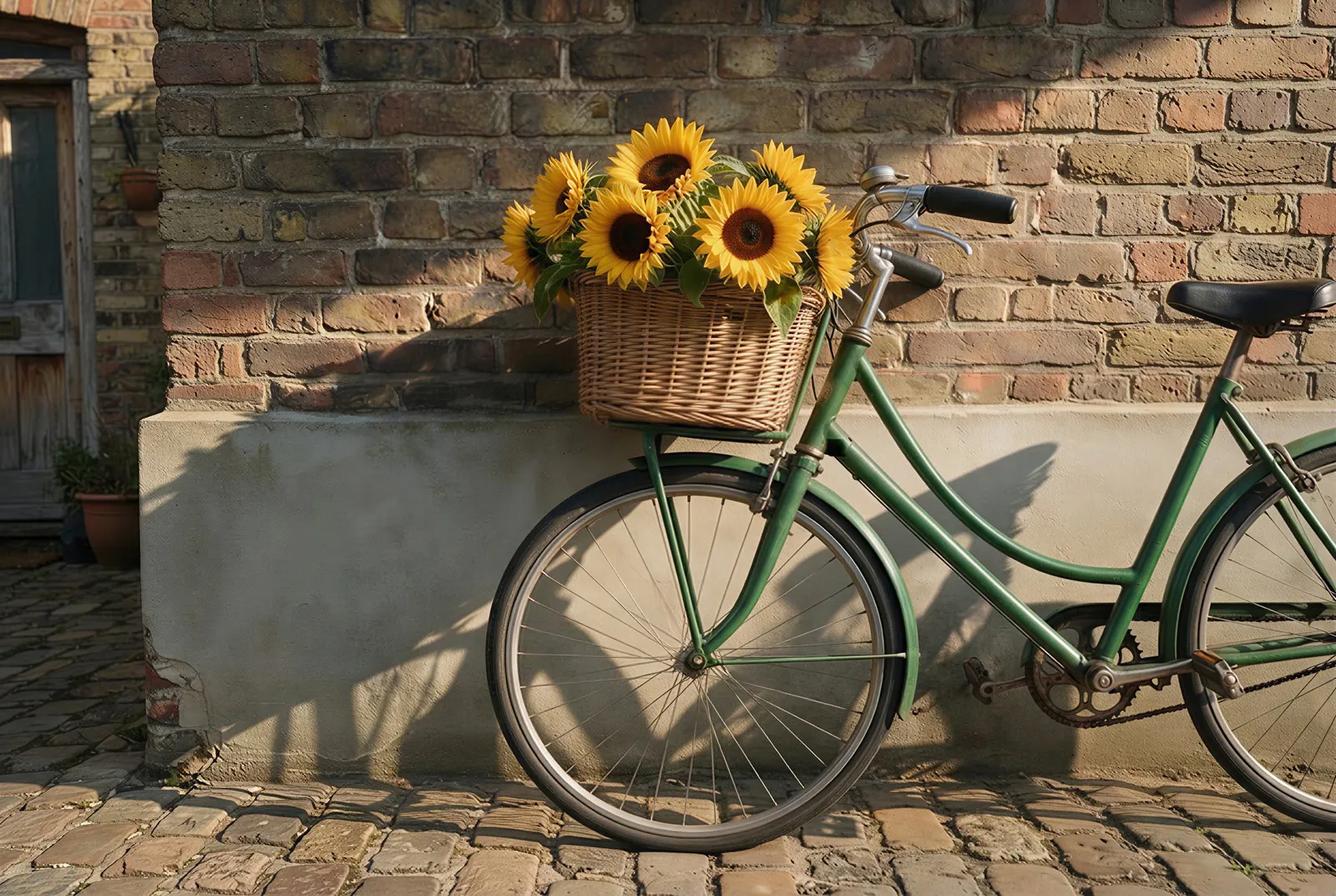
- Grow one edge or all four
- 0–100% per side
- Outline of the original
- No watermark
Updated by the Kenerate AI team
On this page
Quick answer
Updated
How do you uncrop an image?
To uncrop an image, you give it a bigger frame and let AI outpainting fill the new space. In Kenerate's Expand Image, switch to Grow edges, add +10, +25 or +50% to every side or set each edge from 0 to 100%, and run it. The model invents a matching continuation; it can't recover the real cropped-off pixels.
Key facts
- Mode
- Grow edges (or Ratio)
- Per side
- 0–100%, in 5% steps
- Presets
- +10%, +25%, +50% on every side
- New area
- Painted to match; the original is kept in place
- Result
- Shows an outline of the original
- Watermark
- None
Grow edges
Ways to uncrop a picture
Grow edges sizes the new frame from the photo itself: each side grows by a share of the photo's own width or height.
+10% all round
Just enough breathing room for a shot framed edge to edge.
+25% all round
A noticeably wider view, like stepping back a pace.
+50% all round
A big zoom-out; best on simple surroundings like sky or studio.
One side only
Set just the top for headroom, or just one side for the rest of a table.
Uneven sides
Any mix from 0 to 100% per edge, in 5% steps.
See what's new
The result shows an outline of the original, so real and painted areas are easy to tell apart.
How to
How to uncrop an image with AI
Grow edges is the uncrop mode; Ratio works too when you know the final shape.
- Time needed
- Steps
- 4 steps
- You need
- A web browser · A cropped image
Step 1
Add the cropped image
Upload a JPG, PNG or WebP up to 25 MB, or paste a public image link. Sign in with a verified email to run it.
Step 2
Switch to Grow edges
Tap +10, +25 or +50% for every side, or move each slider from 0 to 100% to grow only the edges that were cut.
Step 3
Say what was there (optional)
Up to 400 characters, for example 'the rest of the clock tower and blue sky above'. Leave it blank to let the model continue the scene.
Step 4
Run, compare, download
Check the outline of the original against the new area, run a second variation if a seam looks wrong, and download without a watermark.

Open Expand Image and upload the photo you want to make wider, taller or bigger.


Watch the tour · 1:17
Add a photo, pick a model, new ratio & position or grow edges, describe the new area, results & chat
Chapters
Models
Which model uncrops best?
Same five models as every Expand Image run. For uncropping, accuracy at the cut edge matters most.
Google
Nano Banana 2
- Output
- About 1 MP
Keeps faces and products consistent: good when the crop cut through a subject
Open Nano Banana 2
OpenAI
GPT Image 2
- Output
- 1024 px square, 1536 px long side
Accurate object placement: good for buildings, furniture and lettering cut by the edge
Open GPT Image 2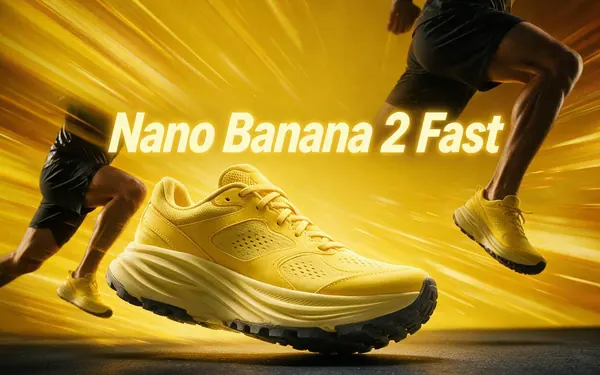
Google
Nano Banana 2 Fast
- Output
- About 4 MP (2K)
The default: a faster Nano Banana 2 with 2K output
Open Nano Banana 2 Fast
OpenAI
GPT Image 2.5 Sunburst
- Output
- 1024 px square, 1536 px long side
Precision: spends longer on detail
Open GPT Image 2.5 Sunburst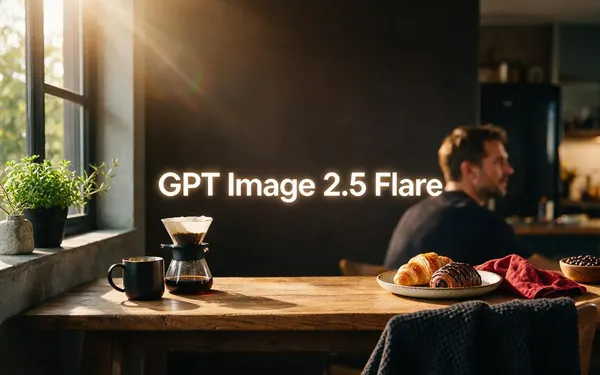
OpenAI
GPT Image 2.5 Flare
- Output
- 1024 px square, 1536 px long side
Fast, low-latency
Open GPT Image 2.5 Flare
Whatever you grow, the working canvas is capped at 2048 px on the long side and each model answers at its own size, so a heavily uncropped picture can come back with fewer pixels per original detail. Upscale it afterwards if needed.
Compared
Outpainting, inpainting and upscaling
Three AI image jobs that get confused. Uncropping is outpainting.
| Outpainting (uncrop) | Inpainting | Upscaling | |
|---|---|---|---|
| What changes | New area outside the original edges | An area inside the picture | The pixel count of the whole picture |
| Frame size | Gets bigger | Stays the same | Same shape, more pixels |
| Content | New content invented to match | Selected area repainted | Same content, sharper detail |
| On Kenerate | Expand Image | Edit Studio | AI Image Upscaler |
General definitions; Kenerate tool names as of 3 October 2026.
Sources: Kenerate Expand Image
Example uses
How creators use uncrop image
Illustrative examples of typical workflows, not customer reviews.
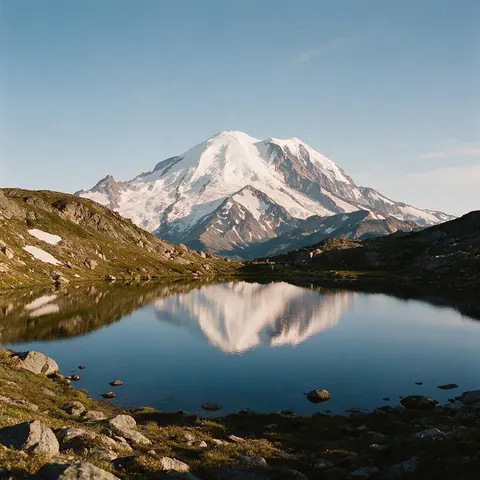
Photographer
A photographer could uncrop a landscape shot that clipped the mountain peak, growing only the top edge.
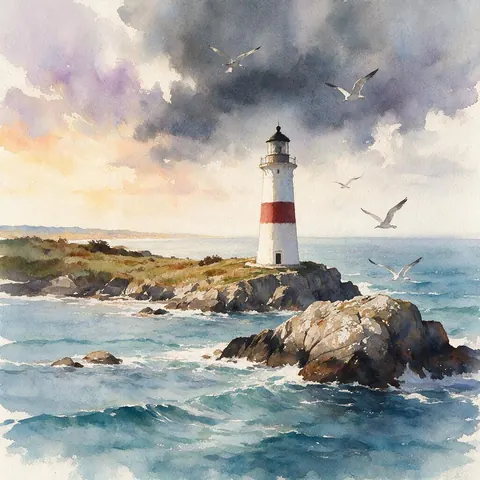
Illustrator
An illustrator could outpaint a square painting into a wider scene for a print, keeping the same brushwork.
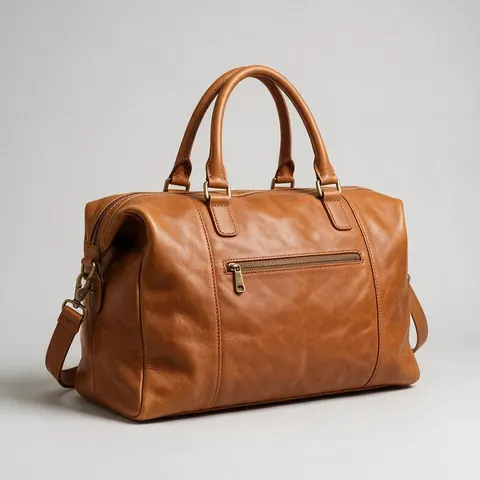
Online seller
An online seller could uncrop a product photo framed too tightly so the whole item fits with a clean margin.
FAQ
Uncrop image questions
What is outpainting?
Outpainting is an AI technique that extends a picture beyond its original borders by generating new content that matches the scene. It is the opposite of inpainting, which repaints an area inside the picture. Uncropping, image extending and image expanding are all outpainting; on Kenerate it runs in the Expand Image tool with a choice of five models.
Link to this answerCan I uncrop an image to see what was cut off?
Not the real content, no. An AI uncrop paints a plausible continuation of the scene, so the new edges look right but are invented. If the cut-off part matters, such as text in a document or a person at an event, find the original file instead. For framing and composition, though, an AI uncrop works well.
Link to this answerHow do I uncrop just one side of a picture?
Use the Grow edges mode in Expand Image and set only that side's slider, from 0 to 100% of the picture's width or height in 5% steps. Leave the other sides at zero. This keeps the invented share of the picture small, which usually gives a cleaner result than growing every edge.
Link to this answerIs uncropping the same as zooming out?
Visually it is similar: the result looks as if the camera stepped back or used a wider lens. Technically it isn't, because nothing is re-photographed; the subject stays the same size in pixels and the new surroundings are generated. For a genuine new viewpoint, the Camera Angle tool can re-shoot the scene closer, wider or from another side.
Link to this answerDoes uncropping lower the image quality?
It can, because each model answers at its own size and the working canvas is capped at 2048 px on the long side. A big uncrop on a large photo may come back with fewer pixels per original detail. Nano Banana 2 Fast answers largest, at about 4 MP, and you can send any result to Upscale.
Link to this answerCan I uncrop a screenshot, painting or illustration?
Yes. The tool accepts any JPG, PNG or WebP up to 25 MB, and the instruction asks the model to keep the same style, so paintings and illustrations extend in kind. Text in the new area is invented, so for screenshots or posters with lettering near the edge, GPT Image 2 is the better pick.
Link to this answerIn depth
Uncropping and outpainting, explained
What uncrop really does, why it can't bring back the original, and how to get clean edges.
On this page
What does uncrop mean?
Uncrop means making a picture look as if it had been framed wider in the first place. A crop throws pixels away; an AI uncrop adds new ones around the edges. The technique behind it is outpainting: the opposite of inpainting, which repaints something inside a picture.
Outpainting, step by step
Expand Image builds a new canvas with your picture in its exact spot and empty space where each edge grows. The model receives that canvas and the original, with an instruction to fill the empty space by extending the scene with the same perspective, horizon, light, colour and grain, keep the original's content, position and scale, and leave no borders or seams.
Can uncropping bring back what was really there?
No. If you cropped a photo and deleted the original file, the cut-off pixels are gone; AI uncrop paints a believable guess, not a recovery. That matters for anything factual — a document, a receipt, an event photo. If you still have the uncropped original, use that instead.
Tight crops that uncrop well, and badly
Cuts through simple surroundings — sky, sea, foliage, walls, floors — uncrop cleanly. Cuts through a face, a hand or lettering are harder because the model has to invent a specific detail. Growing only the side that was cut, rather than all four, keeps the invented share of the picture small.
- Easy: horizon shots, studio backdrops, interiors
- Harder: people cut at the frame, signs, text
- Hardest: a big zoom-out (+50% or more) on a busy street
Uncropping artwork and illustrations
Outpainting works on paintings, illustrations and renders as well as photos; the instruction asks the model to keep the same style. For flat colour art, describe the new area so it continues the background rather than adding new objects.
Undo the tight crop
Starter credits for new accounts. No subscription required. No watermark.
Tried it? Tell us how it went