

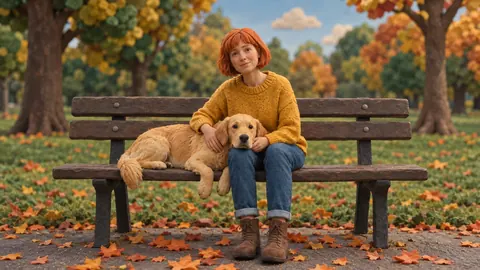
56 looks · 7 groups · mix any two
AI Filter — one photo, 56 new looks
Upload a photo, pick a look and AI Filter redraws it — anime, 3D toy, oil paint, film noir, zombie — while it keeps the same face, pose and framing. Mix two looks, or add one extra instruction.
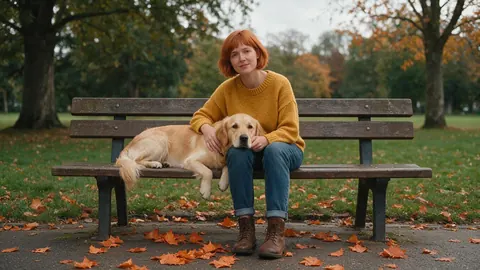
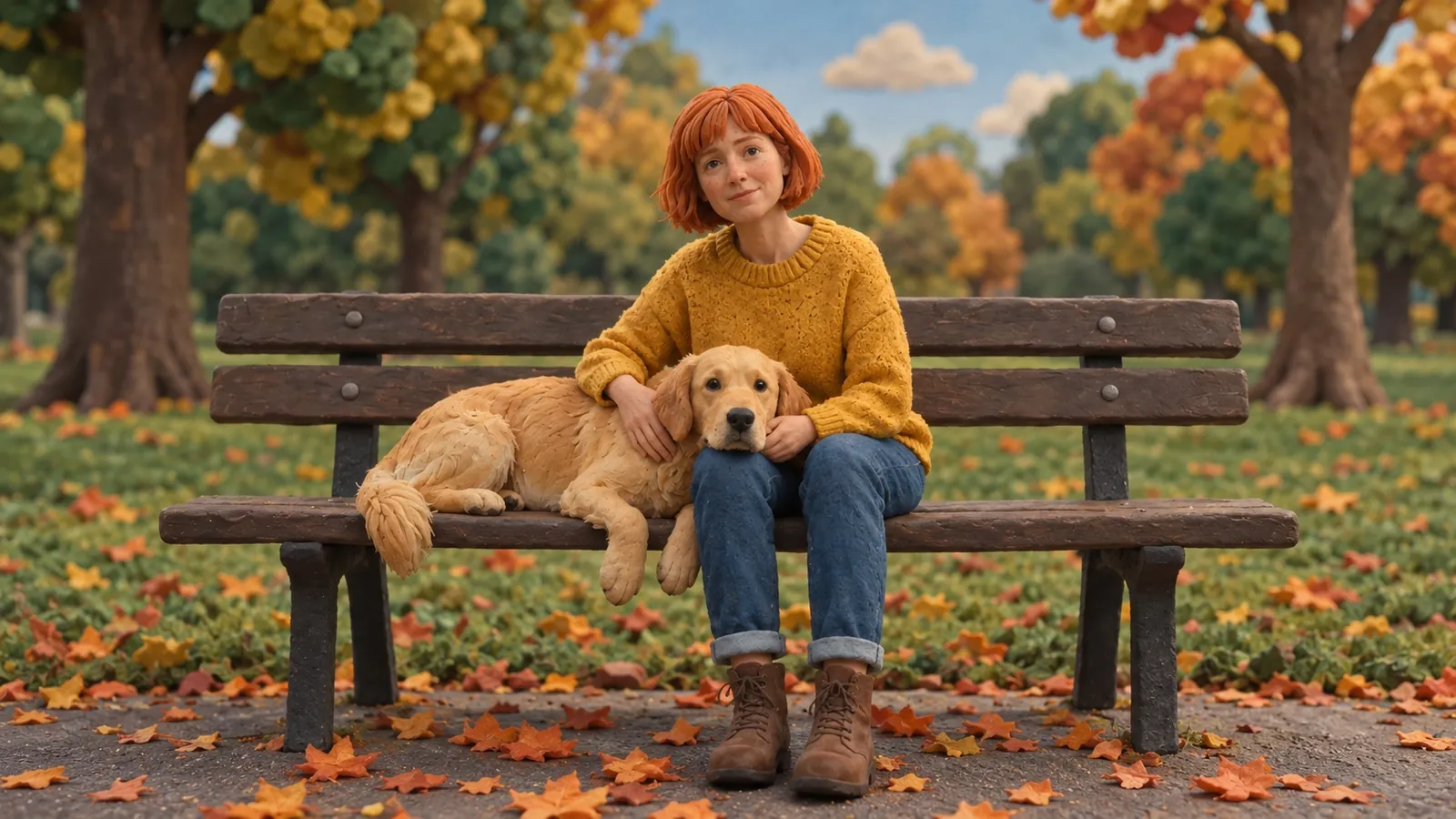
- 56 looks in 7 groups
- Keeps the face and pose
- Mix any two looks
- No subscription required
Updated by the Kenerate AI team
On this page
Quick answer
Updated
What is an AI filter?
An AI filter redraws a photo in a new style instead of only shifting its colours. In Kenerate AI Filter you upload one photo, pick one of 56 looks — anime, Pixar-style 3D, action figure, oil painting, zombie and more — and get one restyled image back, with the same person, expression, pose and framing kept.
Key facts
- Looks
- 56 in 7 groups of 8
- Input
- One photo · JPG, PNG or WebP · up to 20 MB
- Engines
- Qwen Image 3 (default), Kenerate Filter, Seedream 5 Pro, GPT Image 2
- Speed
- About 10–20 s on the default engine
- Mix
- Two looks at 70/30, even or 30/70
- Twist
- One extra instruction, up to 300 characters
- Result
- One image per run, with a compare slider
- Plan
- No subscription required · failed runs refunded
Looks
The eight trending looks
The Trending group the tool opens on. Every card opens AI Filter with that look already picked; the other 48 are one tap away in the look drawer.
Ghibli
Hand-painted anime warmth: soft cel shading and a storybook mood. The tool's default look.
Pixar 3D
A big-eyed 3D animated character with soft studio light and glossy hair.
Action Figure
You as a boxed collectible in a blister pack, with tiny accessories.
Brick Minifig
A plastic brick minifigure with a printed face, standing on a baseplate.
90s Anime
A retro TV anime cel: sharp shading, VHS-era colour, thin ink outlines.
Pop Art
A screen print with flat colour blocks, halftone dots and bold outlines.
Cyberpunk
Neon magenta and cyan rim light, rain-slick textures, a chrome visor glow.
Polaroid
An instant snapshot with a white frame, soft flash and faded warm tones.
How to
How to use an AI filter on a photo
Four steps in the browser, about a minute end to end.
- Time needed
- Steps
- 4 steps
- You need
- A web browser · One photo (JPG, PNG or WebP)
Step 1
Add one photo
Upload, snap with the camera, paste, or pick from History or your Library — JPG, PNG or WebP up to 20 MB. Links from other sites are refused.
Step 2
Pick a look
Browse 56 looks in 7 groups, search the drawer (“ghibli, toy, noir…”), or hit Surprise me. Mix with a second look if you like.
Step 3
Add a Twist if you want
One extra instruction of up to 300 characters, such as “add sunglasses” or “night city behind me”. It's optional.
Step 4
Apply and compare
Drag the Compare slider, then Download, save to Cloud, Edit, Upscale, Tweak, or use the result as the next photo to stack another look.
See it in the app

Open AI Filter and upload the photo you want to restyle.


Watch the tour · 1:46
56 looks in 7 groups, four engines, before / after, mix two looks, add a twist, hand-offs & chat
Chapters
Engines
Which AI filter engine should you use?
The same look can come back a little different on each engine. Start on the default and switch when a look needs more.
- Default
Alibaba
Qwen Image 3
- Strength
- Fast, faithful to the face · best value (default)
- Typical time
- About 10–20 s
Start here for portraits: it keeps faces closest and is the quickest.
Open Qwen Image 3 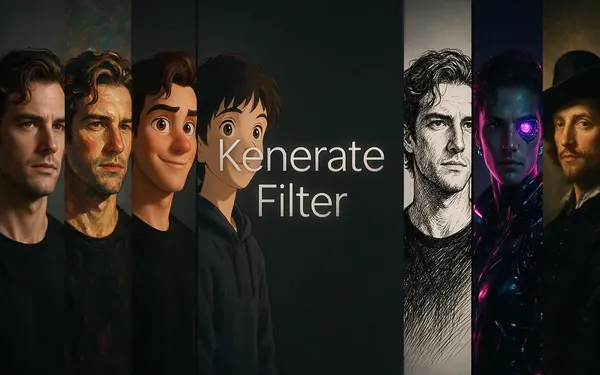
Kenerate
Kenerate Filter
- Strength
- Identity-locked re-render · bold style changes
- Typical time
- About 15–30 s
For big transformations — toy, clay, statue — where you still want to be recognisable.
Open Kenerate Filter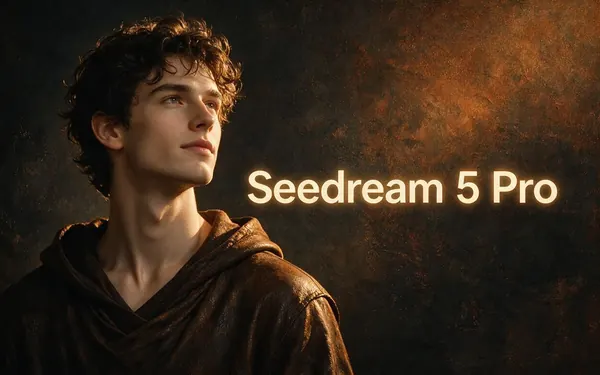
ByteDance
Seedream 5 Pro
- Strength
- Painterly & cinematic looks · rich texture
- Typical time
- About 20–40 s
For painted and film looks: oil, watercolour, Van Gogh, golden hour, noir.
Open Seedream 5 Pro
OpenAI
GPT Image 2
- Strength
- Smartest with complex mixes · toys & posters
- Typical time
- About 30–60 s
For mixes of two looks and anything with lettering, boxes or posters.
Open GPT Image 2
Times are typical, not promised. Every engine returns one image per run, and a failed run is refunded automatically.
Compared
AI filter vs a colour filter vs a text prompt
Three ways to restyle a photo, and what each one actually changes.
| AI Filter (Kenerate) | Classic colour filter | Image generator prompt | |
|---|---|---|---|
| What changes | The whole rendering: line, texture, lighting, medium | Colour, contrast and grain only | Everything — a new picture from words |
| Keeps your face and pose | Told to keep identity, expression, pose and framing | Yes, nothing is redrawn | No, unless you add a reference |
| Effort | Pick a look; optional one-line Twist | One tap | Write and refine a full prompt |
| Range | 56 looks, mixable in pairs | Tints and presets | Open-ended, but harder to steer |
A colour filter is the classic preset in a phone camera or photo app. An image generator prompt means text-to-image without your photo as the base.
Sources: Kenerate AI Filter (the tool) · TechCrunch — OpenAI's viral Studio Ghibli moment highlights AI copyright concerns (26 Mar 2025, checked 3 October 2026) · The Tab — AI action figure prompts and how to do the trend (10 Apr 2025, checked 3 October 2026)
Example uses
How creators use AI filter
Illustrative examples of typical workflows, not customer reviews.
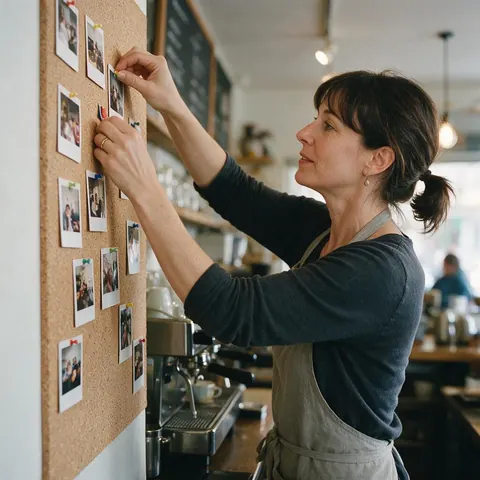
Café owner
A café owner restyles the same staff portrait in Pop Art for the menu board and in Polaroid for the wall of regulars.
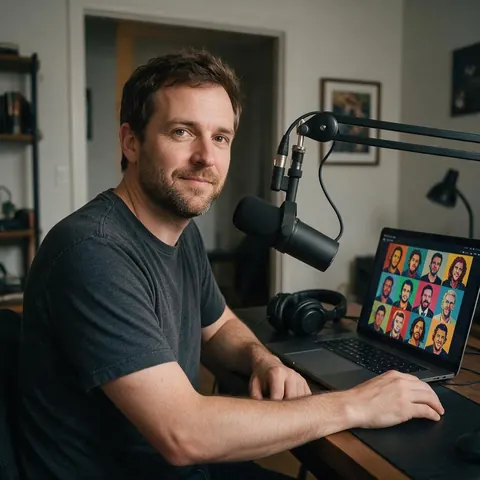
Podcast host
A podcast host tries six looks on one headshot and keeps the Claymation version for the season artwork.
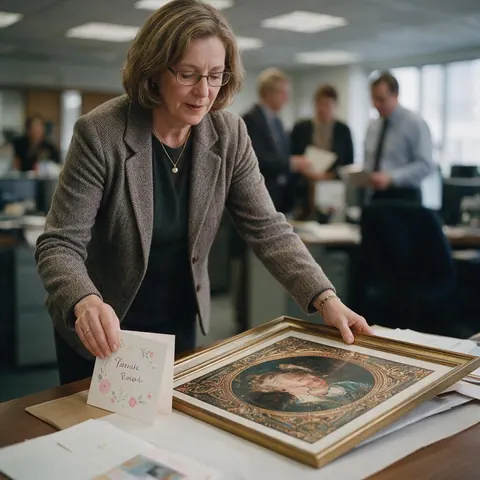
Retirement party organiser
An organiser turns a colleague's photo, with permission, into a Royal Portrait for the farewell card.
Every AI Filter page
AI filter pages by look
Each page shows one look family in depth, with its own before/after.
Anime filter
90s Anime, Shonen Manga, Shoujo Sparkle, Chibi, Webtoon
Cartoon filter
Classic hand-drawn 2D, flat TV toons, 3D and stickers
Action figure AI
The boxed-toy trend, plus vinyl, brick and plush
Ghibli filter
Hand-painted, Ghibli-inspired anime frames
Pixar filter
A Pixar-style 3D character from your photo
Zombie filter
A cinematic undead makeover for Halloween
FAQ
AI filter questions
8 questions
What is the AI filter everyone is using?
Usually one of two: the Ghibli-style portrait or the boxed action figure. TechCrunch reported Ghibli-style images flooding social feeds after ChatGPT's image generator launched on 25 March 2025, and The Tab covered the action figure trend that April. Both are in Kenerate AI Filter's Trending group, alongside Pixar 3D, Brick Minifig, 90s Anime, Pop Art, Cyberpunk and Polaroid, with 48 more looks in six other groups.
Link to this answerCan I try AI Filter without a subscription?
Yes. New Kenerate accounts get starter credits to try AI Filter, and no subscription is required. After that, each run uses credits from your balance, there is no plan gate, and a failed run is refunded automatically. You need to sign in with a verified email to upload a photo and apply a look; browsing the looks and this page is open to everyone.
Link to this answerWill an AI filter keep my face?
It tries to, and the default engine is the best at it. Every look tells the engine to keep the same person, identity, expression, pose and framing, but that is an instruction, not a guarantee. Qwen Image 3 is tuned to stay faithful to faces, and Kenerate Filter re-renders with identity locked for bolder looks. Styles that reshape you, such as Chibi or Vinyl Figure, trade some likeness for the look.
Link to this answerCan I combine two AI filters?
Yes, in two ways. Mix with a second look blends two styles into one picture, with a Balance of 70/30, Even or 30/70 and a swap button. Or apply one look, choose Use as next photo, and apply another on top to stack them. GPT Image 2 is the engine the app describes as smartest with complex mixes, so switch to it if a blend comes out muddled.
Link to this answerWhat kind of photo works best?
A clear, well-lit photo where the subject fills a good part of the frame. AI Filter takes JPG, PNG or WebP up to 20 MB from an upload, the camera, a paste, your History or Library. On the default engine, photos larger than 2048 px are scaled down and photos under 384 px are blocked. Links from other sites are refused, so download the picture first.
Link to this answerDoes an AI filter work on pets and group photos?
Yes. The looks are written for “the person or subject”, so a dog or cat is restyled the same way a person is, and the engine is told not to add or remove anyone in a group shot. Faces that are small in a wide group photo carry less detail into the new style, so crop closer when one face matters most.
Link to this answerCan I use an AI filter on someone else's photo?
Only if you have their permission. Restyle photos of yourself, of people who have agreed, or pictures you own the rights to. Don't use a look to mock, harass or deceive anyone, and don't present a filtered image of a real person as something they actually did. Optional Twist text is moderation-checked like every other text field in the app.
Link to this answerDoes the result have a watermark?
No. The restyled image downloads without a watermark. From the result you can also save it to Cloud, open it in Edit, send it to Upscale for a larger print-ready file, Tweak the look and run again, or use it as the next photo to stack another filter. Each run returns one image.
Link to this answerIn depth
AI filters, explained
What an AI filter does to a photo, every look in the tool, and how to get a result that still looks like you.
On this page
How is an AI filter different from a normal photo filter?
A normal filter changes the pixels you already have: warmer tones, more contrast, a film grain. An AI filter redraws the picture in a new medium. Your photo becomes a painted anime frame, a plastic toy or a marble statue, and the model rebuilds the lines, textures and light to match.
Kenerate AI Filter writes every look as an edit instruction rather than a fresh prompt, and adds the same rule to each one: keep the same person or subject, their identity, expression, pose, framing and composition, and don't add or remove people. That is an instruction to the engine, not a guarantee, so the closer the look is to a photo, the closer the likeness tends to stay.
Every look in the tool, by group
The look drawer has seven groups of eight. Search it by name or mood, or press Surprise me for a random pick.
- Trending: Ghibli, Pixar 3D, Action Figure, Brick Minifig, 90s Anime, Pop Art, Cyberpunk, Polaroid
- Anime & Cartoon: Shonen Manga, Shoujo Sparkle, Chibi, Webtoon, Yellow Cartoon, Sci-fi Toon, Paper Cutout, Classic 2D Disney
- Art & Paint: Oil Painting, Watercolor, Van Gogh, Ukiyo-e, Charcoal Sketch, Comic Noir, Graffiti, Stained Glass
- 3D & Toy: Claymation, Vinyl Figure, Plush Toy, Low Poly, Voxel, Porcelain, Balloon Art, Crochet
- Photo & Cinema: Studio Headshot, Film Noir, Golden Hour, Symmetry Film, Neo-Noir Film, Fashion Editorial, Street HDR, Infrared
- Retro & Culture: Pixel Art, Vaporwave, Y2K, Bollywood Poster, Renaissance, Roman Mosaic, Egyptian Relief, Art Deco
- Fun & Wild: Zombie, Superhero, Royal Portrait, Astronaut, Marble Statue, Neon Sign, Paper Craft, Die-cut Sticker
Which looks change the framing on purpose?
Most looks keep your crop. A few can't by design: Action Figure puts you in a box, Polaroid adds a white instant-film frame, and Egyptian Relief turns you into a side-on profile. Looks such as Chibi, Vinyl Figure or Yellow Cartoon also change your proportions, because that is the style. If likeness matters most, the Photo & Cinema group — Studio Headshot, Golden Hour, Fashion Editorial, Street HDR — is told to keep your face exactly as it is.
Mixing two looks and stacking filters
Mix with a second look fuses two styles into one picture rather than two halves. Balance sets the weight: 70/30 keeps the first look in charge, Even splits it, 30/70 hands it to the second, and the swap button flips the order. Ghibli with Watercolor, or Pop Art with Cyberpunk, are good first mixes.
To stack instead of blend, use the result as the next photo and apply another look on top. A Polaroid of your Claymation result, for example, gives you an instant-film snapshot of a clay figure.
What the Twist is for
The Twist is one short extra instruction of up to 300 characters, added after the look. Use it for a single change the look doesn't cover: “add sunglasses”, “night city behind me”, “keep my own background”. Optional text is moderation-checked, and one clear request works better than a list.
Where the AI filter trend came from
Restyle filters went mainstream in spring 2025. TechCrunch reported that ChatGPT's new image generator went live on 25 March 2025 and Ghibli-style portraits flooded social feeds within a day; a few weeks later The Tab was covering the action-figure-in-a-box trend. Both looks sit in the Trending group here, next to the rest of the 56.
Try a look on your own photo
New accounts get starter credits. No subscription required. No watermark.
Tried it? Tell us how it went