

Main image on pure white · lifestyle and secondary images
Amazon Product Photography
Make Amazon listing images from a photo of your real product: a pure-white main image, plus lifestyle and detail shots for the secondary slots. The product has to stay exactly as it is.
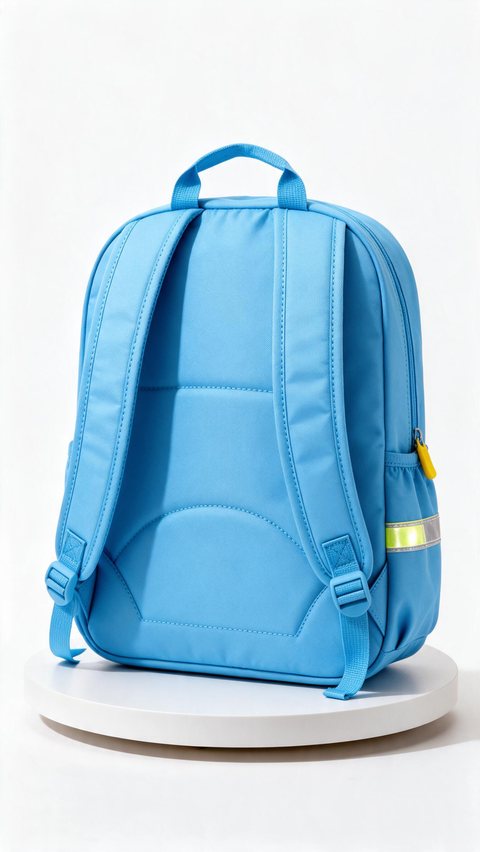
- Kids' backpack white turntable
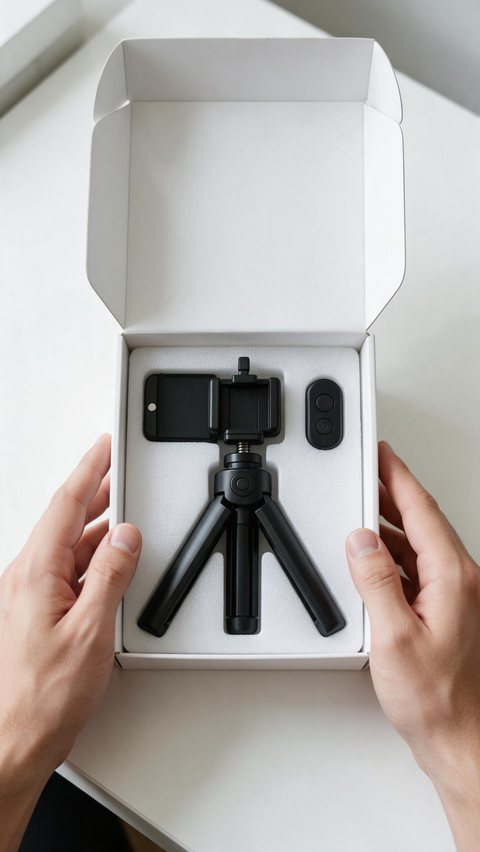
- Phone tripod hands unboxing
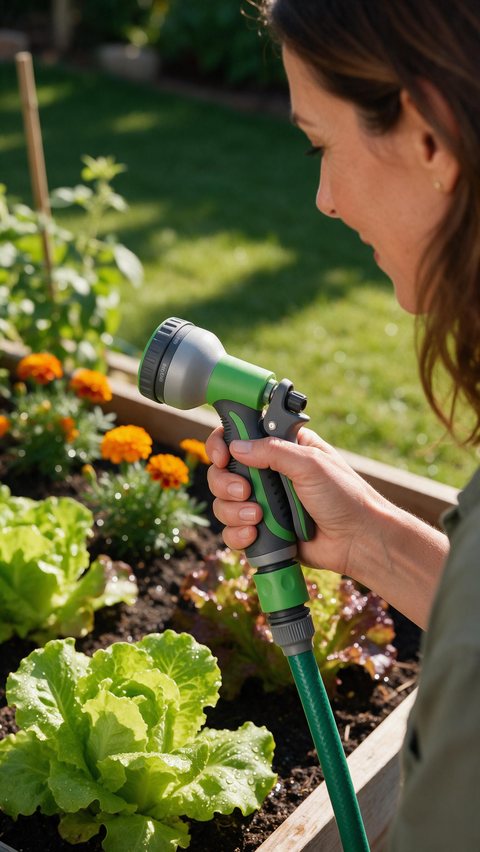
- Hose nozzle garden lifestyle
Made in Marketing Studio · Seedream 5.0 Pro + Wan 3.0
- Pure-white main image style
- Lifestyle and detail shots
- Square 1:1 output
- The real product, unchanged
Updated by the Kenerate AI team
On this page
Quick answer
Updated
What does Amazon product photography need?
Amazon product photography needs a main image on a pure white background (RGB 255, 255, 255) with the product filling about 85% of the frame, and every image must show the real product accurately. In Kenerate AI's Marketing Studio, the Studio white style makes the main image and the Marketplace styles make secondary shots.
Key facts
- Main image (Amazon's rule)
- Pure white background, RGB 255, 255, 255
- Product fill (Amazon's rule)
- About 85% of the frame
- Zoom (Amazon's rule)
- 1,000 px or more on the longest side
- Main-image style
- Product shot > Studio white (template Seamless White)
- Secondary-image styles
- Natural · Usage · Closeup · Marketplace Dark, Pastel, Color pop, 3D surreal
- Output
- 1:1 square · 1K, 1.5K or 2K · PNG or JPEG (Seedream 5.0 Pro)
- Access
- Marketing Studio: paid plan or a one-time credit pack, no subscription required
Ad showcase
5 ad videos made with Kenerate AI
Short ads of fictional, unbranded products: each starts as a Seedream 5.0 Pro frame and is animated with Wan 3.0. Open one to see the prompt and the Marketing Studio style it matches.
Gallery
Amazon listing images: main, lifestyle and detail
AI-generated listing images of fictional, unbranded products. Check every image against your real product before you upload it.
How to
How to use the Amazon product photography tool
- Time needed
- Steps
- 4 steps
Step 1
Photograph the real product
A sharp phone photo in even light is enough as the reference.
Step 2
Open Marketing Studio
Add the photo as your product. It runs on a paid plan or a one-time credit pack.
Step 3
Make the main image
Pick Product shot > Studio white at 1:1, the highest resolution, and create.
Step 4
Make the secondary images
Use Natural, Usage, Closeup or a Marketplace style for lifestyle and detail shots.
See it in the app

Open Marketing Studio and pick Image for product shots and posters, or Video for UGC and motion ads.


Watch the tour · 1:23
Prompts, styles, references, edit, Arena & chat
Chapters
Tips
Product photography for Amazon: what to check
Amazon's image rules, plus what to watch for with AI images.
Main image: pure white background, no props, no text, no logos added.
Let the product fill about 85% of the frame.
Export at 1,000 px or more on the longest side so zoom works.
Compare colour, shape, size and labels with the real product.
Show only what is in the box: no extra accessories.
Use lifestyle shots in the secondary slots, never as the main image.
Models
Models for Amazon listing images
What each model is good at. Open any one straight in the generator.

ByteDance
Seedream 5.0 Pro
- Reference images
- Up to 10
- Output
- 1K · 1.5K · 2K
Marketing Studio's default; keeps the product from the reference
Open Seedream 5.0 Pro
OpenAI
GPT Image 2.5 Sunburst
- Reference images
- Up to 16
- Output
- 1K–4K
The precision tier for fine label detail
Open GPT Image 2.5 Sunburst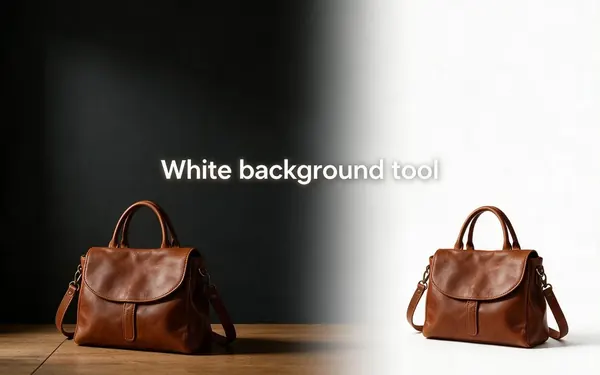
Kenerate
White background tool
- Reference images
- 1 photo
- Output
- Keeps size
Cut out your own photo and place it on pure white
Open White background tool
Example uses
How creators use Amazon product photography tool
Illustrative examples of typical workflows, not customer reviews.
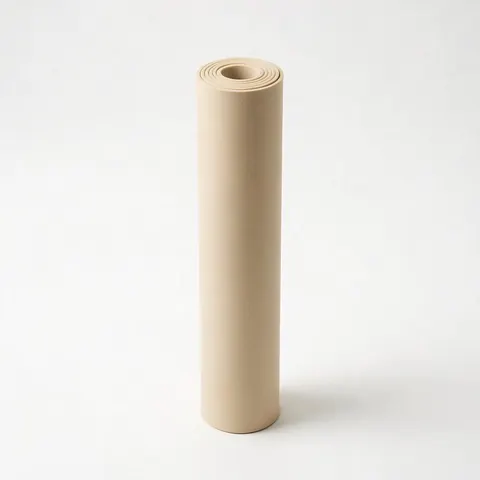
Amazon FBA seller
A seller can make a pure-white main image and three lifestyle images that all show the same real product.

Home-goods brand
A brand can show a product in use for the secondary slots without a location shoot.
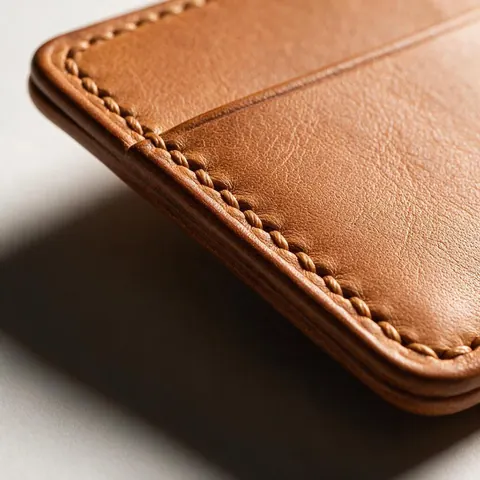
Craft seller
A maker can show texture and material in a close-up detail image.
FAQ
Amazon Product Photography Tool questions
8 questions
Does Amazon allow AI-generated product images?
Check Amazon's own product image requirements in Seller Central, because they are the rule that counts. They ask that images show the product being sold accurately, and that the main image sits on a pure white background. An AI image that changes the product's colour, shape, size or contents misrepresents it, however it was made. Amazon Ads also offers its own AI image tools for ads.
Link to this answerCan AI be used to create Amazon listing images?
Yes, as long as each image shows your real product accurately. Start from a photo of the actual item, use it as the reference, and check every result against it. AI is most useful for lifestyle and detail images in the secondary slots. For the main image, a pure white background and a faithful product matter more than any scene.
Link to this answerWhich AI is best for product photography?
For Amazon work, pick a model that keeps the product from your reference photo. Marketing Studio uses Seedream 5.0 Pro by default, which takes up to 10 reference images and outputs 1K, 1.5K or 2K in PNG or JPEG. GPT Image 2.5 Sunburst is the precision tier for fine label detail. Whatever the model, compare each image with the real product.
Link to this answerWhat are the Amazon listing image requirements?
Per Amazon's product image requirements, checked 2 October 2026: the main image needs a pure white background (RGB 255, 255, 255), the product should fill about 85% of the frame, and it should show only the product, without added text, logos, watermarks or props. JPEG is preferred, with PNG, TIFF and non-animated GIF also accepted. Secondary images may show the product in use.
Link to this answerWhat is the right Amazon listing image size?
Amazon recommends at least 1,000 pixels on the longest side, which turns on zoom on the product page, and a square 1:1 image is the common choice. In Marketing Studio, set the ratio to 1:1 and pick the highest resolution the model offers; Seedream 5.0 Pro's 2K output is well above 1,000 pixels. Check Amazon's page for the current maximum.
Link to this answerHow do I do product photography for Amazon?
Photograph the real product in even light, then build the set from that photo. For the main image, use Product shot > Studio white so the product sits on seamless white with a soft contact shadow. For secondary slots, use Natural or Usage for lifestyle shots and Closeup for texture. Compare every image with the real item before uploading.
Link to this answerHow do I edit product photos for Amazon?
If you already have a good photo, you may only need an edit: cut the product out with the white background tool, place it on pure white, and crop so it fills about 85% of the frame. Export a JPEG at 1,000 pixels or more on the longest side. Then confirm the background reads as 255, 255, 255 with a colour picker.
Link to this answerIs Amazon product lifestyle photography possible with AI?
Yes. Lifestyle images belong in the secondary slots, and Marketing Studio has styles made for them: Natural for calm daylight and natural materials, Usage for the product mid-use, and Faceless for hands holding it. Templates such as Sunlit Window, Linen Morning and Mid-Pour give you a finished look to recreate with your own product photo.
Link to this answerIn depth
Amazon Product Photography Tool, explained
What works, what to avoid, and how to pick a model.
On this page
Which Marketing Studio style to use for each Amazon image
Every option below is a real style or template in Marketing Studio. Only the first belongs in the main-image slot.
- Main image: Product shot > Studio white (template Seamless White) — the complete product on pure white seamless, soft contact shadow, no props, no text.
- Lifestyle image: Product shot > Natural (Sunlit Window, Linen Morning) or Usage (Mid-Pour).
- Detail image: Product shot > Closeup (Golden Drop, Honey Drip) for texture and material.
- Brand-store or ad image: Marketplace > Dark (Low-Key Listing, Obsidian Rim), Pastel (Pastel Blocks), Color pop or 3D surreal.
- Short product video: Clean 360 Spin, a full turn on light grey seamless at 1:1.
The main image: pure white and the real product
Amazon's main image must sit on pure white, RGB 255, 255, 255. AI output can drift to near-white, so check the corners with a colour picker. If it is off, cut the product out with the white background tool and place it on pure white. Marketplace > Clean Studio uses light grey, so keep it for secondary images.
Why accuracy matters more than the scene
A buyer compares the photo with what arrives. Marketing Studio tells the model to use the product exactly as in your reference, same shape, colours, materials, label and logo, but models can still slip on small text and fine details. Reject any image that adds accessories, changes the colour or makes the product look bigger than it is.
Amazon product photo editing vs a new shot
Edit when your photo is already good and only the background or framing is wrong. Generate a new shot when you need a lifestyle scene, a detail close-up or a consistent look across a range. Both start from a photo of the real product.
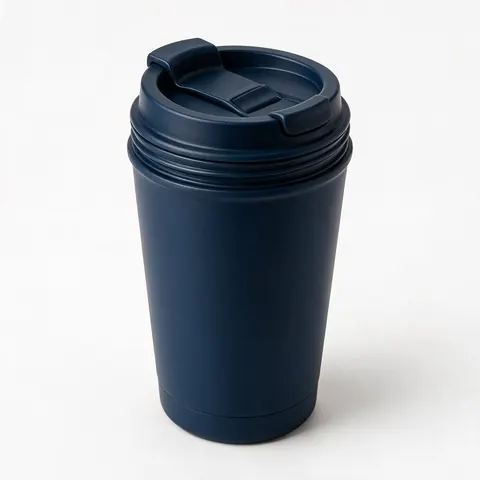
Try the Amazon product photography tool
Runs on a paid plan or a one-time credit pack. No subscription required.
Tried it? Tell us how it went