

Pixar-style 3D · not affiliated with Pixar or Disney
Pixar Filter — you as a Pixar-style 3D animated character
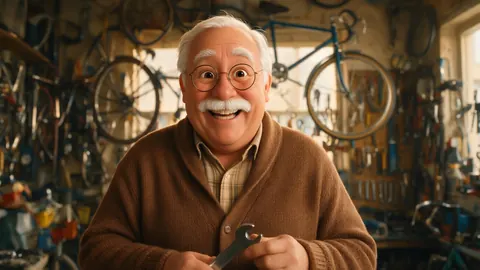
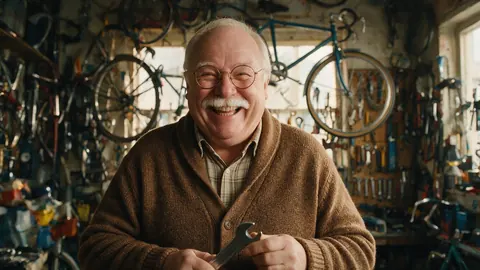
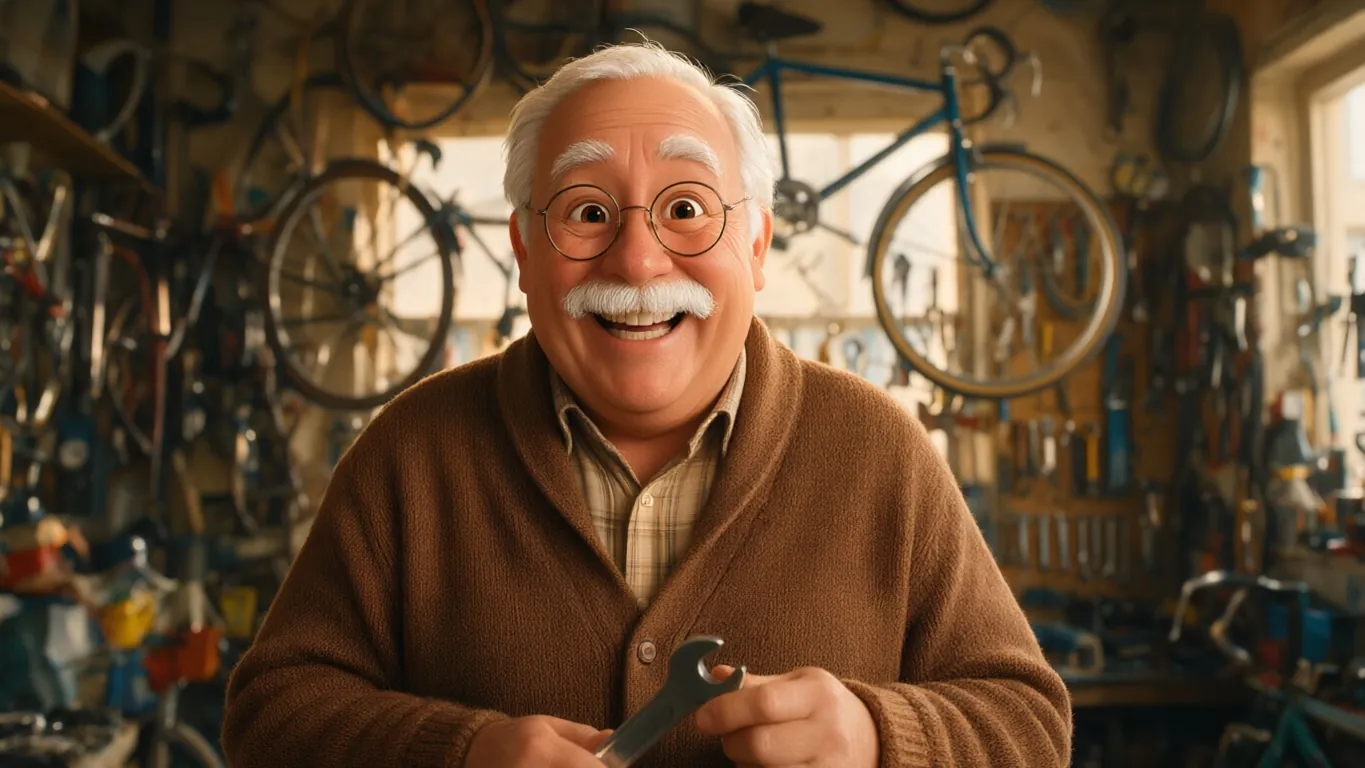
The Pixar 3D look rebuilds your photo as an animated-film character: smooth glowing skin, large expressive eyes, glossy hair and soft studio light — with your pose and expression kept.
- Big-eyed 3D character
- Keeps your expression
- Works on pets
- No watermark
Updated by the Kenerate AI team
On this page
Quick answer
Updated
What is a Pixar filter?
A Pixar filter turns a photo into a 3D animated-film character in the style Pixar made famous. In Kenerate AI Filter, the Pixar 3D look gives you smooth subsurface skin, large expressive eyes, glossy hair, soft studio light and cinematic depth of field. It's an inspired-by look; Kenerate is not affiliated with Pixar or Disney.
Key facts
- Look
- Pixar 3D (Trending group)
- Style
- Smooth skin, big eyes, studio light, depth of field
- Subjects
- People, groups and pets
- Best engine for likeness
- Qwen Image 3 or Kenerate Filter
- Input
- One photo · JPG, PNG or WebP · up to 20 MB
- Affiliation
- None — an inspired-by look
Looks
Pixar 3D and five other 3D looks
All six rebuild you in three dimensions; they differ in material. Each card opens AI Filter with the look picked.
Pixar 3D
A 3D animated-film character: subsurface skin, large expressive eyes, glossy hair, soft studio light. The demo above.
Claymation
Stop-motion plasticine with fingerprints and slightly lumpy shapes on a miniature set.
Vinyl Figure
A vinyl collectible with an oversized square head and black button eyes.
Plush Toy
A soft stuffed toy with fleece texture, stitched seams and embroidered eyes.
Low Poly
A faceted game model built from flat-shaded triangles.
Porcelain
A glazed ceramic figurine with hand-painted blue-and-gold details on a display base.
How to
How to turn a photo into a Pixar-style character
Four steps. The Pixar 3D card above opens the tool with the look picked.
- Time needed
- Steps
- 4 steps
- You need
- A web browser · One photo (JPG, PNG or WebP)
Step 1
Add one photo
Upload, snap with the camera, paste, or pick from History or your Library — JPG, PNG or WebP up to 20 MB. Links from other sites are refused.
Step 2
Pick Pixar 3D
It's second in the Trending row. For other 3D materials, open the 3D & Toy group.
Step 3
Add a Twist if you want
One extra instruction of up to 300 characters, such as “add sunglasses” or “night city behind me”. It's optional.
Step 4
Apply and compare
Drag the Compare slider, then Download, save to Cloud, Edit, Upscale, Tweak, or use the result as the next photo to stack another look.
See it in the app

Open AI Filter and upload the photo you want to restyle.


Watch the tour · 1:46
56 looks in 7 groups, four engines, before / after, mix two looks, add a twist, hand-offs & chat
Chapters
Engines
Which engine for a Pixar-style character?
The bigger the eyes get, the harder an engine has to work to keep you recognisable.
- Default
Alibaba
Qwen Image 3
- Strength
- Fast, faithful to the face · best value (default)
- Typical time
- About 10–20 s
The default and the demo engine: quickest, and the most faithful to your face.
Open Qwen Image 3 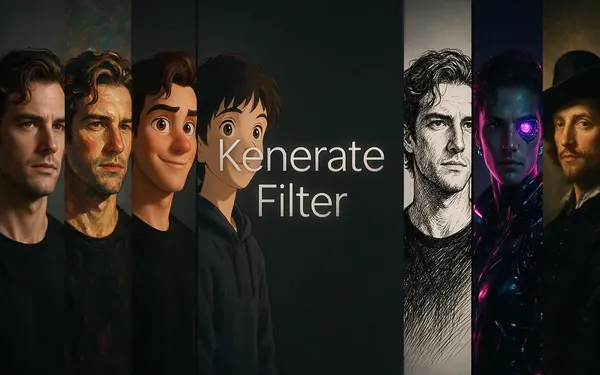
Kenerate
Kenerate Filter
- Strength
- Identity-locked re-render · bold style changes
- Typical time
- About 15–30 s
Identity-locked re-render: for a bolder cartoon face that still reads as you.
Open Kenerate Filter
ByteDance
Seedream 5 Pro
- Strength
- Painterly & cinematic looks · rich texture
- Typical time
- About 20–40 s
For a richer film-still feel — deeper light, texture and background.
Open Seedream 5 Pro
OpenAI
GPT Image 2
- Strength
- Smartest with complex mixes · toys & posters
- Typical time
- About 30–60 s
For a movie-poster layout or a group shot with several characters and props.
Open GPT Image 2
Times are typical, not promised. Every engine returns one image per run, and a failed run is refunded automatically.
Example uses
How creators use pixar filter
Illustrative examples of typical workflows, not customer reviews.
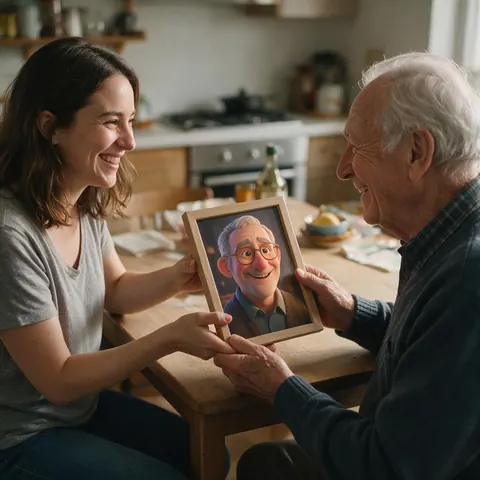
Grandchild
A grandchild turns a grandparent's workshop photo, with their delight, into a 3D character print for a birthday.
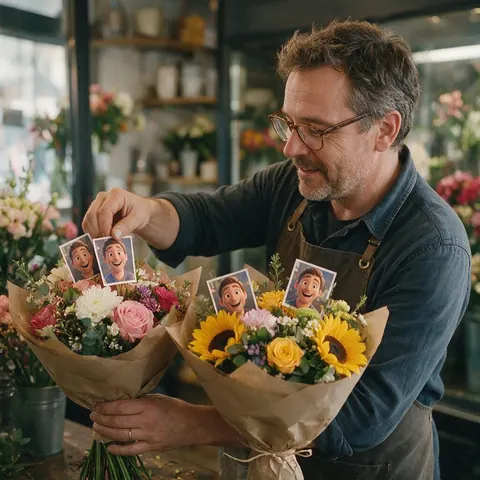
Small business owner
A florist uses a Pixar-style version of her own portrait as a friendly mascot on delivery cards.
Pet sitter
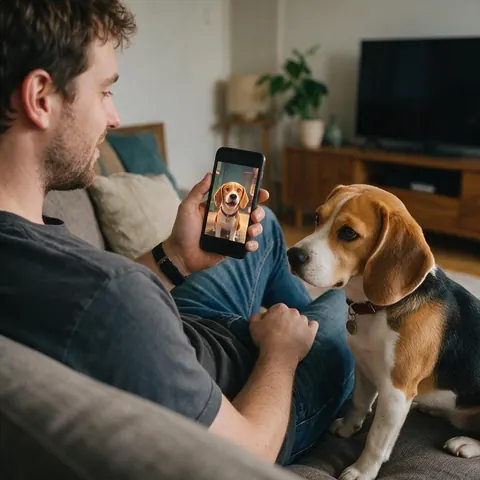
A pet sitter sends each owner a 3D animated version of their pet at the end of a stay.
FAQ
Pixar filter questions
How do I turn my photo into a Pixar character?
Upload the photo to Kenerate AI Filter, pick the Pixar 3D look and press Apply. It rebuilds you as a 3D animated-film character with smooth skin, large expressive eyes, glossy hair and soft studio light, keeping your pose and expression. The default engine, Qwen Image 3, returns one image in about 10–20 seconds. Drag the Compare slider to check the likeness.
Link to this answerIs there an official Pixar filter?
Not here. Kenerate's Pixar 3D look is an inspired-by style: a 3D animated-film look named after the studio that made it famous. Kenerate is not affiliated with, endorsed by or connected to Pixar or Disney, and the look doesn't recreate their characters or scenes. It's one of 56 looks in Kenerate AI Filter, which restyles your own photo.
Link to this answerWill the Pixar filter still look like me?
Usually, yes, because the look keeps your pose, expression and distinctive features while it enlarges the eyes and smooths the skin. A clear, well-lit face gives the best likeness. Start on Qwen Image 3, the default engine tuned to stay faithful to faces, and switch to Kenerate Filter, which re-renders with identity locked, if your features drift.
Link to this answerCan I make a Pixar version of my dog or cat?
Yes. The look works on any subject, so a pet photo becomes a 3D animated animal with big glossy eyes and soft fur, in the same pose. Pets with expressive faces — a head tilt, ears up — make the best characters. Use a sharp photo where the animal fills a good part of the frame.
Link to this answerCan I turn a family photo into Pixar characters?
Yes, as long as everyone in it agrees. Every look tells the engine to keep each person and their pose and not to add or remove anyone. Faces that are small in a wide shot carry less detail, so crop in close. For a poster-style family picture, GPT Image 2 handles several characters and props best.
Link to this answerWhat other 3D filters are there?
Five more in the same tool: Claymation for stop-motion plasticine, Vinyl Figure for a square-headed collectible, Plush Toy for a stuffed toy, Low Poly for a faceted game model and Porcelain for a glazed figurine. Voxel and Balloon Art are in the 3D & Toy group too. You can mix any of them with Pixar 3D at 70/30, Even or 30/70.
Link to this answerIn depth
Pixar-style photos, explained
What turns a photo into a 3D animated character, how to keep the likeness, and what the look isn't.
On this page
What makes a face read as a 3D animated character?
Animated-film faces exaggerate a few things and smooth everything else. Eyes grow and catch a bright reflection, skin turns soft with light glowing through it, features round off, and hair becomes glossy sculpted shapes. Soft studio light and a shallow depth of field finish the film-still look. The Pixar 3D look asks for exactly those traits and keeps your pose and expression underneath.
Keeping the likeness
The redraw keeps more of you when the photo gives it more to work with:
- A clear, front-facing or three-quarter face, not in shadow
- Distinctive features left visible: glasses, beard, freckles, hairstyle
- Head and shoulders, or waist-up, rather than a tiny figure in a wide shot
- Qwen Image 3 first; Kenerate Filter if the face drifts
Faces of every age
The look works the same on a face of 25 or 75: wrinkles become soft sculpted folds and grey hair becomes glossy silver. Older faces often make the most charming characters, because laugh lines and eyebrows give the 3D model a lot of personality to exaggerate. The demo above is a fictional adult in his sixties in a bike workshop.
Not affiliated with Pixar or Disney
“Pixar 3D” names the style the look is inspired by. Kenerate is not affiliated with, endorsed by or connected to Pixar or Disney, and the look doesn't recreate any of their characters, film scenes or logos. Restyle your own photos, don't present the result as official studio art, and check the rules of anywhere you sell it.
From character to poster
For a movie-poster feel, apply Pixar 3D, choose Use as next photo, and add a Twist such as “dramatic sky behind me, poster composition”. GPT Image 2, which the app tags for toys and posters, handles that kind of layout best. Upscale the result if it's going on a wall.
Become a 3D animated character
New accounts get starter credits. No subscription required. Not affiliated with Pixar or Disney.
Tried it? Tell us how it went