

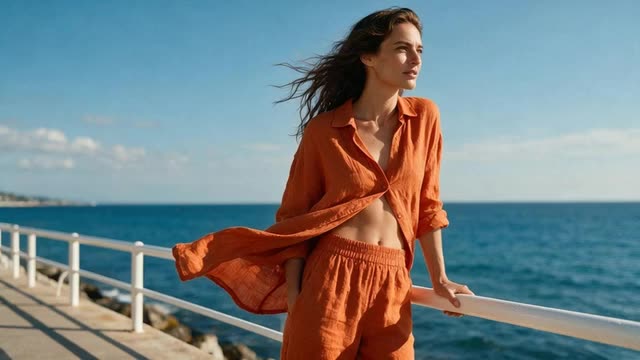
Instagram and Facebook clothing ads · photos and try-on videos
Clothing Ads
Turn photos of your garment into clothing ads: full-body fashion shots, flat lays, try-on videos and campaign-style fashion films, sized for Instagram and Facebook feeds, Stories and Reels.
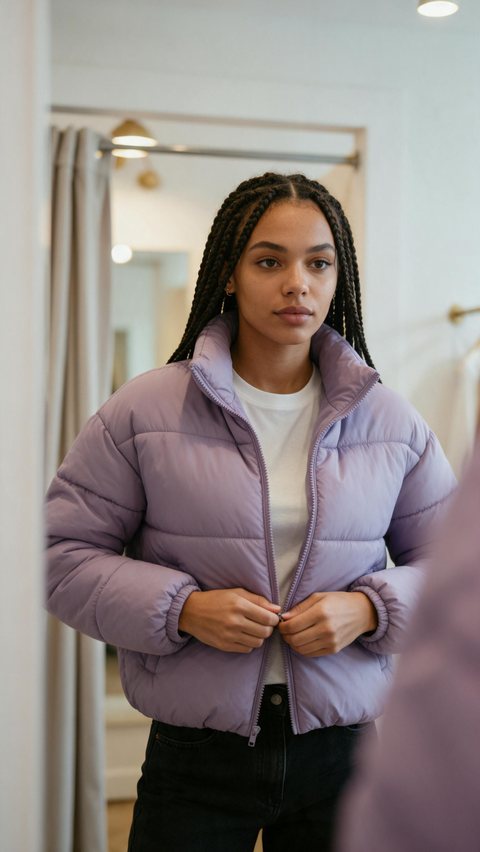
- Puffer jacket try-on ad
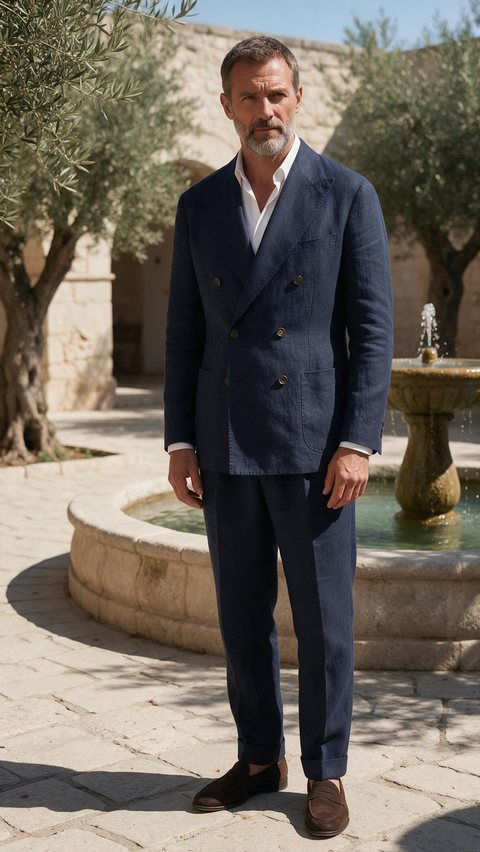
- Linen suit editorial walk
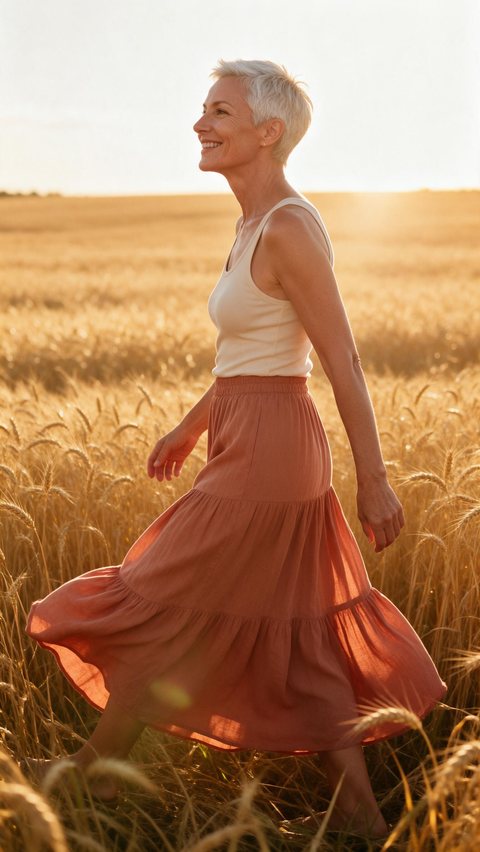
- Maxi skirt golden-hour film
Made in Marketing Studio · Seedream 5.0 Pro + Wan 3.0
- Full-body and flat-lay shots
- Try-on and editorial videos
- 4:5 feed and 9:16 Reels sizes
- Fictional models or people who agreed
Updated by the Kenerate AI team
On this page
Quick answer
Updated
What makes good clothing ads?
Good clothing ads show the garment on a body, make the fit and fabric easy to read, and look native to the feed they run in. In Kenerate AI's Marketing Studio you add photos of the piece, then pick Product shot > Full body for stills or UGC > Try-on and Ads > Editorial try-on for video.
Key facts
- Where
- Marketing Studio
- Image styles
- Full body · Faceless · Editorial · Natural · Studio white
- Video styles
- UGC > Try-on · Ads > Editorial try-on · Lifestyle b-roll
- Templates
- Try-On Haul · Editorial Fit
- Your garment
- From the library, a product link, or 1–9 photos
- Ad sizes
- Feed 4:5, 1:1 or 3:4 · Stories and Reels 9:16
- Models in the ad
- AI-generated fictional people, or a person who agreed
- Access
- Paid plan or a one-time credit pack, no subscription required
Ad showcase
5 ad videos made with Kenerate AI
Short ads of fictional, unbranded products: each starts as a Seedream 5.0 Pro frame and is animated with Wan 3.0. Open one to see the prompt and the Marketing Studio style it matches.
Gallery
Clothing ads examples
AI-generated clothing ads of fictional, unbranded garments on fictional adult models.
How to
How to use the clothing ads maker
- Time needed
- Steps
- 4 steps
Step 1
Photograph the garment
Flat on a plain surface or on a hanger, in even light, front and back.
Step 2
Open Marketing Studio
Add the photos as your product. It runs on a paid plan or a one-time credit pack.
Step 3
Pick a style
Full body or Editorial for stills; Try-on or Editorial try-on for video, with a person photo.
Step 4
Set the size and create
4:5 for Instagram and Facebook feeds, 9:16 for Stories and Reels, then make variations.
See it in the app

Open Marketing Studio and pick Image for product shots and posters, or Video for UGC and motion ads.


Watch the tour · 1:23
Prompts, styles, references, edit, Arena & chat
Chapters
Tips
Clothing brand ads ideas that work
Starting points that map onto Marketing Studio styles.
One outfit, styled two ways, in a single try-on video.
A full-body walk at golden hour for a new-season drop.
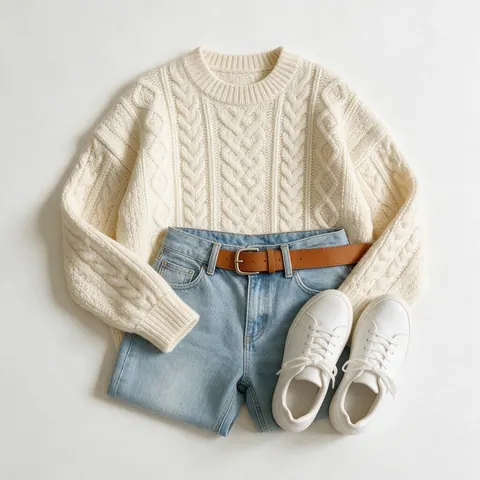
A flat lay on seamless white for the full outfit at a glance.
A close-up on fabric, stitching or a button.
A faceless mirror shot that feels like a customer post.
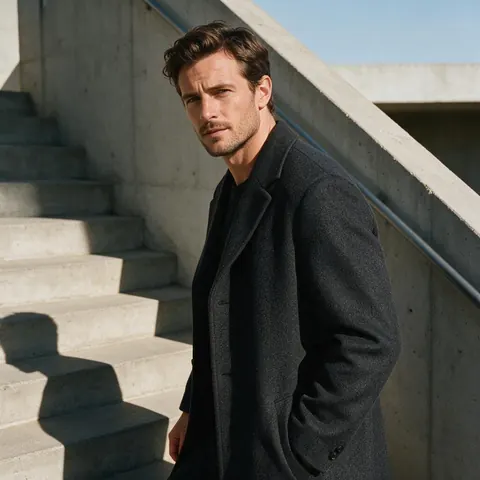
A campaign-style fashion film on concrete stairs in hard light.
Models
Models for Instagram clothing ads
What each model is good at. Open any one straight in the generator.

ByteDance
Seedream 5.0 Pro
- Reference images
- Up to 10
- Output
- 1K · 1.5K · 2K
Default image model: fashion stills and flat lays
Open Seedream 5.0 Pro
OpenAI
GPT Image 2
- Reference images
- Up to 16
- Output
- 1K–4K
Clothing ads with a headline in the picture
Open GPT Image 2- Free plan

Alibaba
Qwen Image 3.0
- Reference images
- Up to 3
- Output
- 1K · 2K
Free to start in the image studio for outfit ideas
Open Qwen Image 3.0
Example uses
How creators use clothing ads maker
Illustrative examples of typical workflows, not customer reviews.
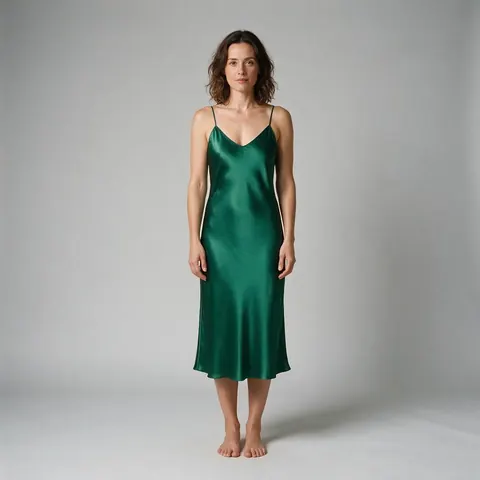
Independent clothing label
A small label can turn flat garment photos into full-body shots on fictional models for a new-season drop.
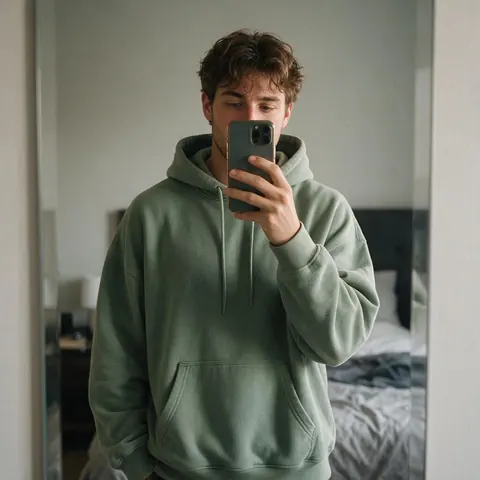
Streetwear shop
A shop can make try-on style Reels ads at 9:16 from the same garment photos.
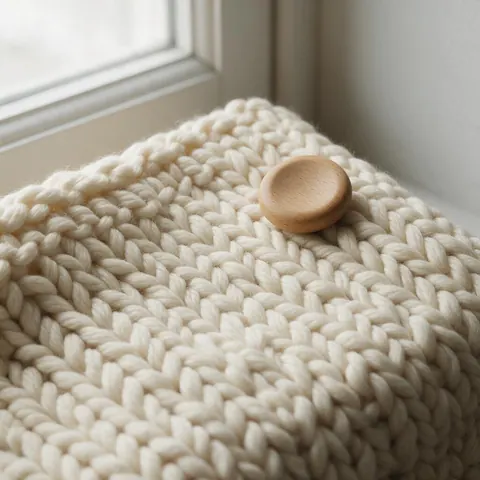
Knitwear maker
A maker can show fabric detail up close for a carousel card.
FAQ
Clothing Ads Maker questions
8 questions
What makes good ads for clothing?
Good ads for clothing show the piece on a body so the fit is clear, give one close look at fabric or detail, and match the placement: a 4:5 photo for the feed, a 9:16 video for Stories and Reels. Keep one outfit per ad, one message, and a call to action you wrote yourself, such as the drop date or where to buy.
Link to this answerHow do I make clothing ads with AI?
Open Marketing Studio and add photos of the garment from the library, a product link or one to nine uploads. Pick Product shot > Full body for a head-to-toe fashion photo, Editorial for a magazine look, or switch to video and pick UGC > Try-on or Ads > Editorial try-on. Add a person photo for the video styles, set the size, then create.
Link to this answerWhat size should clothing ads on Instagram be?
Instagram clothing ads usually run at 4:5 in the feed and 9:16 in Stories and Reels. Marketing Studio has those as presets: Feed at 4:5, 1:1 or 3:4, Stories at 9:16 and Reels at 9:16. The Full body style starts at 3:4 and the try-on video styles at 9:16, and you can change the ratio before you create.
Link to this answerCan I make Facebook clothing ads?
Yes. Facebook clothing ads use the same feed and Stories sizes as Instagram, so one concept can be made at 4:5 or 1:1 for the feed and 9:16 for Stories. Marketing Studio makes the image or video creative; it does not connect to your Meta account or publish ads, so you upload the finished file in Ads Manager yourself.
Link to this answerWill the AI keep my garment exactly as it is?
It is told to: Marketing Studio uses your photos as the reference and asks the model to keep the shape, colours, materials and label unchanged. Clear front and back photos in even light help most. Check prints, logos on your own label, stitching and length in every result, and reject any image that changes the garment, because buyers compare the ad with what arrives.
Link to this answerWho is the model in the ad?
The person in a clothing ad is either AI-generated and fictional, or someone whose photo you upload with their permission. The UGC Try-on and Editorial try-on video styles need a person photo; without one, the Full body image style shows a cropped, faceless figure. Never use a celebrity or any real person who has not agreed to appear in your ad.
Link to this answerWhat are some clothing brand ads ideas?
Try a try-on video where one piece is styled two ways, a full-body golden-hour walk for a new-season drop, a top-down flat lay on white for the full outfit, a fabric close-up, a faceless mirror shot that feels like a customer post, and a campaign-style fashion film. Each one maps onto a Marketing Studio style or template, such as Try-On Haul or Editorial Fit.
Link to this answerIs it free?
Marketing Studio itself is not free: it needs a paid plan or a one-time credit pack, with no subscription required. A free account can still try outfit and set ideas in the image studio with Qwen Image 3.0, which is free to start, then build the finished clothing ad in Marketing Studio once the look is right.
Link to this answerIn depth
Clothing Ads Maker, explained
What works, what to avoid, and how to pick a model.
On this page
Which Marketing Studio style to use for clothing ads
Every option below is a real style or template in Marketing Studio.
- Head-to-toe fashion photo: Product shot > Full body (3:4) — the person stands or walks with the piece worn, 35mm at hip height.
- Magazine look: Product shot > Editorial — art-directed props, hard light, deliberate negative space.
- Customer-style post: Product shot > Faceless (cropped mirror shot) or UGC (phone photo).
- Flat lay or catalogue image: Product shot > Studio white (top-down flat lay on seamless white).
- Try-on video: UGC > Try-on (template Try-On Haul) — pulls the piece from the bag, mirror turn, calls out fit and fabric.
- Campaign film: Ads > Editorial try-on (template Editorial Fit) — concrete stairs, hard light, campaign style.
Full body and editorial photo ads
Full body frames the whole person with a little space above and below, in a clean location that suits the piece, with even soft light so the garment stays sharp. Editorial is for the brand look: a considered palette, hard afternoon sun or one dramatic key light, and the garment as the clear hero.
Try-on and editorial try-on video ads
UGC > Try-on is shot like a phone video: the creator puts the piece on in front of a bedroom mirror, does a turn and calls out the fit, the fabric and one detail. Ads > Editorial try-on is a campaign-style fashion film with locations, light and lens taken from your brief. Both are 9:16 and need a person photo.
Clothing instagram ads vs Facebook clothing ads
The creative is the same; the placement changes the size. Make the feed version at 4:5 and the Stories and Reels version at 9:16 from the same garment photos, rather than cropping one into the other. Marketing Studio makes the files; you publish them in Meta's own tools.
Try the clothing ads maker
Runs on a paid plan or a one-time credit pack. No subscription required.
Tried it? Tell us how it went