

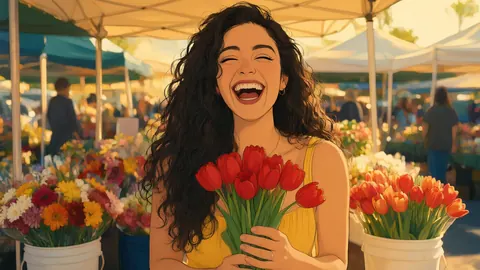
Hand-drawn 2D · flat TV toons · 3D · stickers
Cartoon Filter — your photo as a hand-drawn, flat or 3D cartoon
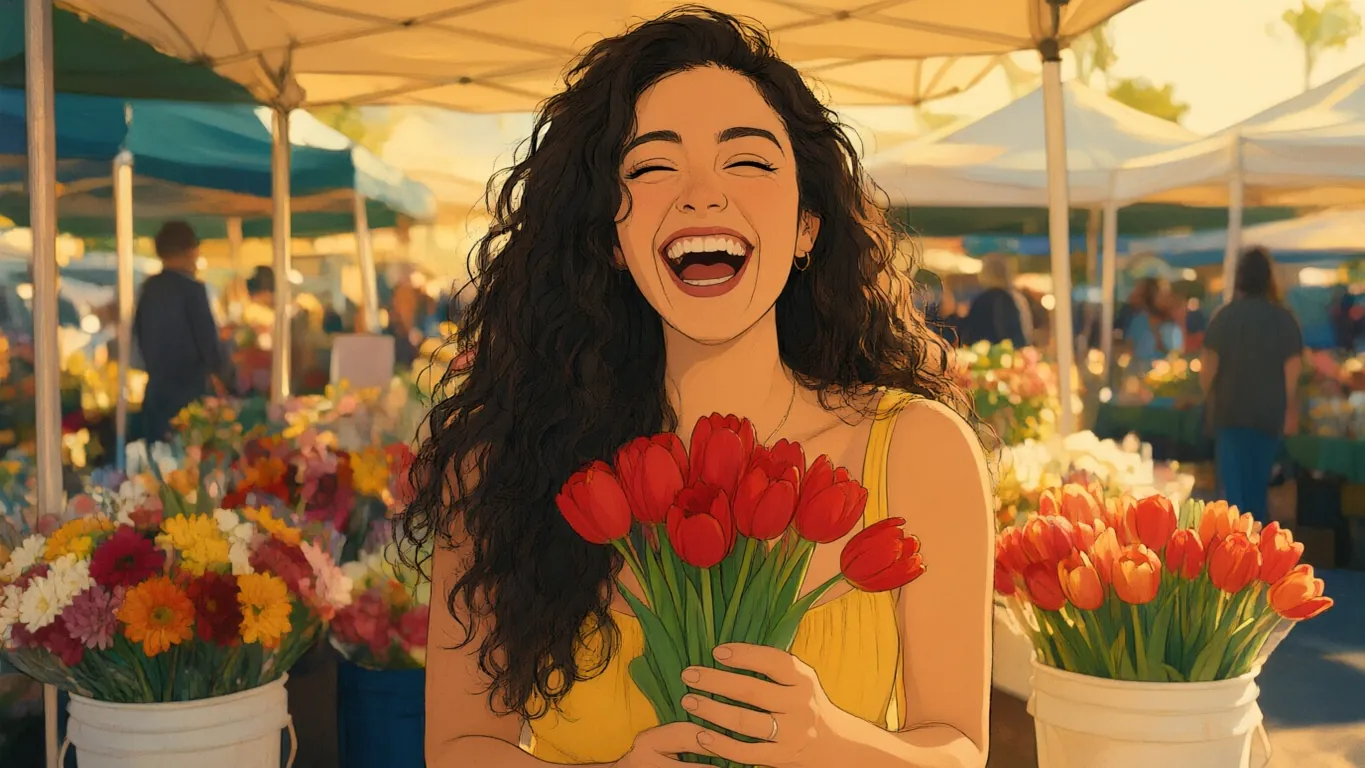
Choose a cartoon look and AI Filter redraws your photo with clean outlines and flat colour, or as a rounded 3D character, keeping your pose and expression.
- Six cartoon looks
- 2D or 3D
- Works on pets
- No watermark
Updated by the Kenerate AI team
On this page
Quick answer
Updated
What does a cartoon filter do?
A cartoon filter turns a photo into a drawing with simple shapes, outlines and flat colour. Kenerate AI Filter has six cartoon looks, from a classic hand-drawn 2D animation frame to a flat yellow TV toon, a 3D animated character and a die-cut sticker. Upload one photo, pick a look and download the result.
Key facts
- Cartoon looks
- Classic 2D Disney, Yellow Cartoon, Sci-fi Toon, Paper Cutout, Pixar 3D, Die-cut Sticker
- Input
- One photo · JPG, PNG or WebP · up to 20 MB
- Speed
- About 10–20 s on Qwen Image 3
- Subjects
- People, groups and pets
- Next steps
- Download, Upscale, Edit, Tweak, stack another look
- Plan
- No subscription required
Looks
Six cartoon looks, from hand-drawn to sticker
The flatter the look, the more it simplifies your face. Each card opens AI Filter with the look picked.
Classic 2D Disney
A hand-drawn 1990s animated-film frame: fluid ink, large expressive eyes, painted gouache background. The look in the demo.
Yellow Cartoon
A flat American TV sitcom toon: yellow skin, round bulging eyes, an overbite, thick outlines.
Sci-fi Toon
A wobbly-lined adult sci-fi cartoon with uneven pupils and garish flat colour.
Paper Cutout
A construction-paper cut-out: round head, dot eyes, simple shapes and visible paper texture.
Pixar 3D
A 3D animated character with soft skin, big expressive eyes and studio light.
Die-cut Sticker
A glossy vinyl decal with a thick white outline and flat bold colour on a plain background.
How to
How to cartoon a photo
Four steps. Start from the card for the look you want, or open the Anime & Cartoon group in the tool.
- Time needed
- Steps
- 4 steps
- You need
- A web browser · One photo (JPG, PNG or WebP)
Step 1
Add one photo
Upload, snap with the camera, paste, or pick from History or your Library — JPG, PNG or WebP up to 20 MB. Links from other sites are refused.
Step 2
Pick a cartoon look
Classic 2D Disney, Yellow Cartoon, Sci-fi Toon and Paper Cutout sit in the Anime & Cartoon group; Pixar 3D is under Trending and Die-cut Sticker under Fun & Wild.
Step 3
Add a Twist if you want
One extra instruction of up to 300 characters, such as “add sunglasses” or “night city behind me”. It's optional.
Step 4
Apply and compare
Drag the Compare slider, then Download, save to Cloud, Edit, Upscale, Tweak, or use the result as the next photo to stack another look.
See it in the app

Open AI Filter and upload the photo you want to restyle.


Watch the tour · 1:46
56 looks in 7 groups, four engines, before / after, mix two looks, add a twist, hand-offs & chat
Chapters
Engines
Which engine for a cartoon filter?
Flat cartoon looks simplify a lot, so pick the engine by how much likeness you need.
- Default
Alibaba
Qwen Image 3
- Strength
- Fast, faithful to the face · best value (default)
- Typical time
- About 10–20 s
The default and the demo engine: clean outlines and the closest likeness on hand-drawn 2D.
Open Qwen Image 3 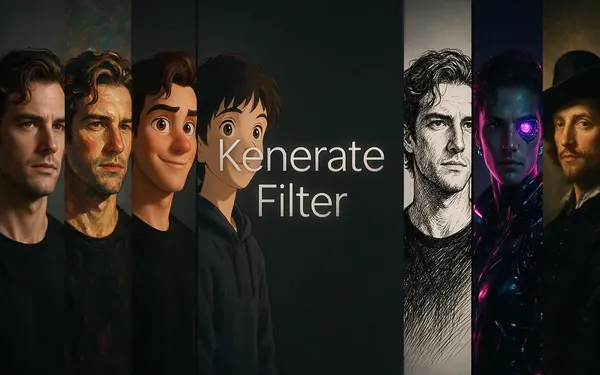
Kenerate
Kenerate Filter
- Strength
- Identity-locked re-render · bold style changes
- Typical time
- About 15–30 s
For the flat TV toons, where the style reshapes eyes and mouth but you want to stay recognisable.
Open Kenerate Filter
ByteDance
Seedream 5 Pro
- Strength
- Painterly & cinematic looks · rich texture
- Typical time
- About 20–40 s
For the painted backgrounds of the hand-drawn 2D look and rich texture on Paper Cutout.
Open Seedream 5 Pro
OpenAI
GPT Image 2
- Strength
- Smartest with complex mixes · toys & posters
- Typical time
- About 30–60 s
For stickers and cartoon posters, and for mixing a cartoon look with another style.
Open GPT Image 2
Times are typical, not promised. Every engine returns one image per run, and a failed run is refunded automatically.
Example uses
How creators use cartoon filter
Illustrative examples of typical workflows, not customer reviews.
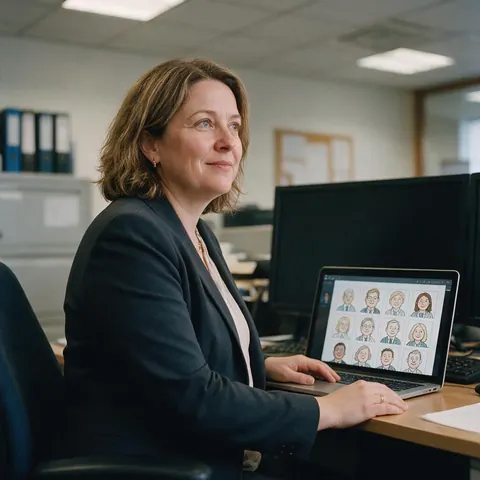
Office manager
An office manager turns staff photos, with everyone's agreement, into matching hand-drawn cartoons for the team page.
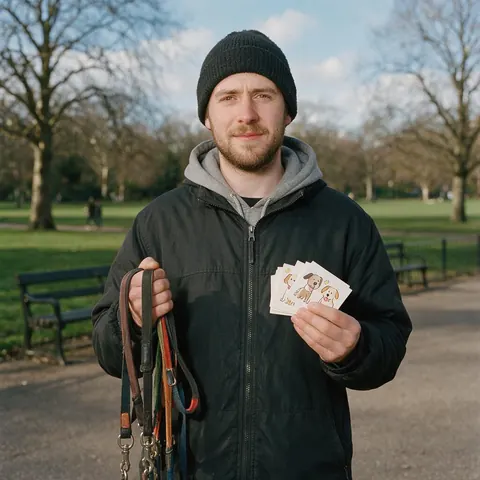
Dog walker
A dog walker cartoons each client's dog and prints the result on the thank-you card at the end of the month.
Craft seller
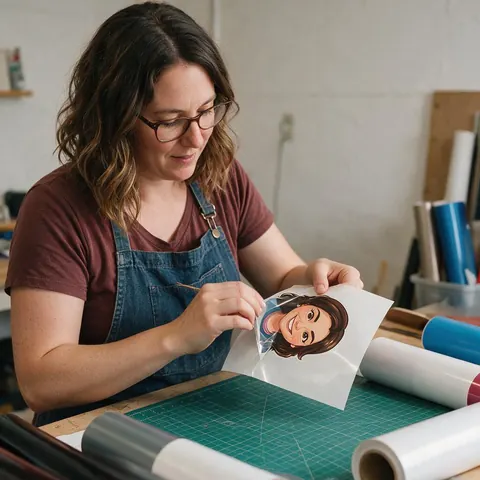
A craft seller turns a customer's own photo into a die-cut sticker design for a custom laptop decal.
FAQ
Cartoon filter questions
7 questions
How do I turn my photo into a cartoon?
Upload it to Kenerate AI Filter, choose a cartoon look and press Apply. Classic 2D Disney gives a hand-drawn animated-film frame, Yellow Cartoon a flat TV toon, Pixar 3D a 3D character and Die-cut Sticker a glossy decal. The default engine returns one image in about 10–20 seconds, with your pose kept; drag the Compare slider to check it.
Link to this answerWhich cartoon filter keeps my face the most?
The hand-drawn 2D and the 3D looks keep the most likeness. Classic 2D Disney and Pixar 3D redraw your features in a softer style without replacing them. Flat TV toons such as Yellow Cartoon and Paper Cutout swap your eyes and mouth for the show-style shapes, so you're recognised by hair, clothes and pose instead. Qwen Image 3, the default engine, stays closest to faces.
Link to this answerCan I cartoon a group photo?
Yes. Every look tells the engine to keep each person, their pose and the framing, and not to add or remove anyone. Group photos work best when faces aren't tiny, so crop to the people you want in the picture. Ask everyone in the photo before you share a cartoon of them, especially with the more exaggerated flat looks.
Link to this answerCan I make a cartoon sticker of myself?
Yes, with the Die-cut Sticker look. It turns your photo into a glossy vinyl-style decal with a thick white outline, flat bold colours and a subtle gloss highlight on a plain background. For a sticker in another style, apply a cartoon look first, choose Use as next photo, then apply Die-cut Sticker on top.
Link to this answerCan I cartoon my dog or cat?
Yes. The looks work on any subject, not only people, so a pet photo is redrawn in the same style with its pose kept. Classic 2D Disney and Pixar 3D suit pets particularly well. Use a sharp photo where the animal fills a good part of the frame; small subjects in a wide shot carry less detail into the cartoon.
Link to this answerIs the cartoon filter affiliated with Disney or Pixar?
No. Classic 2D Disney and Pixar 3D are names for styles the looks are inspired by: a hand-drawn 1990s animation look and a 3D animated-film look. Kenerate is not affiliated with, endorsed by or connected to Disney or Pixar, the results aren't official artwork, and the looks don't recreate any studio's characters.
Link to this answerCan I print the cartoon?
Yes. Download the result with no watermark, or send it to Upscale first for a larger file that holds up on a mug, a card or a poster. Flat 2D looks and Die-cut Sticker print especially cleanly because of their outlines and solid colour. Each run returns one image, so try a couple of looks before you print.
Link to this answerIn depth
Cartoon filters, explained
2D versus 3D, why some cartoon looks change your face on purpose, and what to make with the result.
On this page
2D or 3D cartoon — which should you pick?
A 2D cartoon flattens you into outlines and blocks of colour; it prints cleanly, reads well small and suits avatars, stickers and cards. A 3D cartoon keeps volume, soft light and skin texture, so it looks like a still from an animated film and holds more of your likeness. If you can't decide, run the same photo through Classic 2D Disney and Pixar 3D and compare them with the slider.
Why some cartoon looks change your face on purpose
Flat TV toons are built on exaggeration. Yellow Cartoon gives everyone round bulging eyes and an overbite; Paper Cutout reduces you to a round head and dot eyes; Sci-fi Toon wobbles every line. That is the style, so likeness comes from your hair, clothes, glasses and pose rather than your features. For a cartoon that still looks like you up close, choose the hand-drawn 2D or the 3D look.
Look names and trademarks
The app names cartoon looks by what they look like — Yellow Cartoon, Sci-fi Toon, Paper Cutout — rather than after TV shows. Classic 2D Disney describes a hand-drawn 1990s animation style and Pixar 3D a 3D animated-film style; both are inspired-by looks. Kenerate is not affiliated with or endorsed by Disney or Pixar, and the results are not official artwork.
What people make with a cartoon photo
The usual uses, and the look that fits each:
- Profile pictures and team pages: Classic 2D Disney or Pixar 3D
- Stickers for chats or laptops: Die-cut Sticker
- Birthday cards and mugs: any look, then Upscale for a larger file
- A pet portrait: Classic 2D Disney or Pixar 3D
- A joke group photo, with everyone's agreement: Yellow Cartoon or Paper Cutout
Changing one thing with a Twist
The Twist adds one instruction to the look, up to 300 characters. For cartoons the useful ones are about setting and props: “sunny beach behind us”, “holding a slice of birthday cake”, “plain white background”. Keep it to one change; the look already handles the drawing style.
Draw yourself as a cartoon
New accounts get starter credits. No subscription required. No watermark.
Tried it? Tell us how it went