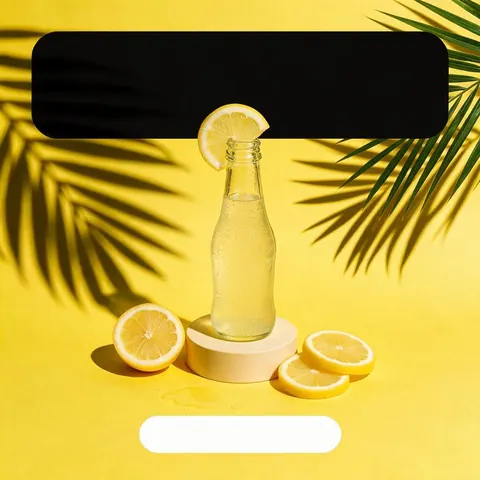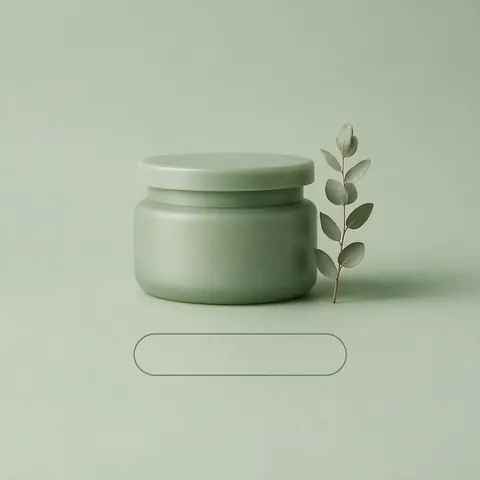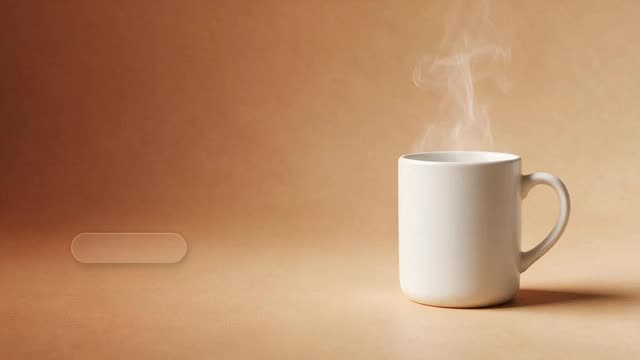
Headline, line and button rendered in the image · 1:1 to 3:1
AI Banner Generator
Add a product photo and one message and get a finished banner with the headline and a call-to-action button in the picture: square for feeds, 9:16 for stories, 16:9 to 3:1 for web and channel headers.
- UGC review ad
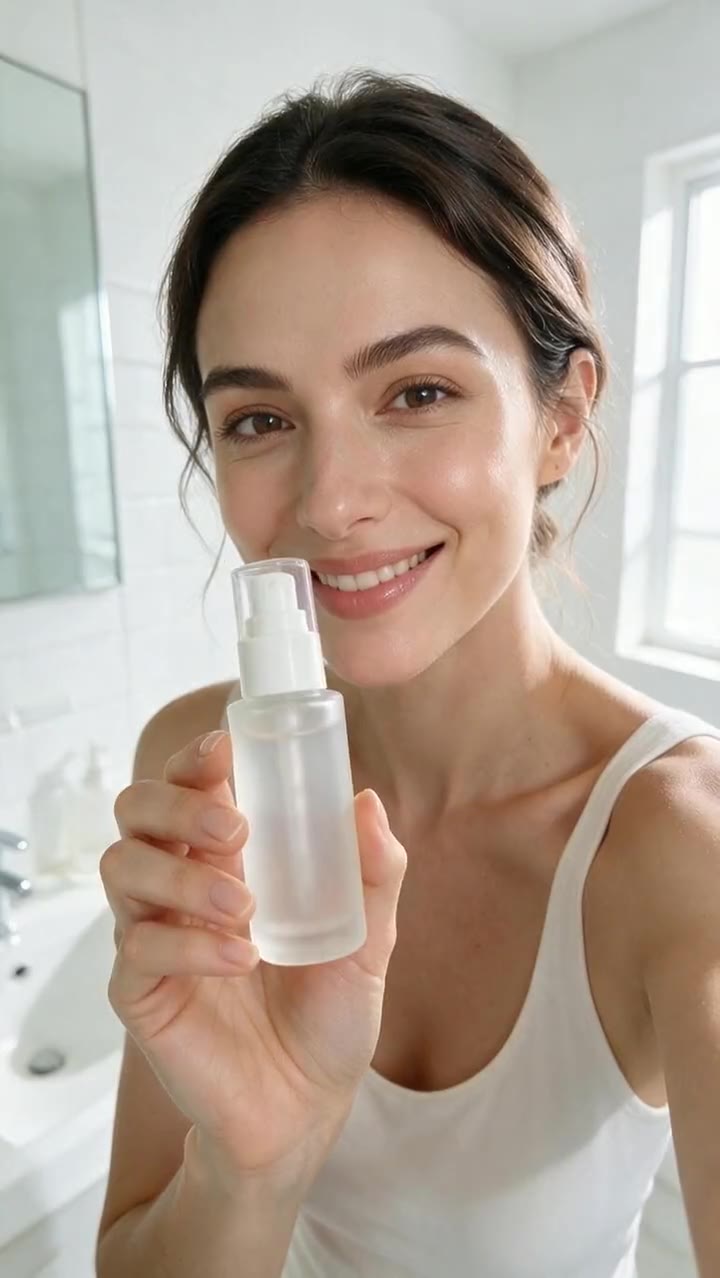
- Product commercial
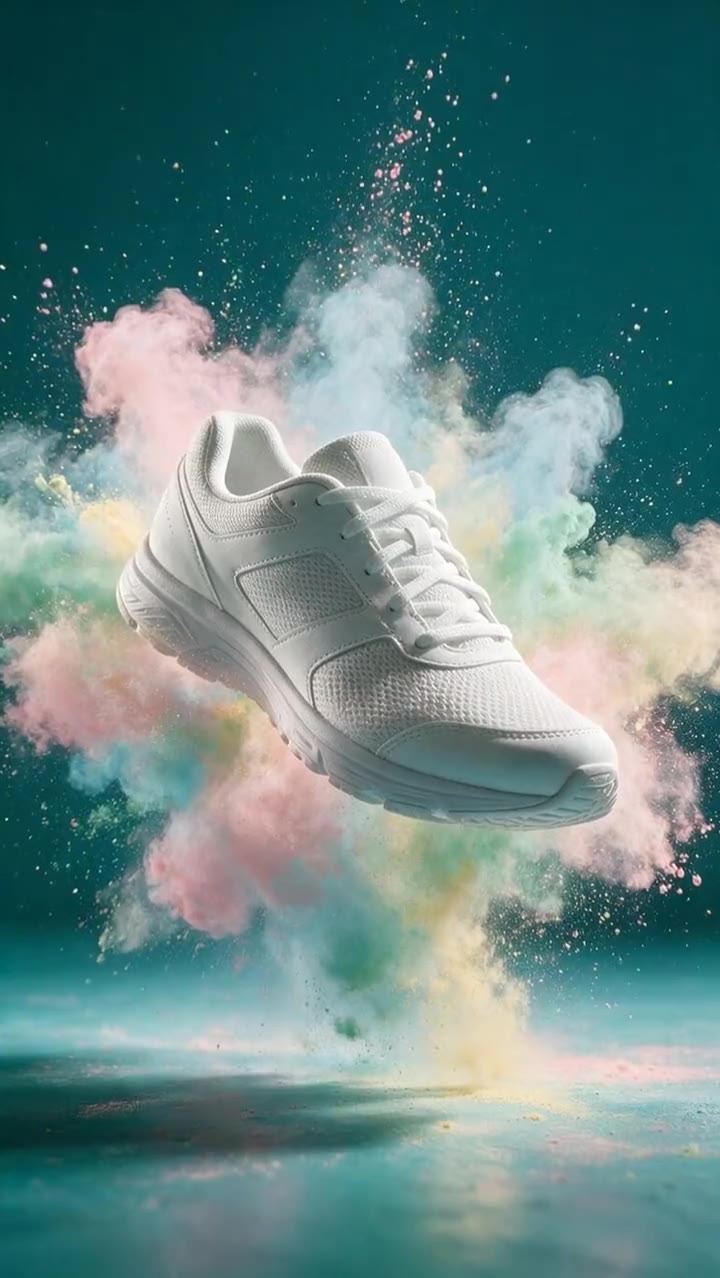
- Food and drink ad
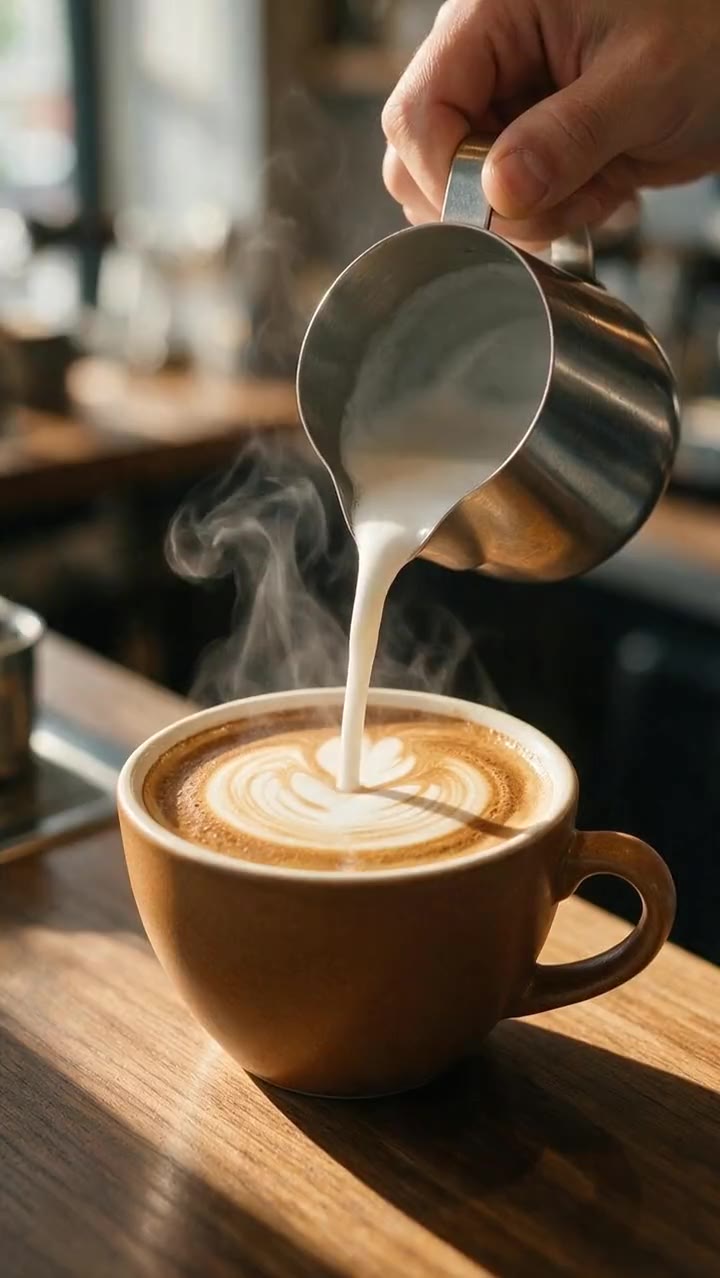
Made in Marketing Studio · Seedream 5.0 Pro + Wan 3.0
- Text rendered in the image
- Writer drafts the copy if you want
- 1:1 · 4:5 · 9:16 · 16:9 · 21:9 · 3:1
- No watermark
Updated by the Kenerate AI team
On this page
Quick answer
Updated
What is an AI banner generator?
An AI banner generator turns a product photo and a short message into a finished banner, with the headline and button rendered in the image. In Kenerate AI's Marketing Studio, pick Posters > Static banner, add your product and headline, and choose a ratio from 1:1 to 3:1. Leave the copy empty and the writer drafts it.
Key facts
- Where
- Marketing Studio > Image > Posters
- Style
- Static banner
- Templates
- Bold Banner · Minimal Headline · New Season
- In the picture
- Headline · one line · CTA button
- Ratios
- 1:1 · 4:5 · 9:16 · 16:9 · 2:1 · 21:9 · 3:1
- Best for text
- GPT Image 2
- Moving banner
- Dusk Billboard template (video)
- Access
- Paid plan or a one-time credit pack, no subscription required
Ad showcase
5 ad videos made with Kenerate AI
Short ads of fictional, unbranded products: each starts as a Seedream 5.0 Pro frame and is animated with Wan 3.0. Open one to see the prompt and the Marketing Studio style it matches.
Gallery
Banners made with AI
Seedream 5.0 Pro images made for this page, with unbranded products and no real logos.
How to
How to use the AI banner generator
- Time needed
- Steps
- 4 steps
Step 1
Open Marketing Studio
Image mode > Posters > Static banner, or start from the Bold Banner template.
Step 2
Add your product
Upload 1–9 photos, paste the product page link, or pick a saved product.
Step 3
Write the headline, line and button
Or leave any field empty and the writer fills it in. Add your brand name, colours and offer.
Step 4
Pick the ratio
1:1 or 4:5 for feeds, 9:16 for stories, 16:9, 2:1, 3:1 or 21:9 for web and channel banners.
See it in the app

Open Marketing Studio and pick Image for product shots and posters, or Video for UGC and motion ads.


Watch the tour · 1:23
Prompts, styles, references, edit, Arena & chat
Chapters
Tips
Banners people actually read
Short copy and one clear focus.
One message per banner: the product, one headline, one button.
Keep the headline to 3–6 words and the button to 2–3.
Leave space: ask for negative space on one side for the text.
Make the same message at 1:1, 4:5 and 9:16 so every placement is covered.
Use GPT Image 2 when the text must be spelled exactly.
Only state offers and claims that are true; no invented ratings or awards.
Models
Models for AI banners
What each model is good at. Open any one straight in the generator.

OpenAI
GPT Image 2
- Reference images
- Up to 16
- Output
- 1K–4K
Most reliable headline and button text
Open GPT Image 2
OpenAI
GPT Image 2.5 Sunburst
- Reference images
- Up to 16
- Output
- 1K–4K
Precise detail and small text
Open GPT Image 2.5 Sunburst
ByteDance
Seedream 5.0 Pro
- Reference images
- Up to 10
- Output
- 1K · 1.5K · 2K
Marketing Studio default: photoreal product scenes
Open Seedream 5.0 Pro- Free plan

Alibaba
Qwen Image 3.0
- Reference images
- Up to 3
- Output
- 1K · 2K
Free plan model: banners without a product, from a prompt
Open Qwen Image 3.0
Example uses
How creators use AI banner generator
Illustrative examples of typical workflows, not customer reviews.
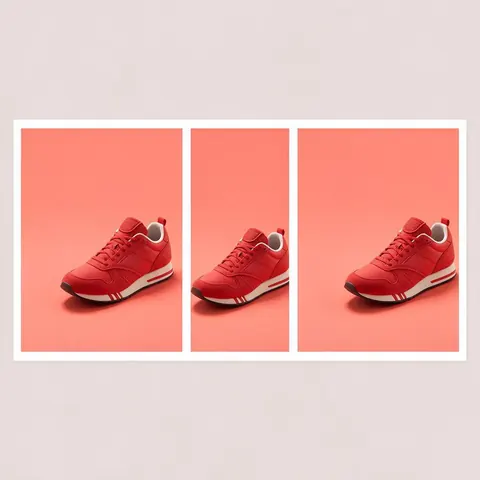
Online shop
A shop owner can make one sale message as a square feed banner, a 9:16 story and a wide website hero.
YouTube creator
A creator can make a 16:9 channel banner with the key art kept in the middle strip that shows on every screen.
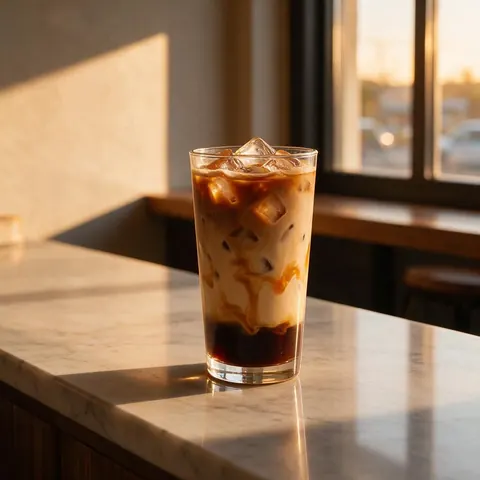
Local café
A café can turn a photo of its seasonal drink into a banner for its website and a billboard-style video.
FAQ
AI Banner Generator questions
10 questions
Do I need design experience?
No. You add a product photo and type a headline, a line and the button text, or leave them empty and the writer drafts them. The Static banner style handles layout, type and spacing, and templates such as Bold Banner, Minimal Headline and New Season give you a starting look. You only choose the ratio and download.
Link to this answerCan I add my brand name and colours?
Yes. The banner brief has room for your brand name, colours and an offer, and your product photo keeps its own label and logo. Marketing Studio is set not to add other brands' logos or names. Keep one accent colour for the button so it stands out from the background.
Link to this answerIn depth
AI Banner Generator, explained
What works, what to avoid, and how to pick a model.