

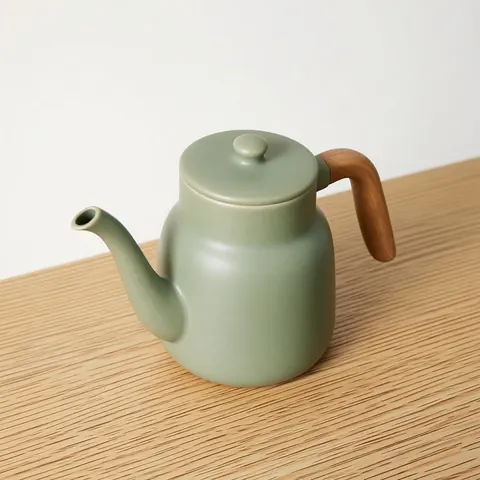
45° · profile · back · overhead · close-up
Product Photo Angles with AI — every view from one packshot
One good product photo, and the listing still needs a three-quarter, a side, the back and a detail shot. Move the camera around the product instead of setting the studio up again.

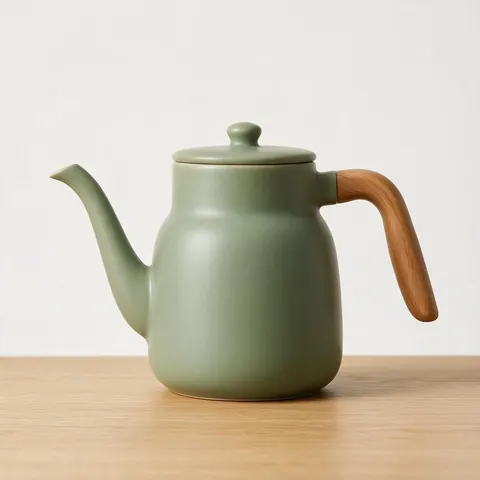
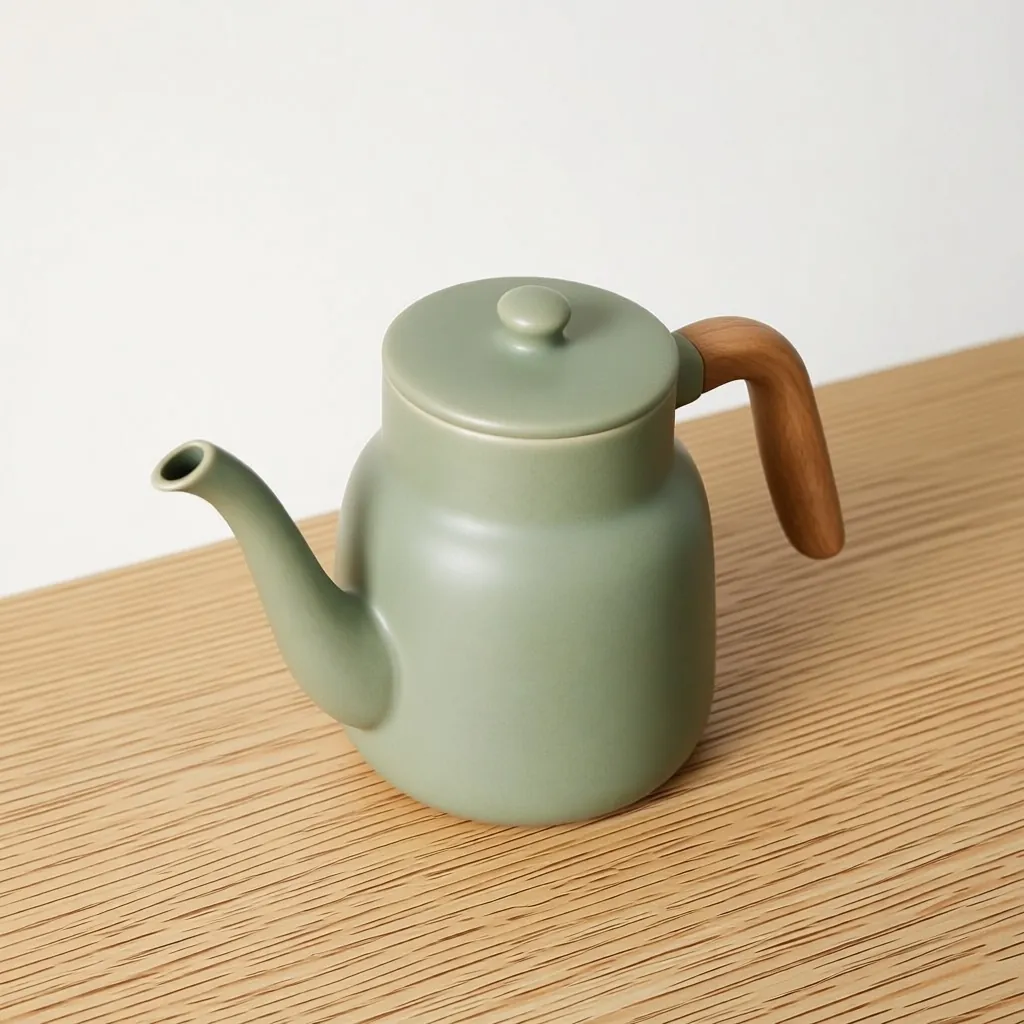
- Up to 4 views per run
- Same product and light
- Close-up detail shots
- No watermark
Updated by the Kenerate AI team
On this page
Quick answer
Updated
Can AI create product photos from different angles?
Yes. For new product photo angles, upload one packshot to Kenerate's Camera Angle and pick views such as 45° left, Right profile, Back, High angle or Close-up — up to four per run. The engine keeps the product's colours and lighting; sides the original photo didn't show are inferred, so check them against the real product.
Key facts
- Views per run
- Up to 4
- Sides
- 8 positions, 45° apart
- Heights
- Low · Eye level · Raised · Overhead
- Detail
- Close-up · Medium · Wide
- Extra direction
- Optional, up to 300 characters
- Output
- One PNG per view, no watermark
Angle set
Angles a product page usually needs
A typical set, and the Camera Angle setting for each. Four fit in one run.
Hero front
Front, eye level, medium: the main image.
Three-quarter
45° left or right shows depth and two faces of the product.
Profile
Left or Right profile for thickness, handles, spouts and soles.
Back
180°: ports, labels, straps, closures — check it against the real item.
Top-down
High angle or Bird's-eye for lids, flat lays and tabletop shots.
Detail close-up
Same side, Close-up distance for texture, stitching and finish.
How to
How to get different product photo angles with AI
Best with a sharp packshot on a clean background.
- Time needed
- Steps
- 4 steps
- You need
- A web browser · A clear photo of the product
Step 1
Add one product photo
A sharp, evenly lit packshot of the whole product, JPG, PNG or WebP up to 25 MB, or a public image link. Sign in with a verified email to run it.
Step 2
Set up to four views
Tap quick angles like 45° left, Right profile, Back or High angle, and 'Add angle' for each extra view. Use Close-up for a detail shot.
Step 3
Add a direction (optional)
Up to 300 characters, for example 'keep the logo readable, soft studio light'.
Step 4
Check, download, reuse
Compare each view with the original, download the PNGs, and send any of them to Edit, Upscale, Expand or Image to video.

Open Camera Angle and upload the product or scene you want to re-shoot.


Watch the tour · 1:13
Add a photo, move the camera, height & distance, quick angles & turnaround, your new angle & chat
Chapters
Compared
AI angles or a studio reshoot?
When AI views are enough and when to get the product back in front of a camera.
| AI product angles | Studio reshoot | |
|---|---|---|
| Needs the product in hand | No | Yes |
| Time | About 20 seconds a view | A new setup and shoot |
| Unseen sides | Inferred, can differ from the real item | Exactly as the product is |
| Matching light across views | Kept by instruction | Depends on the setup |
| Best for | Mock-ups, ads, social posts, early listings, concept products | Final listing images where every detail must be exact |
General comparison; Camera Angle details from the tool, 3 October 2026.
Sources: Kenerate Camera Angle
Example uses
How creators use product photo angles AI
Illustrative examples of typical workflows, not customer reviews.

Etsy seller
An Etsy seller could get side and top-down views of a handmade candle from one photo before the next batch is poured.
Kickstarter founder
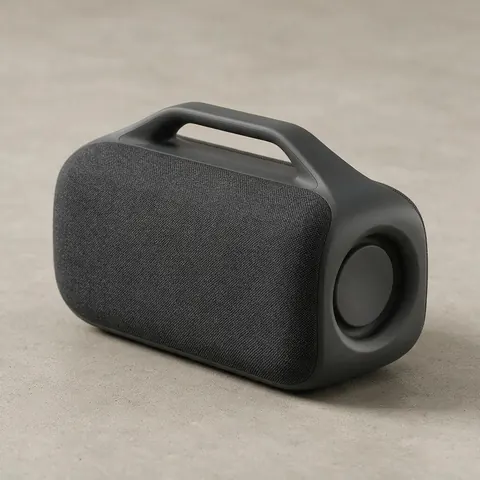
A hardware founder could show a prototype speaker from three angles on a campaign page before production samples exist.
Ad designer
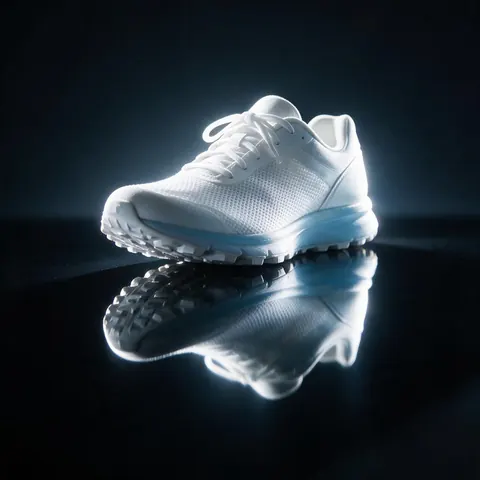
An ad designer could take a front packshot of a sneaker and get a dramatic low-angle view for a bold banner.
FAQ
Product photo angle questions
Can AI create different angles of a product from one photo?
Yes. Camera Angle re-renders one product photo from up to four new viewpoints per run: 8 sides in 45° steps, four heights from low to overhead, and close-up, medium or wide distance. Colours and lighting are kept by instruction. Sides the original photo didn't show are inferred, so they're plausible rather than guaranteed.
Link to this answerAre AI product angles accurate enough for a listing?
Often, for the sides the original photo shows clearly; check the rest. A three-quarter view or a close-up of a visible surface is usually faithful. A back or underside view is inferred and may differ from your real product, so compare every view with the item and only list views that show it accurately.
Link to this answerHow do I keep a logo or label readable?
Add an extra direction, such as 'keep the logo readable, soft studio light', the example the tool itself suggests; it's optional and up to 300 characters. Angles close to the original side keep markings most faithfully. Text on a side the original photo didn't show will be guessed, so avoid relying on it.
Link to this answerCan I make a 360° spin of my product?
Not as a spin file: the tool returns separate pictures, one PNG per view, with no 3D or spin export. You can get all 8 positions around the product, 45° apart, in two runs of four views, which covers a full circle as a set of stills for a gallery.
Link to this answerWhich product photo should I start with?
A sharp, evenly lit photo of the whole product on a plain background, shot from the front or a slight angle at eye level. Matte products with clear shapes work best; glossy, transparent and very thin items are harder. Cut-outs work too, so a photo run through the background remover first is a good source.
Link to this answerCan I use photos of products I don't own the rights to?
Use photos you took or have permission to use, of products you sell or are allowed to show. Re-rendering someone else's product photography from new angles doesn't make the images yours. For your own catalogue, start with your packshots and keep the originals alongside the AI views.
Link to this answerIn depth
Product angles with AI, explained
Which views help buyers, what the AI can't know about your product, and how to keep a set consistent.
On this page
Which product photo angles matter
Shoppers can't pick the product up, so the photo set does it for them: a clean front hero, a three-quarter view that shows depth, a profile for thickness and shape, the back for ports or labels, a top-down view for lids or flat items, and close-ups of texture and finish. Not every product needs all of them; a mug needs the handle side, a shoe needs the sole and heel.
Start from the right source shot
The engine works from one photo, so give it a good one: the whole product in frame, in focus, evenly lit, on a plain background, shot at eye level from the front or a slight angle. Reflective, transparent or very thin products are harder; matte products with clear shapes re-shoot best.
Accuracy: what AI can and can't know
Anything the original photo shows — colour, material, front details — is a strong guide. Anything it hides — the back panel, the underside, text on the far side — is inferred, and may not match the real item. For listings, check every AI view against the actual product and replace any view that shows a feature your product doesn't have.
Keeping a set consistent
Run the views together (up to four per run) so they share the same source and instruction. Keep the distance the same except for deliberate close-ups, and use the extra direction for anything that must not drift, such as 'keep the logo readable' or 'same white background'. Then send the set to Upscale if you need bigger files.
Beyond the listing
Alternate angles are useful well past the product page: a 45° view widened into a 21:9 banner with Expand, a low angle for a bold ad, a top-down view for a social flat lay, or any view animated with Image to video.
Get the angles your listing is missing
Starter credits for new accounts. No subscription required. No watermark.
Tried it? Tell us how it went