

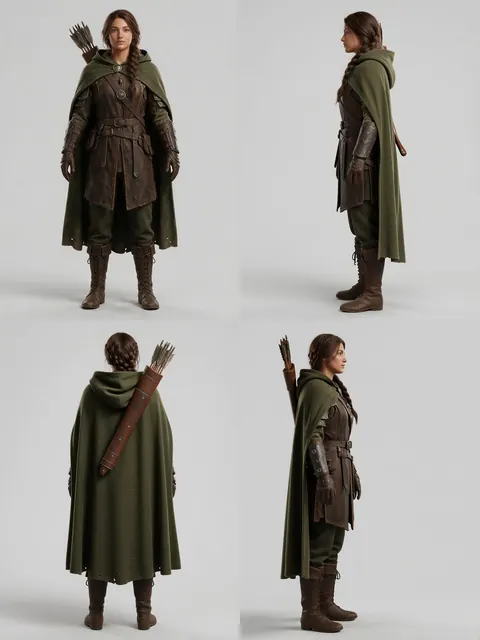
Front · right · back · left in one run
Character Turnaround AI — four views from one image
Designed a character and now need the side and back for a model sheet, a sculptor or an animator? One tap sets a turnaround, and the camera walks around your character in a single run.

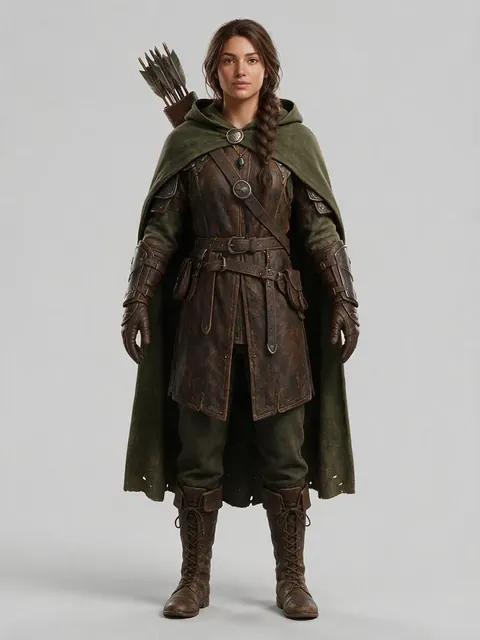
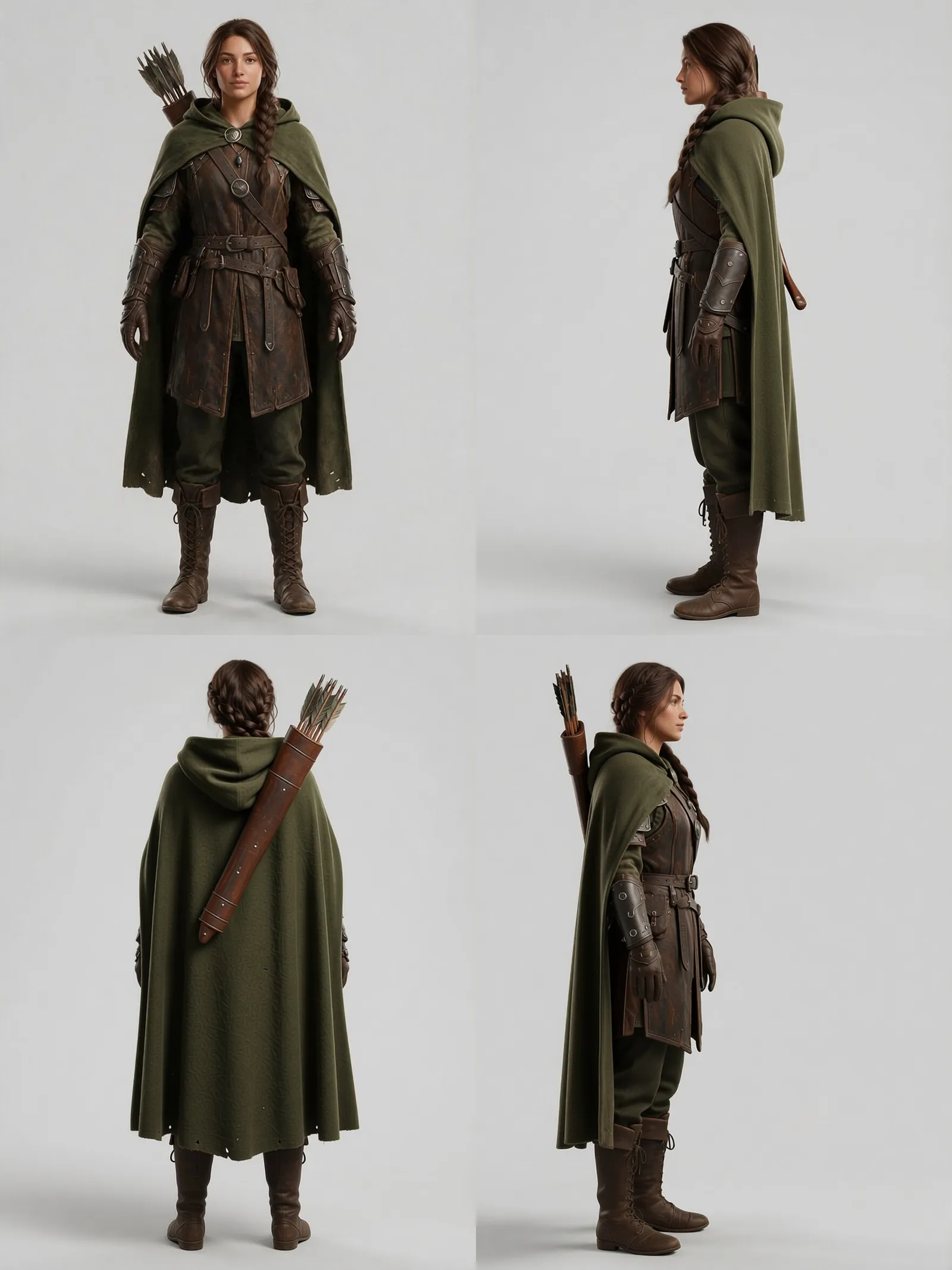
- One-tap turnaround
- Front, right, back, left
- Outfit and colours kept
- No watermark
Updated by the Kenerate AI team
On this page
Quick answer
Updated
Can AI make a character turnaround from one image?
Yes. For a character turnaround, upload one image of your character to Kenerate's Camera Angle tool and tap 'Turnaround — front, right, back, left'. One run returns four views, each a separate PNG, with the outfit, colours and lighting kept by instruction. Hidden details, such as the back of a costume, are inferred by the AI.
Key facts
- Turnaround
- Front, right, back, left — one tap
- Views per run
- Up to 4
- Extra views
- 45° left/right, close-up, wide, low, high
- Output
- One PNG per view
- Speed
- About 20 seconds a view
- Watermark
- None
Views
The views a turnaround sheet needs
The one-tap turnaround fills the four main views. Swap any of them for another angle with 'Add angle'.
Front (0°)
Your source view, re-rendered at eye level, medium distance.
Right profile (90°)
The character's silhouette from the right.
Back (180°)
Hair, cape, backpack and the back of the costume.
Left profile
The other side, for asymmetric outfits and props.
Three-quarter (45° left or right)
The classic 'hero' view for model sheets and portfolio art.
Close-up
A face or detail callout at the same angle.
How to
How to make a character turnaround with AI
Start from the cleanest front view you have.
- Time needed
- Steps
- 4 steps
- You need
- A web browser · A full-body image of the character
Step 1
Prepare a front view
A full-body image of the character, standing, facing the camera, on a plain background, gives the most consistent turnaround. JPG, PNG or WebP up to 25 MB.
Step 2
Add it to Camera Angle
Open Camera Angle and add the image (upload or a public link). Sign in with a verified email to run it.
Step 3
Tap Turnaround
'Turnaround — front, right, back, left' sets all four views. Optionally add a direction of up to 300 characters, such as 'keep the plain grey background'.
Step 4
Run and assemble the sheet
Four PNGs come back in about 20 seconds each. Download them and lay them side by side in your editor to make the sheet.

Open Camera Angle and upload the product or scene you want to re-shoot.


Watch the tour · 1:13
Add a photo, move the camera, height & distance, quick angles & turnaround, your new angle & chat
Chapters
Example uses
How creators use character turnaround AI
Illustrative examples of typical workflows, not customer reviews.
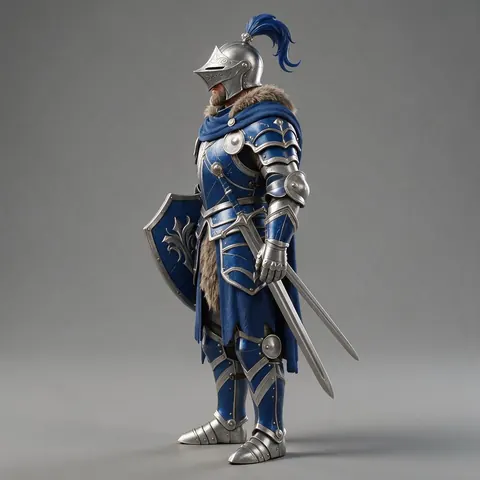
Indie game developer
An indie game developer could turn one concept render into front, side and back views to brief a 3D modeller.
Cosplayer
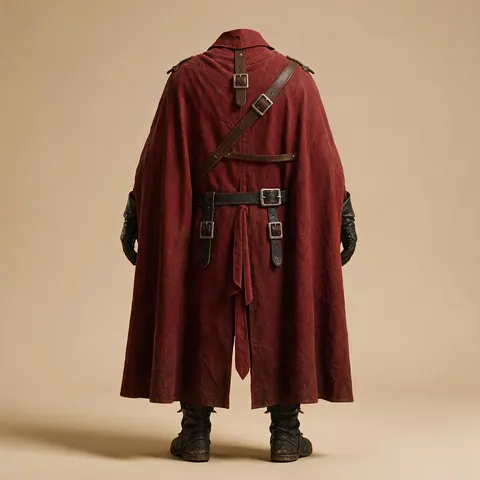
A cosplayer could get a back view of an original costume design to plan how the cape and straps attach.
Comic artist
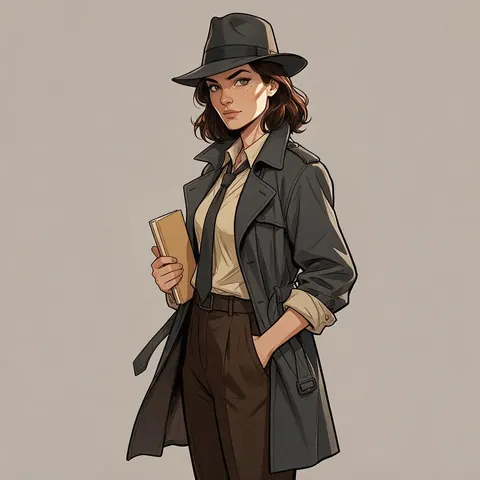
A comic artist could make three-quarter and profile references of a lead character to keep panels consistent.
FAQ
Character turnaround questions
Can AI make a character turnaround sheet from one image?
Yes. Upload one image of the character to Camera Angle and tap 'Turnaround — front, right, back, left' to get four views in one run, each about 20 seconds. The views come back as separate PNGs, which you arrange into a sheet. The back and sides are inferred from your image, so check hidden details.
Link to this answerDoes it make one sheet image or separate views?
Separate views: one PNG per angle. That lets you choose the order, swap the left profile for a three-quarter view, add a close-up callout, and line everything up on your own guides. Place the four PNGs side by side in any image editor or layout app to make the final turnaround sheet.
Link to this answerHow do I keep the character consistent across views?
Start with a full-body, front-facing image on a plain background with even light, and keep the camera distance the same for every view. The engine is instructed to keep the outfit, colours and lighting identical; an extra direction such as 'same plain background' can help. Check patterns and small details, which can drift.
Link to this answerCan I make a turnaround of a character I drew?
Yes. Upload your own drawing, painting or render as a JPG, PNG or WebP up to 25 MB. Clean line art and flat colours work, and stylised characters often turn around more consistently than busy illustrations. Only use characters you created or have the rights to, and don't use other people's art without permission.
Link to this answerCan I make a turnaround of a real person?
Only of yourself or someone who has given permission. A turnaround of a real person creates new views of them that were never photographed, so consent matters. Don't make turnarounds of celebrities or strangers, and don't use the results to mislead. For cosplay planning, a photo of yourself in costume works well.
Link to this answerCan I turn the views into a 3D model?
Not in this tool: Camera Angle outputs pictures, one PNG per view, and doesn't export a 3D model. The four views make a useful reference for a 3D artist or for an image-to-3D tool, and the hand-offs let you send any view to Edit, Upscale, Expand or Image to video.
Link to this answerIn depth
AI character turnarounds, explained
What a turnaround sheet is, how to keep views consistent, and where a human pass still matters.
On this page
What is a character turnaround sheet?
A turnaround (or model sheet) shows the same character from several sides at the same scale — usually front, side, back and often three-quarter — so other artists, animators, 3D modellers or cosplayers can reproduce it consistently. Traditionally each view is drawn by hand, lined up on guides for height, eyes and shoulders.
Getting consistent views from one image
Consistency starts with the source. A full-body, front-facing pose with arms slightly away from the body, even light and a plain background gives the engine an unambiguous figure to walk around. Busy backgrounds and dramatic poses add guesswork. The engine is told to keep the outfit, colours and lighting identical; an extra direction can reinforce what matters, such as 'same plain background'.
- Full body, head to feet in frame
- Neutral standing pose
- Plain, even background
- Even, soft lighting
From four PNGs to one sheet
The tool returns each view as its own PNG rather than one combined sheet. That's useful: you can reorder views, swap in a three-quarter, add a close-up callout, and line them up on your own guides in any image editor or layout app. Keep the camera distance the same for all views so the character stays the same size.
Where an AI turnaround needs a human pass
The back and sides are inferred from a single front view, so check details the front didn't show: how a cape attaches, what's on the back of a jacket, how a ponytail falls, which hand holds a prop. Patterns and small text can drift between views. Treat the AI views as a fast first pass and fix details by hand or in Edit.
Characters that work best
Original characters, mascots, game and comic designs, and stylised 3D-looking renders all turn around well. Use art you made or have the rights to; don't create turnarounds of real people without their permission or of characters you don't have rights to use commercially.
Turn your character around
Starter credits for new accounts. No subscription required. No watermark.
Tried it? Tell us how it went