

Spicy mode · 18+ · anime image to video
AI Hentai Video Generator anime image to video for adults 18+
Draw the character, then make them move. Create an anime start image of a clearly adult character on Pony XL or Neta Lumina, describe the motion, and let a Spicy model animate it with clips up to 30 seconds.
Only for adults 18+. Follow our content rules. Content rules
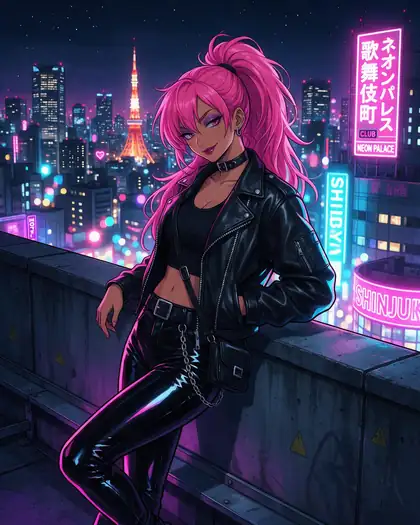
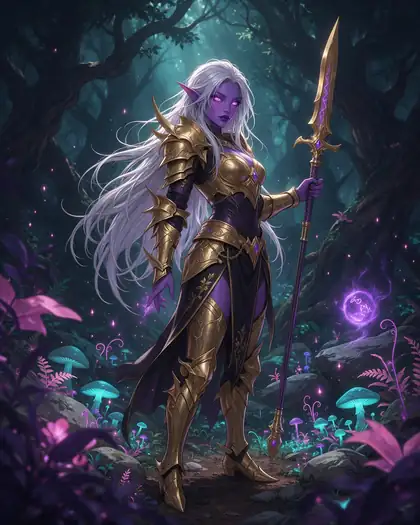
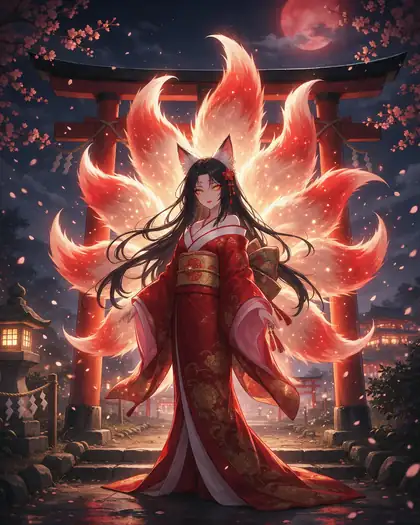


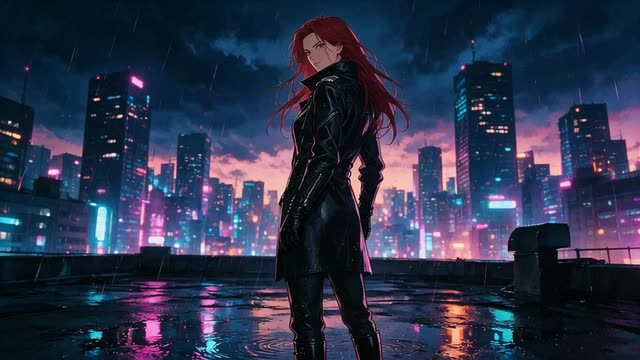
- Anime start images
- 14 Spicy models
- Up to 30 s and 4K
- Adult characters only
Updated by the Kenerate AI team
Made with Kenerate
On this page
Quick answer
Updated
What is an AI hentai video generator?
An AI hentai video generator animates an anime-style image of an adult character into a short clip for adults 18+. On Kenerate AI you make the start image on Prefect Pony XL or Neta Lumina, then animate it in Spicy mode with one of 14 image-to-video models, up to 30 seconds. Every character must be clearly adult.
Key facts
- Input
- An anime start image
- Anime image models
- Prefect Pony XL · Neta Lumina
- Spicy video models
- 14
- Longest clip
- 30 s
- Top resolution
- 4K (Seedance 2 and 2.5 Spicy)
- Plan
- Paid plan or credit pack for video
- Characters
- Clearly adult, fictional only
Rules for adults 18+
AI hentai videos are for adults 18+, about clearly adult fictional characters. Nothing that involves or resembles minors, no real people, no undress or deepfake edits.
- Only for adults 18+.
- Never depict minors or anyone who looks under 18.
- No sexual or nude images of real people: fictional adults 18+ only.
- No non-consensual, violent or illegal content.
Real results
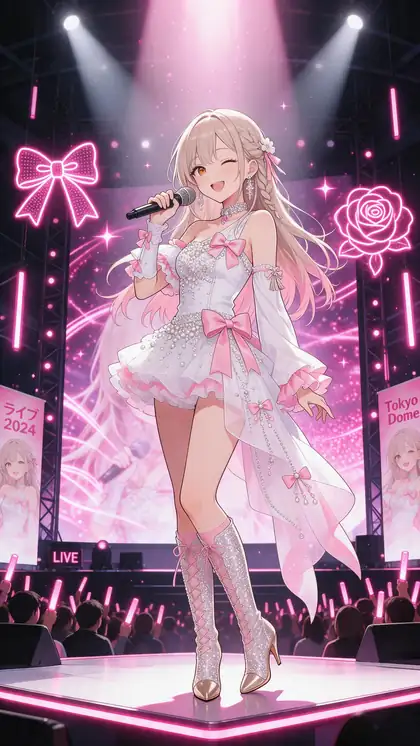
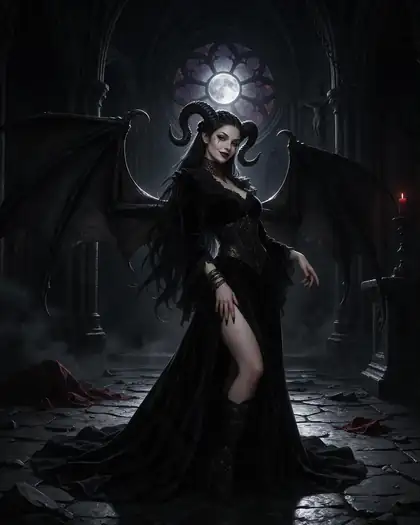
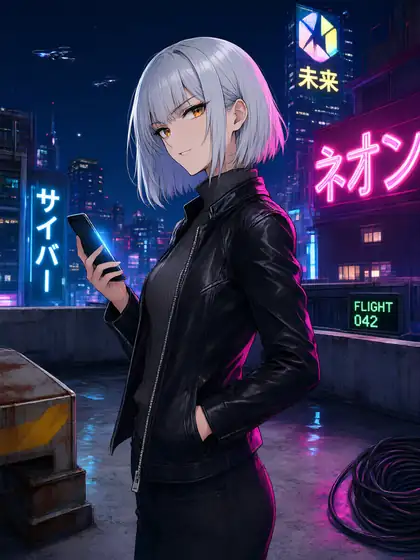
AI hentai video start images
Real anime start images made on Kenerate (SFW), each with a motion prompt and the Spicy model we'd animate it with.
How to
How to make an AI hentai video
- Time needed
- Steps
- 4 steps
Step 1
Sign in (adults 18+)
Spicy models are hidden from guests and while the content filter is on. Video needs a paid plan or a credit pack.
Step 2
Make an anime start image
In the image studio, pick Prefect Pony XL or Neta Lumina and describe a clearly adult character with an age cue, outfit and setting.
Step 3
Pick a Spicy model and describe the motion
Wan 3 Spicy for long clips with sound, Seedance 2.5 Spicy for up to 4K, Spicy V1 to test ideas.
Step 4
Choose length and resolution, then render
Start short at 720p; go longer or sharper once the motion looks right.
See it in the app

Open Video Studio in Image to Video and add the photo to animate as the start frame — an end frame is optional.


Watch the tour · 1:19
Text, image & reference to video, models, edit, extend & chat
Chapters
Checked 2 October 2026
Mainstream AI video tools vs an AI hentai video generator
Mainstream video apps follow their providers' content rules. Kenerate's side is our own product, checked in the app on 2 Oct 2026.
| Mainstream video tools (Kling, Veo, Sora) | Kenerate AI | |
|---|---|---|
| Adult anime clips | Not allowed under their content rules | Adults 18+, clearly adult characters only |
| Anime start images | Depends on the app | Prefect Pony XL and Neta Lumina in the image studio |
| How a clip starts | Text or a start image | A start image (image to video only) |
| Characters who look under 18 | Banned | Banned; prompts involving minors blocked on every model |
| Real people | Not allowed in sexual content | Not allowed; no undress or deepfake tools |
Mainstream policies change; check each tool's own terms. Kling and Veo still run on Kenerate for SFW anime clips.
Sources: Kenerate video studio · Kenerate image studio
Engines
Spicy models for AI hentai videos
Alibaba
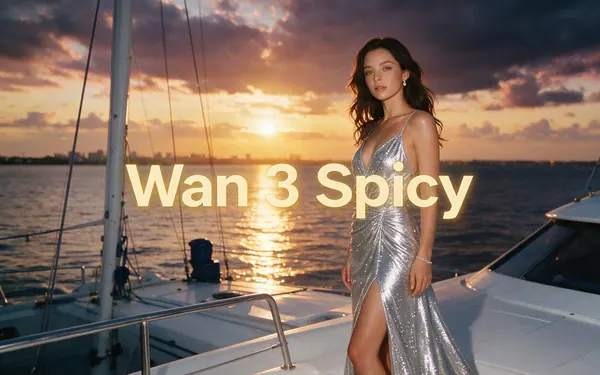
Wan 3 Spicy
- Length
- 2–30 s
- Resolution
- 480p · 720p · 1080p
- Sound
- Yes
- End frame
- Yes
Long clips up to 30 s, with sound
Open Wan 3 Spicy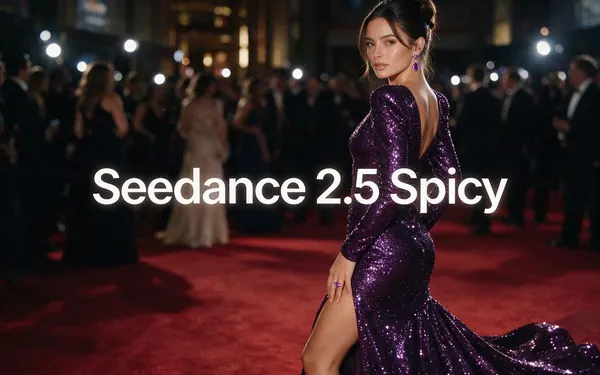
ByteDance
Seedance 2.5 Spicy
- Length
- 4–30 s
- Resolution
- 480p · 720p · 1080p · 4K
- Sound
- Yes
- End frame
- Yes
The top tier — up to 4K and 30 s, with sound
Open Seedance 2.5 Spicy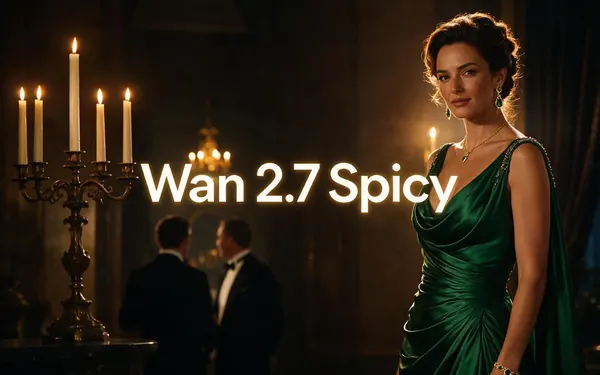
Alibaba
Wan 2.7 Spicy
- Length
- 5–15 s
- Resolution
- 720p · 1080p
- Sound
- No
- End frame
- No
Balanced everyday clips at 720p or 1080p
Open Wan 2.7 Spicy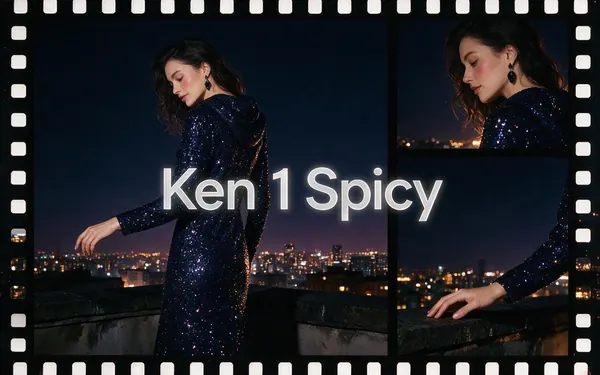
Kenerate AI
Ken 1 Spicy
- Length
- 3–15 s
- Resolution
- 480p · 540p · 768p · 1080p
- Sound
- No
- End frame
- Yes
Kenerate's own model — start and end frame control
Open Ken 1 Spicy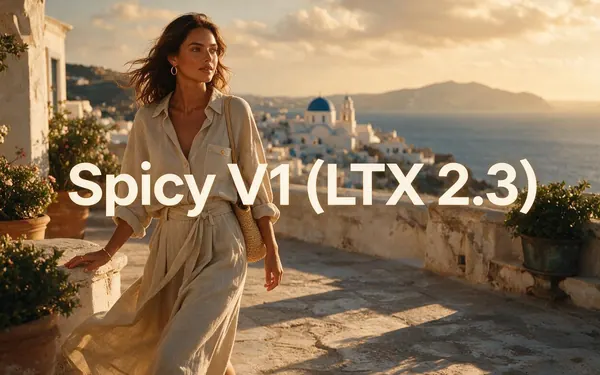
Lightricks
Spicy V1 (LTX 2.3)
- Length
- 3–20 s
- Resolution
- 480p · 720p · 1080p
- Sound
- No
- End frame
- No
Clips up to 20 s — a light model for testing ideas
Open Spicy V1 (LTX 2.3)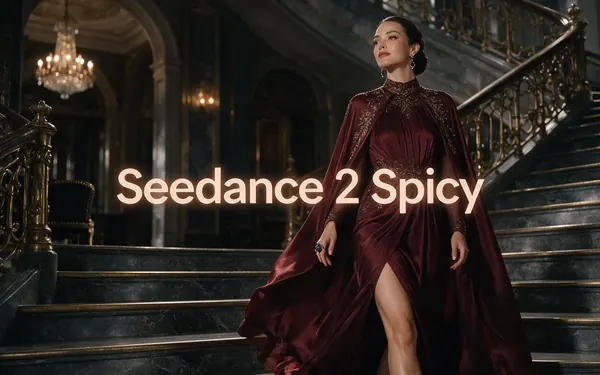
ByteDance
Seedance 2 Spicy
- Length
- 4–15 s
- Resolution
- 480p · 720p · 1080p · 4K
- Sound
- Yes
- End frame
- Yes
Full Seedance 2 quality — cinematic motion with sound
Open Seedance 2 Spicy
Choose a model
Pick by what matters, then compare
Length, resolution, sound and end-frame control — straight from the video studio's model list.
Model picker
What matters most?
ByteDance
Seedance 2.5 Spicy
The top Spicy tier: up to 4K and 30 seconds, with sound.
- Up to
- 4K
- Longest
- 30 s
- Sound
- Yes
Compare
Two models, side by side
- Clip length
- 2–30 s
- 4–30 s
- Resolution
- 480p · 720p · 1080p
- 480p · 720p · 1080p · 4K
- Sound
- End frame
- Made by
- Alibaba
- ByteDance
- Best for
- Long clips up to 30 s, with sound
- The top tier — up to 4K and 30 s, with sound
Specs read from the video studio's own model list.
Tips
Getting good hentai clips
What works when you animate anime art.
Say “anime style” in the motion prompt so the model keeps the line art.
Clean cel-shaded start images animate more smoothly than busy ones.
One action per clip: a turn, a wink, a slow walk, hair in the wind.
Test on Spicy V1 or Wan 2.2 Spicy before a long render.
Use an end frame on Wan 3, Seedance or Ken 1 to land the final pose.
Give every character an adult age and adult proportions in the image prompt.
FAQ
AI hentai video generator questions
7 questions
What is an AI hentai video?
It is a short anime-style clip of an adult character, generated by AI from a still image. On Kenerate you make the anime start image first, then a Spicy image-to-video model animates it from your motion prompt. Clips run up to 30 seconds, and the Wan 3 and Seedance Spicy models can add sound.
Link to this answerHow do I make AI generated hentai videos?
Sign in as an adult 18+, make an anime start image on Prefect Pony XL or Neta Lumina with a clearly adult character, then open the video studio. Add the image, pick a Spicy model, describe one clear motion and render five seconds at 720p first. Go longer or sharper once you like the movement.
Link to this answerIs there a free AI hentai video generator?
Not for video. Spicy clips need a paid plan or a one-time credit pack, and pack credits never expire. The free starter credits on a new account work on image models, so you can try anime start images first; Pony XL and Neta Lumina themselves use pack credits. There is no subscription required and no watermark.
Link to this answerWhich Spicy model is best for anime?
Start with Wan 3 Spicy for clips up to 30 seconds with sound, or Seedance 2.5 Spicy for the top tier, up to 4K. Spicy V1 is a light model for testing a motion idea cheaply, and Ken 1 Spicy adds start and end frame control. The start image sets the anime look; the model adds the movement.
Link to this answerCan I make a hentai video from text alone?
No. Spicy is image-to-video only, so every clip starts from an image you add. Make the anime start image in the image studio, or upload your own original art of an adult character, then describe the motion. The start image can be SFW; the motion prompt and the model do the rest.
Link to this answerWhat is not allowed in AI hentai videos?
Anything involving minors or characters who look under 18 is banned, and prompts involving minors are blocked on every model. Sexual content of real people isn't allowed, and there are no undress or deepfake tools. Keep characters original and clearly adult, with an adult age and adult proportions in the image prompt.
Link to this answerCan I animate art from the AI hentai generator?
Yes. Images you make on the AI hentai generator page live in the same account, so you can open one in the video studio as a Spicy start image. Keep the seed of a character you like, make a few poses on Pony XL or Neta Lumina, then animate the best one.
Link to this answerIn depth
AI hentai video generator, explained
On this page
Two steps: anime image, then motion
Spicy models are image-to-video, so an AI hentai video always starts as a still. The anime image models set the look: Prefect Pony XL for stylised anime and cartoon characters, Neta Lumina for clean character art and manga styles. The Spicy model then keeps that look and animates what your motion prompt describes.
Motion prompts for anime
Short, specific motion prompts work best:
- Name one action: turns toward the camera, winks, lets her hair down, steps closer.
- Add the environment's motion: neon flicker, falling petals, rain, glitter.
- Name the camera: slow push-in, orbit, static shot.
- End with “anime style” to keep the line art and cel shading.
The rules
AI hentai videos on Kenerate are for adults 18+ and about original, clearly adult characters. Characters who look under 18 are banned and prompts involving minors are blocked on every model. Sexual content of real people isn't allowed, and there are no undress or deepfake tools. With the content filter on, the Spicy models are hidden.
Explore
Every Kenerate video tool
Generators, tools, models and guides — all in one studio.
Try the AI hentai video generator (18+)
Adults 18+ only. Image to video, SFW start images welcome.