

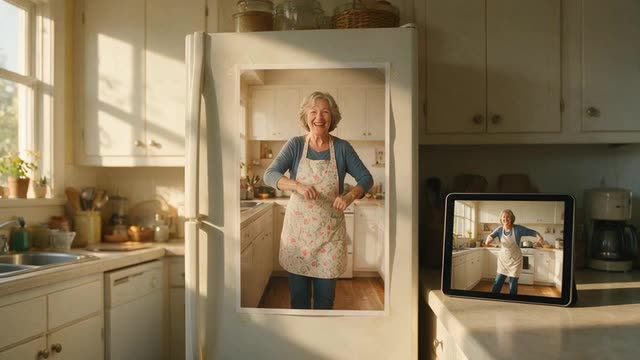
Guide · photo + dance clip · real settings
How to make a photo dance — a step-by-step AI guide
A practical guide to making a photo dance with AI: which photo to pick, where the dance comes from, which engine to choose, and how to fix the usual problems — stretched limbs, drifting faces, cut-off feet.
- Full-body photo
- Any dance clip
- Music can stay
- Fixes for common problems
Updated by the Kenerate AI team
Made with Kenerate
On this page
Quick answer
Updated
How do you make a photo dance with AI?
To make a photo dance, upload a clear full-body photo and a video of the dance you want, then let a motion transfer engine copy the moves onto the person in the photo. In Kenerate AI's Motion Transfer tool that takes four steps, and SteadyDancer or SCAIL 2 handle routines up to 2 minutes.
Key facts
- You need
- 1 photo + 1 dance clip
- Best photo
- Full body, arms free
- Longest dance
- 2 min · SCAIL 2, SteadyDancer
- Music kept
- SCAIL 2 · Kling 3.0 (switch)
- Dance presets
- None — bring any clip
Real results
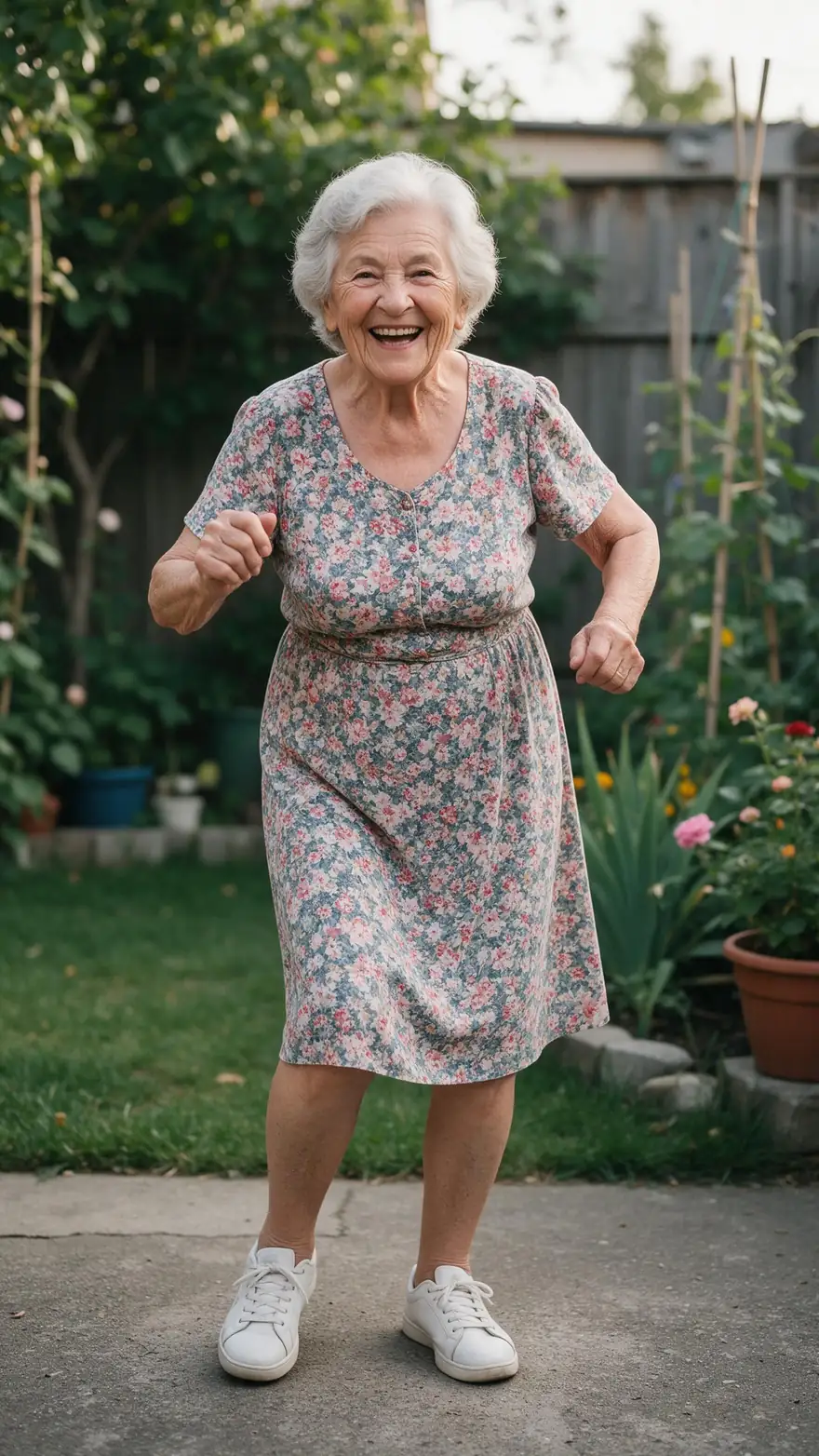
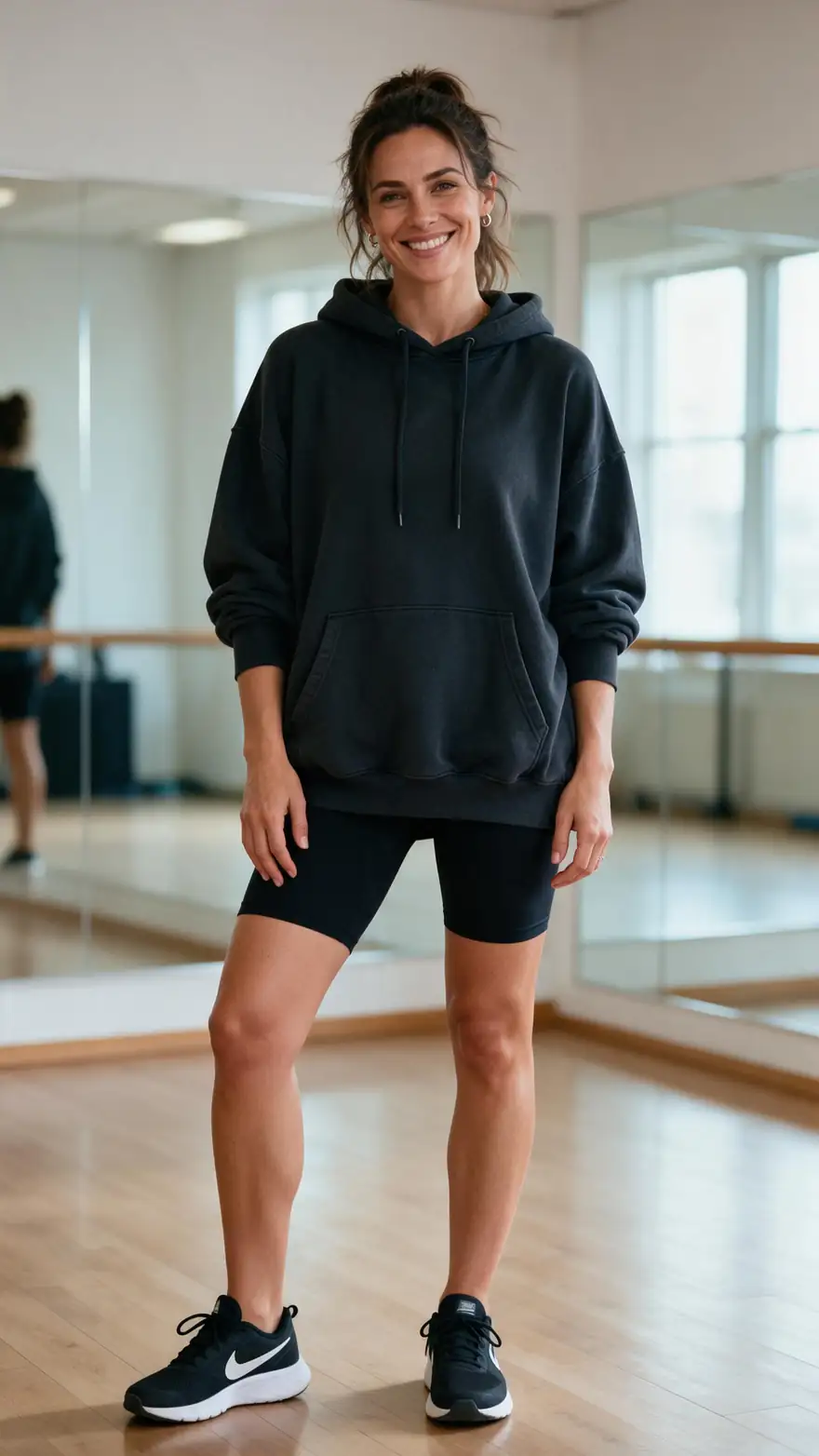
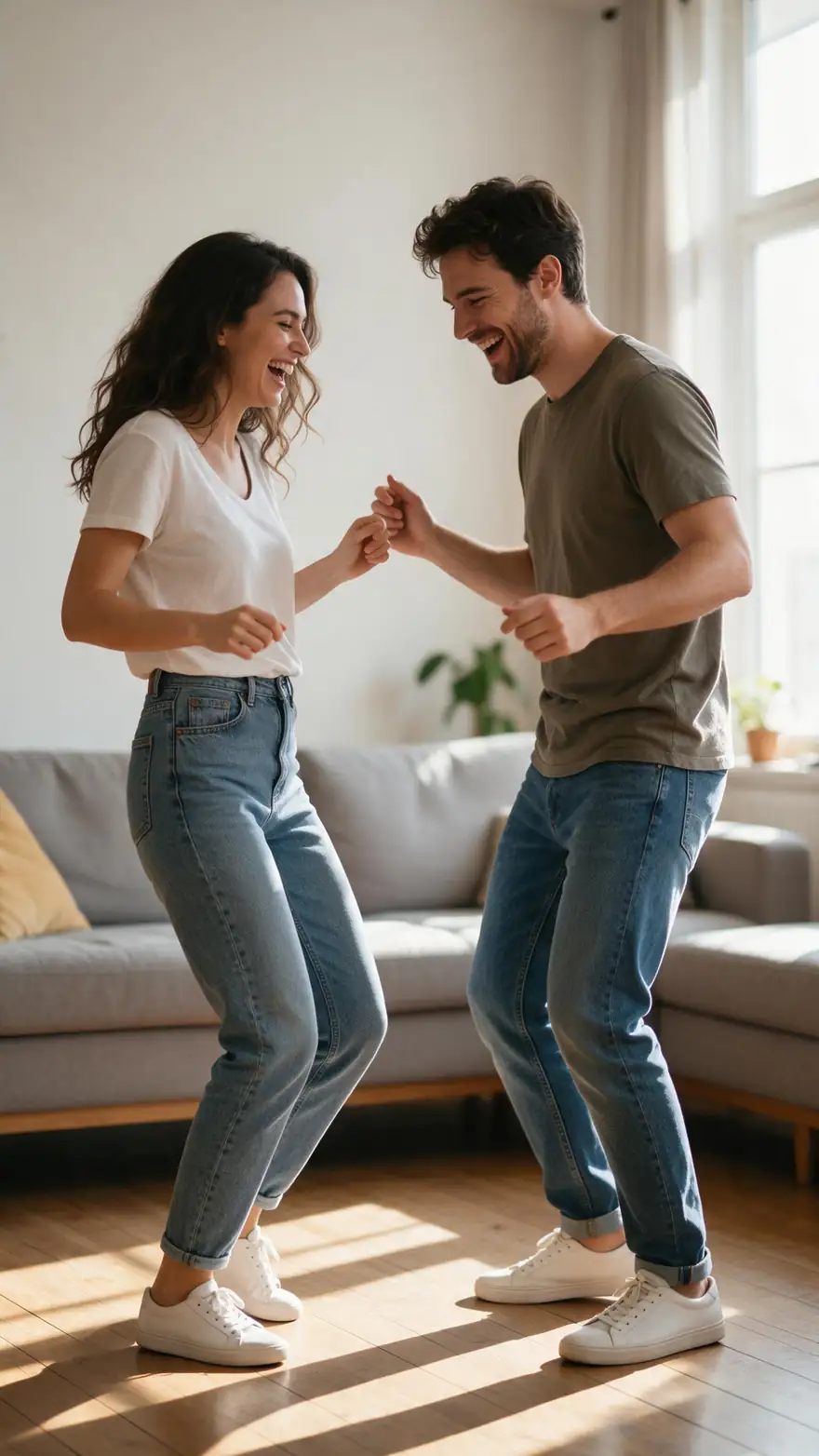
Photos that make good dancers
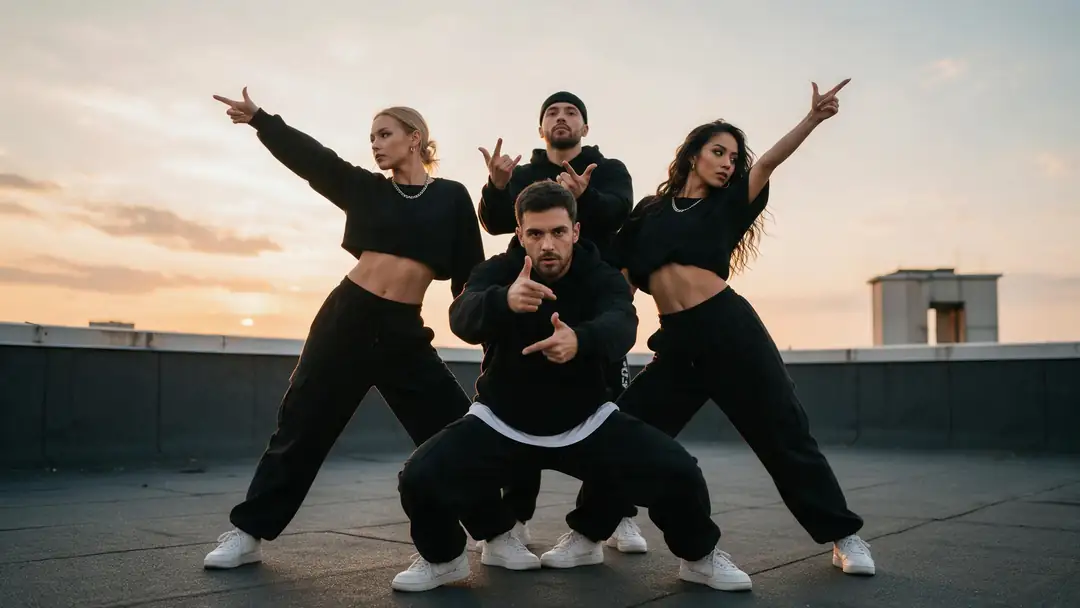
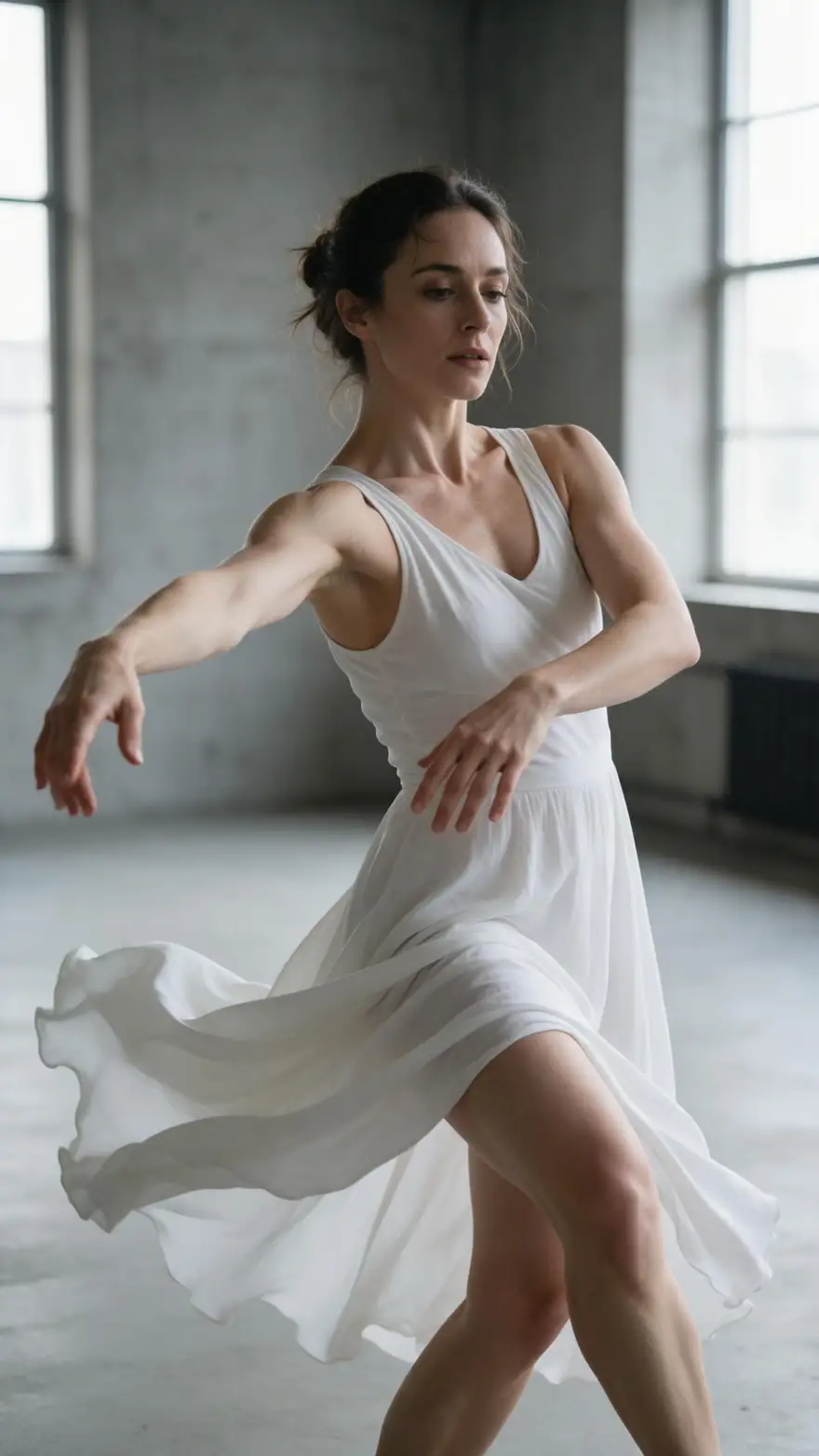
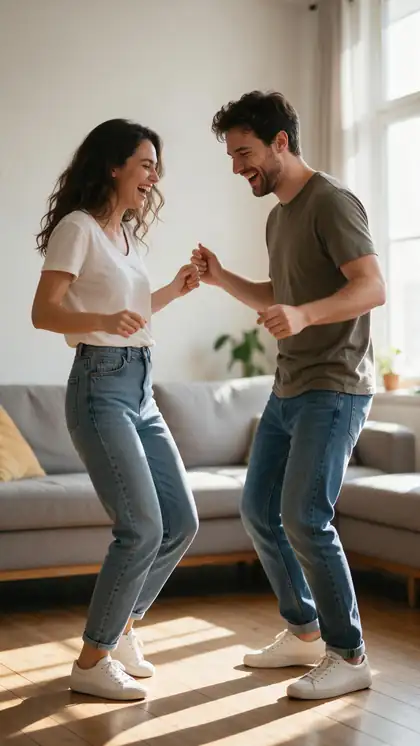
A grandmother in the garden, a studio dancer, a couple in a living room, a K-pop group and a contemporary dancer — all full-body, well lit and free of clutter around the limbs.
These clips were made with image to video from one photo each (model on each card). Following this guide, the dance comes from the clip you upload.
How to
Make a photo dance in six steps
- Time needed
- Steps
- 4 steps
Step 1
Pick the photo
Full body from head to feet, facing the camera, arms away from the body, nothing in the hands. JPG or PNG.
Step 2
Get the dance clip
Film yourself, use a dance video you own, or a clip you have permission to use. One dancer, steady camera, no cuts.
Step 3
Trim it
Cut to the part you want. SCAIL 2 and SteadyDancer take up to 2 minutes; Kling 3–30 seconds; PixVerse Mimic up to 30.
Step 4
Open Motion Transfer and choose an engine
SteadyDancer for fast moves, SCAIL 2 to keep the music on a long routine, Kling 3.0 Pro Motion for a short trend dance.
See it in the app

Open Motion Transfer and upload a clear photo of the character, or choose one from your history.


Watch the tour · 1:19
Text, image & reference to video, models, edit, extend & chat
Chapters
Engines
Which engine for which dance
Every engine can make a photo dance; the right one depends on the dance's speed, length and whether the music has to stay.
- Dance
WaveSpeed
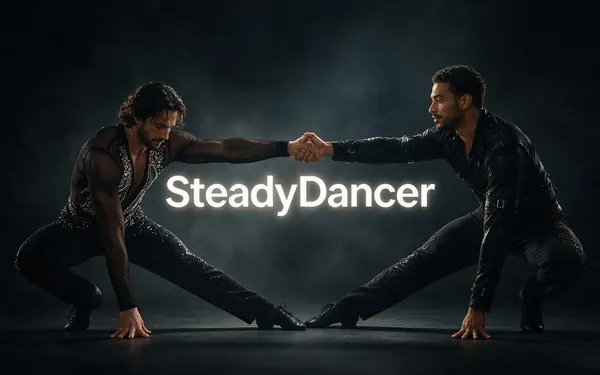
SteadyDancer
- Input
- Image + video up to 2 min
- Output
- 480p or 720p · silent
Fast routines with spins and footwork — keeps the dancer steady; silent, add music after
Open SteadyDancer 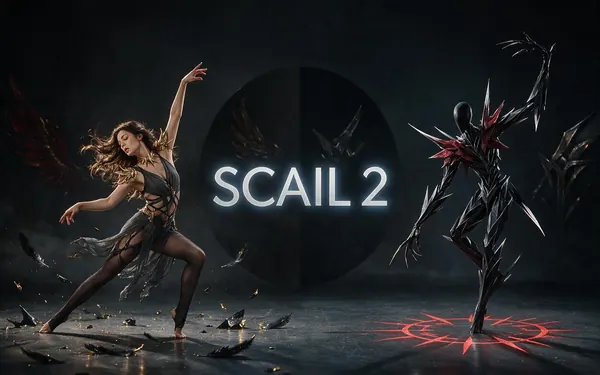
WaveSpeed
SCAIL 2
- Input
- Image + video up to 2 min
- Output
- 480p or 720p · keeps sound
Long routines up to 2 min with the music kept
Open SCAIL 2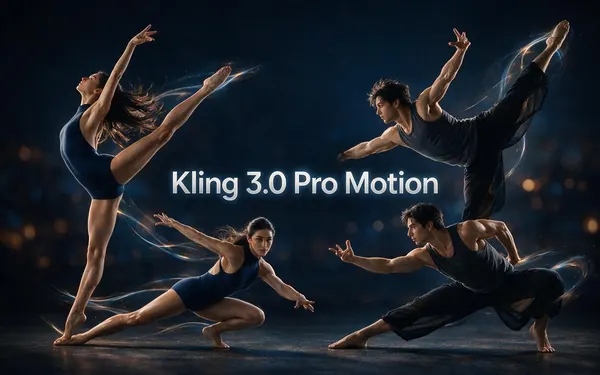
Kuaishou
Kling 3.0 Pro Motion
- Input
- Image + 3–30 s video
- Output
- Follows the source · sound switch
Short trend dances (3–30 s) with realistic hands and faces, music kept with the switch
Open Kling 3.0 Pro Motion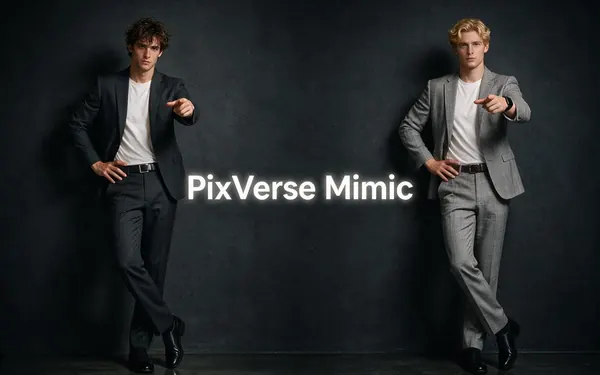
PixVerse
PixVerse Mimic
- Input
- Image + video up to 30 s · no prompt
- Output
- 360p, 540p or 720p · silent
A quick, no-prompt test of whether your photo works
Open PixVerse Mimic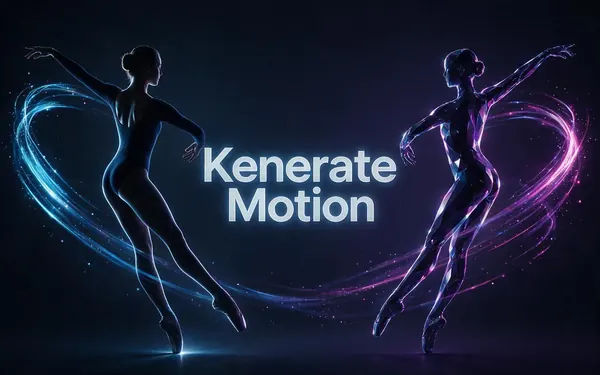
Kenerate
Kenerate Motion
- Input
- Image + video (first 20 s used)
- Output
- 720p or 1080p · 24/48 fps · sound switch
A smooth 1080p dance of the first 20 seconds, at 24 or 48 fps
Open Kenerate Motion
All five return an MP4 with no watermark. SteadyDancer and SCAIL 2 trim dances over 2 minutes, Kling over 30 s, Kenerate Motion over 20 s; PixVerse Mimic refuses clips over 30 s.
Tips
Photo checklist
Run through this before you upload — it fixes most failed dances.
Head and feet both in the frame.
Arms not crossed or touching the body.
Plain background; no other people next to the subject.
Even light on the face — no hard shadows.
Similar framing to the dance clip.
The person in the photo agreed to it.
Example uses
How creators use Make a photo dance
Illustrative examples of typical workflows, not customer reviews.
Family organiser
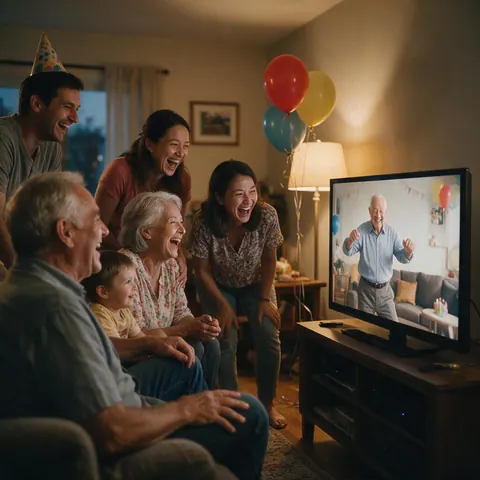
A family can make grandpa's full-body birthday photo dance to his favourite song for the party, with his blessing.
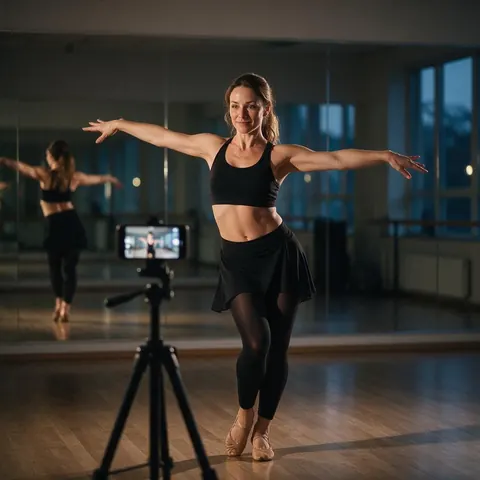
Dance class instructor
An instructor can film the week's routine once and make students' photos dance it, with their agreement, as a class reel.
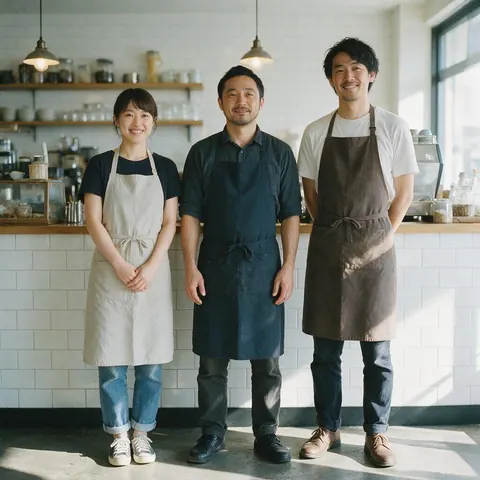
Small café owner
A café owner can make a photo of the staff dance a short trend for a reopening post, with everyone's permission.
FAQ
Making a photo dance — questions
7 questions
How long does the dance video come out?
As long as the part of the dance clip the engine uses. SCAIL 2, SCAIL, the Wan engines and SteadyDancer use up to 2 minutes; Kling uses 3–30 seconds, Kenerate Motion the first 20 seconds, and PixVerse Mimic and DreamActor v2 up to 30 seconds. A longer clip is trimmed on some engines and refused on others, so trim it first.
Link to this answerDo I need a full-body photo?
For a full-body dance, yes. If the feet or legs are missing, the engine has to invent them, which is where odd legs and floating feet come from. For a dance that only uses the upper body, a waist-up photo with a waist-up dance clip works; just keep the framing of the photo and the clip the same.
Link to this answerWill the music stay in the dancing photo?
On some engines. SCAIL 2 keeps the dance clip's music automatically, Kling 3.0 and Kenerate Motion keep it when you leave the sound switch on, and DreamActor v2 and LTX-2 Control keep it too. SteadyDancer, PixVerse Mimic, SCAIL and the Wan engines return silent video, so add the track back in an editor.
Link to this answerWhy do the hands or face look strange?
Usually because the photo hides them or the dance is very fast. Use a photo with clear, open hands and an evenly lit face, and slow or trim the fastest moments. For close dances where hands and faces matter, Kling 3.0 Pro Motion gives the most detail; for fast spins, SteadyDancer keeps the body more stable.
Link to this answerCan I make an old photo dance?
Yes, if it shows the person clearly and ideally full body. Old photos with scratches, blur or very low resolution give the engine less to work with, so faces may drift. Scan at the highest quality you can, crop out other people, and choose a gentle dance; then use the result's Upscale to 4K hand-off if you want it sharper.
Link to this answerAre there ready-made dance templates?
No. Kenerate's Motion Transfer tool has no dance presets: you bring the dance as a video, which means any routine works, including one you filmed yourself. If you'd rather describe a dance in words than supply a clip, that's what the AI dance video generator page covers, using image to video instead of motion transfer.
Link to this answerCan I make a photo of a friend dance?
Only if they agreed to it. Use photos of yourself, people who gave permission, or characters you made — never celebrities or strangers, and never in a way that could embarrass or mislead. When you post the clip, say it was made with AI.
Link to this answerIn depth
Making a photo dance, in detail
The three things that decide the result — the photo, the clip and the engine — and how to fix what goes wrong.
On this page
Choosing the photo
The engine can only animate what the photo shows. A full-body shot gives it legs and feet to move; open arms give it elbows and hands; an even, front-on light gives the face something stable to keep. Busy backgrounds and people standing nearby confuse the engine about where the dancer ends.
Finding the dance clip
The best clip is one you film yourself: tripod, full body, plain background, no cuts, the dance performed a little more clearly than usual. If you use someone else's dance video, make sure you have the right to. Kling's own guide recommends steady, moderate movement without camera moves — good advice for every engine.
Fixing common problems
- Stretched or extra limbs → show the full body in the photo and match the clip's framing.
- Face drifting → a sharper, evenly lit face photo, or Kling 3.0 Pro Motion.
- Feet sliding or cut off → feet visible in both photo and clip.
- Wobble on spins → SteadyDancer.
- Silent result → SCAIL 2, or Kling with Keep sound on.
How to make an AI dance video
Two routes exist. Motion transfer copies a real dance clip onto your photo, so the moves and timing match exactly — this guide. Image to video invents a dance from a written prompt, which is quicker when you have no clip but less precise.
Make a picture dance with your own moves
Film yourself dancing on a phone propped at waist height, full body in frame, then use that clip as the driving video. The person in the picture performs your exact routine — a good way to make an original dance rather than a template.
AI dance from a group photo
The tool animates one person per job from one image. For a group, crop each person into their own image and run them separately with the same clip, then place the results side by side in an editor.
Explore
Every Kenerate video tool
Generators, tools, models and guides — all in one studio.
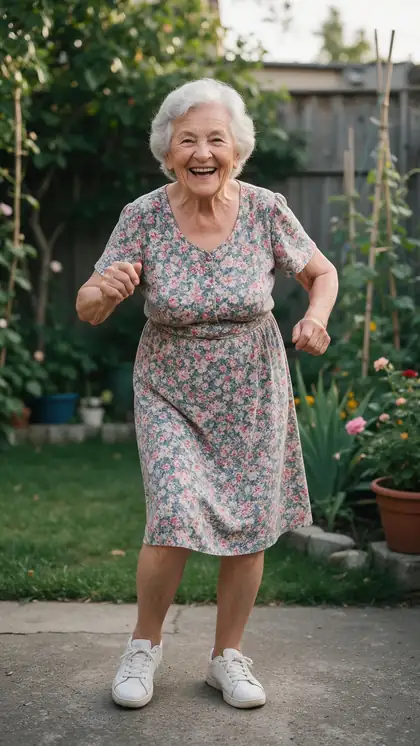
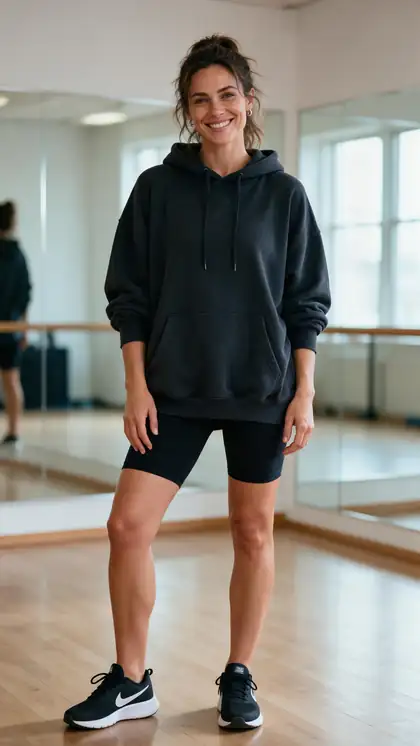
Make your photo dance
One full-body photo, one dance clip. Pay per second of clip, no subscription.
Tried it? Tell us how it went