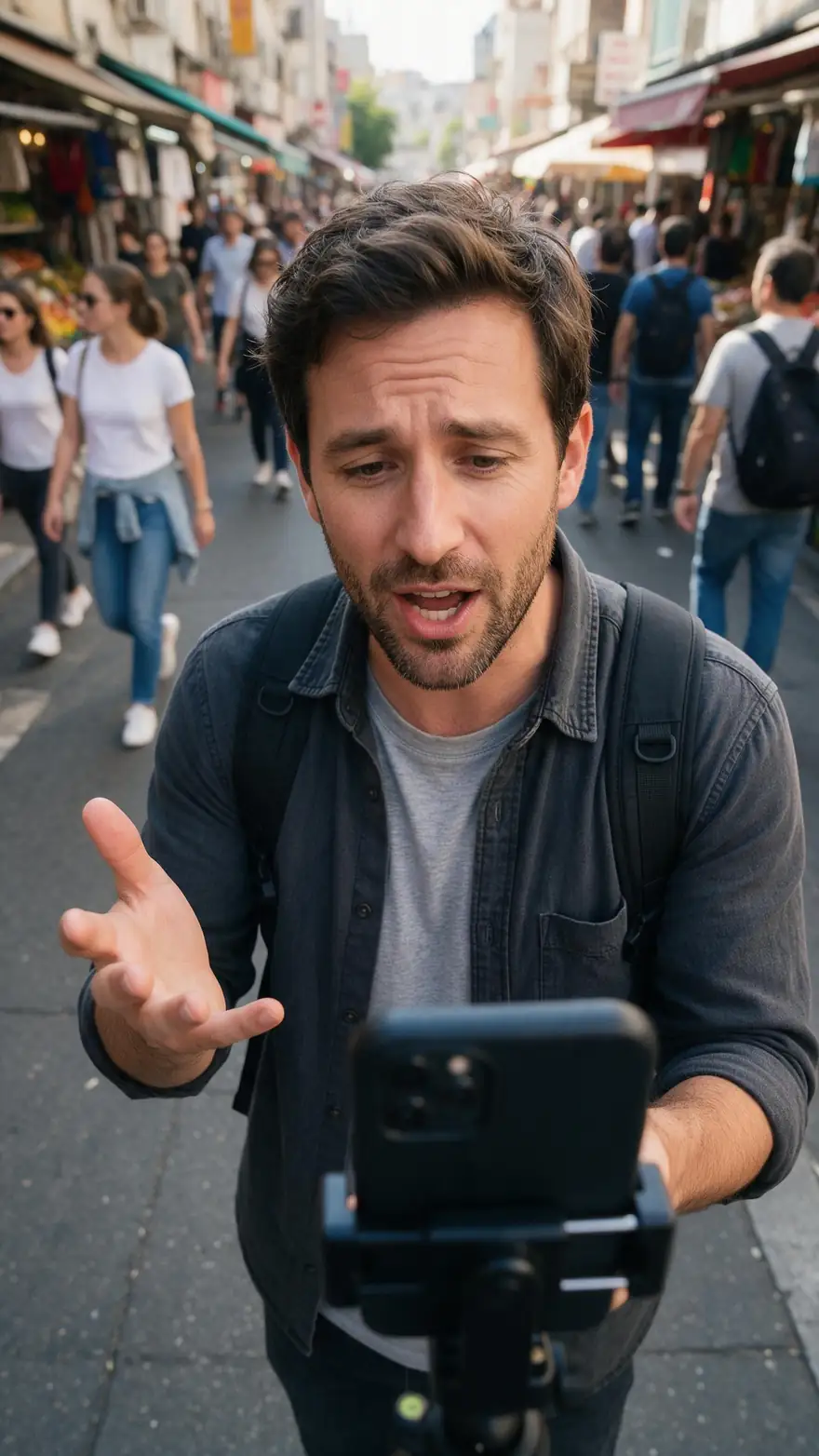
720p → 1080p · SD → HD · up to 4K
HD video converter — convert video to HD 1080p with AI
Most 'HD converters' only change the file format or stretch the frame. This one increases video resolution with AI: upload a 480p or 720p clip, keep 1080p — the default — and get an HD MP4 with rebuilt detail and the original shape.
- 1080p by default
- 480p and 720p sources
- Aspect ratio kept
- No watermark
Updated by the Kenerate AI team
On this page
Quick answer
Updated
How do I convert a video to HD?
To convert video to HD, upload it to an AI HD video converter and choose 1080p. Kenerate's AI Video Upscaler increases video resolution from 480p or 720p to 1080p — or 720p, 2K or 4K — rebuilding detail instead of stretching pixels, for MP4, MOV or WebM clips up to 5 minutes.
Key facts
- Default output
- 1080p (Full HD)
- Also
- 720p · 2K · 4K
- Inputs
- MP4, MOV, WebM
- Shape
- Aspect ratio kept
- Clip limit
- 5 min · about 100 MB
Real demo
SD to HD: 480p to 1080p
Drag the line. Left: a real 480p clip. Right: the same clip converted to 1080p by the AI Video Upscaler.
- SD 480p. Soft face, strings and stage lights.
- HD 1080p. Rebuilt detail in the face, strings and lights.
Both clips are unedited outputs, shown at the same size.
Convert your videoReal results
SD-looking footage that deserves HD
Vertical vlogs, home parties, local sport and street scenes — real 5-second Wan 3 clips at 720p.
Example clips are AI-generated with Wan 3; the slider above shows the upscaler's own output.
How to
How to upscale a video to 1080p
- Time needed
- Steps
- 4 steps
Step 1
Upload the clip
MP4, MOV or WebM up to 5 minutes and about 100 MB.
Step 2
Leave 1080p selected
It is the default. Pick 720p for the fastest HD, or 2K and 4K for more.
Step 3
Start the conversion
A short clip takes a few minutes.
Step 4
Download the HD MP4
Same length and frame rate, original aspect ratio, no watermark.

Open Video Upscaler and upload a clip, or pick one from your library or a link.


Watch the tour · 1:19
Text, image & reference to video, models, edit, extend & chat
Chapters
Engines
HD sizes compared
HD, Full HD, 2K and 4K — what each setting gives you.
AI Video Upscaler
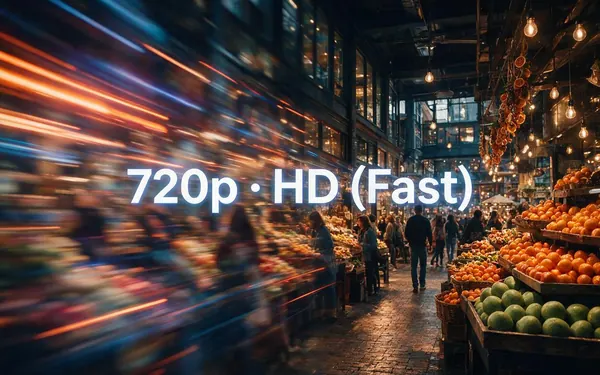
720p · HD (Fast)
- Input
- Video up to 5 min / ~100 MB
- Output
- Pixels of 1280 × 720, shape kept
The smallest HD file
Open 720p · HD (Fast)- Default
AI Video Upscaler
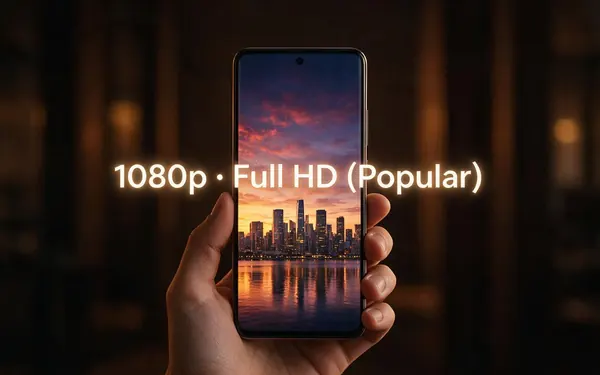
1080p · Full HD (Popular)
- Input
- Video up to 5 min / ~100 MB
- Output
- Pixels of 1920 × 1080, shape kept
The standard HD target
Open 1080p · Full HD (Popular) 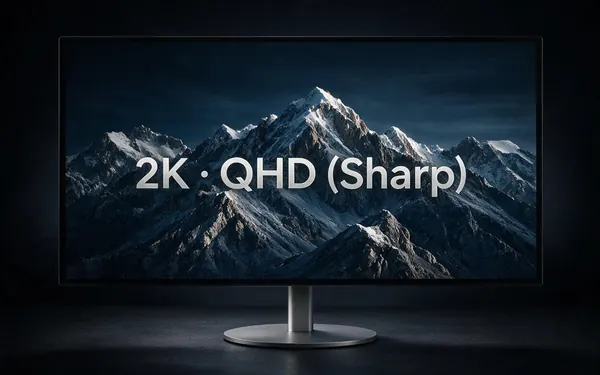
AI Video Upscaler
2K · QHD (Sharp)
- Input
- Video up to 5 min / ~100 MB
- Output
- Pixels of 2560 × 1440, shape kept
Beyond HD for monitors
Open 2K · QHD (Sharp)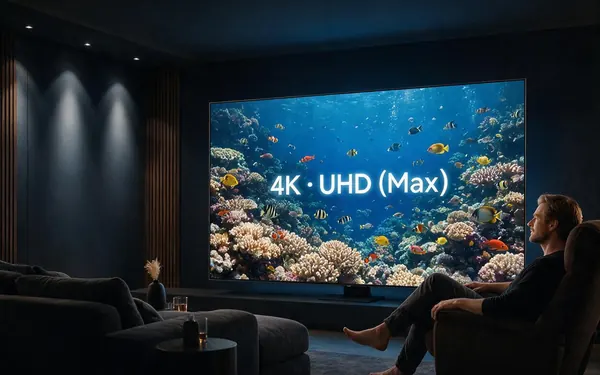
AI Video Upscaler
4K · UHD (Max)
- Input
- Video up to 5 min / ~100 MB
- Output
- Pixels of 3840 × 2160, shape kept
Ultra HD screens
Open 4K · UHD (Max)
One engine (LTX-2 video upscaler); each size is a pixel budget at your clip's own shape.
Tips
HD conversion tips
Small choices decide how 'HD' it really looks.
Changing the format alone (say AVI to MP4) adds no resolution.
720p to 1080p is a small, safe jump — expect a clean result.
From 480p, try 1080p before going higher.
Portrait clips stay portrait: 1080p is about 1080 × 1920.
Export from your editor at the source size, then upscale.
Need captions? Use Add subtitles on the finished result.
Example uses
How creators use HD video converter
Illustrative examples of typical workflows, not customer reviews.
YouTube channel
A channel with an old 720p back catalogue could convert its best videos to 1080p before re-publishing them.

Cooking channel
A cooking channel could convert SD kitchen clips to HD so recipe close-ups look sharp on phones.

Fitness coach
A fitness coach could convert older workout videos to 1080p for a new members' library.
FAQ
HD Video Converter — questions
7 questions
What is the best HD video converter?
For real HD, use a converter that upscales with AI rather than one that only re-wraps or resizes the file. Kenerate's AI Video Upscaler converts clips to 1080p by default — or 720p, 2K or 4K — rebuilds detail across frames and removes compression blocks, with no watermark.
Link to this answerHow do I upscale a video to 1080p?
Upload the video to Kenerate's AI Video Upscaler, keep the default 1080p setting and start. A short clip takes a few minutes; then compare the before and after and download the MP4. The aspect ratio, length and frame rate stay the same as your upload.
Link to this answerCan I convert 720p to 1080p without losing quality?
Yes. An AI upscale from 720p to 1080p adds pixels and sharpens detail rather than softening it. Avoid extra re-encodes along the way: upload the original 720p file once, convert it once, and download the 1080p result. Text, faces and edges come out crisper, and the length and frame rate stay exactly as they were.
Link to this answerHow do I increase video resolution?
Increase video resolution by upscaling: a video resolution converter adds pixels to every frame. A plain resize makes the picture bigger but softer, while an AI upscaler predicts the missing detail, so text, faces and edges stay crisp at the new size.
Link to this answerDoes converting to HD change the file format?
The output is always an MP4. You can upload MP4, MOV or WebM, so a MOV from an iPhone or a WebM screen recording comes back as an HD MP4 that plays almost everywhere, with the same length and frame rate.
Link to this answerWill my vertical video be cropped to 16:9?
No. Sizes are a pixel budget, not a fixed frame: a 9:16 clip at 1080p comes back at about 1080 × 1920, and a square clip stays square. Nothing is cropped, letterboxed or trimmed during the conversion, so the video is ready for vertical apps as soon as you download it.
Link to this answerIs the HD video converter free?
New accounts get starter credits to try it on their own clips. After that you pay per second of clip with credits, with no subscription and no plan required. If a conversion fails, its credits are refunded automatically, and finished HD videos never carry a watermark.
Link to this answerIn depth
HD, explained
On this page
What 'HD' means
Converter vs upscaler
File converters change the container or codec, such as AVI to MP4, and leave the resolution alone. Resolution converters resize; a basic resize interpolates new pixels from their neighbours and looks soft. An AI upscaler is a resolution converter that also rebuilds detail [3].
Why 1080p is the default
1080p is the size most phones, laptops and social apps display, so it is where an upscale makes the most visible difference for the least processing time. Go to 2K or 4K only when the screen is bigger.
480p to 1080p
From SD to Full HD — 2.25 times each side. A big visible upgrade on phones and laptops.
720p to 1080p
HD to Full HD — 1.5 times each side. The most common conversion for older phone and webcam clips.
1080p to 2K
Full HD to QHD, for monitors and a little cropping room.
Any shape to vertical HD
A 9:16 clip at 1080p comes out at about 1080 × 1920, the size vertical video apps expect.
Explore
Every Kenerate video tool
Generators, tools, models and guides — all in one studio.