Compared fairly · sourced 3 Oct 2026 · no watermark · no subscription
Kapwing alternative — burned-in subtitles without a plan
Kapwing is a full browser video editor with subtitles built in, and for many teams it's the right tool. If you only need styled captions burned into short clips, without a subscription or a watermark, Kenerate's Auto Subtitles is a narrower alternative. The comparison below uses Kapwing's own pages.
- No watermark on any output
- No subscription required
- 10 burned-in caption styles
- Sourced comparison, not spin
Updated by the Kenerate AI team
On this page
Quick answer
Updated
What is a good Kapwing alternative for subtitles?
A good Kapwing alternative for subtitles depends on what you use Kapwing for. If you need an editor, SRT files and translation, Kapwing does more. If you need styled captions burned into clips up to 4 minutes, Kenerate's Auto Subtitles does it with no watermark and no subscription, paid per clip with credits.
Key facts
- Kenerate output
- Burned-in MP4
- Watermark
- None
- Subscription
- Not required
- Clip limit
- 4 min, 100 MB
- SRT / VTT
- No (Kapwing: yes)
- Translation
- No (Kapwing: yes)
Real demo
Before and after: Rizz on a gym clip
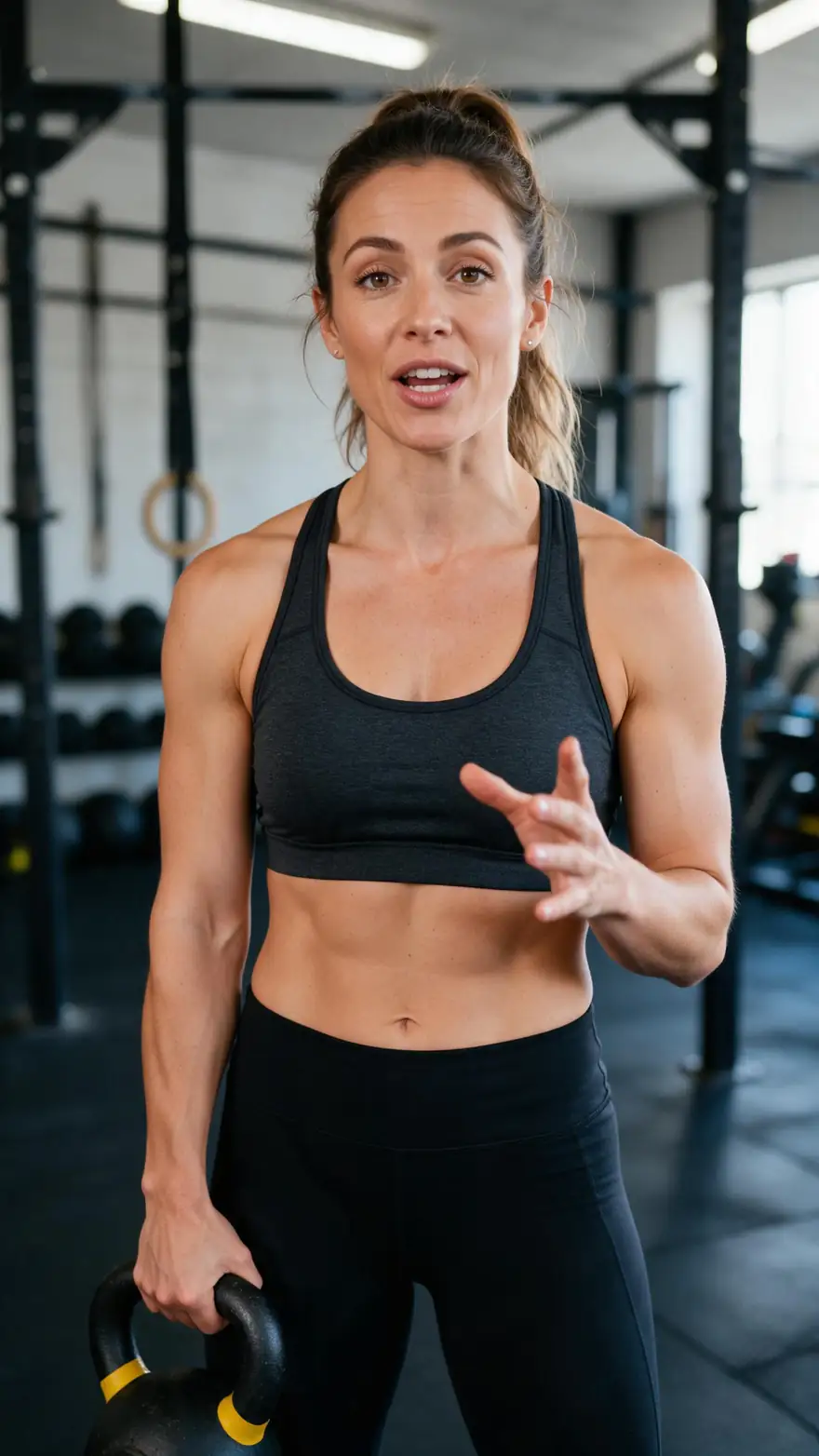
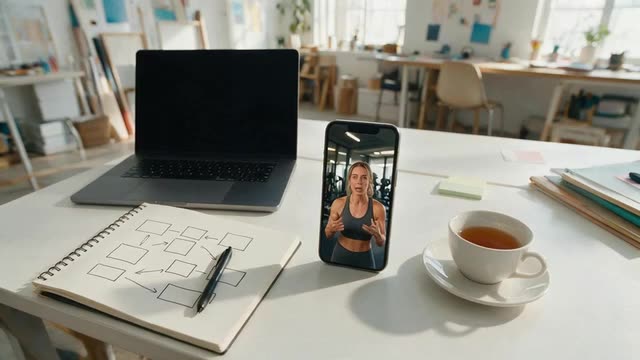
Drag the line. Left: a 9:16 clip as uploaded. Right: Kenerate's output in Rizz, with heavy white caps, the spoken word in yellow and no watermark.
- Original. 9:16 clip with speech.
- Captioned. Rizz style, burned in, no watermark.
Both are real, unedited files, shown at the same size.
Caption a clipReal results
What Kenerate's subtitles look like
Real Wan 3 talking clips captioned by Auto Subtitles in three styles, with no watermark.
Clips: Wan 3 image to video with speech (AI-generated people). Captions: Kenerate Auto Subtitles, unedited.
How to
How to move a captioning job from Kapwing to Kenerate
- Time needed
- Steps
- 4 steps
Step 1
Export the finished cut
Kenerate captions a final clip; it isn't a timeline editor.
Step 2
Check length and size
Up to 4 minutes and 100 MB per clip, in MP4, MOV or WebM.
Step 3
Match your caption look
Pick the closest of the 10 styles, then the position and shadow.
Step 4
Pin the language if needed
Auto-detect, or one of 10 spoken languages.
See it in the app

Open Auto Subtitles and upload a clip, or pick one from your history, library or a link.


Watch the tour · 1:19
Text, image & reference to video, models, edit, extend & chat
Chapters
Checked 3 October 2026
Kenerate vs Kapwing for subtitles
From Kapwing's subtitles and pricing pages, checked 3 October 2026. Kenerate is our product; where Kapwing does more, the table says so.
| Kenerate Auto Subtitles | Kapwing | |
|---|---|---|
| What it is | A captioning tool in an AI media studio | A browser video editor with subtitles |
| Caption styles | 10 | 100+ preset styles and templates |
| Edit caption text and timing | No | Yes |
| Subtitle files | None — burned in only | SRT, VTT and TXT |
| Translate subtitles | No — dub first | Yes, 100+ languages |
| Watermark | None | On Free plan exports |
| Entry option | Starter credits for new accounts | Free plan: 720p, exports up to 4 min, 10 min of auto-subtitles |
| How you pay | Credits per clip, no subscription | Free, Pro, Business and Enterprise plans |
Kapwing's details can change; check its pages before you choose.
Sources: Kenerate Auto Subtitles (tool) · Kapwing — Subtitles (AI subtitle generator), checked 3 October 2026 · Kapwing — Pricing, checked 3 October 2026 · Kapwing — How to add captions on TikTok (9 January 2026), checked 3 October 2026
Engines
Which tool for which job
Where Kenerate fits next to Kapwing, job by job. Kapwing details from its own pages, checked 3 October 2026.
- Kenerate
Kenerate Auto Subtitles
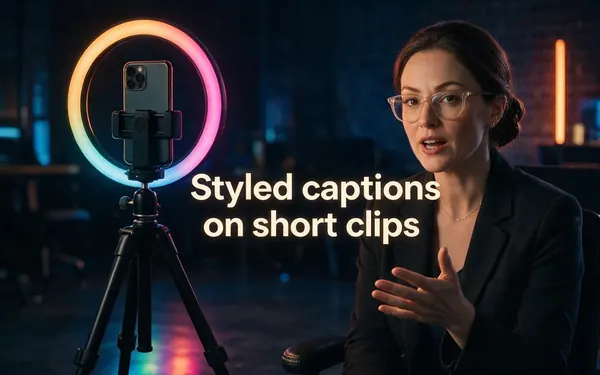
Styled captions on short clips
- Input
- Clip up to 4 min
- Output
- Burned-in MP4, 10 styles
Quick, no watermark, no plan
Open Styled captions on short clips 
Kenerate dubbing + Auto Subtitles
Captions in another language
- Input
- Clip with speech
- Output
- Dubbed clip, then captioned
A full version in another language
Open Captions in another language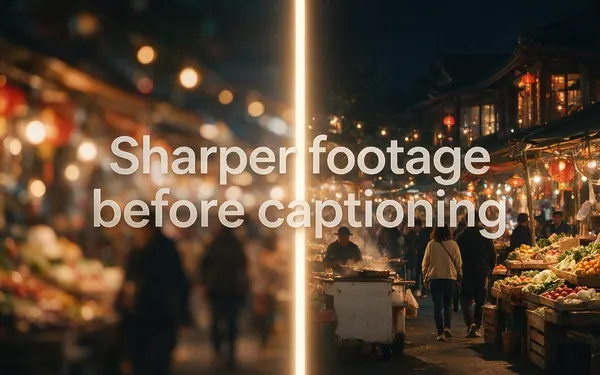
Kenerate Video Upscaler
Sharper footage before captioning
- Input
- Clip up to 5 min
- Output
- 720p, 1080p, 2K or 4K
Upscale first, then caption
Open Sharper footage before captioning
Kapwing
Subtitle files and translation
- Input
- Video in Kapwing's editor
- Output
- SRT, VTT, TXT or burned in
Editable, translatable subtitles
Open Subtitle files and translation
Kapwing
Full video editing
- Input
- A project timeline
- Output
- An edited video
Cutting, layering and templates
Open Full video editing
Kenerate rows link to our tools; Kapwing rows link to our guides on the same topic.
Tips
When to stay with Kapwing
Honest cases where Kapwing is the better fit.
You deliver SRT, VTT or TXT files to clients or platforms.
You translate subtitles into many languages.
You correct caption words and timing by hand.
You edit the whole video, not just caption it.
You need speaker labels and sound notes for accessibility.
Your videos run longer than 4 minutes.
Example uses
How creators use Kapwing alternative
Illustrative examples of typical workflows, not customer reviews.
Freelance editor
A freelancer can keep a full editor for client cuts and caption quick social versions in Kenerate, with no watermark to remove.
Nonprofit volunteer
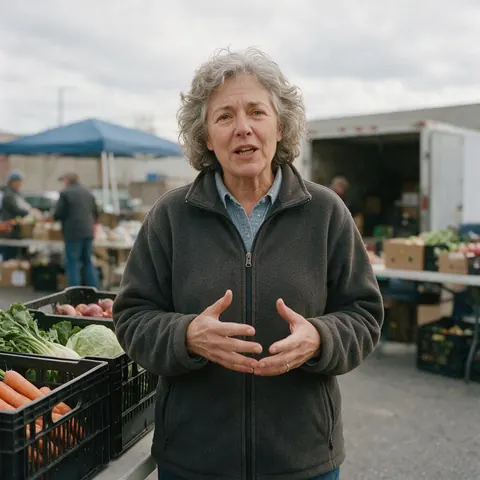
A volunteer can caption a few appeal clips a month without signing the charity up to a subscription.

Language school
A language school can dub a short lesson into Spanish, then caption the dubbed version, all in one account.
FAQ
Kapwing Alternative — questions
Is Kenerate better than Kapwing?
For one job it can be: burning styled captions into short clips without a subscription or a watermark. For most other jobs Kapwing does more — it's a full editor with editable subtitles, SRT, VTT and TXT downloads and translation into 100+ languages, according to its own subtitles page. Choose by the job; plenty of people use both.
Link to this answerDoes Kapwing add a watermark?
On its Free plan, yes: Kapwing's pricing page lists unlimited exports with a watermark, 720p quality and exports up to 4 minutes, checked 3 October 2026, and paid plans remove it. Kenerate's Auto Subtitles never adds a watermark, and there's no plan to upgrade: new accounts get starter credits to try it, then you pay per clip.
Link to this answerCan Kenerate give me SRT files like Kapwing?
No. Kenerate burns captions into the video and doesn't produce SRT, VTT or TXT files. Kapwing does, so if a client, a platform upload or a translator needs a subtitle file, Kapwing or another editor is the better choice. Kenerate is for when the thing you deliver is the captioned video itself.
Link to this answerHow do Kenerate and Kapwing charge?
Kapwing sells Free, Pro, Business and Enterprise plans with monthly allowances, such as 1,000 minutes of auto-subtitling a month on Pro, per its pricing page checked 3 October 2026. Kenerate has no subscription for Auto Subtitles: each clip is paid with credits, priced by length in tiers up to 4 minutes, and failed runs are refunded automatically.
Link to this answerCan I translate subtitles with Kenerate?
Not directly: the captions always match the spoken language. The workaround is to dub the clip first with Kenerate's AI dubbing, then run the dubbed version through Auto Subtitles in the new language, which gives you a translated voice and matching captions. If you only want translated text over the original voice, Kapwing's subtitle translation is the closer fit.
Link to this answerCan I recreate my Kapwing caption style in Kenerate?
Not exactly, because Kenerate has no custom caption templates. Pick the closest of its 10 styles instead: Rizz for bold caps with a highlighted word, Glide Pop for a softer highlight, Simple or Plain for clean subtitles, Glass for words on a frosted pill, Terminal for a code look. Position and text shadow fine-tune the result.
Link to this answerIn depth
Choosing between Kapwing and Kenerate
On this page
What Kapwing's subtitle tool offers
Kapwing's subtitles page describes automatic subtitles it calls 99% accurate, editing of text and timing, more than 100 preset styles and templates, translation into 100+ languages, speaker detection, and downloads as SRT, VTT or TXT, or burned into an MP4 [1]. Its Free plan exports carry a watermark and run up to 4 minutes at 720p [2].
What Kenerate does differently
Kenerate's Auto Subtitles has one job: take a finished clip and return it with captions burned in. There's no timeline and no caption editor, which keeps it quick — about 1–3 minutes a clip — and there's no watermark and no subscription. It sits next to AI video, dubbing and upscaling tools in the same account.
Questions to ask before switching
Five questions settle most cases.
- Do I ever deliver a subtitle file? If yes, keep an editor that exports one.
- Do I often fix caption words by hand? Kenerate has no caption editor.
- Are my clips under 4 minutes? That's Kenerate's limit, with 100 MB per file.
- Is the watermark or the plan the problem? Kenerate has neither.
- Do I also dub or upscale? Kenerate does both in the same account.
Using both
Plenty of creators edit in one tool and caption in another. A workable split: cut the video in Kapwing or any editor, export the final clip, burn captions in with Kenerate when you want one of its looks without a watermark, and keep Kapwing for projects that need subtitle files or translations.
Explore
Every Kenerate video tool
Generators, tools, models and guides — all in one studio.