

Reference outfits · @image1 mentions · Change outfit mode
Clothes swap AI — the garment from your photo, on the person in your clip
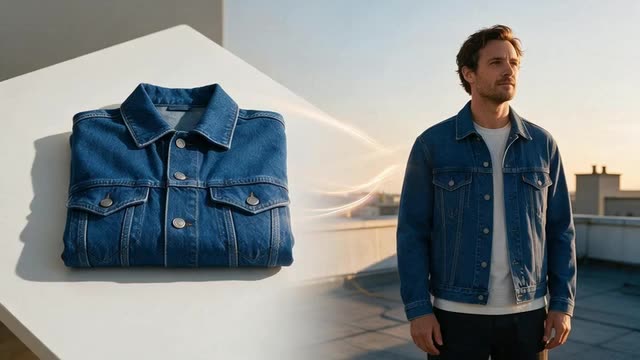
Have the jacket as a product shot and the person on video? Add the garment photo as a reference, point at it with @image1, and Genjutsu dresses the person in that exact piece while their moves, face and voice stay as filmed.
- Garment from a photo
- Up to 30 references
- Face and motion kept
- Sound kept
Updated by the Kenerate AI team
Made with Kenerate
On this page
Quick answer
Updated
How does clothes swap AI work?
Clothes swap AI takes a garment from one picture and puts it on a person in another. In Kenerate Genjutsu, upload a video clip, add the garment photo as a reference, choose Change outfit and write "dress her in the coat from @image1". The Kenerate tiers take up to 10 references; Seedance 2.5 takes 30.
Key facts
- Garments from
- Reference photos
- References
- Up to 10, or 30 on Seedance 2.5
- Point at them with
- @image1, @image2…
- Mode
- Change outfit
- Prompt
- Up to 1,500 characters
- Swapped onto
- Video clips (2–30 s)
Real demo
Two references: a blazer and a necklace
@image1 was a photo of an emerald silk blazer, @image2 a gold necklace. The presenter keeps talking; both pieces land where the prompt put them.
- Swapped. Prompt: “Dress her in the emerald silk blazer from @image1 with the gold necklace from @image2.”
Kenerate Genjutsu at 720p — an unedited result from the app's example gallery, shown next to its source clip.
Swap in a garmentReal demo
One reference: a red biker jacket
A single garment photo, worn open over the T-shirt she already had on — the prompt says how to wear it, the reference says what it looks like.
- Swapped. Prompt: “Dress her in the red leather biker jacket from @image1, worn open over her white T-shirt.”
Kenerate Genjutsu at 720p — an unedited result from the app's example gallery, shown next to its source clip.
Swap in a jacketReal results
Performances worth re-dressing
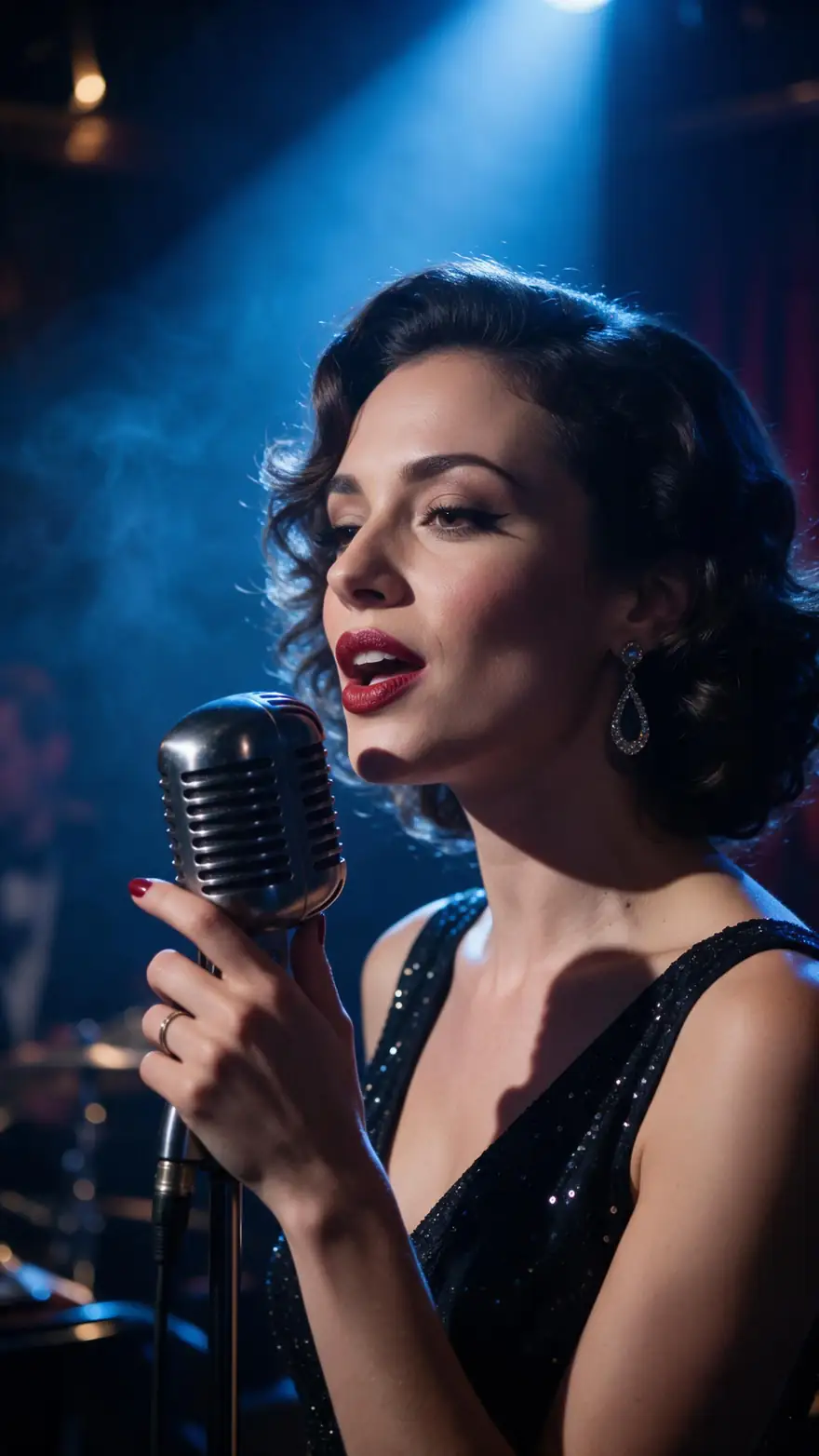
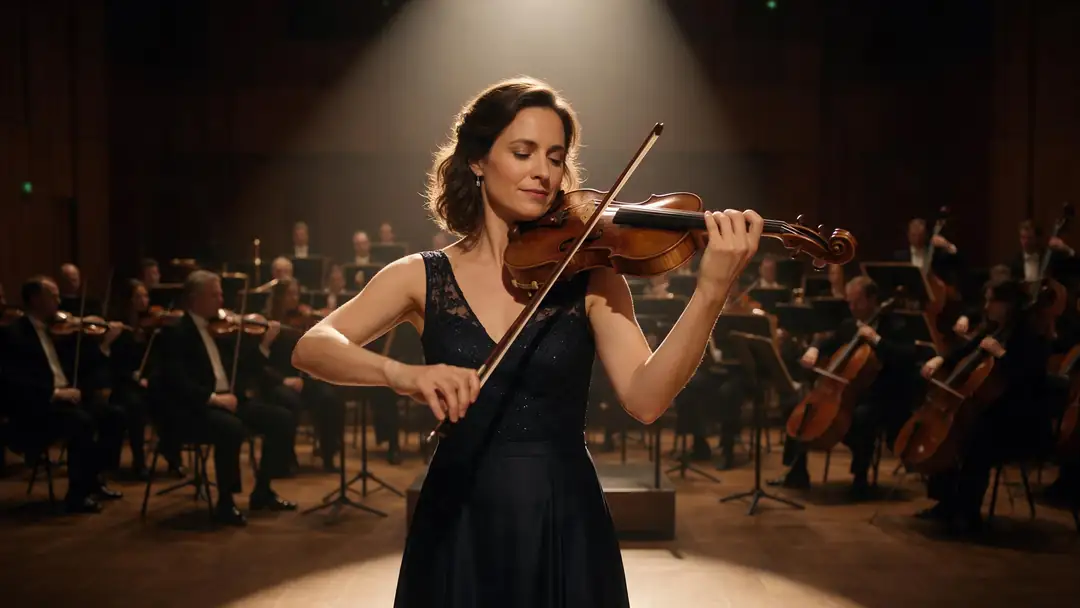
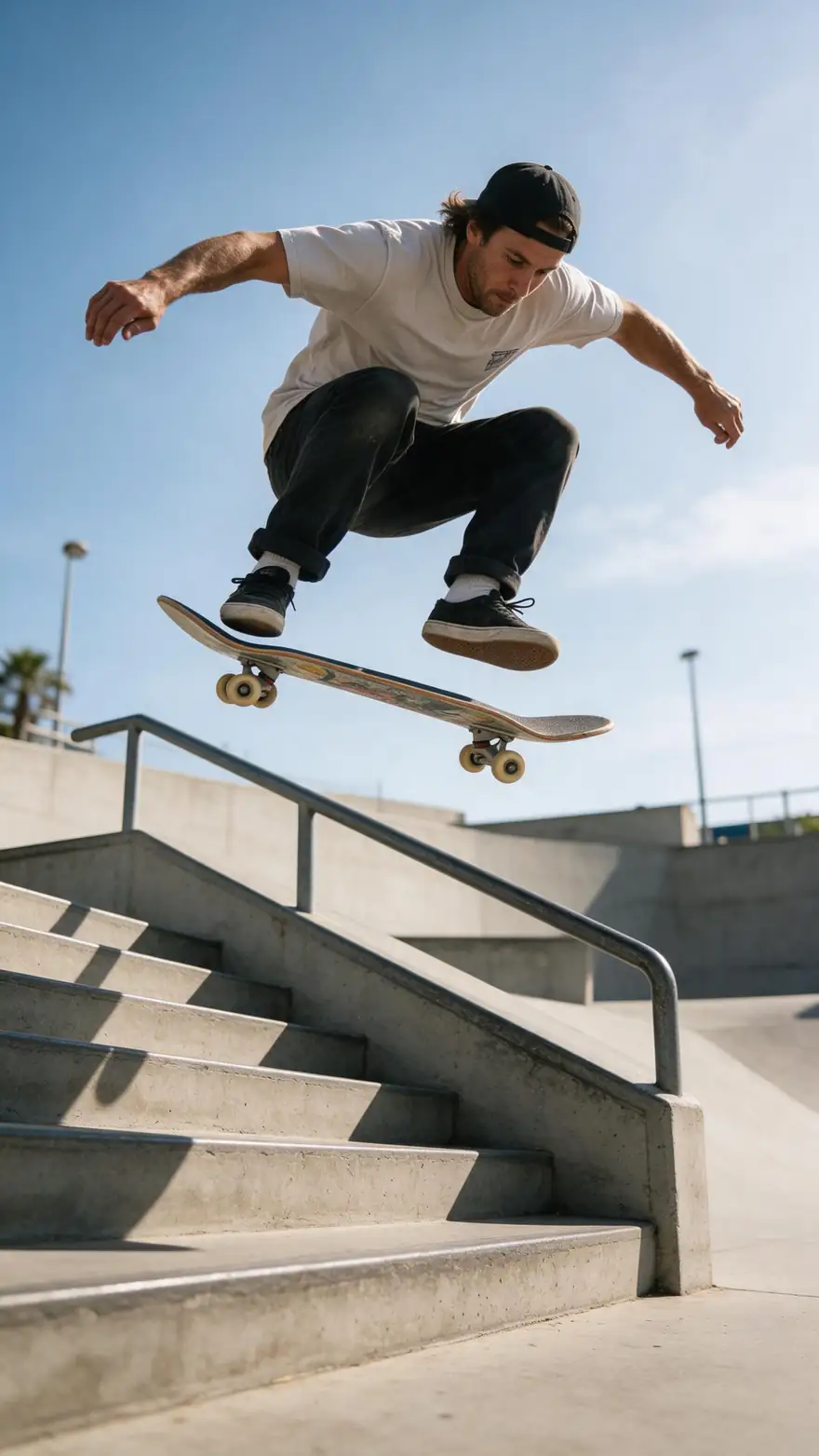
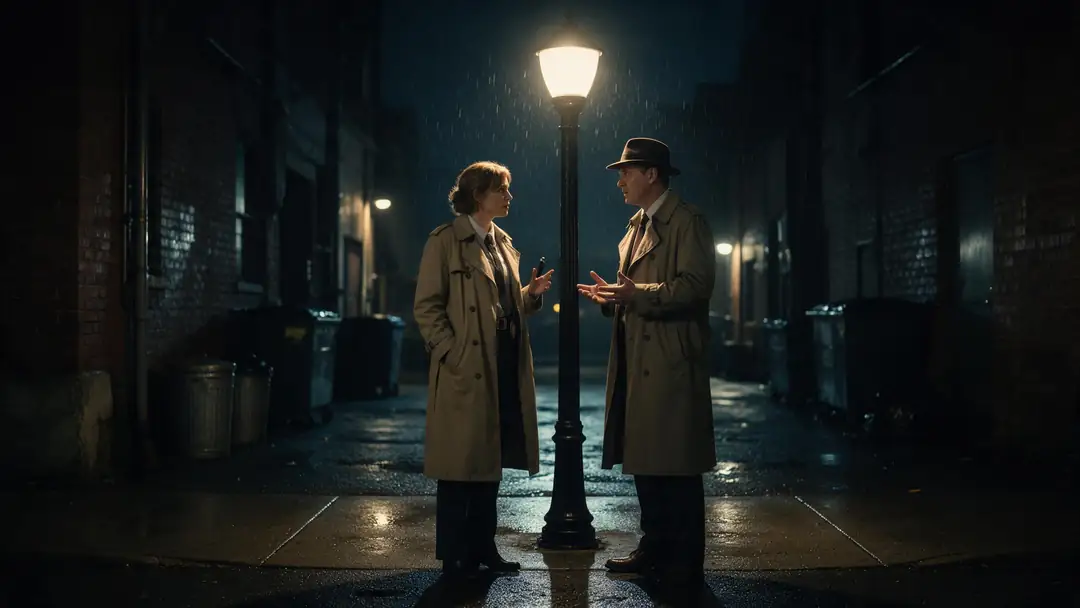
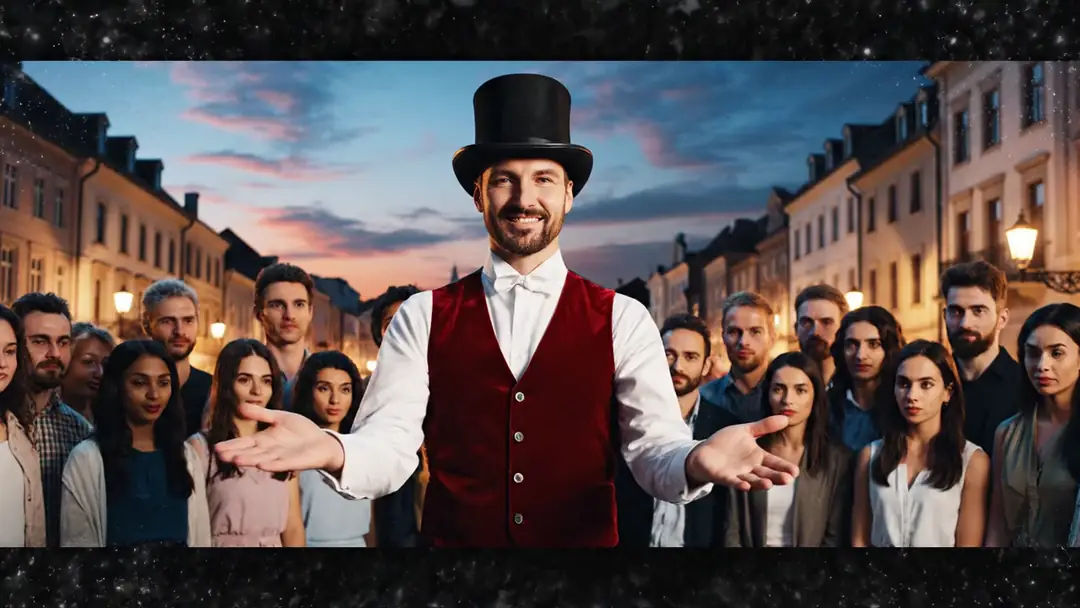
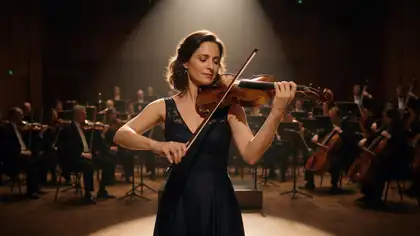
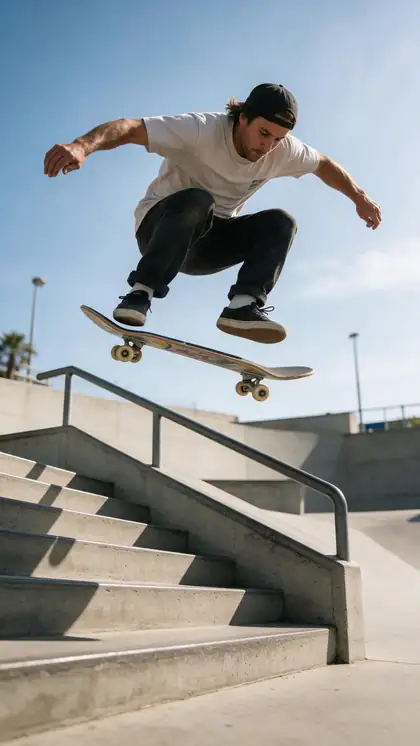
A jazz singer, a violinist, a skater, a noir dialogue and a street magician — clips where the performance is perfect and only the wardrobe needs a second option.
Example clips made with image to video (model named on each card) — not clothes-swap outputs. The swaps are the two demos above; in Genjutsu you upload your own clip and garment photos.
How to
Swap clothes from a photo in five steps
- Time needed
- Steps
- 4 steps
Step 1
Upload the clip
MP4, MOV, WebM or M4V, up to about 100 MB, with the person's outfit clearly visible.
Step 2
Add the garment photos
One photo per piece. They're numbered in the order you add them: the first is @image1.
Step 3
Choose Change outfit
It's the mode built for clothing: it keeps face, hair, body and motion and changes only what they wear.
Step 4
Write who wears what
"Dress him in the shirt from @image1 and the boots from @image2, shirt untucked." Mention every reference you want used.
See it in the app

Open Kenerate Genjutsu and choose Replace character, Swap object, Change outfit, Change background or Free edit.


Watch the tour · 1:19
Text, image & reference to video, models, edit, extend & chat
Chapters
Engines
Which engine for a clothes swap
All three read the same numbered references. The difference is how many they take, how long a clip and how much detail.
- Default
Kenerate
Kenerate Genjutsu
- Input
- Clip 2–15 s + up to 10 garment photos
- Output
- 480p, 720p or 1080p · ~2–4 min
One or two garments on a short clip, fast
Open Kenerate Genjutsu 
Kenerate
Kenerate Genjutsu Pro
- Input
- Clip 2–15 s + up to 10 garment photos
- Output
- 480p, 720p or 1080p · ~3–6 min
Patterns, prints and fine fabric that need cleaner detail
Open Kenerate Genjutsu Pro- 30 references

ByteDance
Seedance 2.5
- Input
- Clip 4–30 s + up to 30 garment photos
- Output
- 480p to 4K · ~4–8 min
Full looks built from many product shots, or several angles of one garment
Open Seedance 2.5
References are numbered in the order you add them. A mention past the end of the list (say @image4 with three photos) is dropped, so check the numbers before you run.
Tips
Reference photos that swap cleanly
The engine copies cut, fabric, colour and details from the photo — so the photo has to show them.
Show the whole garment, front-on, nothing cropped.
Plain background, true colour, no heavy filters.
A flat lay or a photo on a model both work.
One garment per photo when you mix pieces.
Add a second angle for a back detail or a long coat.
Use garments and footage you have the right to use.
Example uses
How creators use Clothes swap AI
Illustrative examples of typical workflows, not customer reviews.
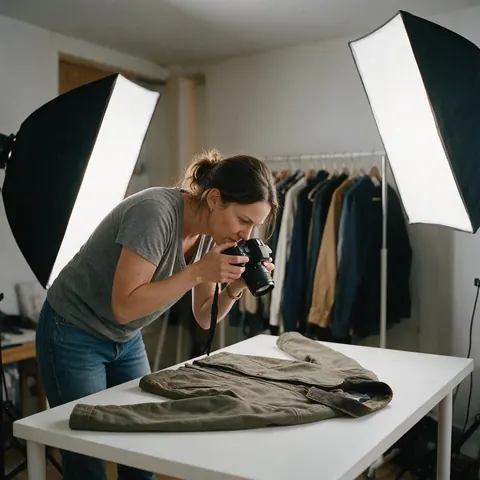
Online store owner
A small online store can film one model walking and swap in each new jacket from its catalogue photo.
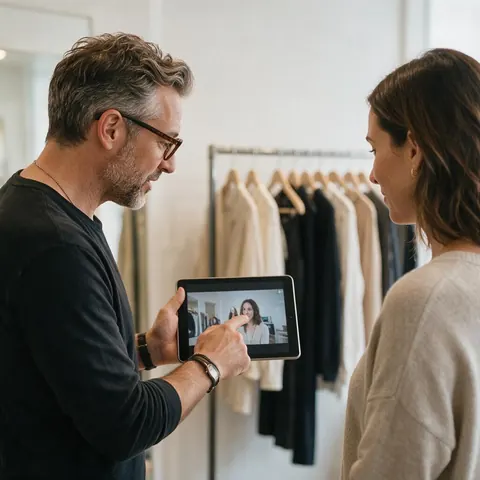
Stylist
A stylist can show a client three outfit options on the same short video instead of three fittings.
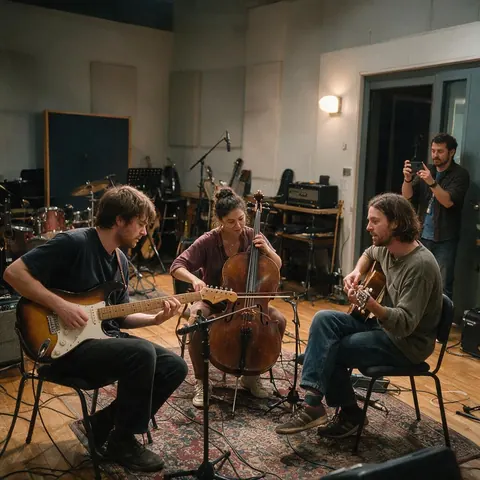
Band manager
A band manager can preview stage outfits on rehearsal footage before ordering them.
FAQ
Clothes swap AI — questions
7 questions
What is clothes swap AI?
Clothes swap AI moves a garment from a reference picture onto a person in your own photo or video. Kenerate Genjutsu does it for video: you add the garment photo, mention it as @image1 in the prompt, and Change outfit mode copies its cut, fabric, colour and details onto the person while keeping their face, motion and the camera.
Link to this answerHow many outfit references can I add?
Up to 10 reference images on Kenerate Genjutsu and Genjutsu Pro, and up to 30 on Seedance 2.5. They're numbered in the order you add them, so a top, trousers, shoes and a bag can each be its own photo, named @image1 to @image4 in one prompt.
Link to this answerDo I need a photo of the garment?
No, but it helps. Change outfit also works from words alone — "a long camel wool coat, belted" — and you can mix both: a photo for the jacket, words for the rest. A reference is the way to get a specific real product's look rather than the engine's idea of it.
Link to this answerCan I swap just one piece, like a jacket or shoes?
Yes. Say which piece changes and what stays: "put the jacket from @image1 over her white T-shirt, keep the jeans". Change outfit is told to change only the clothing, so naming the single garment keeps the rest of the outfit closer to the original.
Link to this answerDoes clothes swap work on photos too?
Not in Genjutsu, which edits video only. For a still, Kenerate's AI image editor has AI Edit, which takes optional reference images — the photo you're editing is image 1, so garment photos are mentioned as image 2, image 3 in the prompt.
Link to this answerIs this a virtual try-on for sizing?
No. It shows how a garment's look — style, colour, fabric — sits on the person and moves with them, which is useful for previews, lookbooks and ads. It doesn't measure bodies or predict fit, so it can't tell anyone which size to buy.
Link to this answerCan I swap clothes from a brand's website onto someone?
Only if you have the rights. Product photos belong to whoever shot them, and the person in the clip has to give consent to being re-dressed. Use your own product images or licensed ones, never re-dress celebrities or strangers, and label AI-edited clips, especially in ads.
Link to this answerIn depth
Reference-based clothes swaps, explained
How @image mentions are read, how to shoot a reference, and how to build a full look from several photos.
On this page
How @image mentions are read
Before the engine sees your prompt, each @image1, @image2 is turned into "reference image 1", "reference image 2" — in the order you added them. If your prompt names some references, the instruction points the engine at those as the source of the new clothes; if it names none, it points at all of them. A mention that points past the list, like @image5 with four photos, is dropped rather than guessed.
Shooting a garment reference at home
Good references beat long prompts: the engine matches what it can see.
- Lay it flat or hang it against a plain wall.
- Daylight from a window, no flash glare.
- Fill the frame with the garment; crop nothing.
- Shoot details (buttons, embroidery) as a second photo.
- Skip mirror selfies — the pose and phone hide the cut.
Building one look from several photos
Give each piece its own photo and its own job in the prompt: "the blazer from @image1, the necklace from @image2, keep her own trousers". That's how the emerald blazer demo above was made. For a full head-to-toe look from many product shots, Seedance 2.5's 30-reference limit leaves room for extra angles of each piece.
Clothes swapper AI
A clothes swapper is the same idea as a clothes swap: garment in, garment on. Here the swapper is Genjutsu's Change outfit mode, fed with your garment photos as numbered references.
Clothes swap (the IRL kind)
A clothes swap is also a party where people trade clothes they no longer wear. AI clothes swap is the digital cousin: nobody changes, the footage does. It's handy for previewing a swap-meet haul on camera — with everyone's permission.
AI clothes swap for product videos
Shops can film a model once and swap in each new product from its catalogue photo. Keep the model, framing and audio constant across versions so viewers compare the clothes, not the shot.
Explore
Every Kenerate video tool
Generators, tools, models and guides — all in one studio.
Swap in the real garment
Garment photos as @image1, @image2, the clip as it was filmed. Only with everyone's permission.
Tried it? Tell us how it went