

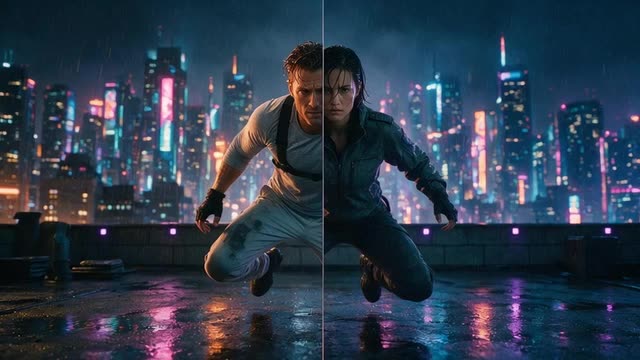
Replace character · your photos · the scene's action and camera
Put yourself in a movie with AI — you, in the lead, in a scene you own
Be the hero of the chase, the detective in the rain or the knight on the battlefield. Genjutsu recasts the lead of a scene with you — from a few clear photos — while the action, the camera move and the timing stay exactly as they were filmed or generated.
- Your photos as the reference
- Same action and camera
- AI stunt doubles
- Up to 4K
Updated by the Kenerate AI team
Made with Kenerate
On this page
Quick answer
Updated
How do you put yourself in a movie with AI?
To put yourself in a movie with AI, take a scene you have the rights to — your own footage or an AI-generated shot — open Kenerate Genjutsu, keep Replace character, and add clear photos of yourself as references. You take over the lead's performance, camera and timing; the rest of the scene stays as it was.
Key facts
- Mode
- Replace character (the default)
- You provide
- A scene you have rights to + photos of yourself
- Photos
- Up to 10, or 30 on Seedance 2.5
- Kept
- Action, expressions, lip movement, camera, background
- Scene length
- 2–15 s, or 4–30 s on Seedance 2.5
- Output
- MP4, no watermark, up to 4K on Seedance 2.5
Real demo
A new lead, a new world
Free edit with two references — a character (@image1) and a neon alley (@image2). Same walk, same camera; a different lead in a different place. With your own photos as @image1, the lead is you.
- Recast. Prompt: “Replace the woman with the character from @image1 and move the scene into the neon alley from @image2 at night — same walk, same camera.”
Kenerate Genjutsu at 720p — an unedited result from the app's example gallery, shown next to its source clip.
Recast the leadReal demo
Taking over a performance
Replace character with one reference of a man in a green hoodie: he now performs every move of the original dancer on the same sunset rooftop, with the same camera.
- Recast. Prompt: “Replace the dancer with the man in the green hoodie from @image1 — same dance moves, same sunset rooftop, same camera.”
Kenerate Genjutsu at 720p — an unedited result from the app's example gallery, shown next to its source clip.
Put yourself in the sceneReal results
Scenes worth starring in
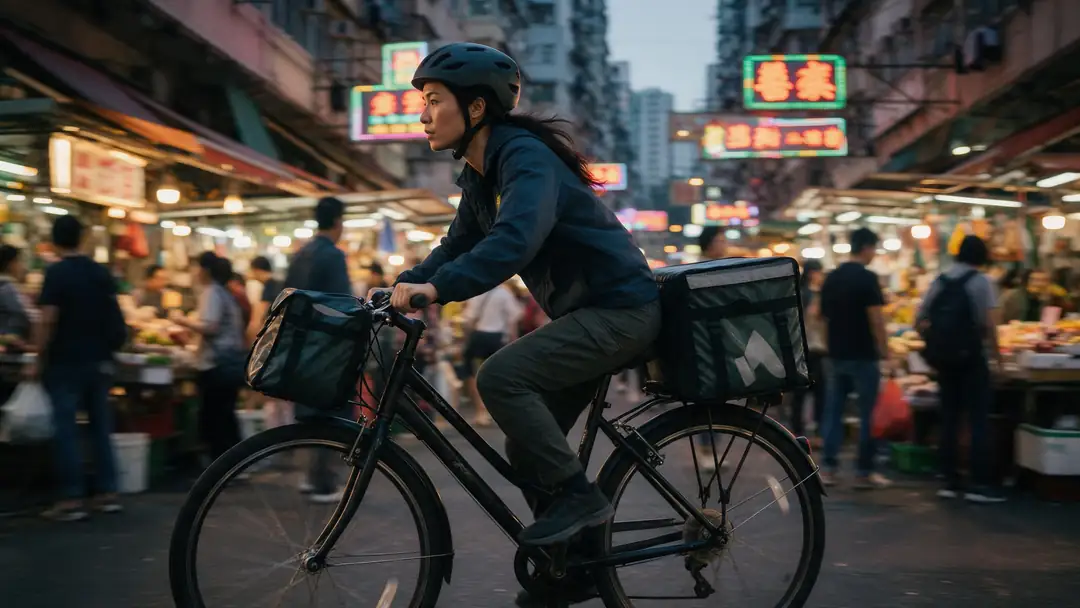
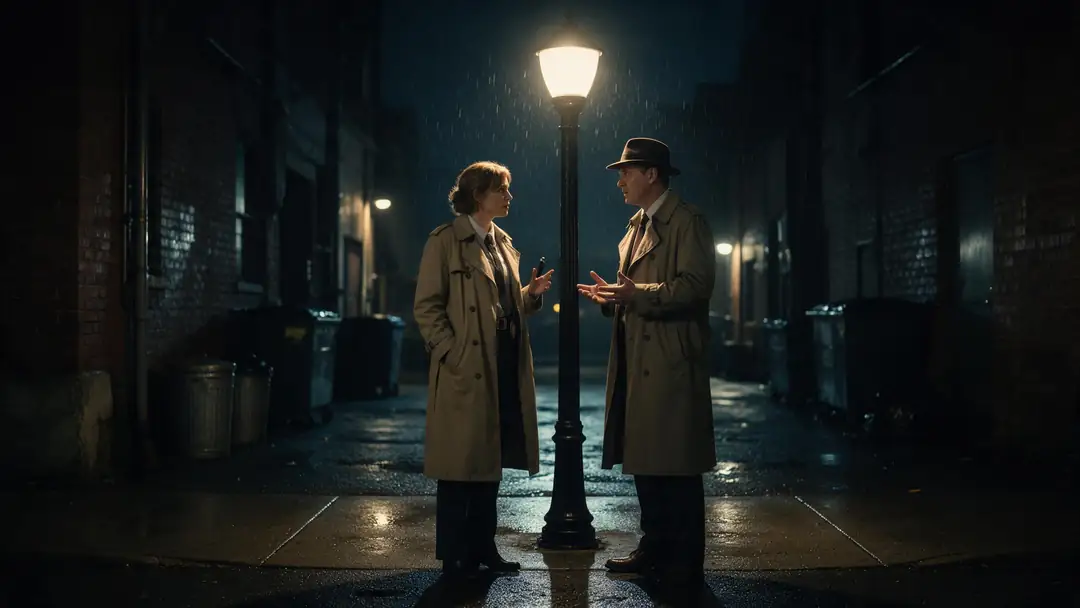
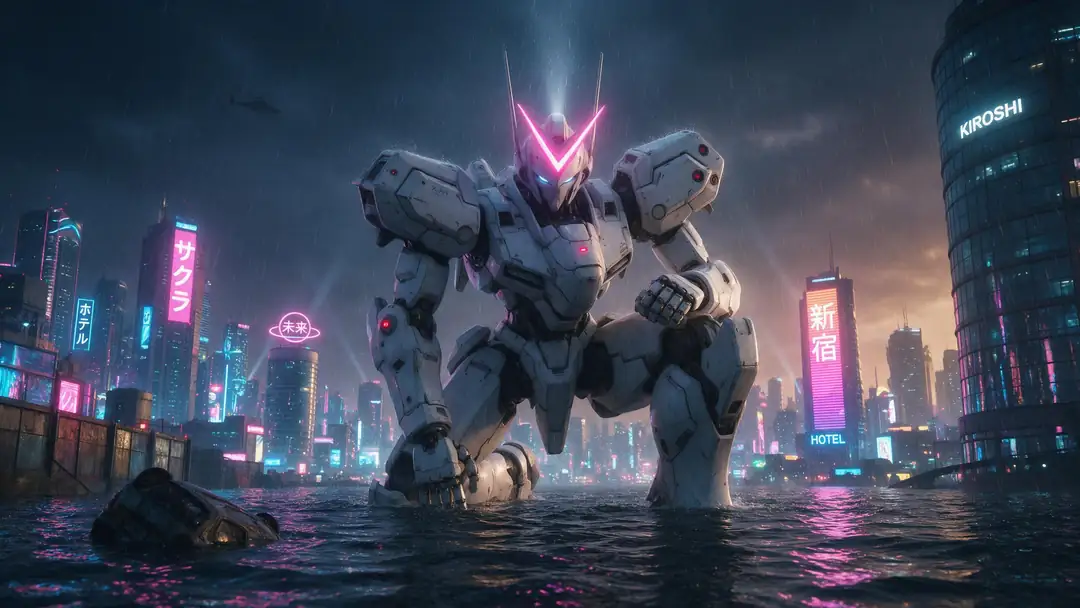
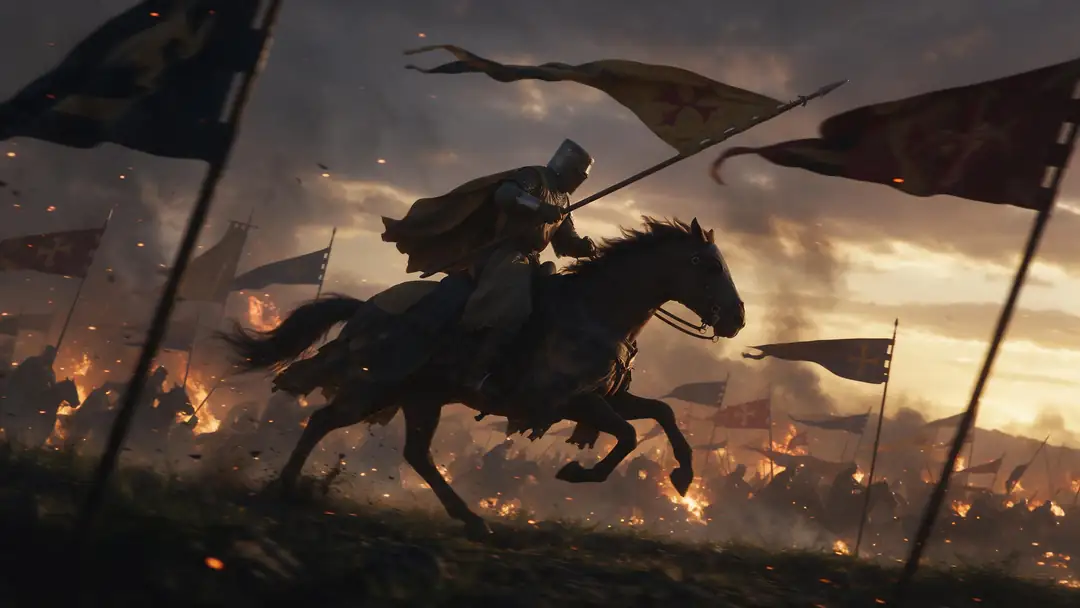
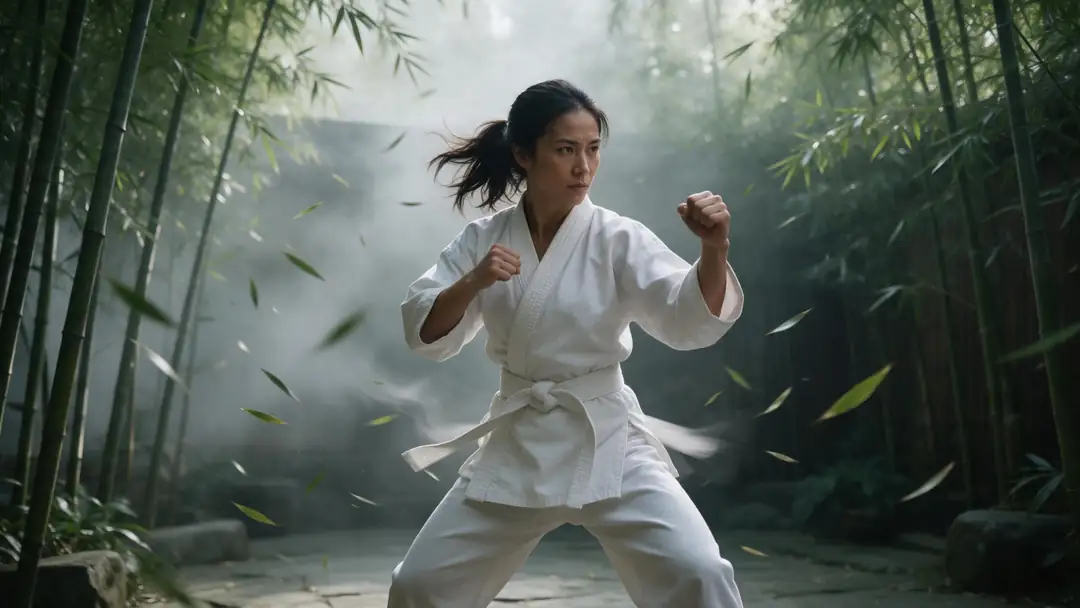
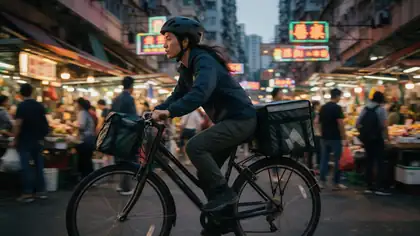
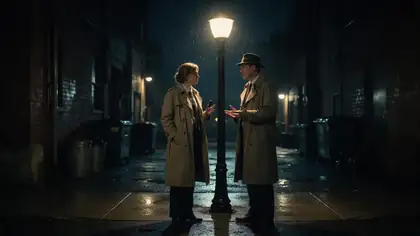
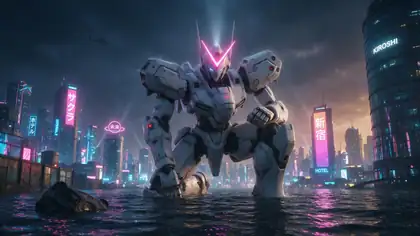
A market chase on a bike, a noir conversation in the rain, a mecha in a flooded city, a knight's charge and a kung-fu bout — the kind of shots you can generate first and then star in.
Example clips made with image to video (model named on each card), not Genjutsu recasts. Shots like these are one way to get a scene you're free to edit; the two demos above are real Genjutsu edits.
How to
Star in a scene in five steps
- Time needed
- Steps
- 4 steps
Step 1
Get a scene you're allowed to edit
Film it, generate it with Kenerate's AI video generator, or use licensed footage. MP4, MOV, WebM or M4V up to about 100 MB.
Step 2
Take your reference photos
A sharp front photo, a three-quarter view and a full-body shot, in good light. Dress the way you want to appear.
Step 3
Keep Replace character and add the photos
They become @image1, @image2… Name who you replace: "replace the courier on the bike with the person in @image1".
Step 4
Choose length and quality
Kenerate tiers take 2–15 s; Seedance 2.5 takes 4–30 s and outputs up to 4K.
See it in the app

Open Kenerate Genjutsu and choose Replace character, Swap object, Change outfit, Change background or Free edit.


Watch the tour · 1:19
Text, image & reference to video, models, edit, extend & chat
Chapters
Engines
Which engine for your starring role
Likeness is the hard part. More photos and a more detailed engine hold your face better through action.
- Default
Kenerate
Kenerate Genjutsu
- Input
- Clip 2–15 s + up to 10 references
- Output
- 480p, 720p or 1080p · ~2–4 min
First takes: quick recasts of a 5–15 second scene
Open Kenerate Genjutsu - Closer likeness
Kenerate
Kenerate Genjutsu Pro
- Input
- Clip 2–15 s + up to 10 references
- Output
- 480p, 720p or 1080p · ~3–6 min
Close-ups and dialogue where your face is on screen the whole time
Open Kenerate Genjutsu Pro - Most faithful

ByteDance
Seedance 2.5
- Input
- Clip 4–30 s + up to 30 references
- Output
- 480p to 4K · ~4–8 min
Up to 30 photos of you, scenes up to 30 s, and 4K
Open Seedance 2.5
Every engine keeps the scene's length, action and camera. For longer takes up to 2 minutes, Motion Transfer's Replace person mode works from a single photo.
Tips
Getting your likeness right
The engine copies who you are from your photos — and only from your photos.
Use recent, sharp photos with even light.
Include a profile view for side-on shots.
No sunglasses, hats or heavy filters.
Pick a lead with a similar build to yours.
Wear what you want to wear in the scene.
Only your own likeness, or someone's with consent.
Example uses
How creators use Put Yourself in a Movie
Illustrative examples of typical workflows, not customer reviews.
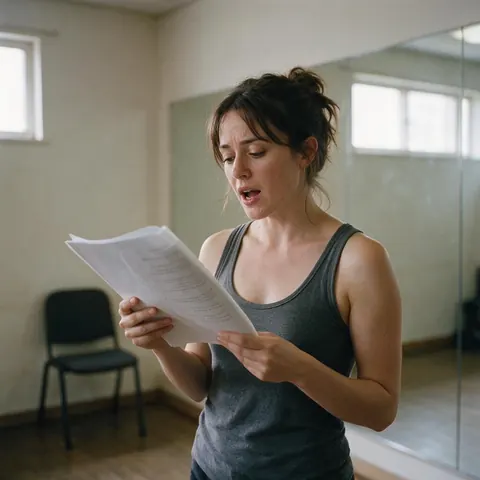
Aspiring actor
An actor can see themselves in a genre they haven't been cast in yet, using a scene generated for the purpose.
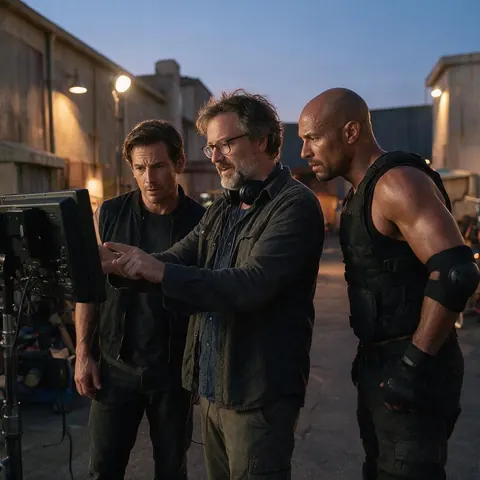
Indie filmmaker
An indie filmmaker can put the lead actor into a stunt shot performed by a trained double, with both their agreement.
FAQ
Putting yourself in a movie — questions
7 questions
Can I put myself into a famous movie scene?
Not legally without a licence. Clips from released films and TV shows are copyrighted, and the actors in them have rights to their likeness. Make your own version instead: film the scene with friends, or generate a similar original shot with an AI video generator, then recast its lead with your photos in Genjutsu.
Link to this answerWhat is an AI stunt double?
It's a stunt performed by someone else — or generated by AI — with your likeness put on the performer afterwards. In Genjutsu, a trained performer's jump, fall or fight becomes yours with Replace character, keeping their exact movement and the camera. Never attempt a dangerous stunt yourself to get footage; let the double or the generated shot do it.
Link to this answerWhat photos of myself work best?
Three to six recent, sharp photos in even light: a straight-on face, a three-quarter view, a profile and at least one full-body shot. Keep the same hairstyle in all of them, avoid sunglasses and heavy filters, and add more angles on Seedance 2.5, which takes up to 30 references, for scenes with lots of head turns.
Link to this answerWill I keep the movie costume or wear my own clothes?
Replace character matches the face, hair, body shape and outfit shown in your references, so you appear dressed as in your photos. To appear in the scene's costume, wear something similar in your photos, or use Free edit and write "replace the man with the person from @image1, keeping his armour". Check the compare view either way.
Link to this answerHow long can my movie scene be?
Up to 15 seconds on the Kenerate Genjutsu tiers — longer clips are trimmed to the first 15 — or 4 to 30 seconds on Seedance 2.5, which refuses longer clips. For a longer sequence, cut the scene into shots and recast each one with the same set of photos, so you look the same from shot to shot.
Link to this answerDoes my voice change too?
No. Genjutsu changes what's on screen, not the voice. With Keep the original audio on, the scene's dialogue, music and effects stay, and your lip movement follows the original performance. Switch it off and new sound is generated to match the edit, or use the Dub into another language hand-off after the result.
Link to this answerCan I put a friend or someone else in a movie?
Only with their consent. Use photos of people who agreed to be recast, never celebrities, public figures or anyone you're impersonating, and don't make scenes that put someone in a false or embarrassing situation. When you post the result, say it's AI-edited so viewers don't mistake it for real footage.
Link to this answerIn depth
Starring in a scene, explained
Where a scene can come from, how to build your likeness set, and how to keep a multi-shot sequence consistent.
On this page
Where your scene can come from
The safest movie to star in is one nobody else owns. Generating an original scene first — a chase, a duel, a landing on Mars — and then recasting its lead with you gives a clip you can actually post.
- Footage you shot yourself, with friends as the cast.
- An original shot made with an AI video generator.
- Stock footage licensed for editing and derivative use.
- A short film you made with others, with their permission.
- Not: clips ripped from films, series or trailers.
Stunt doubles, the safe way
Film-makers use doubles because falls, fights and jumps are dangerous. Keep it that way: let a trained performer or a generated shot do the action, then put your likeness on it. Fast action is also where likeness slips most, so give the engine more angles of you, prefer shots where the face isn't hidden for long, and check the fastest frames first.
Keeping your look across several shots
A scene is usually several shots. Use exactly the same photo set, in the same order, for every shot, so @image1 is always the same front view. Keep the engine and resolution the same across the sequence too. Then cut the recast shots together in your editor and add titles or subtitles once the whole scene is assembled.
AI movie cameo
A cameo is a short appearance: a few seconds of you as the figure crossing the frame, the face in the crowd or the person who turns at the end. Short clips suit the Kenerate tiers, which take 2–15 seconds and return results in a few minutes.
Insert yourself into a video with AI
Genjutsu inserts you by replacing someone who's already in the shot — it doesn't add a new person to an empty frame. Pick a scene where a stand-in already performs what you want to be seen doing.
Be the main character
Main-character clips are usually slow, framed shots: walking through a city at golden hour, looking out of a train window, turning toward the camera. These calm shots also hold your likeness best, because your face stays clear and well lit.
Explore
Every Kenerate video tool
Generators, tools, models and guides — all in one studio.
Your scene, your face, your rules
Replace character with your own photos, on footage you have rights to. Only with consent.
Tried it? Tell us how it went