

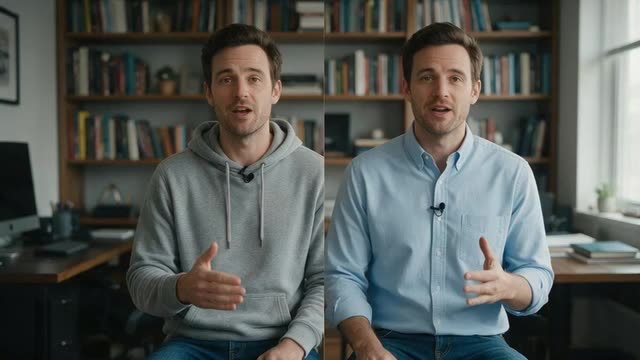
Change outfit mode · one garment · face and lips kept
Change a shirt in a video — one garment, the same take
The interview was great, but the shirt wasn't: a busy print, the wrong colour for the brand, a hoodie in a corporate video, or a different shirt than in yesterday's take. Genjutsu changes just that shirt and leaves the person, the performance and the room as filmed.
- Only the shirt changes
- From words or a shirt photo
- Lip sync untouched
- Up to 4K
Updated by the Kenerate AI team
Made with Kenerate

On this page
Quick answer
Updated
How do you change a shirt in a video with AI?
To change a shirt in a video, upload the clip to Kenerate Genjutsu, choose Change outfit and name only the shirt: "replace his grey hoodie with a white oxford shirt, keep the jeans". Add a photo of the shirt as @image1 for an exact match. Face, hair, motion and lip movement stay; the new fabric moves with the body.
Key facts
- Mode
- Change outfit
- Shirt from
- A description or a photo (@image1)
- Kept
- Face, hair, motion, lip movement, background
- Rest of outfit
- Kept when you name it in the prompt
- Clip length
- 2–15 s, or 4–30 s on Seedance 2.5
- Audio
- Original kept by default
Real demo
One garment, nothing else
The smallest wardrobe change there is: Change outfit made only the T-shirt emerald green from one sentence. Her face, curls, smile, the room and the handheld framing are the same as in the source clip.
- Recoloured. Prompt: “Make her white T-shirt a rich emerald green, same cut and fabric.”
Kenerate Genjutsu, Change outfit mode, 720p — an unedited 5-second result made on 3 October 2026, shown next to its source clip.
Change a shirtReal demo
A new top layer from a photo
Change outfit with a garment photo as @image1 (and a necklace as @image2): the presenter's top becomes an emerald silk blazer while her gestures and the room stay.
- New top. Prompt: “Dress her in the emerald silk blazer from @image1 with the gold necklace from @image2.”
Kenerate Genjutsu at 720p — an unedited result from the app's example gallery, shown next to its source clip.
Swap the topReal results
Shirts on camera
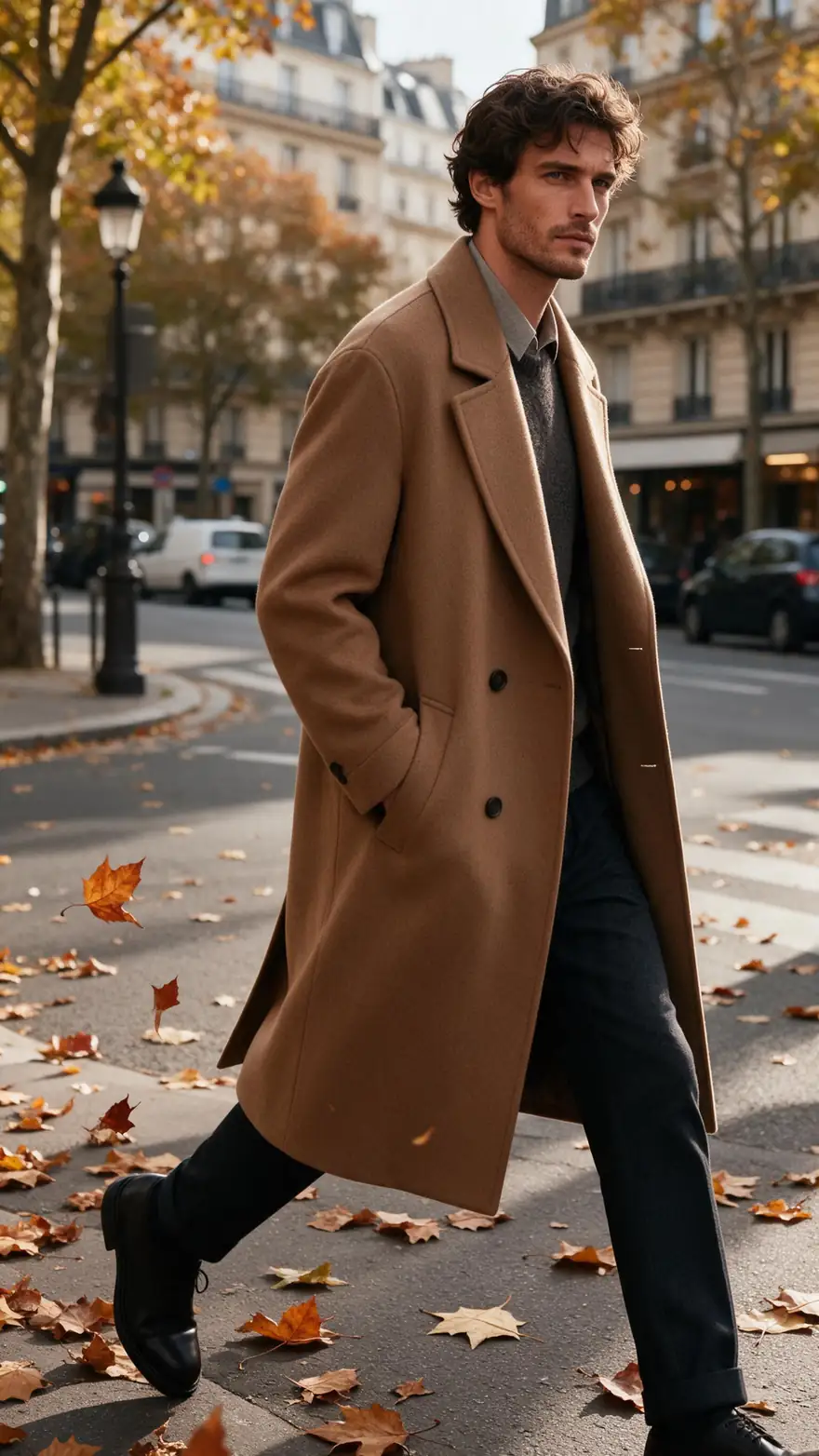
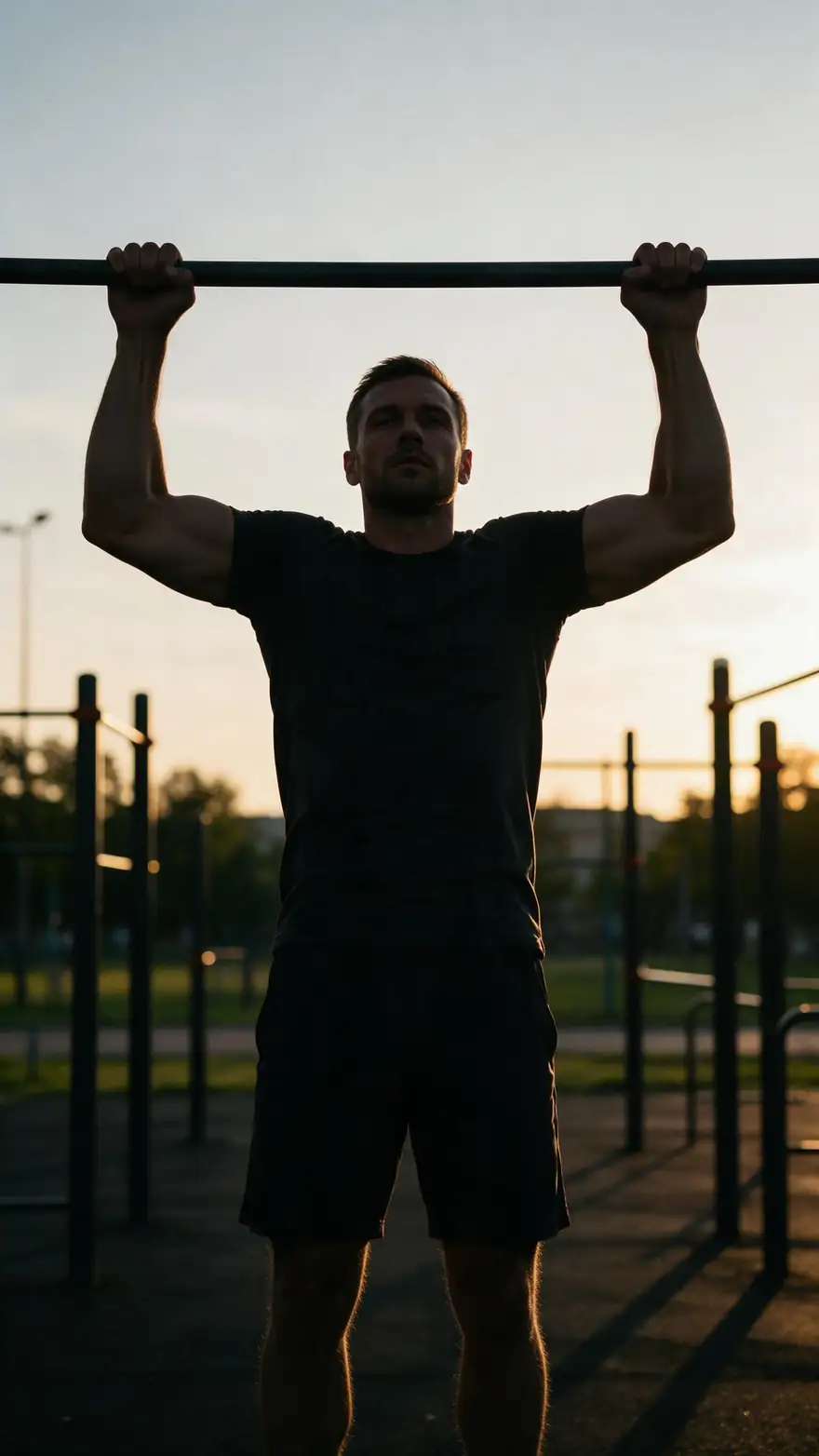
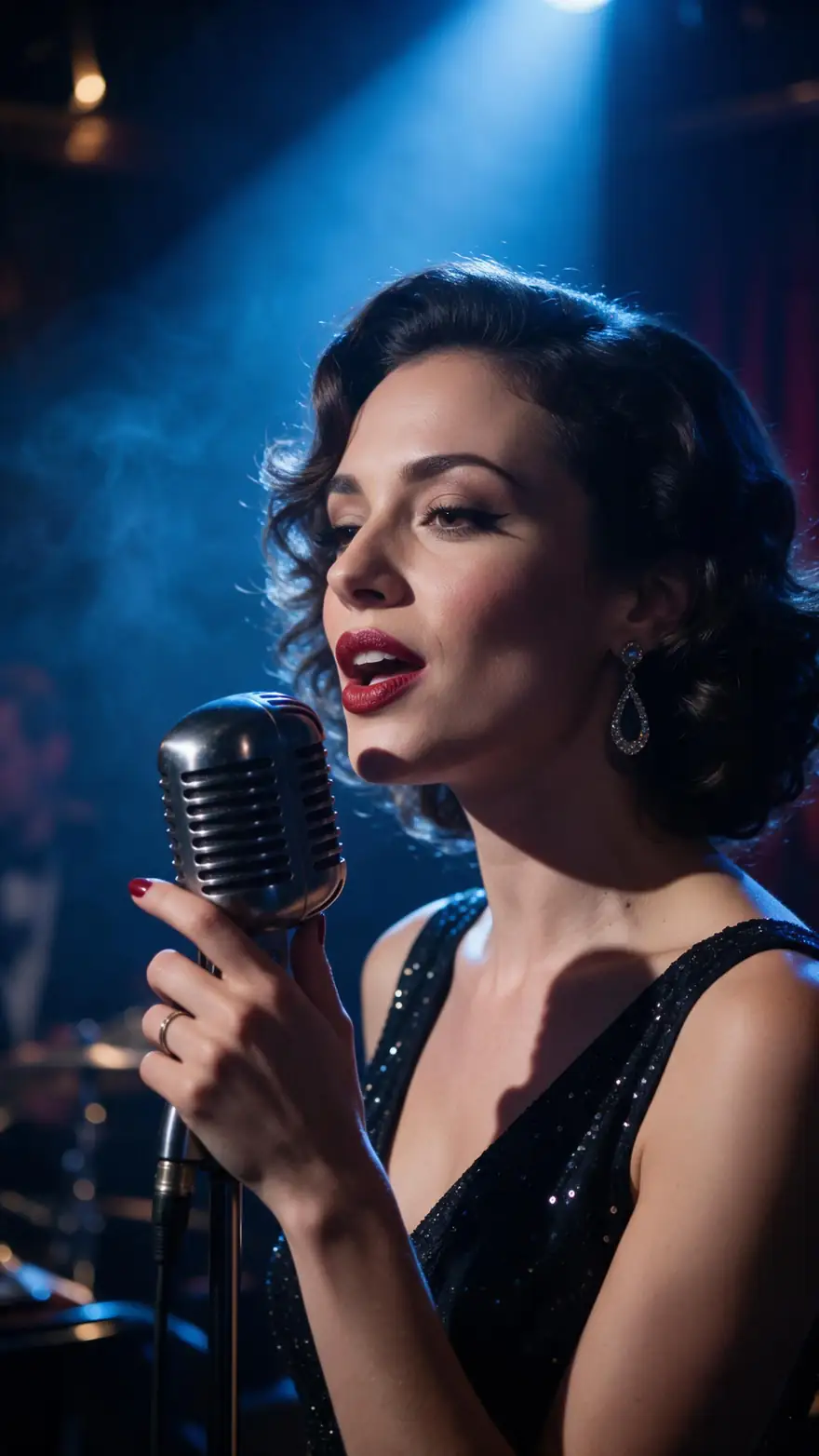
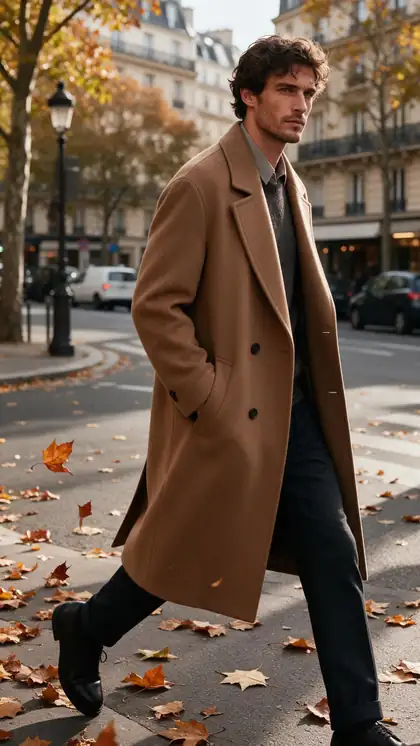
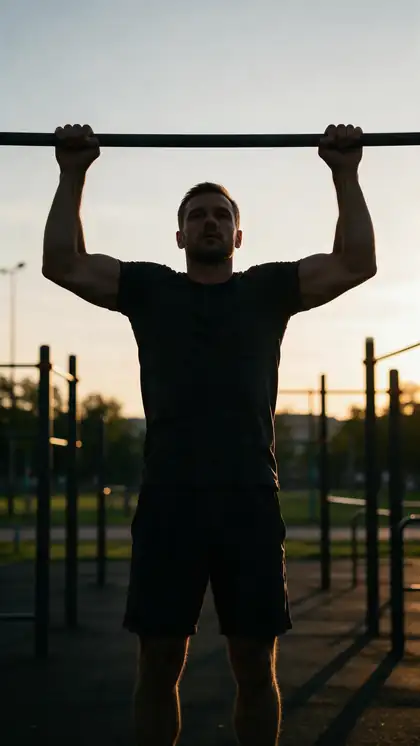
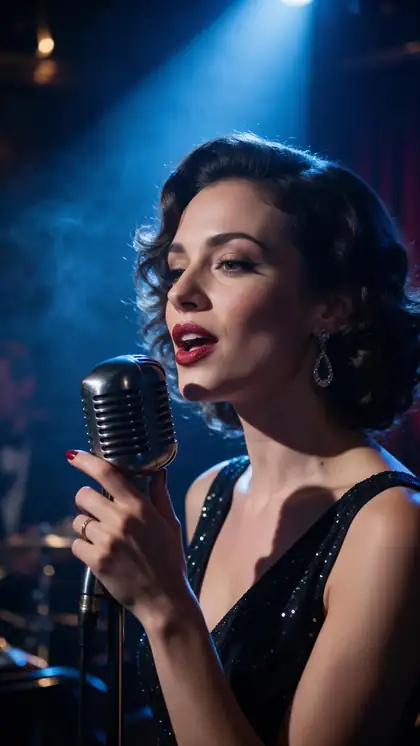
A coat walk in Paris, pull-ups at sunset, a jazz singer, a busy trattoria kitchen and a skateboarder mid-ollie — moving bodies where a shirt has to fold, stretch and swing naturally.
Gallery clips are image-to-video generations (model named on each card), not re-dressed footage. The demos above are the real thing: Genjutsu Change outfit runs on real source clips.
How to
Change a shirt in five steps
- Time needed
- Steps
- 4 steps
Step 1
Upload the take
MP4, MOV, WebM or M4V up to about 100 MB; 2–15 s, or up to 30 s on Seedance 2.5. The shirt should be clearly visible.
Step 2
Choose Change outfit
It's the mode built to keep the face, identity, hair, motion and lip movement while the clothing changes.
Step 3
Describe the new shirt — or show it
"A light-blue linen button-down, sleeves rolled to the elbow, top button open." Or add a shirt photo as @image1.
Step 4
Protect the rest of the outfit
End with what stays: "keep the black jeans, the belt and the watch unchanged."
See it in the app

Open Kenerate Genjutsu and choose Replace character, Swap object, Change outfit, Change background or Free edit.


Watch the tour · 1:19
Text, image & reference to video, models, edit, extend & chat
Chapters
Engines
Which engine for a shirt change
Shirts are mostly about fabric and fit. Choose by how close the camera is and how long the take runs.
- Default
Kenerate
Kenerate Genjutsu
- Input
- Clip 2–15 s + up to 10 references
- Output
- 480p, 720p or 1080p · ~2–4 min
Talking heads and social clips up to 15 s
Open Kenerate Genjutsu - Finer detail
Kenerate
Kenerate Genjutsu Pro
- Input
- Clip 2–15 s + up to 10 references
- Output
- 480p, 720p or 1080p · ~3–6 min
Collars, buttons, checks and linen texture in close-ups
Open Kenerate Genjutsu Pro 
ByteDance
Seedance 2.5
- Input
- Clip 4–30 s + up to 30 references
- Output
- 480p to 4K · ~4–8 min
Interviews and scenes up to 30 s, shirt photos from several angles, 4K
Open Seedance 2.5
Change outfit is told to change only the clothing and keep face, hair, motion and lip movement. Say which garments must stay — "keep the jeans and the watch" — when only the shirt should change.
Tips
Shirt changes that pass a close look
A shirt sits close to the face and moves with every gesture, so small details matter.
Name the collar: crew neck, oxford, polo, mandarin.
Say tucked or untucked, sleeves rolled or not.
Plain fabrics hold better than tiny prints.
A layer on top? Say what stays visible.
Keep a microphone clip in the prompt if there is one.
Only re-dress people who agreed to it.
Example uses
How creators use Change Shirt in video
Illustrative examples of typical workflows, not customer reviews.
Video editor
An editor can fix a shirt that changed between two takes of the same scene without calling the actor back.

Corporate comms team
A comms team can put a founder's casual update into a shirt that suits an investor audience, with the founder's agreement.
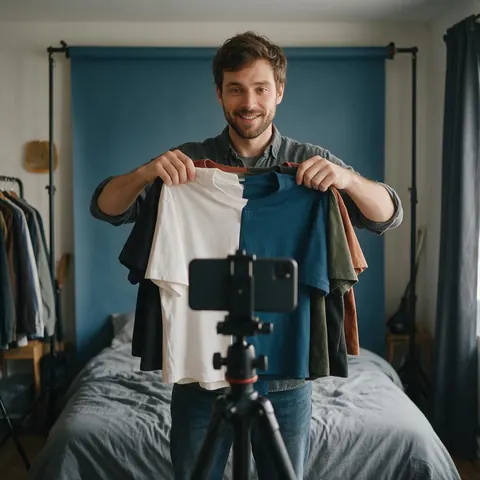
Merch creator
A creator can show a new plain shirt colourway on an existing try-on clip before the stock arrives.
FAQ
Changing a shirt in a video — questions
7 questions
Can AI change just the shirt and leave the rest of the outfit?
Yes, if you say so. Change outfit changes the clothing of the main person, so name the shirt as the only garment that changes and list what must stay — "keep the jeans, belt and watch". Then check the compare view; if a jacket or trousers drifted, run again with a shorter, more explicit instruction.
Link to this answerWill a pattern or graphic on the new shirt stay steady?
Simple patterns hold best: solid colours, wide stripes and large checks. Fine prints, small graphics and lettering can shimmer or change between frames, and text may not be reproduced exactly. For a specific shirt, add a clear flat-lay photo as @image1 and choose Kenerate Genjutsu Pro or Seedance 2.5 for finer detail.
Link to this answerHow do I fix a wardrobe continuity error between takes?
Run the take with the wrong shirt through Change outfit using a frame grab or photo of the correct shirt as @image1: "dress him in the shirt from @image1, keep everything else". Compare the result against the neighbouring takes before you cut. Matching collar and sleeve state — buttoned, rolled, tucked — matters as much as colour.
Link to this answerWill lip sync survive in a talking-head video?
Yes. Change outfit keeps lip movement and expressions exactly the same, and Keep the original audio is on by default, so the voice stays in sync. A shirt change in a talking-head clip is one of the gentlest edits Genjutsu makes, since the person barely moves and the camera is usually still.
Link to this answerWhat if I only want a different shirt colour?
Then describe the same shirt in a new colour — "the same cotton T-shirt in rich emerald green, same cut and fabric" — as in the recolour demo on this page. For more on matching specific colours, prints and two-tone garments, see our guide to changing clothes colour, which covers recolours in videos and photos.
Link to this answerIs it OK to change what someone is wearing in a video?
Only with their consent and the rights to the footage. Re-dress people who agreed to it — your own takes, your cast, your team — and keep the change appropriate. Don't use it on strangers, celebrities or people you're impersonating, and don't make anyone appear to wear something that misrepresents them or what they endorse.
Link to this answerIn depth
One-garment changes, explained
How to fence in a single garment, fix continuity, and handle layers and fit.
On this page
Naming one garment so the rest stays
Change outfit is built to change "the clothing of the main person", so an explicit list of what stays is how you narrow it to one garment. A short, explicit prompt is more reliable than a long one.
- Name the shirt by type and colour: "his grey hoodie".
- Name the replacement just as precisely.
- List what stays: trousers, jacket, accessories.
- Mention items on the shirt: badge, mic, sunglasses.
- Keep the prompt short — two sentences.
Continuity fixes across takes
Continuity slips happen on every shoot: a different shirt after lunch, sleeves rolled in one take and not the next. Pick the take with the best performance, use a still of the correct shirt from a neighbouring take as @image1, and match the details that editors notice — collar, buttons, sleeves, tuck. Keep the engine and resolution the same as any other edited shots in the scene.
Fit, tucks and layers
A new shirt has to fit the body that's moving in your clip. Close-fitting shirts on close-fitting originals are the safest; a boxy shirt on a slim original, or the reverse, makes the engine redraw more of the silhouette. Under a jacket or sweater, only the collar and cuffs show — describe those, and say the outer layer stays.
AI wardrobe change video
In productions, a wardrobe change usually means one piece, not a new look. Genjutsu treats the shirt as the change and everything you list as fixed, so a jacket, an ID badge or a lavalier mic can stay where it was.
Replace shirt in video
Common reasons: a printed tee you'd rather not show, a colour that clashes with the brand, or a hoodie in a video for a formal audience. Describe the replacement in plain clothing terms; the instruction already keeps the person's face and motion.
Change t-shirt in video
T-shirts are the easiest shirt to change — simple shape, no buttons, no collar. Going from a tee to something more structured, like an oxford shirt, needs a clearer description of the collar and the buttons.
Explore
Every Kenerate video tool
Generators, tools, models and guides — all in one studio.
Keep the take, change the shirt
Change outfit, one garment, the same performance. Only with the wearer's consent.
Tried it? Tell us how it went