


Change outfit mode · costumes from words or photos · same moves
AI costume changer — Halloween, cosplay and superhero looks on your own clip
Film one clip in everyday clothes, then try it as a vampire, an astronaut, a knight or a superhero you invented. Genjutsu redresses the person in your video while their face, choreography, camera move and background stay exactly as filmed.
- Costume from words or a photo
- Face and moves kept
- Masks via Replace character
- Up to 4K
Updated by the Kenerate AI team
Made with Kenerate
On this page
Quick answer
Updated
What is an AI costume changer?
An AI costume changer redresses the person in a video as a costume — vampire, astronaut, knight or your own superhero — while their face, moves and setting stay. In Kenerate Genjutsu, pick Change outfit, upload a 2–30 second clip, describe the costume or add a photo of it as @image1, and download an MP4 with no watermark.
Key facts
- Mode
- Change outfit (face visible) or Replace character (face covered)
- Costume from
- A description or up to 10 photos (30 on Seedance 2.5)
- Kept
- Face, hair, motion, lip movement, camera, background
- Clip length
- 2–15 s, or 4–30 s on Seedance 2.5
- Output
- MP4, 480p to 1080p; 4K on Seedance 2.5
- Audio
- Original kept by default
Real demo
A costume that's an outfit
When the face stays visible, a costume is just clothing: Change outfit put an emerald blazer (@image1) and a gold necklace (@image2) on the presenter while her face, gestures and room stayed.
- Costumed. Prompt: “Dress her in the emerald silk blazer from @image1 with the gold necklace from @image2.”
Kenerate Genjutsu at 720p — an unedited result from the app's example gallery, shown next to its source clip.
Change a costumeReal demo
A costume that's a whole character
Full armour, a helmet or a creature suit changes more than clothes. Replace character turned the warrior into the knight from one reference, with the same moves and forest light.
- Transformed. Prompt: “Replace the warrior with the knight from @image1, his silver armour catching the misty forest light as he moves.”
Kenerate Genjutsu at 720p — an unedited result from the app's example gallery, shown next to its source clip.
Transform a characterReal results
Costumes with a story
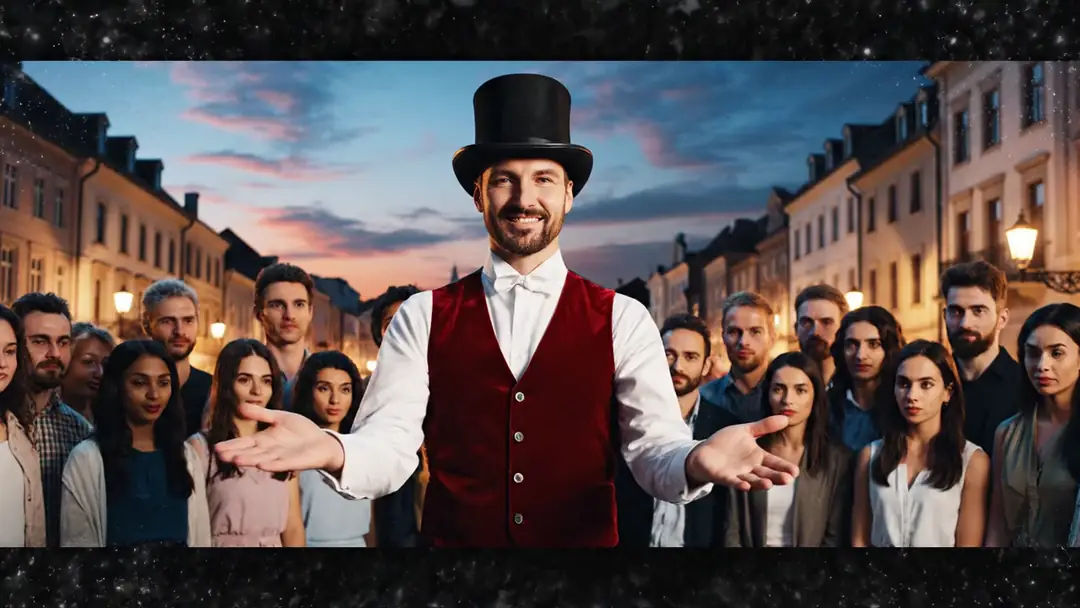
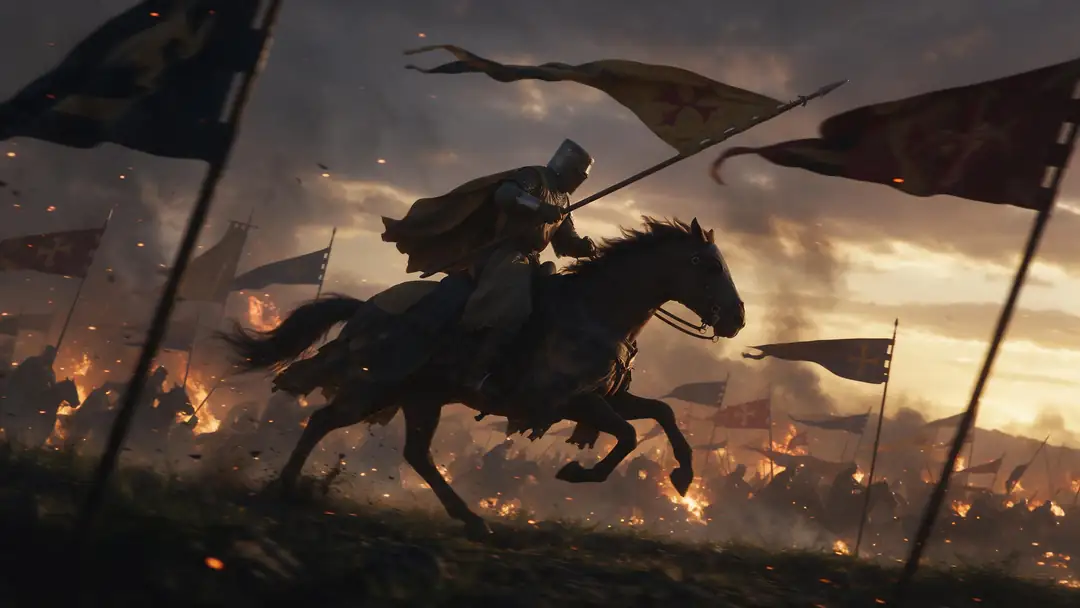
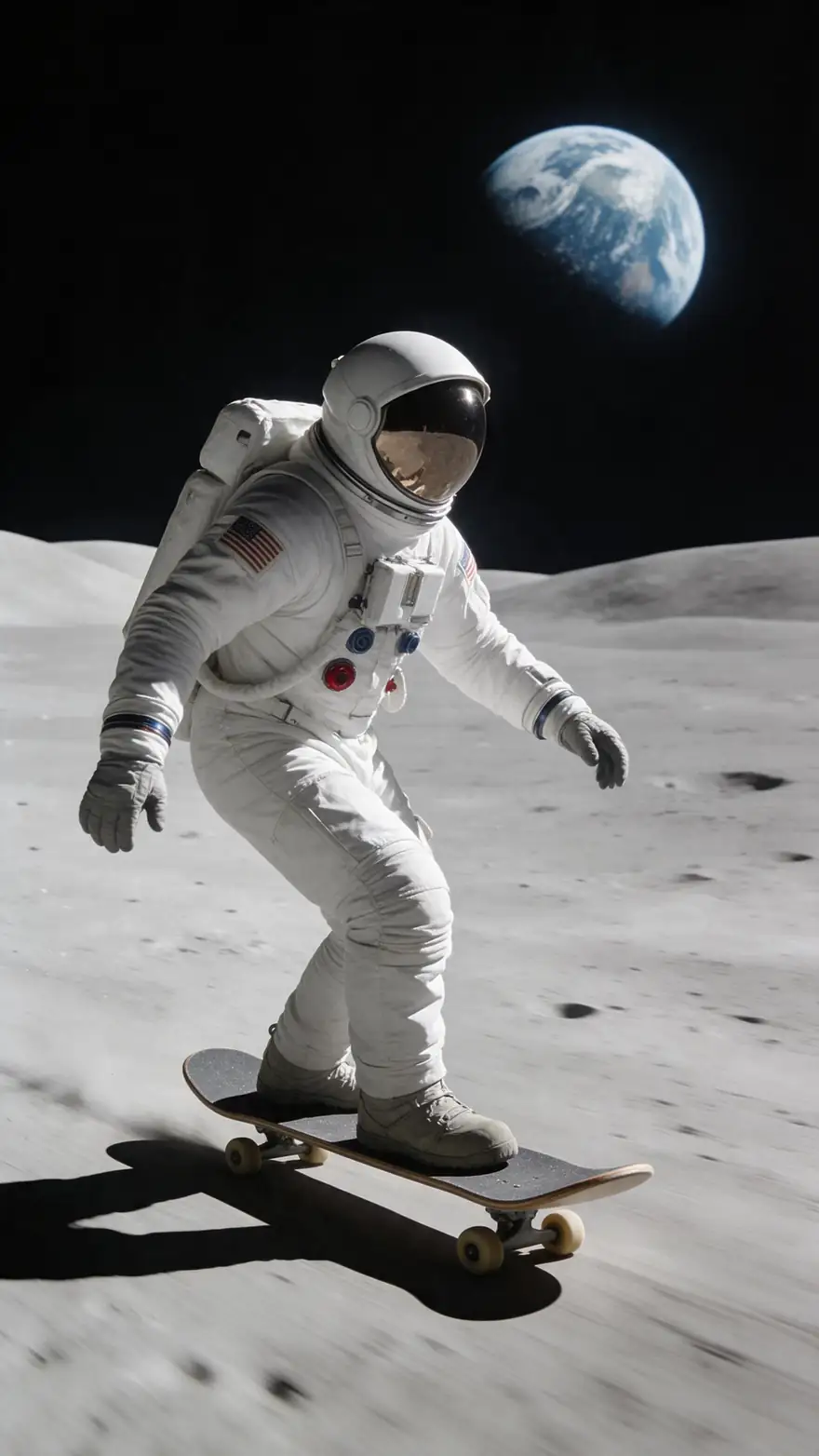
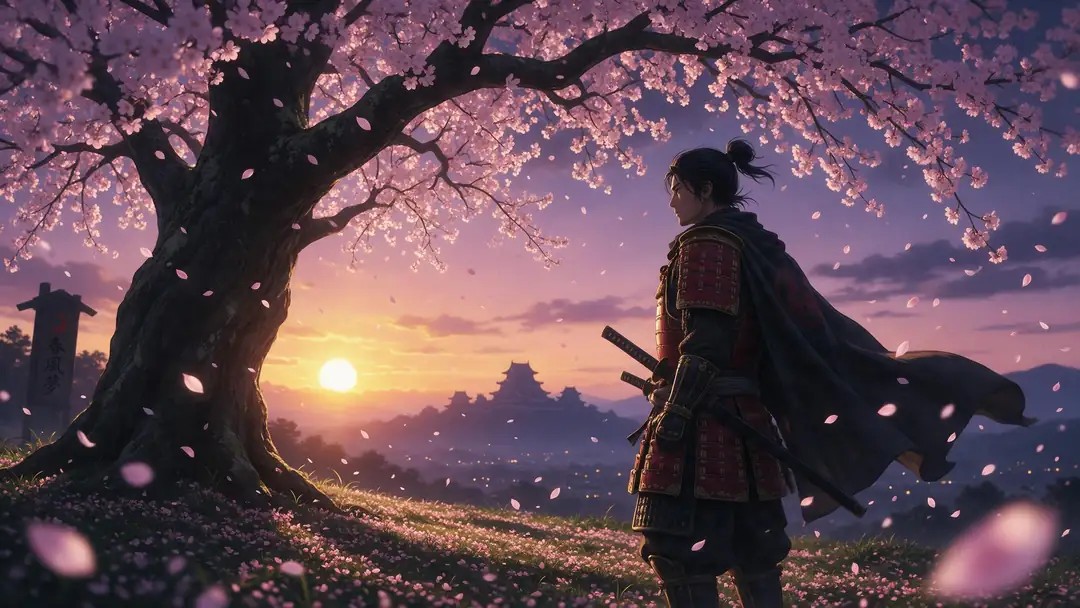
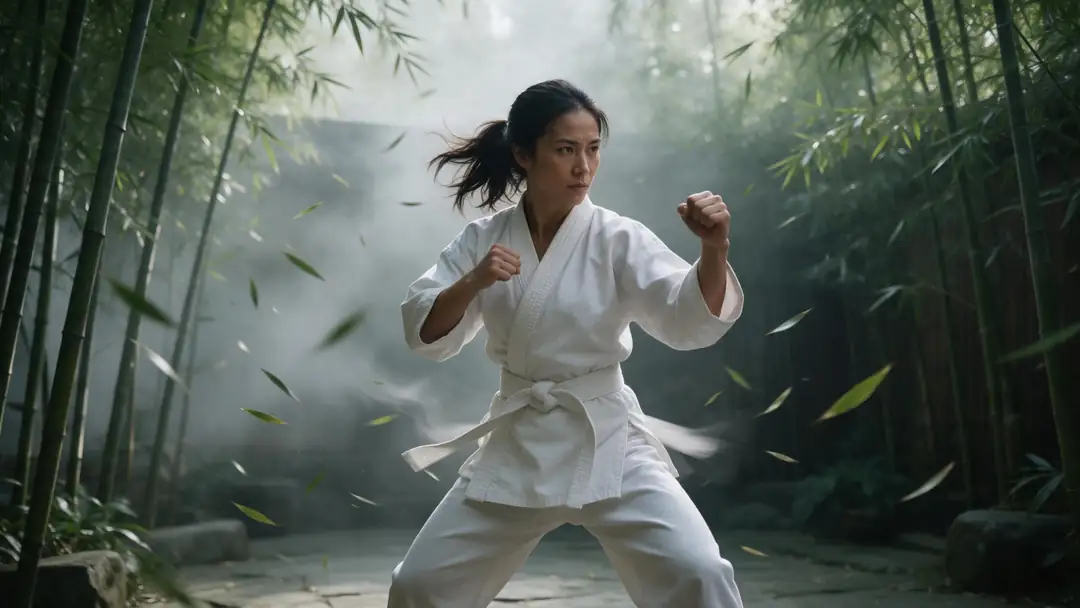
A street magician, an armoured knight, an astronaut, a samurai under blossom and a martial artist in a white gi — the costumes people dream up for Halloween, cosplay and short films.
Example clips made with image to video (model named on each card), not Genjutsu costume changes. The two demos above are real Genjutsu edits; in the tool, the performance always comes from your own clip.
How to
Put on a costume in five steps
- Time needed
- Steps
- 4 steps
Step 1
Film the move in plain clothes
One person, full body in frame, good light. MP4, MOV, WebM or M4V up to about 100 MB, 2–15 s (up to 30 s on Seedance 2.5).
Step 2
Decide: outfit or character
Face showing — pick Change outfit. Mask, helmet or creature suit — pick Replace character and use an image of the costumed character.
Step 3
Describe or show the costume
"A Victorian vampire coat in black velvet with a red silk lining and a high collar" — or add costume photos as @image1, @image2.
Step 4
Pick an engine and resolution
Kenerate Genjutsu for quick tests, Pro for armour and sequins, Seedance 2.5 for 30-second reveals and 4K.
See it in the app

Open Kenerate Genjutsu and choose Replace character, Swap object, Change outfit, Change background or Free edit.


Watch the tour · 1:19
Text, image & reference to video, models, edit, extend & chat
Chapters
Engines
Which engine for a costume change
Costumes are detail-heavy: armour plates, sequins, embroidery, capes. Pick the tier by how much detail and how long the clip is.
- Default
Kenerate
Kenerate Genjutsu
- Input
- Clip 2–15 s + up to 10 references
- Output
- 480p, 720p or 1080p · ~2–4 min
Quick costume tests on short dance, walk or reaction clips
Open Kenerate Genjutsu - Finer detail
Kenerate
Kenerate Genjutsu Pro
- Input
- Clip 2–15 s + up to 10 references
- Output
- 480p, 720p or 1080p · ~3–6 min
Armour, sequins, lace and embroidery that need to hold up close
Open Kenerate Genjutsu Pro 
ByteDance
Seedance 2.5
- Input
- Clip 4–30 s + up to 30 references
- Output
- 480p to 4K · ~4–8 min
Full 30-second costume reveals, references from every angle, 4K output
Open Seedance 2.5
Change outfit keeps the face exactly the same. For masks, helmets or creature suits that cover the face, use Replace character with a reference image of the full costumed character.
Tips
Costumes that look worn, not pasted
The costume has to make sense on the body that's moving in your clip.
Film in fitted clothes so the silhouette reads.
Name the materials: velvet, brushed steel, latex, faux fur.
Say how capes and coats should move.
Give back views for spins and turns.
Invent your own hero — skip trademarked suits.
Only costume people who agreed to it.
Example uses
How creators use AI Costume changer
Illustrative examples of typical workflows, not customer reviews.
Cosplayer
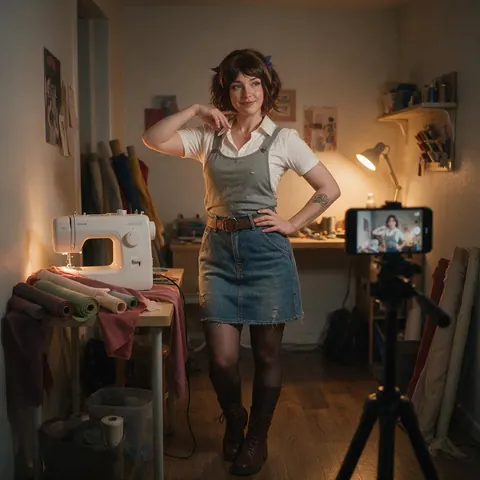
A cosplayer can preview a costume from concept art on a filmed pose routine before buying fabric.
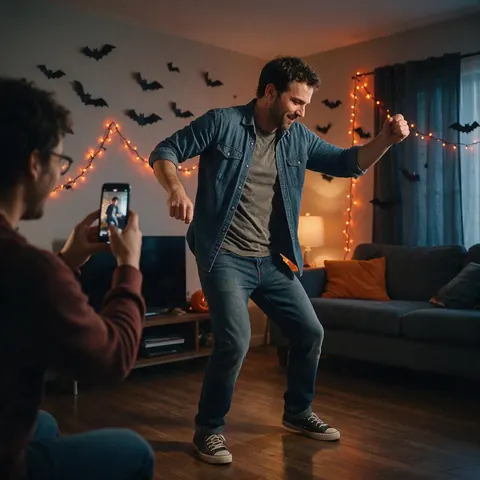
Party host
A party host can turn one dance clip into a run of Halloween costume reveals for the invite.
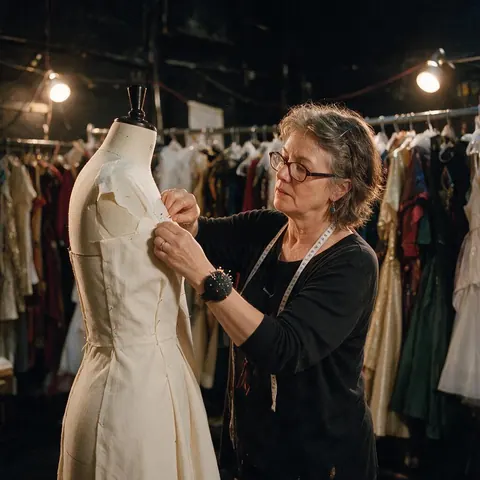
Theatre wardrobe team
A small theatre's wardrobe team can test costume colours on rehearsal footage before cutting fabric.
FAQ
AI costume changer — questions
7 questions
Can AI change my costume in a video?
Yes. Upload the clip to Genjutsu, choose Change outfit and describe the costume or add a photo of it. The engine is told to change only the clothing and keep your face, hair, body shape, motion, expressions and lip movement, so the costume moves with you through the whole clip instead of sitting on top of it.
Link to this answerHow do I make a Halloween costume video with AI?
Film a short clip of yourself in plain, fitted clothes — a walk, a turn or a dance step — then run Change outfit once per costume: vampire, witch, skeleton suit, astronaut. Because every result keeps the original timing, you can cut between the plain take and the costumed one on the beat for a costume-switch reveal.
Link to this answerCan I turn myself into a superhero in a video?
Yes, with an original design. Describe the suit — colours, armour or fabric, cape, emblem shape — or add concept art as @image1. Famous comic and film suits are trademarked by their owners, so design your own hero, especially for anything you publish or use commercially. Face covered by a mask? Use Replace character instead.
Link to this answerWhat if the costume covers the face, like a mask or helmet?
Use Replace character. Change outfit is built to keep the face identical, so it won't put on a full mask, helmet or creature head. Replace character takes the whole look — face, body, costume — from your reference image while keeping the performance, so a picture of the fully costumed character becomes the new figure in your clip.
Link to this answerCan it add a prop like a sword, wand or shield?
If you already hold something in the clip, yes: Swap object can turn a broom handle into a wand or a stick into a sword, keeping your grip and movement. Costume accessories that are worn, like belts, crowns or capes, belong in the Change outfit description. Genjutsu doesn't erase objects, so a prop you hold stays unless it's swapped.
Link to this answerDoes it work for cosplay previews?
Yes. Cosplayers can film a pose routine and preview a costume from concept art or a fabric mock-up before buying materials or sewing. Add references from the front, side and back so the costume holds through turns. It's a visual preview — it says nothing about real fit, sizing or how a costume will feel to wear.
Link to this answerIs it OK to put a costume on someone else in a video?
Only with their permission. Edit footage you own or are licensed to use, and only people who agreed to the change. Don't use celebrities or real people without consent, don't impersonate anyone, and keep costumes respectful — label the result as AI-edited when you share it, so viewers know it isn't real footage.
Link to this answerIn depth
Costume changes, explained
Which mode a costume needs, how to write one, and how to plan a reveal.
On this page
Outfit or character: where a costume belongs
The deciding question is the face. Genjutsu's Change outfit instruction keeps the face, identity, hair and skin tone exactly the same and changes only the clothing — perfect for a vampire cape, a pirate coat or a sequined showgirl costume. Masks, full helmets, creature heads and heavy prosthetics change the face itself, so they belong in Replace character, which takes the whole figure from your reference image and keeps only the performance.
Writing a costume the engine can build
Keep it to two or three sentences — prompts can run to 1500 characters, but a focused description beats a long one. A reference image beats both when you have one.
- Era or genre: Victorian, 1980s, sci-fi, fantasy.
- Main garments, top to bottom.
- Materials and finish: velvet, worn leather, polished steel.
- Two or three colours, named precisely.
- Worn accessories: belt, crown, gauntlets, cape.
- Condition: brand new, battle-worn, tattered.
Planning a costume reveal
Shoot the source with the reveal in mind: a spin, a jump, a coat flick or a hand passing across the camera all make natural cut points. Keep the original audio on so the music stays in sync. Then run several costumes from the same take and edit them into a sequence — one performance, many looks, without a costume budget.
Group costumes and couples
Change outfit targets the main person in the shot. For a couple or group theme, start with the most prominent person, then upload the result and run again for the next person, naming them by position — "the man on the right". Each pass is a new generation, so check faces and hands in the compare view every time.
Halloween costume AI
Most Halloween costume apps dress a single selfie. Genjutsu works on video, so the costume follows a walk, a dance or a jump-scare reaction for the length of the clip — up to 15 seconds on the Kenerate tiers or 30 seconds on Seedance 2.5.
Superhero costume video
Write the suit like a costume designer would: base colour, accent colour, material, armour placement, cape length and how it moves. A heroic pose or a slow-motion walk in the source clip does more for the result than any prompt word.
Costume change transition
Run the edit, then put the original and the costumed result on one timeline. Since the moves and timing match frame for frame, a hard cut on a clap, spin or jump looks like an instant costume change.
Explore
Every Kenerate video tool
Generators, tools, models and guides — all in one studio.
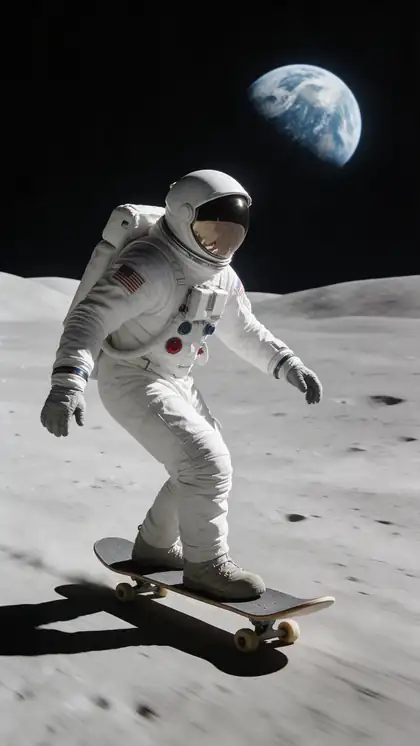
One take, every costume
Film it once in plain clothes and try every costume on the same performance. Only with the wearer's consent.
Tried it? Tell us how it went