

Animate or replace · 12 engines · no watermark
Viggle AI alternative — mix your character into any clip
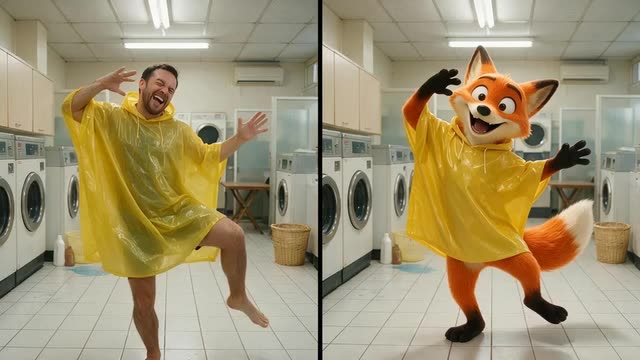
Swap yourself, a mascot or an original character into a meme or dance clip, or make a still image copy the move. Pick from 12 engines instead of one, use clips up to 2 minutes, and download an MP4 with no watermark.
- Replace person or animate
- 12 engines, 8 families
- Clips up to 2 min
- No watermark
Updated by the Kenerate AI team
Made with Kenerate

On this page
Quick answer
Updated
What is a good Viggle AI alternative?
A good Viggle AI alternative is Kenerate AI's Motion Transfer tool: upload one character image and one driving video, and 12 engines — SCAIL 2, Kling 3.0, Wan 2.2 Animate and more — copy the moves. SCAIL 2 can also replace the person in the clip, much like Viggle Mix. Results are watermark-free MP4s, with no subscription.
Key facts
- Engines
- 12 in 8 families
- Mix-style swap
- SCAIL 2 · Wan 2.2 Animate
- Longest clip
- 2 min
- Watermark
- None
- Subscription
- Not required
Real results
Meme-ready characters
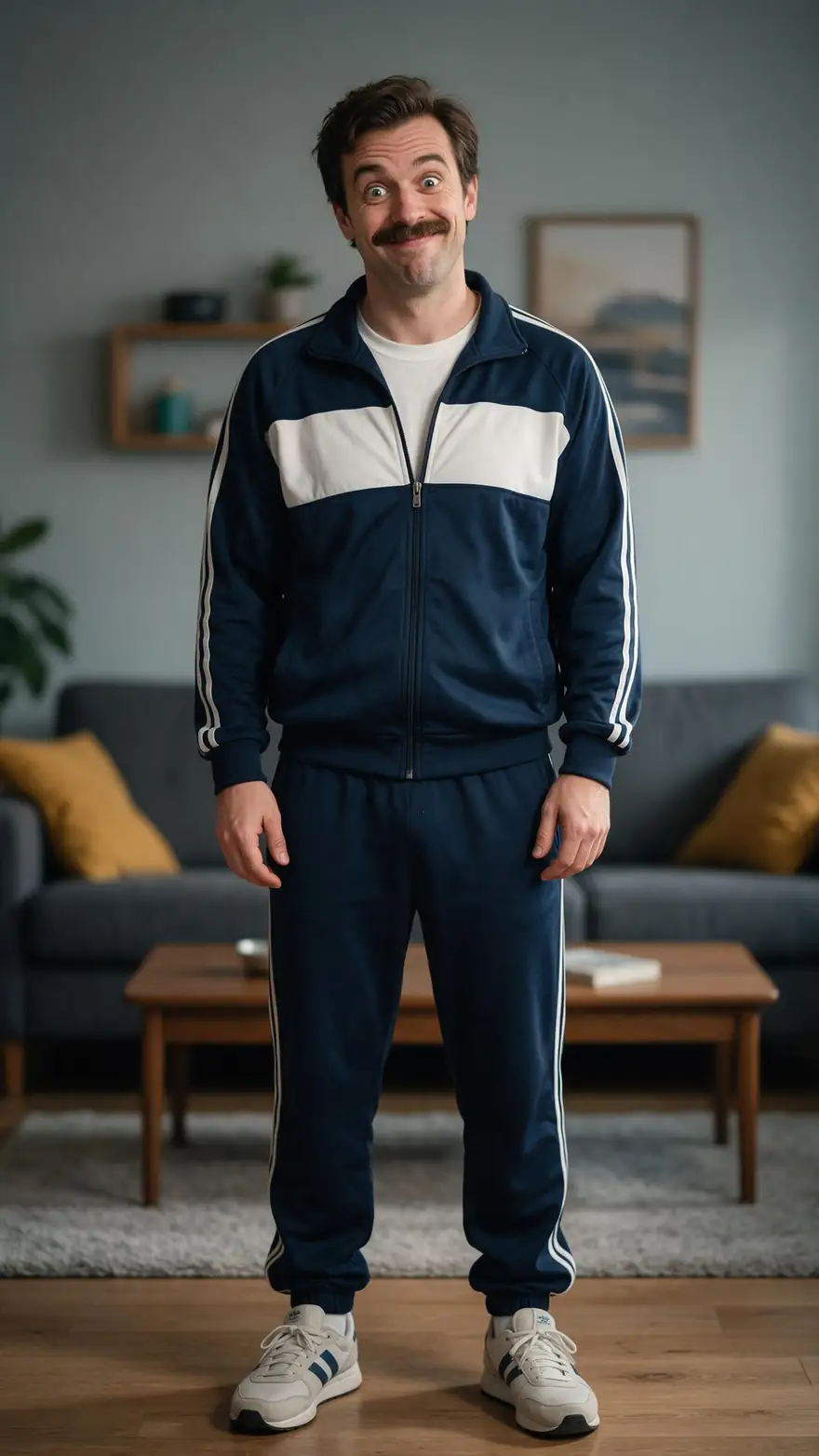
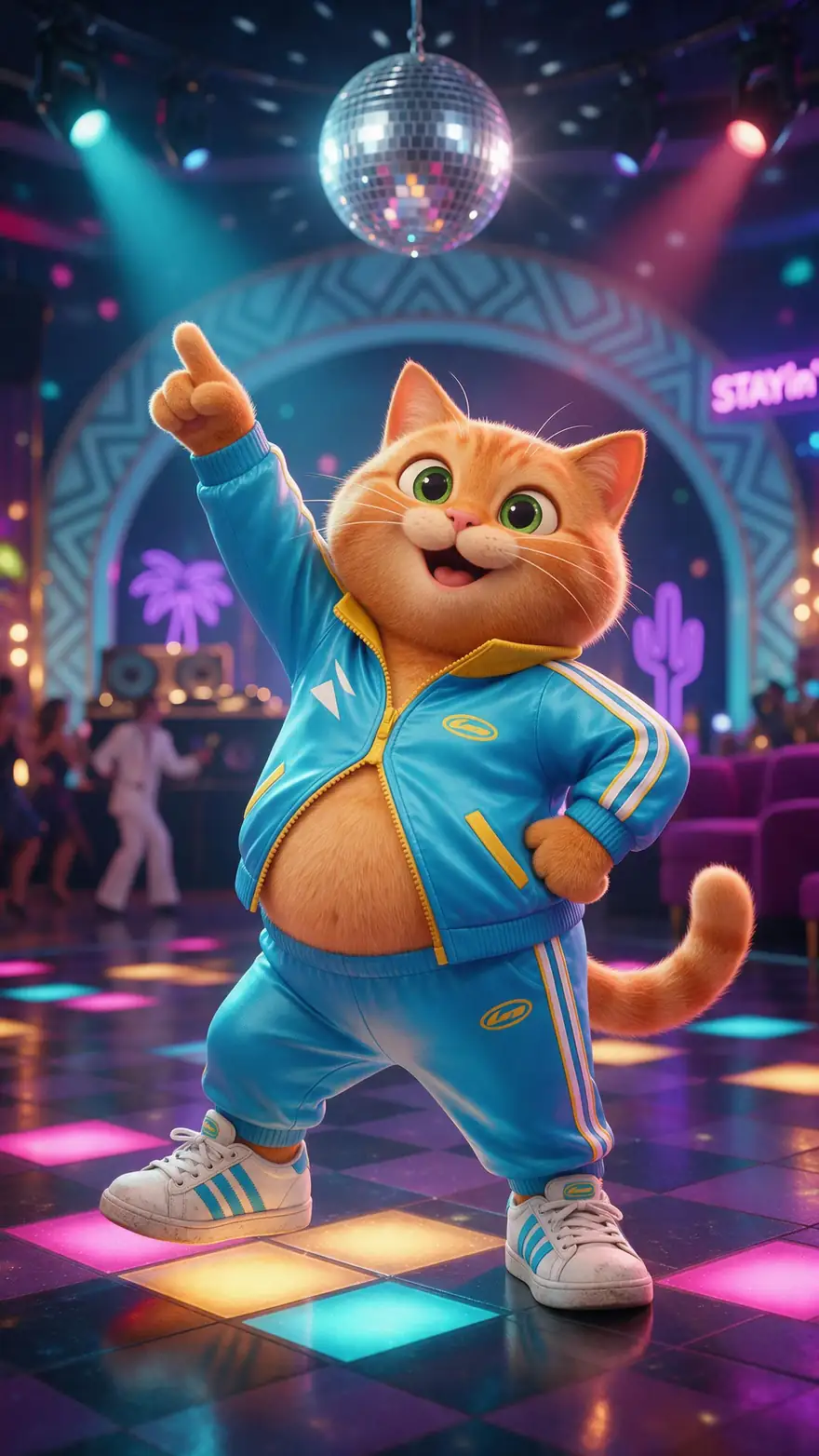
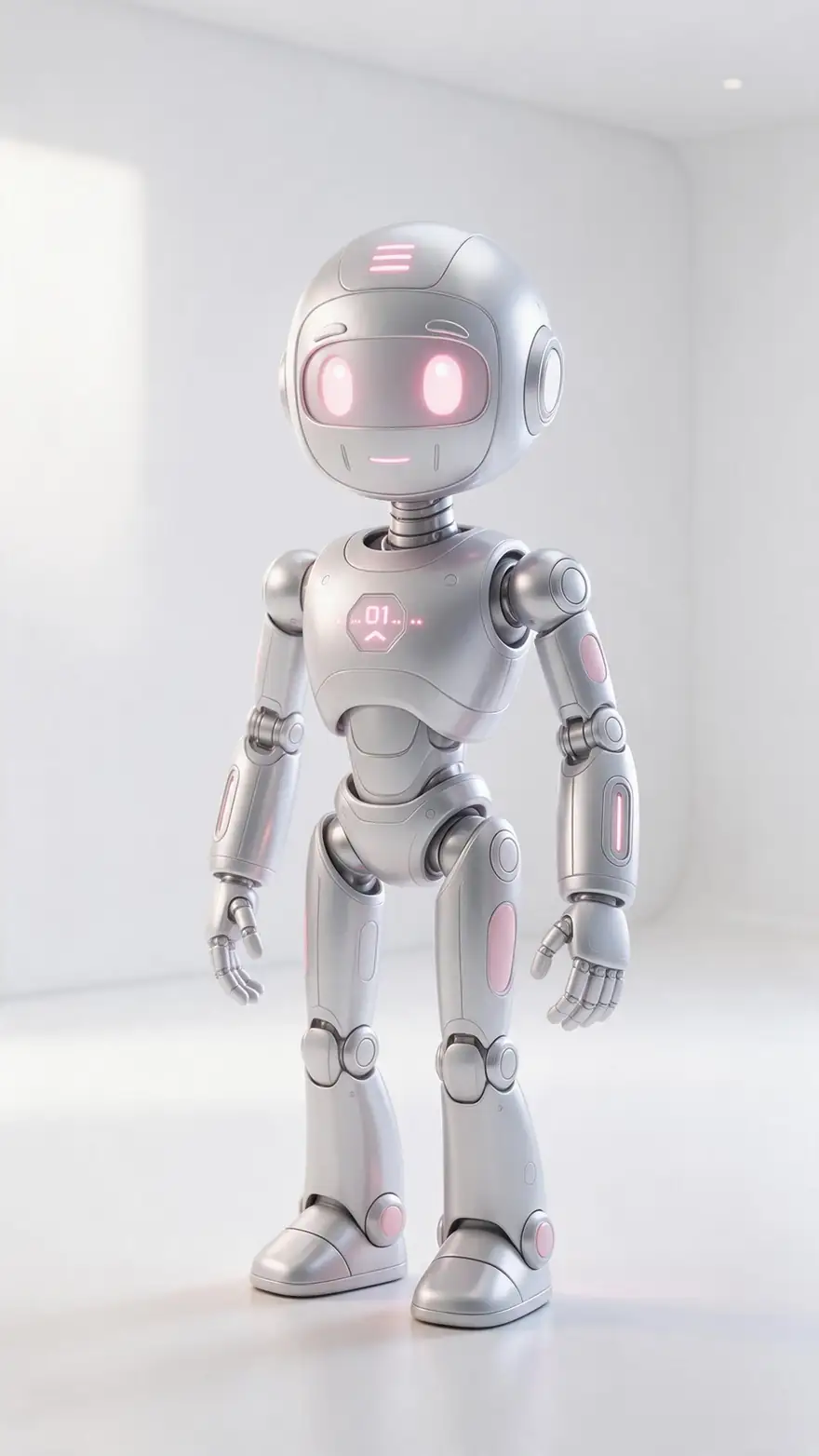
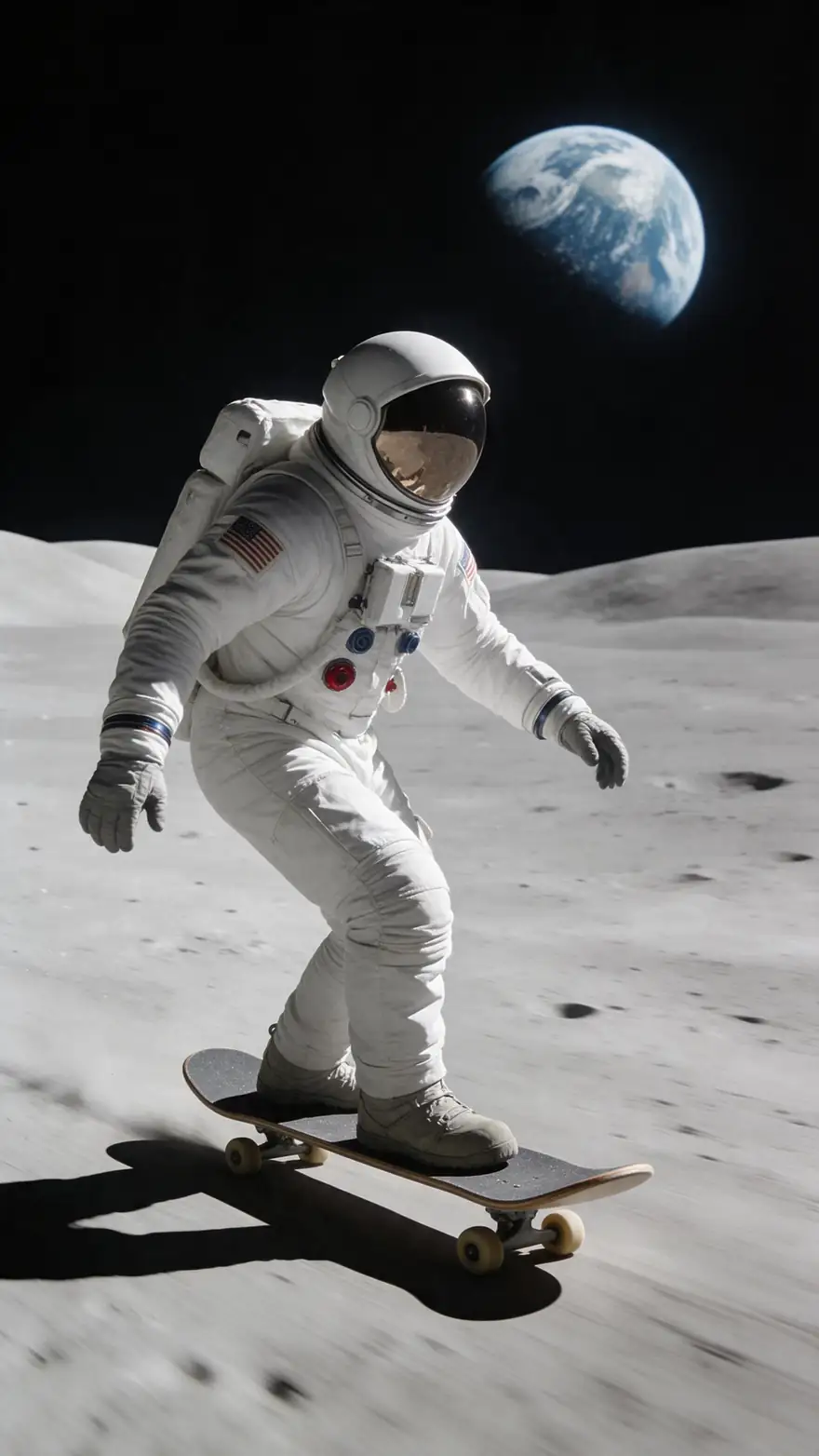
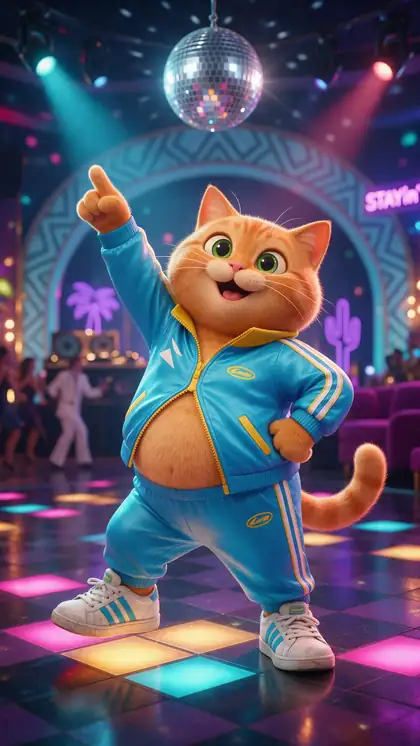
A dad dance, a cartoon cat, a living-room routine, a robot and an astronaut — the kind of characters people put into Viggle-style clips.
Example clips made with image to video (model named on each card) to show the characters. A Viggle-style swap in the Motion Transfer tool takes its movement from the clip you upload.
How to
Make a Viggle-style clip in five steps
- Time needed
- Steps
- 4 steps
Step 1
Find the clip
A meme, a dance or your own phone video. One clear person, no cuts, steady camera. MP4, MOV, WEBM, M4V or MKV, around 100 MB at most.
Step 2
Add your character
A JPG or PNG of the person or character, full body if the clip is full body. Upload it or pick one from your History or library.
Step 3
Choose SCAIL 2 and a mode
Replace person puts your character into the clip's scene (like Mix). Animate character moves your image on its own background (like Move).
Step 4
Set the resolution
480p for a quick test, 720p for the version you post. Add a short description of the character's look if you like.
See it in the app

Open Motion Transfer and upload a clear photo of the character, or choose one from your history.


Watch the tour · 1:19
Text, image & reference to video, models, edit, extend & chat
Chapters
Checked 3 October 2026
Viggle vs Kenerate Motion Transfer
Viggle facts from viggle.ai and viggle.ai/pricing, checked 3 October 2026. Kenerate is our product.
| Kenerate Motion Transfer | Viggle | |
|---|---|---|
| Model | 12 engines: SCAIL 2, Kling 3.0, Wan 2.2 Animate, DreamActor v2 and more | Viggle's own JST (Joint Space-Time) model |
| Swap a character into a clip | Replace person mode on SCAIL 2 and Wan 2.2 Animate | Mix |
| Move a still image | Animate character mode on every engine | Move / Motion Control |
| Several characters at once | One character image per job | Multi-Track sessions |
| Real-time swap | No | Live (Real-Time Swap) |
| Clip length | Up to 2 min on SCAIL, Wan and SteadyDancer | Uploads up to 1 min on Free, 10 min on paid plans |
| Getting started | Starter credits for new accounts; no subscription | Free plan: 5 videos a day, one at a time, watermarked |
| Watermark | None | On the free plan; removed on paid plans |
Viggle also offers PINOC phone motion capture and games; Kenerate has no equivalent of those.
Sources: Kenerate Motion Transfer tool · Viggle — homepage (Mix, Multi-Track, Live, JST model) · Viggle — pricing (free plan limits, upload length)
Engines
Which engine replaces Viggle's Mix, Move and dance clips?
Viggle runs one model, JST. Kenerate's Motion Transfer tool lets you pick the engine for the job — here is the short list for meme, dance and swap clips.
- Default
WaveSpeed
SCAIL 2
- Input
- Image + video up to 2 min
- Output
- 480p or 720p · keeps sound
Closest to Viggle Mix: Replace person drops your character into the clip, sound kept
Open SCAIL 2 
Alibaba
Wan 2.2 Animate
- Input
- Image + video up to 2 min
- Output
- 480p or 720p · silent
Second option for Mix-style swaps; also animates your image instead
Open Wan 2.2 Animate
WaveSpeed
SteadyDancer
- Input
- Image + video up to 2 min
- Output
- 480p or 720p · silent
Dance memes with fast spins — keeps the character on-model
Open SteadyDancer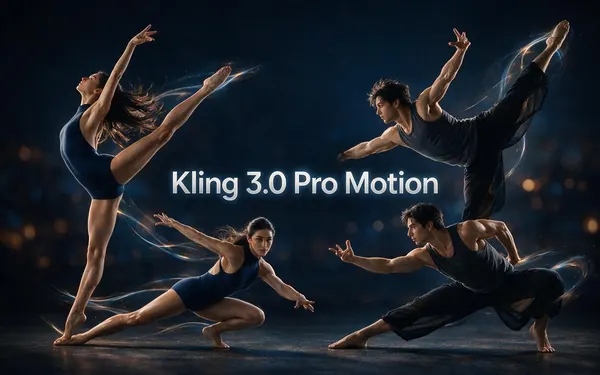
Kuaishou
Kling 3.0 Pro Motion
- Input
- Image + 3–30 s video
- Output
- Follows the source · sound switch
Move-style: realistic hands, cloth and faces on short clips
Open Kling 3.0 Pro Motion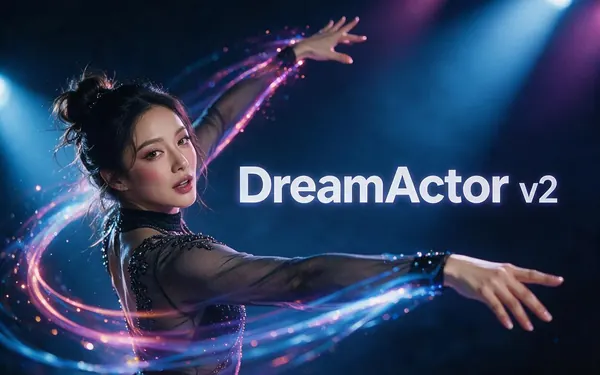
ByteDance
DreamActor v2
- Input
- Image + video up to 30 s · no prompt
- Output
- Follows the source · keeps sound
Talking or singing clips — copies face and lip movement, no prompt
Open DreamActor v2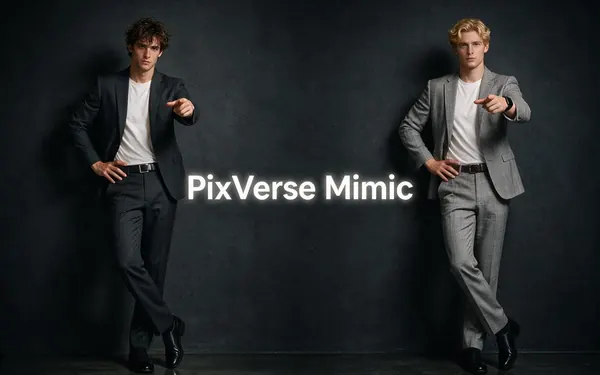
PixVerse
PixVerse Mimic
- Input
- Image + video up to 30 s · no prompt
- Output
- 360p, 540p or 720p · silent
Quick social test of a move before a longer render
Open PixVerse Mimic
Every engine returns a watermark-free MP4. Over-long clips are trimmed on SCAIL, Wan, Kling, Kenerate Motion and SteadyDancer; DreamActor v2 and PixVerse Mimic refuse clips over 30 s.
Tips
Getting a clean swap
What makes the difference between a jittery meme and one people rewatch.
Trim the clip to the moment that matters — shorter clips render faster and fail less.
Pick a clip where the person never leaves the frame.
Match the pose: a standing character for a standing dancer.
Loose clothes and long hair move more naturally on SCAIL 2 and Kling than on fast engines.
Keep the sound by choosing SCAIL 2, Kling or DreamActor v2.
Only swap in people who agreed to it, or characters you made.
Example uses
How creators use Viggle AI alternative
Illustrative examples of typical workflows, not customer reviews.
Meme page editor
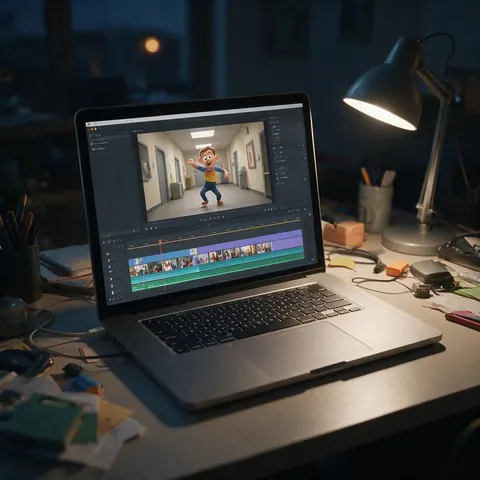
A meme editor can swap an original character into a trending clip with Replace person and post it the same day, with the clip's sound kept.
Wedding videographer
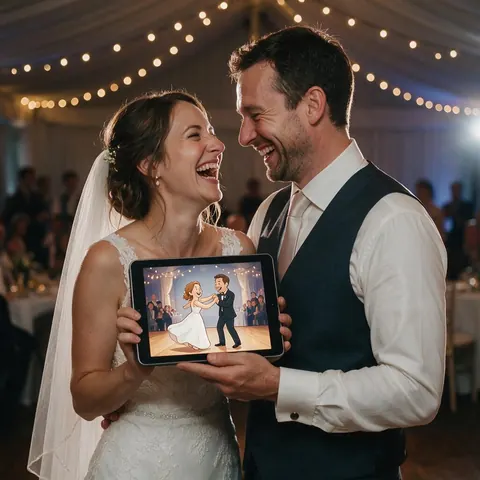
A videographer can turn the couple's own first-dance clip into a playful cartoon version for the reception slideshow, with their consent.
Indie game developer
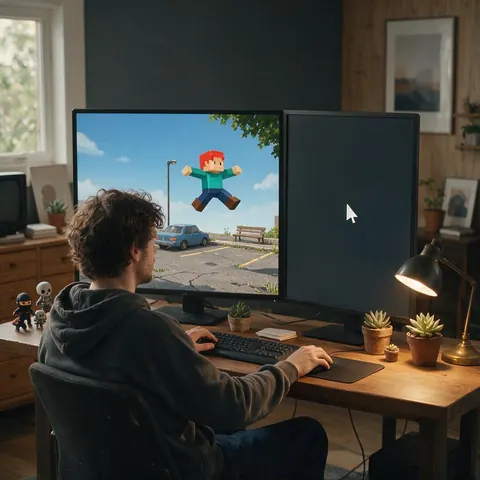
An indie developer can preview how a character design moves by mixing it into a filmed run-and-jump clip before building any animation.
FAQ
Viggle AI alternative questions
7 questions
Is there a Viggle alternative without a watermark?
Yes. Kenerate AI's Motion Transfer tool returns an MP4 with no watermark on every engine, and it doesn't need a subscription — new accounts get starter credits to try it, and you pay per second of clip after that. Viggle's own pricing page lists a watermark on its free plan that paid plans remove (checked 3 October 2026).
Link to this answerCan I put my character into a video like Viggle Mix?
Yes — choose SCAIL 2 or Wan 2.2 Animate and switch the mode to Replace person. The engine swaps the person in your clip for the character in your image and keeps the clip's background, camera and timing. SCAIL 2 also keeps the clip's sound, so a meme stays in sync with its audio.
Link to this answerDoes Kenerate have Viggle-style dance templates?
No, there are no dance presets: you upload the dance clip you want copied, which means any routine works, not just a template list. The tool has three starter examples — Street dance on SCAIL 2, Workout demo on Kling Pro and Mascot on a beat on Wan — to show the settings. For a full walk-through, see the make a photo dance guide.
Link to this answerIs Viggle AI free?
Viggle has a free plan: its pricing page lists 5 videos a day, one generation at a time, a watermark and uploads up to 1 minute (checked 3 October 2026). On Kenerate, new accounts get starter credits to try it; after that you pay per second of clip, with no subscription, and failed jobs are refunded automatically.
Link to this answerCan I do a Viggle AI face swap here?
Not as a face-only swap. Replace person mode on SCAIL 2 and Wan 2.2 Animate swaps the whole person — face, body and clothes — for your character, which is closer to what Viggle Mix does than to a classic face swap. If you only want the face changed while keeping the original body and outfit, this tool is not the right fit.
Link to this answerHow long can my clip be compared with Viggle?
Up to 2 minutes on SCAIL 2, SCAIL, the Wan engines and SteadyDancer; longer clips are trimmed to the first 2 minutes. Kling takes 3–30 seconds, DreamActor v2 and PixVerse Mimic up to 30 seconds. Viggle lists uploads of up to 1 minute on its free plan and 10 minutes on paid plans (checked 3 October 2026).
Link to this answerCan I swap a celebrity or a friend into a clip?
Only with permission. Use photos of yourself, people who agreed to it, or characters you created — never celebrities or anyone who hasn't consented. Swapping a real person into a clip they never appeared in can mislead viewers, so label edited clips as AI-made when you post them.
Link to this answerIn depth
Moving from Viggle, explained
How Viggle's features map to Kenerate's settings, and where Viggle is still the better pick.
On this page
Why people look for a Viggle alternative
The usual reasons are the watermark on Viggle's free plan, wanting a different model when a result looks jittery, and longer or higher-resolution clips. Kenerate answers those with a choice of 12 engines in one tool and no watermark. It does not copy Viggle's whole product: there is no real-time Live swap, no Multi-Track for several characters and no phone motion-capture app.
From Viggle commands to Kenerate settings
If you know Viggle, the mental model carries over almost one to one.
- Mix → Replace person mode on SCAIL 2 or Wan 2.2 Animate.
- Move → Animate character mode on any engine.
- Multi-Track → not available; one character image per job.
- Templates → upload the dance clip yourself, or start from the three starter examples.
Picking an engine when a result looks off
Jitter on fast spins: try SteadyDancer, which is built to keep a dancer steady and on-model. Faces drifting on a close-up: try Kling 3.0 Pro Motion or DreamActor v2. Lost sound: SCAIL 2, Kling, Kenerate Motion, LTX-2 Control and DreamActor v2 keep the clip's audio; the other engines return silent video.
Viggle AI dance without templates
Viggle is known for dance memes. Here you bring the dance: upload any routine as the driving video, and SteadyDancer or SCAIL 2 copies it onto your character, for clips up to 2 minutes. Kling 3.0 Pro Motion keeps the music on 3–30 second clips.
Viggle AI photo to video
'Photo to video' on Viggle means a still image that moves like a reference clip. That is Animate character mode: your photo sets the look and the background, the video sets every move. If you want motion from a text prompt instead, that is image to video, which the motion tool doesn't do.
AI dance generator with your own moves
Film yourself doing the routine on your phone, then use that clip as the driving video. Your character copies your exact timing, which is how creators make an original character dance a choreography nobody has a template for.
Explore
Every Kenerate video tool
Generators, tools, models and guides — all in one studio.


Try a Viggle-style swap on SCAIL 2
One character image, one clip, 12 engines. No watermark, no subscription.
Tried it? Tell us how it went