

Markerless · phone video in, character video out
AI motion capture from video — no suit, just the finished clip
Film a performance on your phone — a fight move, a dance, a speech — and your character performs it in a finished video. No suit, no markers, no studio. If you need animation data for a rig, a dedicated mocap app is the right tool; this page explains both.
- No suit or markers
- Phone video is enough
- Body, hands and face
- Finished MP4, not FBX
Updated by the Kenerate AI team
Made with Kenerate

On this page
Quick answer
Updated
What is AI motion capture?
AI motion capture reads a performer's movement from ordinary video, with no suit or markers. Mocap apps turn it into skeleton data (FBX or BVH) for a 3D rig; Kenerate AI's Motion Transfer tool instead puts the performance straight onto your character as a finished MP4, on 12 engines, from takes up to 2 minutes.
Key facts
- Hardware
- Any phone or camera
- Suit or markers
- None
- Output
- Finished MP4 video
- FBX / BVH / skeleton
- Not exported
- Longest take
- 2 min · SCAIL 2
- Face + lips
- DreamActor v2, Kling 3.0
Real results
Performances worth capturing
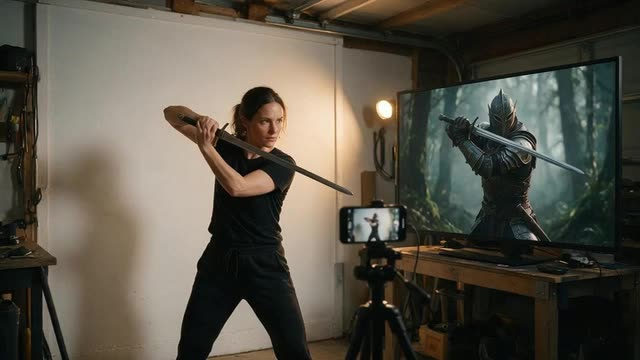
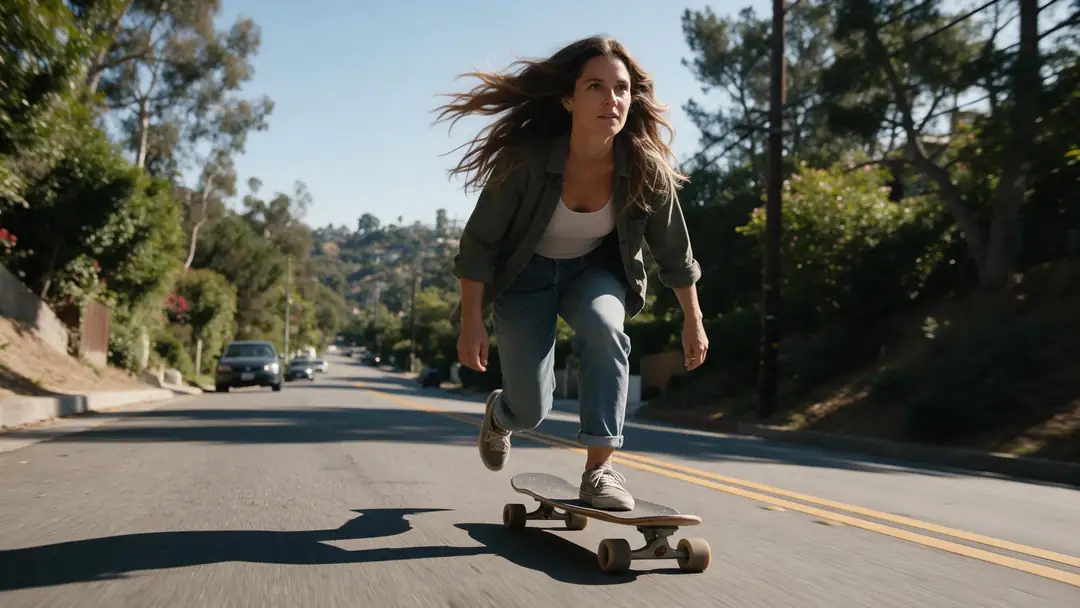
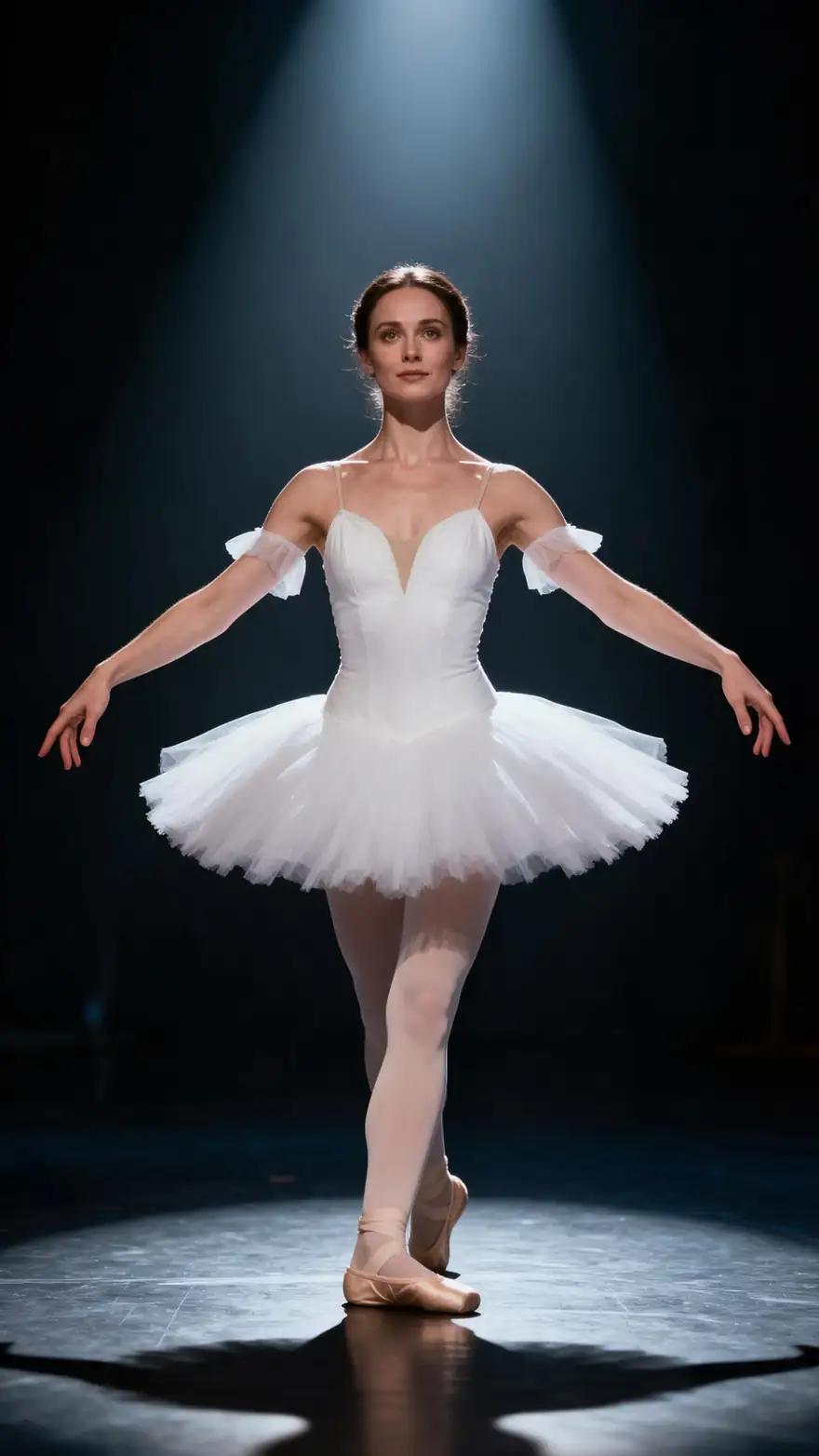
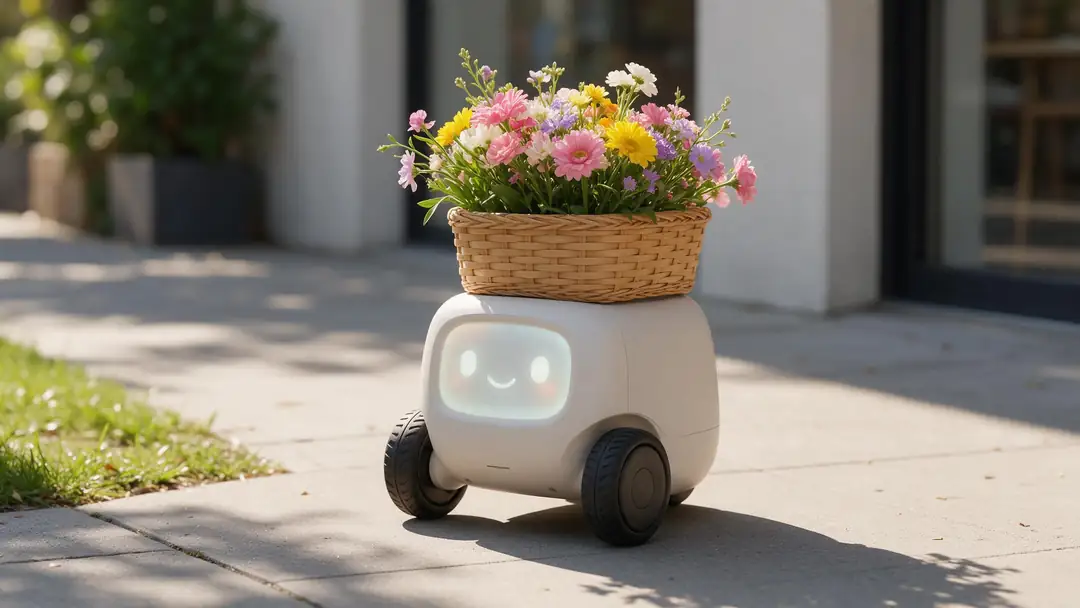
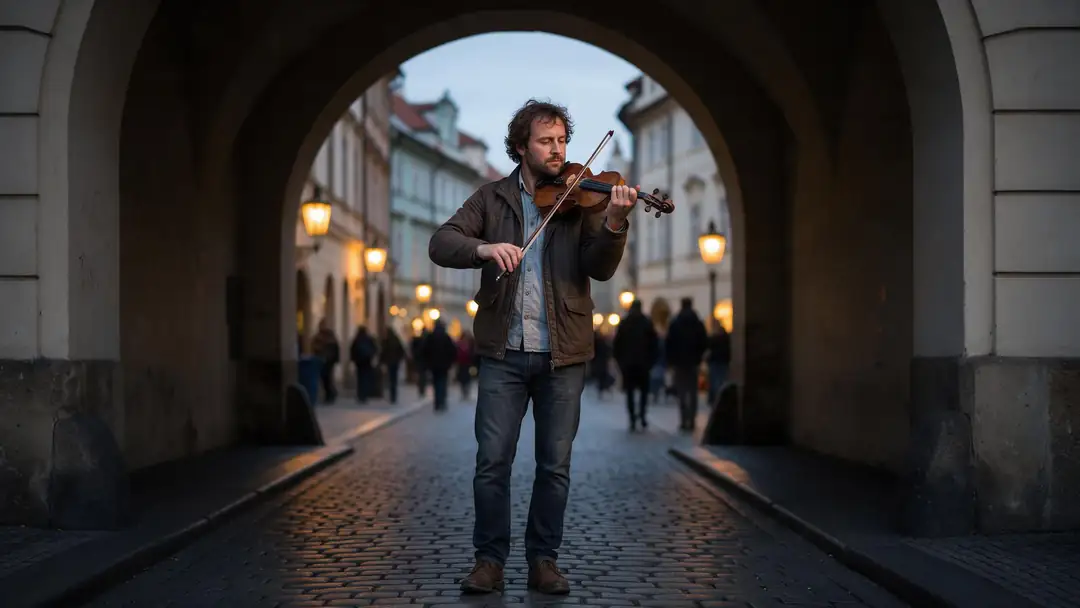
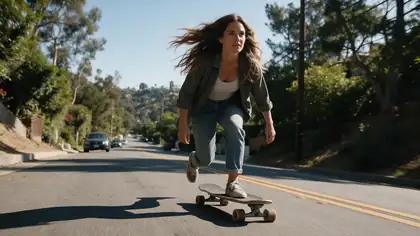
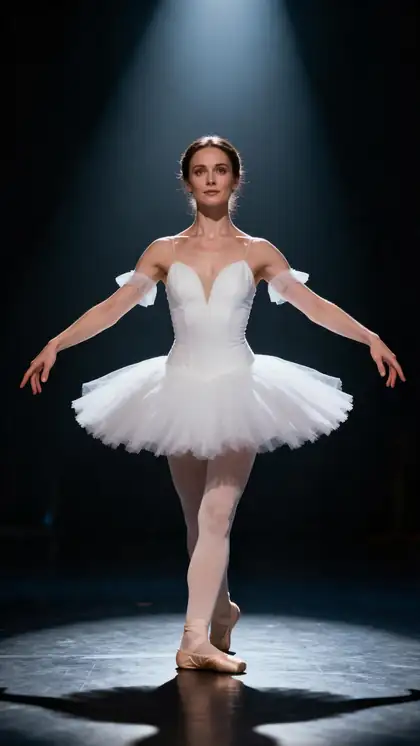
A longboard carve, a sword draw, a pirouette, a little robot's roll and a violinist's bowing — body, props and fine hand work.
These example clips were generated with image to video (model on each card) to show the kind of shots. With Motion Transfer, the performance comes from the take you film.
How to
Capture a performance in five steps
- Time needed
- Steps
- 4 steps
Step 1
Set up the take
Phone on a tripod, performer fully in frame, plain background, even light. No suit, no markers, no calibration.
Step 2
Perform and trim
Record the take, then trim it to the action. Kling takes 3–30 s; SCAIL 2 up to 2 min. MP4, MOV, WEBM, M4V or MKV, around 100 MB.
Step 3
Choose the character
A clear JPG or PNG of the character who should perform it, framed like the take.
Step 4
Pick the solver engine
Kling 3.0 Pro Motion for hands and faces, DreamActor v2 for facial performance, SCAIL 2 for long takes, LTX-2 Control to re-render the scene.
See it in the app

Open Motion Transfer and upload a clear photo of the character, or choose one from your history.


Watch the tour · 1:19
Text, image & reference to video, models, edit, extend & chat
Chapters
Checked 3 October 2026
Video-to-video capture vs mocap apps
Mocap app facts from each product's own page, checked 3 October 2026. Kenerate is our product; the others export animation data, which Kenerate does not.
| Kenerate Motion Transfer | Rokoko Vision | DeepMotion Animate 3D | Viggle PINOC | |
|---|---|---|---|---|
| What you get | Finished MP4 of your character | 3D animation data | 3D animation data | 3D skeletal animation |
| Export formats | MP4 only | FBX; BVH on paid tiers | FBX, BVH, GLB, MP4 | FBX or GLB |
| Needs a 3D rig | No — one character image | Yes, to use the data | Yes, to use the data | Yes, to use the data |
| Hands and face | Hands and face on Kling 3.0 and DreamActor v2 | Body; fingers not supported at launch | Face and hand tracking | Fingers and wrist rotation in the skeleton |
| Best for | Creators who want the final shot | Animators in Blender, Unreal, Unity | Game and avatar pipelines | Mixamo-style rigs |
If your next step is a 3D scene, a game engine or a rig, use a mocap app. If your next step is posting or editing the video, Motion Transfer skips the rig entirely.
Sources: Kenerate Motion Transfer tool · Rokoko Vision — AI motion capture (exports, free tier) · DeepMotion — Animate 3D · Viggle — PINOC AI motion capture · Autodesk — markerless motion capture
Engines
Which engine captures which part of a performance
In video-to-video motion capture, the engine is the 'solver'. Pick it by what matters most in your take: the whole body, the hands, the face or the whole scene.
- Detail
Kuaishou
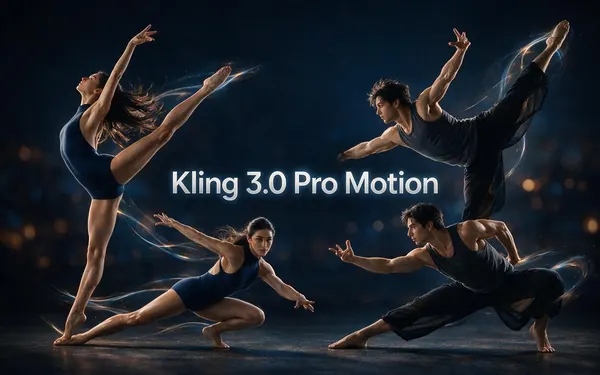
Kling 3.0 Pro Motion
- Input
- Image + 3–30 s video
- Output
- Follows the source · sound switch
Hands, cloth and faces — the most faithful capture of a 3–30 s take, sound kept with the switch
Open Kling 3.0 Pro Motion - Face
ByteDance
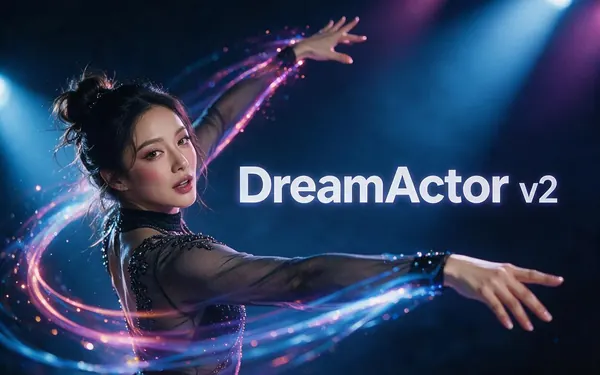
DreamActor v2
- Input
- Image + video up to 30 s · no prompt
- Output
- Follows the source · keeps sound
Performance capture: body, facial expression and lip movement, no prompt, sound kept
Open DreamActor v2 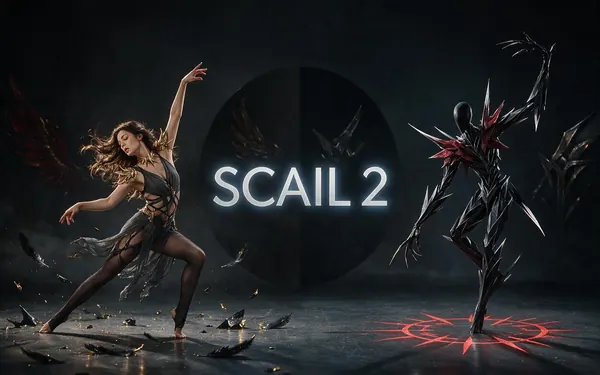
WaveSpeed
SCAIL 2
- Input
- Image + video up to 2 min
- Output
- 480p or 720p · keeps sound
Long takes up to 2 min; 3D-aware pose holds through turns; sound kept
Open SCAIL 2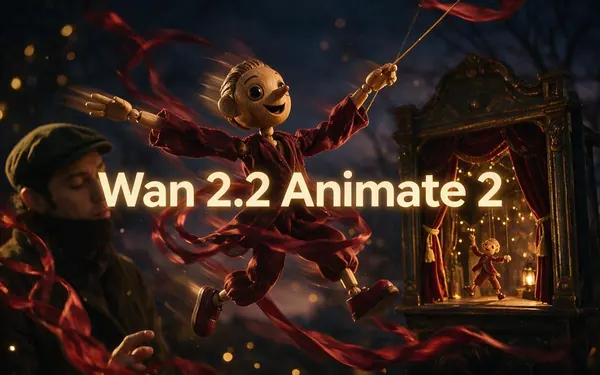
Alibaba
Wan 2.2 Animate 2
- Input
- Image + video up to 2 min · motion prompt
- Output
- 480p or 720p · silent
Body, hand gestures and expression on long takes, with a motion prompt
Open Wan 2.2 Animate 2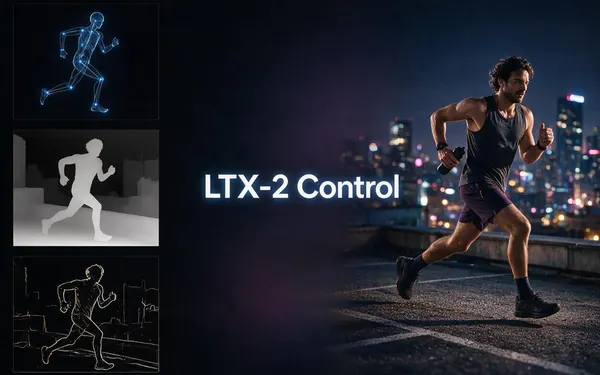
Lightricks
LTX-2 Control
- Input
- Video up to 20 s (+ optional image)
- Output
- 480p, 720p or 1080p · keep, new or mute sound
Re-render the whole scene from the take's pose, depth or edges, up to 1080p
Open LTX-2 Control
Kenerate
Kenerate Motion
- Input
- Image + video (first 20 s used)
- Output
- 720p or 1080p · 24/48 fps · sound switch
Quick 1080p capture of the first 20 s at original, 24 or 48 fps
Open Kenerate Motion
Every engine returns a finished MP4 with no watermark — never skeleton, FBX, BVH or GLB data. Over-long takes are trimmed on SCAIL, Wan, Kling and Kenerate Motion, and refused on DreamActor v2 and LTX-2 Control.
Tips
Shooting a clean take
Markerless capture is only as good as the footage. These habits come from mocap practice and apply here too.
Lock the camera — handheld shake reads as body movement.
Fitted clothes that contrast with the background.
Whole body in frame, feet included, for full-body moves.
Turn the performer's hands toward the camera for gestures.
One performer per take; others in frame confuse the solver.
Only capture people who agreed to it, onto characters you have rights to.
Example uses
How creators use AI motion Capture
Illustrative examples of typical workflows, not customer reviews.
Music video creator
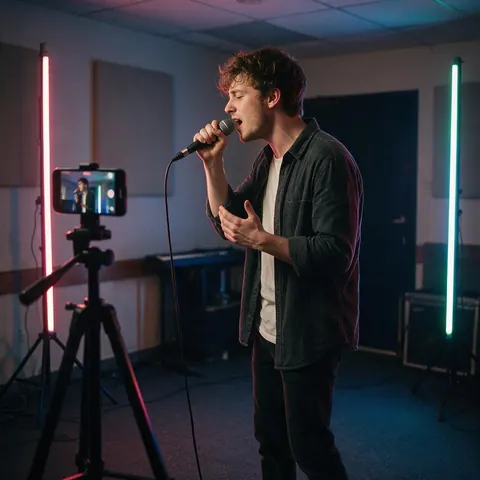
A creator can film the singer's whole performance once and have an animated character perform it as the final music video, without building a rig.
Stunt coordinator
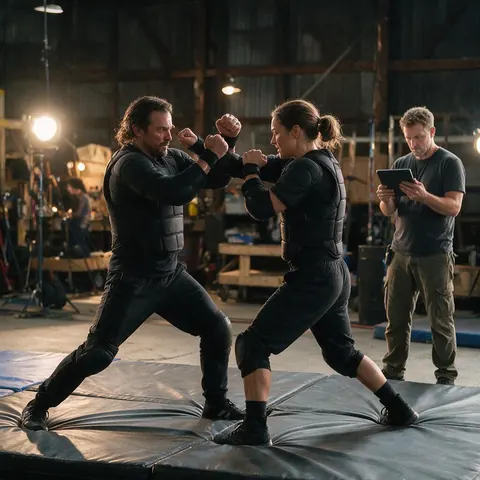
A stunt coordinator can preview a fight beat on a costumed character from a rehearsal take, then hand the same take to a mocap app if the 3D team needs data.
Explainer video producer
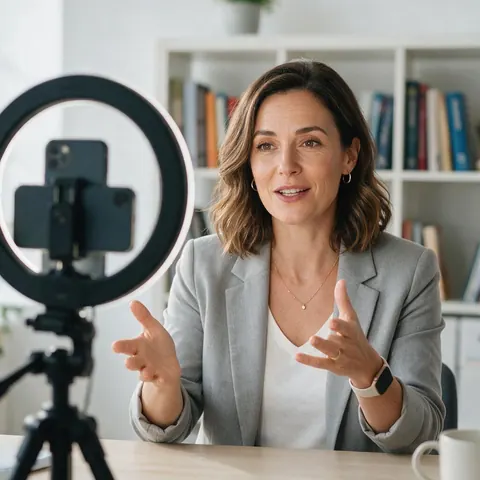
A producer can capture a presenter's gestures and expressions and give them to an illustrated host for a course video.
FAQ
AI motion capture questions
7 questions
Can AI do motion capture from a normal video?
Yes. AI motion capture, also called markerless mocap, reads a performer's body, and often hands and face, from ordinary video shot on a phone or webcam. Mocap apps turn that into 3D animation data; Kenerate's Motion Transfer tool turns it directly into a finished video of your character performing the same take.
Link to this answerDoes Kenerate export FBX, BVH or skeleton data?
No. Every engine in the Motion Transfer tool returns a finished MP4 video, not animation data, so there is nothing to import into Blender, Maya, Unity or Unreal. If you need FBX or BVH for a rig, use a dedicated mocap app such as Rokoko Vision, DeepMotion Animate 3D or Viggle's PINOC, which list those exports on their own pages.
Link to this answerWho is video-to-video motion capture for?
Creators who want the final clip rather than a rig: social videos, music videos, ads, pitch reels, explainer hosts and VTuber-style clips. You skip modelling, rigging, retargeting and rendering — one character image and one filmed take give you the finished shot. Game and 3D animators who need editable curves should use a mocap app instead.
Link to this answerDo I need a mocap suit or markers?
No. A phone on a tripod is enough: the engines read the movement from ordinary footage. What helps is what helps any markerless system — a locked camera, the whole body in frame, fitted clothes that contrast with the background, even lighting and one performer at a time.
Link to this answerCan it capture facial expressions and lip movement?
Yes, on the right engines. DreamActor v2 copies body, facial expression and lip movement onto your character and keeps the take's sound, with no prompt. Kling 3.0 Pro Motion is the most faithful for faces and hands on 3–30 second takes. For full-body takes longer than 30 seconds, SCAIL 2 keeps the body steady through turns.
Link to this answerHow long can a captured take be?
Up to 2 minutes on SCAIL 2, SCAIL, the Wan engines and SteadyDancer; longer takes are trimmed. Kling takes 3–30 seconds, DreamActor v2 up to 30 and LTX-2 Control and Kenerate Motion up to 20. You pay per second of take, so trim to the performance before uploading; failed jobs are refunded automatically.
Link to this answerCan I capture someone else's performance?
Only with their permission. Film yourself or performers who agreed to it, and apply the performance only to characters you own or have rights to — never celebrities. Captured performances are convincing, so label the result as AI-made when you publish it.
Link to this answerIn depth
AI motion capture, explained
Two kinds of AI mocap, which one you need, and how to get a clean performance either way.
On this page
Two kinds of AI motion capture
Data mocap tracks the performer's joints and exports a skeleton animation — FBX, BVH or GLB — that you retarget onto a rigged 3D character and render yourself. Video-to-video capture, which is what Kenerate does, skips the skeleton you can edit: the engine reads the take and renders your character performing it, lighting and all, as a video. Both start from the same thing: a clear take of a real performer.
Which one do you need?
- You're building a game, a 3D short or a VR scene → data mocap app.
- You want to keep editing keyframes or retarget to several rigs → data mocap app.
- You want a finished clip for social, an ad, a music video or a pitch → video-to-video capture.
- You only have a 2D image of the character, not a 3D model → video-to-video capture.
What the engine does with your take
Different engines read the take differently. SCAIL's research uses a 3D-aware pose, so turns and crossed arms hold up; LTX-2 Control follows the take's pose, depth or edges and can re-render the whole scene; DreamActor v2 works from the performance itself and carries over the face and lips. Running the same take through two engines is the quickest way to find the best capture.
AI mocap: data or video?
'AI mocap' usually means software that turns video into animation data for a 3D character. A newer route skips the data: a video model renders your character performing the take directly. Choose data when you'll keep animating in 3D; choose video when the clip is the end product.
AI motion capture from video
Any clear recording works as the take — phone footage, a webcam recording or a clip you already have the rights to. One performer, full body in frame, a steady camera and decent light matter far more than the camera model.
Markerless motion capture
Markerless means no reflective markers and no sensor suit: computer vision finds the body in each frame instead. Studio markerless systems often use several synchronised cameras for accuracy; single-camera tools trade some accuracy for convenience, which is enough for most social and marketing video.
Motion capture without a suit
Inertial suits and optical markers are still the most precise. Without a suit you lose some precision on fast or hidden limbs, but you gain speed: no calibration, any location, and a result the same day. For a finished character clip, that trade is usually worth it.
Explore
Every Kenerate video tool
Generators, tools, models and guides — all in one studio.

Turn a phone take into a finished shot
No suit, no markers, no rig. One take, one character image, a finished MP4.
Tried it? Tell us how it went