

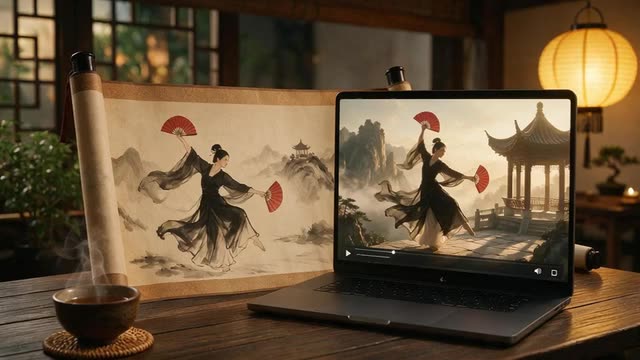
Wan 2.2 Animate 2 · Wan 2.2 Animate · Fun Control
Wan 2.2 Animate online — no GPU, no ComfyUI
Alibaba's open Wan2.2-Animate model, ready in the browser: animate a character image with a reference video, or replace the person in the video with your character. Clips up to 2 minutes, 480p or 720p, no install.
- 3 Wan engines
- Animate or replace
- Clips up to 2 min
- No GPU needed
Updated by the Kenerate AI team
Made with Kenerate
On this page
Quick answer
Updated
What is Wan 2.2 Animate?
Wan 2.2 Animate (Wan2.2-Animate-14B) is Alibaba's open-source model for character animation and replacement, released in September 2025. It animates a character image with the movement and expressions of a reference video, or swaps the person in that video for your character. Kenerate AI runs it, plus Wan 2.2 Animate 2 and Fun Control, in the browser.
Key facts
- Wan engines
- 3
- Modes
- Animate · Replace (Wan 2.2 Animate)
- Driving clip
- Up to 2 min
- Output
- 480p or 720p · silent MP4
- Motion prompt
- Wan 2.2 Animate 2
- Open model
- Apache 2.0 · 14B
Real results
Characters with Wan energy
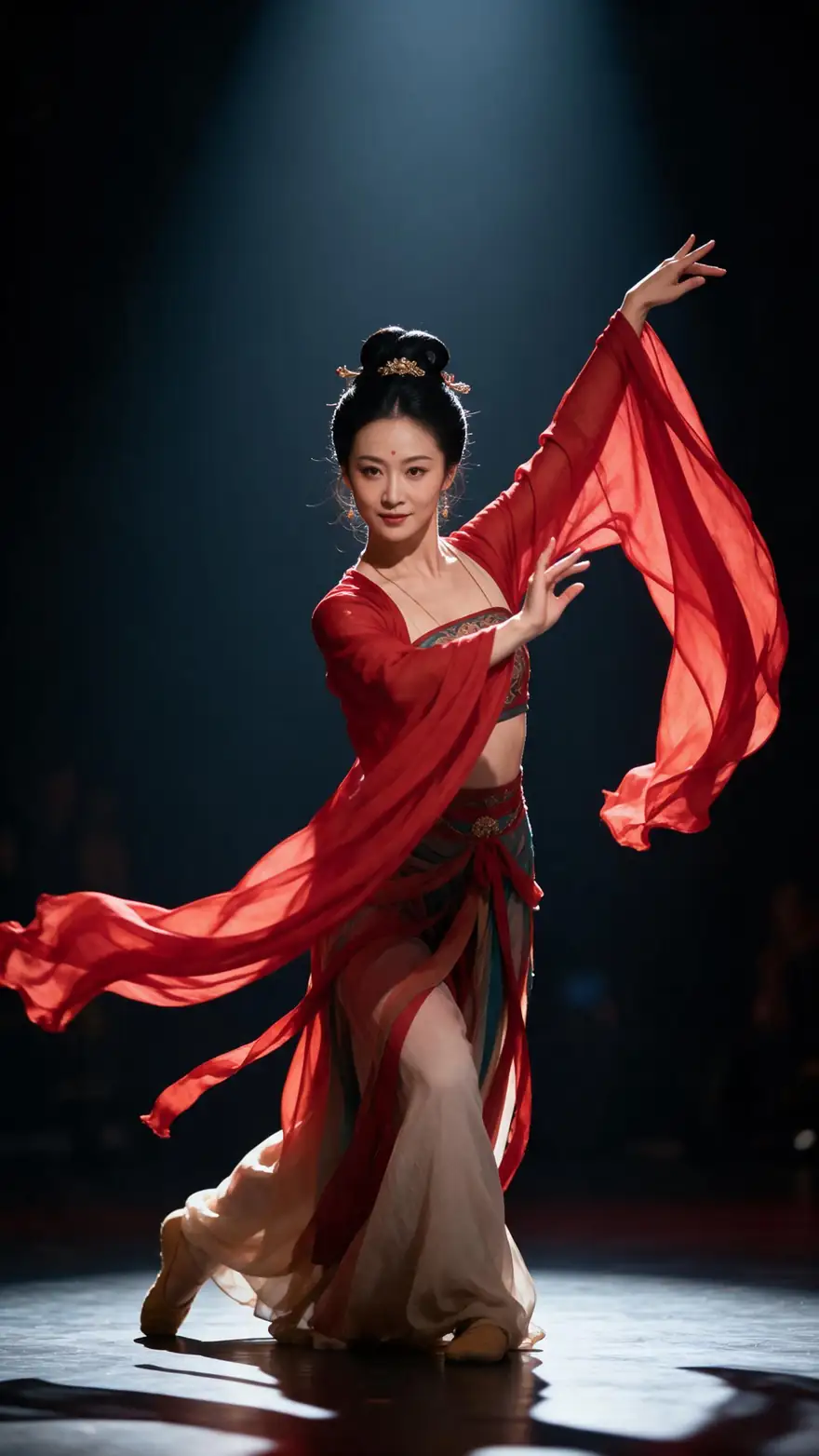
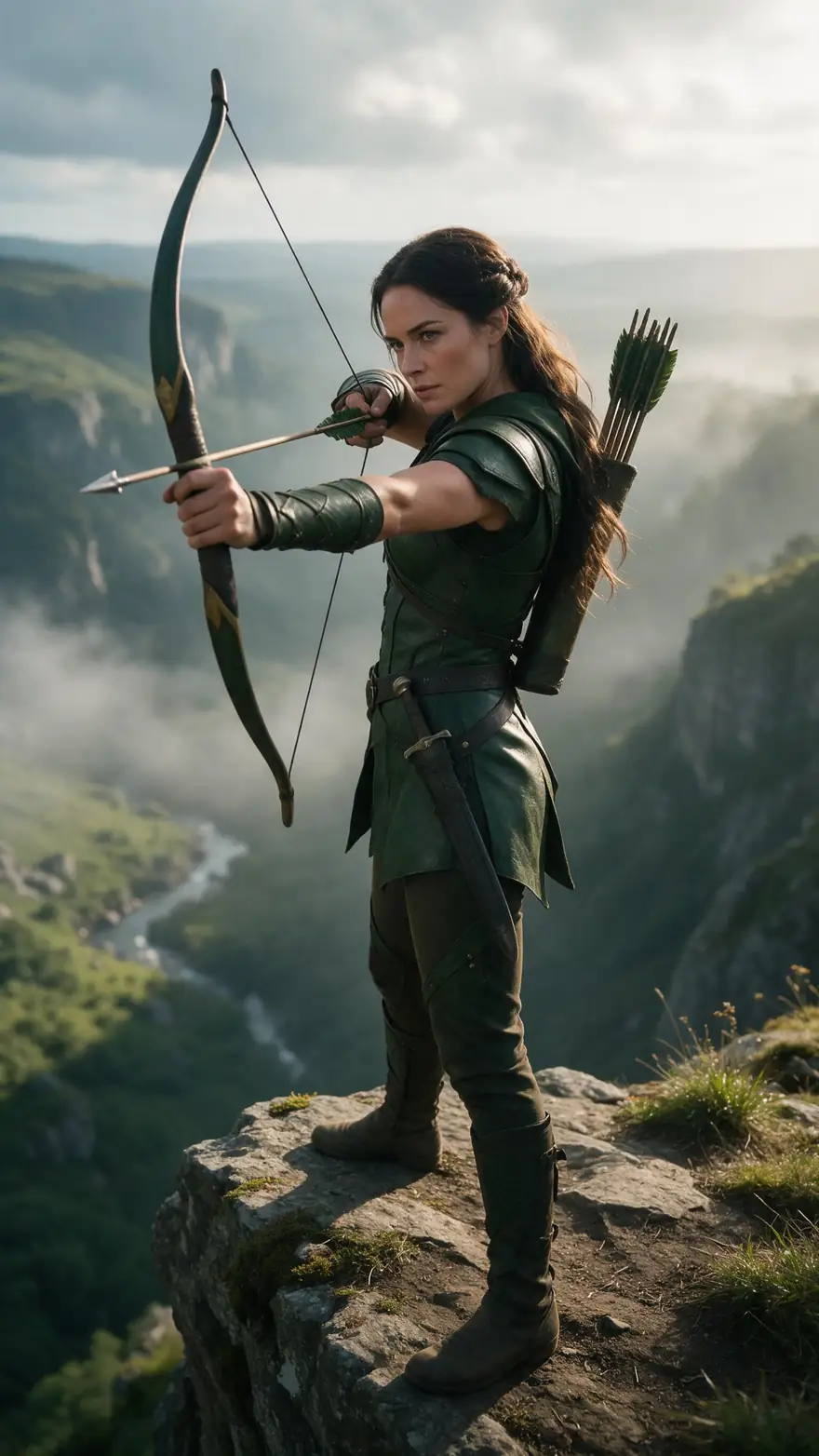
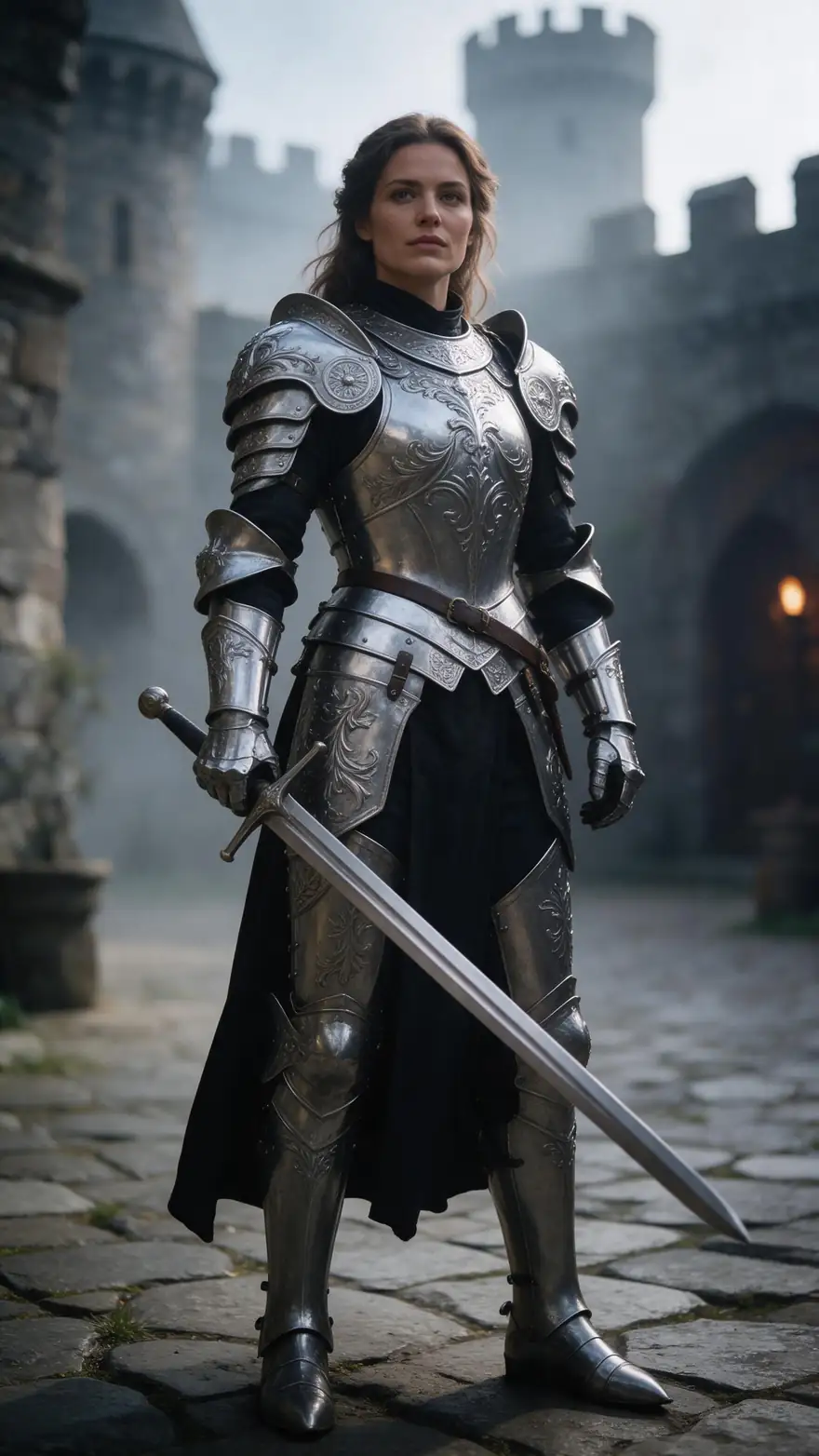
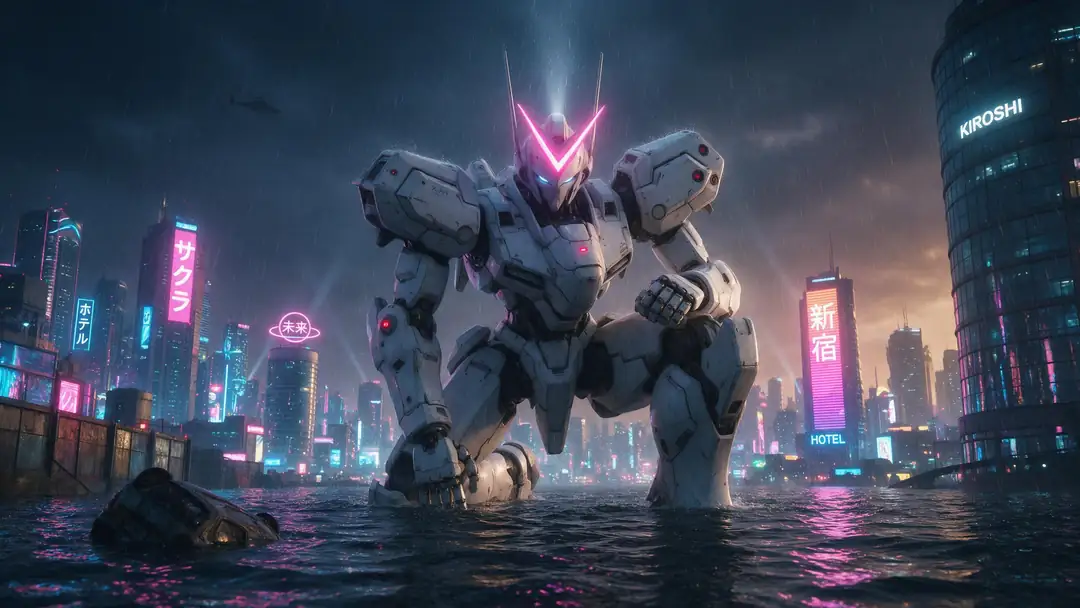
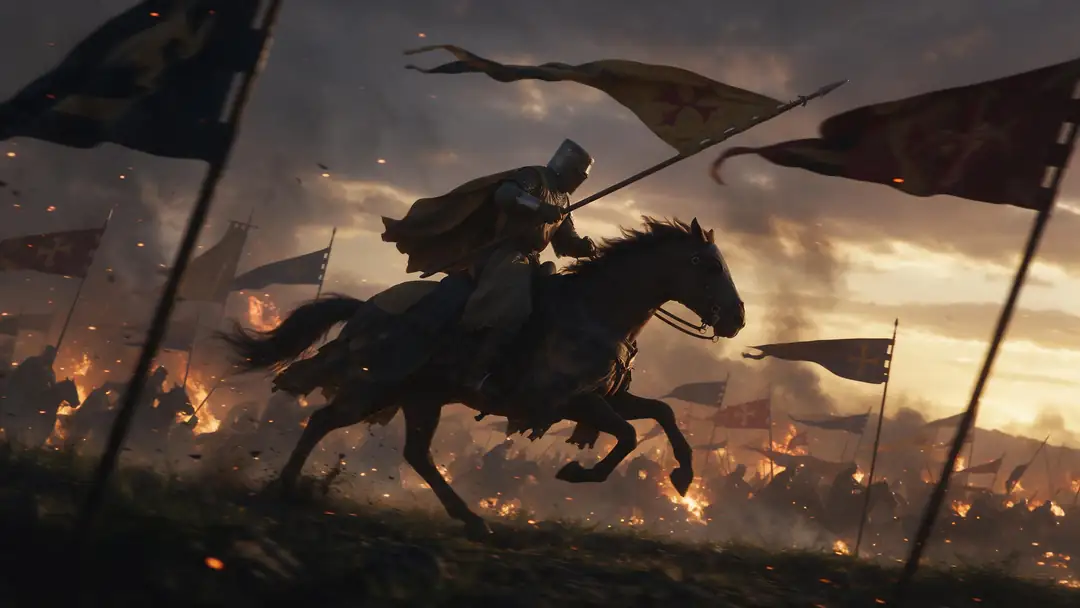
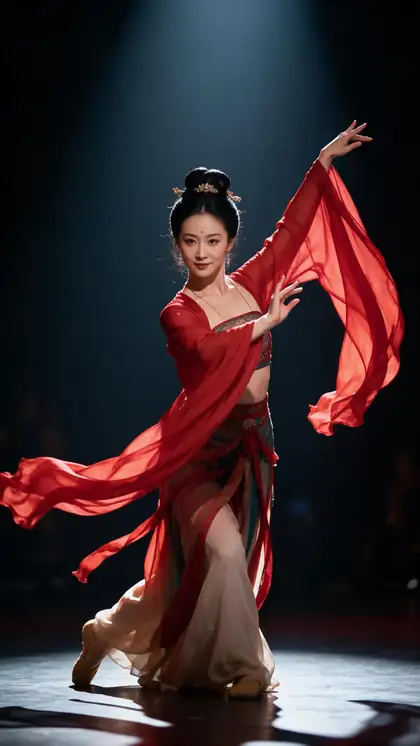
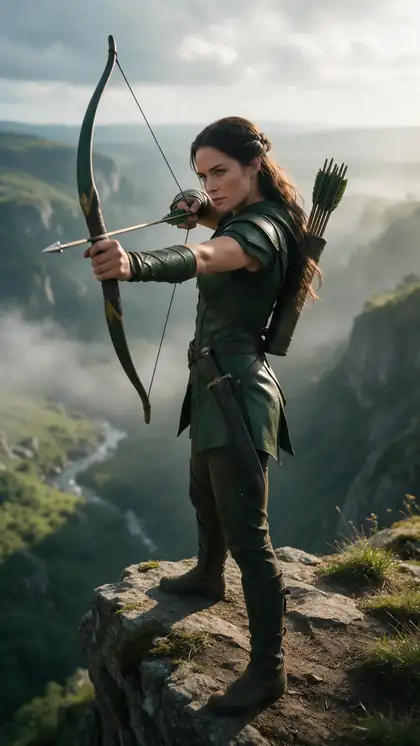
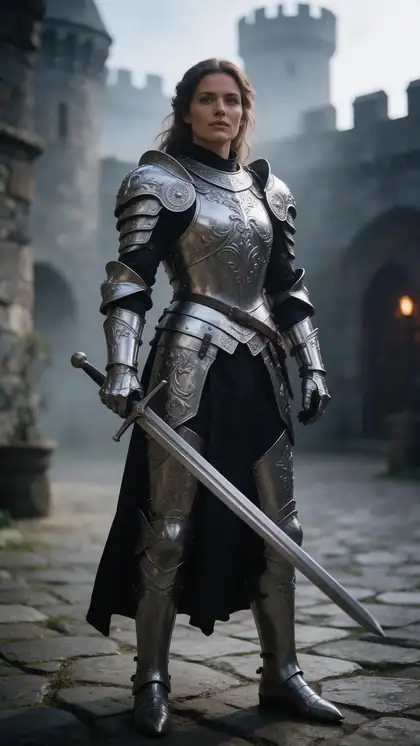
A silk-sleeve dancer, a cliff archer, a knight, a mecha and a cavalry charge — the kind of characters people bring to Wan animation.
The clips above are image-to-video examples (model on each card), not Wan 2.2 Animate outputs. In the tool, Wan copies the motion of the video you upload.
How to
Run Wan 2.2 Animate in five steps
- Time needed
- Steps
- 4 steps
Step 1
Choose your Wan engine
Wan 2.2 Animate 2 for the best body, hands and face; Wan 2.2 Animate when you want Replace person mode; Fun Control for stylised looks.
Step 2
Upload the character image
A clear, front-facing JPG or PNG of the character. Avoid WEBP.
Step 3
Upload the driving video
MP4, MOV, WEBM, M4V or MKV, around 100 MB at most. Up to 2 minutes; anything longer is trimmed.
Step 4
Set mode, prompt and resolution
Pick Animate or Replace (Wan 2.2 Animate), describe the look or the motion, choose 480p or 720p, and fix a seed if you want repeatable results.
See it in the app

Open Motion Transfer and upload a clear photo of the character, or choose one from your history.


Watch the tour · 1:19
Text, image & reference to video, models, edit, extend & chat
Chapters
Engines
Which Wan engine to pick
Three Wan engines sit in the Motion Transfer tool. They share the 2-minute limit and the 480p/720p choice; they differ in modes and controls.
- Wan
Alibaba
Wan 2.2 Animate 2
- Input
- Image + video up to 2 min · motion prompt
- Output
- 480p or 720p · silent
Body, hands and facial expression on long takes; a 'Describe the motion' prompt; your photo's background is kept
Open Wan 2.2 Animate 2 
Alibaba
Wan 2.2 Animate
- Input
- Image + video up to 2 min · Animate or Replace
- Output
- 480p or 720p · silent
The original Wan2.2-Animate behaviour: animate your image, or replace the person in the clip and keep the scene
Open Wan 2.2 Animate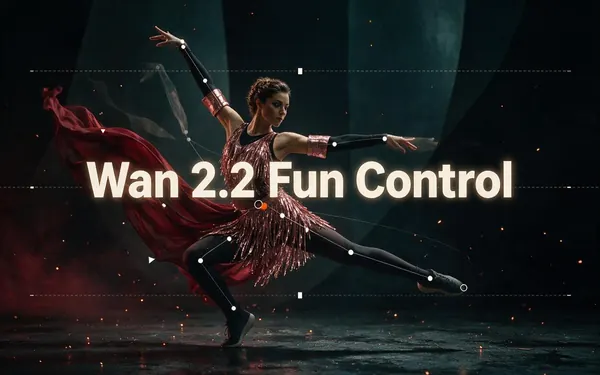
Alibaba
Wan 2.2 Fun Control
- Input
- Image + video up to 2 min
- Output
- 480p or 720p · silent
Follows the clip's structure and poses closely while restyling it — stylised and cartoon looks
Open Wan 2.2 Fun Control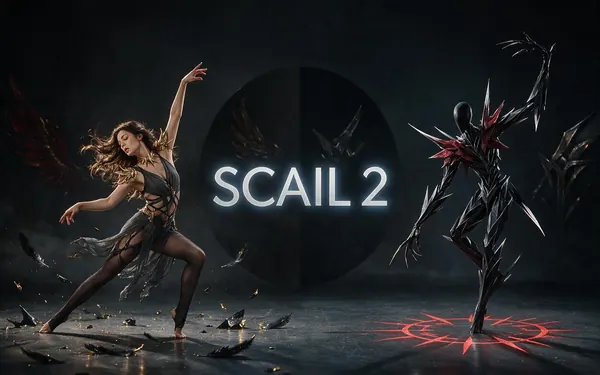
WaveSpeed
SCAIL 2
- Input
- Image + video up to 2 min
- Output
- 480p or 720p · keeps sound
Need the clip's sound? SCAIL 2 also animates or replaces, up to 2 min, and keeps the audio
Open SCAIL 2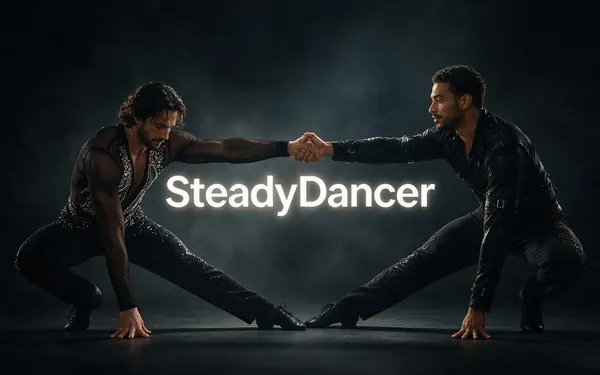
WaveSpeed
SteadyDancer
- Input
- Image + video up to 2 min
- Output
- 480p or 720p · silent
Fast dance with spins where Wan wobbles
Open SteadyDancer
Wan engines return silent 480p or 720p MP4s with no watermark. Clips over 2 minutes are trimmed to the first 2 minutes.
Tips
Getting good Wan animation
Habits that help the Wan models keep the character on-model through a long take.
Test the first 10 seconds at 480p before rendering 2 minutes at 720p.
Front-facing character images give the face more to work with.
In Replace mode, a character lit like the scene blends in better.
Use 'Describe the motion' on Animate 2 for moves the clip shows poorly.
Reuse the seed when you only change the prompt.
Only animate people who agreed to it.
Example uses
How creators use Wan 2.2 Animate
Illustrative examples of typical workflows, not customer reviews.
Open-source hobbyist
A hobbyist who runs Wan locally can prototype a replacement online first, then reproduce the best seed on their own GPU for batch work.
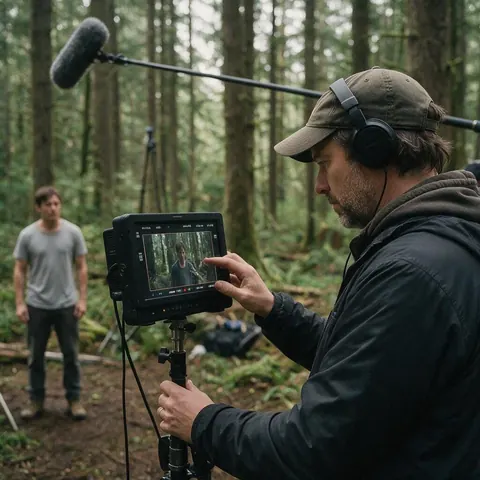
Short-film maker
A short-film maker can replace a stand-in actor with a costumed fantasy character in a two-minute take while the set and lighting stay.
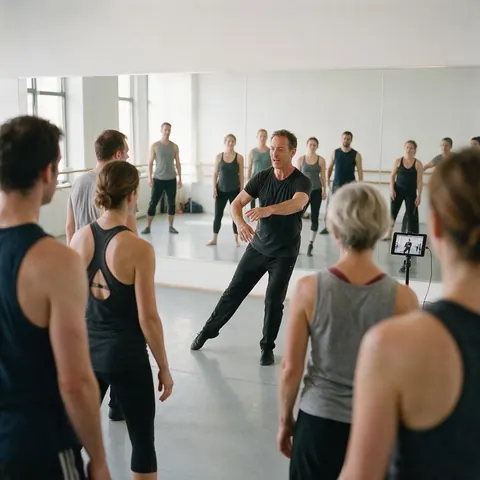
Dance teacher
A dance teacher can animate a class mascot with a full two-minute routine to post with the lesson recap.
FAQ
Wan 2.2 Animate questions
7 questions
Is Wan 2.2 Animate open source?
Yes. Alibaba's Wan team released Wan2.2-Animate-14B on 19 September 2025 with open weights and inference code, under the Apache 2.0 licence listed in the Wan2.2 GitHub repository. You can run it yourself with a capable GPU, or use it in Kenerate AI's Motion Transfer tool without installing anything.
Link to this answerCan I run Wan 2.2 Animate without a GPU?
Yes, in the browser. Kenerate runs Wan 2.2 Animate, Wan 2.2 Animate 2 and Wan 2.2 Fun Control on its servers, so you only upload a character image and a driving video. There's no ComfyUI workflow, no model download and no subscription; new accounts get starter credits to try it.
Link to this answerWhat's the difference between Wan 2.2 Animate and Wan 2.2 Animate 2?
Wan 2.2 Animate has both modes — animate your character, or replace the person in the clip — while Wan 2.2 Animate 2 focuses on animating, with stronger body, hand and facial transfer and a 'Describe the motion' prompt. Animate 2 keeps your photo's own background. Both take clips up to 2 minutes at 480p or 720p.
Link to this answerDoes Wan 2.2 Animate keep the audio?
No — the Wan engines return silent video. If the clip's music or speech matters, use SCAIL 2, which also animates or replaces up to 2 minutes and keeps the sound, or Kling 3.0 with its keep-sound switch on clips of 3–30 seconds. You can also add audio to the Wan result in any video editor.
Link to this answerHow long can a Wan animation be?
Up to 2 minutes of driving video on all three Wan engines; longer clips are trimmed to the first 2 minutes rather than refused. The output follows the length of the part that is used. Because you pay per second of clip, trimming to the moment you need saves credits and render time.
Link to this answerShould I pick 480p or 720p for Wan 2.2 Animate?
Use 480p for test runs and 720p for the final. The two run on the same engine, so a seed that works at 480p is a good starting point at 720p. If you need a sharper master afterwards, the result's 'Upscale to 4K' hand-off sends it to the video upscaler.
Link to this answerCan I replace someone in a video with Wan without their permission?
No. Only use footage and character images you have the right to use, and people who agreed to it — never celebrities or strangers. Replace mode makes convincing swaps that viewers may take for real footage, so label the result as AI-made when you share it, and keep the original clip in case anyone asks.
Link to this answerIn depth
Wan 2.2 Animate, explained
What the open model does, how the three Wan engines differ, and when local or online makes more sense.
On this page
What the Wan-Animate paper describes
The Wan-Animate paper presents one model for two jobs: holistic replication of a performer's body movement and facial expression onto a character image, and replacement of the performer inside the original video while matching its lighting and colour tone. That's why the same engine family can produce both a character on its own background and a character dropped into the original scene.
Local install or online?
Locally you get every parameter, but you manage a 14B model, a GPU with enough memory and a ComfyUI or command-line workflow. Online you get three Wan variants behind one form, results saved to your history, and failed jobs refunded automatically. Many people prototype online and only go local for batch work.
Choosing between the three Wan engines
All three share the 2-minute clip limit, the 480p or 720p choice and silent output.
- Wan 2.2 Animate 2 — best body, hands and face; motion prompt; animate only.
- Wan 2.2 Animate — animate or replace; the classic release.
- Wan 2.2 Fun Control — structure-guided, best for stylised or cartoon results.
Wan-AI/Wan2.2-Animate on Hugging Face vs online
The Wan-AI Wan2.2-Animate-14B weights are public, and the GitHub repo documents single-GPU inference with model offloading to save memory. That route gives full control but needs a strong GPU and setup time. Running it online trades that control for an upload form and a result in your history.
Wan 2.2 Fun Control
Wan2.2-Fun-Control comes from Alibaba's PAI team and is steered by control signals such as pose, depth and edges. In the Motion Transfer tool it follows the driving clip's structure and poses closely while restyling from your image and prompt, which suits cartoon and stylised results.
Wan animate replace
Replacement is the second mode in the Wan2.2-Animate release: the person in the clip is swapped for your character, and the official repo offers a relighting LoRA so the character matches the scene. In the tool, choose Wan 2.2 Animate and set the mode to Replace person.
Explore
Every Kenerate video tool
Generators, tools, models and guides — all in one studio.
Run Wan 2.2 Animate in your browser
Three Wan engines, clips up to 2 minutes, animate or replace. No GPU, no subscription.
Tried it? Tell us how it went