

SCAIL 2 · default engine · animate or replace
SCAIL AI motion transfer — SCAIL 2, up to 2 minutes, sound kept
SCAIL 2 is the default engine in Kenerate's Motion Transfer tool: it drives your character with a full 3D-aware pose from the clip, handles turns and spins, works on anime and stylised characters, and keeps the clip's sound.
- Animate or replace
- Clips up to 2 min
- Keeps the sound
- Stylised characters
Updated by the Kenerate AI team
Made with Kenerate



On this page
Quick answer
Updated
What is SCAIL?
SCAIL (Studio-grade Character Animation via In-context Learning) is a character animation model from zai-org that drives a character image with 3D-consistent poses taken from a video. SCAIL 2, the default engine in Kenerate AI's Motion Transfer tool, animates your character or replaces a person in clips up to 2 minutes, and keeps the sound.
Key facts
- Default engine
- SCAIL 2
- Modes
- Animate character · Replace person
- Driving clip
- Up to 2 min
- Output
- 480p or 720p
- Sound
- Kept on SCAIL 2
- Research
- CVPR 2026 Findings
Real results
Characters SCAIL is built for
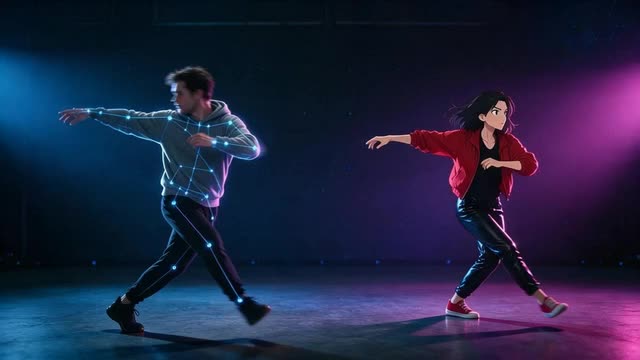
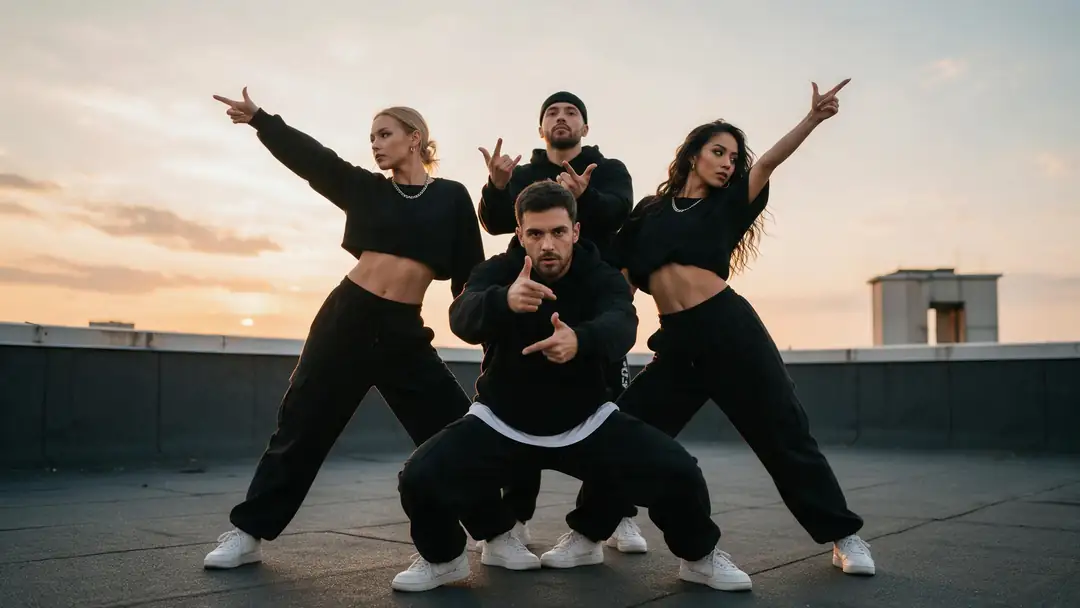
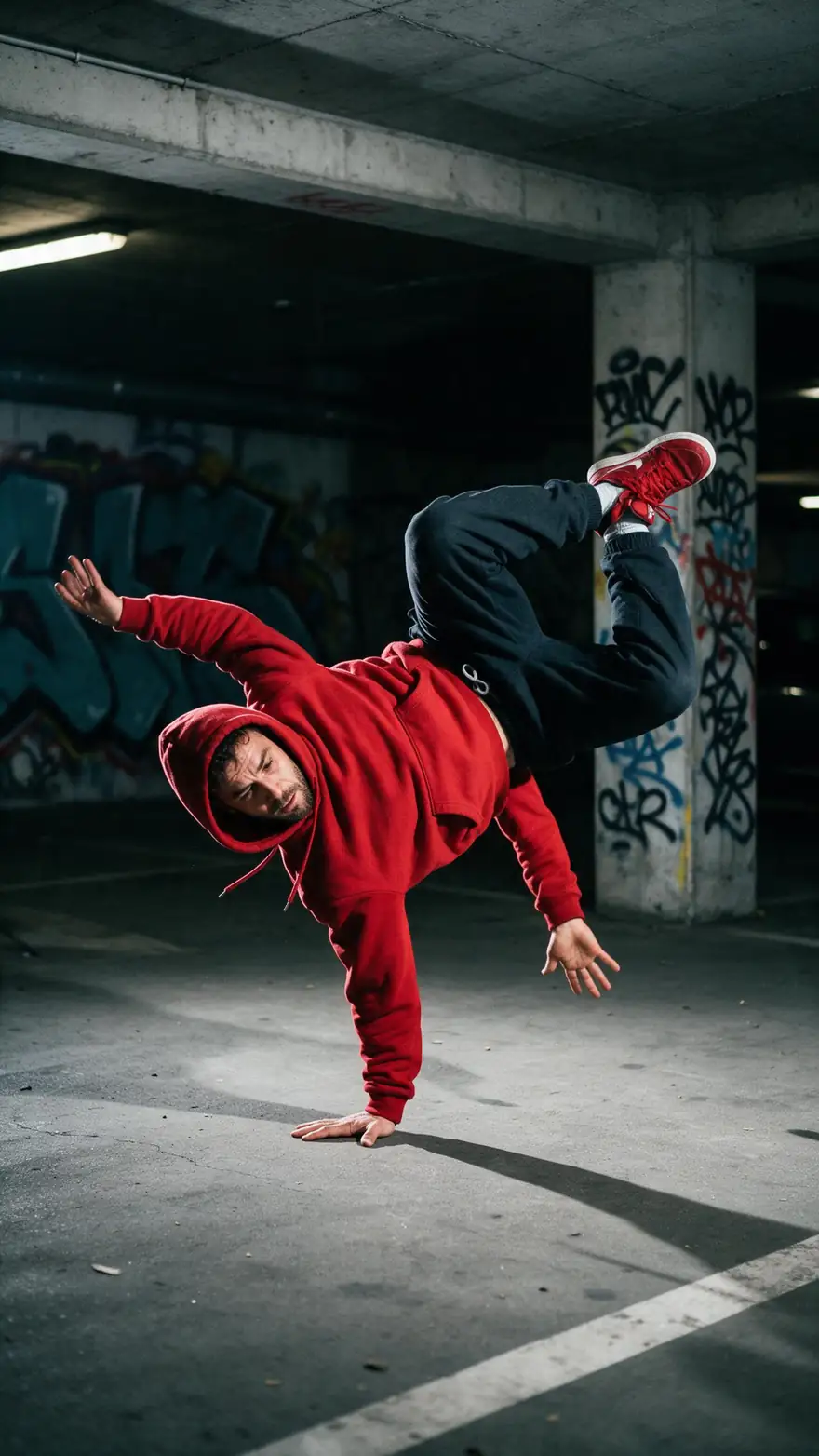
Street dance, an anime idol, a K-pop group, a breakdancer and even a wolf — the research behind SCAIL targets turns, stylised characters and multi-person scenes.
Image-to-video example clips, model named on each card. SCAIL 2 in the Motion Transfer tool takes the motion from your own driving clip.
How to
SCAIL 2 in four steps
- Time needed
- Steps
- 4 steps
Step 1
Open Motion Transfer
SCAIL 2 is already selected — it's the default engine. Try the 'Street dance' starter to see the settings.
Step 2
Add the character and the clip
A clear JPG or PNG of the character, and a driving video up to 2 minutes (MP4, MOV, WEBM, M4V or MKV, around 100 MB).
Step 3
Choose Animate or Replace
Animate character keeps your image's background. Replace person drops your character into the clip's scene.
Step 4
Pick 480p or 720p and generate
Describe the character's look if you like, set a seed to repeat a result, and download an MP4 with the clip's sound.
See it in the app

Open Motion Transfer and upload a clear photo of the character, or choose one from your history.


Watch the tour · 1:19
Text, image & reference to video, models, edit, extend & chat
Chapters
Engines
SCAIL 2, SCAIL or another engine?
SCAIL 2 is the Motion Transfer tool's default. Here is when to keep it, when to drop to SCAIL, and when another engine is the better call.
- Default
WaveSpeed
SCAIL 2
- Input
- Image + video up to 2 min · Animate or Replace
- Output
- 480p or 720p · keeps sound
Long clips with sound — animate on your photo's background, or replace the person in the clip
Open SCAIL 2 
WaveSpeed
SCAIL
- Input
- Image + video up to 2 min
- Output
- 480p or 720p · silent
The first SCAIL — animate only, silent output, same 2-minute limit
Open SCAIL
Alibaba
Wan 2.2 Animate
- Input
- Image + video up to 2 min
- Output
- 480p or 720p · silent
A second opinion on Replace person when SCAIL 2's swap isn't right
Open Wan 2.2 Animate
WaveSpeed
SteadyDancer
- Input
- Image + video up to 2 min
- Output
- 480p or 720p · silent
Very fast spins and footwork that need extra stability
Open SteadyDancer
Kuaishou
Kling 3.0 Pro Motion
- Input
- Image + 3–30 s video
- Output
- Follows the source · sound switch
Short clips where face and hand detail matter most
Open Kling 3.0 Pro Motion
SCAIL engines output 480p or 720p MP4s with no watermark; clips over 2 minutes are trimmed to the first 2 minutes. SCAIL 2 keeps the clip's audio, SCAIL is silent.
Tips
Getting the most out of SCAIL 2
Where SCAIL's 3D-aware pose helps, and how to set it up.
Turns, spins and flips are SCAIL's strength — let the clip use them.
Stylised characters (anime, 3D, painted) work; keep limbs clearly visible.
The research model was trained on detailed prompts, so describe the look fully.
Long takes are fine — up to 2 minutes, anything after that is trimmed.
Fix a seed when comparing Animate and Replace on the same clip.
Only use people who agreed to it.
Example uses
How creators use SCAIL 2 motion Transfer
Illustrative examples of typical workflows, not customer reviews.
VTuber
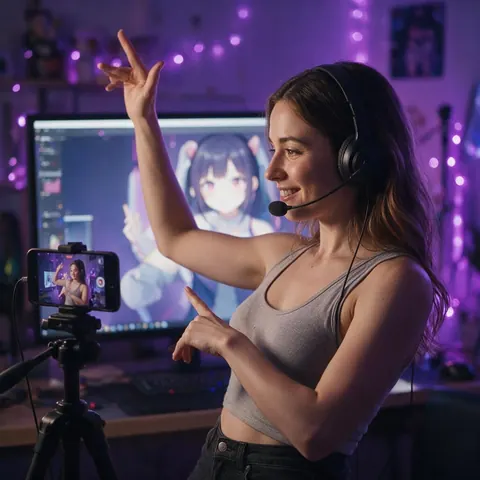
A VTuber can drive an anime avatar with a full two-minute dance recorded at home, with the music kept in the result.
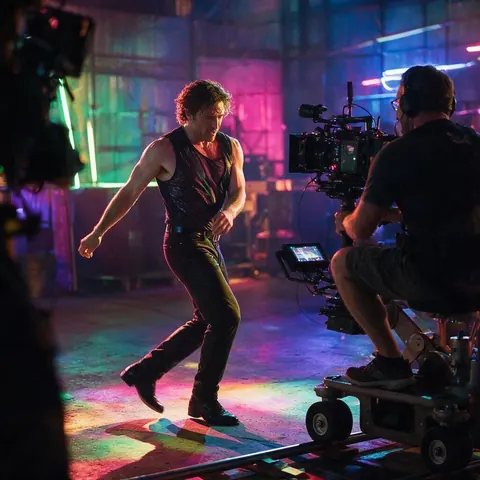
Music video director
A director can replace a performer with a stylised character in a single long take while the set and lighting stay.
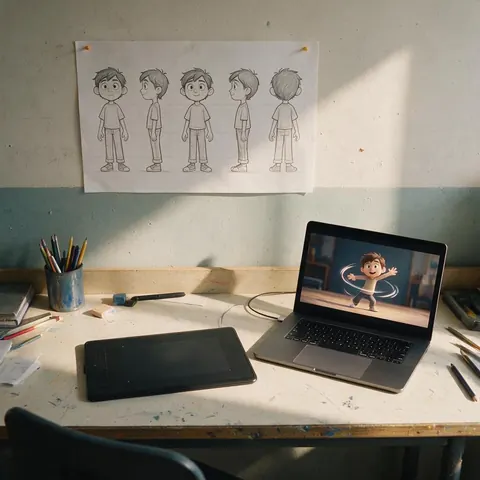
Animation student
A student can test how a character sheet holds up through spins and turns before committing to frame-by-frame animation.
FAQ
SCAIL questions
7 questions
What does SCAIL stand for?
SCAIL stands for Studio-grade Character Animation via In-context Learning. The name comes from the research paper 'SCAIL: Towards Studio-Grade Character Animation via In-Context Learning of 3D-Consistent Pose Representations', accepted to the CVPR 2026 Findings track, whose authors released the model code and weights on GitHub under zai-org.
Link to this answerWho made SCAIL?
SCAIL comes from zai-org, which open-sourced the SCAIL-Preview model, a 14B diffusion transformer, together with its pose extraction tools in December 2025 under the Apache 2.0 licence. On Kenerate AI, SCAIL 2 and SCAIL appear under WaveSpeed, the provider that serves them to the Motion Transfer tool.
Link to this answerIs SCAIL 2 the default engine?
Yes. When you open Kenerate AI's Motion Transfer tool, SCAIL 2 is selected, and the 'Street dance' starter example uses it. It is the default because it covers the most cases at once: animate or replace modes, clips up to 2 minutes, 480p or 720p, and the clip's sound kept in the result.
Link to this answerDoes SCAIL keep the audio?
SCAIL 2 does: the driving clip's audio comes through in the result, so a dance stays on the beat and a talking clip keeps its speech. The first SCAIL engine returns silent video. Other engines that keep sound are Kling 3.0 and Kenerate Motion with a switch, LTX-2 Control and DreamActor v2.
Link to this answerWhat is the difference between Animate and Replace in SCAIL 2?
Animate character moves the character in your image on your image's own background, following the clip's motion. Replace person keeps the clip's scene, camera and timing and swaps the person in it for your character. Use Animate for a clean character shot, and Replace when the original setting is the point.
Link to this answerWhat happens if my clip is longer than 2 minutes?
SCAIL 2 uses the first 2 minutes and trims the rest; the job isn't refused. Since you pay per second of clip, it's worth trimming to the part you need before uploading. If a job fails for any reason, its credits are refunded automatically, so a test run costs nothing when it doesn't work.
Link to this answerCan I use SCAIL on a photo of a real person?
Only with that person's permission. Use your own photos, characters you created, or people who agreed to it — never celebrities or strangers. SCAIL's Replace mode makes convincing swaps, so label the result as AI-made when you share it, and never use it to put someone into a scene they would object to.
Link to this answerIn depth
How SCAIL works
Why a 3D-aware pose makes a difference, and what that means for your clips.
On this page
3D-consistent pose, in plain words
Most motion engines read a flat 2D skeleton from each frame, which gets confused when a dancer turns away or crosses their arms. SCAIL's pose representation keeps depth, so the model knows which arm is in front and which way the body faces. The paper pairs this with 'full-context' pose injection: the model sees the whole motion sequence at once rather than frame by frame.
Where that helps
It doesn't remove every artefact — very fast motion blur and props covering hands can still trip it up.
- Spins, turns and flips that confuse 2D skeletons.
- Stylised characters whose proportions differ from the dancer's.
- Scenes where limbs overlap or cross the body.
SCAIL 2 in a real workflow
A typical run: test the first 15 seconds at 480p in Animate mode, compare the same seed in Replace mode, then render the full clip at 720p. If a fast spin wobbles, try the same clip on SteadyDancer; if a close-up face drifts, try Kling 3.0 Pro Motion.
SCAIL 2 vs SCAIL
zai-org describes SCAIL-2 as an end-to-end successor with improved stability and clarity and native long-video ability. In the tool, SCAIL 2 adds the Replace person mode and keeps the clip's sound; SCAIL is animate-only and silent. Both take clips up to 2 minutes at 480p or 720p.
SCAIL AI motion transfer on stylised characters
The SCAIL repo shows the model generalising to anime, hand-drawn and realistic characters, and even to four-legged animals it wasn't trained on. That makes it a good first pick for mascots, anime avatars and painted characters, as long as the limbs are clearly visible.
Is SCAIL open source?
Yes. SCAIL-Preview's weights are on Hugging Face and ModelScope and the inference code is on GitHub under Apache 2.0. The preview targets resolutions under 512p and was trained on 5-second clips; the hosted SCAIL 2 in the tool takes 2-minute clips at up to 720p.
Explore
Every Kenerate video tool
Generators, tools, models and guides — all in one studio.


Try SCAIL 2 — it's already selected
Animate or replace, clips up to 2 minutes, sound kept. No subscription.
Tried it? Tell us how it went