

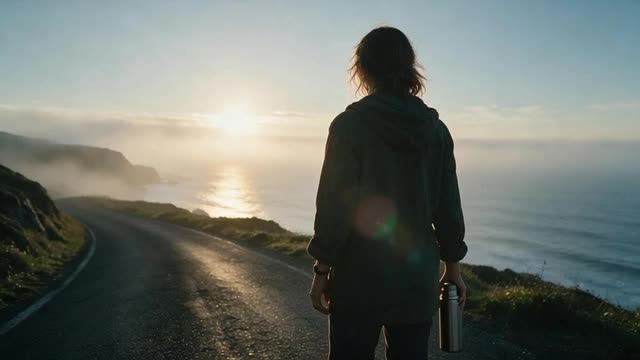
Cinematic TVC · brand film · product showcase · 16:9 and 9:16
AI Commercial Generator
Make an AI commercial from a product photo and a short brief: a story-first brand film, a match-day spot, a cinematic product showcase or a city billboard, in 16:9 for YouTube and TV or 9:16 for Reels.
- Bakery owner presenter spot

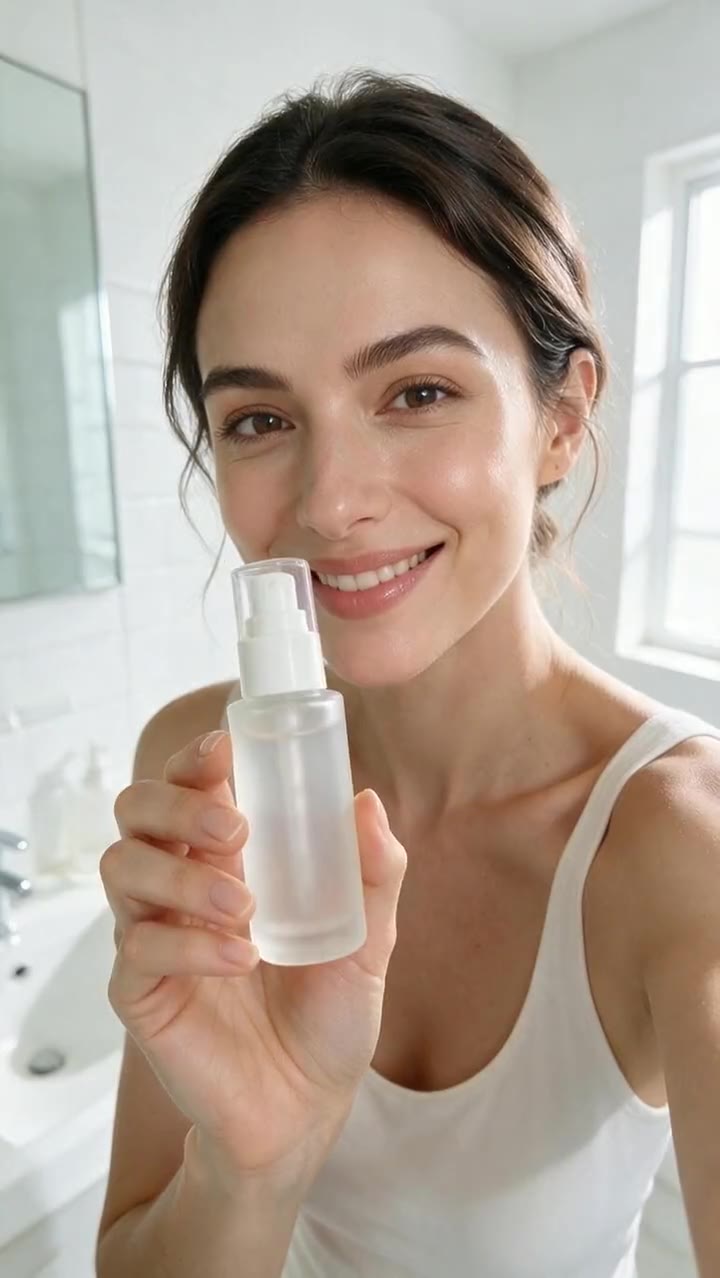
- UGC review ad
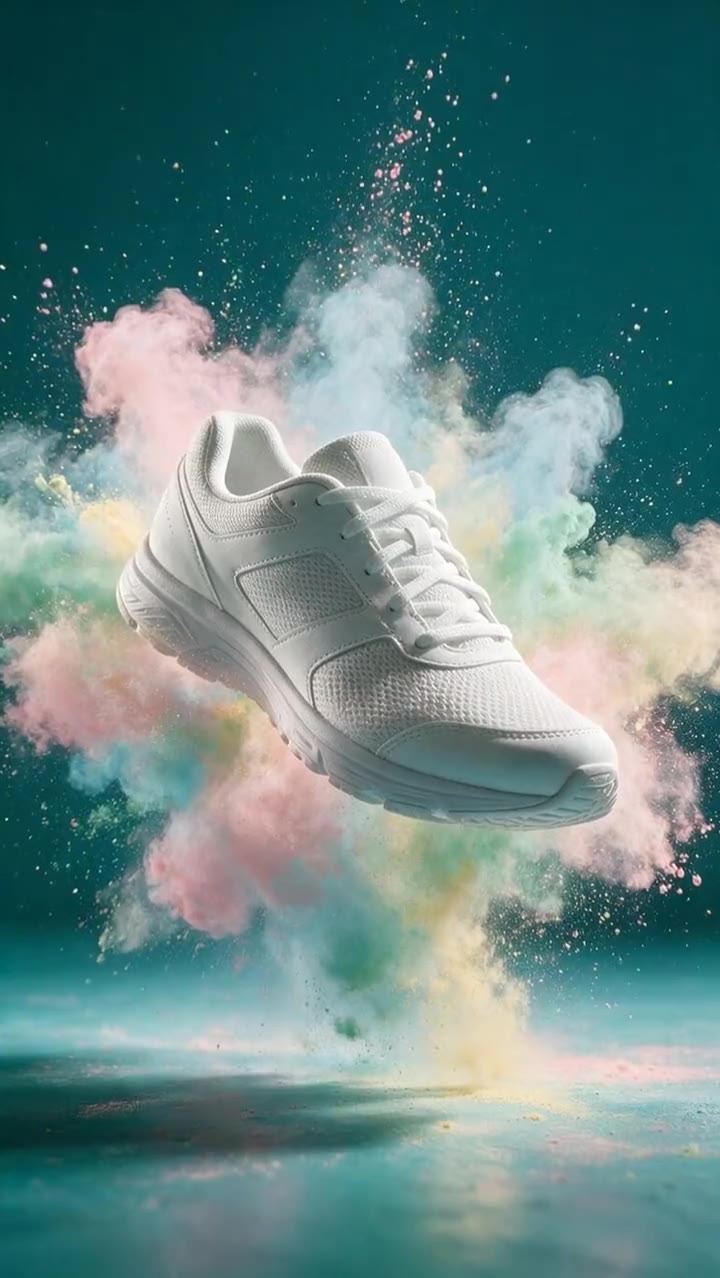
- Product commercial
Made in Marketing Studio · Seedream 5.0 Pro + Wan 3.0
- Cinematic TVC and brand film styles
- Your product at the emotional peak
- 16:9 YouTube · TV preset
- No editing timeline needed
Updated by the Kenerate AI team
On this page
Quick answer
Updated
What is an AI commercial generator?
An AI commercial generator turns a product and a short brief into a finished TV-style ad, with the story, camera, light and pacing generated rather than filmed. In Kenerate AI's Marketing Studio, the Cinematic TVC and Football TVC styles make story-first spots, and Product showcase makes cinematic product b-roll, on Seedance 2.0 by default.
Key facts
- Where
- Marketing Studio > Video > Ads
- Commercial styles
- Cinematic TVC · Football TVC · Product showcase · Talking presenter
- Also
- Motion > Billboard (a giant city billboard at dusk)
- Templates
- Brand Film · Match Day · Rainy Window Brew · Trail at Dawn · Dusk Billboard
- Sizes
- YouTube · TV 16:9 · Reels, TikTok and Shorts 9:16 · Feed 4:5 or 1:1
- Length
- 4–15 s on Seedance 2.0 (default) · up to 30 s on Wan 3
- Access
- Paid plan or a one-time credit pack, no subscription required
Ad showcase
5 ad videos made with Kenerate AI
Short ads of fictional, unbranded products: each starts as a Seedream 5.0 Pro frame and is animated with Wan 3.0. Open one to see the prompt and the Marketing Studio style it matches.
Ad images
AI Commercial Generator examples
Ad stills of fictional, unbranded products, made with Seedream 5.0 Pro, the model Marketing Studio uses by default.
How to
How to make a commercial with AI
- Time needed
- Steps
- 4 steps
Step 1
Open Marketing Studio and pick Video > Ads
It runs on a paid plan or a one-time credit pack.
Step 2
Add your product
From the library, a product link, or 1–9 photos.
Step 3
Pick a commercial style or template
Cinematic TVC, Football TVC, Product showcase, or Brand Film and Match Day.
Step 4
Write the brief
The story beat, the brand, the call to action, the language and the voice.
See it in the app

Open Marketing Studio and pick Image for product shots and posters, or Video for UGC and motion ads.


Watch the tour · 1:19
Text, image & reference to video, models, edit, extend & chat
Chapters
Engines
Video models for AI commercials
The models in Marketing Studio's video picker, with the hints the app shows.
- Default

ByteDance
Seedance 2.0
- Input
- Product + brief
- Output
- 4–15 s · 720p default
The default: cinema quality, exact product references
Open Seedance 2.0 
Marketing Studio needs a paid plan or a one-time credit pack.
Tips
Tips for AI generated commercials
How the commercial styles are built.
Start with the story, not the product.
Put the product at the peak of the emotion.
One location, one light, one music cue.
Close on a brand card with your own words.
Make a 16:9 spot and a 9:16 cut from the same brief.
Keep every claim true; the style never invents stats or awards.
Example uses
How creators use AI Commercial generator
Illustrative examples of typical workflows, not customer reviews.

Founder launching a product
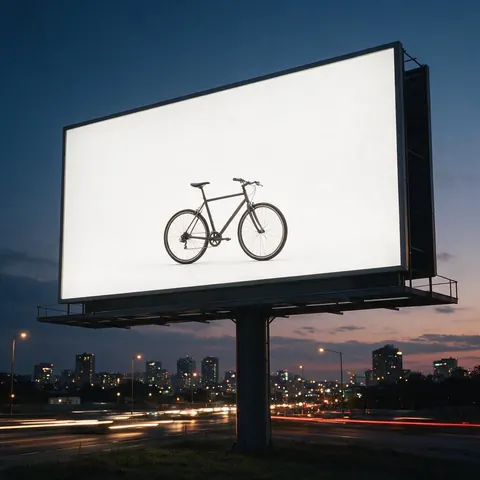
A founder can plan a launch spot from one product photo and a story beat, without booking a crew.
Regional retailer
A local shop can make a 16:9 spot for YouTube and a 9:16 cut for Reels from the same brief.
Agency creative
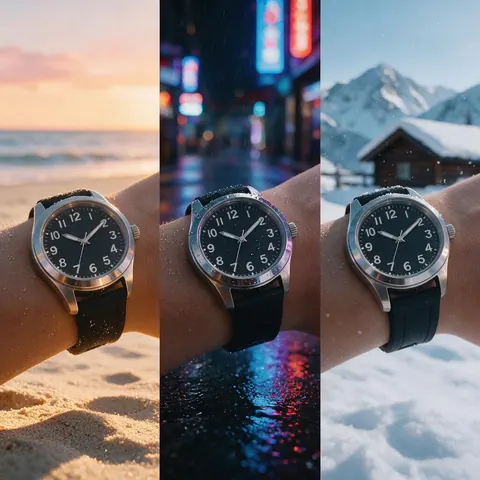
A creative can test three moods for one commercial idea before pitching it.
FAQ
AI commercial generator questions
8 questions
Can I make a commercial using AI?
Yes. Add a product photo to Marketing Studio, pick a commercial style such as Cinematic TVC or Product showcase, and write a short brief with the story beat and your call to action. The model generates the scenes, camera moves, light and sound in one clip, in 16:9 for YouTube or TV, or 9:16 for vertical feeds.
Link to this answerWhat is an AI commercial?
An AI commercial is a TV-style ad whose footage is generated by a video model instead of filmed with a crew. The story, setting, camera and light come from a brief, and the product comes from your photo. In Marketing Studio, the Cinematic TVC style builds the spot around a story, with the product at the emotional peak and a brand card to close.
Link to this answerWhich commercials are AI-generated?
More and more of them, in part or in full: generated backgrounds, product shots, or whole spots. You often can't tell by eye, which is why some platforms ask for AI-generated content to be labelled. On this page, every example is AI-generated with fictional people and unbranded products, and nothing claims to be a real brand's commercial.
Link to this answerDo I need editing experience?
No. There is no timeline to edit: you pick a style, add the product, write a brief and get a finished clip. Experience helps with the brief, such as naming one location, one light and one music cue, but the style already sets the camera, pacing and structure. Make a few variations and keep the best one.
Link to this answerIs there a free AI commercial generator?
Not here: Marketing Studio's commercial styles need a paid plan or a one-time credit pack, with no subscription required. A free account can plan the spot first by making the key frames, the set and the product shot in the image studio with Qwen Image 3.0, which is free to start, then build the commercial in Marketing Studio.
Link to this answerHow long can an AI generated commercial be?
It depends on the model. Seedance 2.0, the default, makes clips of 4 to 15 seconds; Wan 3 and Wan 3 Prime go up to 30 seconds; MiniMax H3 Pro and Ken 1 go up to 15 seconds. The Cinematic TVC style starts at 15 seconds and Football TVC at 12, and you can change the length before you create.
Link to this answerCan I make a sports or match-day commercial?
Yes. The Football TVC style builds a real football moment, the human beat, and puts the product at the peak of the emotion, with the brand as the signature. The Match Day template shows the finished look to recreate with your product. Use fictional players, not real athletes, clubs or league marks you don't own.
Link to this answerCan a presenter talk about my product?
Yes. The Talking presenter style takes a presenter photo and a voice-over and lip-syncs them into a spokesperson ad. Use a fictional presenter or a person who agreed to appear. Script lines can be written in 21 languages, and the voice can be warm, energetic, calm, deadpan, or matched to the presenter.
Link to this answerIn depth
AI commercials, explained
On this page
Which Marketing Studio style to use for a commercial
Every option below is a real style or template in Marketing Studio.
- A story-first brand spot: Ads > Cinematic TVC (templates Brand Film, Rainy Window Brew, Trail at Dawn) — anamorphic look, long takes, 16:9.
- A sports spot: Ads > Football TVC (template Match Day) — a real football moment, 16:9.
- A pure product commercial: Ads > Product showcase (templates Mist Macro, Dewdrop Macro) — light sweep, macro pass, clean end frame.
- An out-of-home look: Motion > Billboard (template Dusk Billboard) — the product on a giant city billboard at dusk.
- A spokesperson ad: Ads > Talking presenter — a presenter photo lip-synced to the voice-over.
- A vertical cut for Reels and TikTok: any of these at 9:16.
Cinematic TVC and brand film
Cinematic TVC is a brand film: story first, the product at the peak of the emotion, a brand card to close, with an anamorphic look and long takes. Brand Film opens cold, finds the human beat and lands on the product. Rainy Window Brew and Trail at Dawn are finished examples of the same style.
Product showcase commercials
Product showcase is cinematic b-roll with no people: a light-sweep hero shot, a macro pass over the material, the product in its real setting, and a clean end frame. It suits launches and premium products where the object itself is the story.
AI commercial video generator vs an AI ad generator
An AI ad generator covers every format: stills, posters, UGC and motion. An AI commercial video generator is the TV-spot end of it, with story, cinematic camera work and a 16:9 frame. Marketing Studio does both; this page covers the commercial styles.
Explore
Every Kenerate video tool
Generators, tools, models and guides — all in one studio.
Make an AI commercial in Marketing Studio
Your product, a story, one finished spot.
Tried it? Tell us how it went