

Compared with Aleph 2.0 · facts checked 3 October 2026
Runway Aleph alternative — edit the video you already have with Genjutsu
Runway Aleph made "edit the clip, not the timeline" mainstream. Kenerate Genjutsu does the same kind of job with a different shape: a mode for each common swap, numbered reference images, clips up to 30 seconds, and no subscription.
- Five edit modes
- Up to 30 references
- Clips up to 30 s
- No subscription
Updated by the Kenerate AI team
Made with Kenerate


On this page
Quick answer
Updated
What is a good Runway Aleph alternative?
Runway Aleph — now Aleph 2.0 — is Runway's in-context video editing model: describe a change or edit one frame and it carries it through the clip. A Runway Aleph alternative on Kenerate AI is Genjutsu: one clip plus reference images and a prompt, five edit modes, clips up to 30 seconds on Seedance 2.5, and no subscription required.
Key facts
- Aleph 2.0
- Runway, in-context video editing
- Genjutsu modes
- Character, object, outfit, background, free
- Clip length
- Both up to 30 s
- References
- Genjutsu: up to 10 or 30
- Object removal
- Aleph yes · Genjutsu no
- Access
- Genjutsu: no subscription
Real demo
A season change, Genjutsu-style
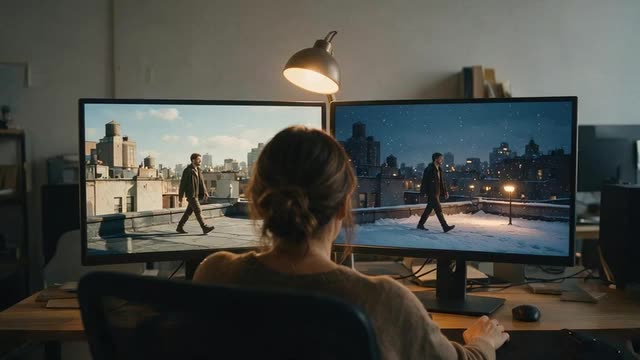
Aleph's product page shows "Change the season to winter". Here is the same kind of edit in Genjutsu's Free edit: a greenhouse clip turned into a snowy night with northern lights, from one prompt and one mood reference.
- Genjutsu edit. Prompt: “Make it a snowy winter night like @image1: snow falling, snow on the glass roof and the plants, northern lights over the city behind.”
Kenerate Genjutsu at 720p — an unedited result from the app's example gallery, shown next to its source clip.
Try a season changeReal demo
Replace an object
Aleph's guide lists "replace object or subject". Genjutsu has a dedicated Swap object mode: the coffee cup becomes a glowing crystal cup while the milk keeps pouring into it.
- Genjutsu edit. Prompt: “Turn the coffee cup into the glowing crystal cup from @image1 — the milk still pours into it and the cyan glow lights the table.”
Kenerate Genjutsu at 720p — an unedited result from the app's example gallery, shown next to its source clip.
Swap an objectReal results
Footage worth a second version
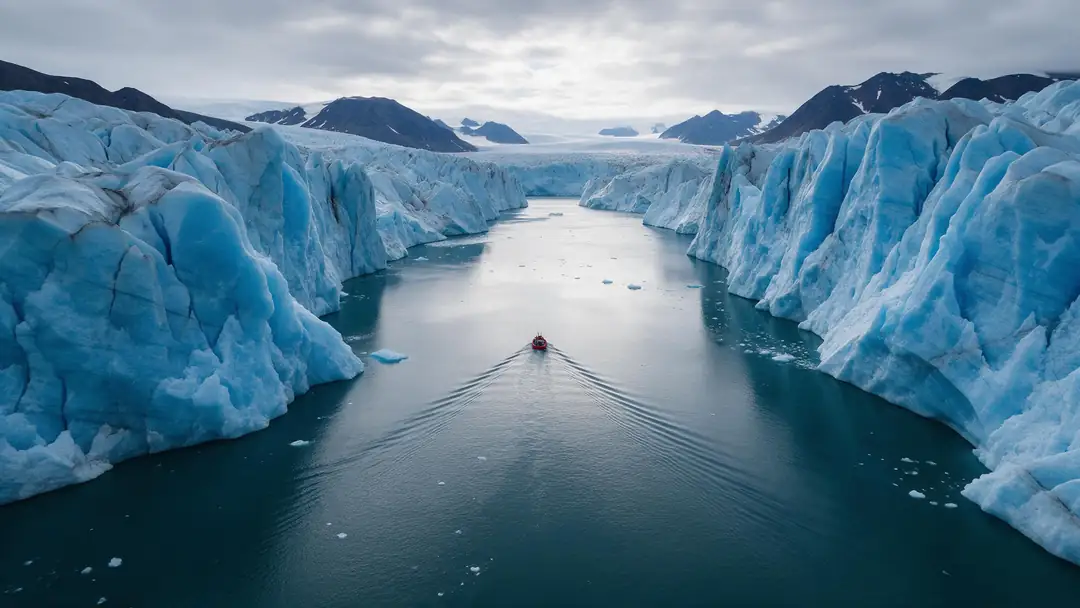
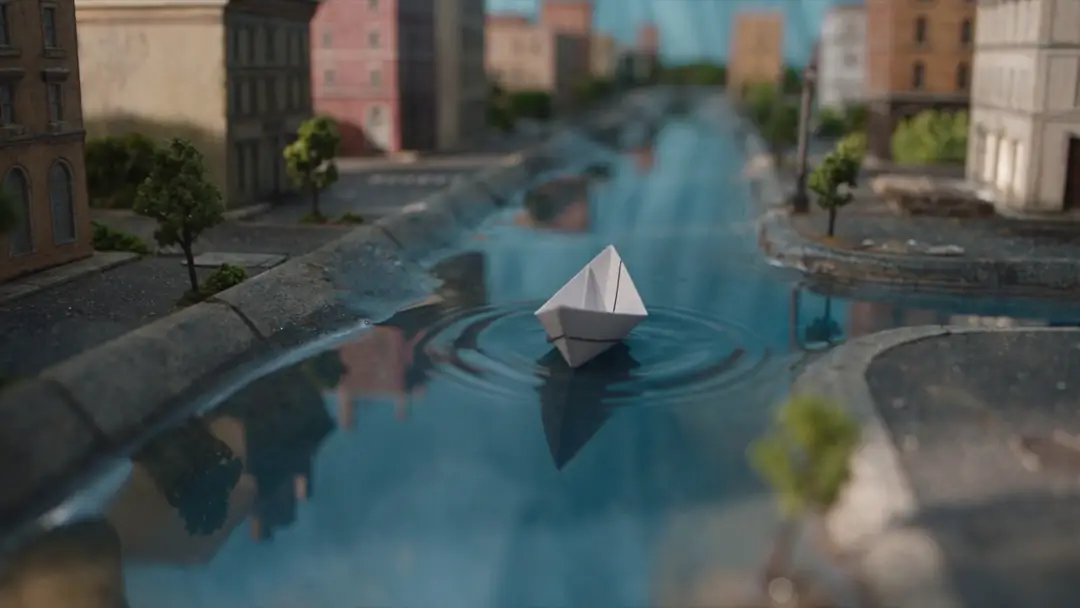
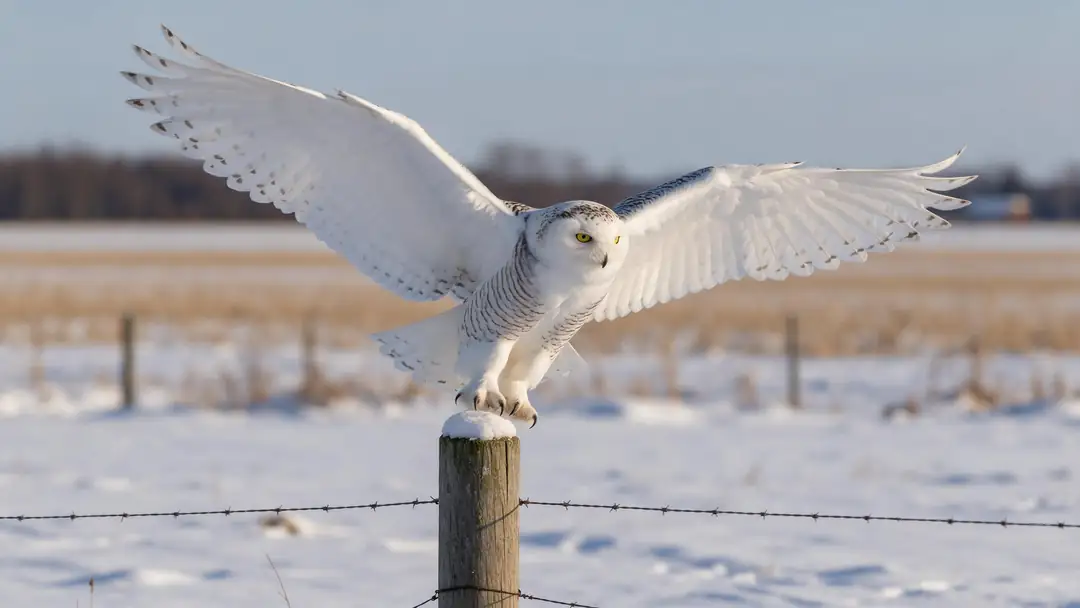
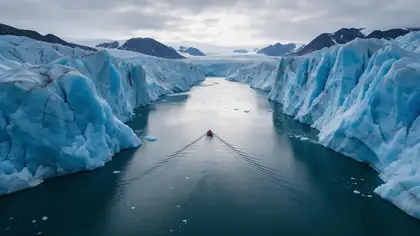
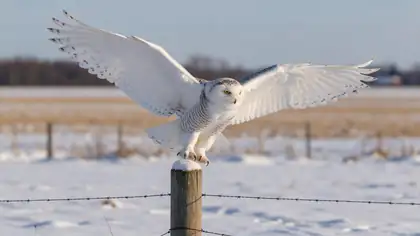
A glacier calving, a paper-boat city, a snowy owl, a breakfast dinosaur and a floating market — shots where a new season, creature or setting turns one clip into a campaign.
Image-to-video example clips (model on each card), not Genjutsu or Aleph outputs. The demos above are real Genjutsu edits; Aleph's own examples are on Runway's product page.
How to
Make an Aleph-style edit in Genjutsu
- Time needed
- Steps
- 4 steps
Step 1
Upload the clip
MP4, MOV, WebM or M4V up to about 100 MB. Up to 30 s on Seedance 2.5, 15 s on the Kenerate tiers.
Step 2
Pick the mode that matches the edit
Wardrobe → Change outfit, prop → Swap object, location → Change background, person → Replace character, anything else → Free edit.
Step 3
Add references instead of a keyframe
Show the new jacket, product, character or place as images and write @image1 in the prompt.
Step 4
Write the change in one or two sentences
Your Aleph prompts carry over: "change the outfit to a bright yellow fur coat" works as written.
See it in the app

Open Kenerate Genjutsu and choose Replace character, Swap object, Change outfit, Change background or Free edit.


Watch the tour · 1:19
Text, image & reference to video, models, edit, extend & chat
Chapters
Checked 3 October 2026
Runway Aleph 2.0 vs Kenerate Genjutsu
Aleph facts from runwayml.com (the site now redirects to runway.com), help.runwayml.com and Runway's API docs, checked 3 October 2026. Genjutsu is our product.
| Kenerate Genjutsu | Runway Aleph 2.0 | |
|---|---|---|
| How you direct the edit | A mode, a prompt and reference images (@image1…) | A prompt, or edit one frame and Aleph carries it through; image preview in Edit Studio |
| Clip length | 2–15 s (Kenerate tiers) · 4–30 s (Seedance 2.5) | Up to 30 s at 1080p |
| Output | MP4, 480p to 1080p; 4K on Seedance 2.5 | 1080p; ProRes, PNG sequences and 10-bit SDR via the API |
| Edit types | Replace character, swap object, change outfit, change background, free edit | Background, wardrobe, weather and season, relight, replace object, restyle |
| Removing objects | No | Yes ("Remove the items on the wall" example) |
| New camera angles | No | Yes ("Tighter shot on the product" example) |
| Multi-shot clips | One clip per run | Edits across cuts in one video |
| Access | Sign-in, no subscription required | Listed on Runway's paid Standard, Pro and Max plans |
Runway also lists Aleph 2.0 for developers with video plus text or image input. Prices and credit costs change often; check runwayml.com/pricing for Aleph's current figures.
Sources: Runway — Aleph 2.0 product page · Runway Help Center — Aleph 2.0 Prompting Guide · Runway Research — Introducing Runway Aleph (25 July 2025) · Runway — pricing (plans and model comparison) · Runway API — available models (Aleph 2.0 output formats) · Kenerate Genjutsu (video editor)
Engines
Genjutsu's engines, for Aleph users
Aleph is one model; Genjutsu lets you pick a tier. Seedance 2.5 is the closest match to Aleph 2.0's 30-second clips.
- 30 s · 4K

ByteDance
Seedance 2.5
- Input
- Clip 4–30 s + up to 30 references
- Output
- 480p to 4K · ~4–8 min
The Aleph-length option: clips up to 30 s, up to 30 references, 4K output
Open Seedance 2.5 
Kenerate
Kenerate Genjutsu Pro
- Input
- Clip 2–15 s + up to 10 references
- Output
- 480p, 720p or 1080p · ~3–6 min
Short clips with the finest detail on the Kenerate tiers
Open Kenerate Genjutsu Pro- Fastest
Kenerate
Kenerate Genjutsu
- Input
- Clip 2–15 s + up to 10 references
- Output
- 480p, 720p or 1080p · ~2–4 min
Quick drafts of an edit idea on clips up to 15 s
Open Kenerate Genjutsu
Genjutsu returns an MP4 at the clip's length with no watermark. The Kenerate tiers use the first 15 seconds of a longer clip; Seedance 2.5 refuses clips over 30 seconds.
Tips
Moving from Aleph to Genjutsu
Most habits transfer; a few need translating.
Aleph keyframe edit → a reference image as @image1.
Aleph "replace" prompts → Swap object or Replace character.
Wardrobe prompts → Change outfit mode.
Removal prompts don't transfer: Genjutsu doesn't erase.
Relight and new-angle prompts aren't Genjutsu modes.
Same rule on both: only edit people who agreed.
Example uses
How creators use Runway Aleph alternative
Illustrative examples of typical workflows, not customer reviews.

Agency producer
An agency producer can turn one approved hero spot into seasonal and regional variants without reopening the shoot.
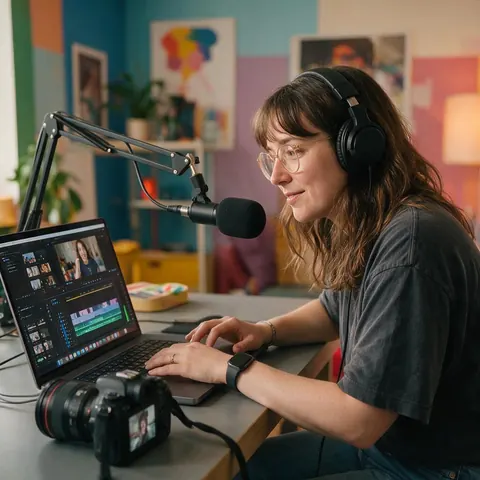
YouTube creator
A creator can make thumbnail-worthy alternate versions of a B-roll shot for a 'what if' segment.
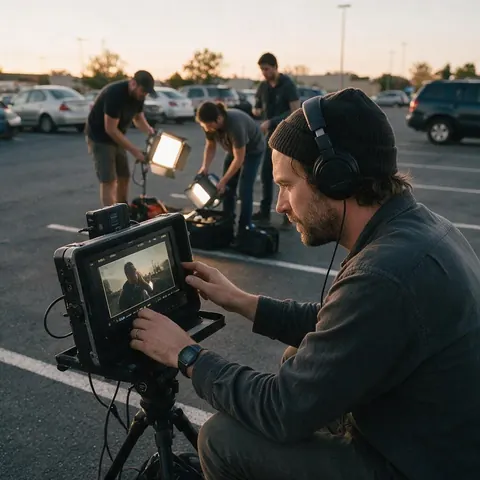
Indie filmmaker
An indie filmmaker can test a costume or location idea on rehearsal footage before spending on it.
FAQ
Runway Aleph alternative — questions
7 questions
What is Runway Aleph?
Runway Aleph is Runway's in-context video model, introduced on 25 July 2025 for editing existing footage — adding, removing and transforming objects, generating new angles, and changing style and lighting. Aleph 2.0 is the current version: you edit one frame or describe a change and it updates the rest of the clip, on videos up to 30 seconds at 1080p (Runway, checked 3 October 2026).
Link to this answerWhy look for a Runway Aleph alternative?
Usually for access, structure or references. Runway's pricing page lists Aleph 2.0 on its paid plans, while Genjutsu needs no subscription. Genjutsu also gives each common edit its own mode, accepts up to 30 reference images on Seedance 2.5, and keeps the clip's original audio by default. Aleph does more kinds of edit, including removal and new angles.
Link to this answerCan Genjutsu remove objects like Aleph?
No. Aleph's product page shows removals; Genjutsu doesn't erase objects, text or watermarks. It replaces: Swap object turns one object into another, Replace character recasts a person, Change background swaps the setting. If removal is the main thing you need, Aleph or a dedicated removal tool fits better.
Link to this answerWhich handles longer clips?
They match at the top: Aleph 2.0 edits clips up to 30 seconds, and so does Genjutsu on the Seedance 2.5 engine, which accepts 4–30 seconds and refuses longer clips. The Kenerate Genjutsu tiers take 2–15 seconds and use only the first 15 seconds of anything longer. Seedance 2.5 can also output 4K.
Link to this answerDoes Genjutsu have Aleph's keyframe preview?
No. In Aleph's Edit Studio you can preview an edit as an image before generating. Genjutsu works from the clip, your reference images and a prompt, and shows the result next to the original in a synced compare view. To steer the look before a run, use a reference image of exactly what you want.
Link to this answerIs there a free Runway Aleph alternative?
Genjutsu needs no subscription, and new accounts get starter credits to try it. Runs are charged in credits per second of clip, and failed runs are refunded automatically. Runway's own Free plan gives one-time credits for a selection of models; check Runway's pricing page for what it includes today.
Link to this answerIs it OK to edit people in a clip with either tool?
Only with consent and the rights to the footage. Both tools can recast people or change what they wear and where they are, so edit only footage you own or licensed, only people who agreed, never celebrities or impersonations, and label AI-edited clips when you publish them.
Link to this answerIn depth
Aleph and Genjutsu, side by side
Where each is stronger, and how to move an Aleph workflow across.
On this page
Where Aleph is stronger
Runway documents edits Genjutsu doesn't offer: removing things from a shot, generating a tighter or different camera angle, relighting, and applying one edit across several cuts in a video. Its Edit Studio previews an edit as an image first, and its API can deliver ProRes, PNG sequences and 10-bit SDR. For finishing work in a professional pipeline, those are real advantages.
Where Genjutsu fits
Genjutsu is narrower than Aleph, and deliberately so: five modes that cover the most common swaps, each with its own built-in instruction.
- You want a mode per job instead of a blank prompt.
- You have reference images — products, garments, characters, places.
- You need up to 30 references on one run.
- You want the original audio kept, or new sound generated.
- You'd rather pay per run than hold a subscription.
Translating Aleph prompts
Aleph prompts start with a verb plus a description, and that carries over. "Swap for black leather clutch with gold buckle" becomes a Swap object run with the same words; "change background to ancient city ruins" becomes Change background. Where Aleph would use an edited keyframe, add a reference image instead and point at it with @image1.
Runway Aleph
Runway's in-context video editing model. Aleph 2.0 adds longer clips (up to 30 s at 1080p), edits across multiple shots and an image preview of the edit before generating, according to Runway's product page (checked 3 October 2026).
Runway Aleph vs Genjutsu for wardrobe changes
Both change clothing by prompt. Aleph's guide uses examples like "Change outfit to bright yellow fur coat". Genjutsu's Change outfit mode adds reference images, so a specific garment photo can be matched, and keeps face, motion and audio by default.
In-context video editing
"In-context" means the model edits with the whole input video as context, keeping what you didn't ask to change. Genjutsu works the same way in spirit: each mode tells the engine what changes and what must stay, and your prompt adds the specifics.
Explore
Every Kenerate video tool
Generators, tools, models and guides — all in one studio.

Edit the clip you already shot
Five modes, up to 30 references, clips up to 30 s. No subscription required.
Tried it? Tell us how it went