Video edit · Anime style · Talking photos · 57 video models
DomoAI alternative — anime video edits and 57 models
DomoAI is known for turning footage into anime and other styles with templates. Kenerate AI edits a clip with one sentence on 11 models, animates portraits with 19 talking-photo engines, and runs 57 video models.
- Video edit on 11 models
- Keeps motion and sound
- Talking photos up to 10 min
- 57 video models
Updated by the Kenerate AI team
Made with Kenerate

On this page
Quick answer
Updated
What is the best DomoAI alternative?
For anime-style video edits plus generation, Kenerate AI is a DomoAI alternative: video edit on 11 models (including Wan 3 and Seedance 2.5) changes a clip's style with one sentence while keeping its motion, and 57 video models generate new shots. DomoAI offers more ready-made style templates and a no-credit Relax Mode on higher plans.
Key facts
- Video edit models
- 11
- Keeps
- Motion and audio (Wan 3)
- Talking-photo engines
- 19
- Video models
- 57
- Video upscaler
- Up to 4K
Real demo
One clip, two new looks
The same 5-second Wan 3 clip, edited with one sentence each. The walk and the camera move stay identical.
- Original. Wan 3 image to video, 5 s, 720p.
- Anime. Turn the whole video into a hand-drawn 2D anime style with bold outlines and soft cel shading
- Winter night. Change the season to a snowy winter evening: snow falling, snow on the sidewalk, warm shop lights, she wears a wool coat
Wan 3 video edit, unedited outputs. The original clip's audio is kept.
Edit your clipReal results
Anime and stylised clips
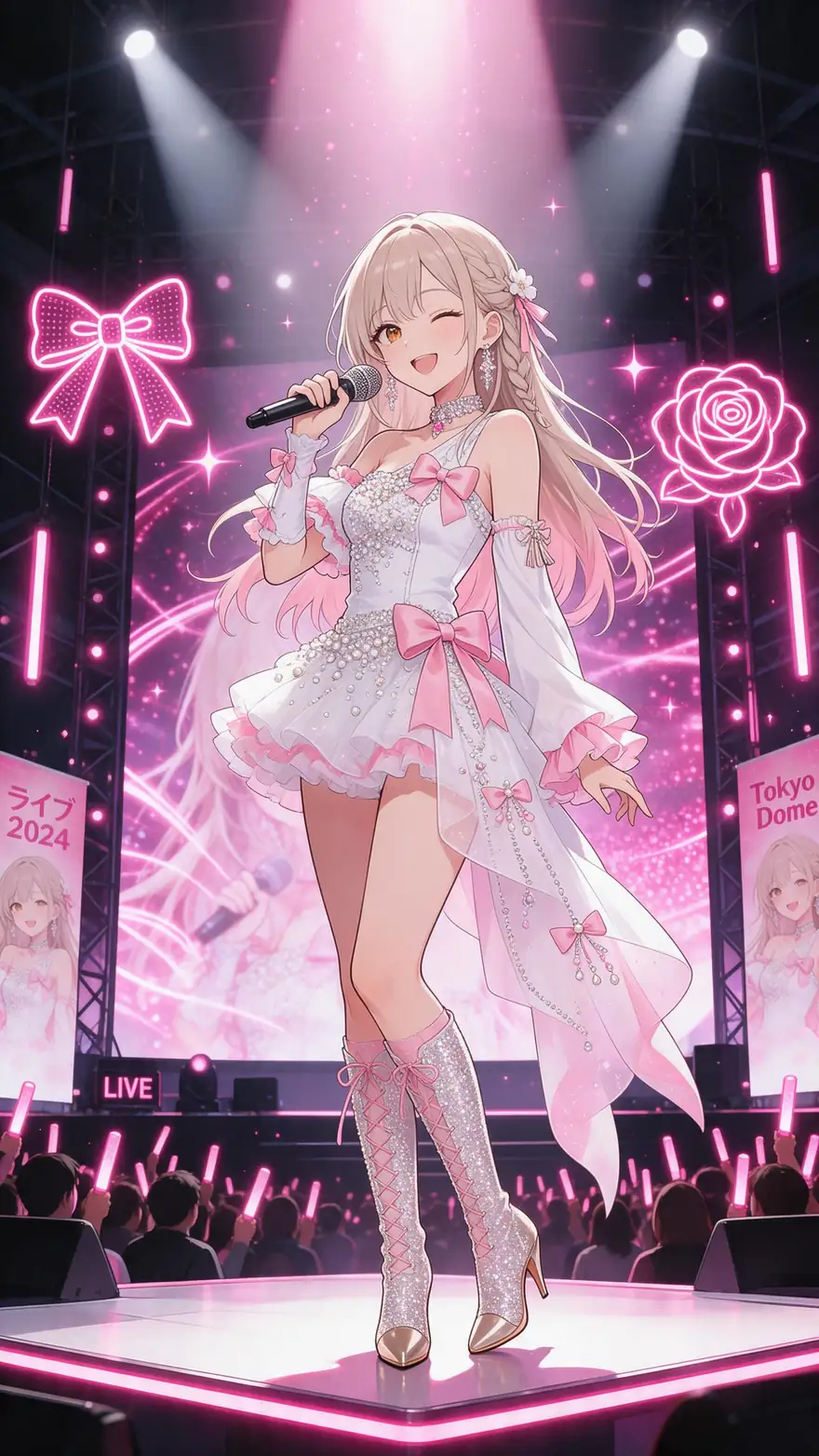
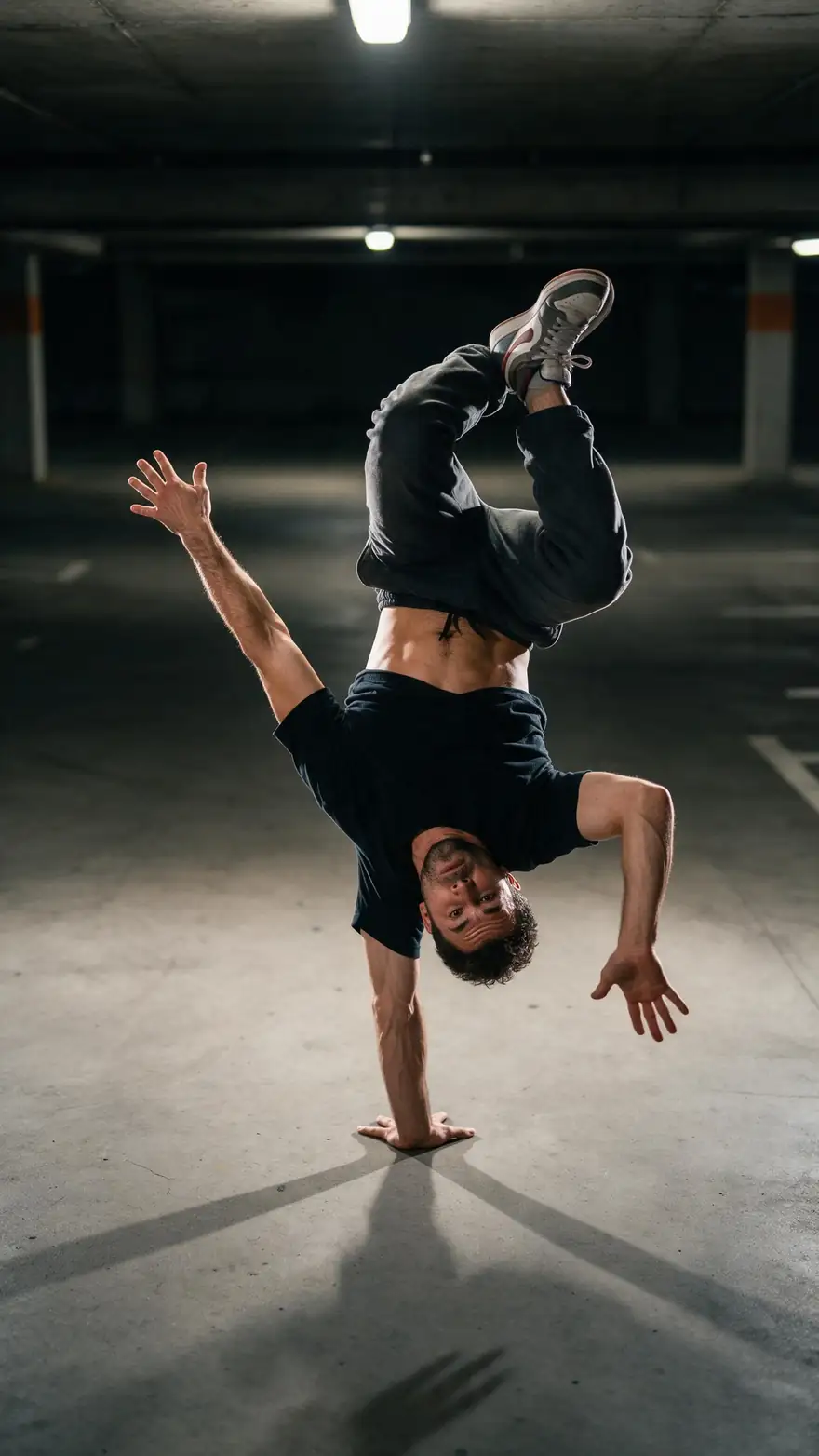
Five real clips (5 s, with sound) from Wan 3, Vidu Q3 Pro and PixVerse v6.
Real clips. Open one to copy the prompts.
How to
How to change a video's style on Kenerate
- Time needed
- Steps
- 4 steps
Step 1
Upload your clip
A short video you made or have the rights to.
Step 2
Pick an edit model
Wan 3 keeps the original sound; Seedance 2.5 goes up to 4K.
Step 3
Describe the new look
"Turn it into hand-drawn anime", "make it a snowy night".
Step 4
Upscale or extend
Upscale the result up to 4K, or extend it with a few more seconds.
See it in the app

Open Video Studio in Text to Video mode and write the shot — subject, action, camera move and light.


Watch the tour · 1:19
Text, image & reference to video, models, edit, extend & chat
Chapters
Checked 2 October 2026
DomoAI vs Kenerate
From DomoAI's own homepage and pricing page, checked 2 Oct 2026. Kenerate is our product.
| Kenerate AI | DomoAI | |
|---|---|---|
| Video to video | Video edit on 11 models; Wan 3 keeps the original audio | Video to video into anime, realistic or other styles; 50+ style templates |
| Models named | 57, incl. Kling 3.0, Veo 3.1, Seedance 2.5, MiniMax H3 | DomoAI 2.5, DomoAI 2.4.1, MiniMax H3, Seedance 2.5, Seedance 2.0 |
| Talking avatar | 19 engines, up to 10 min | Up to 20 s on Basic and Standard, up to 60 s on Pro and Team |
| Upscaling | Video upscaler up to 4K | 4K video and 6K image upscaling |
| Slow no-credit mode | No | Relax Mode on Standard and up, on supported models |
| Plans | One-time credit packs that never expire, no subscription required | Basic, Standard, Pro and Team; no free plan listed |
Sources linked below. Plans change often; check DomoAI's site.
Sources: Kenerate video studio · DomoAI — homepage · DomoAI — pricing
Engines
Models for edits and anime
A few of the 57 video models in Kenerate's studio.
- Used here

Alibaba
Wan 3
- Input
- Text, image or 10 references
- Output
- 2–30 s · up to 1080p · sound
Long clips; edit and extend
Open Wan 3 
ByteDance
Seedance 2.5
- Input
- Text, image or 30 references
- Output
- 4–30 s · up to 4K · sound
Multi-shot action and references
Open Seedance 2.5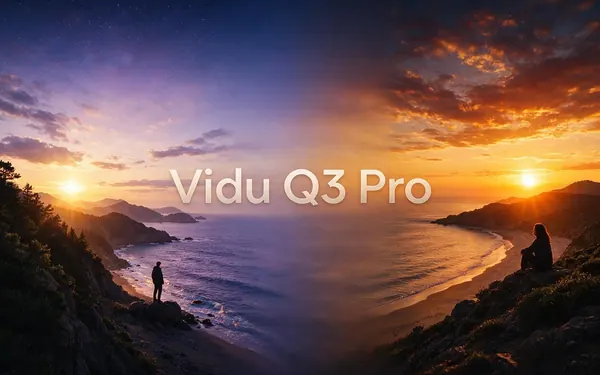
ShengShu (Vidu)
Vidu Q3 Pro
- Input
- Text or image
- Output
- 1–16 s · up to 1080p · sound
Consistent characters, anime-friendly
Open Vidu Q3 Pro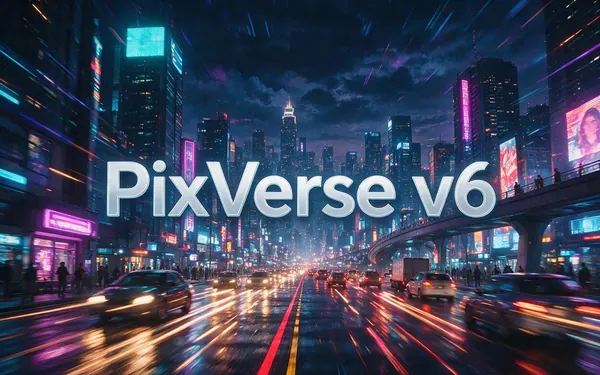
PixVerse
PixVerse v6
- Input
- Text, image or 10 references
- Output
- 1–15 s · up to 1080p · sound
Punchy social-style motion
Open PixVerse v6
xAI
Grok Imagine 1.5
- Input
- Text, image or references
- Output
- 1–15 s · up to 1080p · sound
Fast, fun social clips
Open Grok Imagine 1.5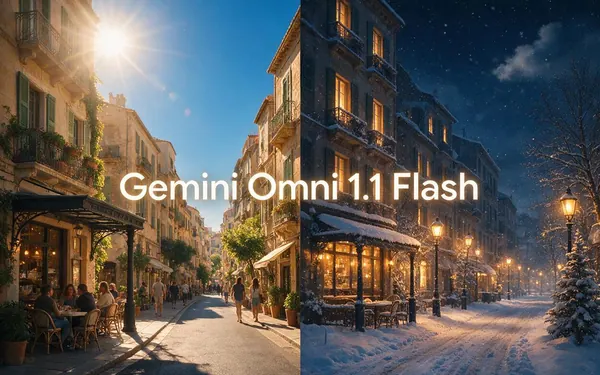
Google
Gemini Omni 1.1 Flash
- Input
- Text, image or references
- Output
- 3–10 s · up to 4K
Fast multimodal video and edits
Open Gemini Omni 1.1 Flash
The demo uses Wan 3 video edit; the gallery uses Wan 3, Vidu Q3 Pro and PixVerse v6.
Tips
Style edits that hold together
What worked in our tests.
Short, steady clips edit more cleanly than shaky ones.
Name the style and one or two details, not a list.
Keep faces large in frame for anime looks.
Generate anime from scratch with Vidu Q3 or PixVerse v6.
Upscale the final edit, not the source.
Real people need their permission.
Example uses
How creators use DomoAI alternative
Illustrative examples of typical workflows, not customer reviews.
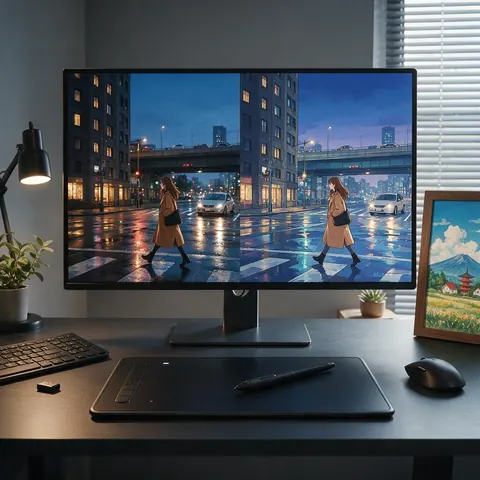
Anime fan editor
A fan editor could turn a short clip of their own into hand-drawn anime with one sentence.
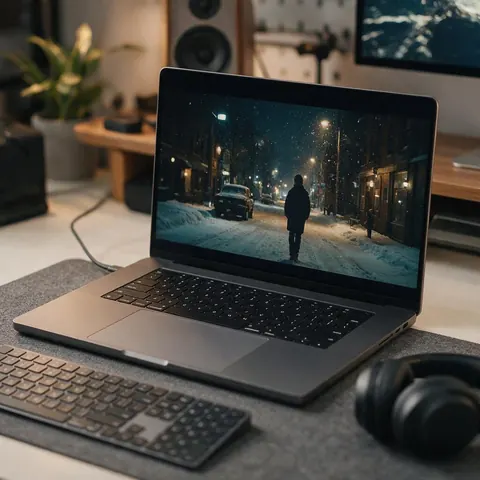
Musician
A musician could restyle a performance clip as a snowy night for a winter single's visualiser.
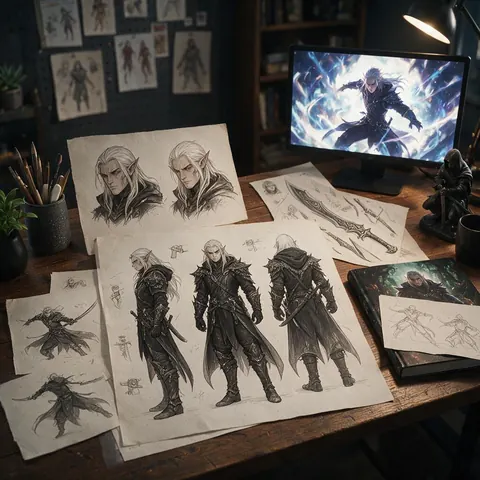
Indie game developer
An indie developer could make an anime-style teaser shot from a concept frame.
FAQ
DomoAI Alternative questions
What is the best DomoAI alternative?
For anime-style edits and new shots in one place, Kenerate AI: video edit on 11 models changes a clip's look with one sentence, and 57 video models generate new clips. If you want many ready-made style templates or a no-credit Relax Mode, DomoAI's own plans offer those.
Link to this answerCan Kenerate turn a video into anime like DomoAI?
Yes. Upload the clip, pick Wan 3 or Seedance 2.5 in video edit, and write something like "turn the whole video into hand-drawn 2D anime with bold outlines". The motion and camera move stay the same, and Wan 3 keeps the original sound.
Link to this answerIs DomoAI free?
DomoAI's pricing page lists Basic, Standard, Pro and Team plans and no free plan (checked 2 Oct 2026). Kenerate gives free sign-up credits for images and tools; video needs a one-time credit pack.
Link to this answerWhich models does DomoAI use?
Its pricing page lists DomoAI 2.5 and 2.4.1, its own models, plus MiniMax H3, Seedance 2.5 and Seedance 2.0. Kenerate runs MiniMax H3 and Seedance 2.5 too, plus Kling 3.0, Veo 3.1, Wan 3 and more.
Link to this answerHow long can a talking avatar be?
Up to 10 minutes on Kenerate with Kenerate Avatar or InfiniteTalk. DomoAI lists up to 20 seconds on Basic and Standard and up to 60 seconds on Pro and Team.
Link to this answerWhen is DomoAI the better choice?
When you want one-click style templates, its own DomoAI models, or a slower Relax Mode that doesn't use credits. Kenerate fits better when you want to choose among many models and make long talking clips.
Link to this answerIn depth
DomoAI Alternative, explained
DomoAI in 2026
DomoAI is an AI video generator and animation tool: video to video into anime or other styles, image and text to video, frames to video, character to video, talking avatars and upscaling, with 50+ style templates. Its pricing page lists its own DomoAI 2.5 and 2.4.1 models alongside MiniMax H3 and Seedance.
Where the two differ
DomoAI packages styles as templates. On Kenerate you describe the look in a sentence and choose the model, so you can try the same edit on Wan 3 and Seedance 2.5 and keep the better one.
- Pick Kenerate for sentence-based edits, many models and long talking clips.
- Pick DomoAI for style templates and its Relax Mode.
Explore
Every Kenerate video tool
Generators, tools, models and guides — all in one studio.