

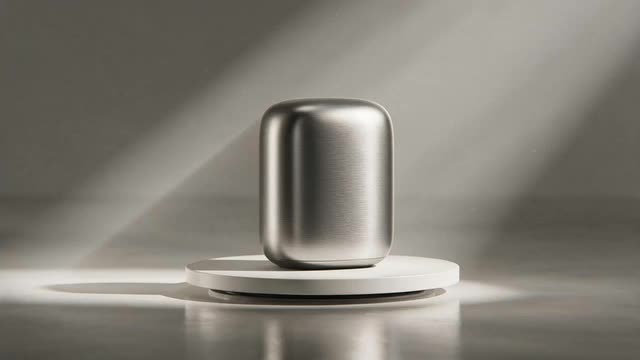
Marketing Studio · Seedance 2.0 · Wan 3 · Ken 1 · MiniMax H3
AI Product Video Generator
Upload photos of your product, pick a style (showcase, 360 spin, unboxing, ASMR or hypermotion) and get a vertical, square or widescreen product video, with sound on the models that support it.
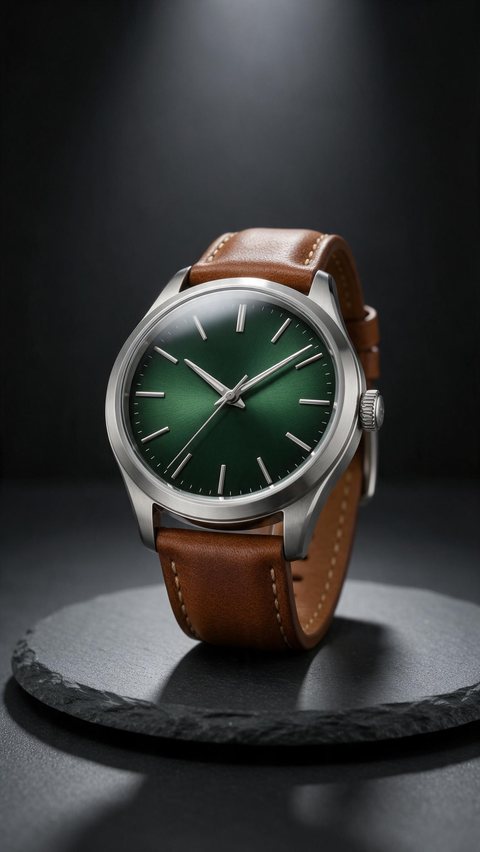
- Wristwatch turntable showcase
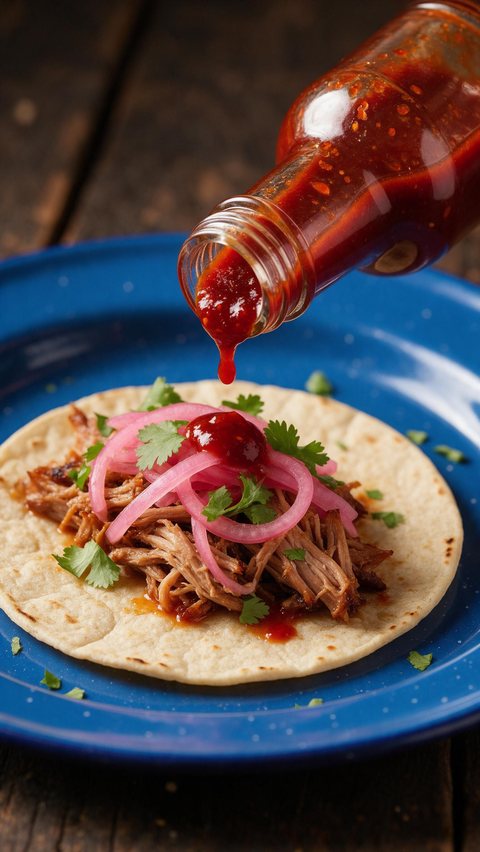
- Hot sauce ASMR drip
- Leather tote unboxing

Made in Marketing Studio · Seedream 5.0 Pro + Wan 3.0
- No shoot, no crew
- Showcase · 360 spin · unboxing · ASMR
- 9:16 · 1:1 · 16:9
- No watermark
Updated by the Kenerate AI team
On this page
Quick answer
Updated
What is an AI product video generator?
An AI product video generator turns photos of your product into a short video, such as a showcase, a 360 spin, an unboxing or a motion spot, with no shoot. In Kenerate AI's Marketing Studio you add 1–9 product photos, pick a style like Ads > Product showcase, and render it on Seedance 2.0 at 720p by default.
Key facts
- Where
- Marketing Studio > Video
- Your product
- 1–9 photos, a product page link, or a saved product
- Video styles
- Product showcase · Lifestyle b-roll · Hands-only unboxing · ASMR · Cinematic TVC
- Motion styles
- 2D product motion · Hypermotion · Color pop · Dark Minimalism
- Templates
- Studio Turntable · Clean 360 Spin · Levitation Spin · Mist Macro
- Length
- 4–15 s on Seedance 2.0 · up to 30 s on Wan 3
- Ratios
- 9:16 · 1:1 · 3:4 · 4:3 · 16:9 (21:9 on some models)
- Access
- Paid plan or a one-time credit pack, no subscription required
Ad showcase
5 ad videos made with Kenerate AI
Short ads of fictional, unbranded products: each starts as a Seedream 5.0 Pro frame and is animated with Wan 3.0. Open one to see the prompt and the Marketing Studio style it matches.
Ad images
AI Product Video Generator examples
Ad stills of fictional, unbranded products, made with Seedream 5.0 Pro, the model Marketing Studio uses by default.
How to
How to make a product video with AI
- Time needed
- Steps
- 4 steps
Step 1
Open Marketing Studio
Switch to Video mode.
Step 2
Add the product
Upload 1–9 photos, paste the product page link, or pick a saved product.
Step 3
Pick a style or template
Ads > Product showcase, Clean 360 Spin, Motion > Hypermotion, Hands-only unboxing and more.
Step 4
Set the format
Ratio, length and resolution, or a preset such as Reels · TikTok · Shorts or YouTube · TV.
See it in the app

Open Marketing Studio and pick Image for product shots and posters, or Video for UGC and motion ads.


Watch the tour · 1:19
Text, image & reference to video, models, edit, extend & chat
Chapters
Engines
Models for AI product videos
The video models Marketing Studio offers, from the app's own model list.
- Default

ByteDance
Seedance 2.0
- Input
- Product photos + style
- Output
- 4–15 s · 720p default
Default: exact product references
Open Seedance 2.0 
Alibaba
Wan 3
- Input
- Product photos + style
- Output
- Up to 30 s · native audio
Longer spots with sound
Open Wan 3
Alibaba
Wan 3 Prime
- Input
- Product photos + style
- Output
- Up to 30 s · up to 1080p
Wan 3 at its sharpest
Open Wan 3 Prime
MiniMax
MiniMax H3 Pro
- Input
- Product photos + style
- Output
- 4–15 s · 768p or 2K
Sharp motion
Open MiniMax H3 Pro
Marketing Studio needs a paid plan or a one-time credit pack.
Tips
Product videos that hold attention
What works for short product clips.
Start from sharp, evenly lit product photos; add the back and the details.
Pick one idea per clip: a spin, a macro pass, or the product in use.
Show the product in the first second.
Make 9:16 for Reels, TikTok and Shorts and 1:1 for feeds and listings.
Check labels and small text on the product in every frame.
Never show results, ratings or claims the product can't back up.
Example uses
How creators use AI Product video generator
Illustrative examples of typical workflows, not customer reviews.
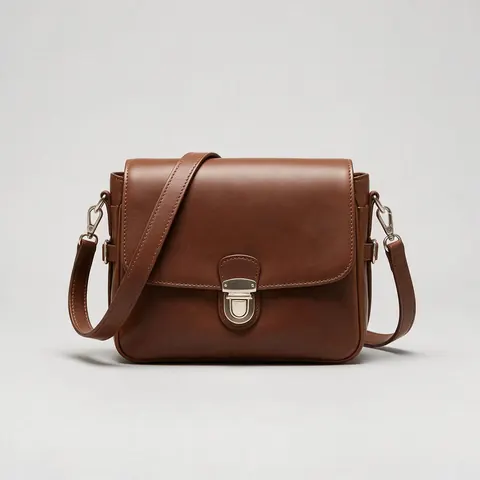
Marketplace seller
A seller can turn listing photos into a 1:1 clean spin video for the product page.

Kitchenware brand
A small brand can show its product in use with a lifestyle b-roll clip, hands only.
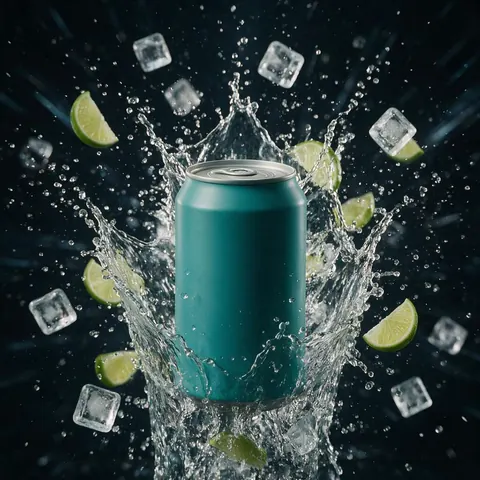
Drinks start-up
A drinks start-up can make a high-energy hypermotion spot for Reels from one can photo.
FAQ
AI Product Video Generator questions
11 questions
Can AI turn a product photo into a video ad?
Yes. Upload one or more photos of the product to Marketing Studio, pick a video style such as Product showcase, Hypermotion or Clean 360 Spin, and the video model animates the product into a short ad. Marketing Studio tells the model to keep the product exactly as in your photos, so its shape, colours and label stay the same.
Link to this answerHow do I make product videos with AI?
Open Marketing Studio and switch to Video mode. Add 1–9 product photos or paste the product page link, pick a style or a template, set the ratio and length, and write a hook or leave it to the writer. Seedance 2.0 renders at 720p by default. Download the clip with no watermark and make variants by changing the style.
Link to this answerWhat aspect ratios and lengths are supported?
Ratios are 9:16, 1:1, 3:4, 4:3 and 16:9 on every Marketing Studio video model, plus 21:9 on Seedance 2.0, Ken 1 and the MiniMax models. Length is 4–15 seconds on Seedance 2.0, 3–15 on Ken 1 and MiniMax H3, and up to 30 seconds on Wan 3 and Wan 3 Prime. Presets cover Reels, Stories, Feed square and YouTube.
Link to this answerIs there a free AI product video generator?
Not on Kenerate AI: Marketing Studio and the video models need a paid plan or a one-time credit pack, with no subscription required. A free account can still make product images with free plan image models such as Qwen Image 3.0, using the starter credits every new account gets, and plan the video before paying for it.
Link to this answerWill the product look the same in the video?
Usually, if the photos are good. Marketing Studio passes your product photos as references and tells the model to keep the product exactly the same; Seedance 2.0, the default, is chosen for exact product references. Small text, fine logos and reflective surfaces are where changes show, so check every frame before you publish.
Link to this answerCan I make a 360 product video?
Yes. The Clean 360 Spin template turns the product a full turn on light grey seamless at 1:1, which suits listings. Studio Turntable, Marble Turntable and Levitation Spin are other turntable-style templates. Upload photos from several angles so the model has the back and sides to work from, not just the front.
Link to this answerCan the video have sound or a voice-over?
Yes. Turn on audio for music and sound effects on models that support it; Wan 3 generates native audio, and the ASMR style keeps only the real sounds of the product. For a spoken script, use a UGC style with a creator or the Talking presenter style, and pick one of 21 spoken languages.
Link to this answerWhich model is best for AI product videos?
Seedance 2.0 is the default and the safe choice for keeping the product exact. Wan 3 suits longer spots up to 30 seconds with native audio, and Wan 3 Prime is its sharpest version. MiniMax H3 Pro gives sharp motion at 768p or 2K, and Ken 1 is Kenerate's own model for text, image or reference input.
Link to this answerDo I need video editing experience?
No. There is no timeline or keyframing: you add the product, choose a style and a format, and the model makes the whole clip, camera moves included. Templates such as Studio Turntable and Mist Macro give you a finished look to start from. If you want to change something, adjust the prompt and generate again.
Link to this answerCan I use the videos commercially?
Yes. Kenerate AI's terms give you ownership of what you generate, including for ads, product pages and marketplace listings. You are responsible for how you use it, so make sure the product and any logo on it are yours, and check each marketplace's own rules for product videos before you upload.
Link to this answerWhat's the difference between a product video and a UGC ad?
A product video shows the product itself: a spin, a macro pass, hands using it, no presenter. A UGC ad has a creator talking to the camera about the product, styled like a social post. Both are made in Marketing Studio; for creator-style ads, see the UGC ads page.
Link to this answerIn depth
AI Product Video Generator, explained
On this page
Which Marketing Studio style to use for a product video
Pick by where the video runs and what it needs to show.
- Ads > Product showcase: cinematic b-roll, a light-sweep hero shot, a macro pass, a clean end frame.
- Ads > Lifestyle b-roll: hands use the product in a lived-in home, no faces.
- Ads > Hands-only unboxing: POV hands break the seal and reveal the product.
- Ads > ASMR: hands only, no voice, only the real sounds of the product.
- Clean 360 Spin, Studio Turntable, Levitation Spin: the product turning, for listings and product pages.
- Motion > Hypermotion or Color pop: whip pans, speed ramps and colour blocks for social.
- Ads > Cinematic TVC: a story-first brand film at 16:9.
Product showcase videos
The Product showcase style is cinematic product b-roll with no people: a light sweep across the product, a macro pass over the material, the product in its real setting and a clean end frame. The Mist Macro and Dewdrop Macro templates are close-up versions of the same idea.
360 spins and turntables
Clean 360 Spin rotates the product a full turn on light grey seamless at 1:1, catalogue-ready for listings. Marble Turntable and Levitation Spin are styled versions for product pages and social.
Unboxing and ASMR product videos
Hands-only unboxing films POV hands breaking the seal and lifting the product out, with no face in frame. ASMR keeps only the real sounds of the product: the click, the pour, the set-down.
A product video maker for shops and marketplaces
One set of product photos covers every placement: 1:1 for listings and feeds, 9:16 for Reels, TikTok and Shorts, and 16:9 for YouTube and product pages. Change only the ratio and keep the style to get a matching set.
Create product videos with AI from a link
Paste the product page link instead of uploading photos and Marketing Studio pulls the product in for you. Add your own photos if the page's images are small or cluttered.
Explore
Every Kenerate video tool
Generators, tools, models and guides — all in one studio.