

Video · Change outfit · Photos · Change Region
Change clothes color with AI — recolor one garment in a video or photo
The dress worked, the colour didn't. Name the garment and the colour you want and Genjutsu returns the same clip with only that piece recoloured — fabric, folds and fit as they were. For a still, paint over the garment in the image editor and type the colour.
- One garment, not the whole frame
- Video and photo
- Fabric and folds kept
- No watermark
Updated by the Kenerate AI team
Made with Kenerate
On this page
Quick answer
Updated
How do you change clothes color with AI?
To change clothes color in a video, upload the clip to Kenerate Genjutsu, choose Change outfit and write the garment and the new colour: "make her jacket deep emerald green, same jacket". Motion, face and camera stay. For a photo, paint over the garment in the image editor's Change Region and type the colour.
Key facts
- Video
- Genjutsu · Change outfit or Free edit
- Photo
- Change Region or AI Edit
- Colour from
- Words or a swatch image
- Kept
- Garment, fabric, folds, motion
- Whole-photo tint
- Recolor, Hue (not one garment)
- Clip length
- 2–15 s, or 4–30 s on Seedance 2.5
Real demo
A real recolour: white tee to emerald green
One sentence, no reference image: Change outfit recoloured only the T-shirt. Her face, curls, smile, the room and the handheld framing are the same as in the source clip.
- Recoloured. Prompt: “Make her white T-shirt a rich emerald green, same cut and fabric.”
Kenerate Genjutsu, Change outfit mode, 720p — an unedited 5-second result made on 3 October 2026, shown next to its source clip.
Recolour a garmentReal demo
The same mode with a reference photo
Give Change outfit a garment photo instead of a colour and it swaps the whole top: here a red leather jacket from @image1, worn over the same T-shirt.
- Changed. Prompt: “Dress her in the red leather biker jacket from @image1, worn open over her white T-shirt.”
Kenerate Genjutsu at 720p — an unedited result from the app's example gallery, shown next to its source clip.
Recolour a garmentReal results
Clothes with colour to play with
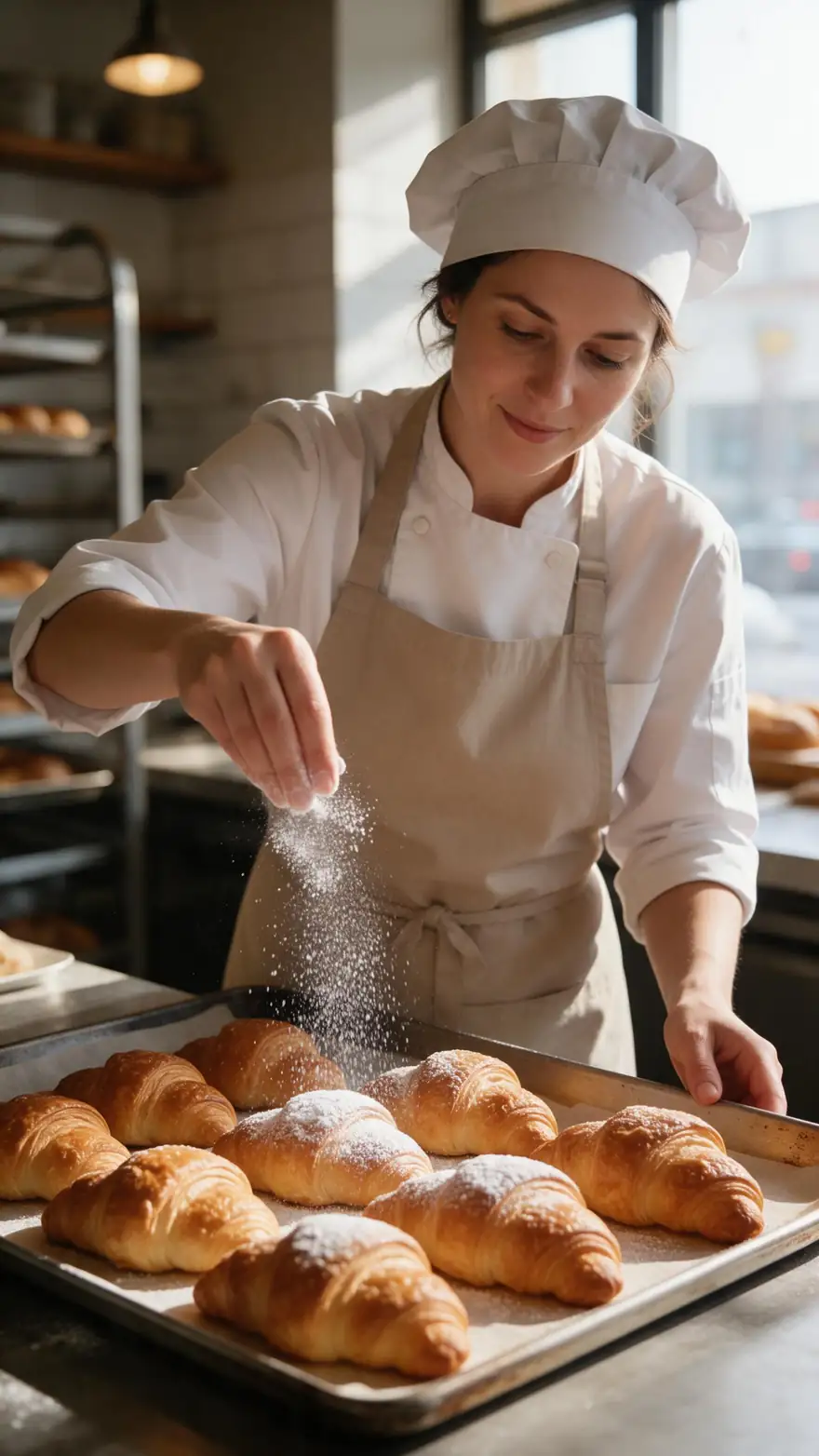
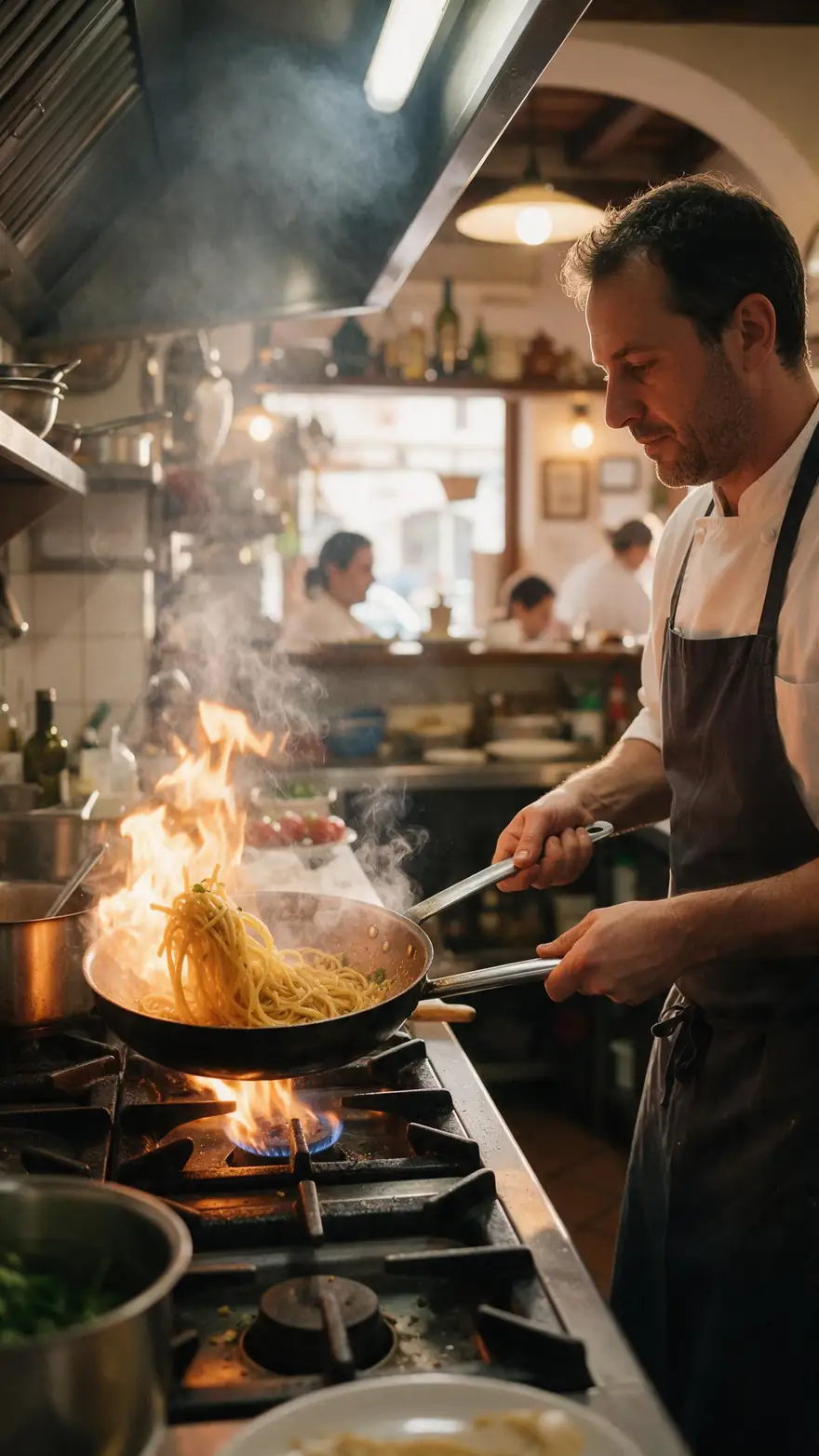
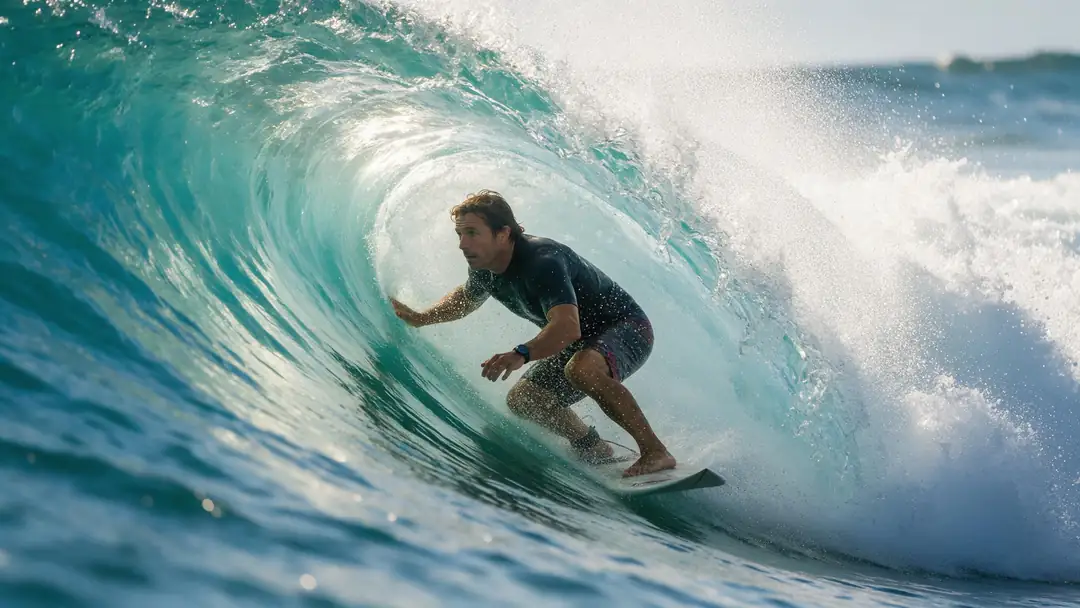
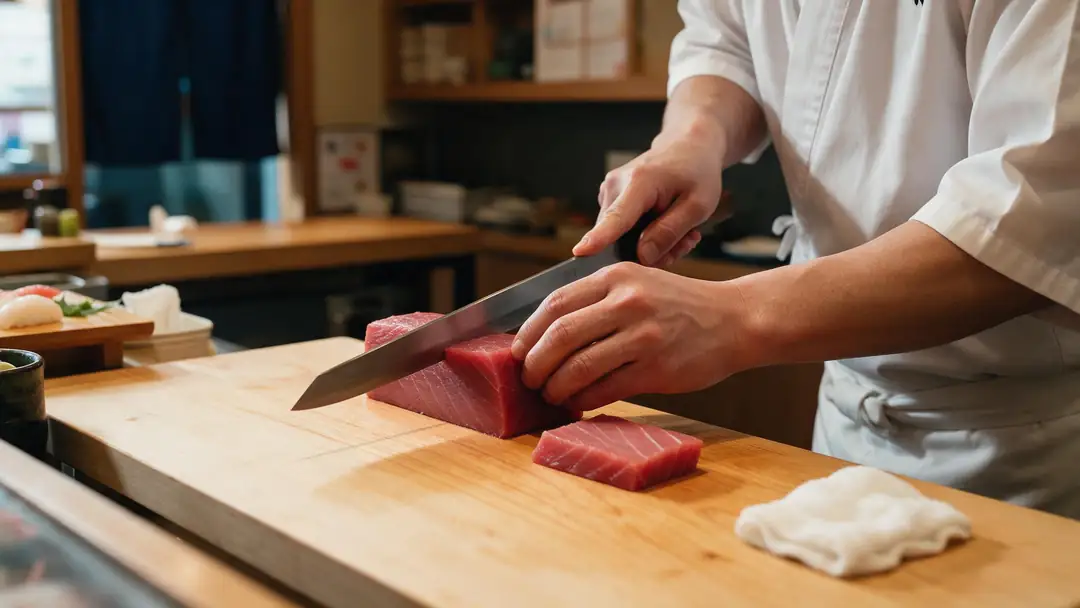
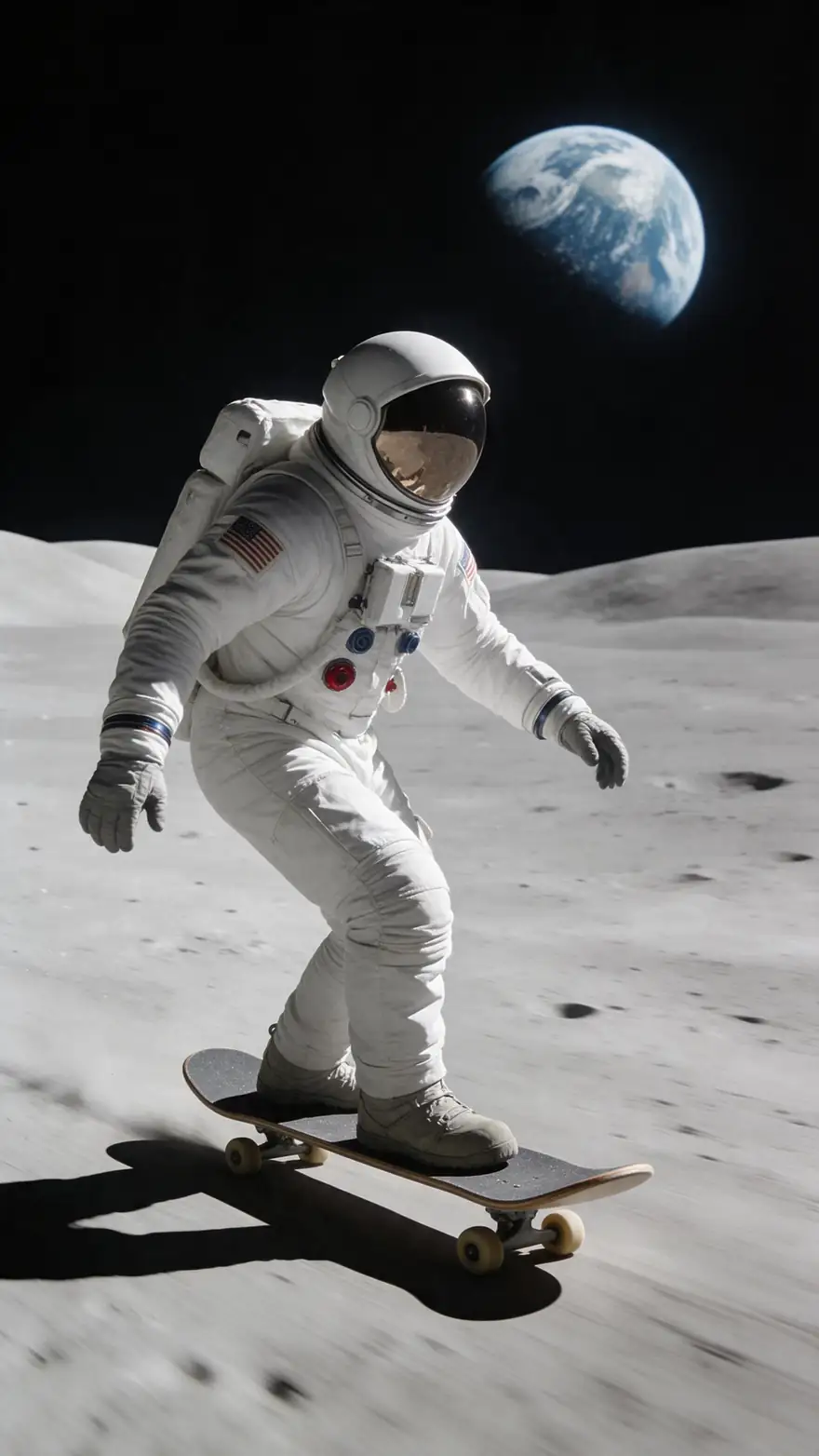
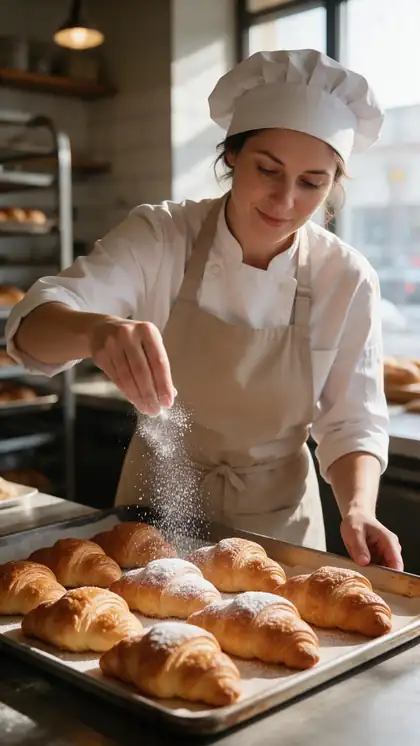
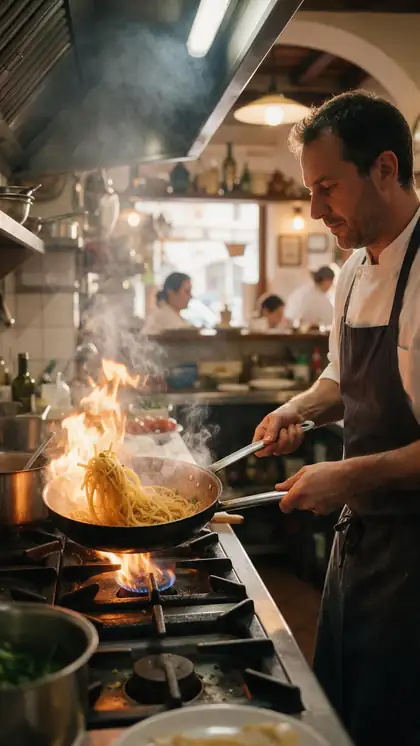
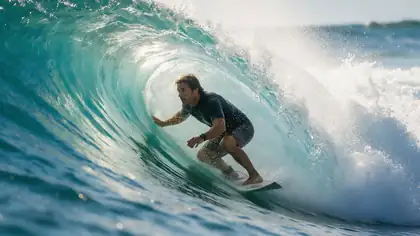
A pastry chef's apron, a trattoria kitchen, a surfer's wetsuit, a sushi chef's jacket and a moon skater's suit — garments where a new colour changes the whole mood of the shot.
Image-to-video example clips, model named on each card — not recolour outputs. In Genjutsu you upload your own clip and name the colour.
How to
Recolour clothes in five steps
- Time needed
- Steps
- 4 steps
Step 1
Video or photo?
Clips go to Genjutsu; stills go to the AI image editor.
Step 2
Upload and choose Change outfit
MP4, MOV, WebM or M4V up to about 100 MB. Change outfit is the mode that keeps the person and changes only clothing.
Step 3
Write garment + colour + what stays
"Make the hoodie burgundy — same hoodie, same fit, keep the white drawstrings." Saying 'same garment' stops a redesign.
Step 4
Add a swatch if the shade matters
A photo of the fabric or a colour card as @image1: "the colour of @image1".
See it in the app

Open Kenerate Genjutsu and choose Replace character, Swap object, Change outfit, Change background or Free edit.


Watch the tour · 1:19
Text, image & reference to video, models, edit, extend & chat
Chapters
Engines
Which tool recolours what
Video clips: Genjutsu. Stills: the AI image editor, where you can paint exactly which garment changes.
- Default
Kenerate
Kenerate Genjutsu
- Input
- Clip 2–15 s + up to 10 references
- Output
- 480p, 720p or 1080p · ~2–4 min
Quick recolours on short clips — a shirt, a dress, a jacket
Open Kenerate Genjutsu 
Kenerate
Kenerate Genjutsu Pro
- Input
- Clip 2–15 s + up to 10 references
- Output
- 480p, 720p or 1080p · ~3–6 min
Satin, sequins and patterned fabric where the sheen has to survive the new colour
Open Kenerate Genjutsu Pro- Up to 30 s

ByteDance
Seedance 2.5
- Input
- Clip 4–30 s + up to 30 references
- Output
- 480p to 4K · ~4–8 min
Longer clips, or a colour swatch plus several garment angles as references
Open Seedance 2.5 - Photos
Kenerate Edit Studio
AI Image Editor
- Input
- One photo + a painted area + a sentence
- Output
- Edited image
One garment in a still — paint it with Change Region and name the colour
Open AI Image Editor
In the image editor, Recolor and the Hue slider change the whole picture, skin and background included. To recolour one garment, use Change Region (or AI Edit with a sentence).
Tips
Recolours that stay believable
Colour is the easy part; keeping shadows, sheen and pattern is what sells it.
Say "same garment" so the cut doesn't change.
Use a common name plus a shade: "dusty rose", "navy".
Mention prints you want kept: "keep the white stripes".
Dark to light changes are harder than light to dark.
For one garment in a photo, paint it — don't use Hue.
Edit only people who said yes.
Example uses
How creators use Change Clothes Color
Illustrative examples of typical workflows, not customer reviews.
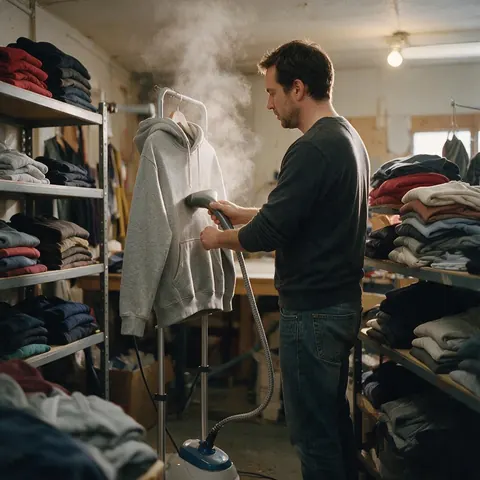
Product shop owner
A shop that films one colourway can show every other colour on the same clip before the stock arrives.
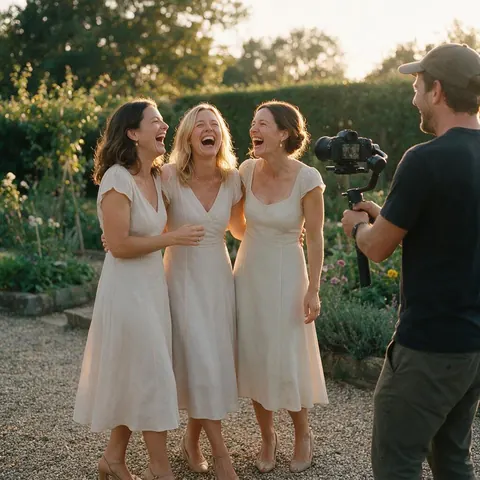
Wedding videographer
A videographer can preview bridesmaid dress colours on a rehearsal clip with the party's permission.
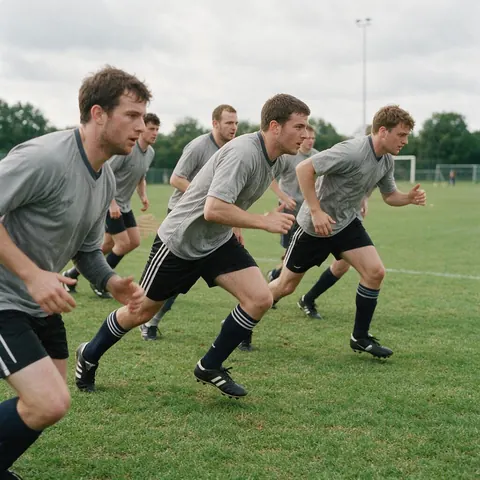
Sports team designer
A kit designer can show a new jersey colour on training footage before printing samples.
FAQ
Changing clothes colour — questions
7 questions
Can AI change the color of clothes in a video?
Yes. In Kenerate Genjutsu, choose Change outfit, describe the garment and its new colour, and the engine re-renders the clip with that piece recoloured while keeping the person's face, motion, expressions and the camera. Clips run 2–15 seconds on the Kenerate tiers or 4–30 seconds on Seedance 2.5, and the original audio is kept by default.
Link to this answerHow do I change the color of one garment in a photo?
Open the AI image editor, pick Change Region, paint over the garment and type what should appear there — "the same shirt in sage green". AI Edit works too with a sentence such as "make her dress navy blue". Avoid Recolor and the Hue slider for this: they shift the whole picture, including skin and background.
Link to this answerWill the fabric, folds and pattern stay the same?
That's the goal of Change outfit: keep the garment's cut and let the fabric fold and move with the body. Say what to keep — "same knit texture, keep the white stripes" — because the engine is regenerating the garment, not tinting pixels. Check shiny and patterned fabrics closely in the compare view.
Link to this answerCan I match an exact brand color?
You can get close, not guaranteed exact. Name the shade in words and add a photo of the colour — a fabric swatch or a product in that colour — as @image1. The result is generated and then lit by the clip's own light, so judge it on screen and rerun with a nudge such as "slightly warmer" if needed.
Link to this answerWhy not just use a hue filter?
A hue shift changes every pixel of that colour family, so skin, walls and props drift too, and in video it ignores which garment is which. An AI recolour targets the garment you name and keeps the rest of the frame — in the image editor by painting the area, in Genjutsu by describing it.
Link to this answerCan I change several clothing colors at once?
Yes, name each piece and its colour in one prompt: "jacket in mustard, trousers in charcoal, keep the shirt white". The more pieces you change in one run, the more the engine has to keep straight, so for a precise result change the most important garment first and run again on the result.
Link to this answerIs it OK to recolor someone's clothes in a video?
Usually it's harmless, but rights and consent still apply. Edit footage you own or are licensed to use, with the permission of the people in it, and never change real people's clothing to embarrass, mislead or impersonate them. Label edited clips when the colour matters to a buyer, such as product listings.
Link to this answerIn depth
Recolouring clothes with AI, explained
Why a garment recolour is a regeneration, how to name colours, and what to do with prints.
On this page
A recolour is a regeneration, not a tint
Classic editors shift hues on pixels. Genjutsu re-renders the garment in the new colour across every frame and lets the clip's light fall on it, which is why highlights and shadows look right — and why you should say "same garment", or the engine may also change the cut. In the image editor, Change Region does the same for the painted area only.
Naming colours the engine understands
Plain names usually work better than codes: describe the colour the way you'd describe it to a tailor.
- A family plus a shade: "deep burgundy", "pale sage".
- A material cue: "matte", "satin sheen", "washed denim".
- A reference when it's critical: a swatch photo as @image1.
- Relative nudges for reruns: "warmer", "one shade darker".
Prints, stripes and two-tone garments
Patterns are where recolours fail most: the engine may simplify a fine print. Say which colour in the pattern changes — "turn the red stripes navy, keep the white" — and keep the rest. If the print must stay pixel-exact, a photo recolour with Change Region over just the coloured areas gives more control than a video run.
Clothing color change for product photos
Shops often shoot one colourway and need the rest. For stills, Change Region on the garment with "same product in forest green" gives each variant. For the product video, run Genjutsu once per colour on the same clip so every version has identical motion.
Color changing clothes (the effect)
Want a garment that changes colour on screen, like a magic-trick reveal? Free edit can describe it — "her dress shifts from white to red as she spins" — but treat it as an effect to try, not a guaranteed result; the engine keeps the clip's timing and decides how the change unfolds.
Change shirt color AI
Shirts are the easiest case: a clear shape on the torso. Name the colour and the material — "the same cotton shirt in pale blue" — and keep the collar and buttons in the prompt if they matter.
Explore
Every Kenerate video tool
Generators, tools, models and guides — all in one studio.
Keep the outfit, change the colour
Genjutsu for clips, Change Region for photos. Only edit people who agreed to it.
Tried it? Tell us how it went