Image to video · Kling 3.0 · Veo 3.1 · Seedance 2.5 · Wan 3
Vheer alternative — image to video on 57 models
Vheer is a free, no-signup suite of image tools with text and image to video. Kenerate AI needs an account but lets you pick from 57 video models, with sound, clips up to 30 seconds and up to 4K.

- Pick the model yourself
- Clips up to 30 s
- Sound on many models
- Up to 4K
Updated by the Kenerate AI team
Made with Kenerate



On this page
Quick answer
Updated
What is the best Vheer alternative?
If you want more control than Vheer, Kenerate AI is a Vheer alternative with 57 video models in one studio, including Kling 3.0, Veo 3.1, Seedance 2.5 and Wan 3, with clips up to 30 seconds and up to 4K. Vheer is the simpler pick for quick free generations: it says no sign-up is needed.
Key facts
- Video models
- 57
- Longest clip
- 30 s
- Top resolution
- 4K
- Inputs
- Text, image or references
- Account
- Needed to generate
Real demo
One prompt, four video models
The same text prompt on Veo 3.1, Kling 3.0, Seedance 2.5 and Wan 3. Turn the sound on and switch.
- Veo 3.1. 6 s at 720p with sound (Veo makes 4, 6 or 8 s).
- Kling 3.0. 5 s with sound (Kling sets its own resolution).
- Seedance 2.5. 5 s at 720p with sound.
- Wan 3. 5 s at 720p with sound.
Prompt: "A golden retriever puppy in a tiny yellow raincoat splashes through puddles on a cobblestone street in the rain, slow motion, cinematic, rain and happy barks". Unedited outputs.
Run your own promptReal results
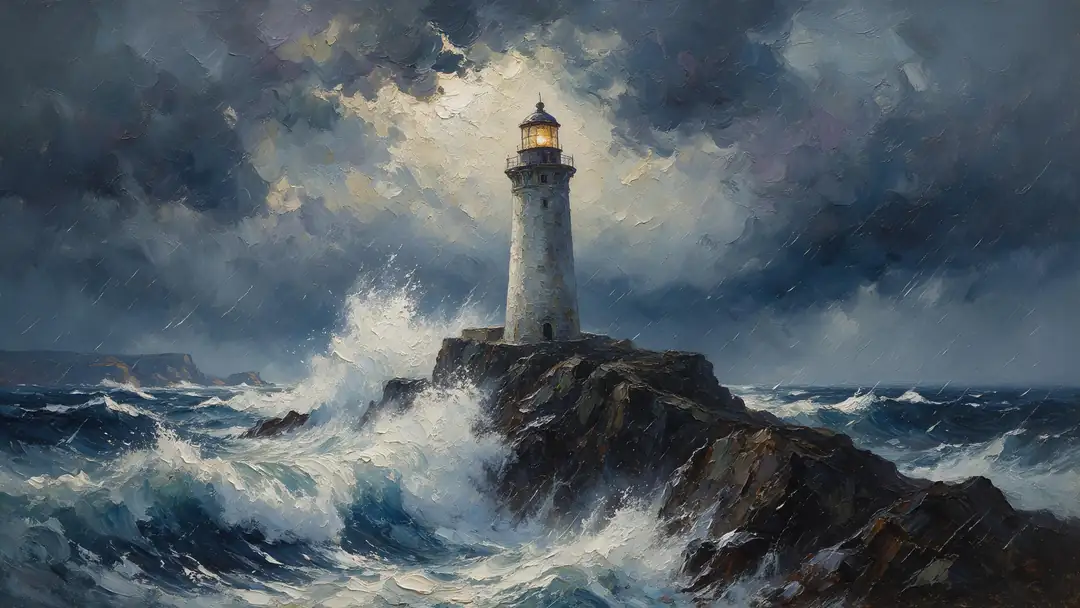
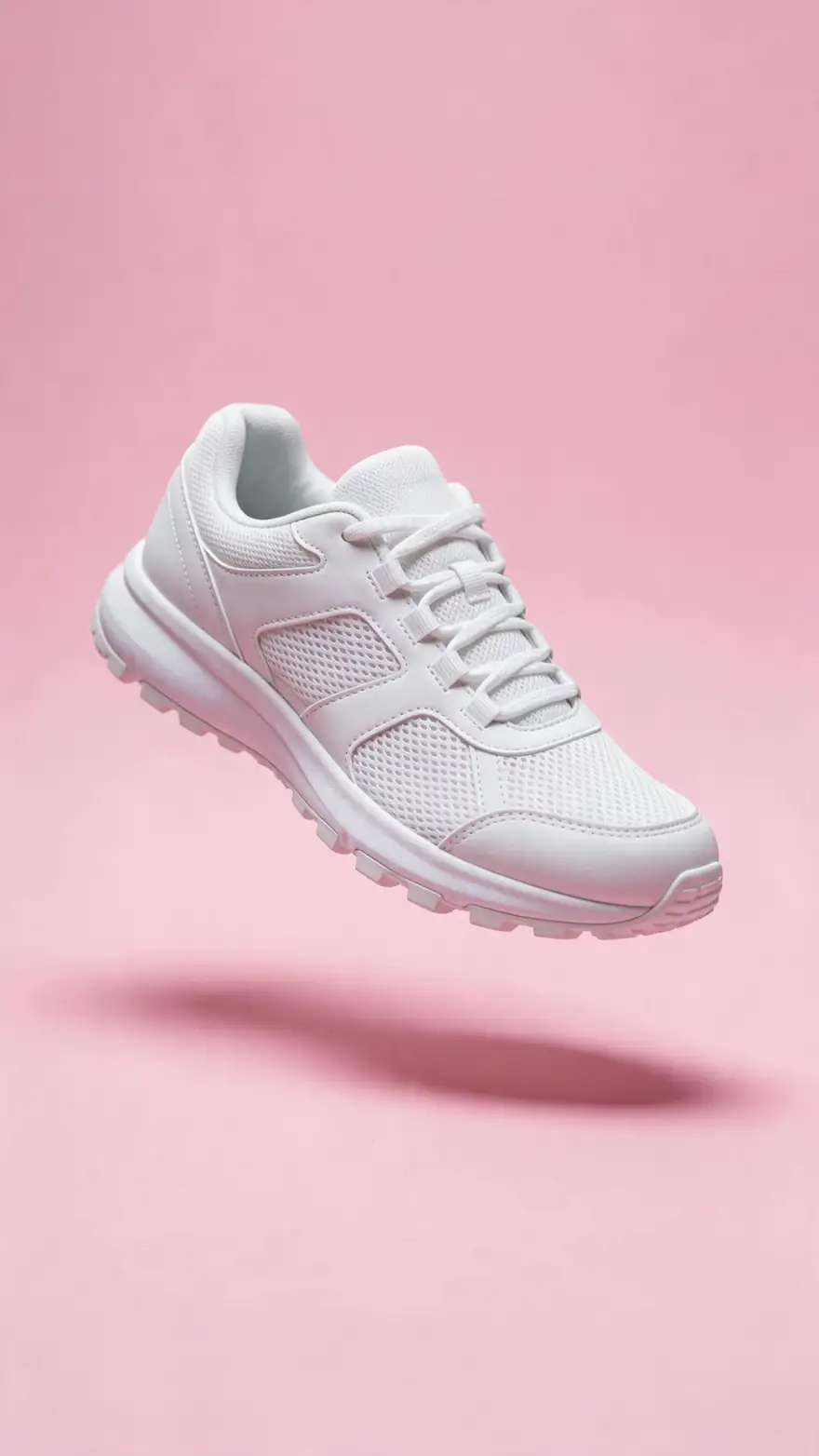
Images brought to life
Five Wan 3 image-to-video clips (5 s, 720p, with sound): a painting, fantasy art, an anime frame, a pet photo and a product shot.
Real Wan 3 clips. Open one to copy both prompts.
How to
How to turn an image into a video on Kenerate
- Time needed
- Steps
- 4 steps
Step 1
Upload or make an image
Use your own photo or art, or make one in the image generator.
Step 2
Pick a model
Wan 3 or Seedance 2.5 for long clips, Veo 3.1 for dialogue, Kling 3.0 for expressive motion.
Step 3
Describe one motion
What moves, how the camera moves, and the sound.
Step 4
Compare and keep the best
Run the same image on a second model and download the better clip.
See it in the app

Open Video Studio in Text to Video mode and write the shot — subject, action, camera move and light.


Watch the tour · 1:19
Text, image & reference to video, models, edit, extend & chat
Chapters
Checked 2 October 2026
Vheer vs Kenerate
From Vheer's own homepage and pricing page, checked 2 Oct 2026. Kenerate is our product.
| Kenerate AI | Vheer | |
|---|---|---|
| Sign-up | Account needed to generate | Says no sign-up is needed |
| Free use | Free sign-up credits for images and tools; video needs a credit pack | Free plan with monthly credits, no watermark, personal use |
| Video models | 57, incl. Kling 3.0, Veo 3.1, Seedance 2.5, Wan 3 | Lists Seedance V1.5 Pro, Hailuo 2.3, LTX Video 2.3, Sora 2, Veo3.1 |
| Longest clip | Up to 30 s (Wan 3, Seedance 2.5) | Not stated on its pricing page |
| Paid plans | One-time credit packs that never expire, no subscription required | Premium $9.99, Business $19.99, Ultra $49.99 a month |
| Image tools | Image generator, editor, upscaler, background remover | Text to image, image editing, background remover and small browser tools such as blur, resize and flip |
Sources linked below. Plans change often; check Vheer's site.
Sources: Kenerate video studio · Vheer — homepage · Vheer — pricing
Engines
Models you can switch between
A few of the 57 video models in Kenerate's studio.
- Used here

Alibaba
Wan 3
- Input
- Text, image or 10 references
- Output
- 2–30 s · up to 1080p · sound
Long clips; edit and extend
Open Wan 3 
ByteDance
Seedance 2.5
- Input
- Text, image or 30 references
- Output
- 4–30 s · up to 4K · sound
Multi-shot action and references
Open Seedance 2.5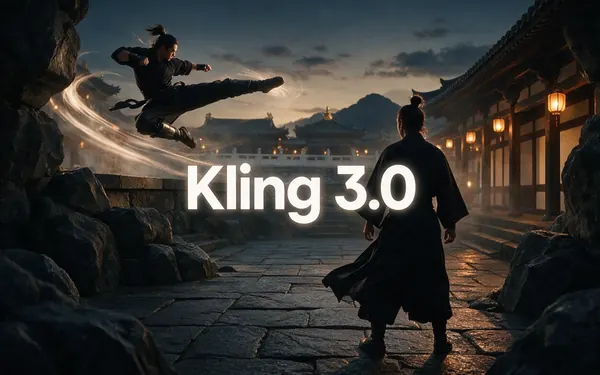
Kuaishou
Kling 3.0
- Input
- Text or image
- Output
- 3–15 s · up to 4K · sound
Expressive motion, martial arts, dance
Open Kling 3.0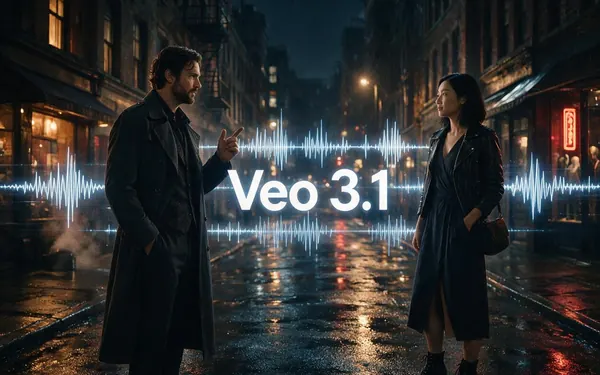
Google
Veo 3.1
- Input
- Text, image or 3 references
- Output
- 4, 6 or 8 s · up to 4K · sound
Dialogue and cinematic sound
Open Veo 3.1
MiniMax
MiniMax H3 Pro
- Input
- Text, image or 9 references
- Output
- 4–15 s · up to 2K
2K clips from references
Open MiniMax H3 Pro
The gallery uses Wan 3; the comparison uses Veo 3.1, Kling 3.0, Seedance 2.5 and Wan 3.
Tips
Image-to-video tips
What worked in our tests.
Start from a sharp image at the ratio you want.
Describe one main motion per clip.
Add sound cues: wind, waves, footsteps.
Use start and end frames when the model offers them.
Try two models on the same image.
Real people need their permission.
Example uses
How creators use Vheer alternative
Illustrative examples of typical workflows, not customer reviews.
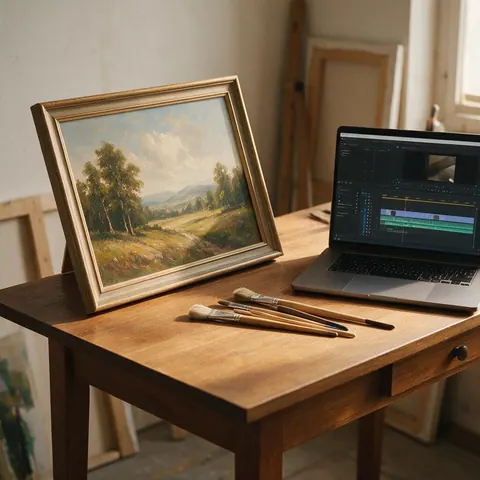
Illustrator
An illustrator could animate a finished painting with a slow camera move and ambient sound for a portfolio reel.

Pet owner
A pet owner could turn a favourite beach photo of their dog into a short clip with waves and barking.
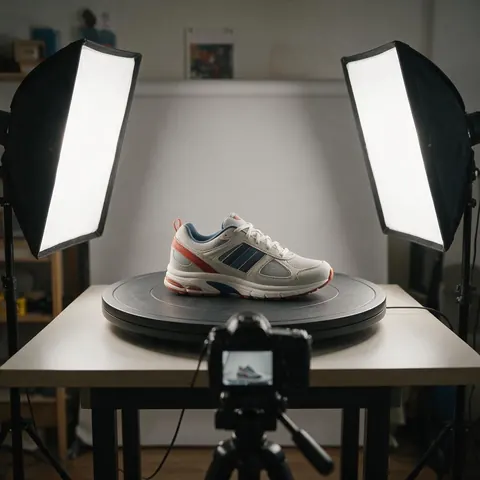
Online seller
A seller could animate a product photo into a short rotating clip and compare two models before posting.
FAQ
Vheer Alternative questions
What is the best Vheer alternative?
For image to video with a choice of models, Kenerate AI: 57 video models including Kling 3.0, Veo 3.1, Seedance 2.5 and Wan 3, with sound on many and clips up to 30 seconds. For quick free generations without an account, Vheer itself is simpler.
Link to this answerIs Vheer free?
Vheer's homepage says you can start free with no sign-up and watermark-free exports, and its pricing page lists a free plan with a monthly credit allowance for personal use (checked 2 Oct 2026). Paid plans add credits and commercial use.
Link to this answerIs Kenerate free like Vheer?
Partly. Kenerate gives free sign-up credits for images and tools, but video models need a one-time credit pack, and you need an account. Credit packs never expire and there is no subscription required.
Link to this answerWhich models does Vheer use for video?
Vheer's site lists Seedance V1.5 Pro, Hailuo 2.3, LTX Video 2.3, Sora 2 and Veo 3.1 among its models. Kenerate runs newer versions of several of these, such as Seedance 2.5, MiniMax H3 and LTX 2.5, plus Kling 3.0 and Wan 3.
Link to this answerHow long can an image-to-video clip be on Kenerate?
Up to 30 seconds on Wan 3 and Seedance 2.5, up to 20 seconds on LTX, and up to 15 seconds on Kling 3.0, MiniMax H3 and Grok Imagine 1.5. Veo 3.1 makes 4, 6 or 8-second clips.
Link to this answerWhen is Vheer the better choice?
When you want a quick image or short clip for free without making an account, or need simple browser tools such as blur, resize or colour palettes. Kenerate fits better when you want to pick the model, add sound or make longer clips.
Link to this answerIn depth
Vheer Alternative, explained
Vheer in 2026
Vheer is a browser suite of AI image tools (text to image, image editing, background removal, image to prompt) plus text and image to video. Its homepage promises free generations with no sign-up and watermark-free exports; its pricing page adds Premium, Business and Ultra plans with more credits and commercial use.
Where the two differ
Vheer is built for fast, free single results. Kenerate is a studio where you choose the model per clip, so you can compare Kling 3.0 against Wan 3 on the same image, add sound, extend a clip or edit it with a sentence.
- Pick Kenerate for model choice, sound and clips up to 30 seconds.
- Pick Vheer for free, no-account generations and small image utilities.
Explore
Every Kenerate video tool
Generators, tools, models and guides — all in one studio.