Anime clips · AMVs · AI animation · up to 4K
Anime video upscaler — upscale anime clips to 4K
Hand-drawn shorts, your own animation, AI-generated anime and AMV edits all break down the same way at low resolution: soft line art and blocky flat colours. Upload a clip and the AI rebuilds it at 1080p, 2K or 4K, frame-consistent so lines don't shimmer. Single images? Use the anime image upscaler.
- Clean line art, no flicker
- 1080p, 2K or 4K
- Original frame rate kept
- No watermark
Updated by the Kenerate AI team
On this page
Quick answer
Updated
What is an anime video upscaler?
An anime video upscaler raises the resolution of animated clips while keeping line art clean and flat colours free of blocks. Kenerate's AI Video Upscaler rebuilds anime and AI animation at 1080p, 2K or 4K with frame-consistent detail, so outlines don't flicker, and it keeps the original frame rate — no added in-between frames.
Key facts
- Built for
- Line art and flat colour
- Output
- 720p · 1080p · 2K · 4K
- Frame rate
- Kept as animated
- Clip limit
- 5 min · about 100 MB
- Stills
- Anime image upscaler
Real results
Anime-style clips to upscale
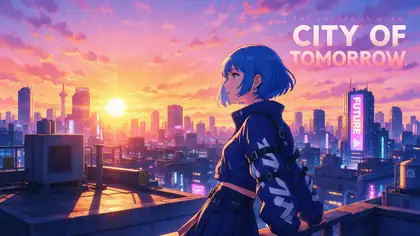
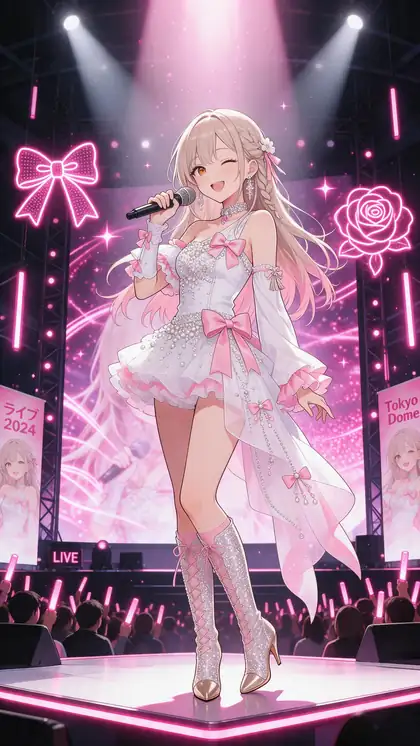
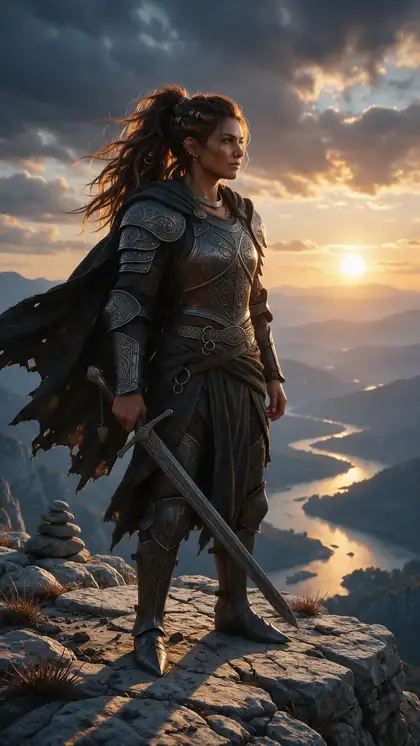
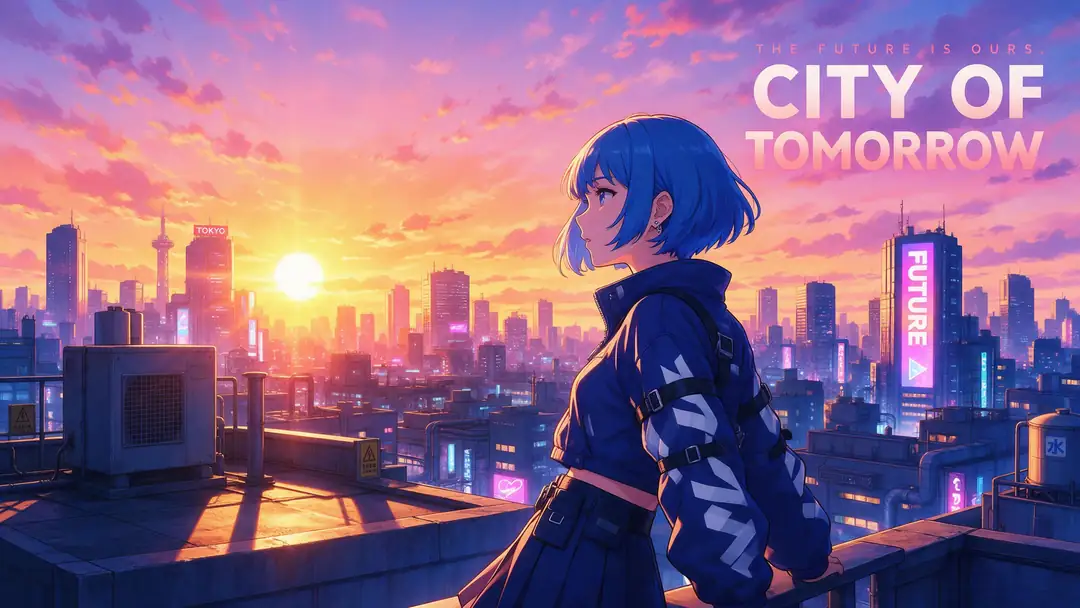
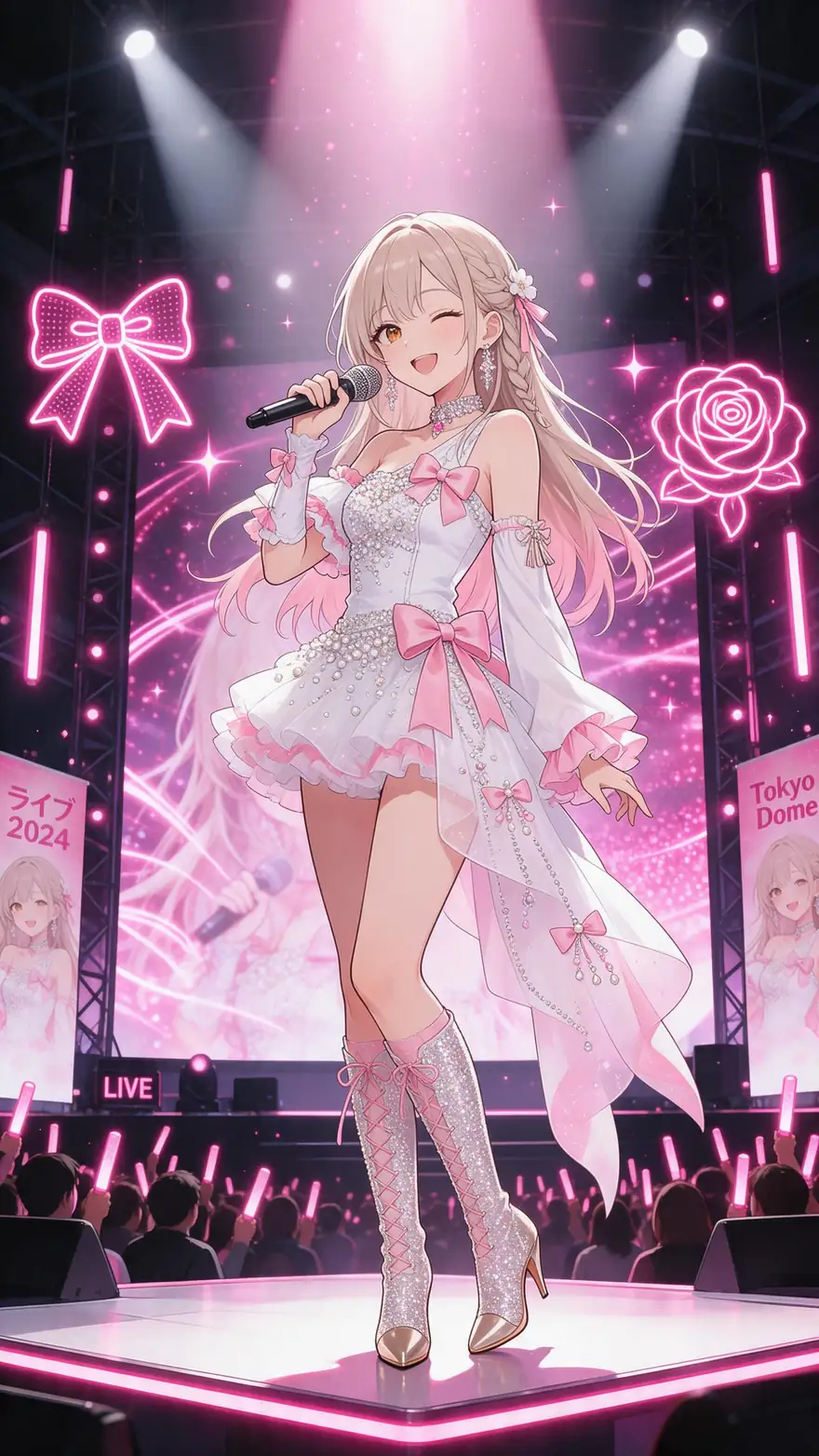
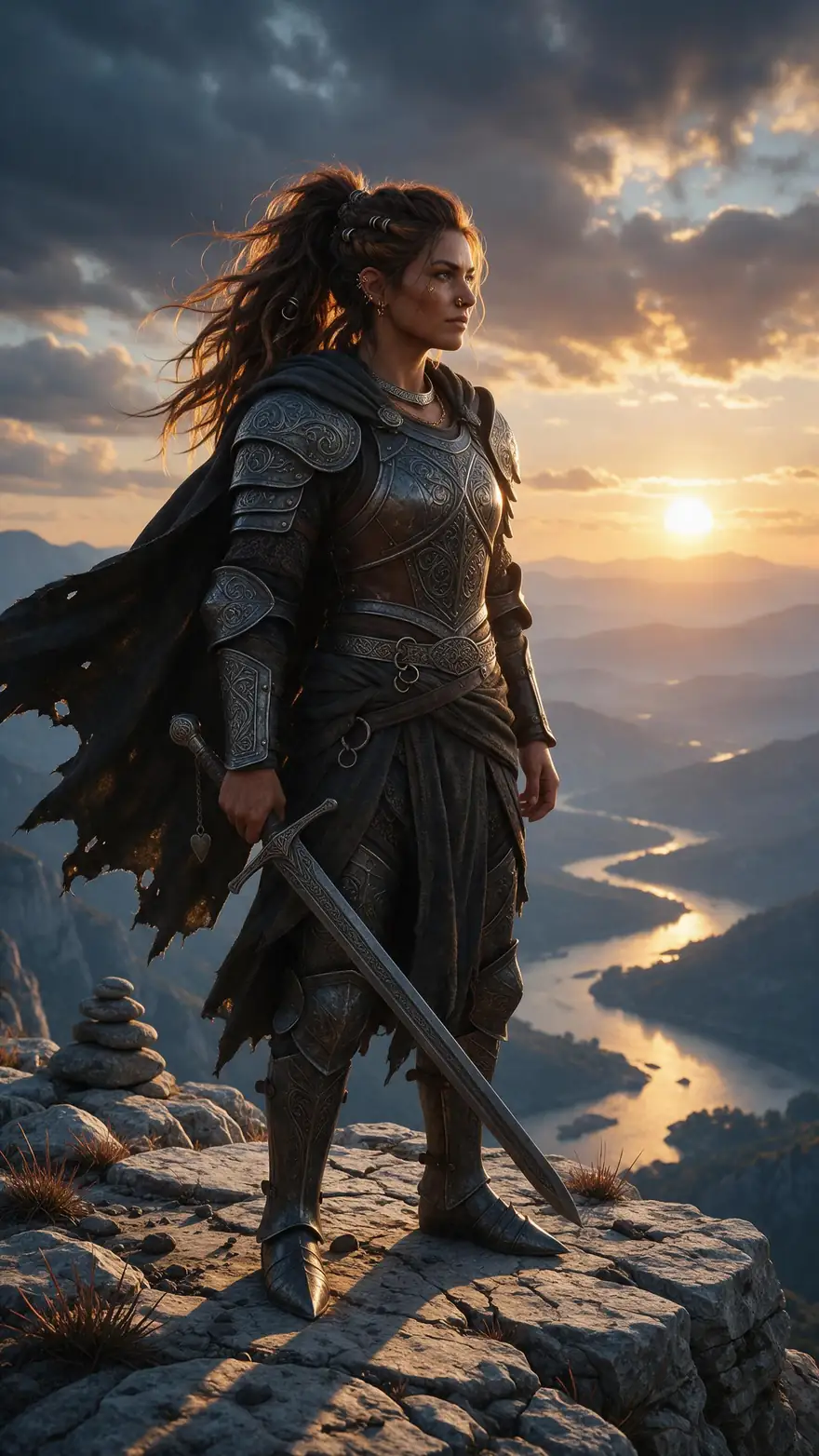
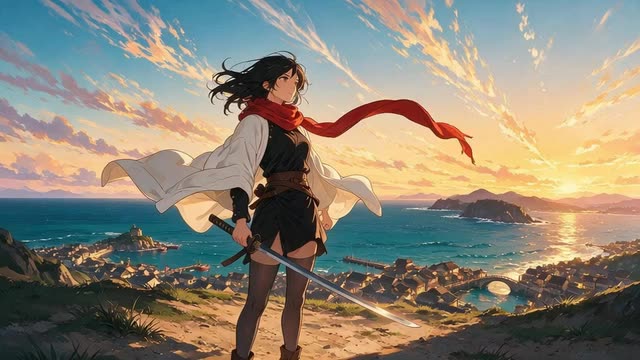
Cel-shaded anime and a stylised game cinematic — the line art and flat colour an anime upscaler has to protect. Real 5-second Wan 3 clips at 720p.
AI-generated examples with fictional adult characters.
How to
How to upscale anime to 4K
- Time needed
- Steps
- 4 steps
Step 1
Export the cleanest copy
Use your project export or the original file; avoid clips re-saved from social apps.
Step 2
Upload to the AI Video Upscaler
MP4, MOV or WebM, up to 5 minutes and about 100 MB. Split longer edits into sections.
Step 3
Choose 2K or 4K for line art
Thin outlines benefit from more pixels; 1080p is fine for phone viewing.
Step 4
Check the lines and download
Zoom the before/after on outlines and flat areas, then download the MP4.

Open Video Upscaler and upload a clip, or pick one from your library or a link.


Watch the tour · 1:19
Text, image & reference to video, models, edit, extend & chat
Chapters
Engines
Which size for anime?
Thin lines want more pixels; phones don't need 4K.
AI Video Upscaler
720p · Fast
- Input
- Video up to 5 min / ~100 MB
- Output
- Pixels of 1280 × 720, shape kept
Quick previews
Open 720p · Fast- Default
AI Video Upscaler
1080p · Popular
- Input
- Video up to 5 min / ~100 MB
- Output
- Pixels of 1920 × 1080, shape kept
Phone viewing and social
Open 1080p · Popular 
AI Video Upscaler
2K · Sharp
- Input
- Video up to 5 min / ~100 MB
- Output
- Pixels of 2560 × 1440, shape kept
Thin outlines on monitors
Open 2K · Sharp
AI Video Upscaler
4K · Max
- Input
- Video up to 5 min / ~100 MB
- Output
- Pixels of 3840 × 2160, shape kept
4K screens and final exports
Open 4K · Max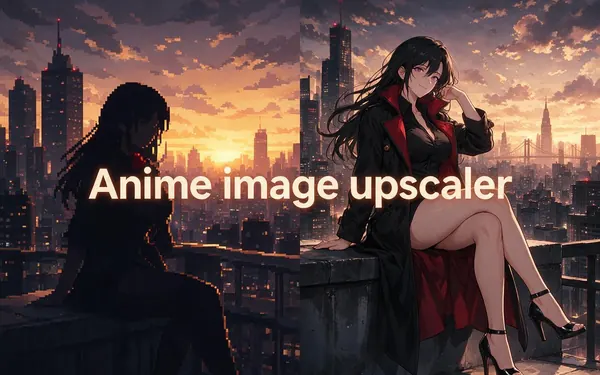
Real-ESRGAN · Image Upscaler
Anime image upscaler
- Input
- Anime image or manga page
- Output
- Up to 4K or 8K
Stills, stickers and thumbnails
Open Anime image upscaler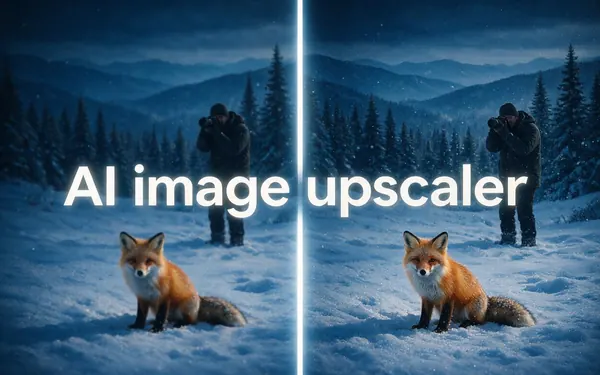
7 engines
AI image upscaler
- Input
- Photo or AI image
- Output
- Up to 8K or 128 MP
Any still image
Open AI image upscaler
The video sizes all run the LTX-2 video upscaler; stills go to the image tools.
Tips
Anime-specific tips
Line art behaves differently from live action.
Keep the original frame rate — anime timing is deliberate, and the upscaler keeps it.
Deinterlace old interlaced sources in your editor before uploading.
Banding in gradient skies? The upscaler removes banding along with blocks.
For a single frame, thumbnail or manga page, use the anime image upscaler.
Only upscale animation you made or have the right to use.
Upscale AI anime clips before posting them at 4K.
Example uses
How creators use anime video upscaler
Illustrative examples of typical workflows, not customer reviews.
Indie animator
An indie animator could upscale a finished 720p short to 4K for a festival screening.
AMV editor
An AMV editor could upscale an edit built from footage they have permission to use before posting it at 1080p.
AI anime creator
An AI anime creator could upscale 480p generations to 2K so the line art holds up on desktop screens.
FAQ
Anime Video Upscaler — questions
7 questions
What is the best anime video upscaler?
The best anime video upscaler keeps outlines sharp, flat colours clean and the result stable from frame to frame. Kenerate's AI Video Upscaler does that in the browser at 720p to 4K for clips up to 5 minutes. For real-time upscaling during playback, open-source shaders such as Anime4K are another option.
Link to this answerHow do I upscale anime to 4K?
Upload the anime clip to Kenerate's AI Video Upscaler, choose 4K and start. It rebuilds each frame at the pixel count of 3840 × 2160 while keeping your aspect ratio and frame rate, and you download an MP4 without a watermark. 4K and longer clips take longer to process.
Link to this answerIs an anime upscaler different from a normal upscaler?
Anime has hard ink edges and large flat areas, so a blurry resize turns lines grey and compression makes fills blotchy. Anime-tuned models exist — Real-ESRGAN publishes an AnimeVideo-v3 model — but any good video upscaler must also keep lines stable across frames so they don't shimmer.
Link to this answerWill upscaling change the frame rate of my anime?
No. Kenerate keeps the frame rate and length you upload and does not add interpolated frames. That matters for animation, where held drawings and timing are deliberate choices that interpolation can smooth away. If you want smoother motion, add it in your editor as a separate, deliberate step.
Link to this answerCan I upscale anime images too?
Yes, with a different tool. Kenerate's anime image upscaler handles fan art, stickers and manga pages at up to 4K or 8K, using Real-ESRGAN for clean line art. The video upscaler on this page is for moving clips, where frame-to-frame consistency matters.
Link to this answerCan I upscale AI-generated anime videos?
Yes. AI video models often output 480p or 720p, so upscaling to 1080p, 2K or 4K is a common last step before posting. Upload the clip as an MP4, MOV or WebM of up to 5 minutes and about 100 MB.
Link to this answerCan I upscale episodes of anime series?
Only upload animation you made, commissioned or otherwise have the right to use. Upscaling a copy of a commercial series doesn't change who owns it, and sharing upscaled episodes can infringe the rights holder's copyright. Your own shorts, commissioned work and AI-generated anime are the right fit for this tool.
Link to this answerIn depth
Why anime needs careful upscaling
On this page
Hard lines, flat fills
Anime is drawn with clean outlines and flat areas of colour. Ordinary resizing averages neighbouring pixels, so black lines turn into soft grey ramps, and low-bitrate compression shows up as blocks and banding in the flat fills [1].
Anime-specific models
Timing is part of the art
Anime often uses a lower drawing rate than live action, especially in older productions [4]. Interpolating new frames can smooth that timing away, which is why Kenerate's upscaler leaves the frame rate untouched and only works on resolution.
Video vs stills
A still upscaler treats every frame alone, so tiny differences make lines crawl when the frames play in sequence. Video upscaling works with frame-consistent detail, so outlines stay put from one frame to the next.
Explore
Every Kenerate video tool
Generators, tools, models and guides — all in one studio.