

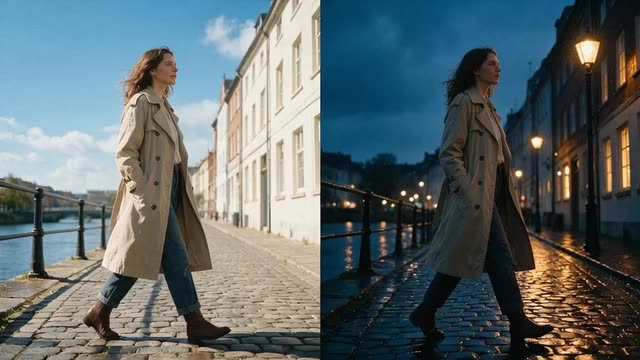
Change background · Free edit · time of day and weather
Day to night video AI — the same take at dusk, in rain or in snow
You shot it at noon; the story happens at night. Genjutsu re-renders the world around your subjects as dusk, a rainy night or a snowy evening — and relights the people to fit — while their movement, the camera and the timing stay exactly as filmed.
- Time of day from a reference
- Rain, snow, fog, autumn
- People relit to match
- Up to 4K
Updated by the Kenerate AI team
Made with Kenerate
On this page
Quick answer
Updated
Can AI turn a day video into night?
Yes. Day to night video AI re-renders a daytime clip as dusk, night, rain or snow while the people and their moves stay. In Kenerate Genjutsu, pick Change background, add a reference photo of the night or weather you want as @image1, and the engine matches its time of day and weather and relights the people.
Key facts
- Mode
- Change background, or Free edit for whole-scene changes
- Reference
- A photo of the time, weather or season you want
- Matched
- Time of day, weather, colours, light direction
- Kept
- People, motion, camera, framing, timing
- Clip length
- 2–15 s, or 4–30 s on Seedance 2.5
- Output
- MP4 up to 1080p; 4K on Seedance 2.5
Real demo
Afternoon to snowy dusk
Change background with one reference — a snowy village street at dusk. The three friends walk exactly as they did on the sunny rooftop, now in falling snow and evening light.
- Dusk, snowing. Prompt: “Move the three of them onto the snowy village street from @image1 at dusk, snow falling around them as they walk.”
Kenerate Genjutsu at 720p — an unedited result from the app's example gallery, shown next to its source clip.
Change the time and weatherReal demo
A whole scene into a winter night
Free edit with one mood reference: the greenhouse becomes a snowy night with snow on the glass roof and the plants, and northern lights over the city behind.
- Winter night. Prompt: “Make it a snowy winter night like @image1: snow falling, snow on the glass roof and the plants, northern lights over the city behind.”
Kenerate Genjutsu at 720p — an unedited result from the app's example gallery, shown next to its source clip.
Try a season changeReal results
Night, rain and winter on camera
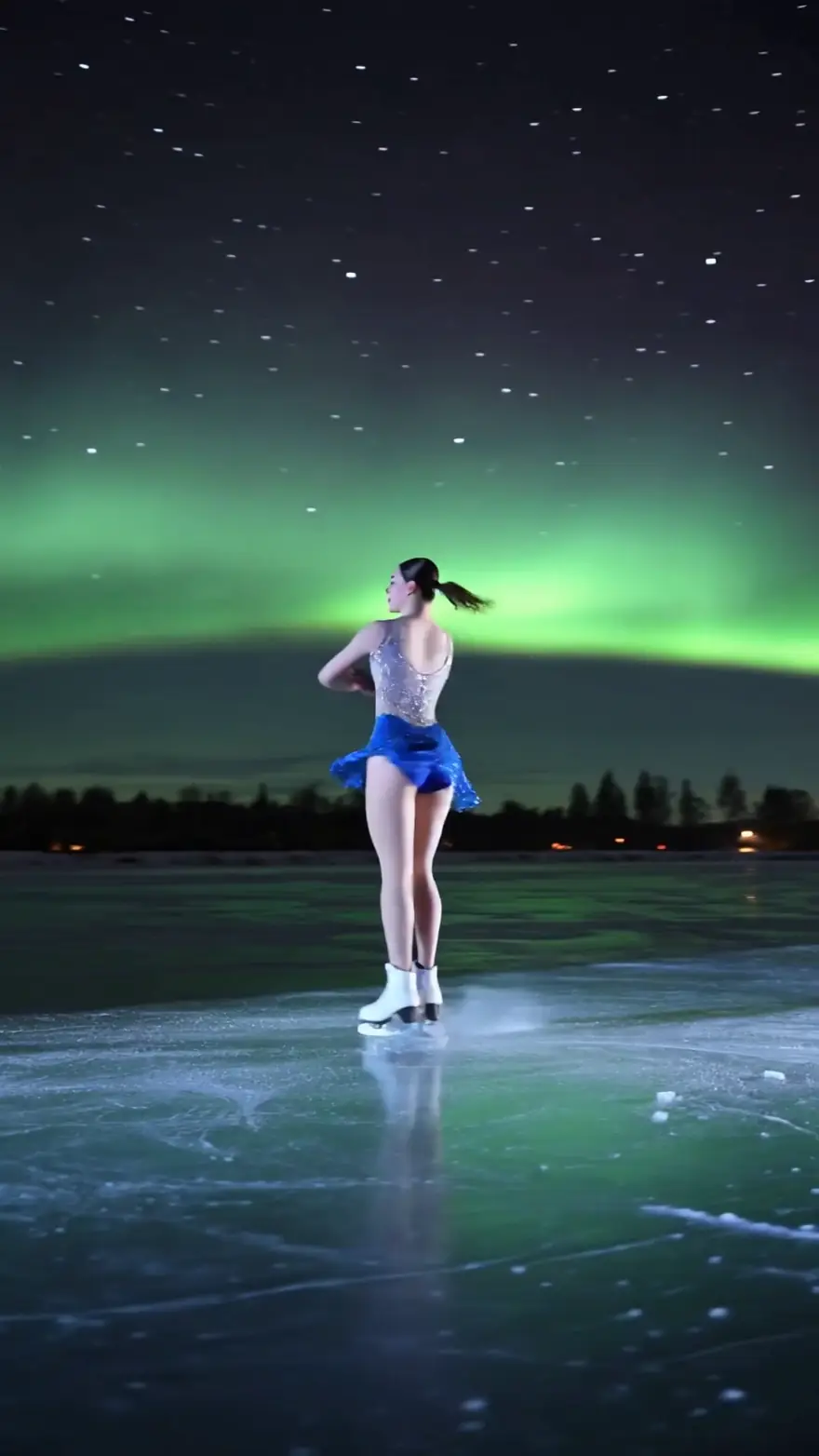
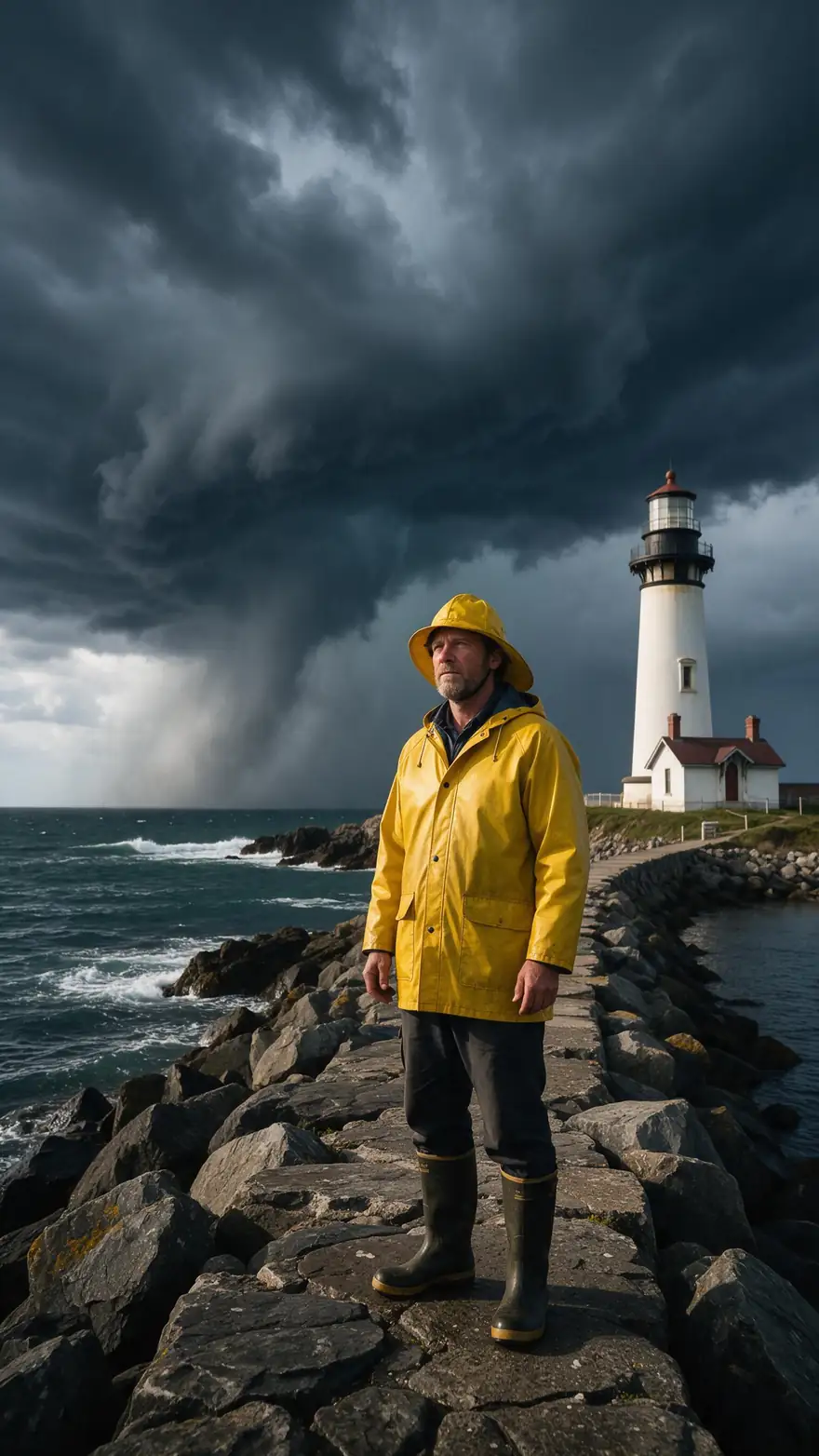
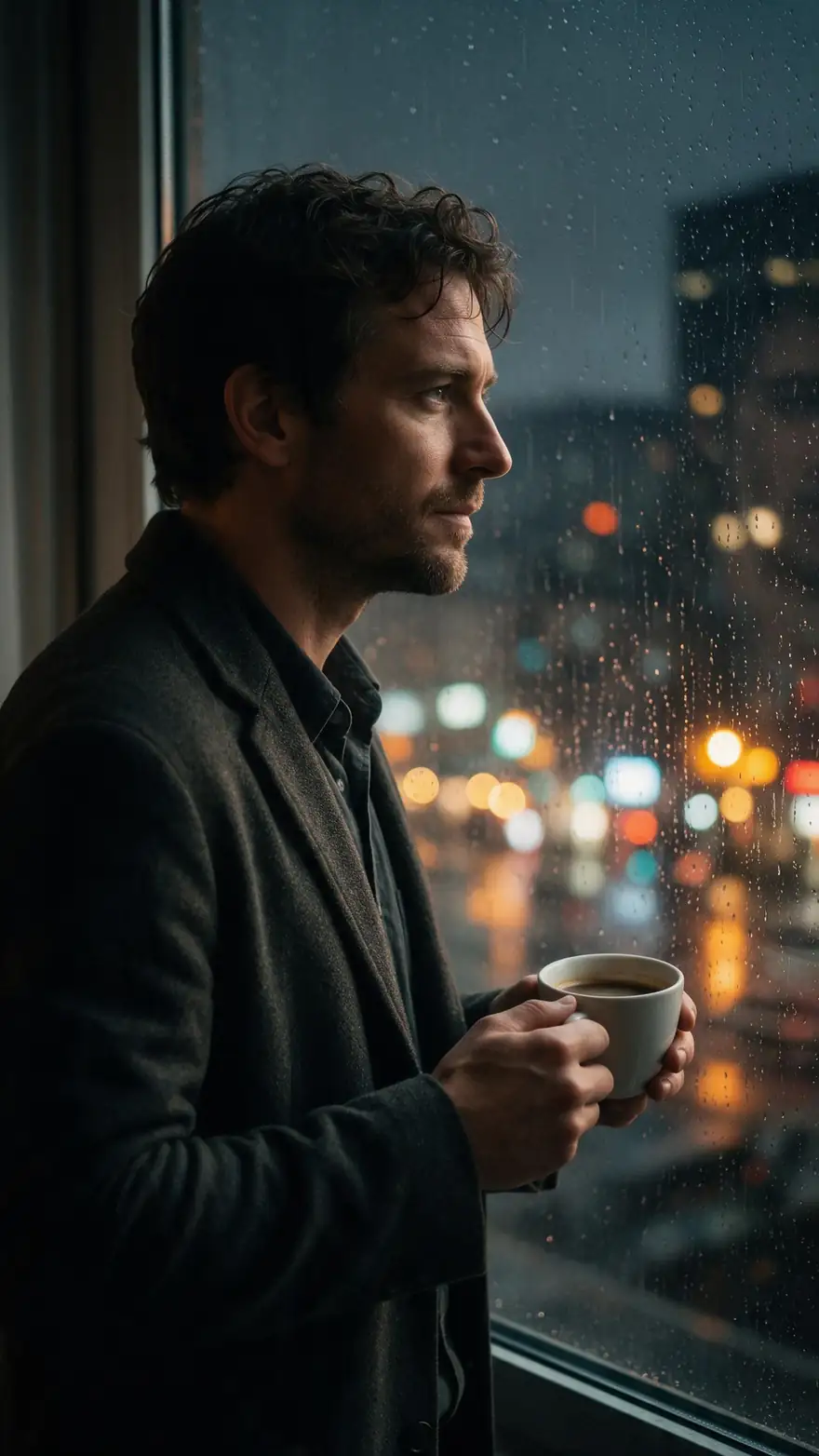
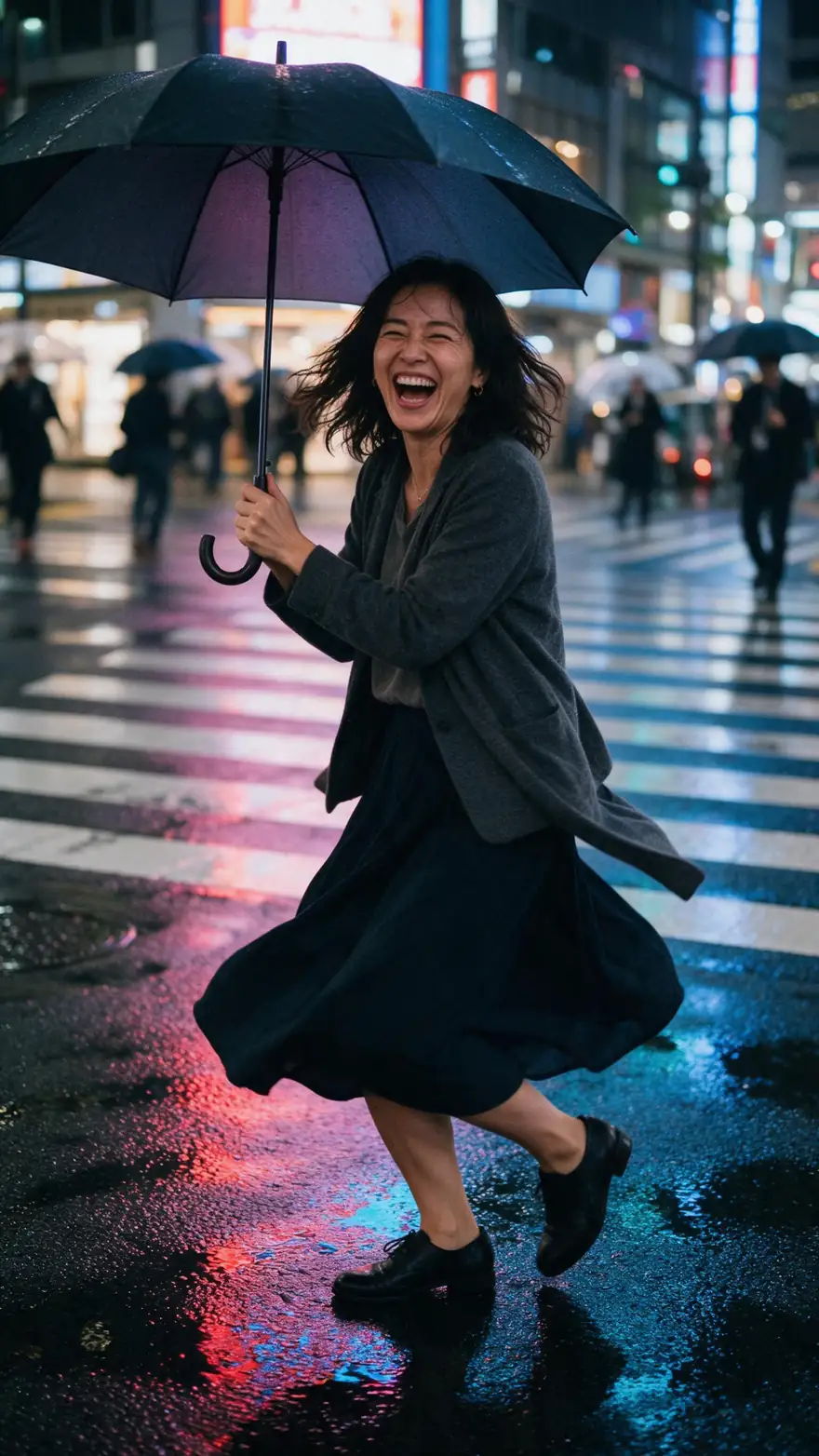
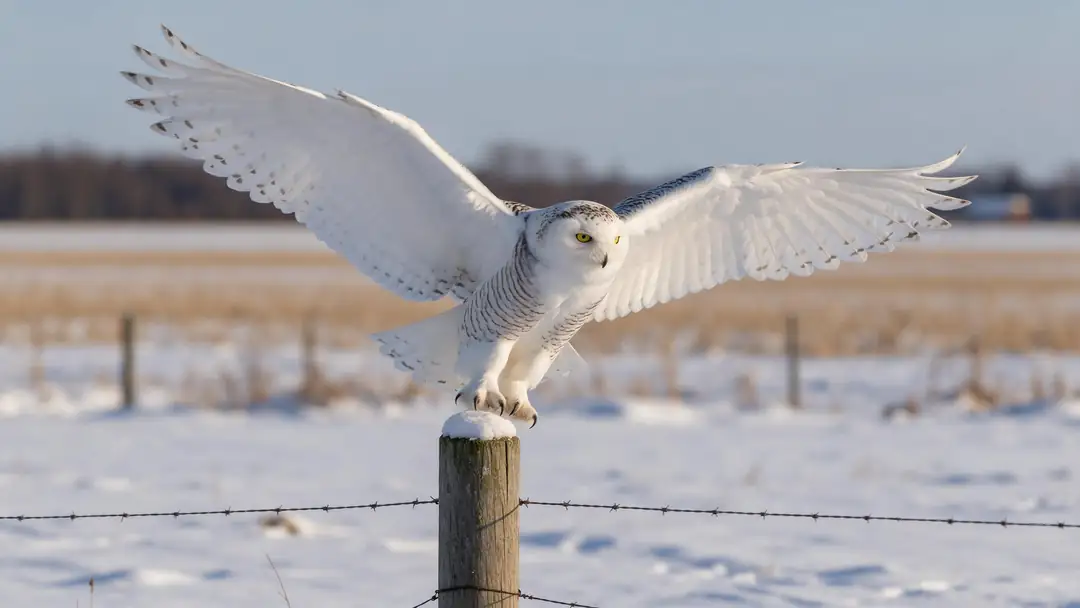
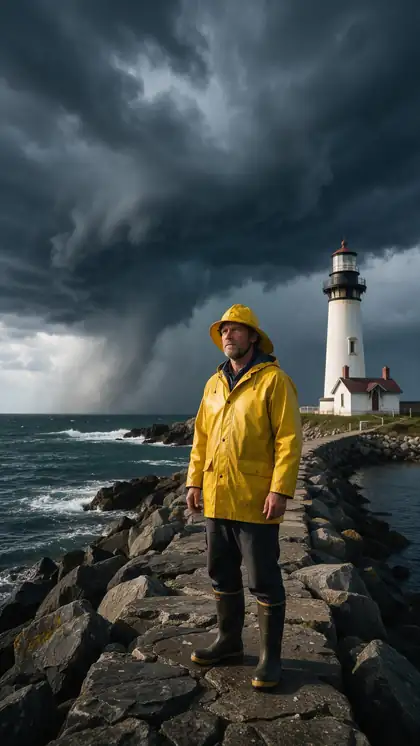
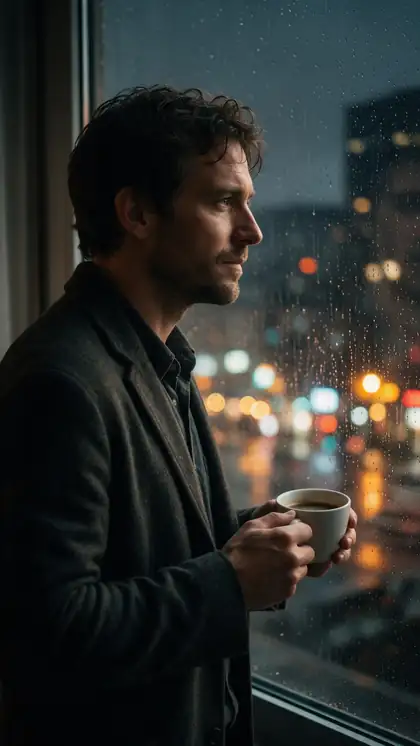
A skater under the northern lights, a storm on a pier, rain on a window, an umbrella spin in Tokyo rain and an owl in a winter field — the moods people want to add after the shoot.
The gallery shows image-to-video clips (model named on each card) generated with these moods from the start — not converted footage. The two demos above are the real conversions, made by Genjutsu from daytime source clips.
How to
Turn day into night in five steps
- Time needed
- Steps
- 4 steps
Step 1
Upload the daytime clip
MP4, MOV, WebM or M4V up to about 100 MB; 2–15 s, or up to 30 s on Seedance 2.5. Even, soft daylight converts best.
Step 2
Find a reference for the hour and weather
A photo of a similar kind of place at the time you want — blue-hour street, rainy neon night, snowy dusk. It becomes @image1.
Step 3
Pick the mode
Change background for a new setting at night; Free edit to keep the same place and only change the time or weather.
Step 4
Write the change
"Make it a rainy night: wet pavement reflecting the street lights, light rain falling, same street."
See it in the app

Open Kenerate Genjutsu and choose Replace character, Swap object, Change outfit, Change background or Free edit.


Watch the tour · 1:19
Text, image & reference to video, models, edit, extend & chat
Chapters
Engines
Which engine for a time-of-day change
Night and weather changes touch the whole frame, so detail and length matter more than speed.
- Default
Kenerate
Kenerate Genjutsu
- Input
- Clip 2–15 s + up to 10 references
- Output
- 480p, 720p or 1080p · ~2–4 min
Quick looks at dusk, night or rain on clips up to 15 s
Open Kenerate Genjutsu - Finer detail
Kenerate
Kenerate Genjutsu Pro
- Input
- Clip 2–15 s + up to 10 references
- Output
- 480p, 720p or 1080p · ~3–6 min
Wet reflections, falling snow and neon signs that need to stay crisp
Open Kenerate Genjutsu Pro 
ByteDance
Seedance 2.5
- Input
- Clip 4–30 s + up to 30 references
- Output
- 480p to 4K · ~4–8 min
Establishing shots up to 30 s and 4K night scenes
Open Seedance 2.5
Change background replaces the environment and matches the reference's time of day and weather; Free edit keeps everything you don't mention and changes what you describe.
Tips
Night and weather that convince
A night shot is believable when the light has a source and the weather touches surfaces.
Give night a light source: lamps, windows, neon.
Rain needs wet reflections, not just drops.
Snow should settle on roofs, cars and shoulders.
Fog lowers contrast — say how far you can see.
Soft daylight converts better than harsh noon sun.
Never alter footage presented as evidence or news.
Example uses
How creators use Day to Night video AI
Illustrative examples of typical workflows, not customer reviews.
Short-film director
A director without a night-shoot budget can film a scene in daylight and finish it as a rainy night.
Music video editor
An editor can cut between the same take in summer and in snow for a seasonal change on the chorus.
Travel creator
A travel creator can show how a viewpoint looks at golden hour and by night from one daytime visit.
FAQ
Day to night and weather changes — questions
7 questions
How do I make a day video look like night with AI?
Upload the clip to Genjutsu, choose Change background and add a reference photo taken at night in a similar kind of place. The mode tells the engine to match the reference's time of day, weather and colours and to relight the people to its light direction and shadows, while their motion, the camera and the timing stay unchanged.
Link to this answerCan AI change the weather in a video — rain, snow or fog?
Yes, by describing it or showing it. A reference photo of a rainy, snowy or foggy scene in Change background brings that weather along; in Free edit you can write "make it snow, with snow settling on the cars and the rooftops". Describe how the weather touches surfaces — wet streets, white roofs — not just what falls.
Link to this answerCan I change the season, like summer to autumn or winter?
Yes. A season is mostly foliage, ground cover and light: name all three — "autumn: orange and red leaves on the trees, leaves on the path, low golden sun". Use Free edit to keep the same place in a new season, or Change background with a seasonal reference photo when a different location is fine too.
Link to this answerWill the people be relit to match the night scene?
The Change background instruction asks the engine to relight the subjects to the new scene's light direction, colour and shadows so they look filmed there, with clean edges around hair and hands. There's no manual lighting control or slider, so check faces in the compare view; a reference with a clear light source gives the most consistent result.
Link to this answerCan I keep the exact same location, only at night?
Use Free edit for that. Change background replaces the environment with the reference's location, so the street itself may change. Free edit keeps everything the instruction doesn't mention, so "make it night with the street lights on, same street, same shops" changes the hour while asking for the place to stay. Check the compare view.
Link to this answerIs this the same as day-for-night filming?
It serves the same purpose by a different method. Day for night is the classic film technique of shooting in daylight and darkening the image, often with a blue tint, to suggest night. Genjutsu instead re-renders the scene at night from a reference, so it can add light sources such as lit windows and street lamps.
Link to this answerIs it OK to change when or where a video seems to be filmed?
For creative work, yes — only on footage you have the right to edit and of people who gave permission. Don't use it to misrepresent real events: changing the time or weather of news footage, evidence, insurance claims or property listings misleads viewers. Label AI-edited clips when you publish them.
Link to this answerIn depth
Time of day and weather, explained
From day for night to a reference image, and what makes each kind of weather read on screen.
On this page
Day for night, then and now
Film crews have faked night for a century: shoot in daylight, underexpose and grade blue, because cameras struggle in real darkness. The tell-tale signs are a sky that's too bright, shadows that are too hard, and no practical lights. A generative edit can avoid those signs by redrawing the scene at night, with windows, street lamps and neon lit, then fitting the people to that light.
Building a time-of-day reference
Change background is told to match the reference's colours, time of day and weather, so the reference is the main lever. A photo that's close in layout to your shot keeps the perspective and scale believable.
- Same kind of place: city street, forest, beach, interior.
- The exact hour: golden hour, blue hour, deep night.
- Visible light sources if it's night.
- The weather already in the photo: wet ground, falling snow.
- A similar camera height and lens feel to your clip.
Weather that reads on camera
Rain sells through reflections, ripples in puddles and darker, wetter surfaces; falling drops alone look like a filter. Snow sells when it settles — on roofs, branches, shoulders — and when the light turns cool and soft. Fog sells through depth: distant things fade first. Write those details into the prompt, and choose a source clip with some depth so the weather has room to show.
What this edit doesn't do
Genjutsu has no sky-only replacement, lighting rig or time-of-day slider — each run is a full re-render guided by the mode, the reference and your words. It doesn't remove anything from the shot, doesn't output transparency, and keeps the original audio unless you switch it off, in which case new sound is generated to match the edited scene.
Turn day into night video AI
Change background with a night reference is the most reliable route, because the reference fixes the colour of the light. Free edit is the route when you need the same street, room or landscape to stay recognisable.
Add rain to a video with AI
Ask for the whole look of rain: falling rain, wet ground with reflections, darker sky, people's hair and coats looking damp if they're outdoors. A rainy-night reference adds the colours of street light on wet tarmac.
Change season in video
Season changes work best on wide and medium shots where trees, ground and sky are visible. On a tight close-up, the season mostly shows in the light and the clothes — and clothing is Change outfit's job.
Explore
Every Kenerate video tool
Generators, tools, models and guides — all in one studio.
Shoot in daylight, finish at night
A reference for the hour, a sentence for the weather, the same performance.
Tried it? Tell us how it went